Page 34 of 256
For maximum cooling performance in MAX A/C mode:
1. Select MAX A/C.
2. Move temperature control selector to the coolest setting.
3. Set the fan to the highest speed initially, then adjust to maintain
comfort.
To aid in side window defogging/demisting in cold weather:
1. Select
.
2. Select A/C.
3. Adjust the temperature control to maintain comfort.
4. Set the fan speed to the highest setting.
5. Direct the outer instrument panel vents towards the side windows.
To increase airflow to the outer instrument panel vents, close the vents
located in the middle of the instrument panel.
Do not place objects on top of the instrument panel as these
objects may become projectiles in a collision or sudden stop.
REAR WINDOW DEFROSTER
R
The rear defroster control is located on the climate control panel and
works to clear the rear window of fog and thin ice.
The engine must be running to operate the rear window defroster.
Press
Rto turn the rear window defroster on. An indicator light on
the button will illuminate when active. The rear window defroster turns
off automatically after a predetermined amount of time, if a low battery
condition is detected or when the ignition is turned to the 1 (LOCK) or
2 (ACC) position. To manually turn off the rear window defroster at any
time, press the control again.
If your vehicle is equipped with both rear defroster and heated mirrors,
the same button will activate both. Refer toHeated outside mirrorsin
theDriver Controlschapter.
Do not use razor blades or other sharp objects to clean the inside
of the rear window or to remove decals from the inside or the
rear window. This may cause damage to the heated grid lines and
will not be covered by your warranty.
2008 Focus(foc)
Owners Guide (post-2002-fmt)
USA(fus)
Climate Controls
34
Page 44 of 256
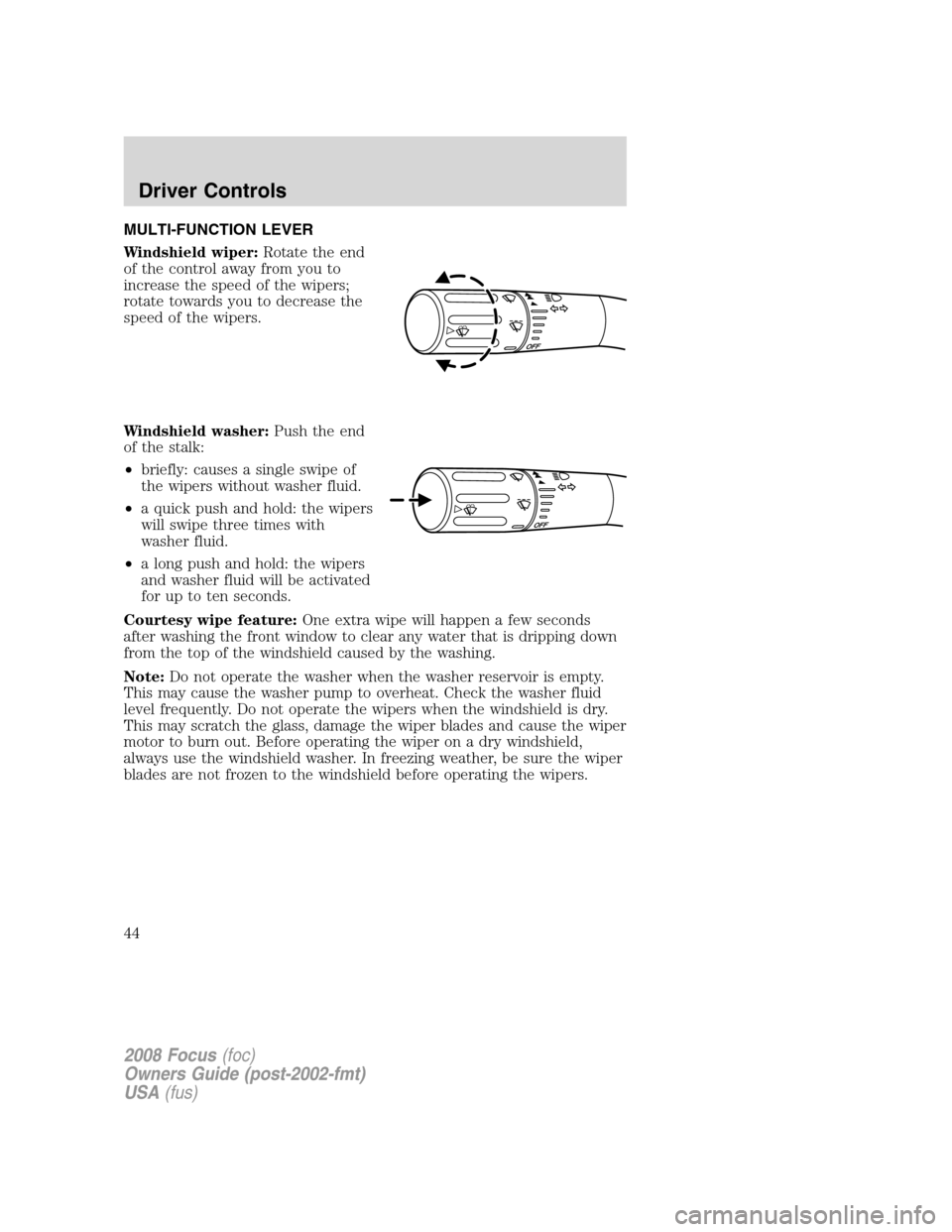
MULTI-FUNCTION LEVER
Windshield wiper:Rotate the end
of the control away from you to
increase the speed of the wipers;
rotate towards you to decrease the
speed of the wipers.
Windshield washer:Push the end
of the stalk:
•briefly: causes a single swipe of
the wipers without washer fluid.
•a quick push and hold: the wipers
will swipe three times with
washer fluid.
•a long push and hold: the wipers
and washer fluid will be activated
for up to ten seconds.
Courtesy wipe feature:One extra wipe will happen a few seconds
after washing the front window to clear any water that is dripping down
from the top of the windshield caused by the washing.
Note:Do not operate the washer when the washer reservoir is empty.
This may cause the washer pump to overheat. Check the washer fluid
level frequently. Do not operate the wipers when the windshield is dry.
This may scratch the glass, damage the wiper blades and cause the wiper
motor to burn out. Before operating the wiper on a dry windshield,
always use the windshield washer. In freezing weather, be sure the wiper
blades are not frozen to the windshield before operating the wipers.
2008 Focus(foc)
Owners Guide (post-2002-fmt)
USA(fus)
Driver Controls
44
Page 49 of 256
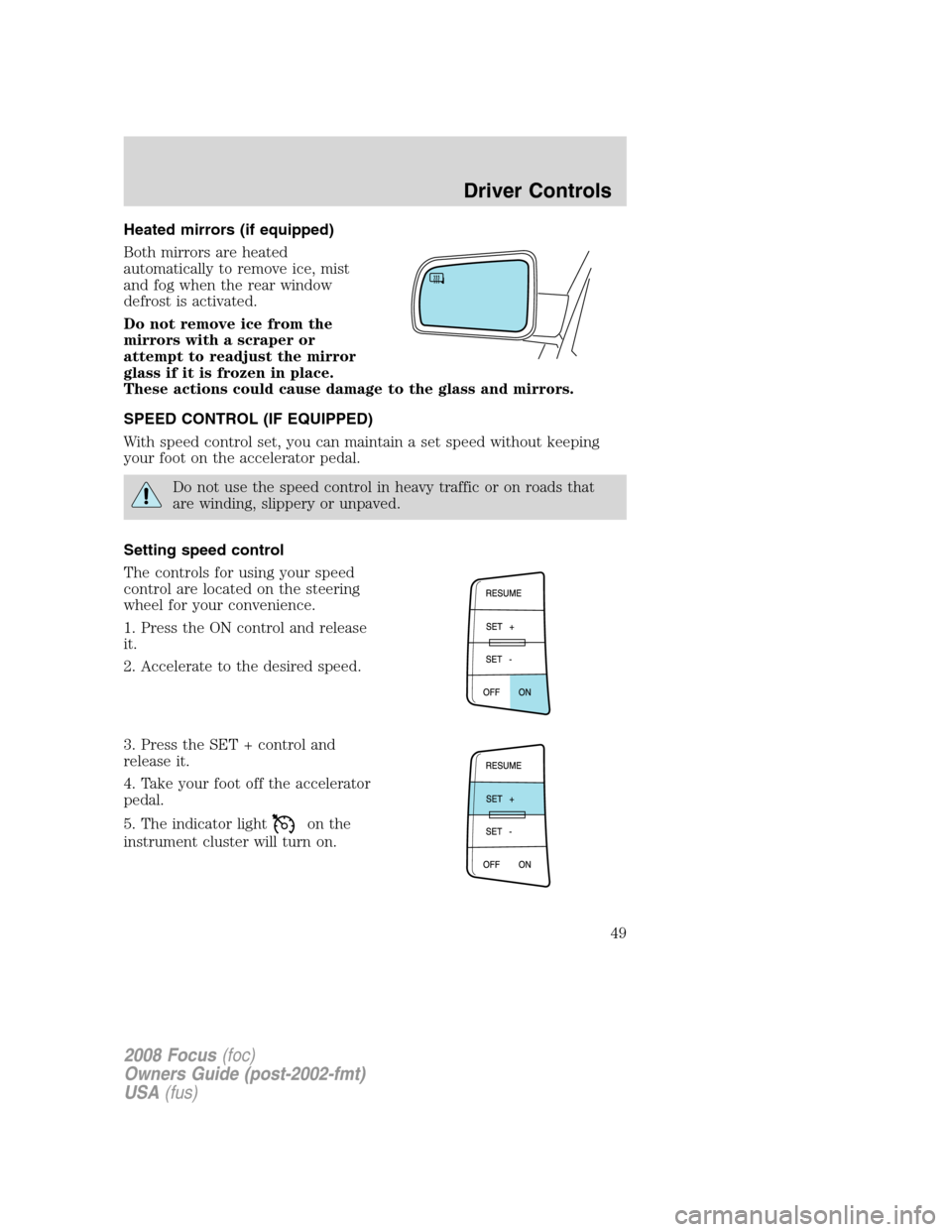
Heated mirrors (if equipped)
Both mirrors are heated
automatically to remove ice, mist
and fog when the rear window
defrost is activated.
Do not remove ice from the
mirrors with a scraper or
attempt to readjust the mirror
glass if it is frozen in place.
These actions could cause damage to the glass and mirrors.
SPEED CONTROL (IF EQUIPPED)
With speed control set, you can maintain a set speed without keeping
your foot on the accelerator pedal.
Do not use the speed control in heavy traffic or on roads that
are winding, slippery or unpaved.
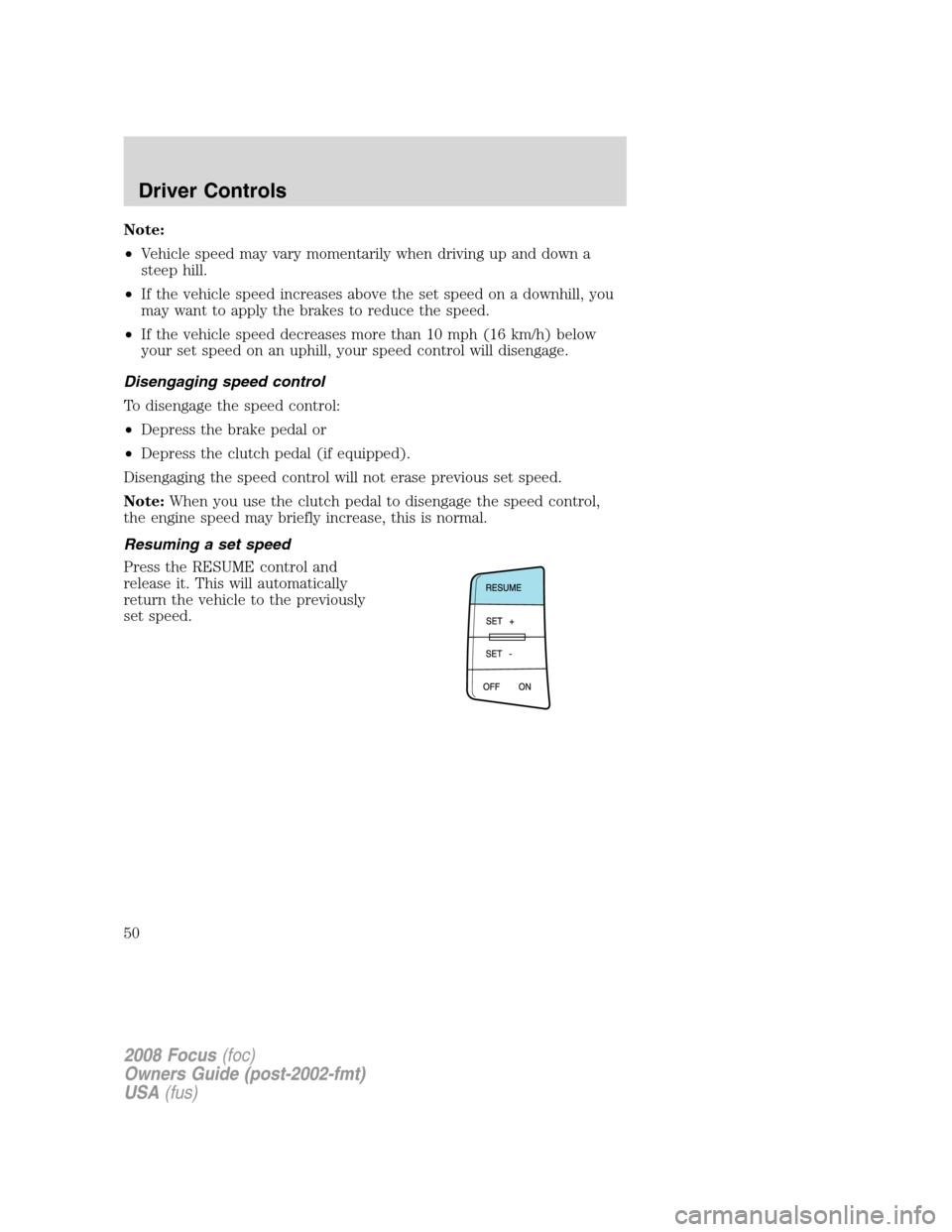
Setting speed control
The controls for using your speed
control are located on the steering
wheel for your convenience.
1. Press the ON control and release
it.
2. Accelerate to the desired speed.
3. Press the SET + control and
release it.
4. Take your foot off the accelerator
pedal.
5. The indicator light
on the
instrument cluster will turn on.
2008 Focus(foc)
Owners Guide (post-2002-fmt)
USA(fus)
Driver Controls
49
Page 50 of 256
Note:
•Vehicle speed may vary momentarily when driving up and down a
steep hill.
•If the vehicle speed increases above the set speed on a downhill, you
may want to apply the brakes to reduce the speed.
•If the vehicle speed decreases more than 10 mph (16 km/h) below
your set speed on an uphill, your speed control will disengage.
Disengaging speed control
To disengage the speed control:
•Depress the brake pedal or
•Depress the clutch pedal (if equipped).
Disengaging the speed control will not erase previous set speed.
Note:When you use the clutch pedal to disengage the speed control,
the engine speed may briefly increase, this is normal.
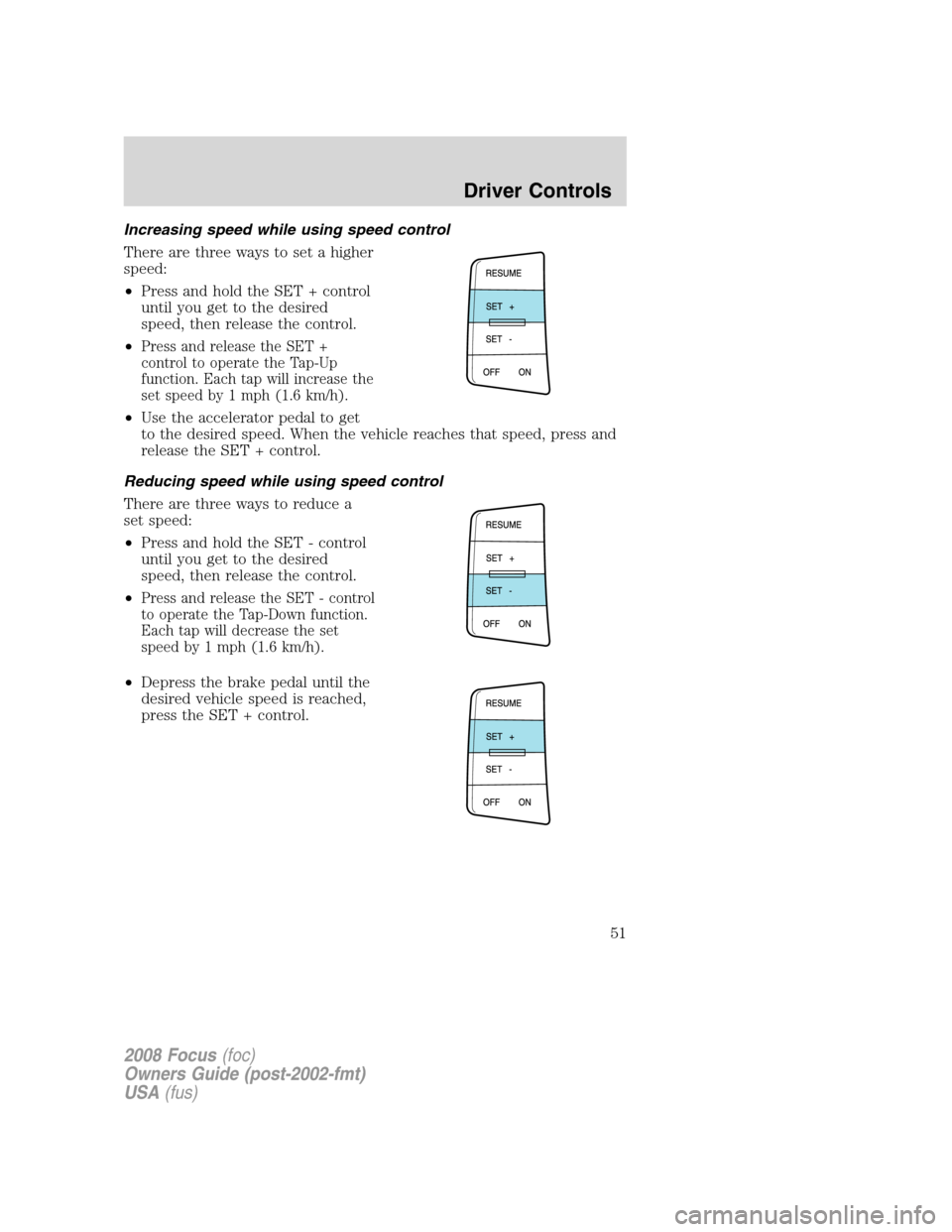
Resuming a set speed
Press the RESUME control and
release it. This will automatically
return the vehicle to the previously
set speed.
2008 Focus(foc)
Owners Guide (post-2002-fmt)
USA(fus)
Driver Controls
50
Page 51 of 256
Increasing speed while using speed control
There are three ways to set a higher
speed:
•Press and hold the SET + control
until you get to the desired
speed, then release the control.
•
Press and release the SET +
control to operate the Tap-Up
function. Each tap will increase the
set speed by 1 mph (1.6 km/h).
•Use the accelerator pedal to get
to the desired speed. When the vehicle reaches that speed, press and
release the SET + control.
Reducing speed while using speed control
There are three ways to reduce a
set speed:
•Press and hold the SET - control
until you get to the desired
speed, then release the control.
•
Press and release the SET - control
to operate the Tap-Down function.
Each tap will decrease the set
speed by 1 mph (1.6 km/h).
•Depress the brake pedal until the
desired vehicle speed is reached,
press the SET + control.
2008 Focus(foc)
Owners Guide (post-2002-fmt)
USA(fus)
Driver Controls
51
Page 52 of 256
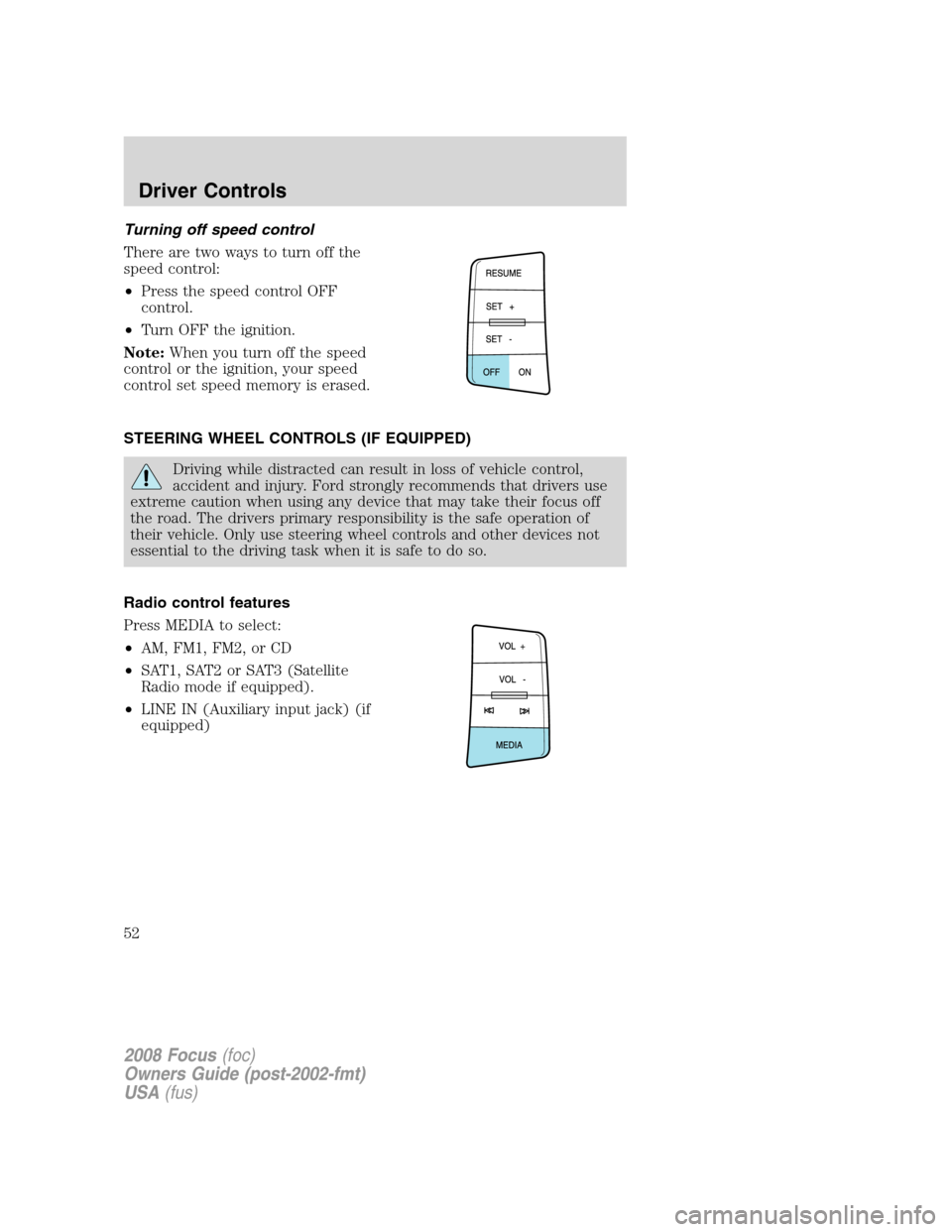
Turning off speed control
There are two ways to turn off the
speed control:
•Press the speed control OFF
control.
•Turn OFF the ignition.
Note:When you turn off the speed
control or the ignition, your speed
control set speed memory is erased.
STEERING WHEEL CONTROLS (IF EQUIPPED)
Driving while distracted can result in loss of vehicle control,
accident and injury. Ford strongly recommends that drivers use
extreme caution when using any device that may take their focus off
the road. The drivers primary responsibility is the safe operation of
their vehicle. Only use steering wheel controls and other devices not
essential to the driving task when it is safe to do so.
Radio control features
Press MEDIA to select:
•AM, FM1, FM2, or CD
•SAT1, SAT2 or SAT3 (Satellite
Radio mode if equipped).
•LINE IN (Auxiliary input jack) (if
equipped)
2008 Focus(foc)
Owners Guide (post-2002-fmt)
USA(fus)
Driver Controls
52
Page 56 of 256
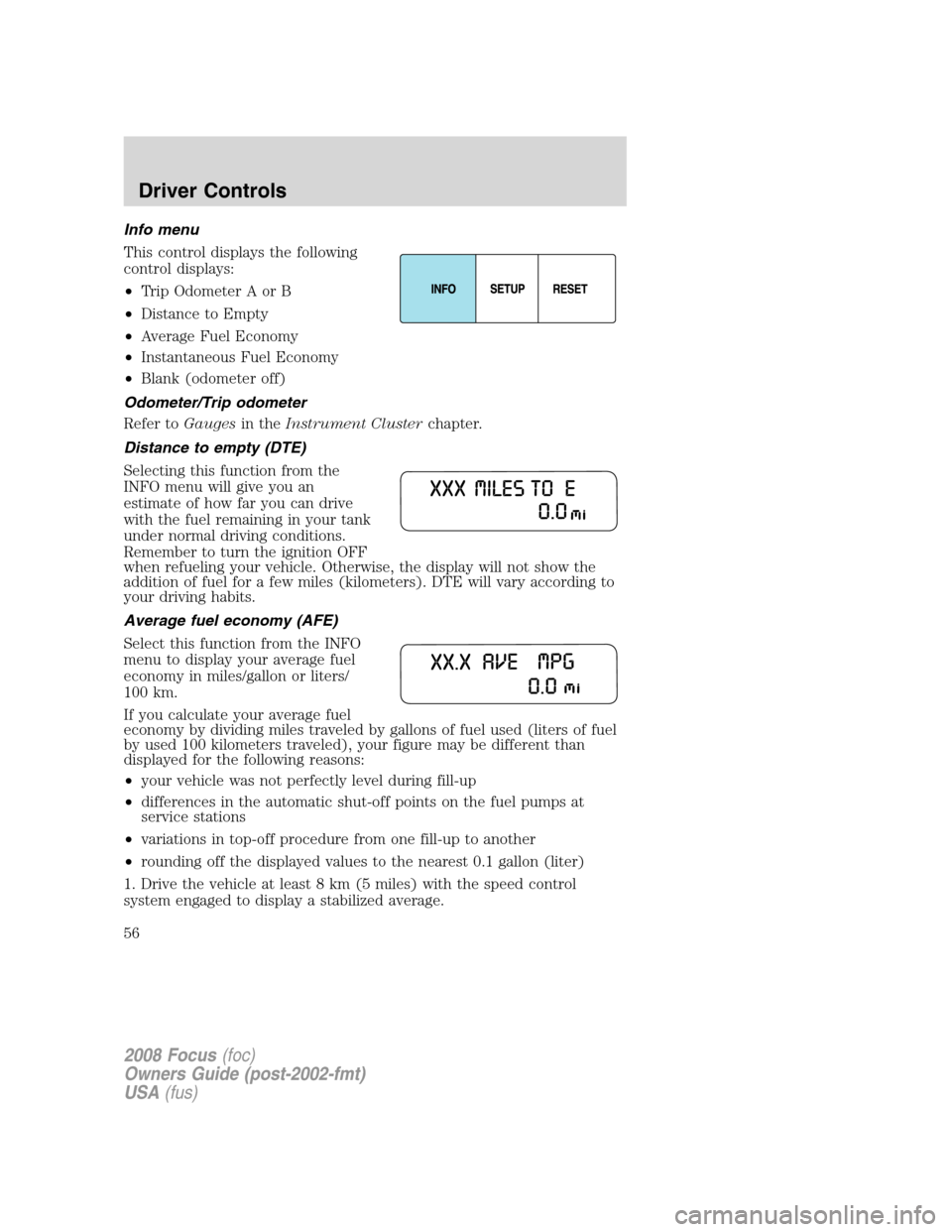
Info menu
This control displays the following
control displays:
•Trip Odometer A or B
•Distance to Empty
•Average Fuel Economy
•Instantaneous Fuel Economy
•Blank (odometer off)
Odometer/Trip odometer
Refer toGaugesin theInstrument Clusterchapter.
Distance to empty (DTE)
Selecting this function from the
INFO menu will give you an
estimate of how far you can drive
with the fuel remaining in your tank
under normal driving conditions.
Remember to turn the ignition OFF
when refueling your vehicle. Otherwise, the display will not show the
addition of fuel for a few miles (kilometers). DTE will vary according to
your driving habits.
Average fuel economy (AFE)
Select this function from the INFO
menu to display your average fuel
economy in miles/gallon or liters/
100 km.
If you calculate your average fuel
economy by dividing miles traveled by gallons of fuel used (liters of fuel
by used 100 kilometers traveled), your figure may be different than
displayed for the following reasons:
•your vehicle was not perfectly level during fill-up
•differences in the automatic shut-off points on the fuel pumps at
service stations
•variations in top-off procedure from one fill-up to another
•rounding off the displayed values to the nearest 0.1 gallon (liter)
1. Drive the vehicle at least 8 km (5 miles) with the speed control
system engaged to display a stabilized average.
2008 Focus(foc)
Owners Guide (post-2002-fmt)
USA(fus)
Driver Controls
56
Page 57 of 256
2. Record the highway fuel economy for future reference.
It is important to press the RESET control after setting the speed
control to get accurate highway fuel economy readings.
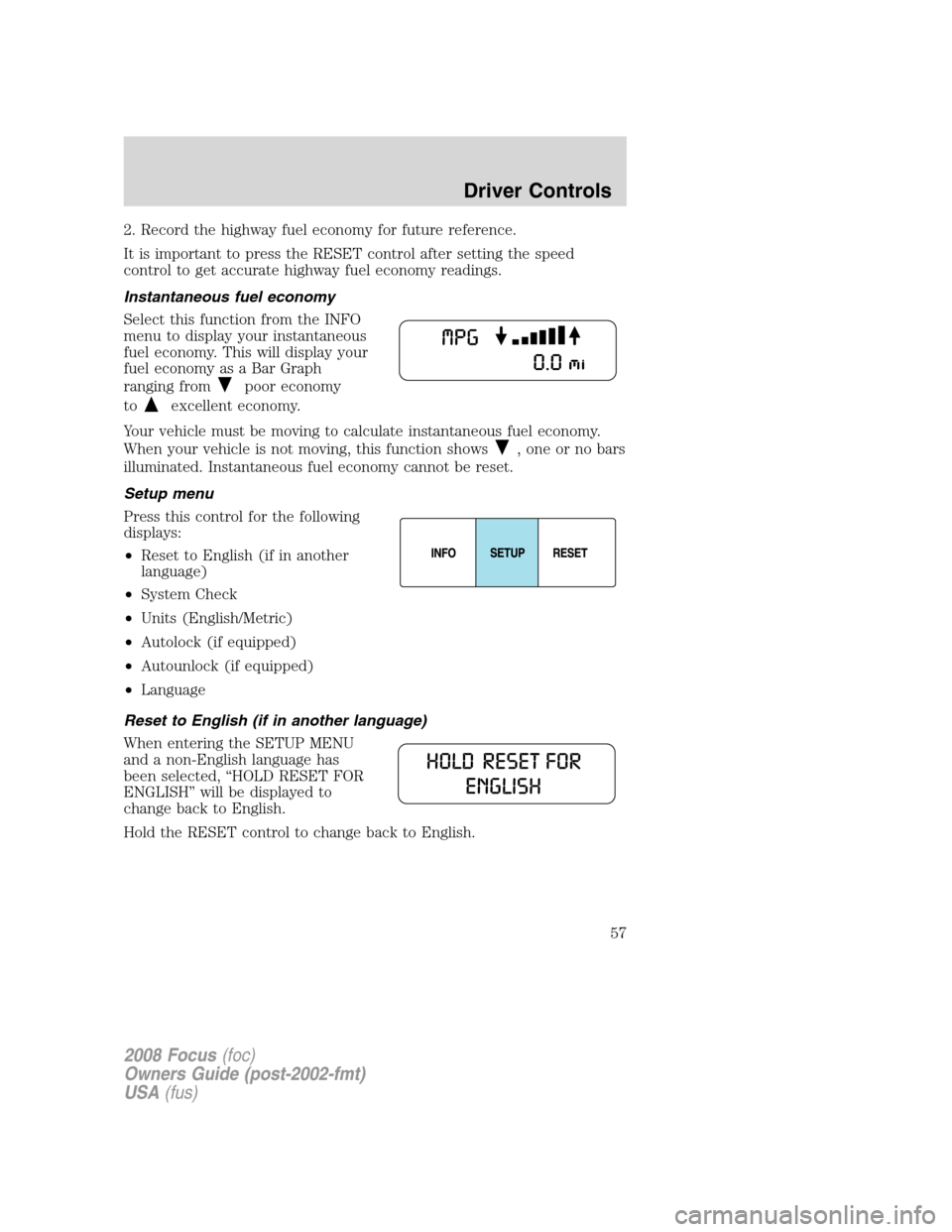
Instantaneous fuel economy
Select this function from the INFO
menu to display your instantaneous
fuel economy. This will display your
fuel economy as a Bar Graph
ranging from
poor economy
to
excellent economy.
Your vehicle must be moving to calculate instantaneous fuel economy.
When your vehicle is not moving, this function shows
, one or no bars
illuminated. Instantaneous fuel economy cannot be reset.
Setup menu
Press this control for the following
displays:
•Reset to English (if in another
language)
•System Check
•Units (English/Metric)
•Autolock (if equipped)
•Autounlock (if equipped)
•Language
Reset to English (if in another language)
When entering the SETUP MENU
and a non-English language has
been selected, “HOLD RESET FOR
ENGLISH” will be displayed to
change back to English.
Hold the RESET control to change back to English.
2008 Focus(foc)
Owners Guide (post-2002-fmt)
USA(fus)
Driver Controls
57