2008 FORD FOCUS fuel
[x] Cancel search: fuelPage 16 of 256
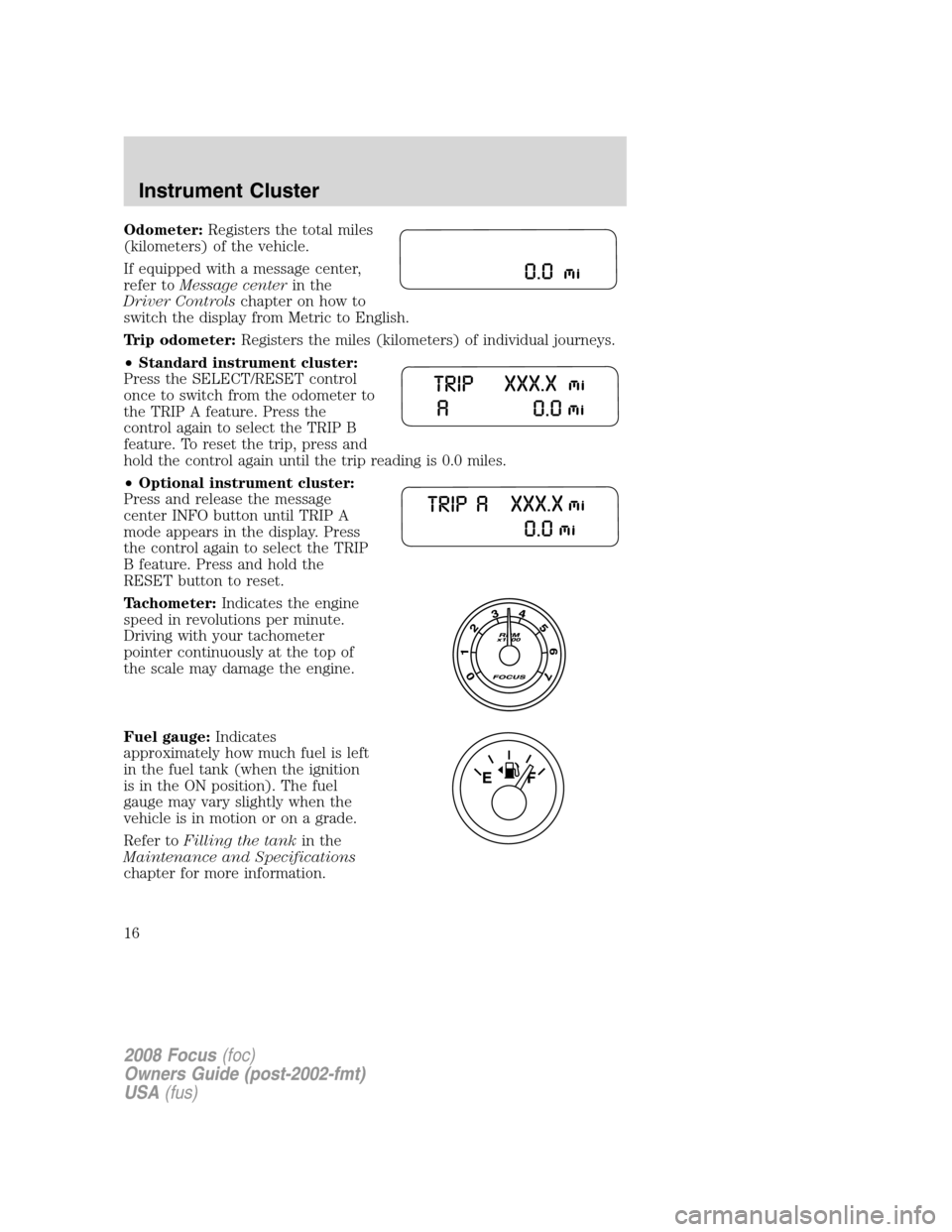
Odometer:Registers the total miles
(kilometers) of the vehicle.
If equipped with a message center,
refer toMessage centerin the
Driver Controlschapter on how to
switch the display from Metric to English.
Trip odometer:Registers the miles (kilometers) of individual journeys.
•Standard instrument cluster:
Press the SELECT/RESET control
once to switch from the odometer to
the TRIP A feature. Press the
control again to select the TRIP B
feature. To reset the trip, press and
hold the control again until the trip reading is 0.0 miles.
•Optional instrument cluster:
Press and release the message
center INFO button until TRIP A
mode appears in the display. Press
the control again to select the TRIP
B feature. Press and hold the
RESET button to reset.
Tachometer:Indicates the engine
speed in revolutions per minute.
Driving with your tachometer
pointer continuously at the top of
the scale may damage the engine.
Fuel gauge:Indicates
approximately how much fuel is left
in the fuel tank (when the ignition
is in the ON position). The fuel
gauge may vary slightly when the
vehicle is in motion or on a grade.
Refer toFilling the tankin the
Maintenance and Specifications
chapter for more information.
2008 Focus(foc)
Owners Guide (post-2002-fmt)
USA(fus)
Instrument Cluster
16
Page 48 of 256

Automatic dimming interior rear view mirror (if equipped)
With Voice activated SYNC
system
Your vehicle may be equipped with
an interior rear view mirror which
has an auto-dimming function. The
electronic day/night mirror will
change from the normal (high reflective) state to the non-glare
(darkened) state when bright lights (glare) reach the mirror. When the
mirror detects bright light from behind the vehicle, it will automatically
adjust (darken) to minimize glare.
The mirror will automatically return to the normal state whenever the
vehicle is placed in R (Reverse) to ensure a bright clear view when
backing up.
Do not block the sensors on the front and back of the interior
rear view mirror since this may impair proper mirror
performance.
Do not clean the housing or glass of any mirror with harsh
abrasives, fuel or other petroleum-based cleaning products.
EXTERIOR MIRRORS
Power side view mirrors (if equipped)
Do not adjust the mirror while the vehicle is in motion.
To adjust your mirrors:
1. Rotate the control clockwise to
adjust the right mirror and rotate
the control counterclockwise to
adjust the left mirror.
2. Move the control in the direction
you wish to tilt the mirror.
3. Return to the center position to lock mirrors in place.
2008 Focus(foc)
Owners Guide (post-2002-fmt)
USA(fus)
Driver Controls
48
Page 56 of 256
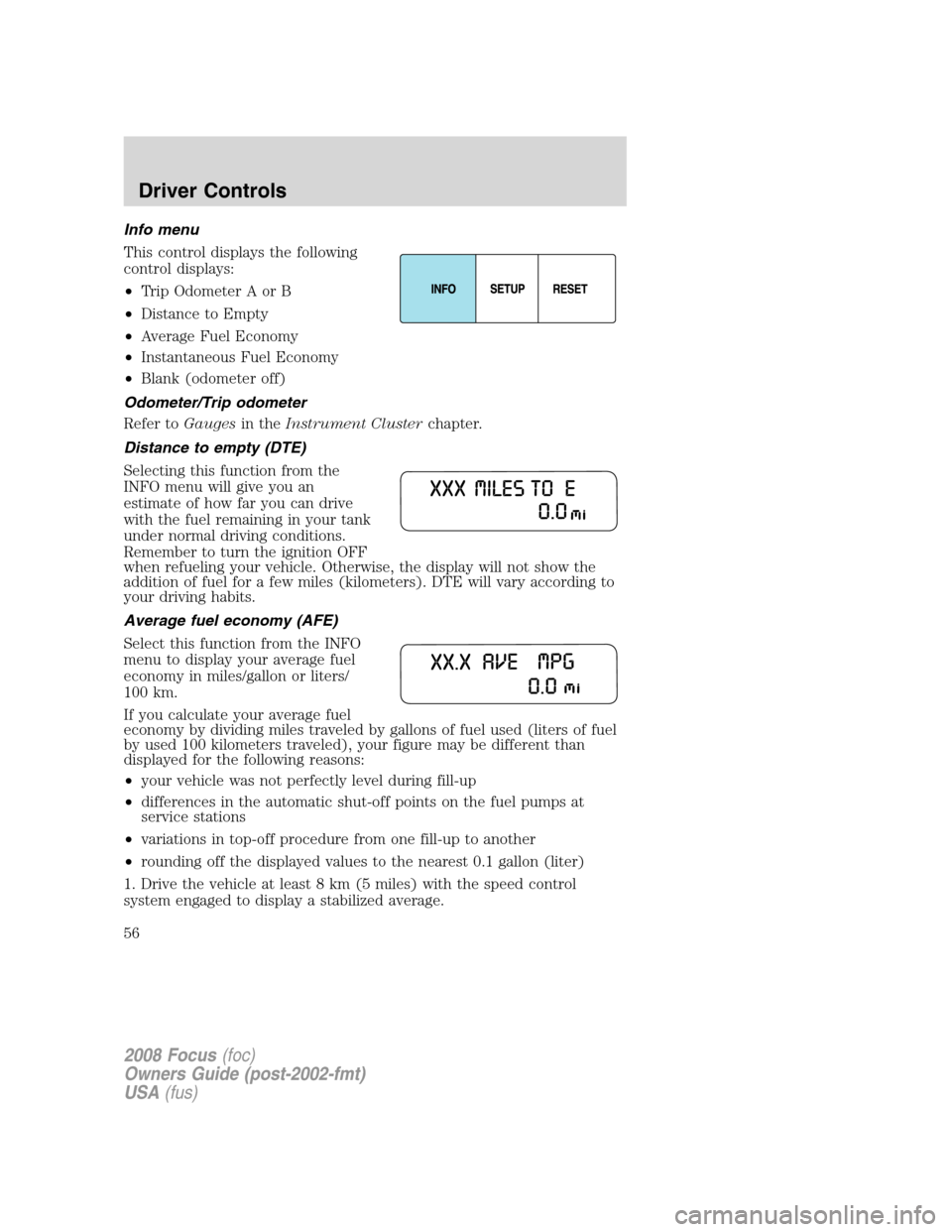
Info menu
This control displays the following
control displays:
•Trip Odometer A or B
•Distance to Empty
•Average Fuel Economy
•Instantaneous Fuel Economy
•Blank (odometer off)
Odometer/Trip odometer
Refer toGaugesin theInstrument Clusterchapter.
Distance to empty (DTE)
Selecting this function from the
INFO menu will give you an
estimate of how far you can drive
with the fuel remaining in your tank
under normal driving conditions.
Remember to turn the ignition OFF
when refueling your vehicle. Otherwise, the display will not show the
addition of fuel for a few miles (kilometers). DTE will vary according to
your driving habits.
Average fuel economy (AFE)
Select this function from the INFO
menu to display your average fuel
economy in miles/gallon or liters/
100 km.
If you calculate your average fuel
economy by dividing miles traveled by gallons of fuel used (liters of fuel
by used 100 kilometers traveled), your figure may be different than
displayed for the following reasons:
•your vehicle was not perfectly level during fill-up
•differences in the automatic shut-off points on the fuel pumps at
service stations
•variations in top-off procedure from one fill-up to another
•rounding off the displayed values to the nearest 0.1 gallon (liter)
1. Drive the vehicle at least 8 km (5 miles) with the speed control
system engaged to display a stabilized average.
2008 Focus(foc)
Owners Guide (post-2002-fmt)
USA(fus)
Driver Controls
56
Page 57 of 256
2. Record the highway fuel economy for future reference.
It is important to press the RESET control after setting the speed
control to get accurate highway fuel economy readings.
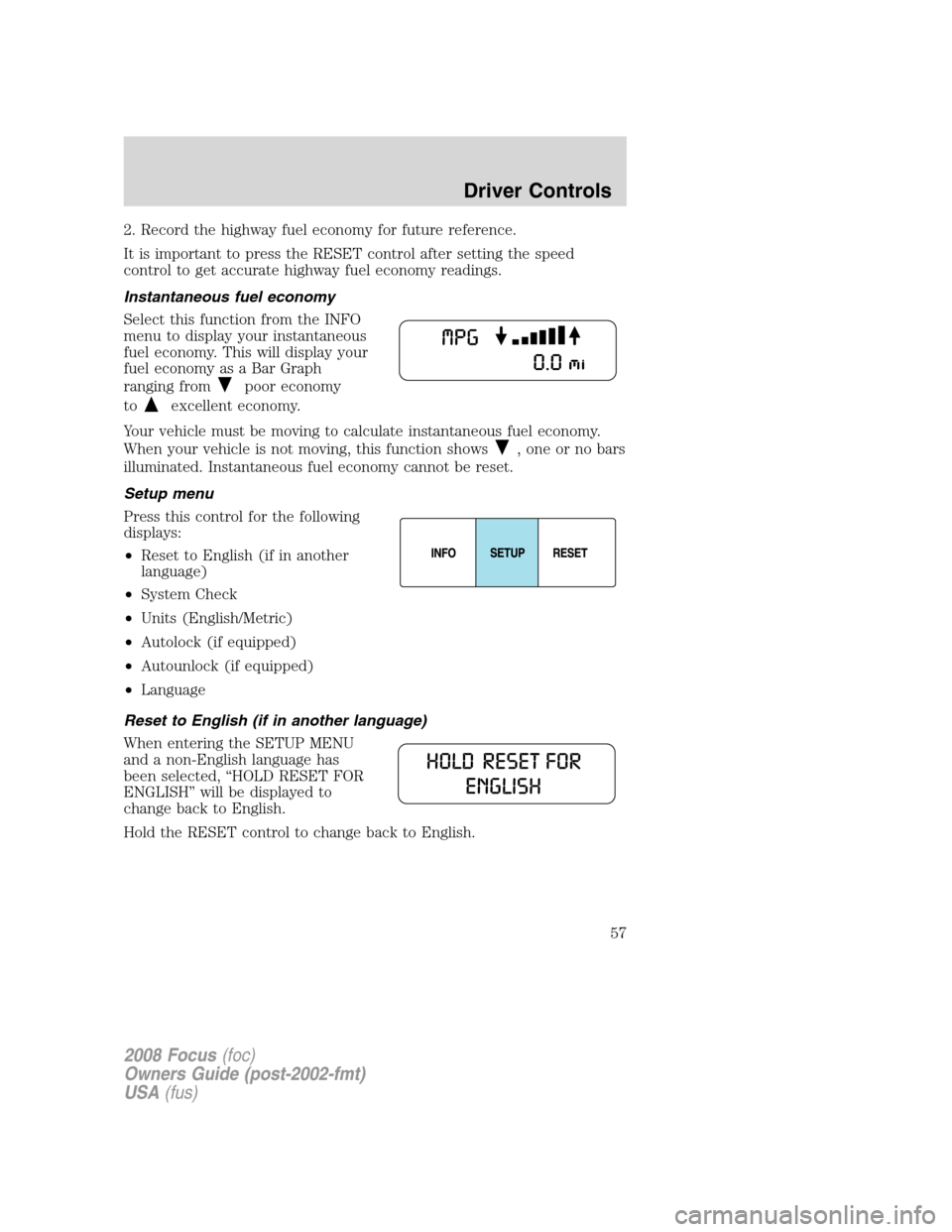
Instantaneous fuel economy
Select this function from the INFO
menu to display your instantaneous
fuel economy. This will display your
fuel economy as a Bar Graph
ranging from
poor economy
to
excellent economy.
Your vehicle must be moving to calculate instantaneous fuel economy.
When your vehicle is not moving, this function shows
, one or no bars
illuminated. Instantaneous fuel economy cannot be reset.
Setup menu
Press this control for the following
displays:
•Reset to English (if in another
language)
•System Check
•Units (English/Metric)
•Autolock (if equipped)
•Autounlock (if equipped)
•Language
Reset to English (if in another language)
When entering the SETUP MENU
and a non-English language has
been selected, “HOLD RESET FOR
ENGLISH” will be displayed to
change back to English.
Hold the RESET control to change back to English.
2008 Focus(foc)
Owners Guide (post-2002-fmt)
USA(fus)
Driver Controls
57
Page 58 of 256
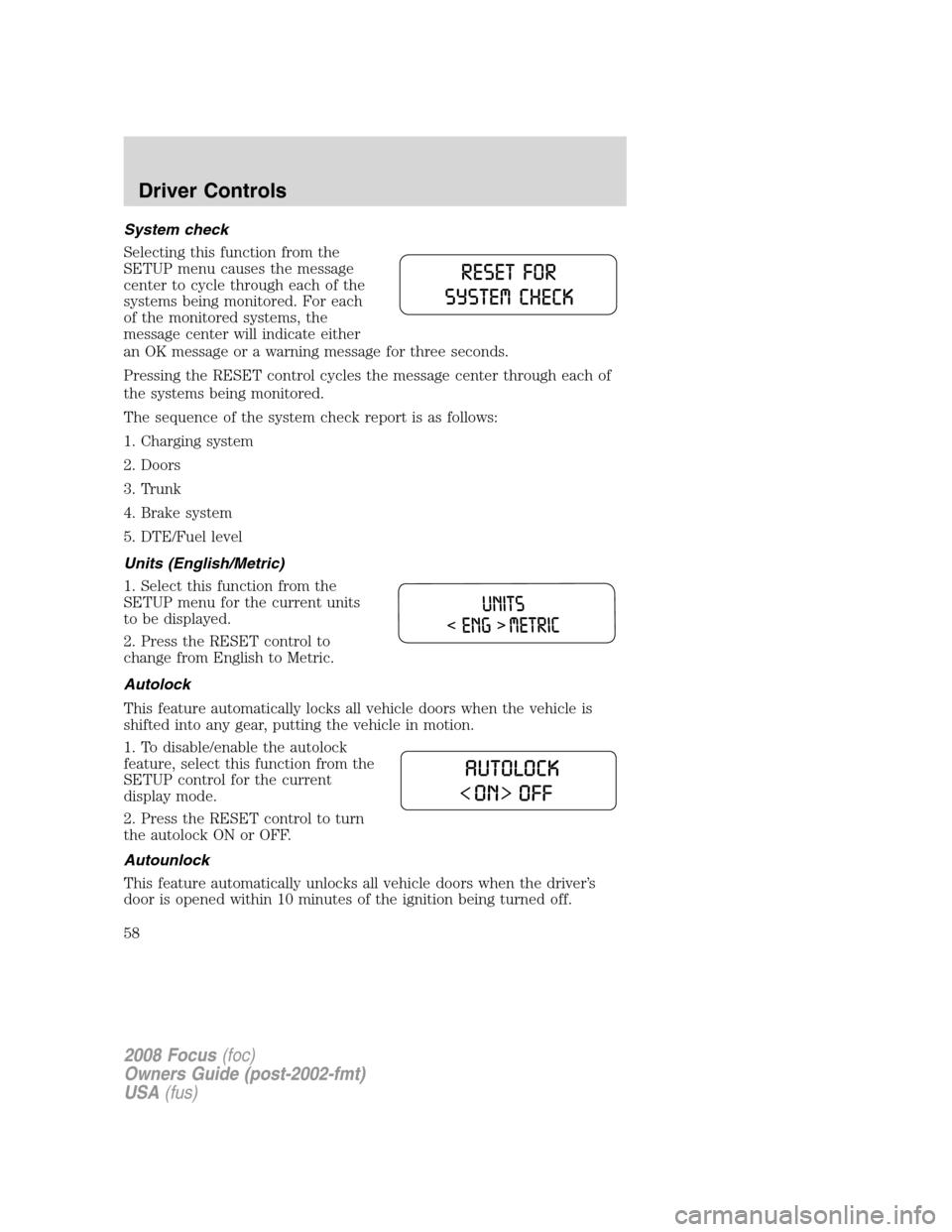
System check
Selecting this function from the
SETUP menu causes the message
center to cycle through each of the
systems being monitored. For each
of the monitored systems, the
message center will indicate either
an OK message or a warning message for three seconds.
Pressing the RESET control cycles the message center through each of
the systems being monitored.
The sequence of the system check report is as follows:
1. Charging system
2. Doors
3. Trunk
4. Brake system
5. DTE/Fuel level
Units (English/Metric)
1. Select this function from the
SETUP menu for the current units
to be displayed.
2. Press the RESET control to
change from English to Metric.
Autolock
This feature automatically locks all vehicle doors when the vehicle is
shifted into any gear, putting the vehicle in motion.
1. To disable/enable the autolock
feature, select this function from the
SETUP control for the current
display mode.
2. Press the RESET control to turn
the autolock ON or OFF.
Autounlock
This feature automatically unlocks all vehicle doors when the driver’s
door is opened within 10 minutes of the ignition being turned off.
2008 Focus(foc)
Owners Guide (post-2002-fmt)
USA(fus)
Driver Controls
58
Page 60 of 256

Warnings Status
Driver door ajar Warning cannot be reset
Passenger door ajar
Rear left door ajar (if
equipped)
Rear right door ajar (if
equipped)
Park brake engaged Warning returns after 10 minutes if
condition still exists
XXX miles (km) to empty fuel
level low
Check brake system Warning returns after the ignition key
is turned from OFF to RUN.
Low brake fluid
Low tire pressure
Tire pressure monitor fault
Tire pressure sensor fault
DRIVER DOOR AJAR.Displayed when the driver door is not
completely closed.
PASSENGER DOOR AJAR.Displayed when the passenger door is not
completely closed.
REAR LEFT DOOR AJAR (if equipped).Displayed when the rear left
door is not completely closed.
REAR RIGHT DOOR AJAR (if equipped).Displayed when the rear
right door is not completely closed.
PARK BRAKE ENGAGED.
Displayed when the manual park brake is set,
the engine is running and the vehicle is driven more than 3 mph (5 km). If
the warning stays on after the park brake is released, contact your
authorized dealer as soon as possible.
XXX MILES TO EMPTY FUEL LEVEL LOW.Displayed as an early
reminder of a low fuel condition.
CHECK BRAKE SYSTEM.Displayed when the braking system is not
operating properly. If the warning stays on or continues to come on,
contact your authorized dealer as soon as possible.
LOW BRAKE FLUID.Indicates the brake fluid level is low and the
brake system should be inspected immediately. Refer toBrake fluid
reservoirin theMaintenance and Specificationschapter.
2008 Focus(foc)
Owners Guide (post-2002-fmt)
USA(fus)
Driver Controls
60
Page 140 of 256

vehicle placard or tire inflation pressure label. (If your vehicle has tires
of a different size than the size indicated on the vehicle placard or tire
inflation pressure label, you should determine the proper tire inflation
pressure for those tires.)
As an added safety feature, your vehicle has been equipped with a tire
pressure monitoring system (TPMS) that illuminates a low tire pressure
telltale when one or more of your tires is significantly under-inflated.
Accordingly, when the low tire pressure telltale illuminates, you should
stop and check your tires as soon as possible, and inflate them to the
proper pressure. Driving on a significantly under-inflated tire causes the
tire to overheat and can lead to tire failure. Under-inflation also reduces
fuel efficiency and tire tread life, and may affect the vehicle’s handling
and stopping ability.
Please note that the TPMS is not a substitute for proper tire
maintenance, and it is the driver’s responsibility to maintain correct tire
pressure, even if under-inflation has not reached the level to trigger
illumination of the TPMS low tire pressure telltale.
Your vehicle has also been equipped with a TPMS malfunction indicator
to indicate when the system is not operating properly. The TPMS
malfunction indicator is combined with the low tire pressure telltale.
When the system detects a malfunction, the telltale will flash for
approximately one minute and then remain continuously illuminated.
This sequence will continue upon subsequent vehicle start-ups as long as
the malfunction exists.
When the malfunction indicator is illuminated, the system may not be
able to detect or signal low tire pressure as intended. TPMS malfunctions
may occur for a variety of reasons, including the installation of
replacement or alternate tires or wheels on the vehicle that prevent the
TPMS from functioning properly. Always check the TPMS malfunction
telltale after replacing one or more tires or wheels on your vehicle to
ensure that the replacement or alternate tires and wheels allow the
TPMS to continue to function properly.
The Tire Pressure Monitoring System complies with part 15 of the FCC
rules and with RSS-210 of Industry Canada. Operation is subject to the
following two conditions: (1) This device may not cause harmful
interference, and (2) This device must accept any interference received,
including interference that may cause undesired operation.
The Tire Pressure Monitoring System is NOT a substitute for
manually checking tire pressure. The tire pressure should be
checked periodically (at least monthly) using a tire gauge, see
Inflating your tiresin this chapter. Failure to properly maintain your
tire pressure could increase the risk of tire failure, loss of control,
vehicle rollover and personal injury.
2008 Focus(foc)
Owners Guide (post-2002-fmt)
USA(fus)
Tires, Wheels and Loading
140
Page 144 of 256
any tire is under-inflated, carefully drive the vehicle to the nearest
location where air can be added to the tires. Inflate all the tires to the
recommended inflation pressure.
SNOW TIRES AND CHAINS
Snow tires must be the same size and grade as the tires you
currently have on your vehicle.
The original equipment tires on your vehicle have an all-weather tread
design to provide traction, handling and braking performance in
year-round driving. You may install snow tires for improved traction
when driving in areas with sustained periods of snow or icy driving
conditions.
If you choose to install snow tires on your vehicle, they must be the
same size, construction, and load range as the original tires listed on the
tire placard, and they must be installed on all four wheels. Mixing tires of
different size or construction on your vehicle can adversely affect your
vehicle’s handling and braking, and may lead to loss of vehicle control.
Do not use snow chains or cables on this vehicle as they may
cause damage to your vehicle which may lead to loss of vehicle
control.
VEHICLE LOADING – WITH AND WITHOUT A TRAILER
This section will guide you in the proper loading of your vehicle and/or
trailer, to keep your loaded vehicle weight within its design rating
capability, with or without a trailer. Properly loading your vehicle will
provide maximum return of vehicle design performance. Before loading
your vehicle, familiarize yourself with the following terms for determining
your vehicle’s weight ratings, with or without a trailer, from the vehicle’s
Safety Compliance Certification Label:
Base Curb Weight– is the weight of the vehicle including a full tank of
fuel and all standard equipment. It does not include passengers, cargo, or
optional equipment.
Vehicle Curb Weight– is the weight of your new vehicle when you
picked it up from your authorized dealer plus any aftermarket
equipment.
2008 Focus(foc)
Owners Guide (post-2002-fmt)
USA(fus)
Tires, Wheels and Loading
144