Page 96 of 368
TILT STEERING COLUMN
Pull the lever down and release, to
unlock the steering column tilt lock.
With the lever in the down position,
tilt the steering column and wheel
to its desired orientation. Do not
push or pull the lever while tilting
the wheel.
Lift the lever back to its original
position to lock the steering column.
Never adjust the steering
column when the vehicle is
moving.
ILLUMINATED VISOR MIRROR
Lift the mirror cover to turn on the
visor mirror lamps.
2008 07+ Explorer Sport Trac(esp)
Owners Guide (post-2002-fmt)
USA(fus)
Driver Controls
96
Page 102 of 368
If the switch is pressed and held to the normal open or ONE TOUCH
DOWN position during a ONE TOUCH UP event, the window will stop. If,
after 1/2 second the switch is still held, the window will perform a
normal open or ONE TOUCH DOWN.
Bounce-Back (Driver’s window only)
When an obstacle has been detected in the window opening as the
window is moving upward, the window will automatically reverse
direction and move down. This is known as “bounce-back”. If the ignition
is turned OFF (without accessory delay being active) during
bounce-back, the window will move down until the bounce back position
is reached.
Security Override
If during a bounce-back condition, the switch is released to the neutral
position, then held in the one touch up position within two seconds after
the window reaches the bounce-back position,the window will travel
up with no bounce-back protection.If the switch is released before
the window reaches fully closed or the ignition is turned OFF (without
accessory delay being active), the window will stop. Security override
can be used if the window movement is restricted in some way, for
example, if there is ice on the window or seals.
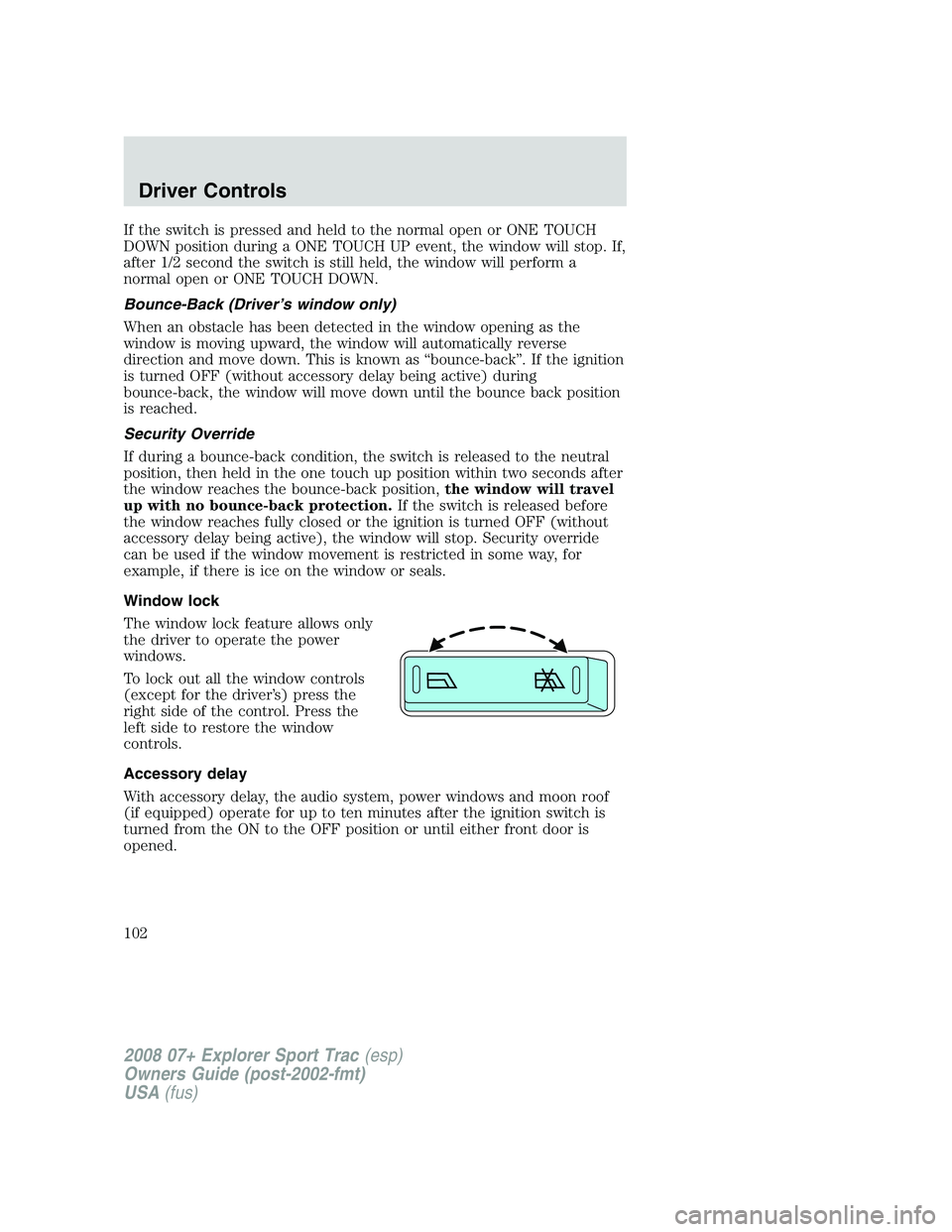
Window lock
The window lock feature allows only
the driver to operate the power
windows.
To lock out all the window controls
(except for the driver’s) press the
right side of the control. Press the
left side to restore the window
controls.
Accessory delay
With accessory delay, the audio system, power windows and moon roof
(if equipped) operate for up to ten minutes after the ignition switch is
turned from the ON to the OFF position or until either front door is
opened.
2008 07+ Explorer Sport Trac(esp)
Owners Guide (post-2002-fmt)
USA(fus)
Driver Controls
102
Page 105 of 368

Without voice activated
Navigation System or SYNC
With voice activated Navigation
System or SYNC
The mirror will automatically return to the normal state whenever the
vehicle is placed in R (Reverse) to ensure a bright clear view when
backing up.
Do not block the sensors on the front and back of the interior
rear view mirror since this may impair proper mirror
performance.
Do not clean the housing or glass of any mirror with harsh
abrasives, fuel or other petroleum-based cleaning products.
EXTERIOR MIRRORS
Power side view mirrors
The ignition must be in the ACC or ON position to adjust the power side
view mirrors.
To adjust your mirrors:
1. Rotate the control clockwise to
adjust the right mirror and rotate
the control counterclockwise to
adjust the left mirror.
2. Move the control in the direction
you wish to tilt the mirror.
3. Return to the center position to
lock mirrors in place.
2008 07+ Explorer Sport Trac(esp)
Owners Guide (post-2002-fmt)
USA(fus)
Driver Controls
105
Page 115 of 368

Setup menu
Press and hold the SELECT/RESET
control switch to get to the SETUP
MENU sequence from the INFO
MENU for the following displays:
•System Check
•Units (English/Metric)
•Language
•Autolamp
•Autolock
•Autounlock
•Park Aid (if equipped)
•Oil Life Reset and Start Value
Briefly press the SELECT/RESET control switch to scroll through the
SETUP MENU display sequence. If the SELECT/RESET control switch is
not pressed within 4 seconds, the message center returns to the Info Menu.
System check
Press and hold the SELECT/RESET
control switch to select SYSTEM
CHECK when “SYSTEM CHECK
HOLD RESET” is displayed in the
message center. Selecting this
function from the SETUP MENU
causes the message center to cycle through each of the systems being
monitored. For each of the monitored systems, the message center will
indicate either an OK message or a warning message for two seconds.
Pressing the SELECT/RESET control switch cycles the message center
through each of the systems being monitored.
The sequence of the system check report and how it appears in the
message center is as follows:
1. OIL LIFE
2. CHARGING SYSTEM
3. WASHER FLUID
4. DOOR AJAR
5. EXTERIOR LAMP
2008 07+ Explorer Sport Trac(esp)
Owners Guide (post-2002-fmt)
USA(fus)
Driver Controls
115
Page 117 of 368
Note:“>” in front of a number indicates current selection.
3. Press the SELECT/RESET control switch for the next SETUP MENU
item or wait for more than 4 seconds to return to the INFO MENU.
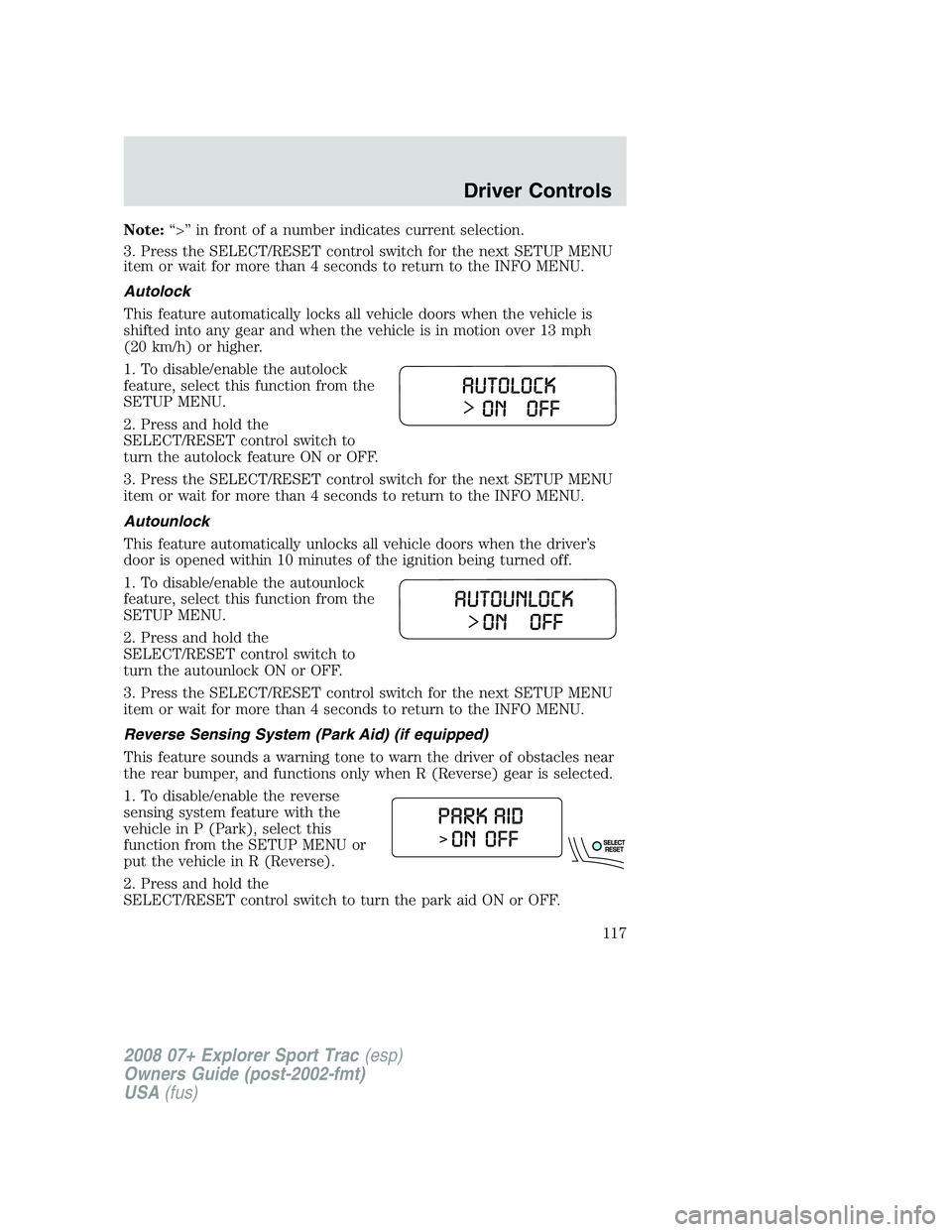
Autolock
This feature automatically locks all vehicle doors when the vehicle is
shifted into any gear and when the vehicle is in motion over 13 mph
(20 km/h) or higher.
1. To disable/enable the autolock
feature, select this function from the
SETUP MENU.
2. Press and hold the
SELECT/RESET control switch to
turn the autolock feature ON or OFF.
3. Press the SELECT/RESET control switch for the next SETUP MENU
item or wait for more than 4 seconds to return to the INFO MENU.
Autounlock
This feature automatically unlocks all vehicle doors when the driver’s
door is opened within 10 minutes of the ignition being turned off.
1. To disable/enable the autounlock
feature, select this function from the
SETUP MENU.
2. Press and hold the
SELECT/RESET control switch to
turn the autounlock ON or OFF.
3. Press the SELECT/RESET control switch for the next SETUP MENU
item or wait for more than 4 seconds to return to the INFO MENU.
Reverse Sensing System (Park Aid) (if equipped)
This feature sounds a warning tone to warn the driver of obstacles near
the rear bumper, and functions only when R (Reverse) gear is selected.
1. To disable/enable the reverse
sensing system feature with the
vehicle in P (Park), select this
function from the SETUP MENU or
put the vehicle in R (Reverse).
2. Press and hold the
SELECT/RESET control switch to turn the park aid ON or OFF.
2008 07+ Explorer Sport Trac(esp)
Owners Guide (post-2002-fmt)
USA(fus)
Driver Controls
117
Page 127 of 368

Fuel Used
Selecting this function from the
INFO menu. “FUEL USED XXX.X
GAL” will display the fuel used since
last reset. The information displayed
will be in gallons or liters,
depending on English/Metric mode
state.
Trip elapsed drive time
Select this function from the INFO
menu to display a timer.
To operate the Trip Elapsed Drive
Time perform the following:
1. Press and release RESET in order
to start the timer.
2. Press and release RESET to
pause the timer.
3. Press and hold RESET for 2 seconds in order to reset the timer to
zero.
Blank display
Select this function from the INFO menu to turn the upper two lines of
the message center display OFF.
Setup menu
Press the SETUP control twice for
the following displays:
•System Check
•Units (English/Metric)
•Language
•Autolamp
•Autolock
•Autounlock
•Park Aid (if equipped)
•Compass Zone (if equipped)
•Compass Calibration (if equipped)
•Oil Life Reset and Start Value
INFOSETUP
RESET
2008 07+ Explorer Sport Trac(esp)
Owners Guide (post-2002-fmt)
USA(fus)
Driver Controls
127
Page 129 of 368

1. Select this function from the
SETUP MENU for the current
language to be displayed.
2. Press the RESET control to cycle
the message center through each of
the language choices to the desired
language.
Selectable languages are English, Spanish, French, Japanese, or Arabic.
3. Press the RESET control for the next SETUP MENU item or wait for
more than 4 seconds to return to the INFO menu.
Autolamp
This feature keeps your headlights on for up to three minutes after the
ignition is switched off.
1. To change the delay time of the
autolamp feature, select this
function from the SETUP MENU.
2. Press the RESET control to select
the new Autolamp delay time (in
seconds) value of 0, 10, 20, 30, 60,
90, 120 or 180 and wraps back to 0.
Selecting 0 will result in no delay
feature.
Note:“>” in front of a number indicates current selection.
3. Press the RESET control for the next SETUP MENU item or wait for
more than 4 seconds to return to the INFO menu.
Autolock
This feature automatically locks all vehicle doors when the vehicle is
shifted into any gear and when the vehicle is in motion over 13 mph (20
km/h) or higher.
1. To disable/enable the autolock
feature, select this function from the
SETUP MENU.
2. Press the RESET control to turn
the autolock feature ON or OFF.
3. Press the RESET control for the
next SETUP MENU item or wait for
more than 4 seconds to return to the INFO menu.
2008 07+ Explorer Sport Trac(esp)
Owners Guide (post-2002-fmt)
USA(fus)
Driver Controls
129
Page 130 of 368
Autounlock
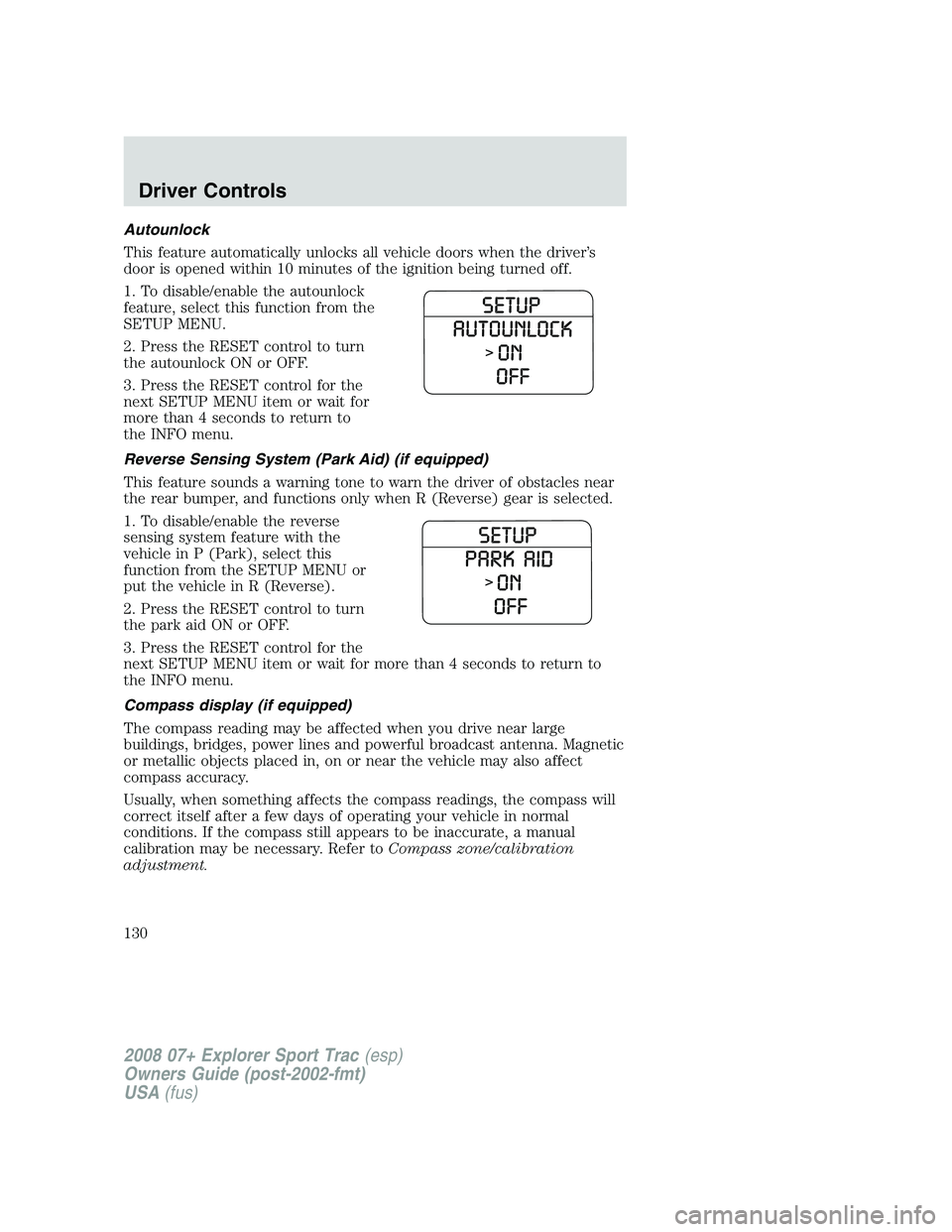
This feature automatically unlocks all vehicle doors when the driver’s
door is opened within 10 minutes of the ignition being turned off.
1. To disable/enable the autounlock
feature, select this function from the
SETUP MENU.
2. Press the RESET control to turn
the autounlock ON or OFF.
3. Press the RESET control for the
next SETUP MENU item or wait for
more than 4 seconds to return to
the INFO menu.
Reverse Sensing System (Park Aid) (if equipped)
This feature sounds a warning tone to warn the driver of obstacles near
the rear bumper, and functions only when R (Reverse) gear is selected.
1. To disable/enable the reverse
sensing system feature with the
vehicle in P (Park), select this
function from the SETUP MENU or
put the vehicle in R (Reverse).
2. Press the RESET control to turn
the park aid ON or OFF.
3. Press the RESET control for the
next SETUP MENU item or wait for more than 4 seconds to return to
the INFO menu.
Compass display (if equipped)
The compass reading may be affected when you drive near large
buildings, bridges, power lines and powerful broadcast antenna. Magnetic
or metallic objects placed in, on or near the vehicle may also affect
compass accuracy.
Usually, when something affects the compass readings, the compass will
correct itself after a few days of operating your vehicle in normal
conditions. If the compass still appears to be inaccurate, a manual
calibration may be necessary. Refer toCompass zone/calibration
adjustment.
2008 07+ Explorer Sport Trac(esp)
Owners Guide (post-2002-fmt)
USA(fus)
Driver Controls
130
