Page 142 of 358

the displayed temperature can only be verified by com-
parison to a thermometer placed next to the sensor, not
by comparison to external displays (e.g., bank signs, etc.).
Adaptation to ambient temperature takes place in steps
and depends on the prevailing driving conditions (stop-
and- go or moderate, constant driving) and amount of
temperature change.
WARNING!
The outside temperature indicator is not designed to
serve as an ice-warning device and is unsuitable for
that purpose. Indicated temperatures just above the
freezing point do not guarantee that the road surface
is free of ice.24. Airbag Light
The operational readiness of the airbag system
is verified by the airbag indicator light in the
instrument cluster when turning the key in the
ignition switch to the ACC or ON/RUN posi-
tion. If no fault is detected, the light will go out after
approximately four seconds. After the lamp goes out, the
system continues to monitor the components and cir-
cuitry of the airbag system and will indicate a malfunc-
tion by coming on again.
The light will come on and remain on for four seconds as
a bulb check when the ignition switch is first turned ON.
If the bulb is not lit during starting, have it replaced. If
the light stays on, or comes on while driving, have the
system checked by an authorized dealer.
140 UNDERSTANDING YOUR INSTRUMENT PANEL
Page 143 of 358

WARNING!
In the event a malfunction of the airbag is indicated,
the airbag may not be operational. For your safety, we
strongly recommend that you visit an authorized
dealer immediately to have the system checked;
otherwise the airbag may not be activated when
needed in an accident, which could result in serious
or fatal injury, or it might deploy unexpectedly and
unnecessarily which could also result in injury.
25. Telescoping Wheel Indicator Light
With the key in the ignition and turned to the
ON/RUN position, the indicator light in the
instrument cluster comes on. It should go out
when the engine is running. If the indicator
light does not go out after starting the engine, the
telescoping steering column is not locked properly.
WARNING!
Do not drive the vehicle until you have properly
locked the steering column.
26. Check Engine Light
This light is part of an Onboard Diagnostic
system that monitors the emissions and engine
control systems. If a problem is detected in one of these
systems, the Check Engine light will come on. The light
comes on and stays on briefly as a bulb check when the
ignition is first turned ON.
Certain conditions, such as a loose or missing gas cap, or
poor fuel quality may illuminate the light after the engine
is started. Be sure the gas cap is tightened every time you
refuel.
UNDERSTANDING YOUR INSTRUMENT PANEL 141
4
Page 144 of 358

If the Check Engine light remains on continuously and
the vehicle is driving normally, you may still drive the
vehicle. In most situations, the vehicle will not require
towing. However, we recommend that you have the
system checked at an authorized dealer as soon as
possible.
If the vehicle is not driving normally, and the Check
Engine light flashes or remains on continuously, it is an
alert to serious conditions that could lead to loss of power
or severe catalytic converter damage. The vehicle should
be serviced at an authorized dealer as soon as possible.
27. Brake Wear Indicator Light
With the key in the ignition and turned to the
ON/RUN position, the brake wear indicator
light comes on. The light goes out when the
engine is running.
If the indicator light comes on during braking, this
indicates the brake pads are worn down.Have the brake system checked at your authorized dealer
as soon as possible.
28. Oil Level Indicator Light
With the key in the ignition switch turned to
the ON/RUN position, the oil level indicator
light comes on. It should go out immediately
when the engine is running. If the light does
not go out, or comes on while driving, the engine oil level
has dropped to approximately the minimum mark on the
dipstick.
CHECKING ENGINE OIL LEVEL
A sensor in the oil pan allows oil level to be checked
without opening the hood. It provides an accurate mea-
surement of oil level, whereas the low engine oil level
indicator warns that oil level is definitely too low. With
the vehicle parked on a level surface, the engine is
warmed up and shut off for approximately five minutes.
When the ignition switch is turned to the ON/RUN
142 UNDERSTANDING YOUR INSTRUMENT PANEL
Page 145 of 358

position, press the knob to the left of the speedometer
once and wait seven seconds. An ISO oil level icon
appears in the trip odometer window and a ªclockº icon
in the cumulative odometer display. Pressing the knob to
the left of the speedometer twice within one second
displays one of the following messages:
²OK
²-1.0 Q (-1.0L)
²-1.5 Q (-1.5L)
²-2.0 Q (-2.0L)
²HI
The indicated amount of oil must be added to the engine
if the message -2.0 Q (-2.0L) blinks and a signal sounds.
The HI message indicates that the excess oil must be
removed from the pan to avoid possible engine or
catalytic converter damage. If the ISO oil level icon andªclockº icon remain on when attempting to check oil
level and no message follows, or if the low engine oil
level warning lamp comes on, a malfunction in the
engine oil level system is indicated. A conveniently
located dipstick allows manual checking of the oil level.
If no leaks are noted, continue to drive to the nearest
service station where the engine oil should be topped to
the ªfullº mark on the dipstick with an approved oil.
29. Low Fuel Warning Light
When the fuel level drops to about 2 gal (7.5 L), this
symbol will light and remains lit until fuel is added.
ªINFINITY MODULUSº AM/FM STEREO RADIO
WITH SINGLE-DISC CD PLAYER AND GPS
NAVIGATION
(OPTIONAL - See separate User's Manual)
UNDERSTANDING YOUR INSTRUMENT PANEL 143
4
Page 156 of 358

COMPACT DISC MAINTENANCE
To keep the compact discs in good condition, take the
following precautions:
1. Handle the disc by its edge; avoid touching the
surface.
2. If the disc is stained, clean the surface with a soft cloth,
wiping from center to edge.
3. Do not apply paper or tape to the disc; avoid scratch-
ing the disc.
4. Do not use solvents such as benzine, thinner, cleaners,
or antistatic sprays.
5. Store the disc in its case after playing.
6. Do not expose the disc to direct sunlight.
7. Do not store the disc where temperatures may become
too high.
RADIO ANTENNA
The radio antenna is located in the rear liftgate glass on
the coupe vehicles and mounted on the left rear body
panel on the roadster vehicles. The antenna requires no
maintenance.
CAUTION!
Window tint films applied to the liftgate glass of
coupe vehicles can significantly degrade radio recep-
tion if they contain any metallic content. Before
applying any film to increase occupant privacy or
reduce the heating effect of the sun, make sure that
the film does not contain any metallic substances.
154 UNDERSTANDING YOUR INSTRUMENT PANEL
Page 159 of 358
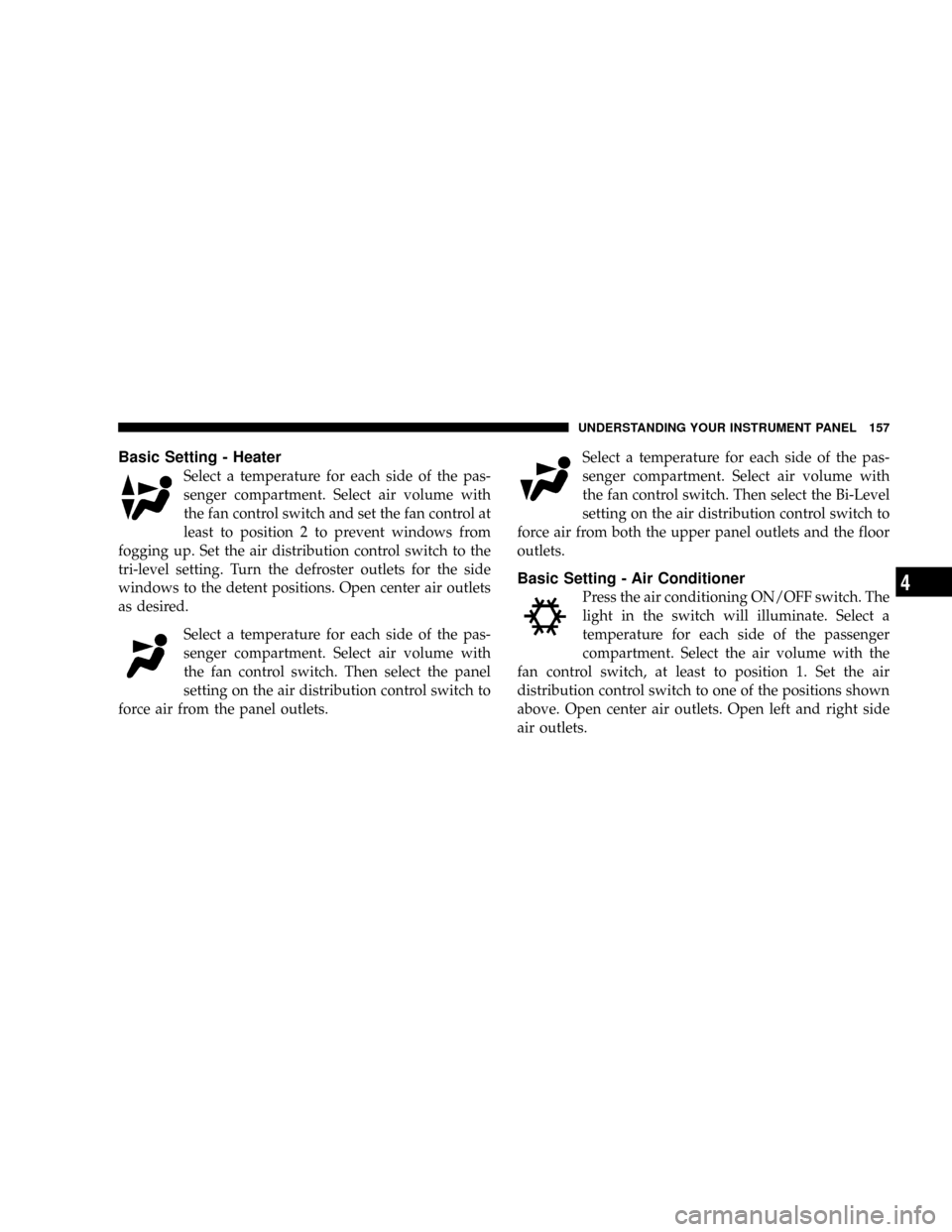
Basic Setting - Heater
Select a temperature for each side of the pas-
senger compartment. Select air volume with
the fan control switch and set the fan control at
least to position 2 to prevent windows from
fogging up. Set the air distribution control switch to the
tri-level setting. Turn the defroster outlets for the side
windows to the detent positions. Open center air outlets
as desired.
Select a temperature for each side of the pas-
senger compartment. Select air volume with
the fan control switch. Then select the panel
setting on the air distribution control switch to
force air from the panel outlets.Select a temperature for each side of the pas-
senger compartment. Select air volume with
the fan control switch. Then select the Bi-Level
setting on the air distribution control switch to
force air from both the upper panel outlets and the floor
outlets.
Basic Setting - Air Conditioner
Press the air conditioning ON/OFF switch. The
light in the switch will illuminate. Select a
temperature for each side of the passenger
compartment. Select the air volume with the
fan control switch, at least to position 1. Set the air
distribution control switch to one of the positions shown
above. Open center air outlets. Open left and right side
air outlets.
UNDERSTANDING YOUR INSTRUMENT PANEL 157
4
Page 160 of 358
NOTE:The air conditioning compressor will not run if
the fan control switch is not set to position 1 or higher.
NOTE:The dot between the air distribution control
icons is a mix position between the two modes.Slight changes in engine speed or power may be noticed
when the compressor is on. This is a normal occurrence,
since the compressor will cycle on and off to maintain
comfort and increase fuel economy.
NOTE:If your air conditioning performance seems
lower than expected, check the front of the A/C con-
denser for an accumulation of dirt or insects.
Defrosting
Set the temperature selectors to the maximum
heating position, set the fan control to position 5,
and the air distribution to the defrost position. Close the
center air outlets. Close the left and right side air outlets.
Turn the defroster outlets for the side windows to the
detent position.
158 UNDERSTANDING YOUR INSTRUMENT PANEL
Page 161 of 358
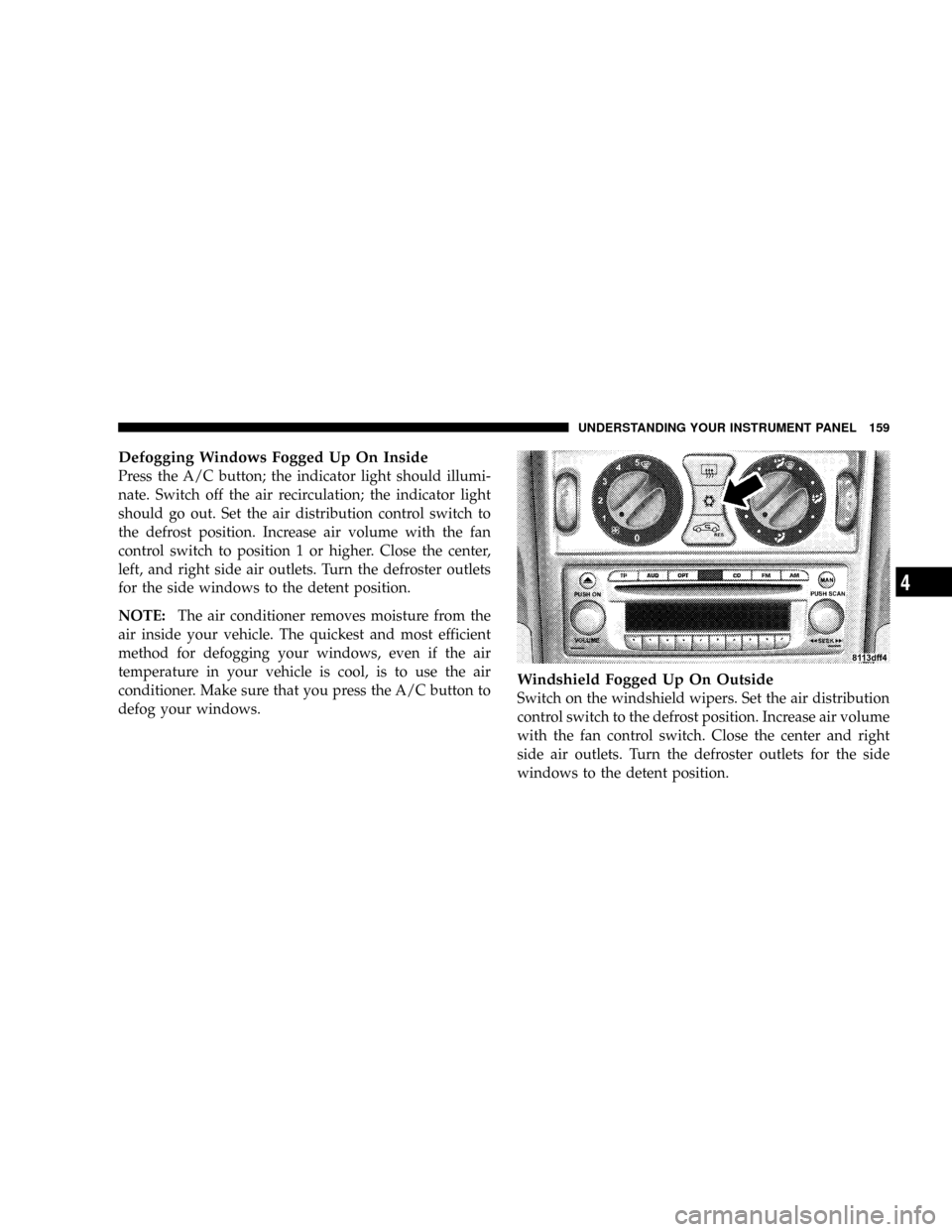
Defogging Windows Fogged Up On Inside
Press the A/C button; the indicator light should illumi-
nate. Switch off the air recirculation; the indicator light
should go out. Set the air distribution control switch to
the defrost position. Increase air volume with the fan
control switch to position 1 or higher. Close the center,
left, and right side air outlets. Turn the defroster outlets
for the side windows to the detent position.
NOTE:The air conditioner removes moisture from the
air inside your vehicle. The quickest and most efficient
method for defogging your windows, even if the air
temperature in your vehicle is cool, is to use the air
conditioner. Make sure that you press the A/C button to
defog your windows.
Windshield Fogged Up On Outside
Switch on the windshield wipers. Set the air distribution
control switch to the defrost position. Increase air volume
with the fan control switch. Close the center and right
side air outlets. Turn the defroster outlets for the side
windows to the detent position.
UNDERSTANDING YOUR INSTRUMENT PANEL 159
4
