Page 150 of 519

To Set At A Desired Speed:
When the vehicle reaches the speed desired, push the
lever down and release (“SET DECEL”). Remove your
foot from the accelerator pedal and the vehicle will
operate at the selected speed.
NOTE:
•Speed control will only function in third, fourth, or
fifth gear when in the Autostick�Mode (if equipped).
•The speed control may not engage if a different size
tire is installed on one wheel, such as the compact
spare tire.
To Deactivate:
The system will disable Electronic Speed Control without
erasing the memory if you:
•Softly tap the brake pedal.
•Depress the brake pedal.
•Pull the speed control lever toward you (“CANCEL”).
Pushing and releasing the (“ON/OFF”) button or turning
off the ignition erases the set speed from memory.
To Resume Speed:
If you deactivated the speed control without erasing the
set speed from memory and your vehicle speed is above
20 mph (32 km/h) you can resume the previous set
speed. To do so, push the lever up and release (“RESUME
ACCEL”), and then remove your foot from the accelera-
tor pedal.
To Vary the Speed Setting:
When the speed control is set, you can increase speed by
pushing up and holding the lever (“RESUME ACCEL”).
When the lever is released, a new set speed will be
established.
150 UNDERSTANDING THE FEATURES OF YOUR VEHICLE
Page 157 of 519
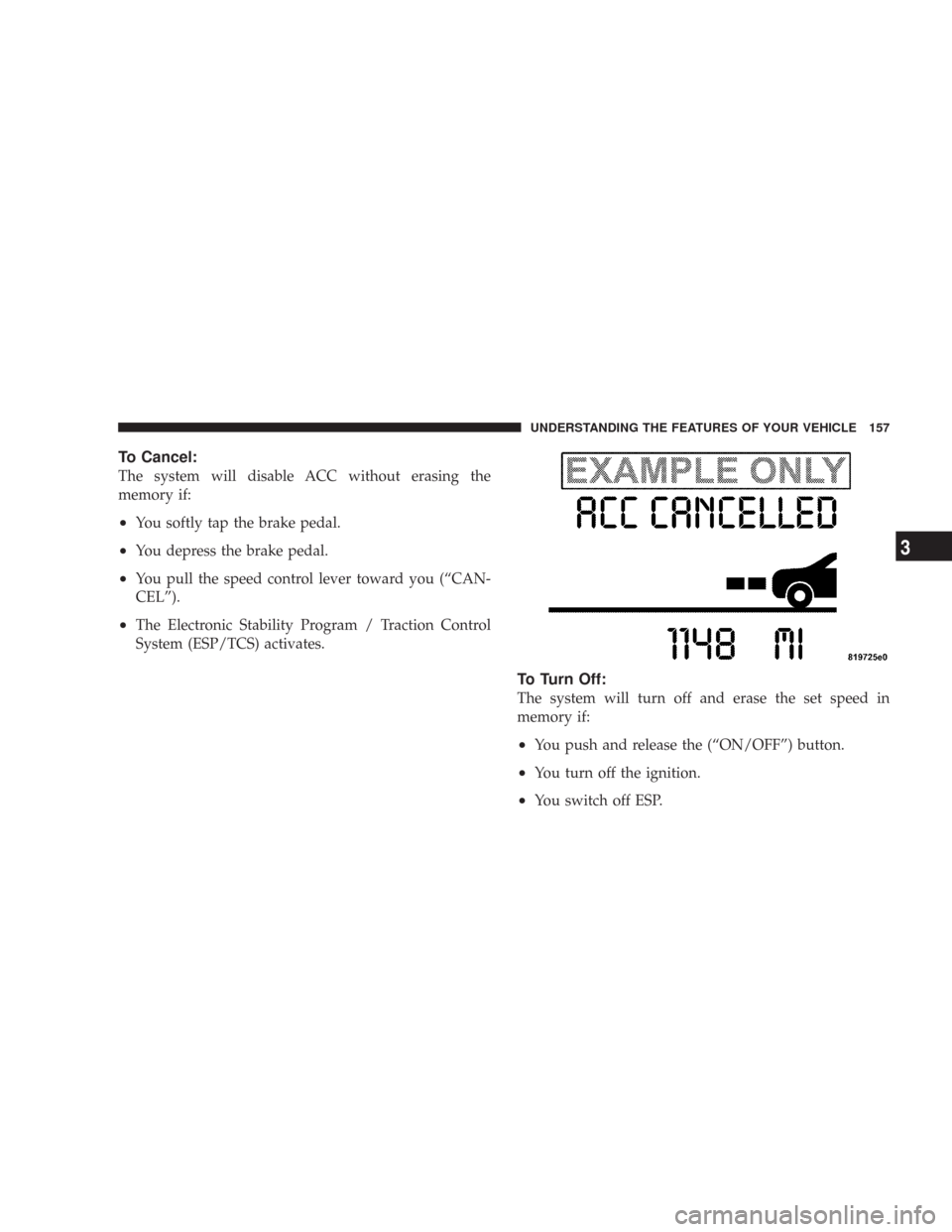
To Cancel:
The system will disable ACC without erasing the
memory if:
•You softly tap the brake pedal.
•You depress the brake pedal.
•You pull the speed control lever toward you (“CAN-
CEL”).
•The Electronic Stability Program / Traction Control
System (ESP/TCS) activates.
To Turn Off:
The system will turn off and erase the set speed in
memory if:
•You push and release the (“ON/OFF”) button.
•You turn off the ignition.
•You switch off ESP.
UNDERSTANDING THE FEATURES OF YOUR VEHICLE 157
3
Page 178 of 519
WARNING!
Vehicle exhaust contains carbon monoxide, a danger-
ous gas. Do not run your vehicle in the garage while
training the transceiver. Exhaust gas can cause seri-
ous injury or death.
Programming HomeLink�
Before You Begin
If you have not trained any of the HomeLink�buttons,
erase all channels before you begin training.
To do this, press and hold the two outside buttons for 20
seconds. The EVIC will display “CLEARING CHAN-
NELS.” Release the buttons when the EVIC message
states “CHANNELS CLEARED.”It is recommended that a new battery be placed in the
hand-held transmitter of the device being programmed
to HomeLink�for more efficient training and accurate
transmission of the radio-frequency signal.
Your vehicle should be parked outside of the garage
while training.
1. Turn the ignition switch to the ON/RUN position.
2. Place the hand-held transmitter 1–3 inches (3–8 cm)
from the HomeLink�buttons while keeping the EVIC
display in view.
For optimal training, point the battery end of the hand-
held transmitter away from the HomeLink�.
3. Simultaneously press and hold both the chosen
HomeLink�button and the hand-held transmitter button
until the EVIC display changes from “CHANNEL #
TRAINING” to “CHANNEL # TRAINED.”
178 UNDERSTANDING THE FEATURES OF YOUR VEHICLE
Page 182 of 519

Then proceed with Step 4 under “Programming
HomeLink.” earlier in this section.
Using HomeLink�
To operate, simply press and release the programmed
HomeLink�button. Activation will now occur for the
trained device (i.e. garage door opener, gate operator,
security system, entry door lock, home/office lighting,
etc. The hand-held transmitter of the device may also be
used at any time.
Reprogramming a Single HomeLink�Button
To re-program a channel that has been previously
trained, follow these steps:
1. Turn the ignition switch to the ON/RUN position.
2. Press and hold the desired HomeLink�button for 20
seconds until the EVIC display states “CHANNEL #
TRAINING.”Do not release the button.3.Without releasing the button,proceed with PRO-
GRAMMING HOMELINK Step #2 and follow all remain-
ing steps.
Security
It is advised to erase all channels before you sell or turn
in your vehicle.
To do this, press and hold the two outside buttons for 20
seconds until the EVIC message states “CHANNELS
CLEARED.” Note that all channels will be erased. Indi-
vidual channels cannot be erased.
The HomeLink�Universal Transceiver is disabled when
the Vehicle Security Alarm is active.
182 UNDERSTANDING THE FEATURES OF YOUR VEHICLE
Page 184 of 519
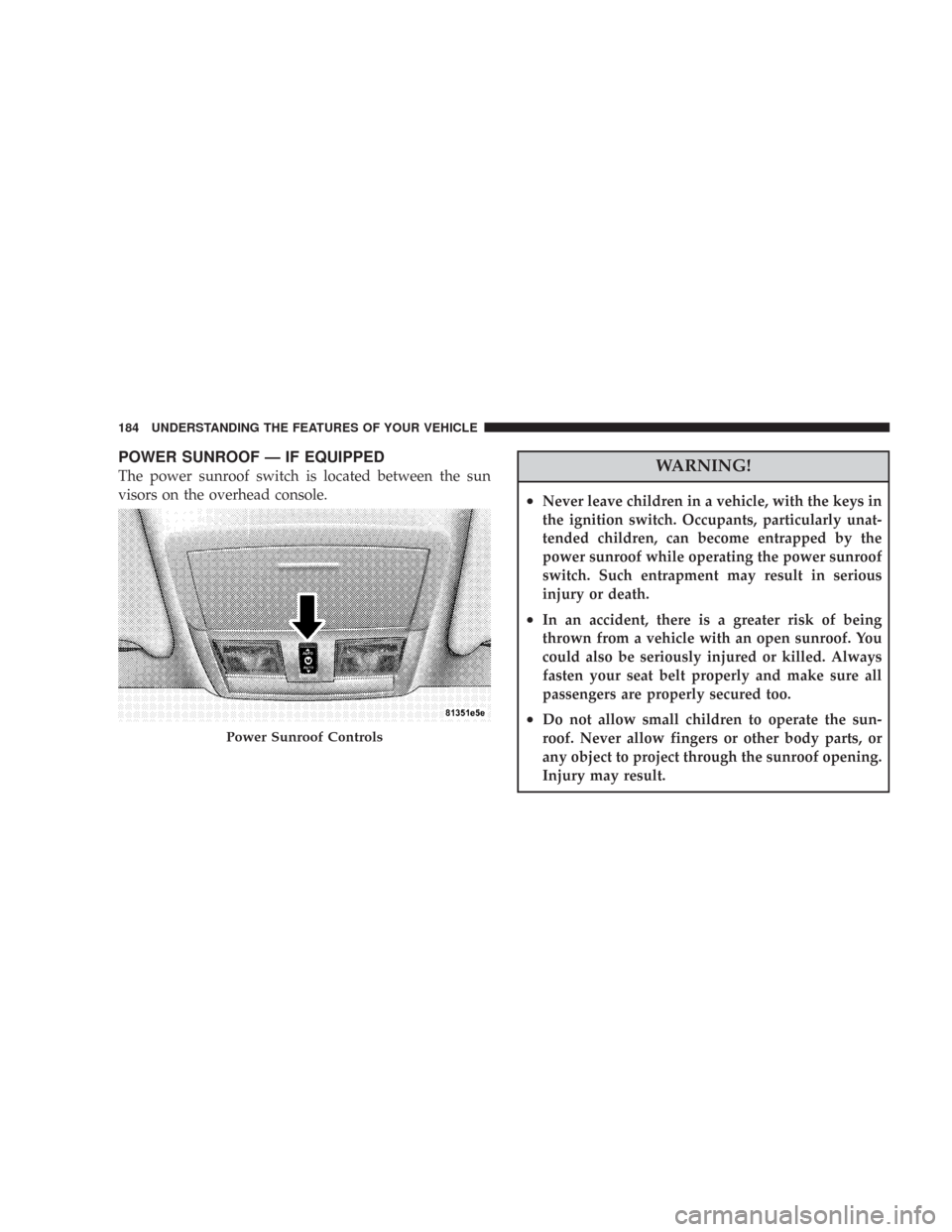
POWER SUNROOF — IF EQUIPPED
The power sunroof switch is located between the sun
visors on the overhead console.WARNING!
•Never leave children in a vehicle, with the keys in
the ignition switch. Occupants, particularly unat-
tended children, can become entrapped by the
power sunroof while operating the power sunroof
switch. Such entrapment may result in serious
injury or death.
•In an accident, there is a greater risk of being
thrown from a vehicle with an open sunroof. You
could also be seriously injured or killed. Always
fasten your seat belt properly and make sure all
passengers are properly secured too.
•Do not allow small children to operate the sun-
roof. Never allow fingers or other body parts, or
any object to project through the sunroof opening.
Injury may result.
Power Sunroof Controls
184 UNDERSTANDING THE FEATURES OF YOUR VEHICLE
Page 186 of 519

Sunshade Operation
The sunshade can be opened manually. However, the
sunshade will open automatically as the sunroof opens.
NOTE:The sunshade cannot be closed if the sunroof is
open.
Wind Buffeting
Wind buffeting can be described as the perception of
pressure on the ears or a helicopter type sound in the
ears. Your vehicle may exhibit wind buffeting with the
windows down, or the sunroof (if equipped) in certain
open or partially open positions. This is a normal occur-
rence and can be minimized. If the buffeting occurs with
the rear windows open, then open the front and rear
windows together to minimize the buffeting. If the
buffeting occurs with the sunroof open, then adjust the
sunroof opening to minimize the buffeting or open any
window.
Sunroof Maintenance
Use only a non-abrasive cleaner and a soft cloth to clean
the glass panel.
Ignition Off Operation
For vehicles not equipped with the Electronic Vehicle
Information Center (EVIC), the power sunroof switch
will remain active for 10 minutes after the ignition switch
is turned off. Opening either front door will cancel this
feature.
For vehicles equipped with the EVIC, the power sunroof
switch will remain active for up to 60 minutes after the
ignition switch is turned off. Opening either front door
will cancel this feature. The time is programmable. For
details, refer to “Delay Power Off to Accessories Until
Exit,” under “Personal Settings (Customer Program-
mable Features),” under “Electronic Vehicle Information
Center (EVIC)” in Section 4 of this manual.
186 UNDERSTANDING THE FEATURES OF YOUR VEHICLE
Page 187 of 519
Sunroof Fully Closed
Press the switch forward and release to ensure that the
sunroof is fully closed.
ELECTRICAL POWER OUTLETS
There are two 12-volt electrical outlets on this vehicle.
Both of the outlets are protected by a fuse.
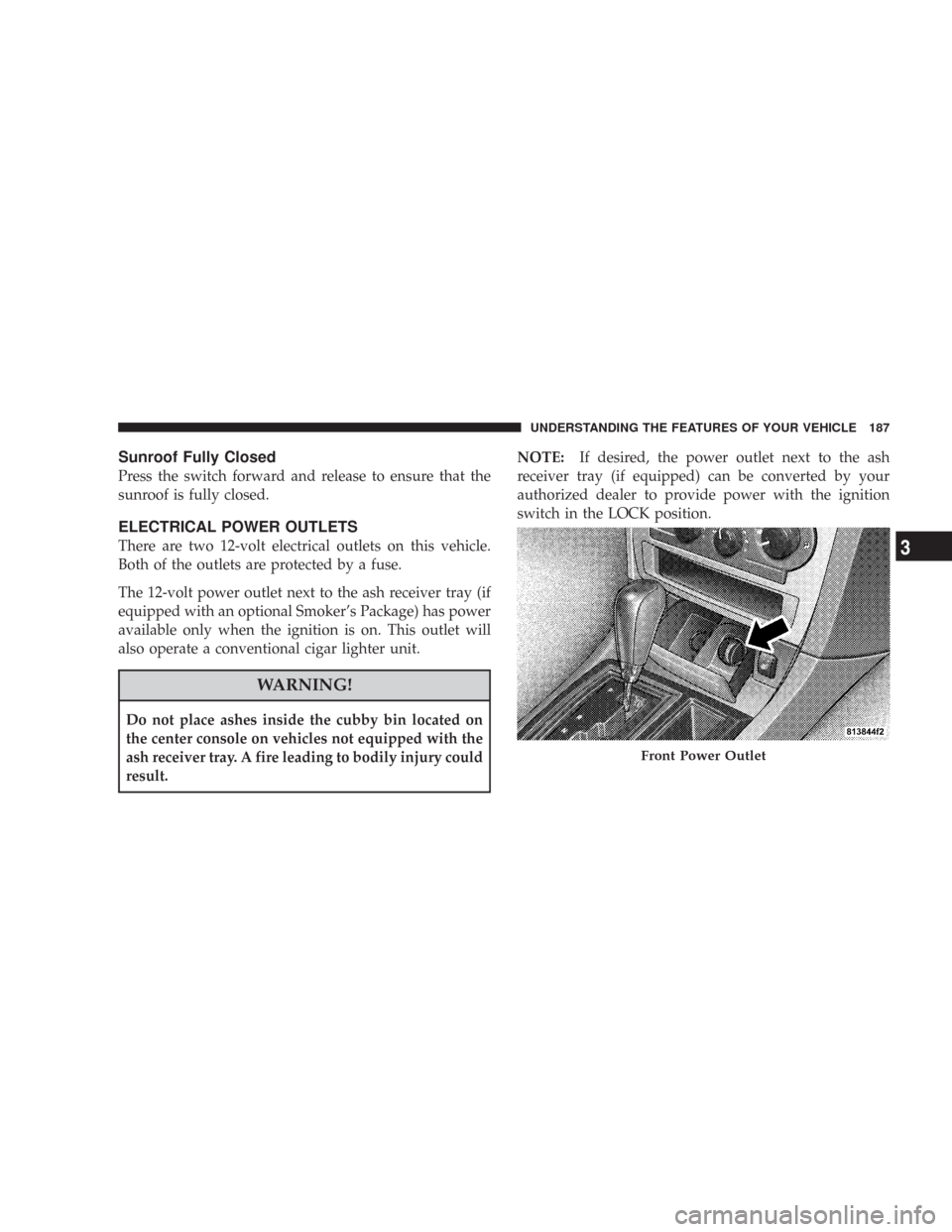
The 12-volt power outlet next to the ash receiver tray (if
equipped with an optional Smoker’s Package) has power
available only when the ignition is on. This outlet will
also operate a conventional cigar lighter unit.
WARNING!
Do not place ashes inside the cubby bin located on
the center console on vehicles not equipped with the
ash receiver tray. A fire leading to bodily injury could
result.NOTE:If desired, the power outlet next to the ash
receiver tray (if equipped) can be converted by your
authorized dealer to provide power with the ignition
switch in the LOCK position.
Front Power Outlet
UNDERSTANDING THE FEATURES OF YOUR VEHICLE 187
3
Page 199 of 519
INSTRUMENT PANEL AND CONTROLS
1 — Air Outlet 6 — Glove Box 11 — Ash Tray* 16 — Headlight Switch
2 — Instrument Cluster 7 — Radio 12 — Storage Compartment* * If Equipped
3 — Hazard Switch 8 — Climate Control 13 — Ignition Switch
4 — Analog Clock 9 — Heated Seat Switch* 14 — Hood Release
5 — Electronic Stability Program Off Button* /
Traction Control System Off Button*10 — Power Outlet 15 — Trunk Release SwitchUNDERSTANDING YOUR INSTRUMENT PANEL 199
4