2008 CHEVROLET MALIBU service
[x] Cancel search: servicePage 210 of 412
XM Radio Messages
XL (Explicit Language Channels):These channels, or
any others, can be blocked at a customer’s request,
by calling 1-800-852-XMXM (9696).
XM Updating:The encryption code in the receiver is
being updated, and no action is required. This process
should take no longer than 30 seconds.
No XM Signal:The system is functioning correctly, but
the vehicle is in a location that is blocking the XM™
signal. When you move into an open area, the signal
should return.
Loading XM:The audio system is acquiring and
processing audio and text data. No action is needed.
This message should disappear shortly.
Channel Off Air:This channel is not currently in
service. Tune to another channel.
Channel Unavail:This previously assigned channel is
no longer assigned. Tune to another station. If this
station was one of the presets, choose another station
for that preset button.
No Artist Info:No artist information is available at this
time on this channel. The system is working properly.
No Title Info:No song title information is available
at this time on this channel. The system is working
properly.No CAT Info:No category information is available at
this time on this channel. The system is working
properly.
No Information:No text or informational messages are
available at this time on this channel. The system is
working properly.
CAT Not Found:There are no channels available for
the selected category. The system is working properly.
XM TheftLocked:The XM receiver in the vehicle
could have previously been in another vehicle. For
security purposes, XM receivers cannot be swapped
between vehicles. If this message appears after having
your vehicle serviced, check with your dealer/retailer.
XM Radio ID:If tuned to channel 0, this message
alternates with the XM Radio eight digit radio ID label.
This label is needed to activate the service.
Unknown:If this message is received when tuned to
channel 0, there could be a receiver fault. Consult
with your dealer/retailer.
Check XM Receivr:If this message does not clear
within a short period of time, the receiver could have a
fault. Consult with your dealer/retailer.
XM Not Available:If this message does not clear
within a short period of time, the receiver could have a
fault. Consult with your dealer/retailer.
3-78
Page 212 of 412
Radio Reception
Frequency interference and static can occur during
normal radio reception if items such as cell phone
chargers, vehicle convenience accessories, and external
electronic devices are plugged into the accessory
power outlet. If there is interference or static, unplug the
item from the accessory power outlet.
AM
The range for most AM stations is greater than for FM,
especially at night. The longer range can cause station
frequencies to interfere with each other. For better radio
reception, most AM radio stations boost the power levels
during the day, and then reduce these levels during the
night. Static can also occur when things like storms and
power lines interfere with radio reception. When this
happens, try reducing the treble on the radio.
FM Stereo
FM stereo gives the best sound, but FM signals only
reach about 10 to 40 miles (16 to 65 km). Tall buildings
or hills can interfere with FM signals, causing the
sound to fade in and out.
XM™ Satellite Radio Service
XM Satellite Radio Service gives digital radio reception
from coast-to-coast in the 48 contiguous United
States, and in Canada. Just as with FM, tall buildings or
hills can interfere with satellite radio signals, causing
the sound to fade in and out. In addition, traveling
or standing under heavy foliage, bridges, garages, or
through tunnels could cause loss of the XM signal for a
period of time. The radio may display NO XM SIGNAL
to indicate interference.
3-80
Page 220 of 412
Traction Control System (TCS)
Your vehicle may have a Traction Control System (TCS)
that limits wheel spin. This is especially useful in slippery
road conditions. The system operates only if it senses
that the front wheels are spinning too much or are
beginning to lose traction. When this happens, the
system works the front brakes and reduces engine
power by closing the throttle and managing engine
spark to limit wheel spin.
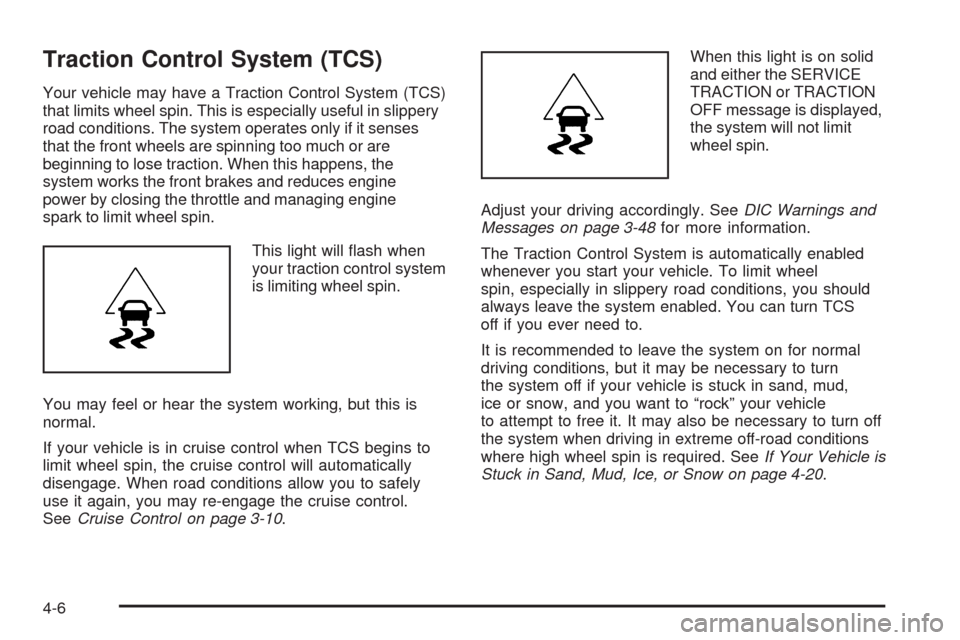
This light will ash when
your traction control system
is limiting wheel spin.
You may feel or hear the system working, but this is
normal.
If your vehicle is in cruise control when TCS begins to
limit wheel spin, the cruise control will automatically
disengage. When road conditions allow you to safely
use it again, you may re-engage the cruise control.
SeeCruise Control on page 3-10.When this light is on solid
and either the SERVICE
TRACTION or TRACTION
OFF message is displayed,
the system will not limit
wheel spin.
Adjust your driving accordingly. SeeDIC Warnings and
Messages on page 3-48for more information.
The Traction Control System is automatically enabled
whenever you start your vehicle. To limit wheel
spin, especially in slippery road conditions, you should
always leave the system enabled. You can turn TCS
off if you ever need to.
It is recommended to leave the system on for normal
driving conditions, but it may be necessary to turn
the system off if your vehicle is stuck in sand, mud,
ice or snow, and you want to “rock” your vehicle
to attempt to free it. It may also be necessary to turn off
the system when driving in extreme off-road conditions
where high wheel spin is required. SeeIf Your Vehicle is
Stuck in Sand, Mud, Ice, or Snow on page 4-20.
4-6
Page 221 of 412
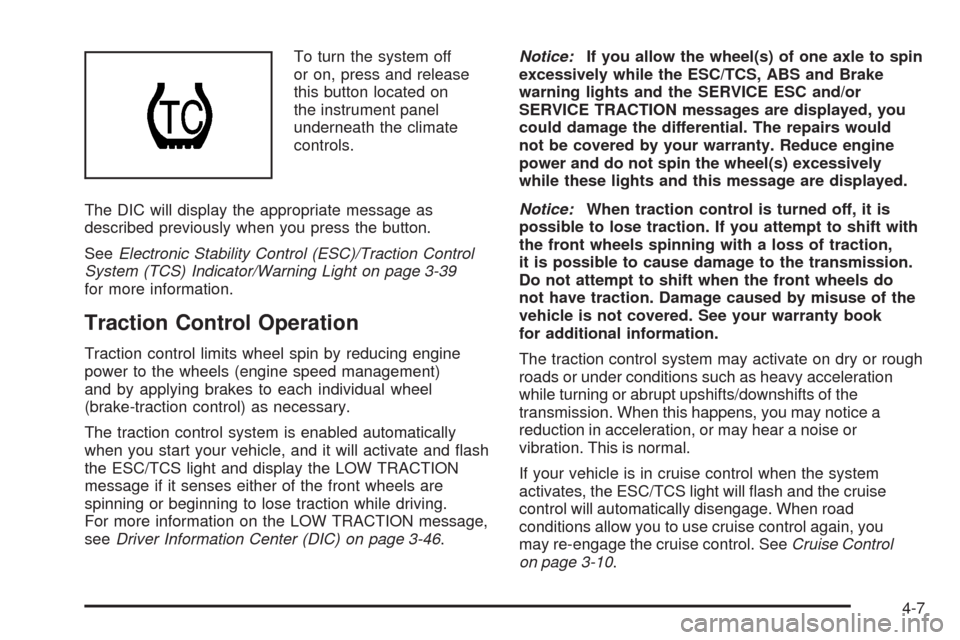
To turn the system off
or on, press and release
this button located on
the instrument panel
underneath the climate
controls.
The DIC will display the appropriate message as
described previously when you press the button.
SeeElectronic Stability Control (ESC)/Traction Control
System (TCS) Indicator/Warning Light on page 3-39
for more information.
Traction Control Operation
Traction control limits wheel spin by reducing engine
power to the wheels (engine speed management)
and by applying brakes to each individual wheel
(brake-traction control) as necessary.
The traction control system is enabled automatically
when you start your vehicle, and it will activate and ash
the ESC/TCS light and display the LOW TRACTION
message if it senses either of the front wheels are
spinning or beginning to lose traction while driving.
For more information on the LOW TRACTION message,
seeDriver Information Center (DIC) on page 3-46.Notice:If you allow the wheel(s) of one axle to spin
excessively while the ESC/TCS, ABS and Brake
warning lights and the SERVICE ESC and/or
SERVICE TRACTION messages are displayed, you
could damage the differential. The repairs would
not be covered by your warranty. Reduce engine
power and do not spin the wheel(s) excessively
while these lights and this message are displayed.
Notice:When traction control is turned off, it is
possible to lose traction. If you attempt to shift with
the front wheels spinning with a loss of traction,
it is possible to cause damage to the transmission.
Do not attempt to shift when the front wheels do
not have traction. Damage caused by misuse of the
vehicle is not covered. See your warranty book
for additional information.
The traction control system may activate on dry or rough
roads or under conditions such as heavy acceleration
while turning or abrupt upshifts/downshifts of the
transmission. When this happens, you may notice a
reduction in acceleration, or may hear a noise or
vibration. This is normal.
If your vehicle is in cruise control when the system
activates, the ESC/TCS light will ash and the cruise
control will automatically disengage. When road
conditions allow you to use cruise control again, you
may re-engage the cruise control. SeeCruise Control
on page 3-10.
4-7
Page 222 of 412
Adding non-dealer/non-retailer accessories can affect
your vehicle’s performance. SeeAccessories and
Modifications on page 5-3for more information.
Electronic Stability Control (ESC)
Your vehicle may have an Electronic Stability Control
(ESC) system which combines antilock brake, traction
and stability control systems and helps the driver
maintain directional control of the vehicle in most driving
conditions.
When you rst start your vehicle and begin to drive
away, the system performs several diagnostic checks to
ensure there are no problems. You may hear or feel the
system working. This is normal and does not mean there
is a problem with your vehicle. The system should
initialize before the vehicle reaches 20 mph (32 km/h).
If the system fails to turn on or activate, the ESC/TCS
light will be on solid, and the ESC OFF or SERVICE
ESC message will be displayed.
For more information, seeDriver Information Center
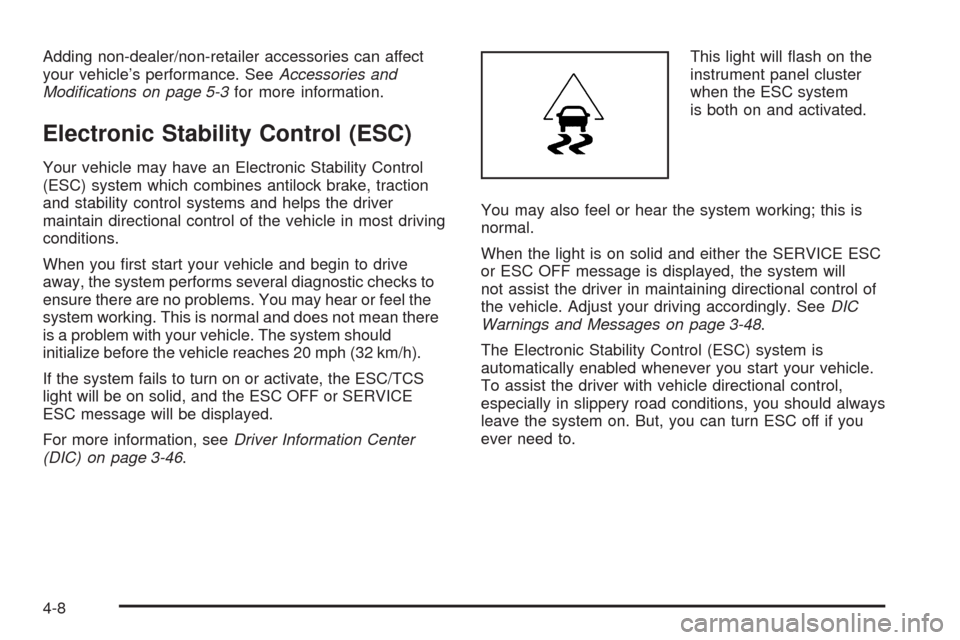
(DIC) on page 3-46.This light will ash on the
instrument panel cluster
when the ESC system
is both on and activated.
You may also feel or hear the system working; this is
normal.
When the light is on solid and either the SERVICE ESC
or ESC OFF message is displayed, the system will
not assist the driver in maintaining directional control of
the vehicle. Adjust your driving accordingly. SeeDIC
Warnings and Messages on page 3-48.
The Electronic Stability Control (ESC) system is
automatically enabled whenever you start your vehicle.
To assist the driver with vehicle directional control,
especially in slippery road conditions, you should always
leave the system on. But, you can turn ESC off if you
ever need to.
4-8
Page 223 of 412
If the vehicle is in cruise control when the system
begins to assist the driver maintain directional control
of the vehicle, the ESC/TCS light will ash and the
cruise control will automatically disengage. When road
conditions allow you to use cruise again, you may
re-engage the cruise control. SeeCruise Control on
page 3-10.
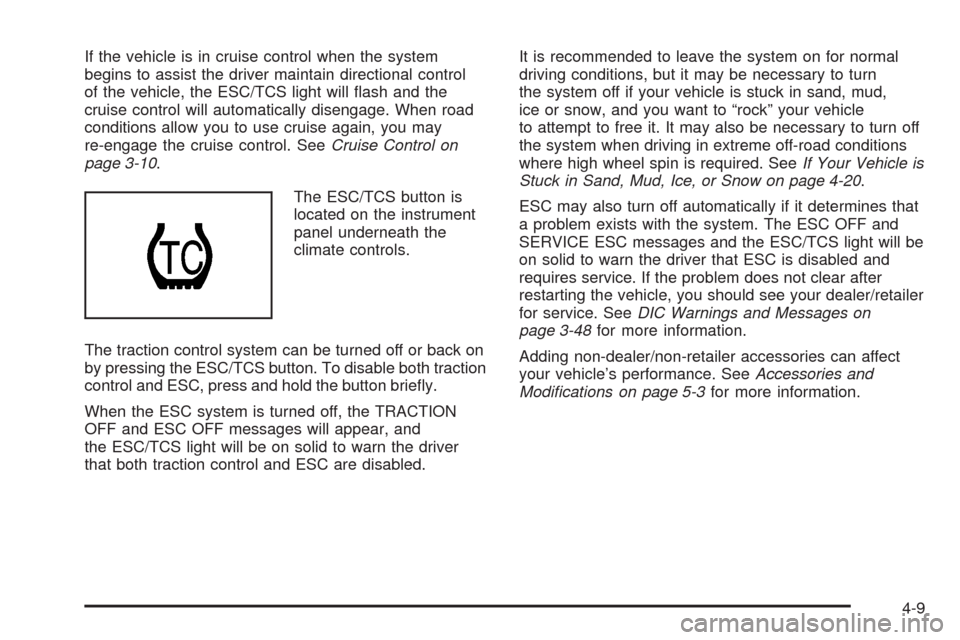
The ESC/TCS button is
located on the instrument
panel underneath the
climate controls.
The traction control system can be turned off or back on
by pressing the ESC/TCS button. To disable both traction
control and ESC, press and hold the button briey.
When the ESC system is turned off, the TRACTION
OFF and ESC OFF messages will appear, and
the ESC/TCS light will be on solid to warn the driver
that both traction control and ESC are disabled.It is recommended to leave the system on for normal
driving conditions, but it may be necessary to turn
the system off if your vehicle is stuck in sand, mud,
ice or snow, and you want to “rock” your vehicle
to attempt to free it. It may also be necessary to turn off
the system when driving in extreme off-road conditions
where high wheel spin is required. SeeIf Your Vehicle is
Stuck in Sand, Mud, Ice, or Snow on page 4-20.
ESC may also turn off automatically if it determines that
a problem exists with the system. The ESC OFF and
SERVICE ESC messages and the ESC/TCS light will be
on solid to warn the driver that ESC is disabled and
requires service. If the problem does not clear after
restarting the vehicle, you should see your dealer/retailer
for service. SeeDIC Warnings and Messages on
page 3-48for more information.
Adding non-dealer/non-retailer accessories can affect
your vehicle’s performance. SeeAccessories and
Modifications on page 5-3for more information.
4-9
Page 224 of 412
Panic Brake Assist
Your vehicle may have a panic brake assist system that
monitors the intention of the driver while braking. If the
system senses that the driver has applied hard/fast
pressure to the brake pedal, the system will generate
additional pressure, making it easier for the driver to
maintain brake application. When this happens the brake
pedal will feel easier to push. Just hold the brake pedal
down rmly and let the system work for you. You may feel
the brakes vibrate, or you may notice some noise but this
is normal. The brakes will return to normal operation after
the brake pedal has been released.
Steering
Electric Power Steering
If your vehicle has the electric power steering system
and the engine stalls while you are driving, the power
steering assist system will continue to operate until you
are able to stop your vehicle. If you lose power steering
assist because the electric power steering system is not
functioning, you can steer, but it will take more effort.If you turn the steering wheel in either direction several
times until it stops, or hold the steering wheel in the
stopped position for an extended amount of time, you
may notice a reduced amount of power steering
assist. The normal amount of power steering assist
should return shortly after a few normal steering
movements.
The electric power steering system does not require
regular maintenance. If you suspect steering system
problems, contact your dealer/retailer for service repairs.
SeeDIC Warnings and Messages on page 3-48.
Hydraulic Power Steering
If your vehicle has the hydraulic power steering system
and you lose power steering assist because the engine
stops or the power steering system is not functioning, you
can steer, but it will take much more effort.
4-10
Page 230 of 412
Hydroplaning
Hydroplaning is dangerous. Water can build up under
your vehicle’s tires so they actually ride on the
water. This can happen if the road is wet enough and
you are going fast enough. When your vehicle is
hydroplaning, it has little or no contact with the road.
There is no hard and fast rule about hydroplaning.
The best advice is to slow down when the road is wet.
Other Rainy Weather Tips
Besides slowing down, other wet weather driving tips
include:
Allow extra following distance.
Pass with caution.
Keep windshield wiping equipment in good shape.
Keep the windshield washer uid reservoir lled.
Have good tires with proper tread depth. SeeTires
on page 5-52.
Turn off cruise control, if equipped.
Before Leaving on a Long Trip
To prepare your vehicle for a long trip, consider having
it serviced by your dealer/retailer before departing.
Things to check on your own include:
Windshield Washer Fluid:Reservoir full? Windows
clean — inside and outside?
Wiper Blades:In good shape?
Fuel, Engine Oil, Other Fluids:All levels checked?
Lamps:Do they all work and are lenses clean?
Tires:Are treads good? Are tires inated to
recommended pressure?
Weather and Maps:Safe to travel? Have
up-to-date maps?
Highway Hypnosis
Always be alert and pay attention to your surroundings
while driving. If you become tired or sleepy, nd a
safe place to park your vehicle and rest.
Other driving tips include:
Keep the vehicle well ventilated.
Keep interior temperature cool.
4-16