2008 CHEVROLET CORVETTE traction control
[x] Cancel search: traction controlPage 208 of 432
TRACTION SYSTEM ACTIVE
This message displays when the Traction Control
System (TCS) is limiting wheel spin. Slippery road
conditions may exist if this message is displayed, so
adjust your driving accordingly. The message stays on
for a few seconds after the TCS stops limiting wheel
spin. SeeTraction Control System (TCS) on page 4-6
for more information.
TRACTION SYSTEM AND ACTIVE
HANDLING – OFF
This message displays, the instrument panel cluster
light turns on, and a chime sounds when the Traction
Control System (TCS) and Active Handling System
are turned off by pressing the Active Handling System
button on the console for ve seconds. The Antilock
Brake System (ABS) remains on with the TCS and
Active Handling System off. Adjust your driving
accordingly. SeeTraction Control System (TCS) on
page 4-6andActive Handling System on page 4-7
for more information.
To acknowledge this message, press the RESET
button.
TRACTION SYSTEM AND ACTIVE
HANDLING – ON
If the Traction Control System (TCS) and Active
Handling System are off, this message displays briey,
the instrument panel cluster light turns off, and a
chime sounds when the TCS and Active Handling
System are turned on by briey pressing the Active
Handling System button on the console. SeeTraction
Control System (TCS) on page 4-6andActive Handling
System on page 4-7for more information.
TRACTION SYSTEM – OFF
This message displays and stays on, a single, quick
tone sounds, and the traction control system (TCS)
warning light on the instrument panel cluster turns on
when the TCS is turned off by pressing the Active
Handling System button on the console. SeeTraction
Control System (TCS) Warning Light on page 3-42.
SeeTraction Control System (TCS) on page 4-6
for more information.
To acknowledge the message, press the RESET button.
3-72
Page 209 of 432

TRACTION SYSTEM – ON
This message displays and a single, quick tone sounds
when the Traction Control System (TCS) is turned
on by pressing the Active Handling System button on
the console. This message automatically clears from the
DIC display on its own. SeeTraction Control System
(TCS) on page 4-6for more information.
TRANSMISSION HOT IDLE ENGINE
This message displays and four chimes sound if the
transmission uid temperature rises above 270°F
(132°C) or rises rapidly. The transmission may shift
gears or apply the torque converter clutch to reduce the
uid temperature. Driving aggressively or driving on
long hills can cause the transmission uid temperature
to be higher than normal. If this message appears,
you may continue to drive at a slower speed. Monitor
the transmission uid temperature and allow it to cool
to at least 230°F (110°C). The transmission uid
temperature can be monitored with the gages button on
the DIC. SeeDIC Operation and Displays on page 3-52
andAutomatic Transmission Fluid on page 5-27.
Also check the engine coolant temperature. If it is also
hot, seeEngine Overheating on page 5-31.
If this message is displayed during normal vehicle
operation on at roads, your vehicle may need service.
See your dealer/retailer for an inspection.If driving in a performance or competitive manner,
the use of (S) Sport Automatic Mode or (S) Sport
Manual Paddle Shift gear selection is recommended.
SeeAutomatic Transmission Operation on page 2-26
for more information.
To acknowledge the message, press the RESET button.
The message reappears every 10 minutes until this
condition changes. If you do not press the RESET
button, the message remains on the display until the
condition changes.TURN SIGNAL ON
This message displays and a chime sounds if a turn
signal is left on for three-quarters of a mile (1.2 km).
Move the turn signal/multifunction lever to the off
position.
To acknowledge this message, press the RESET
button.
UNLATCH HEADER TO MOVE TOP
This message displays and a chime sounds if you try to
lower the convertible top without rst unlocking the
top. Move the latch handle to unlock the convertible top.
SeeConvertible Top (Manual) on page 2-62or
Convertible Top (Power) on page 2-68.
3-73
Page 220 of 432
Audio System(s)
Determine which radio your vehicle has and then read
the pages following to familiarize yourself with its
features.
{CAUTION:
This system provides you with far greater
access to audio stations and song listings.
Giving extended attention to entertainment
tasks while driving can cause a crash and you
or others can be injured or killed. Always keep
your eyes on the road and your mind on the
drive — avoid engaging in extended searching
while driving.
Keeping your mind on the drive is important for
safe driving. SeeDefensive Driving on page 4-2.
Here are some ways in which you can help avoid
distraction while driving.While your vehicle is parked:
Familiarize yourself with all of its controls.
Familiarize yourself with its operation.
Set up your audio system by presetting your
favorite radio stations, setting the tone, and
adjusting the speakers. Then, when driving
conditions permit, you can tune to your favorite
radio stations using the presets and steering wheel
controls if the vehicle has them.
Notice:Before adding any sound equipment to
your vehicle, such as an audio system, CD player,
CB radio, mobile telephone, or two-way radio, make
sure that it can be added by checking with your
dealer/retailer. Also, check federal rules covering
mobile radio and telephone units. If sound
equipment can be added, it is very important to do
it properly. Added sound equipment may interfere
with the operation of your vehicle’s engine, radio,
or other systems, and even damage them. Your
vehicle’s systems may interfere with the operation
of sound equipment that has been added.
Your vehicle has a feature called Retained Accessory
Power (RAP). With RAP, the audio system can be
played even after the ignition is turned off. SeeRetained
Accessory Power (RAP) on page 2-23for more
information.
3-84
Page 239 of 432
Navigation/Radio System
Your vehicle may have a navigation radio system.
The navigation system has built-in features intended to
minimize driver distraction. Technology alone, no
matter how advanced, can never replace your own
judgment. See the Navigation System manual for some
tips to help you reduce distractions while driving.
Theft-Deterrent Feature
THEFTLOCK®is designed to discourage theft of your
vehicle’s radio. The feature works automatically by
learning a portion of the Vehicle Identication Number
(VIN). If the radio is moved to a different vehicle, it
will not operate and LOCKED will appear on the display.
With THEFTLOCK
®activated, the radio will not
operate if stolen.
Your radio has a blinking indicator light located on the
upper left side of the radio. The indicator light is used
to show that the theft-deterrent feature mode is set.
The blinking indicator light will only ash when the
ignition is in the off position.
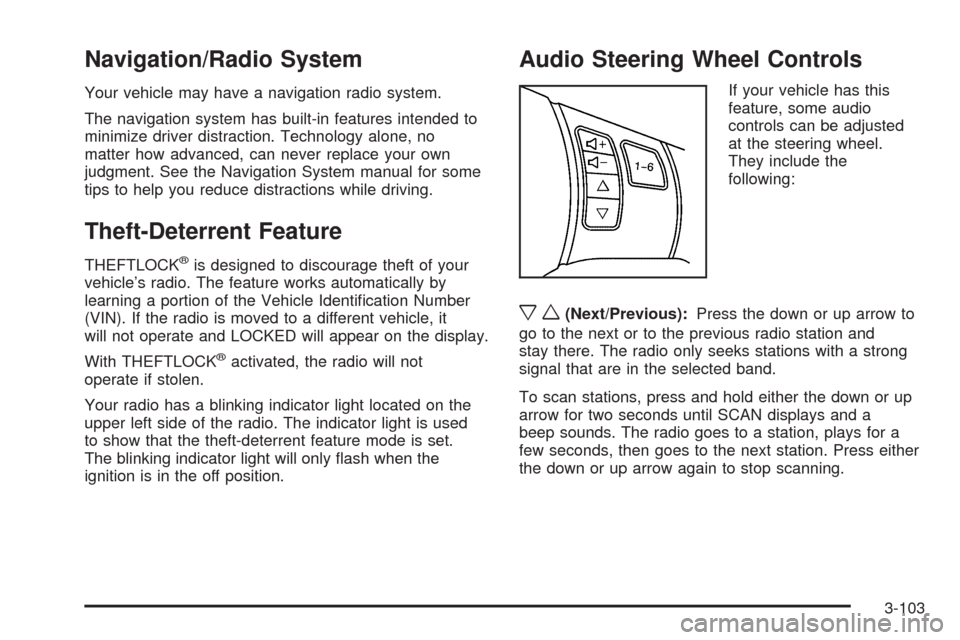
Audio Steering Wheel Controls
If your vehicle has this
feature, some audio
controls can be adjusted
at the steering wheel.
They include the
following:
xw(Next/Previous):Press the down or up arrow to
go to the next or to the previous radio station and
stay there. The radio only seeks stations with a strong
signal that are in the selected band.
To scan stations, press and hold either the down or up
arrow for two seconds until SCAN displays and a
beep sounds. The radio goes to a station, plays for a
few seconds, then goes to the next station. Press either
the down or up arrow again to stop scanning.
3-103
Page 243 of 432

Your Driving, the Road, and the Vehicle............4-2
Defensive Driving...........................................4-2
Drunk Driving.................................................4-2
Control of a Vehicle........................................4-3
Braking.........................................................4-4
Antilock Brake System (ABS)...........................4-5
Braking in Emergencies...................................4-5
Traction Control System (TCS).........................4-6
Active Handling System...................................4-7
Limited-Slip Rear Axle.....................................4-9
Selective Ride Control...................................4-10
Steering......................................................4-11
Off-Road Recovery.......................................4-13
Passing.......................................................4-13
Loss of Control.............................................4-13Racing or Other Competitive Driving................4-15
Driving at Night............................................4-16
Driving in Rain and on Wet Roads..................4-16
Before Leaving on a Long Trip.......................4-18
Highway Hypnosis........................................4-18
Hill and Mountain Roads................................4-18
Winter Driving..............................................4-19
If Your Vehicle is Stuck in Sand, Mud, Ice,
or Snow...................................................4-23
Rocking Your Vehicle to Get It Out.................4-24
Loading the Vehicle......................................4-24
Towing..........................................................4-29
Towing Your Vehicle.....................................4-29
Recreational Vehicle Towing...........................4-29
Towing a Trailer...........................................4-29
Section 4 Driving Your Vehicle
4-1
Page 245 of 432
Alcohol affects four things that anyone needs to drive a
vehicle: judgment, muscular coordination, vision, and
attentiveness.
Police records show that almost 40 percent of all motor
vehicle-related deaths involve alcohol. In most cases,
these deaths are the result of someone who was
drinking and driving. In recent years, more than
17,000 annual motor vehicle-related deaths have been
associated with the use of alcohol, with about
250,000 people injured.
For persons under 21, it is against the law in every
U.S. state to drink alcohol. There are good medical,
psychological, and developmental reasons for
these laws.
The obvious way to eliminate the leading highway
safety problem is for people never to drink alcohol and
then drive.Medical research shows that alcohol in a person’s
system can make crash injuries worse, especially
injuries to the brain, spinal cord, or heart. This means
that when anyone who has been drinking — driver
or passenger — is in a crash, that person’s chance of
being killed or permanently disabled is higher than if the
person had not been drinking.
Control of a Vehicle
The following three systems help to control your vehicle
while driving — brakes, steering, and accelerator.
At times, as when driving on snow or ice, it is easy to
ask more of those control systems than the tires
and road can provide. Meaning, you can lose control of
your vehicle. SeeTraction Control System (TCS) on
page 4-6andActive Handling System on page 4-7.
Adding non-dealer/non-retailer accessories can
affect your vehicle’s performance. SeeAccessories
and Modifications on page 5-3.
4-3
Page 248 of 432
Traction Control System (TCS)
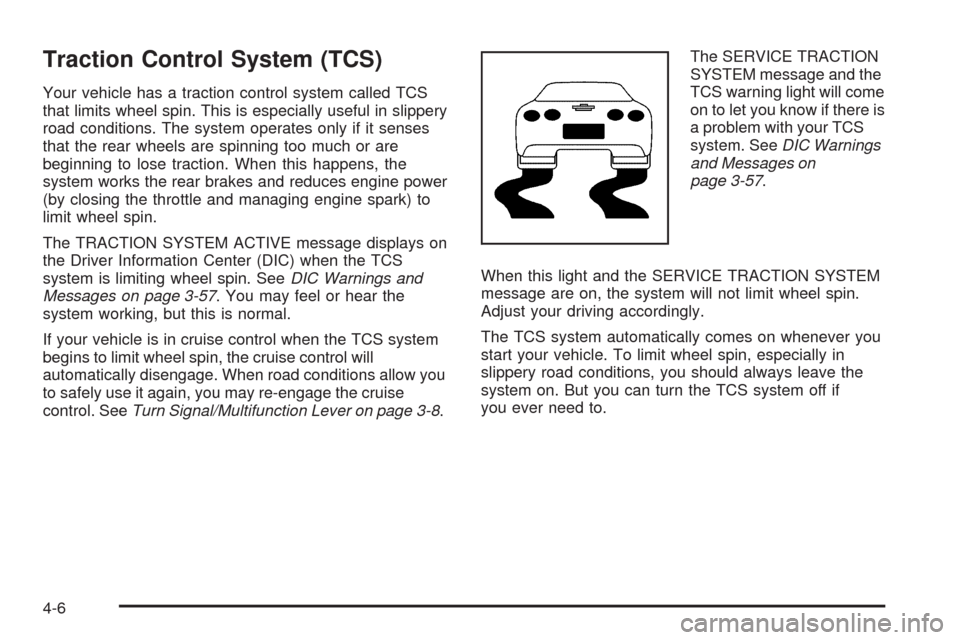
Your vehicle has a traction control system called TCS
that limits wheel spin. This is especially useful in slippery
road conditions. The system operates only if it senses
that the rear wheels are spinning too much or are
beginning to lose traction. When this happens, the
system works the rear brakes and reduces engine power
(by closing the throttle and managing engine spark) to
limit wheel spin.
The TRACTION SYSTEM ACTIVE message displays on
the Driver Information Center (DIC) when the TCS
system is limiting wheel spin. SeeDIC Warnings and
Messages on page 3-57. You may feel or hear the
system working, but this is normal.
If your vehicle is in cruise control when the TCS system
begins to limit wheel spin, the cruise control will
automatically disengage. When road conditions allow you
to safely use it again, you may re-engage the cruise
control. SeeTurn Signal/Multifunction Lever on page 3-8.The SERVICE TRACTION
SYSTEM message and the
TCS warning light will come
on to let you know if there is
a problem with your TCS
system. SeeDIC Warnings
and Messages on
page 3-57.
When this light and the SERVICE TRACTION SYSTEM
message are on, the system will not limit wheel spin.
Adjust your driving accordingly.
The TCS system automatically comes on whenever you
start your vehicle. To limit wheel spin, especially in
slippery road conditions, you should always leave the
system on. But you can turn the TCS system off if
you ever need to.
4-6
Page 249 of 432
To turn the system off,
press the button located
on the console.
You can turn the system on or off at any time by
pressing the ACTIVE HANDLING button. The DIC will
display the appropriate message when you push
the button.
Notice:When traction control is turned off, or
Competitive Driving Mode is active, it is possible to
lose traction. If you attempt to shift with the rear
wheels spinning with a loss of traction, it is possible
to cause damage to the transmission. Do not attempt
to shift when the rear wheels do not have traction.
Damage caused by misuse of the vehicle is not
covered. See your warranty book for additional
information.
Adding non-dealer/non-retailer accessories can affect
your vehicle’s performance. SeeAccessories and
Modifications on page 5-3for more information.Active Handling System
The Active Handling System is a computer controlled
system that helps the driver maintain directional control
of the vehicle in difficult driving conditions. This is
accomplished by selectively applying any one of the
vehicle’s brakes.
When you rst start your vehicle during cold winter
weather and begin to drive away, the message ACTIVE
HANDLING WARMING UP may be displayed in the
DIC. This is normal. You can acknowledge this message
by pressing the RESET button. The Active Handling
System performance is affected until the message,
ACTIVE HANDLING READY, is displayed in the DIC.
The ACTIVE HANDLING CALIBRATING message may
be displayed in the DIC and the instrument panel
cluster light will be on after exceeding 18 mph (30 km/h)
for 10 seconds. The Active Handling System is off
until the ACTIVE HANDLING READY message
is displayed. This could take up to 15 minutes.
The ACTIVE HANDLING message will come on when
the system is operating. SeeDIC Warnings and
Messages on page 3-57for more information. You may
also feel or hear the system working. This is normal.
4-7