2008 AUDI S5 tow
[x] Cancel search: towPage 116 of 294
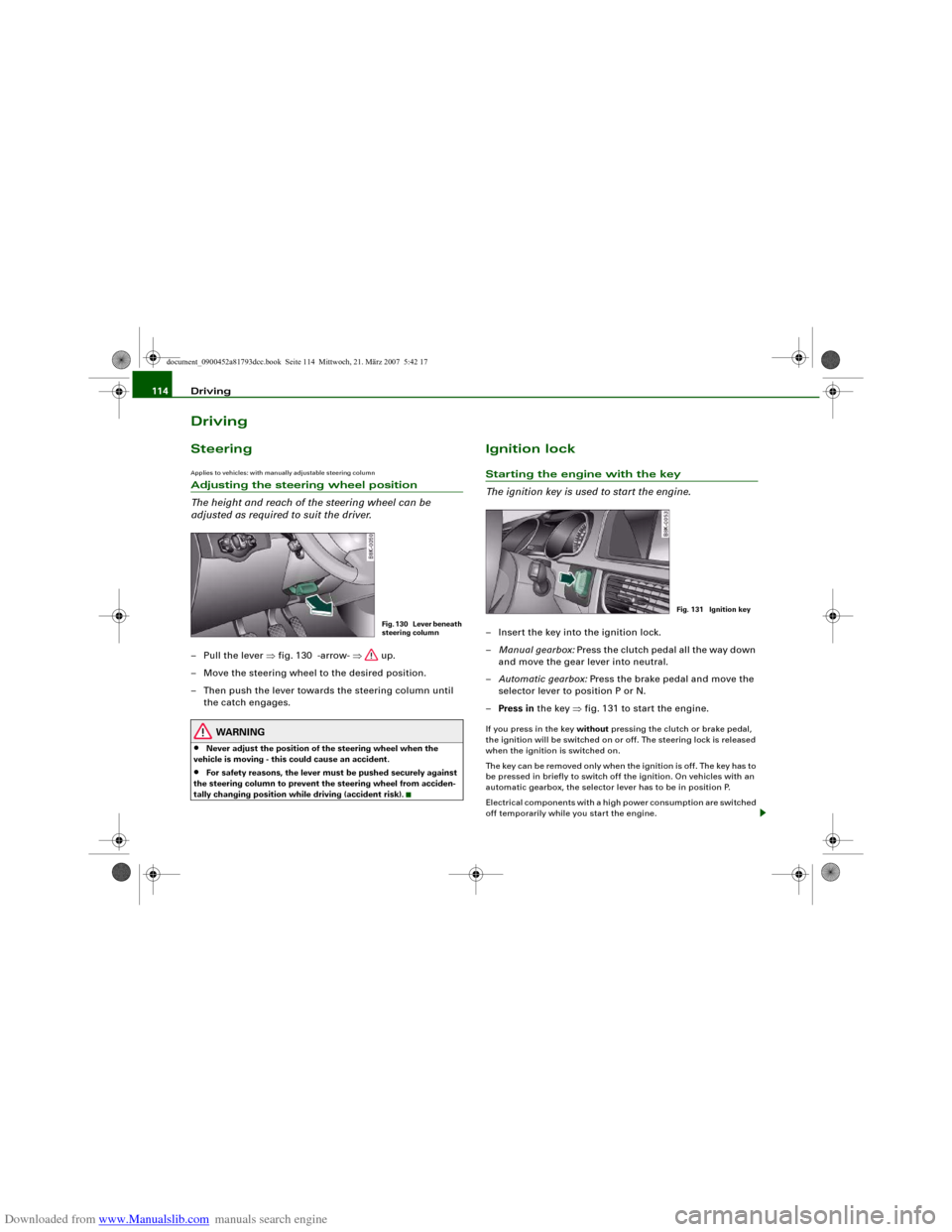
Downloaded from www.Manualslib.com manuals search engine Driving 114DrivingSteeringApplies to vehicles: with manually adjustable steering columnAdjusting the steering wheel position
The height and reach of the steering wheel can be
adjusted as required to suit the driver.– Pull the lever ⇒fig. 130 -arrow- ⇒ up.
– Move the steering wheel to the desired position.
– Then push the lever towards the steering column until
the catch engages.
WARNING
•
Never adjust the position of the steering wheel when the
vehicle is moving - this could cause an accident.
•
For safety reasons, the lever must be pushed securely against
the steering column to prevent the steering wheel from acciden-
tally changing position while driving (accident risk).
Ignition lockStarting the engine with the key
The ignition key is used to start the engine.– Insert the key into the ignition lock.
–Manual gearbox: Press the clutch pedal all the way down
and move the gear lever into neutral.
–Automatic gearbox: Press the brake pedal and move the
selector lever to position P or N.
–Press in the key ⇒fig. 131 to start the engine.If you press in the key without pressing the clutch or brake pedal,
the ignition will be switched on or off. The steering lock is released
when the ignition is switched on.
The key can be removed only when the ignition is off. The key has to
be pressed in briefly to switch off the ignition. On vehicles with an
automatic gearbox, the selector lever has to be in position P.
Electrical components with a high power consumption are switched
off temporarily while you start the engine.
Fig. 130 Lever beneath
steering column
Fig. 131 Ignition key
document_0900452a81793dcc.book Seite 114 Mittwoch, 21. März 2007 5:42 17
Page 120 of 294
Downloaded from www.Manualslib.com manuals search engine Driving 118brake the vehicle when the engine is switched off. This would
mean a greater risk of accidents and serious injury, because you
cannot steer and brake in the normal manner.
Caution
•
Avoid high engine speeds, full throttle and extreme load condi-
tions until the engine has reached its normal operating tempera-
ture, otherwise this can damage the engine.
•
The engine cannot be started by push-starting or towing.
•
If the engine has been working hard for a long time, there is a risk
of heat building up in the engine compartment after the engine has
been switched off; this could cause engine damage. For this reason,
you should leave the engine idling for about 2 minutes before
switching it off.
Switching off the engine with the Start/Stop button– Stop the vehicle.
– Automatic gearbox: Move the selector lever to position P
or N.
–Press the Start/Stop button ⇒page 116, fig. 132.Emergency Off function
Should it be necessary in an emergency, the engine can be switched
off when the selector lever is in position R, D or S. To switch off the
engine (max. speed 10 km/h) press and hold the Start/Stop button
and keep your foot on the brake.
WARNING
•
Never switch off the engine until the vehicle is stationary.
•
The brake servo and the power steering system work only
when the engine is running. You need more strength to steer and
brake the vehicle when the engine is switched off. This would
mean a greater risk of accidents and serious injury, because you
cannot steer and brake in the normal manner.Caution
If the engine has been working hard for a long time, there is a risk
of heat building up in the engine compartment after the engine has
been switched off; this could cause engine damage. For this reason,
you should leave the engine idling for about 2 minutes before
switching it off.
Note
After the engine is stopped the radiator fan may run on for up to
10 minutes, even if the ignition is switched off. The fan may also
start running again after some time if the coolant temperature rises
due to a build-up of heat, or if the engine is hot and the engine
compartment is heated up further by direct sunlight.
WARNING (continued)
document_0900452a81793dcc.book Seite 118 Mittwoch, 21. März 2007 5:42 17
Page 123 of 294
Downloaded from www.Manualslib.com manuals search engine Driving121
Controls
Safety
Driving tips
General maintenance
Self-help
Technical data
Note
For safety reasons the parking brake will only release automatically
if the driver's seat belt is engaged in its buckle.Driving away when towing a trailer
Please note the following points to prevent the vehicle
from rolling back unintentionally on a gradient.– Pull and hold the parking brake switch and press the
accelerator. The parking brake will remain engaged and
prevent any tendency to roll back down the slope.
– You can release the parking brake switch as soon as the
engine is delivering enough power to the wheels.Depending on the weight of the vehicle and trailer and the steep-
ness of the slope, there may be a tendency to roll back downhill
when driving away from a standstill. You can prevent this by pulling
out the parking brake switch as you press the accelerator (in the
same way as with a conventional handbrake).Emergency braking function
This feature enables you to stop the vehicle if the main
brake system should fail or if the pedal is obstructed.– Pull out and hold the parking brake switch to stop the
vehicle with the parking brake in an emergency.
– The brakes will be released immediately if you release the
switch or press down the accelerator.If you pull out and hold the parking brake switch at a road speed
above about 8 km/h, this will initiate an emergency brake applica-
tion. The brakes are then applied hydraulically at all four wheels. The effect is the same as an emergency stop (full brake application)
⇒
To prevent the emergency braking function from being used acci-
dentally, a warning buzzer sounds when the switch is operated. The
brakes are released immediately when you release the switch or
press down the accelerator.
WARNING
You should only use the emergency braking function in a real
emergency, for example if the brake system should fail or if the
brake pedal is obstructed. If you use the emergency braking func-
tion by activating the parking brake switch, the effect is similar to
a full brake application (emergency stop). Please remember that
the ESP (with its combined ABS, EDL and traction control func-
tions) is still subject to certain physical limits. In a corner or in bad
road or weather conditions an emergency stop can cause the
vehicle to skid or lose steering control.Driver messages in the instrument cluster displayCaution: Vehicle parked too steep
This message can appear when you apply the parking brake if the
car is parked on a gradient steeper than about 30%.
In this case the parking brake may not be strong enough to prevent
the vehicle from rolling back accidentally.
Please release parking brake
However, please remember that, for safety reasons, the parking
brake will only release automatically if the driver's seat belt is
buckled.
document_0900452a81793dcc.book Seite 121 Mittwoch, 21. März 2007 5:42 17
Page 127 of 294
Downloaded from www.Manualslib.com manuals search engine Driving125
Controls
Safety
Driving tips
General maintenance
Self-help
Technical data
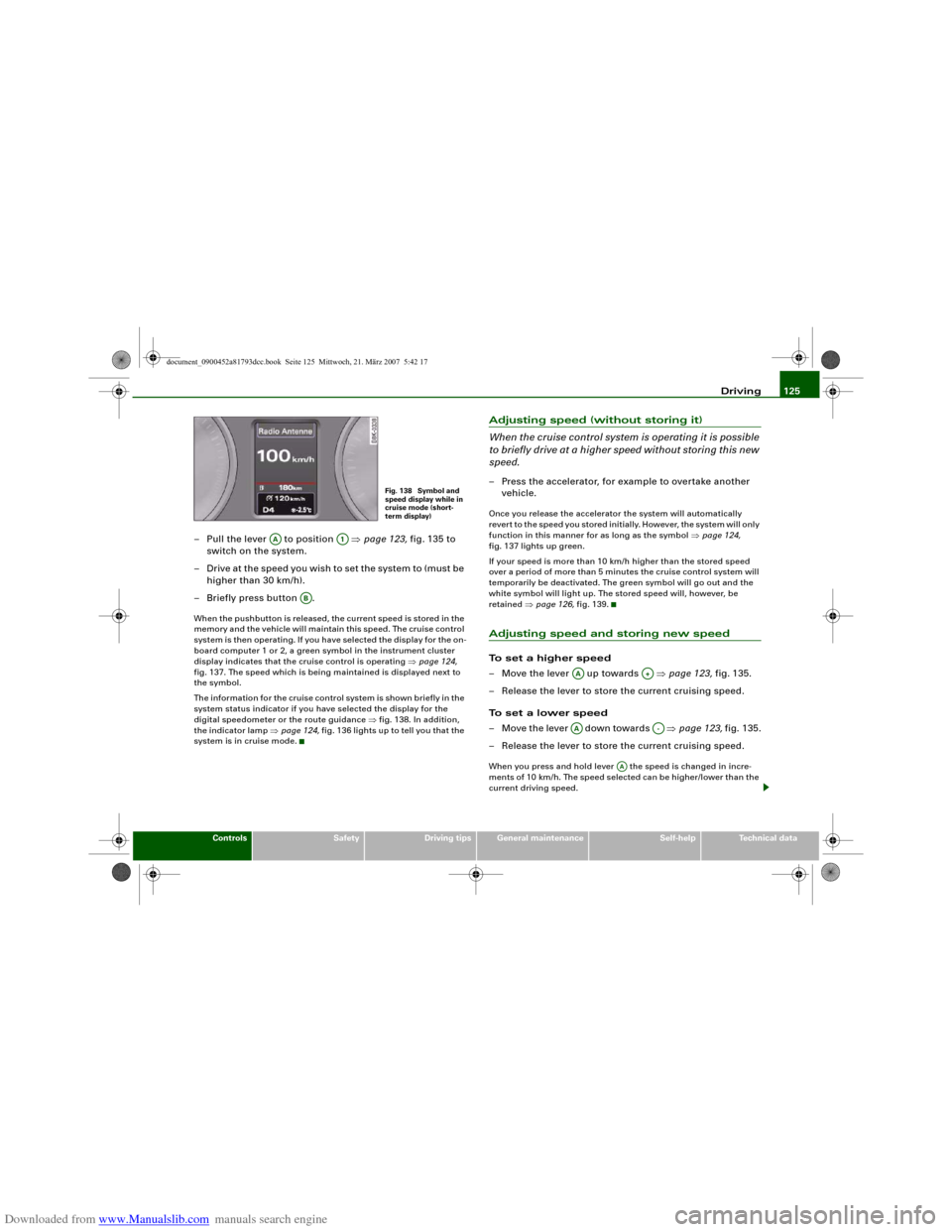
– Pull the lever to position ⇒page 123, fig. 135 to
switch on the system.
– Drive at the speed you wish to set the system to (must be
higher than 30 km/h).
– Briefly press button .When the pushbutton is released, the current speed is stored in the
memory and the vehicle will maintain this speed. The cruise control
system is then operating. If you have selected the display for the on-
board computer 1 or 2, a green symbol in the instrument cluster
display indicates that the cruise control is operating ⇒page 124,
fig. 137. The speed which is being maintained is displayed next to
the symbol.
The information for the cruise control system is shown briefly in the
system status indicator if you have selected the display for the
digital speedometer or the route guidance ⇒fig. 138. In addition,
the indicator lamp ⇒page 124, fig. 136 lights up to tell you that the
system is in cruise mode.
Adjusting speed (without storing it)
When the cruise control system is operating it is possible
to briefly drive at a higher speed without storing this new
speed.– Press the accelerator, for example to overtake another
vehicle.Once you release the accelerator the system will automatically
revert to the speed you stored initially. However, the system will only
function in this manner for as long as the symbol ⇒page 124,
fig. 137 lights up green.
If your speed is more than 10 km/h higher than the stored speed
over a period of more than 5 minutes the cruise control system will
temporarily be deactivated. The green symbol will go out and the
white symbol will light up. The stored speed will, however, be
retained ⇒page 126, fig. 139.Adjusting speed and storing new speedTo set a higher speed
– Move the lever up towards ⇒page 123, fig. 135.
– Release the lever to store the current cruising speed.
To set a lower speed
– Move the lever down towards ⇒page 123, fig. 135.
– Release the lever to store the current cruising speed.When you press and hold lever the speed is changed in incre-
ments of 10 km/h. The speed selected can be higher/lower than the
current driving speed.
Fig. 138 Symbol and
speed display while in
cruise mode (short-
term display)
AA
A1
AB
AA
A+
AA
A-
AA
document_0900452a81793dcc.book Seite 125 Mittwoch, 21. März 2007 5:42 17
Page 128 of 294
Downloaded from www.Manualslib.com manuals search engine Driving 126Pressing lever briefly
You can increase the set speed in steps of 1 km/h by briefly pressing
the lever up towards ⇒page 123, fig. 135.
You can decrease the set speed in steps of about 1 km/h by briefly
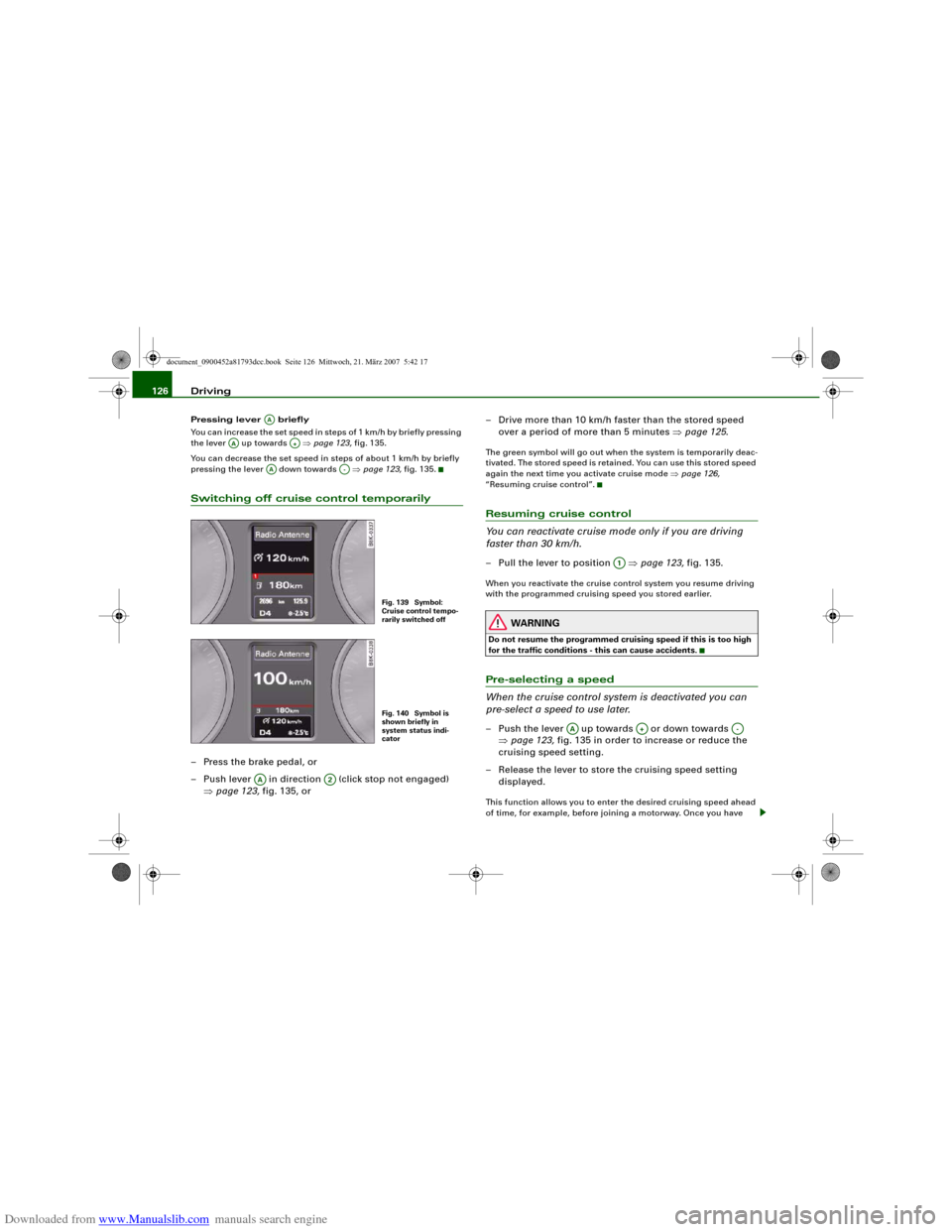
pressing the lever down towards ⇒page 123, fig. 135.Switching off cruise control temporarily– Press the brake pedal, or
– Push lever in direction (click stop not engaged)
⇒page 123, fig. 135, or– Drive more than 10 km/h faster than the stored speed
over a period of more than 5 minutes ⇒page 125.
The green symbol will go out when the system is temporarily deac-
tivated. The stored speed is retained. You can use this stored speed
again the next time you activate cruise mode ⇒page 126,
“Resuming cruise control”.Resuming cruise control
You can reactivate cruise mode only if you are driving
faster than 30 km/h.– Pull the lever to position ⇒page 123, fig. 135.When you reactivate the cruise control system you resume driving
with the programmed cruising speed you stored earlier.
WARNING
Do not resume the programmed cruising speed if this is too high
for the traffic conditions - this can cause accidents.Pre-selecting a speed
When the cruise control system is deactivated you can
pre-select a speed to use later.– Push the lever up towards or down towards
⇒page 123, fig. 135 in order to increase or reduce the
cruising speed setting.
– Release the lever to store the cruising speed setting
displayed.This function allows you to enter the desired cruising speed ahead
of time, for example, before joining a motorway. Once you have
AA
AA
A+
AA
A-
Fig. 139 Symbol:
Cruise control tempo-
rarily switched offFig. 140 Symbol is
shown briefly in
system status indi-
cator
AA
A2
A1
AA
A+
A-
document_0900452a81793dcc.book Seite 126 Mittwoch, 21. März 2007 5:42 17
Page 129 of 294
Downloaded from www.Manualslib.com manuals search engine Driving127
Controls
Safety
Driving tips
General maintenance
Self-help
Technical data joined the motorway you can then activate the cruise control system
as if you were resuming the function ⇒page 126, “Resuming cruise
control”.
Pre-selection after starting the engine
After starting the engine there is no cruising speed stored in the
system. The current speed is stored when you briefly push lever
up towards (if the speed is above 30 km/h). If the speed is lower,
30 km/h is stored.
Switching off the cruise control systemWhile driving
– Press the lever to position (click stop engaged)
⇒page 123, fig. 135.
When the vehicle is stationary
– Switch off the ignition.The stored speed will be deleted when the ignition is switched off.
AA
A+
AA
A2
document_0900452a81793dcc.book Seite 127 Mittwoch, 21. März 2007 5:42 17
Page 131 of 294
Downloaded from www.Manualslib.com manuals search engine Audi parking system129
Controls
Safety
Driving tips
General maintenance
Self-help
Technical data When the vehicle is less than approx. 0.30 m away from the obstacle
the warning tone will sound continuously. From here at the latest,
the driver should then not reverse any further.
The volume of the warning beeps will be gradually reduced after
about 4 seconds if the vehicle remains at a constant distance from
a detected obstacle (it will not be reduced if the obstacle is closer
than 0.30 m). The warnings will then return to the normal volume if
the vehicle approaches the detected obstacle again.
Warning beeps
The warning beeps are produced by sound boxes. The volume and
pitch of the beeps can be adjusted in the MMI ⇒page 139.
WARNING
•
The sensors have blind spots in which obstacles are not regis-
tered. It is particularly important to ensure that there are no small
children or animals near the vehicle, as the sensors may not
always be able to detect them.
•
The parking aid cannot replace the full concentration of the
driver. The driver is always responsible for safety during parking
and other manoeuvres. Always keep a close watch on the area
around the vehicle.
•
Please note that low obstacles detected by the system may no
longer be registered by the sensors as the car moves closer, so the
system will not give any further warning. Certain kinds of obsta-
cles (such as wire fences, chains, thin painted posts or trailer draw
bars, etc.) may not always be detected by the system (accident
risk).Note
•
To ensure that the acoustic parking aid works properly, the
sensors must be kept clean and free of snow and ice. Please observe
the additional notes on ⇒page 143.
•
Please refer to the notes on towing ⇒page 138.
parking system plusApplies to vehicles: with parking system plusParking aid (front and rear), with display
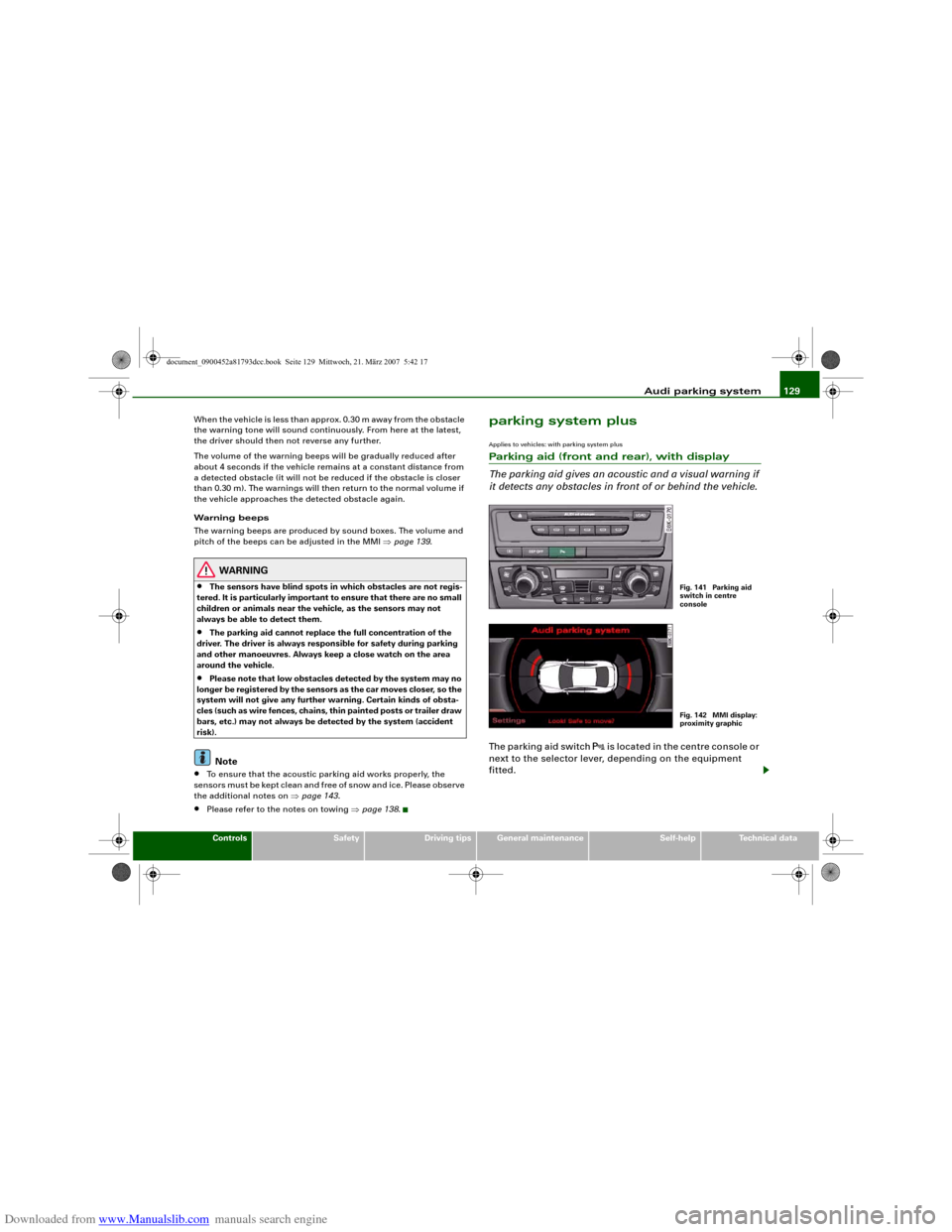
The parking aid gives an acoustic and a visual warning if
it detects any obstacles in front of or behind the vehicle.The parking aid switch
is located in the centre console or
next to the selector lever, depending on the equipment
fitted.
Fig. 141 Parking aid
switch in centre
consoleFig. 142 MMI display:
proximity graphic
document_0900452a81793dcc.book Seite 129 Mittwoch, 21. März 2007 5:42 17
Page 132 of 294
Downloaded from www.Manualslib.com manuals search engine Audi parking system 130
Activating
– Engage reverse gear to automatically activate the
parking system plus, or
– Press the switch
⇒page 129, fig. 141 in the centre
console to activate the parking system plus manually.
You will hear a short beep to confirm that the parking
system has been activated. The indicator lamp in the
switch will light up.
Deactivating
– Drive forwards faster than approx. 10 km/h, or
– Switch off the ignition to automatically deactivate the
complete parking system, or
– Press the switch
⇒page 129, fig. 141 to deactivate the
parking system plus manually. The indicator lamp in the
switch will go out.
Activate the system manually if you are driving forwards and would
like the system to give a warning as you approach potential obsta-
cles, for instance when parking.
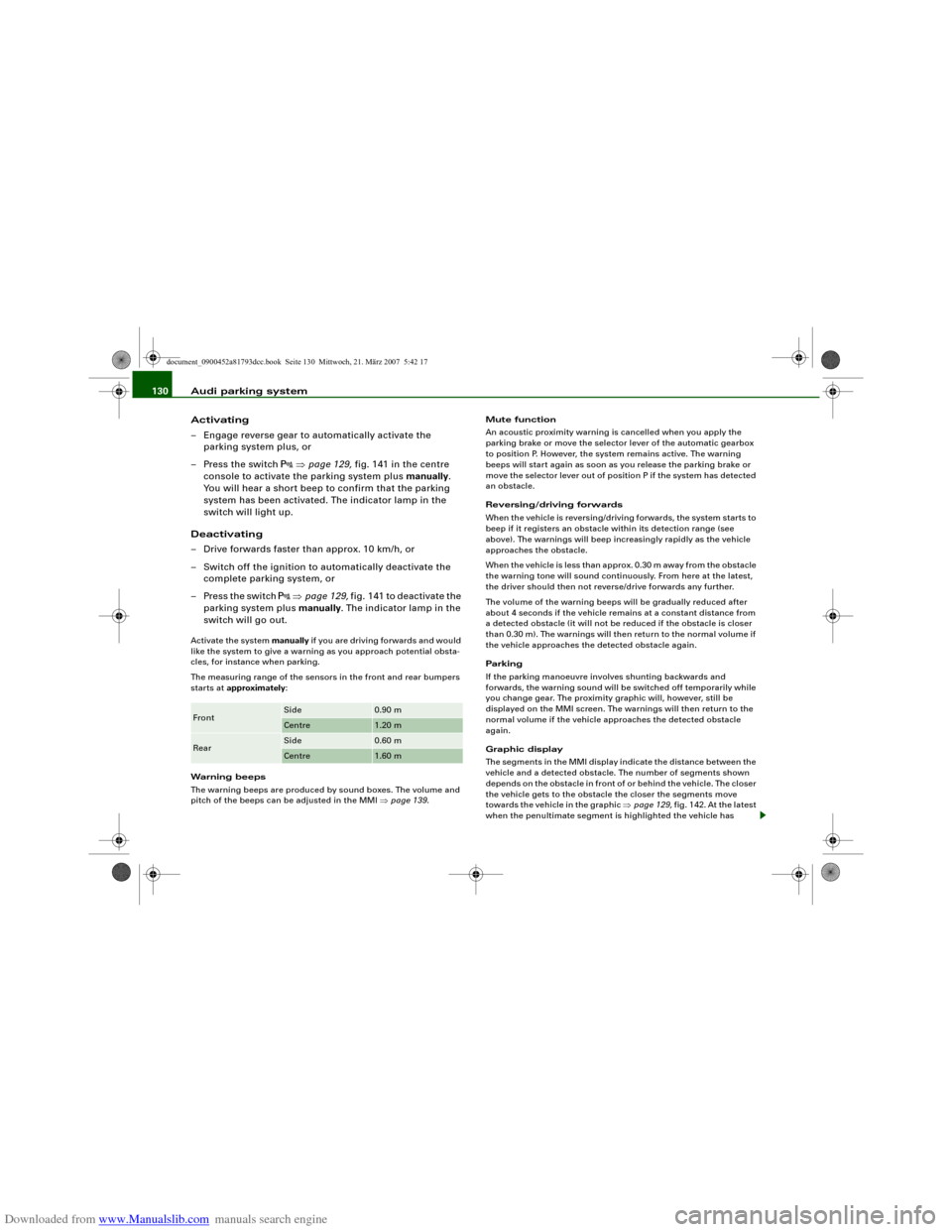
The measuring range of the sensors in the front and rear bumpers
starts at approximately:
Warning beeps
The warning beeps are produced by sound boxes. The volume and
pitch of the beeps can be adjusted in the MMI ⇒page 139.Mute function
An acoustic proximity warning is cancelled when you apply the
parking brake or move the selector lever of the automatic gearbox
to position P. However, the system remains active. The warning
beeps will start again as soon as you release the parking brake or
move the selector lever out of position P if the system has detected
an obstacle.
Reversing/driving forwards
When the vehicle is reversing/driving forwards, the system starts to
beep if it registers an obstacle within its detection range (see
above). The warnings will beep increasingly rapidly as the vehicle
approaches the obstacle.
When the vehicle is less than approx. 0.30 m away from the obstacle
the warning tone will sound continuously. From here at the latest,
the driver should then not reverse/drive forwards any further.
The volume of the warning beeps will be gradually reduced after
about 4 seconds if the vehicle remains at a constant distance from
a detected obstacle (it will not be reduced if the obstacle is closer
than 0.30 m). The warnings will then return to the normal volume if
the vehicle approaches the detected obstacle again.
Parking
If the parking manoeuvre involves shunting backwards and
forwards, the warning sound will be switched off temporarily while
you change gear. The proximity graphic will, however, still be
displayed on the MMI screen. The warnings will then return to the
normal volume if the vehicle approaches the detected obstacle
again.
Graphic display
The segments in the MMI display indicate the distance between the
vehicle and a detected obstacle. The number of segments shown
depends on the obstacle in front of or behind the vehicle. The closer
the vehicle gets to the obstacle the closer the segments move
towards the vehicle in the graphic ⇒page 129, fig. 142. At the latest
when the penultimate segment is highlighted the vehicle has Front
Side
0.90 m
Centre
1.20 m
Rear
Side
0.60 m
Centre
1.60 m
document_0900452a81793dcc.book Seite 130 Mittwoch, 21. März 2007 5:42 17