2007 NISSAN ALTIMA wheel
[x] Cancel search: wheelPage 82 of 344
cMalfunction indicator light blinking — An en-
gine misfire has been detected which may
damage the emission control system. To re-
duce or avoid emission control system dam-
age:
– do not drive at speeds above 45 MPH
(72 km/h) .
– avoid hard acceleration or deceleration.
– avoid steep uphill grades.
– if possible, reduce the amount of cargo
being hauled or towed.
The malfunction indicator light may stop blinking
and come on steady. Have the vehicle inspected
by a NISSAN dealer. You do not need to have
your vehicle towed to the dealer.
CAUTION
Continued vehicle operation without hav-
ing the emission control system checked
and repaired as necessary could lead to
poor driveability, reduced fuel economy,
and possible damage to the emission con-
trol system.
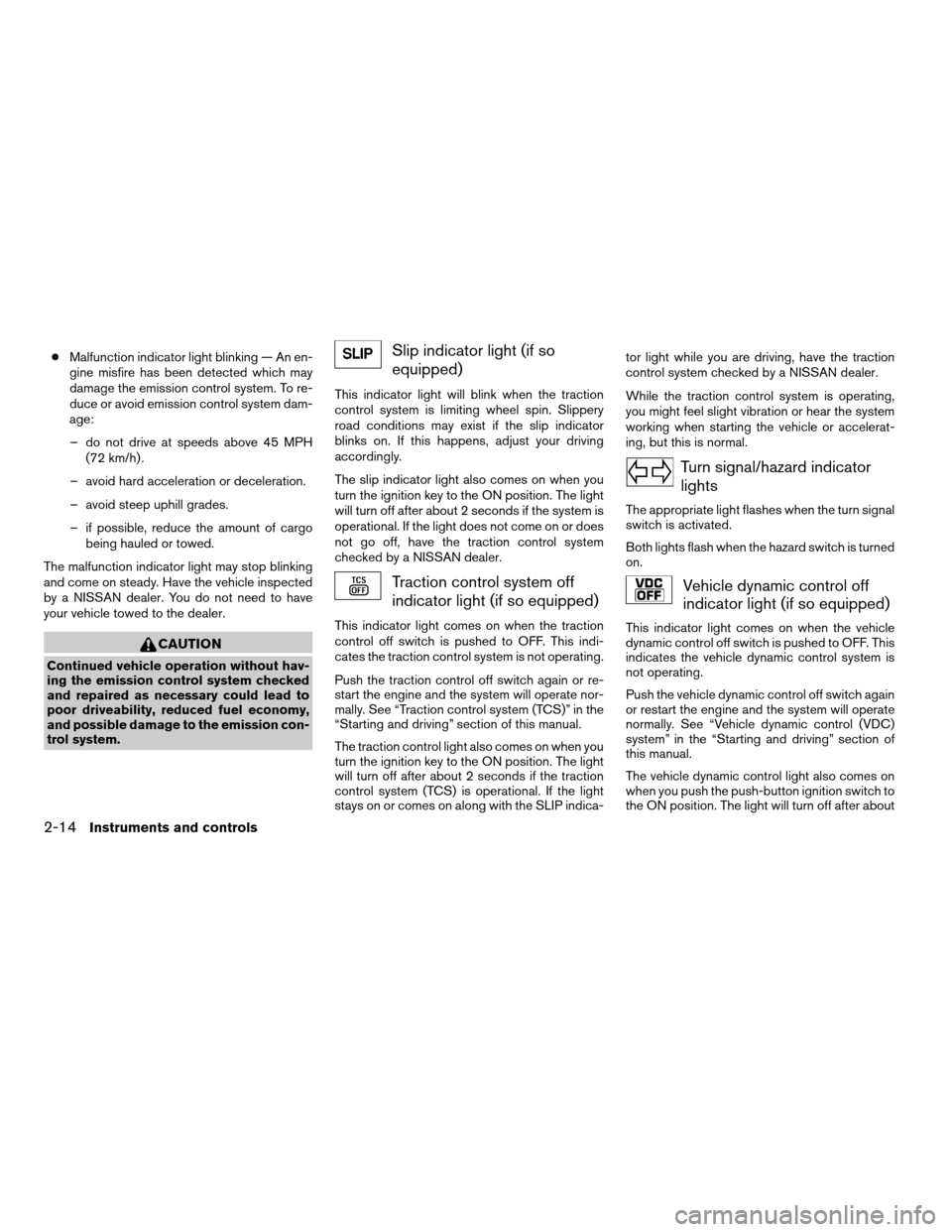
Slip indicator light (if so
equipped)
This indicator light will blink when the traction
control system is limiting wheel spin. Slippery
road conditions may exist if the slip indicator
blinks on. If this happens, adjust your driving
accordingly.
The slip indicator light also comes on when you
turn the ignition key to the ON position. The light
will turn off after about 2 seconds if the system is
operational. If the light does not come on or does
not go off, have the traction control system
checked by a NISSAN dealer.
Traction control system off
indicator light (if so equipped)
This indicator light comes on when the traction
control off switch is pushed to OFF. This indi-
cates the traction control system is not operating.
Push the traction control off switch again or re-
start the engine and the system will operate nor-
mally. See “Traction control system (TCS)” in the
“Starting and driving” section of this manual.
The traction control light also comes on when you
turn the ignition key to the ON position. The light
will turn off after about 2 seconds if the traction
control system (TCS) is operational. If the light
stays on or comes on along with the SLIP indica-tor light while you are driving, have the traction
control system checked by a NISSAN dealer.
While the traction control system is operating,
you might feel slight vibration or hear the system
working when starting the vehicle or accelerat-
ing, but this is normal.
Turn signal/hazard indicator
lights
The appropriate light flashes when the turn signal
switch is activated.
Both lights flash when the hazard switch is turned
on.
Vehicle dynamic control off
indicator light (if so equipped)
This indicator light comes on when the vehicle
dynamic control off switch is pushed to OFF. This
indicates the vehicle dynamic control system is
not operating.
Push the vehicle dynamic control off switch again
or restart the engine and the system will operate
normally. See “Vehicle dynamic control (VDC)
system” in the “Starting and driving” section of
this manual.
The vehicle dynamic control light also comes on
when you push the push-button ignition switch to
the ON position. The light will turn off after about
2-14Instruments and controls
ZREVIEW COPYÐ2007 Altima(alt)
Owners ManualÐUSA_English(nna)
10/26/06Ðdebbie
X
Page 84 of 344

HOW TO USE THE VEHICLE
INFORMATION DISPLAY
When thebutton, located on the instru-
ment panel just behind the steering wheel is
pressed, the following modes will display on the
screen.
Engine start operation indicator!MPG!
MPG/MPH!Time/Miles!Range!Exterior
Temperature!Setting!Warning
Engine start operation indicator
This indicator appears when the ignition switch is
in the LOCK or ACC position with the selector
lever in the “P” position.For more information about this indicator see the
“Vehicle Information Display indicator lights and
warnings” section later in this chapter.
Setting mode
The setting mode allows you to set reminders or
preferences for alerts, maintenance intervals or
language displays.
In the setting mode screen press
to move
to:
cAlert
cMaintenance
cDisplay
and press
to select the menu.
LIC1103LIC1043
2-16Instruments and controls
ZREVIEW COPYÐ2007 Altima(alt)
Owners ManualÐUSA_English(nna)
10/26/06Ðdebbie
X
Page 90 of 344

main switch is pushed again. When the cruise
main switch indicator light comes on, the cruise
control system is operational.
Cruise set switch indicator light
The light comes on while the vehicle speed is
controlled by the cruise control system. If the light
blinks while the engine is running, it may indicate
the cruise control system is not functioning prop-
erly. Have the system checked by a NISSAN
dealer.
Engine start operation indicator (ignition
switch in the LOCK or ACC position auto-
matic transmission)
This indicator appears when the ignition switch is
in the LOCK, OFF, ACC or ON position with the
selector lever in the “P” position.
This indicator means that the engine will start by
pushing the push-button ignition switch with the
brake pedal depressed.
Engine start operation indicator (ignition
switch in the ON position manual transmis-
sion)
This indicator appears when the ignition switch is
in the LOCK, OFF, ACC or ON position with the
manual transmission gear selector lever in neutral
and the parking brake on.This indicator means that the engine will start by
pushing the push-button ignition switch with the
clutch and the brake pedal depressed.
Intelligent Key insertion indicator
This indicator appears when the Intelligent Key
needs to be inserted into the Intelligent Key port.
(For example, the Intelligent Key battery is dis-
charged.)
If this indicator appears, insert the Intelligent Key
into the Intelligent Keys port in the correct direc-
tion. See “Push-button ignition switch” in the “5.
Starting and driving” section.
Intelligent Key removal indicator
This indicator appears when the driver’s door is
opened with ignition switch in the OFF position
and the Intelligent Key placed in the Intelligent
Key port. A key reminder chime also sounds.
If this indicator appears, remove the Intelligent
Key from the Intelligent Key port and take it with
you when leaving the vehicle.
Intelligent Key battery discharge indicator
This indicator appears when the Intelligent Key
battery is running out of power.If this indicator appears, replace the battery with
a new one. See “Intelligent Key battery replace-
ment” in the “8. Maintenance and do-it-yourself”
section.
Steering lock release malfunction indica-
tor
This indicator appears when the steering wheel
cannot be released from the LOCK position.
If this indicator appears, push the push-button
ignition switch while lightly turning the steering
wheel right and left.
2-22Instruments and controls
ZREVIEW COPYÐ2007 Altima(alt)
Owners ManualÐUSA_English(nna)
10/26/06Ðdebbie
X
Page 100 of 344
cTurn signals do not work when the haz-
ard warning flasher lights are on.
The flashers will operate with the ignition switch
in any position.
Some state laws may prohibit the use of
the hazard warning flasher switch while
driving.
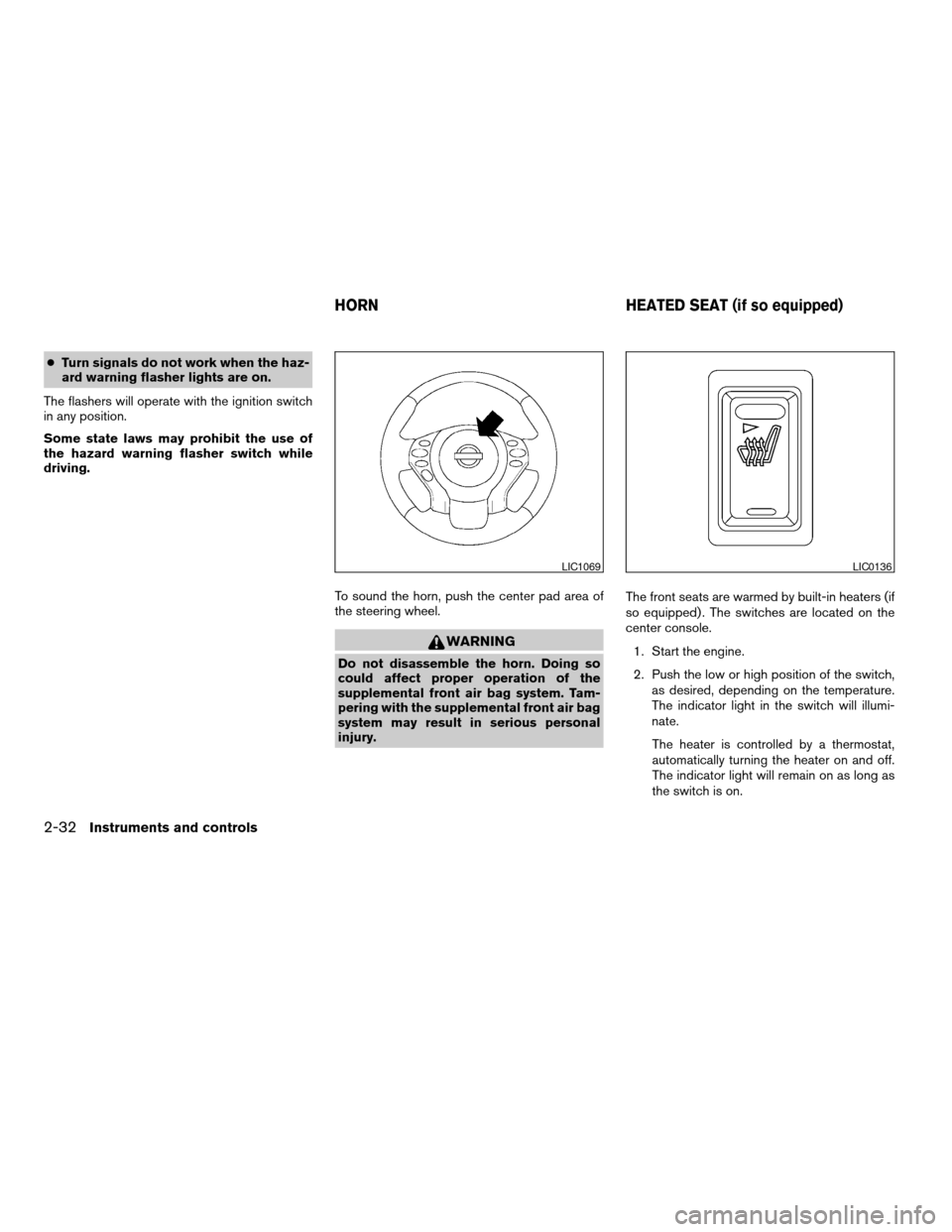
To sound the horn, push the center pad area of
the steering wheel.
WARNING
Do not disassemble the horn. Doing so
could affect proper operation of the
supplemental front air bag system. Tam-
pering with the supplemental front air bag
system may result in serious personal
injury.The front seats are warmed by built-in heaters (if
so equipped) . The switches are located on the
center console.
1. Start the engine.
2. Push the low or high position of the switch,
as desired, depending on the temperature.
The indicator light in the switch will illumi-
nate.
The heater is controlled by a thermostat,
automatically turning the heater on and off.
The indicator light will remain on as long as
the switch is on.
LIC1069LIC0136
HORN HEATED SEAT (if so equipped)
2-32Instruments and controls
ZREVIEW COPYÐ2007 Altima(alt)
Owners ManualÐUSA_English(nna)
10/27/06Ðdebbie
X
Page 101 of 344
3. When the seat is warmed or before you
leave the vehicle, be sure to turn the switch
off.
CAUTION
cDo not use the seat heater for extended
periods or when no one is using the
seat.
cDo not put anything on the seat which
insulates heat, such as a blanket, cush-
ion, seat cover, etc. Otherwise, the seat
may become overheated.
cDo not place anything hard or heavy on
the seat or pierce it with a pin or similar
object. This may result in damage to the
heater.
cAny liquid spilled on the heated seat
should be removed immediately with a
dry cloth.
cWhen cleaning the seat, never use
gasoline, benzine, thinner, or any simi-
lar materials.
cIf any abnormalities are found or the
heated seat does not operate, turn the
switch off and have the system checked
by your NISSAN dealer.cThe battery could run down if the seat
heater is operated while the engine is
not running.
The vehicle should be driven with the Traction Con-
trol System (TCS) on for most driving conditions.
If the vehicle is stuck in mud or snow, the TCS
reduces the engine output to reduce wheel spin.
The engine speed will be reduced even if the
accelerator is depressed to the floor. If maximum
engine power is needed to free a stuck vehicle,
turn the TCS off.
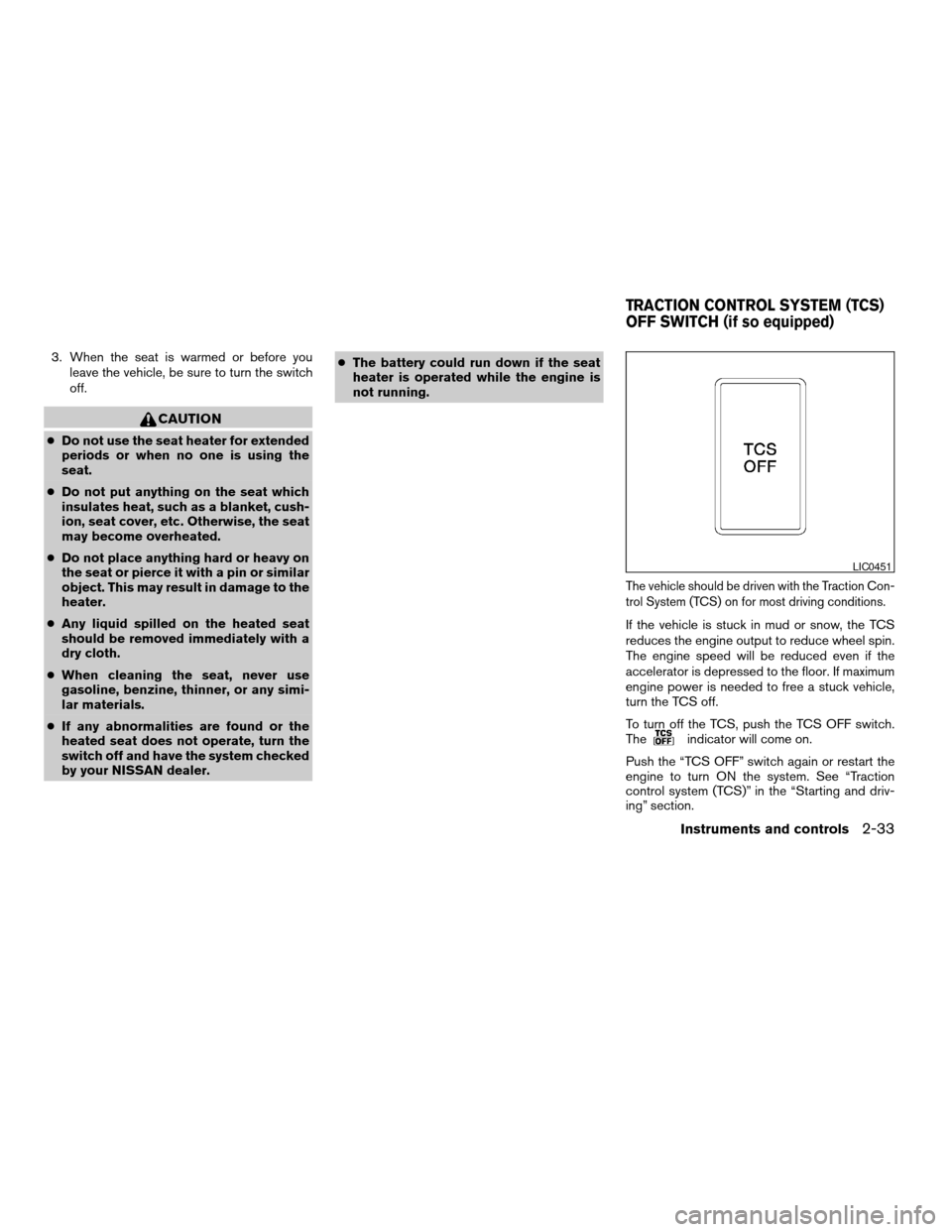
To turn off the TCS, push the TCS OFF switch.
The
indicator will come on.
Push the “TCS OFF” switch again or restart the
engine to turn ON the system. See “Traction
control system (TCS)” in the “Starting and driv-
ing” section.
LIC0451
TRACTION CONTROL SYSTEM (TCS)
OFF SWITCH (if so equipped)
Instruments and controls2-33
ZREVIEW COPYÐ2007 Altima(alt)
Owners ManualÐUSA_English(nna)
10/26/06Ðdebbie
X
Page 102 of 344
The vehicle should be driven with the Vehicle
Dynamic Control (VDC) system on for most driv-
ing conditions.
If the vehicle is stuck in mud or snow, the VDC
system reduces the engine output to reduce
wheel spin. The engine speed will be reduced
even if the accelerator is depressed to the floor. If
maximum engine power is needed to free a stuck
vehicle, turn the VDC system off.
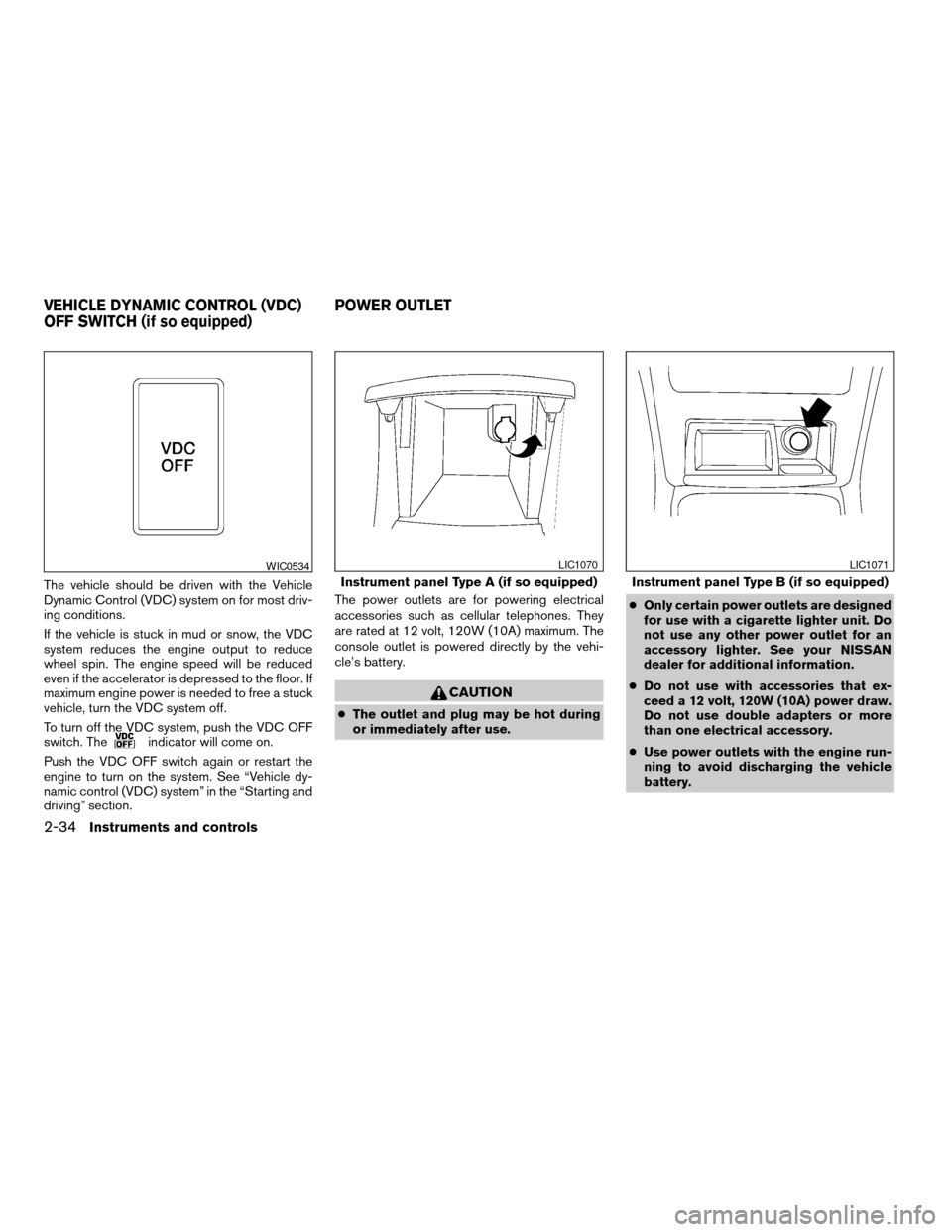
To turn off the VDC system, push the VDC OFF
switch. The
indicator will come on.
Push the VDC OFF switch again or restart the
engine to turn on the system. See “Vehicle dy-
namic control (VDC) system” in the “Starting and
driving” section.The power outlets are for powering electrical
accessories such as cellular telephones. They
are rated at 12 volt, 120W (10A) maximum. The
console outlet is powered directly by the vehi-
cle’s battery.
CAUTION
cThe outlet and plug may be hot during
or immediately after use.cOnly certain power outlets are designed
for use with a cigarette lighter unit. Do
not use any other power outlet for an
accessory lighter. See your NISSAN
dealer for additional information.
cDo not use with accessories that ex-
ceed a 12 volt, 120W (10A) power draw.
Do not use double adapters or more
than one electrical accessory.
cUse power outlets with the engine run-
ning to avoid discharging the vehicle
battery.
WIC0534
Instrument panel Type A (if so equipped)
LIC1070
Instrument panel Type B (if so equipped)
LIC1071
VEHICLE DYNAMIC CONTROL (VDC)
OFF SWITCH (if so equipped)POWER OUTLET
2-34Instruments and controls
ZREVIEW COPYÐ2007 Altima(alt)
Owners ManualÐUSA_English(nna)
10/26/06Ðdebbie
X
Page 124 of 344
WARNING
Radio waves could adversely affect elec-
tric medical equipment. Those who use a
pacemaker should contact the electric
medical equipment manufacturer for the
possible influences before use.
The Intelligent Key system can operate all the
door locks using the remote controller function or
pushing the request switch on the vehicle without
taking the key out from a pocket or purse. The
operating environment and/or conditions may af-
fect the Intelligent Key system operation.
Be sure to read the following before using the
Intelligent Key system.
CAUTION
cBe sure to carry the Intelligent Key with
you when operating the vehicle.
cNever leave the Intelligent Key in the
vehicle when you leave the vehicle.
The Intelligent Key is always communicating with
the vehicle as it receives radio waves. The Intel-
ligent Key system transmits weak radio waves.
Environmental conditions may interfere with the
operation of the Intelligent Key system under the
following operating conditions.cWhen operating near a location where
strong radio waves are transmitted, such as
a TV tower, power station and broadcasting
station.
cWhen in possession of wireless equipment,
such as a cellular telephone, transceiver,
and CB radio.
cWhen the Intelligent Key is in contact with or
covered by metallic materials.
cWhen any type of radio wave remote control
is used nearby.
cWhen the Intelligent Key is placed near an
electric appliance such as a personal com-
puter.
cWhen the vehicle is parked near a parking
meter.
In such cases, correct the operating conditions
before using the Intelligent Key function or use
the mechanical key.
Although the life of the battery varies depending
on the operating conditions, the battery’s life is
approximately 2 years. If the battery is dis-
charged, replace it with a new one.
When the Intelligent Key battery is almost dis-
charged, insert the Intelligent Key into the Intelli-
gent Key port to start the engine. Replace the
discharged battery with a new one as soon aspossible. For more details, see “Push-button ig-
nition switch” in the “Starting and driving” sec-
tion.
Since the Intelligent Key is continuously receiving
radio waves, if the key is left near equipment
which transmits strong radio waves, such as sig-
nals from a TV and personal computer, the bat-
tery life may become shorter.
For information regarding replacement of a bat-
tery, see “Battery” in the “Maintenance and do-it-
yourself” section.
Because the steering wheel is locked electrically,
unlocking the steering wheel with the ignition
switch in the LOCK position is impossible when
the vehicle battery is completely discharged. Un-
locking the steering wheel is impossible even if
the Intelligent Key is inserted into the Intelligent
Key port. Pay special attention that the vehicle
battery is not completely discharged.
As many as 4 Intelligent Keys can be registered
and used with one vehicle. For information about
the purchase and use of additional Intelligent
Keys, contact a NISSAN dealer.
INTELLIGENT KEY SYSTEM
3-6Pre-driving checks and adjustments
ZREVIEW COPYÐ2007 Altima(alt)
Owners ManualÐUSA_English(nna)
10/26/06Ðdebbie
X
Page 139 of 344
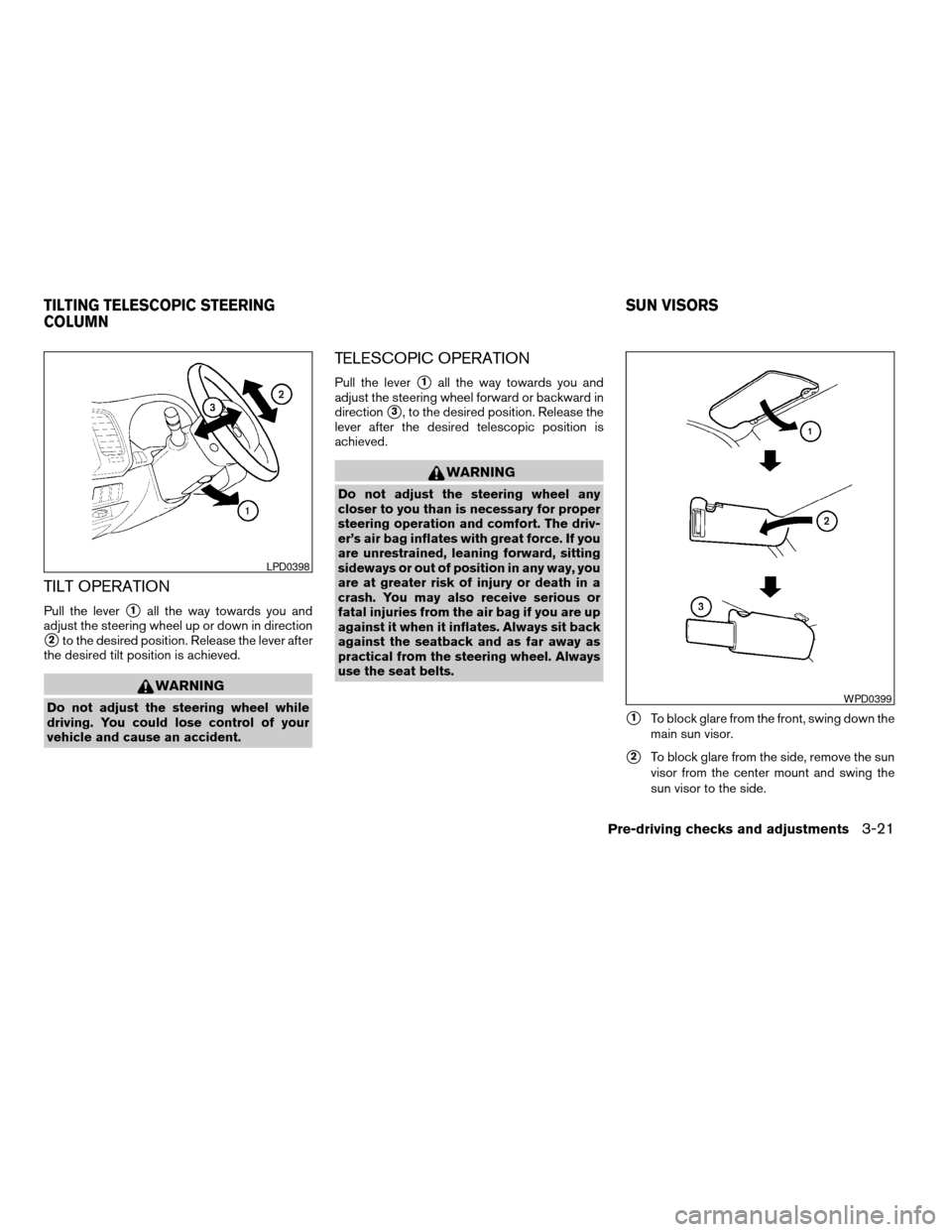
TILT OPERATION
Pull the levers1all the way towards you and
adjust the steering wheel up or down in direction
s2to the desired position. Release the lever after
the desired tilt position is achieved.
WARNING
Do not adjust the steering wheel while
driving. You could lose control of your
vehicle and cause an accident.
TELESCOPIC OPERATION
Pull the levers1all the way towards you and
adjust the steering wheel forward or backward in
direction
s3, to the desired position. Release the
lever after the desired telescopic position is
achieved.
WARNING
Do not adjust the steering wheel any
closer to you than is necessary for proper
steering operation and comfort. The driv-
er’s air bag inflates with great force. If you
are unrestrained, leaning forward, sitting
sideways or out of position in any way, you
are at greater risk of injury or death in a
crash. You may also receive serious or
fatal injuries from the air bag if you are up
against it when it inflates. Always sit back
against the seatback and as far away as
practical from the steering wheel. Always
use the seat belts.
s1To block glare from the front, swing down the
main sun visor.
s2To block glare from the side, remove the sun
visor from the center mount and swing the
sun visor to the side.
LPD0398
WPD0399
TILTING TELESCOPIC STEERING
COLUMNSUN VISORS
Pre-driving checks and adjustments3-21
ZREVIEW COPYÐ2007 Altima(alt)
Owners ManualÐUSA_English(nna)
10/26/06Ðdebbie
X