Page 213 of 242
211 Navigation*
Software Updates
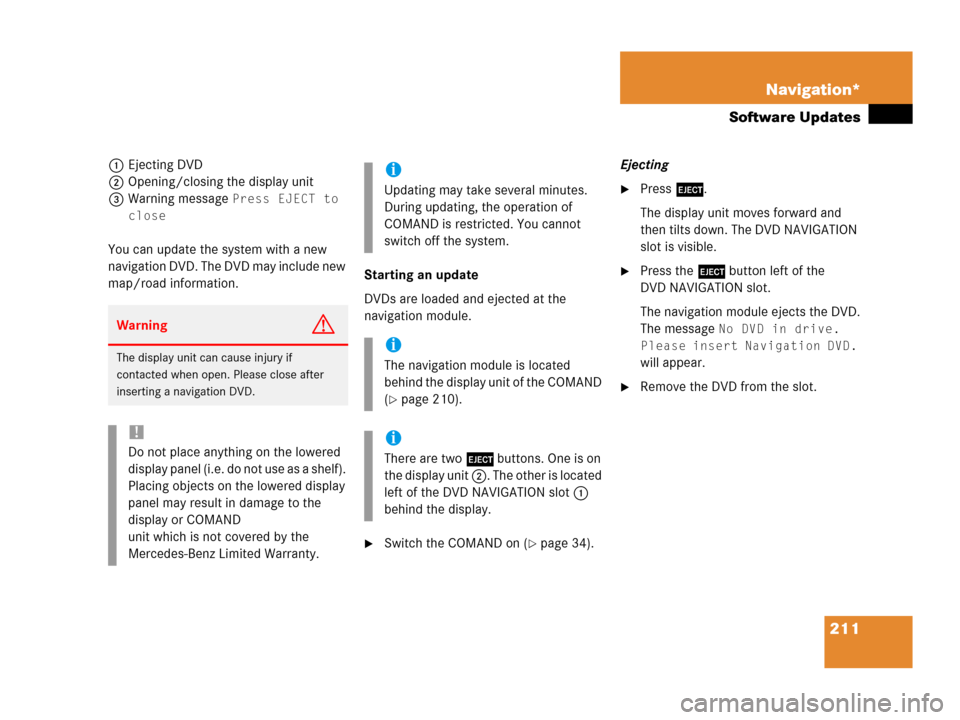
1Ejecting DVD
2Opening/closing the display unit
3Warning message
Press EJECT to
close
You can update the system with a new
navigation DVD. The DVD may include new
map/road information.Starting an update
DVDs are loaded and ejected at the
navigation module.
�Switch the COMAND on (�page 34).Ejecting
�Press l.
The display unit moves forward and
then tilts down. The DVD NAVIGATION
slot is visible.
�Press the l button left of the
DVD NAVIGATION slot.
The navigation module ejects the DVD.
The message
No DVD in drive.
Please insert Navigation DVD.
will appear.
�Remove the DVD from the slot.
WarningG
The display unit can cause injury if
contacted when open. Please close after
inserting a navigation DVD.
!
Do not place anything on the lowered
display panel (i.e. do not use as a shelf).
Placing objects on the lowered display
panel may result in damage to the
display or COMAND
unit which is not covered by the
Mercedes-Benz Limited Warranty.
i
Updating may take several minutes.
During updating, the operation of
COMAND is restricted. You cannot
switch off the system.
i
The navigation module is located
behind the display unit of the COMAND
(
�page 210).
i
There are two l buttons. One is on
the display unit 2. The other is located
left of the DVD NAVIGATION slot 1
behind the display.
Page 220 of 242
218 Service
Tele Aid*
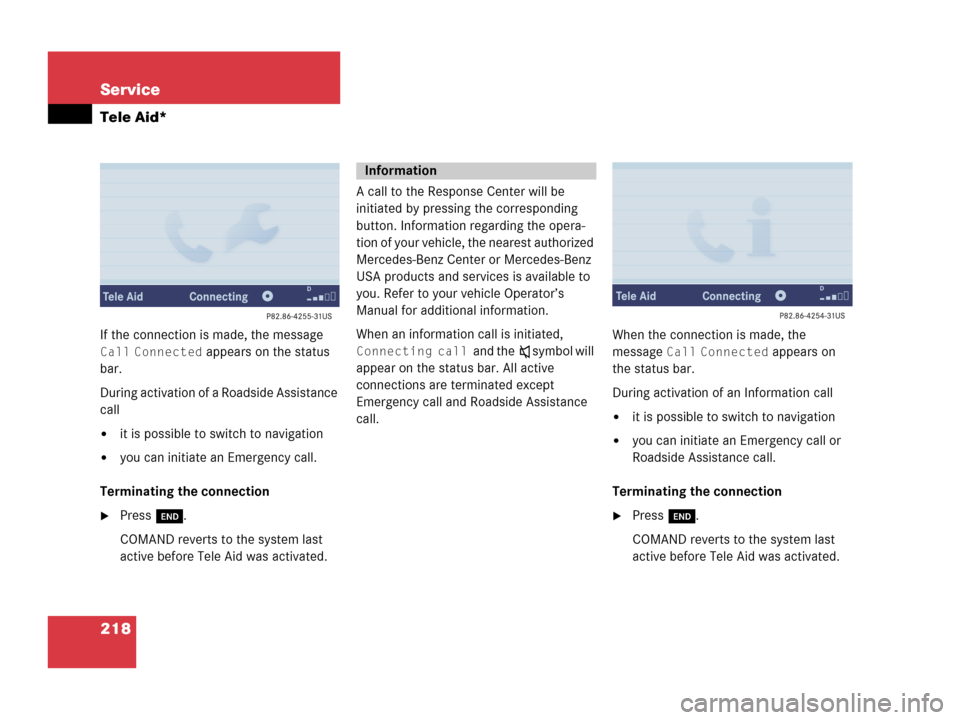
If the connection is made, the message
Call Connected appears on the status
bar.
During activation of a Roadside Assistance
call
�it is possible to switch to navigation
�you can initiate an Emergency call.
Terminating the connection
�Press K.
COMAND reverts to the system last
active before Tele Aid was activated.A call to the Response Center will be
initiated by pressing the corresponding
button. Information regarding the opera-
tion of your vehicle, the nearest authorized
Mercedes-Benz Center or Mercedes-Benz
USA products and services is available to
you. Refer to your vehicle Operator’s
Manual for additional information.
When an information call is initiated,
Connecting call and theß symbol will
appear on the status bar. All active
connections are terminated except
Emergency call and Roadside Assistance
call.When the connection is made, the
message Call Connected appears on
the status bar.
During activation of an Information call
�it is possible to switch to navigation
�you can initiate an Emergency call or
Roadside Assistance call.
Terminating the connection
�Press K.
COMAND reverts to the system last
active before Tele Aid was activated.
Information
Page 228 of 242

226 System settings
System settings
After completion of the first stage, the
system prompts you to save the data of the
first stage.
If you do not save the first stage:
�Individualization is cancelled,
�Data from an existing first stage
remains unchanged.
If you save the first stage:
�Data from an existing first stage is
over-written but is not saved until the
second stage is started.If you do not start the second stage:
�Data from the first stage remains
unchanged,
�The individualization process is
finished.
After completion of the second stage, the
system prompts you to save the data of the
second stage.If you do not save the second stage:
�Individualization is cancelled,
�Data from an existing second stage
remains unchanged.
If you save the second stage:
�Data from an existing second stage is
deleted and all new data is saved,
�Individualization is finished.
i
If you later decide to start the second
stage, you must restart the
individualization process from the
beginning of the first stage.
Page 230 of 242
228 System settings
System settings
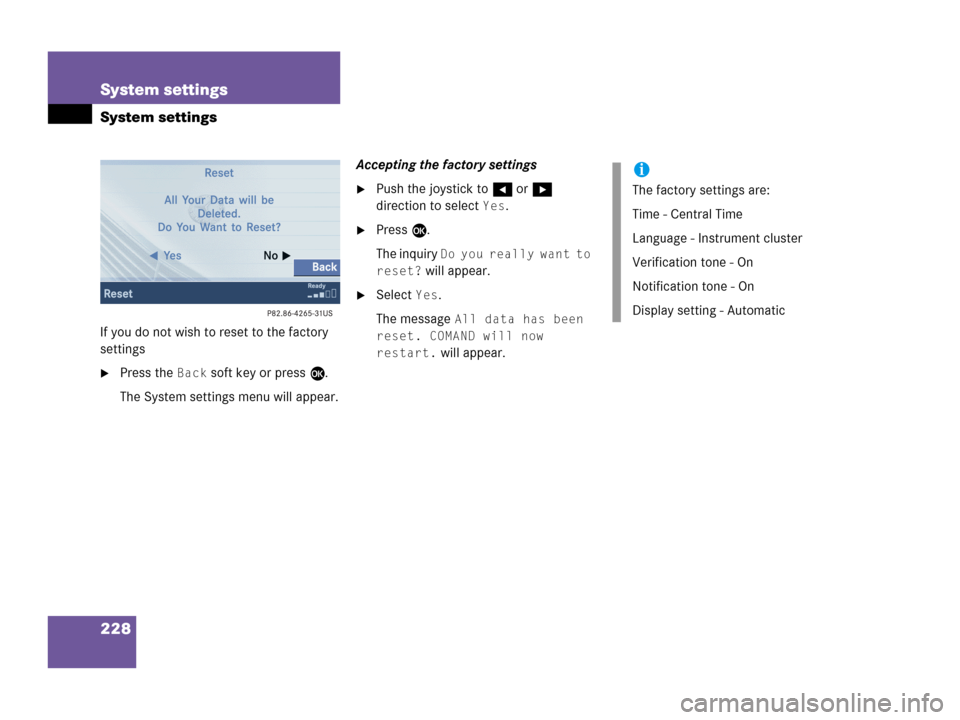
If you do not wish to reset to the factory
settings
�Press the Back soft key or press E.
The System settings menu will appear.Accepting the factory settings
�Push the joystick to H or h
direction to select
Yes.
�Press E.
The inquiry
Do you really want to
reset?
will appear.
�Select Yes.
The message
All data has been
reset. COMAND will now
restart.
will appear.
i
The factory settings are:
Time - Central Time
Language - Instrument cluster
Verification tone - On
Notification tone - On
Display setting - Automatic
Page 233 of 242

231 Glossary
ISO9660
A standard file system for recording
data on CDs.
Joliet
Standard for recording data on CDs; an
extension of ISO 9660.
LOGIC7 Surround
Playback method resulting in an impro-
ved spatial listening experience com-
pared to conventional stereo playback.
MP3
The term used in everyday speech for
->MPEG1 Audio Layer 3.
MPEG1 Audio Layer 3
A means of compressing digital audio
data.
Multi session
A method for recording data, e.g. for
CDs. Data is written to the CD in a num-
ber of sessions.Navigation DVD
Contains all available destination
addresses (town, road, intersection,
house number, special destinations)
and the digital map material for a coun-
try or a region for destination entry,
route calculation and destination
guidance at time of DVD production.
DVD maps do not cover all areas nor all
routes within an area.
North Up
The map is displayed facing north du-
ring route guidance.
NTSC (National Television System Com-
mittee)
A TV and video standard for USA and
Canada. This standard uses a composi-
te video signal, in which all information
- red, blue, and green signals (and
sometimes audio signals as well) are
mixed together.PAL (Phase Alternation Line)
A TV and video standard for most coun-
tries in western and middle
Europe. The PAL standard uses a
higher image resolution and a lower
picture frequency than the NTSC stan-
dard.
POI (Point of Interest)
Points of Interest include service stati-
ons, rest areas, parking lots, hospitals,
sight-seeing points, etc.
Provider
is the network operator who makes
available (provides) telephone services
PUK (Personal Unblocking Key)
must be entered if the wrong PIN was
entered three consecutive times.
Page:
< prev 1-8 9-16 17-24