2007 LINCOLN TOWN CAR ignition
[x] Cancel search: ignitionPage 124 of 328
MESSAGE CENTER
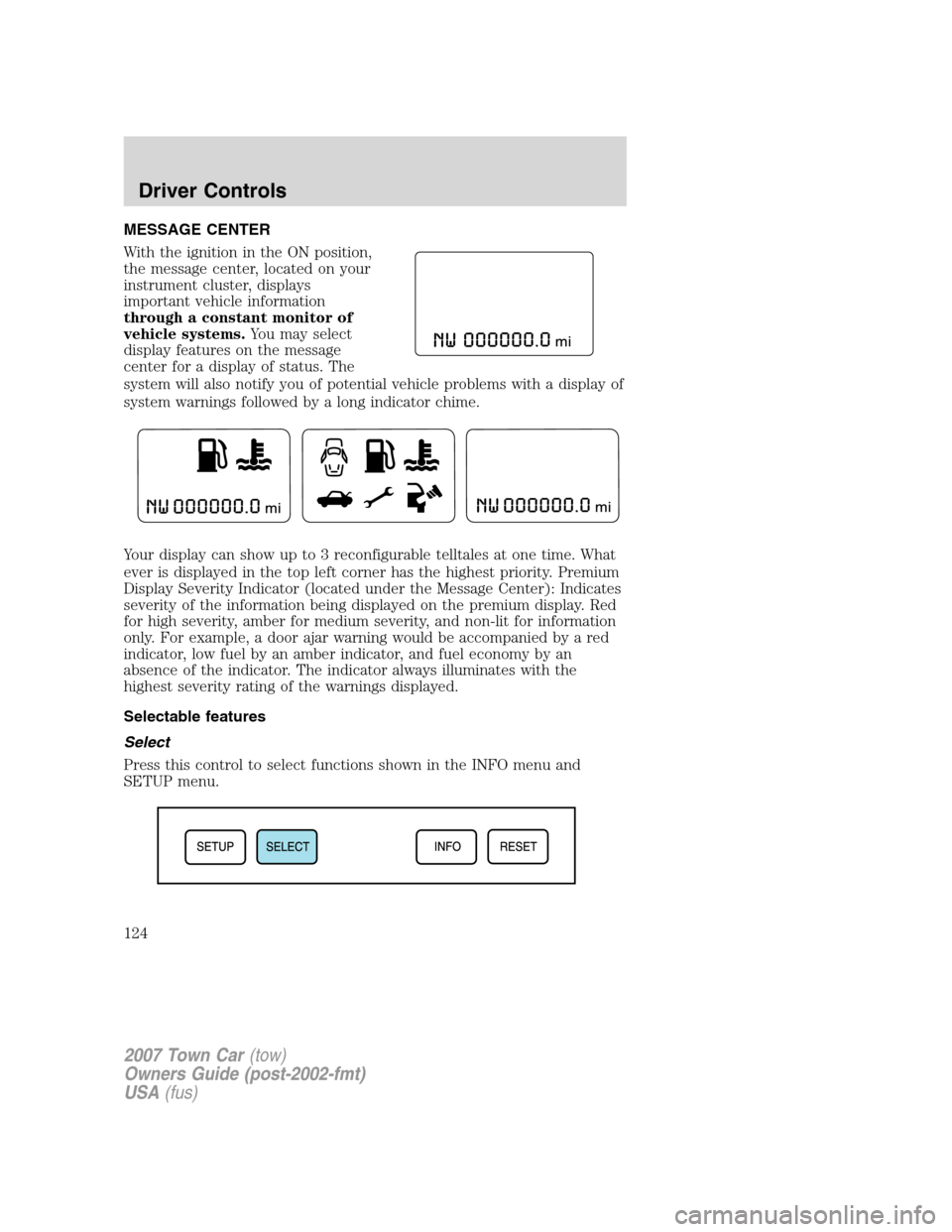
With the ignition in the ON position,
the message center, located on your
instrument cluster, displays
important vehicle information
through a constant monitor of
vehicle systems.You may select
display features on the message
center for a display of status. The
system will also notify you of potential vehicle problems with a display of
system warnings followed by a long indicator chime.
Your display can show up to 3 reconfigurable telltales at one time. What
ever is displayed in the top left corner has the highest priority. Premium
Display Severity Indicator (located under the Message Center): Indicates
severity of the information being displayed on the premium display. Red
for high severity, amber for medium severity, and non-lit for information
only. For example, a door ajar warning would be accompanied by a red
indicator, low fuel by an amber indicator, and fuel economy by an
absence of the indicator. The indicator always illuminates with the
highest severity rating of the warnings displayed.
Selectable features
Select
Press this control to select functions shown in the INFO menu and
SETUP menu.
2007 Town Car(tow)
Owners Guide (post-2002-fmt)
USA(fus)
Driver Controls
124
Page 125 of 328
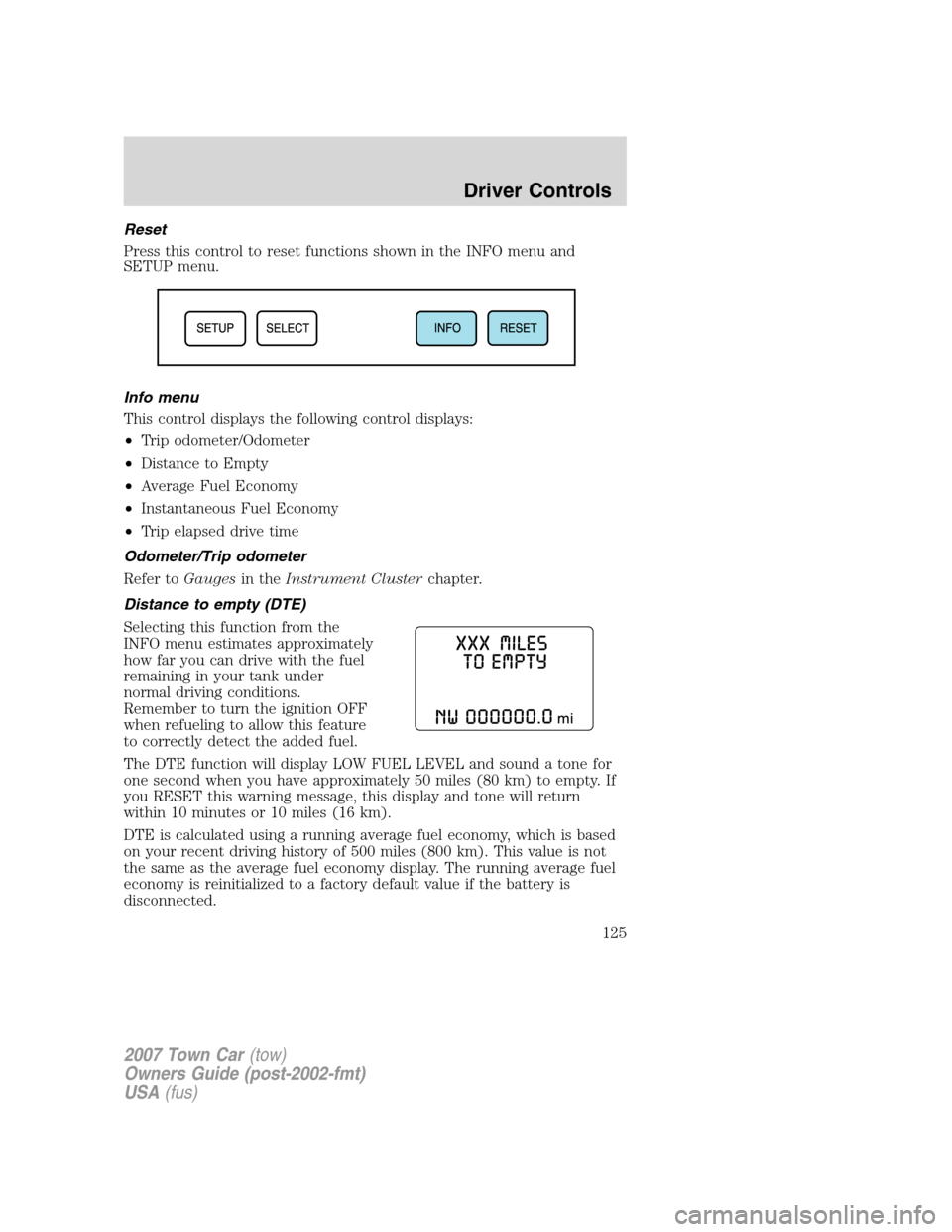
Reset
Press this control to reset functions shown in the INFO menu and
SETUP menu.
Info menu
This control displays the following control displays:
•Trip odometer/Odometer
•Distance to Empty
•Average Fuel Economy
•Instantaneous Fuel Economy
•Trip elapsed drive time
Odometer/Trip odometer
Refer toGaugesin theInstrument Clusterchapter.
Distance to empty (DTE)
Selecting this function from the
INFO menu estimates approximately
how far you can drive with the fuel
remaining in your tank under
normal driving conditions.
Remember to turn the ignition OFF
when refueling to allow this feature
to correctly detect the added fuel.
The DTE function will display LOW FUEL LEVEL and sound a tone for
one second when you have approximately 50 miles (80 km) to empty. If
you RESET this warning message, this display and tone will return
within 10 minutes or 10 miles (16 km).
DTE is calculated using a running average fuel economy, which is based
on your recent driving history of 500 miles (800 km). This value is not
the same as the average fuel economy display. The running average fuel
economy is reinitialized to a factory default value if the battery is
disconnected.
2007 Town Car(tow)
Owners Guide (post-2002-fmt)
USA(fus)
Driver Controls
125
Page 130 of 328
Most geographic areas (zones) have a magnetic north compass point that
varies slightly from the northerly direction on maps. This variation is four
degrees between adjacent zones and will become noticeable as the
vehicle crosses multiple zones. A correct zone setting will eliminate this
error. Refer toCompass zone/calibration adjustment.
Compass zone/calibration adjustment
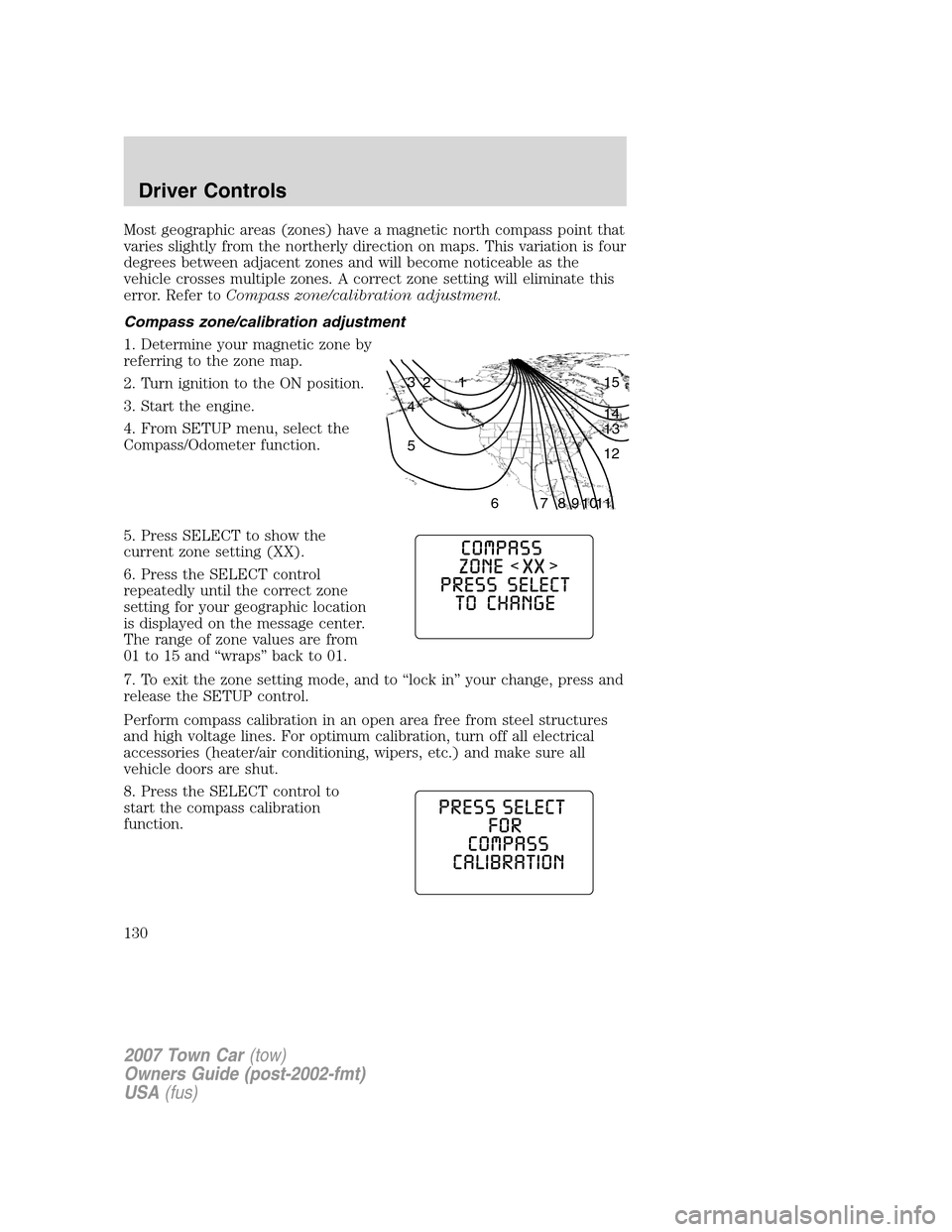
1. Determine your magnetic zone by
referring to the zone map.
2. Turn ignition to the ON position.
3. Start the engine.
4. From SETUP menu, select the
Compass/Odometer function.
5. Press SELECT to show the
current zone setting (XX).
6. Press the SELECT control
repeatedly until the correct zone
setting for your geographic location
is displayed on the message center.
The range of zone values are from
01 to 15 and “wraps” back to 01.
7. To exit the zone setting mode, and to “lock in” your change, press and
release the SETUP control.
Perform compass calibration in an open area free from steel structures
and high voltage lines. For optimum calibration, turn off all electrical
accessories (heater/air conditioning, wipers, etc.) and make sure all
vehicle doors are shut.
8. Press the SELECT control to
start the compass calibration
function.
1 2 3
4
5
6 7 8 9 101112 13 14 15
2007 Town Car(tow)
Owners Guide (post-2002-fmt)
USA(fus)
Driver Controls
130
Page 132 of 328
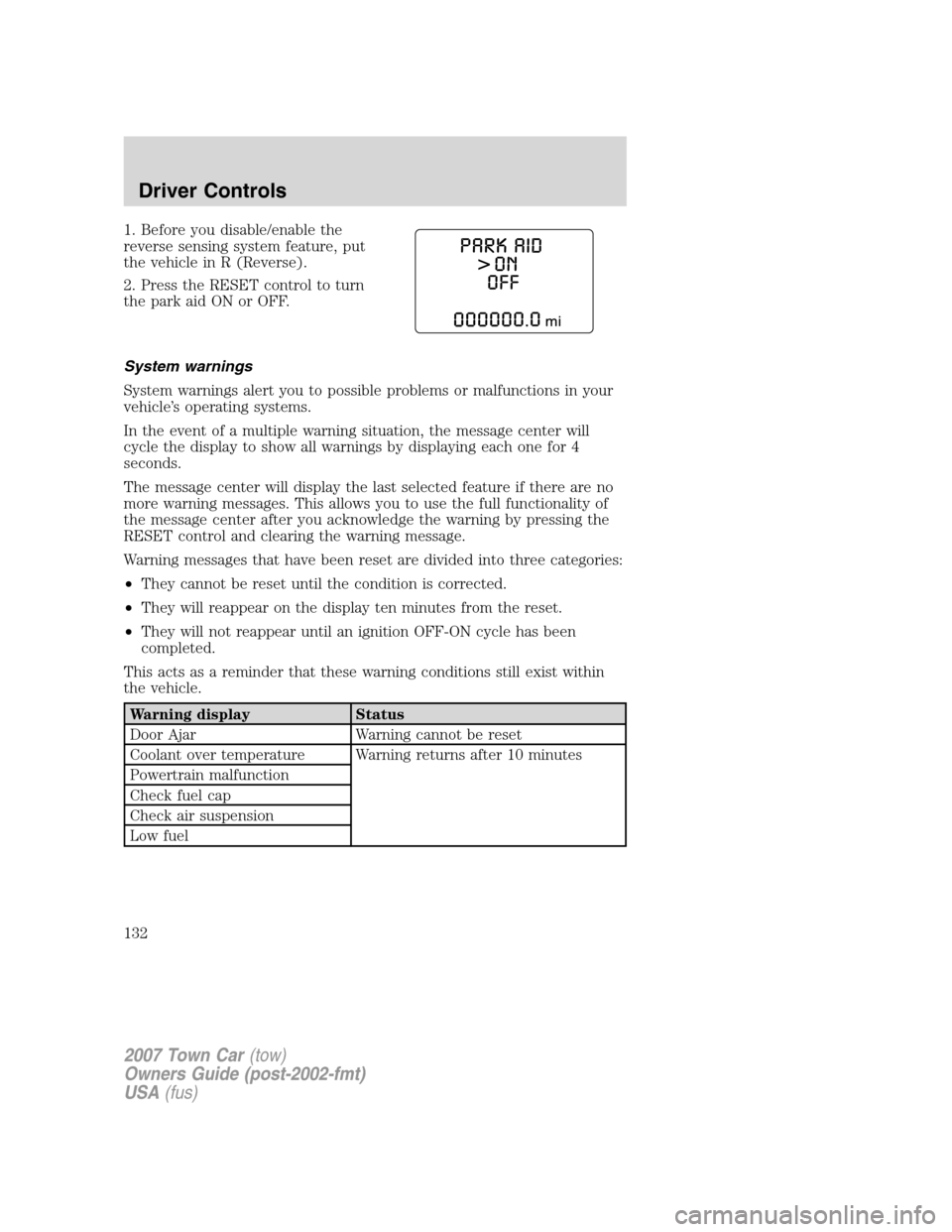
1. Before you disable/enable the
reverse sensing system feature, put
the vehicle in R (Reverse).
2. Press the RESET control to turn
the park aid ON or OFF.
System warnings
System warnings alert you to possible problems or malfunctions in your
vehicle’s operating systems.
In the event of a multiple warning situation, the message center will
cycle the display to show all warnings by displaying each one for 4
seconds.
The message center will display the last selected feature if there are no
more warning messages. This allows you to use the full functionality of
the message center after you acknowledge the warning by pressing the
RESET control and clearing the warning message.
Warning messages that have been reset are divided into three categories:
•They cannot be reset until the condition is corrected.
•They will reappear on the display ten minutes from the reset.
•They will not reappear until an ignition OFF-ON cycle has been
completed.
This acts as a reminder that these warning conditions still exist within
the vehicle.
Warning display Status
Door Ajar Warning cannot be reset
Coolant over temperature Warning returns after 10 minutes
Powertrain malfunction
Check fuel cap
Check air suspension
Low fuel
2007 Town Car(tow)
Owners Guide (post-2002-fmt)
USA(fus)
Driver Controls
132
Page 133 of 328
Warning display Status
Park aid ON/OFF Warning returns after the ignition key
is turned from OFF to ON.
Overdrive ON/OFF
Trunk ajar
Check compass module
Low washer fluid
Change engine oil
DOOR AJAR.Displayed when a door is not completely closed.
POWERTRAIN MALFUNCTIONDisplayed when the powertrain is not
operating properly. If the warning stays on or continues to come on,
contact your authorized dealer as soon as possible.
COOLANT OVER TEMPERATURE.Displayed when the engine
coolant is overheating. Stop the vehicle as soon as safely possible, turn
off the engine and let it cool. Check the coolant and coolant level. Refer
toEngine coolantin theMaintenance and Specificationschapter. If
the warning stays on or continues to come on, contact your authorized
dealer as soon as possible.
Never remove the coolant reservoir cap while the engine is
running or hot.
CHECK FUEL CAP.Displayed when the fuel filler cap is not properly
installed. Check the fuel filler cap for proper installation. Refer toFuel
filler capin theMaintenance and Specificationschapter.
CHECK AIR SUSPENSION.Displayed when the air suspension system
is not operating properly. If this message is displayed while driving, pull
off the road as soon as safely possible. For more information, refer toAir
suspensionin theDrivingchapter.
LOW FUEL.Displayed as an early reminder of a low fuel condition.
Warning message can be reset by pressing the RESET button, but will
return after 10 minutes. If any other button is pressed besides RESET,
the message ’’PRESS RESET TO CLEAR’’ will appear in the Message
Center. Once this message disappears (after approximately 2 seconds),
press RESET to clear the warning.
TRUNK AJAR.Displayed when the trunk is not completely closed.
OVERDRIVE ON/OFF.Displayed when the overdrive is enabled or
disabled.
2007 Town Car(tow)
Owners Guide (post-2002-fmt)
USA(fus)
Driver Controls
133
Page 138 of 328
KEYS
Your vehicle is equipped with a master key and a valet (identified with
the word VALET) key lock system.
•The master key will access the vehicle’s doors, trunk, glove box,
ignition and remote trunk release.
•The valet key will access doors and ignition only.
Before using the valet key with an attendant, lock the interior trunk
control to disable the interior trunk control located on the drivers door,
then lock the glove compartment with your master key. Do not hand
over the remote entry transmitter or the master key to the valet
attendant. For more information, refer toInterior trunk controlin the
Driver Controlschapter.
POWER DOOR LOCKS
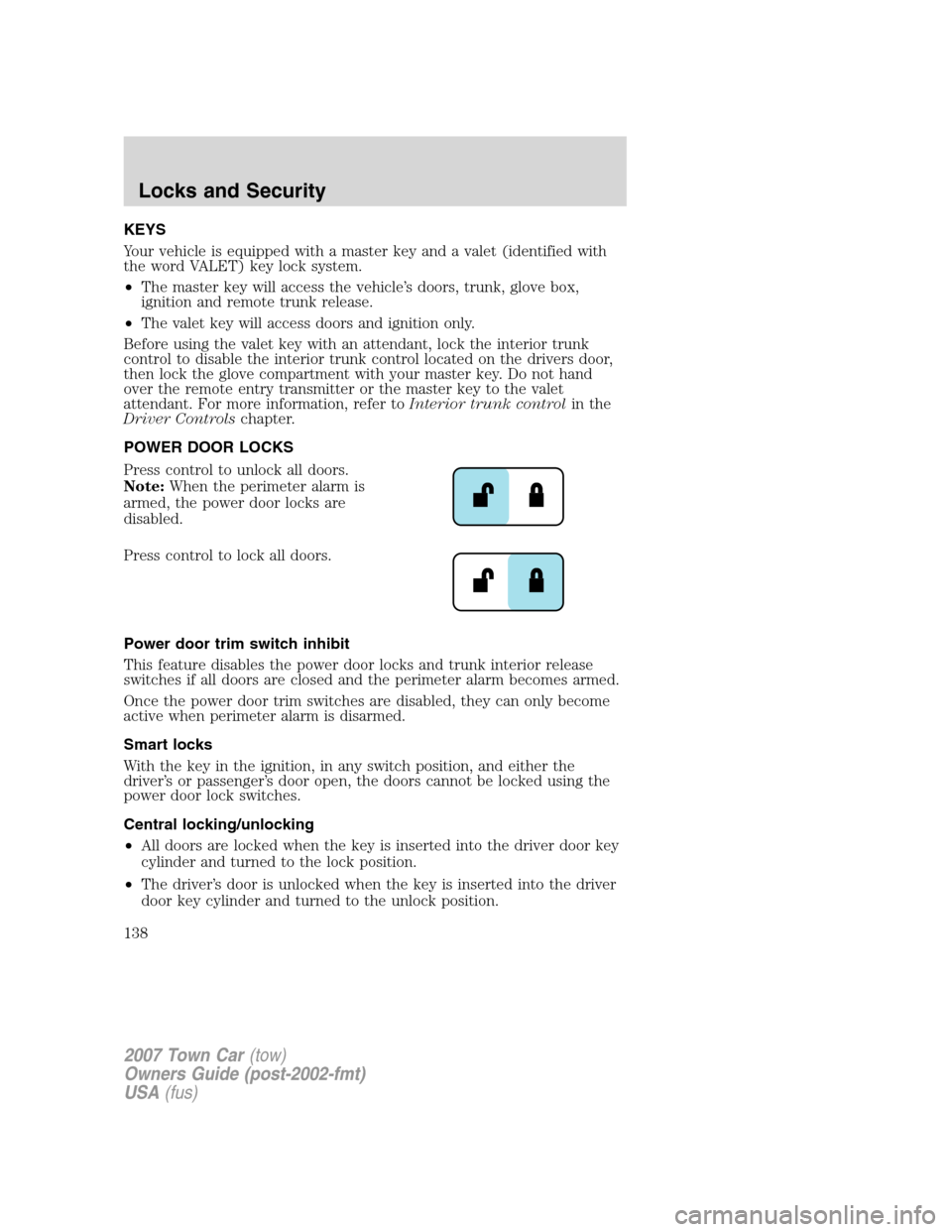
Press control to unlock all doors.
Note:When the perimeter alarm is
armed, the power door locks are
disabled.
Press control to lock all doors.
Power door trim switch inhibit
This feature disables the power door locks and trunk interior release
switches if all doors are closed and the perimeter alarm becomes armed.
Once the power door trim switches are disabled, they can only become
active when perimeter alarm is disarmed.
Smart locks
With the key in the ignition, in any switch position, and either the
driver’s or passenger’s door open, the doors cannot be locked using the
power door lock switches.
Central locking/unlocking
•All doors are locked when the key is inserted into the driver door key
cylinder and turned to the lock position.
•The driver’s door is unlocked when the key is inserted into the driver
door key cylinder and turned to the unlock position.
2007 Town Car(tow)
Owners Guide (post-2002-fmt)
USA(fus)
Locks and Security
138
Page 139 of 328
•If the key is turned a second time to the unlock position within 5
seconds, all vehicle doors will unlock.
Autolock
This feature automatically locks all vehicle doors when the following
conditions are met:
•all the doors are closed,
•the engine is running,
•you shift into gear, putting the vehicle in motion, and.
•the vehicle’s speed is greater than 3 mph (5 km/h).
Auto-relock
The autolock feature repeats when:
•a door is opened and closed while the engine is running,
•you shift into any gear, putting the vehicle in motion, and
•the vehicle’s speed is greater than 3 mph (5 km/h).
Auto-unlock
The auto-unlock feature will unlock all doors when:
•
the ignition has been in the 3 (ON) position, all doors are closed, and
the vehicle has been in motion at a speed greater than 3 mph (5 km/h),
•the vehicle has then come to a stop and the ignition is turned to the 2
(ACCESSORY) or 1 (OFF/LOCK) position, and
•the driver door is opened (within ten minutes after the ignition was
transitioned to the 2 (ACCESSORY) or 1 (OFF/LOCK) position).
Note:The vehicle doors will not auto-unlock if the vehicle has been
electronically locked prior to the driver door being opened.
Deactivating/activating the autolock or auto-unlock feature
Autolocking and auto-unlocking are independent features; either feature
may be enabled or disabled without affecting the other.
You must complete Steps 1-7 within 30 seconds or the procedure will
have to be repeated. If the procedure needs to be repeated, you must
wait at least 30 seconds.Note:Before following the procedure, make
sure that the ignition is in the 1 (OFF/LOCK) position and all vehicle
doors, the hood, and the decklid are closed.
2007 Town Car(tow)
Owners Guide (post-2002-fmt)
USA(fus)
Locks and Security
139
Page 140 of 328
1. Turn the ignition to the 3 (ON) position.
2. Press the power door unlock control on the door panel three times.
3. Turn the ignition from the 3 (ON) to the 1 (OFF/LOCK) position.
4. Press the power door unlock control three times.
5. Turn the ignition back to the 3 (ON) position.
6. The door locks will lock/unlock to confirm programming mode is
entered/active.
7. With the ignition still in the 3 (ON) position,for the autolock
feature,press the unlock control once then press the lock control once.
The horn will chirp once to confirm successful programming.For the
auto-unlock feature,press the lock control once, then press the unlock
control once. The horn will chirp twice to confirm successful
programming.
8. After having waited the necessary time for the programming to
confirm, turn the ignition to the 1 (OFF/LOCK) position.
Once disabled, the autolock feature can be enabled by repeating the
procedure in Steps 1–8.
CHILDPROOF DOOR LOCKS
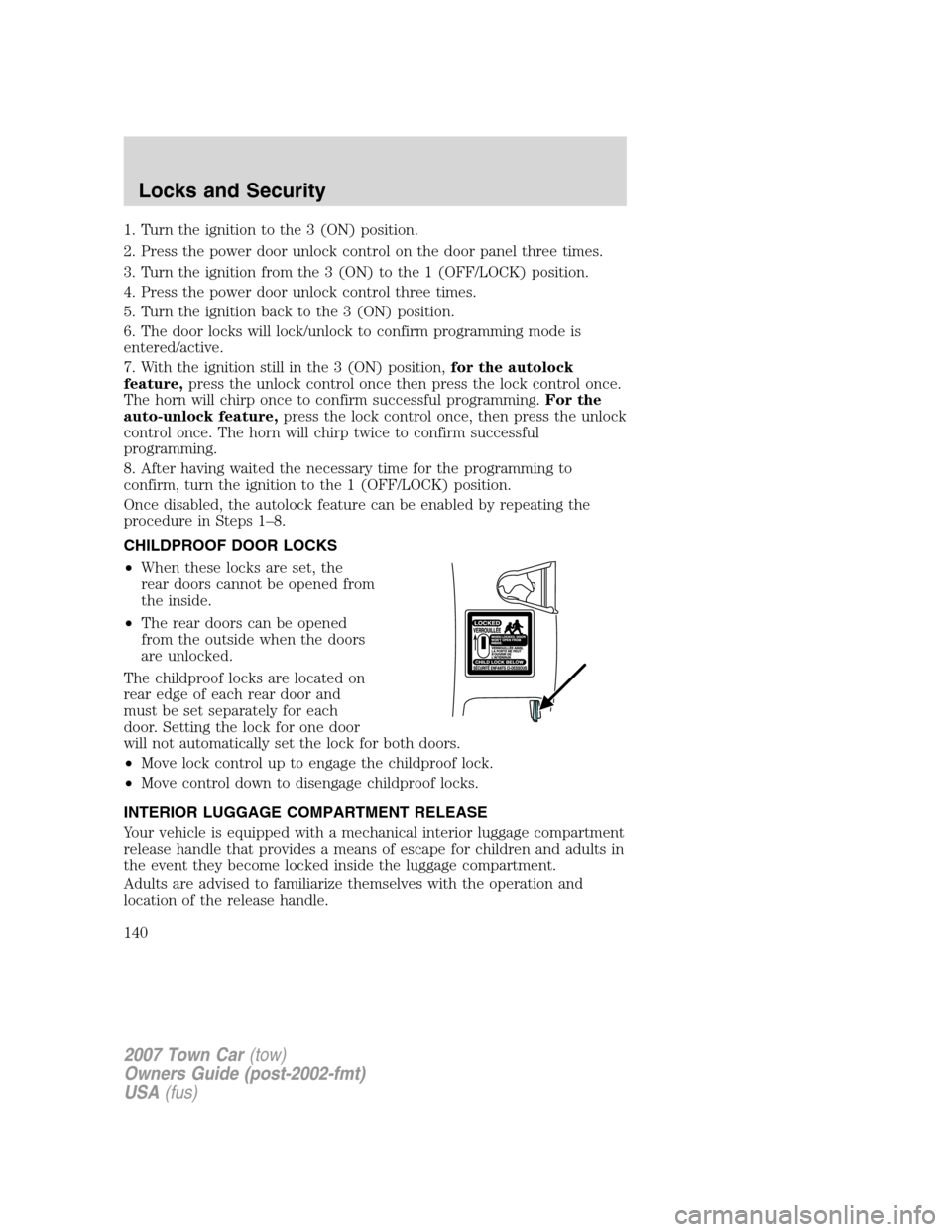
•When these locks are set, the
rear doors cannot be opened from
the inside.
•The rear doors can be opened
from the outside when the doors
are unlocked.
The childproof locks are located on
rear edge of each rear door and
must be set separately for each
door. Setting the lock for one door
will not automatically set the lock for both doors.
•Move lock control up to engage the childproof lock.
•Move control down to disengage childproof locks.
INTERIOR LUGGAGE COMPARTMENT RELEASE
Your vehicle is equipped with a mechanical interior luggage compartment
release handle that provides a means of escape for children and adults in
the event they become locked inside the luggage compartment.
Adults are advised to familiarize themselves with the operation and
location of the release handle.
2007 Town Car(tow)
Owners Guide (post-2002-fmt)
USA(fus)
Locks and Security
140