Page 136 of 350
Driving your vehicle18
4
1
2
3
4
5
6
7
8
9
Power brakes Your vehicle has power-assisted
brakes that adjust automatically
through normal usage.
In the event that the power-assisted
brakes lose power because of a
stalled engine or some other reason,
you can still stop your vehicle by
applying greater force to the brake
pedal than you normally would. The
stopping distance, however, will be
somewhat longer.
When the engine is not running, the
reserve brake power is partially
depleted each time the brake pedal
is applied. Do not pump the brake
pedal when the power assist has
been interrupted.
Pump the brake pedal only when
necessary to maintain steering con-
trol on slippery surfaces.
In the event of brake failure If service brakes fail to operate while
the vehicle is in motion, you can
make an emergency stop with the
parking brake. The stopping dis-
tance, however, will be much greater
than normal.
BRAKE SYSTEM
WARNING
- Parking brake
Operating the parking brake
while the vehicle is moving at
normal speeds can cause a sud-
den loss of control of the vehi-
cle. If you must use the parking
brake to stop the vehicle, use
great caution in applying the
brake.
WARNING -
Brakes
Do not drive with your foot resting on the brake pedal.
This will create abnormal high
brake temperatures, exces-
sive brake lining and pad
wear, and increased stopping
distances.
When descending a long or steep hill, shift to a lower gear
and avoid continuous applica-
tion of the brakes. Continuous
brake application will cause
the brakes to overheat and
could result in a temporary
loss of braking performance.
(Continued)
Page 139 of 350
421
Driving your vehicle
1
2
3
4
5
6
7
8
9
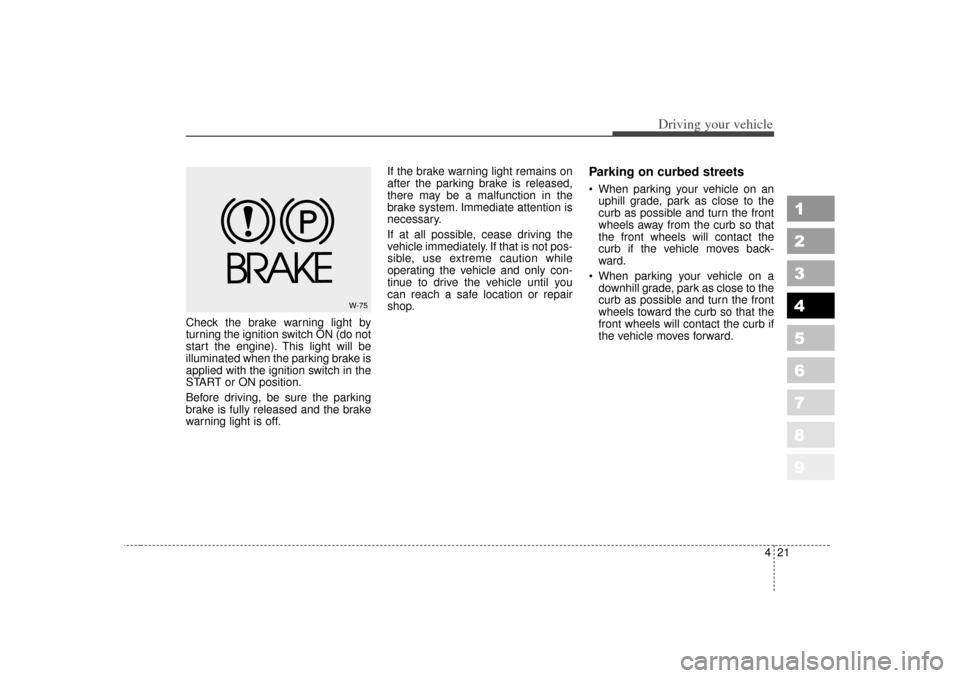
Check the brake warning light by
turning the ignition switch ON (do not
start the engine). This light will be
illuminated when the parking brake is
applied with the ignition switch in the
START or ON position.
Before driving, be sure the parking
brake is fully released and the brake
warning light is off.If the brake warning light remains on
after the parking brake is released,
there may be a malfunction in the
brake system. Immediate attention is
necessary.
If at all possible, cease driving the
vehicle immediately. If that is not pos-
sible, use extreme caution while
operating the vehicle and only con-
tinue to drive the vehicle until you
can reach a safe location or repair
shop.
Parking on curbed streets When parking your vehicle on an
uphill grade, park as close to the
curb as possible and turn the front
wheels away from the curb so that
the front wheels will contact the
curb if the vehicle moves back-
ward.
When parking your vehicle on a downhill grade, park as close to the
curb as possible and turn the front
wheels toward the curb so that the
front wheels will contact the curb if
the vehicle moves forward.
W-75
Page 141 of 350
423
Driving your vehicle
1
2
3
4
5
6
7
8
9
Even with the anti-lock brake sys-tem, your vehicle still requires suf-
ficient stopping distance. Always
maintain a safe distance from the
vehicle in front of you.
Always slow down when cornering. The anti-lock brake system cannot
prevent accidents resulting from
excessive speeds.
On loose or uneven road surfaces, operation of the anti-lock brake
system may result in a longer stop-
ping distance than for vehicles
equipped with a conventional
brake system.
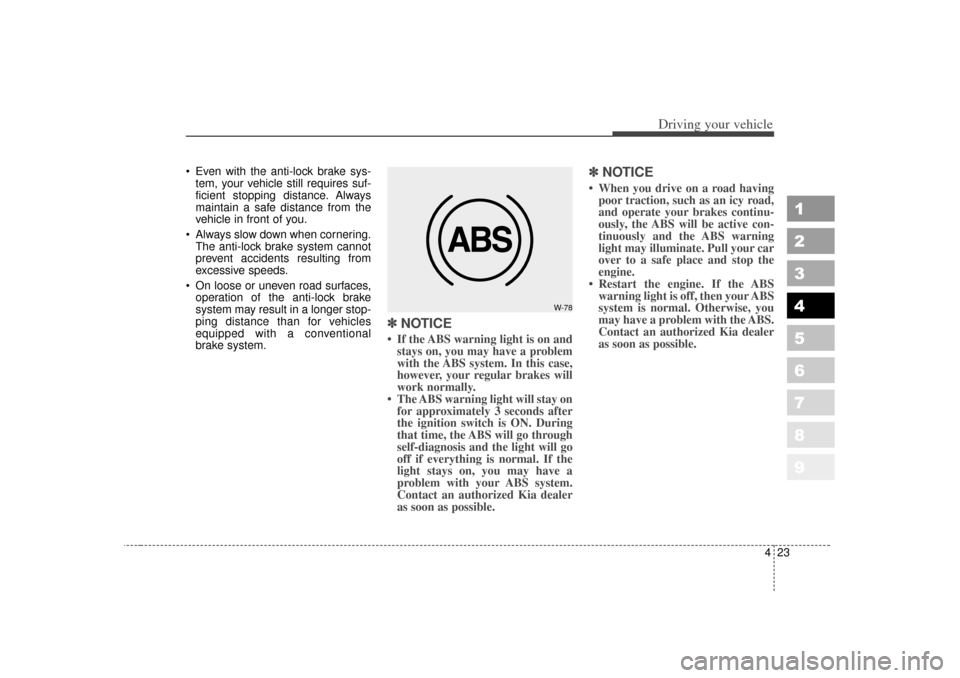
✽ ✽ NOTICE• If the ABS warning light is on and
stays on, you may have a problem
with the ABS system. In this case,
however, your regular brakes will
work normally.
• The ABS warning light will stay on for approximately 3 seconds after
the ignition switch is ON. During
that time, the ABS will go through
self-diagnosis and the light will go
off if everything is normal. If the
light stays on, you may have a
problem with your ABS system.
Contact an authorized Kia dealer
as soon as possible.
✽ ✽ NOTICE• When you drive on a road having
poor traction, such as an icy road,
and operate your brakes continu-
ously, the ABS will be active con-
tinuously and the ABS warning
light may illuminate. Pull your car
over to a safe place and stop the
engine.
• Restart the engine. If the ABS warning light is off, then your ABS
system is normal. Otherwise, you
may have a problem with the ABS.
Contact an authorized Kia dealer
as soon as possible.
W-78
Page 142 of 350
Driving your vehicle24
4
1
2
3
4
5
6
7
8
9
✽ ✽
NOTICEWhen you jump start your vehicle
because of a drained battery, the
engine may not run as smoothly and
the ABS warning light may turn on
at the same time. This happens
because of the low battery voltage. It
does not mean your ABS is malfunc-
tioning.
• Do not pump your brakes!
• Have the battery recharged before
driving the vehicle.
Page 143 of 350
425
Driving your vehicle
1
2
3
4
5
6
7
8
9
Power steeringPower Steering uses energy from the
engine to assist you in steering the
vehicle. If the engine is off or if the
power steering system becomes
inoperative, the vehicle may still be
steered, but it will require increased
steering effort.
Should you notice any change in the
effort required to steer during normal
vehicle operation, have the power
steering checked by an Authorized
Kia Dealer.
✽ ✽NOTICE• Never hold the steering wheel
against a stop (extreme right or
left turn) for more than 5 seconds
with the engine running. Holding
the steering wheel for more than 5
seconds in either position may
cause damage to the power steer-
ing pump.
• If the power steering drive belt breaks or if the power steering
pump malfunctions, the steering
effort will greatly increase.
✽ ✽
NOTICEIf the vehicle is parked for extended
periods outside in cold weather
(below -10°C/14°F), the power steer-
ing may require increased effort
when the engine is first started. This
is caused by increased fluid viscosity
due to the cold weather and does not
indicate a malfunction.
When this happens, increase the
engine RPM by depressing accelera-
tor until the RPM reaches 1,500 rpm
then release or let the engine idle for
two or three minutes to warm up the
fluid.
STEERING WHEEL
Page 151 of 350
433
Driving your vehicle
1
2
3
4
5
6
7
8
9
The Traction Control System (TCS)
helps the vehicle accelerate on slip-
pery road surfaces by preventing the
drive wheels from spinning exces-
sively. It also provides improved dri-
ving force and steering.
TCS operationTCS ON condition
When the ignition is turnedON, TCS and TCS OFF
indicator light illuminate for
approximately 3 seconds,
then TCS is turned on.
Press the TCS OFF button to turn TCS off. (TCS OFF
indicator will illuminate). To
turn the TCS on, press the
TCS OFF button (TCS OFF
indicator light will go off).
When starting the engine, you may hear a slight tick-
ing sound. This is the TCS
performing an automatic
system self-check and does
not indicate a problem.
When operating
When the TCS is in opera-
tion, TCS indicator light
blinks.
When the traction control system is operating prop-
erly, you can feel a slight
pulsation in the vehicle.
This is only the effect of
brake control and indi-
cates nothing unusual.
When moving out of mud or driving on a slippery
road, pressing the accel-
erator pedal may not
cause the engine rpm
(revolutions per minute) to
increase.
TRACTION CONTROL SYSTEM (IF EQUIPPED)
1KMA2127
-
TCS
Page 152 of 350
Driving your vehicle34
4
1
2
3
4
5
6
7
8
9
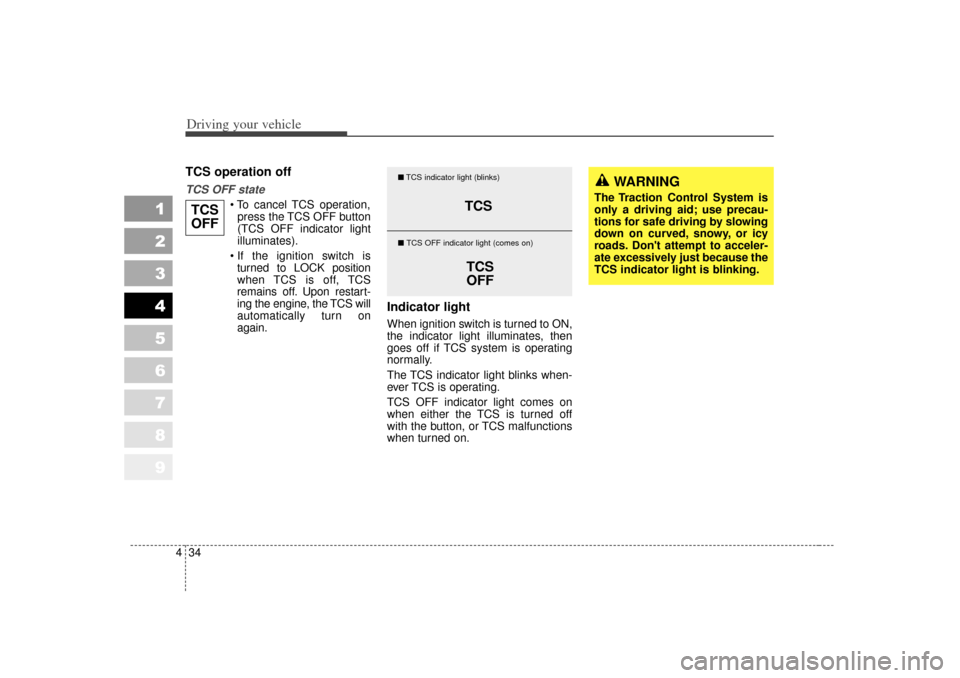
TCS operation offTCS OFF state
To cancel TCS operation,
press the TCS OFF button
(TCS OFF indicator light
illuminates).
If the ignition switch is turned to LOCK position
when TCS is off, TCS
remains off. Upon restart-
ing the engine, the TCS will
automatically turn on
again.
Indicator lightWhen ignition switch is turned to ON,
the indicator light illuminates, then
goes off if TCS system is operating
normally.
The TCS indicator light blinks when-
ever TCS is operating.
TCS OFF indicator light comes on
when either the TCS is turned off
with the button, or TCS malfunctions
when turned on.
TCS
OFF
TCS
TCS
OFF
� TCS indicator light (blinks)
� TCS OFF indicator light (comes on)
WARNING
The Traction Control System is
only a driving aid; use precau-
tions for safe driving by slowing
down on curved, snowy, or icy
roads. Don't attempt to acceler-
ate excessively just because the
TCS indicator light is blinking.
Page 154 of 350
Driving your vehicle36
4
1
2
3
4
5
6
7
8
9
The Electronic Stability Control
(ESC) monitors information from
various vehicle sensors and then
compares the driver's commands
with the actual behavior of the
vehicle. If an unstable condition occurs - a
sudden evasive movement for
example - ESC intervenes within
fractions of a second via the engine
computer and brake system and
attempts to stabilize the vehicle.
ESC operationESC ON condition
When the ignition is turned
ON, ESC and ESC OFF
indicator lights illuminate for
approximately 3 seconds,
then ESC is turned on.
Press the ESC OFF button for at least half a second
after turning the ignition ON
to turn ESC off. (ESC OFF
indicator will illuminate). To
turn the ESC on, press the
ESC OFF button (ESC
OFF indicator light will go
off).
When starting the engine, you may hear a slight ticking
sound. This is the ESC per-
forming an automatic sys-
tem self-check and does not
indicate a problem.
When operating
When the ESC is in opera-
tion, ESC indicator light
blinks.
When the Electronic Stability Control is operat-
ing properly, you can feel a
slight pulsation in the vehi-
cle. This is only the effect
of brake control and indi-
cates nothing unusual.
When moving out of the mud or slippery road,
pressing the accelerator
pedal may not cause the
engine rpm (revolutions
per minute) to increase.
ELECTRONIC STABILITY CONTROL (IF EQUIPPED)
-
ESCESPor
6KMN21281KMA2128
Type AType B