2007 KIA Sedona reset
[x] Cancel search: resetPage 200 of 344

3 191
Features of your vehicle
7. TUNE Select/Audio Control KnobRotate the knob clockwise to increase
the frequency and turn the knob counter-
clockwise to reduce the frequency.8. PRESET STATION SelectButtonsSix stations for AM, FM1 and FM2
respectively can be preset in the elec-
tronic memory circuit.HOW TO PRESET STATIONSSix AM and twelve FM stations may be
programmed into the memory of the
radio. Then, by simply pressing the
AM/FM band select button and/or one of
the six station select buttons, you may
recall any of these stations instantly. To
program the stations, follow these steps:
Press AM/FM selector to set the band
for AM, FM1 and FM2.
Select the desired station to be stored by seek or manual tuning.
Determine the preset station select button you wish to use to access that
station. Press and hold the station select but-
ton for more than 0.8 seconds. A select
button indicator will show in the display
indicating which select button you have
depressed. The frequency display will
flash after it has been stored in to the
memory. You should then release the
button, and proceed to program the
next desired station. A total of 18 sta-
tions can be programmed by selecting
one AM and two FM stations per but-
ton.
When completed, any preset station may be recalled by selecting AM, FM1
or FM2 band and the appropriate sta-
tion button.
CAUTION
Do not place beverages close to the audio system. The playbackmechanism may be damaged if you spill them.
Do not strike or allow anything to impact the audio system, damageto the system mechanisms couldoccur.
Page 203 of 344
Features of your vehicle194
3✽
✽
NOTICE• To assure proper operation of the unit,
keep the vehicle interior temperature
within a normal range by using the
vehicle's air conditioning or heating
system.
• When replacing the fuse, replace it with a fuse having the correct capaci-
ty.
• The preset station frequencies are all erased when the car battery is discon-
nected. Therefore, all data will have to
be set again if this should occur.
• Do not add any oil to the rotating parts. Keep magnets, screwdrivers
and other metallic objects away from
the tape mechanism and head.
• This equipment is designed to be used only in a 12 volt DC battery system
with negative ground.
• This unit is made of precision parts. Do not attempt to disassemble or
adjust any parts. (Continued)(Continued)
• Do not expose this equipment (includ-
ing the speakers and tape) to water or
excessive moisture.
CAUTION
Do not insert anything like coins
into the player slot as damage tothe unit may occur.
Do not place beverages close to the audio system. The playbackmechanism may be damaged if you spill them.
Do not strike or allow anything to impact the audio system, damageto the system mechanisms could occur.
WARNING
When driving your vehicle, be sure
to keep the volume of the unit set
low enough to allow you to hear
sounds coming from the outside.
Page 207 of 344
Features of your vehicle198
3✽
✽
NOTICE• To assure proper operation of the unit,
keep the vehicle interior temperature
within a normal range by using the
vehicle's air conditioning or heating
system.
• When replacing the fuse, replace it with a fuse having the correct capaci-
ty.
• All stored bookmarks are all erased when the car battery is disconnected
or power to the vehicle is lost. If this
occurs, the bookmarks will have to be
reset.
• This equipment is designed to be used only in a 12 volt DC battery system
with negative ground.
• This unit is made of precision parts. Do not attempt to disassemble or
adjust any parts.
• Do not expose this equipment (includ- ing the speakers and tape) to water or
excessive moisture.
CAUTION
Do not insert warped or poor
quality discs into the CD playeras damage to the unit may occur.
Do not insert anything like coins into the player slot as damage tothe unit may occur.
Do not place beverages close to the audio system. The playbackmechanism may be damaged ifyou spill them.
Do not strike or allow anything to impact the audio system, damageto the system mechanisms couldoccur.
Off-road or rough surface driving may cause the compact disc toskip. Do not use the compact discwhen driving in such conditionsas damage to the compact disc face could occur.
(Continued)
(Continued) Do not attempt to grab or pull the compact disc out while the disc isbeing pulled into the audio unit by the self-loading mechanism.Damage to the audio unit and compact disc could occur.
Avoid using recorded compact discs in your audio unit. Originalcompact discs are recommended for best resnlts.
WARNING
When driving your vehicle, be sure
to keep the volume of the unit set
low enough to allow you to hear
sounds coming from the outside.
Page 208 of 344
3 199
Features of your vehicle
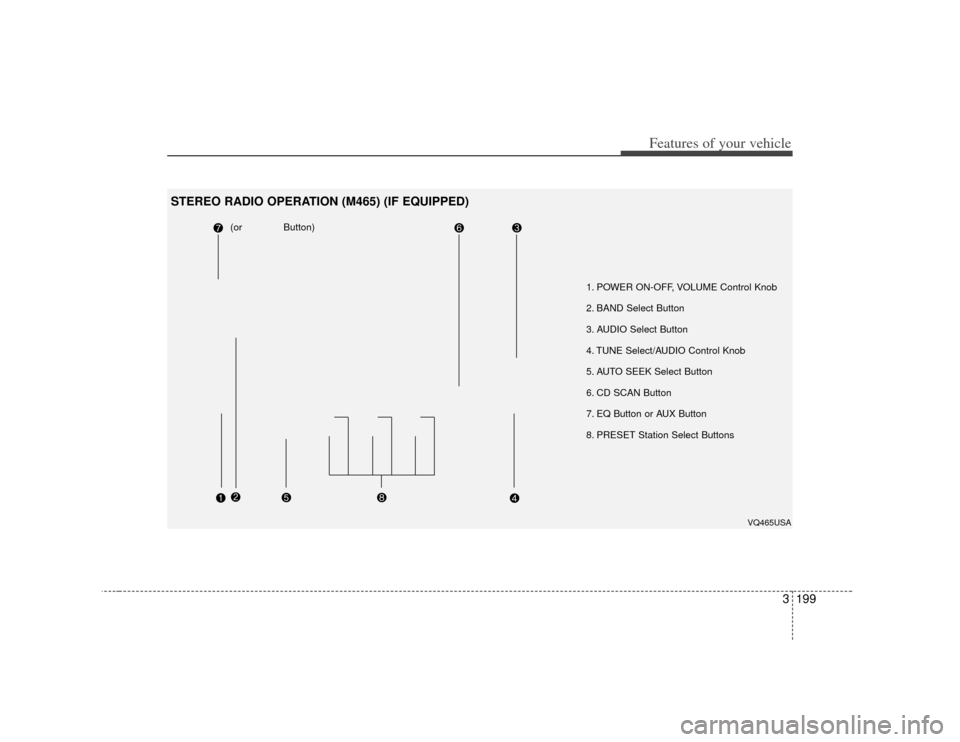
1. POWER ON-OFF, VOLUME Control Knob
2. BAND Select Button
3. AUDIO Select Button
4. TUNE Select/AUDIO Control Knob
5. AUTO SEEK Select Button
6. CD SCAN Button
7. EQ Button or AUX Button
8. PRESET Station Select Buttons
(or Button)
VQ465USA
STEREO RADIO OPERATION (M465) (IF EQUIPPED)
Page 210 of 344
3 201
Features of your vehicle
6. CD SCAN ButtonWhen you press the button, frequency is
changed and the next channel is
received automatically.
To stay on a station, press the CD SCAN
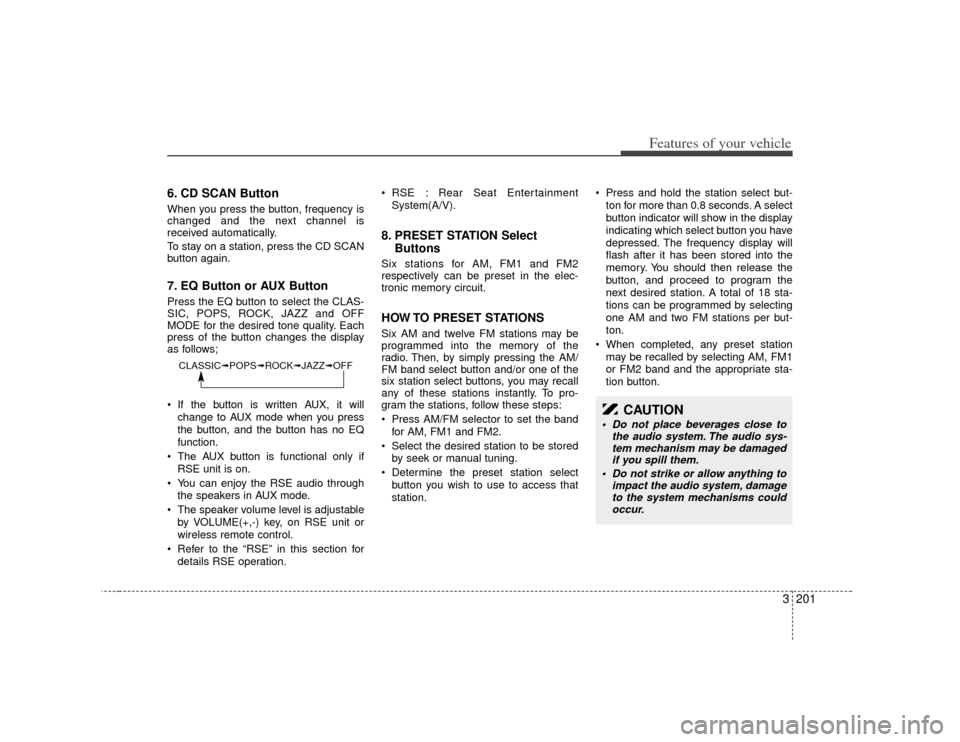
button again.7. EQ Button or AUX ButtonPress the EQ button to select the CLAS-
SIC, POPS, ROCK, JAZZ and OFF
MODE for the desired tone quality. Each
press of the button changes the display
as follows;
If the button is written AUX, it willchange to AUX mode when you press
the button, and the button has no EQ
function.
The AUX button is functional only if RSE unit is on.
You can enjoy the RSE audio through the speakers in AUX mode.
The speaker volume level is adjustable by VOLUME(+,-) key, on RSE unit or
wireless remote control.
Refer to the “RSE” in this section for details RSE operation. RSE : Rear Seat Entertainment
System(A/V).
8. PRESET STATION Select ButtonsSix stations for AM, FM1 and FM2
respectively can be preset in the elec-
tronic memory circuit.HOW TO PRESET STATIONSSix AM and twelve FM stations may be
programmed into the memory of the
radio. Then, by simply pressing the AM/
FM band select button and/or one of the
six station select buttons, you may recall
any of these stations instantly. To pro-
gram the stations, follow these steps:
Press AM/FM selector to set the band
for AM, FM1 and FM2.
Select the desired station to be stored by seek or manual tuning.
Determine the preset station select button you wish to use to access that
station. Press and hold the station select but-
ton for more than 0.8 seconds. A select
button indicator will show in the display
indicating which select button you have
depressed. The frequency display will
flash after it has been stored into the
memory. You should then release the
button, and proceed to program the
next desired station. A total of 18 sta-
tions can be programmed by selecting
one AM and two FM stations per but-
ton.
When completed, any preset station may be recalled by selecting AM, FM1
or FM2 band and the appropriate sta-
tion button.
CLASSIC➟ POPS➟ROCK➟ JAZZ➟OFF
CAUTION
Do not place beverages close to
the audio system. The audio sys-tem mechanism may be damagedif you spill them.
Do not strike or allow anything to impact the audio system, damageto the system mechanisms couldoccur.
Page 213 of 344
Features of your vehicle204
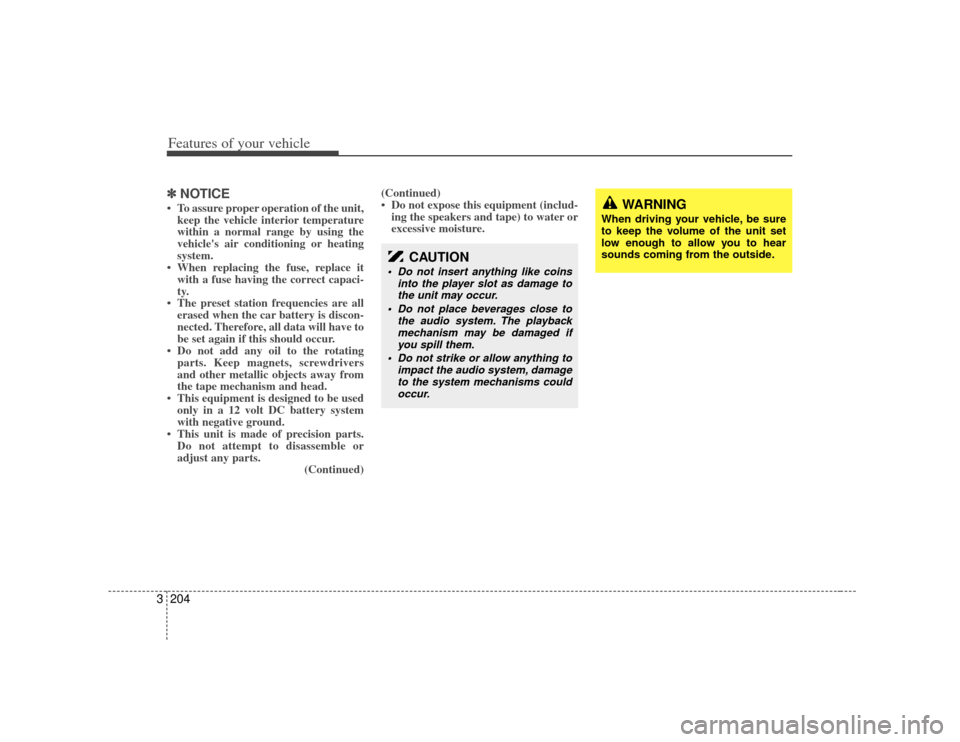
3✽
✽
NOTICE• To assure proper operation of the unit,
keep the vehicle interior temperature
within a normal range by using the
vehicle's air conditioning or heating
system.
• When replacing the fuse, replace it with a fuse having the correct capaci-
ty.
• The preset station frequencies are all erased when the car battery is discon-
nected. Therefore, all data will have to
be set again if this should occur.
• Do not add any oil to the rotating parts. Keep magnets, screwdrivers
and other metallic objects away from
the tape mechanism and head.
• This equipment is designed to be used only in a 12 volt DC battery system
with negative ground.
• This unit is made of precision parts. Do not attempt to disassemble or
adjust any parts. (Continued)(Continued)
• Do not expose this equipment (includ-
ing the speakers and tape) to water or
excessive moisture.
CAUTION
Do not insert anything like coins
into the player slot as damage tothe unit may occur.
Do not place beverages close to the audio system. The playbackmechanism may be damaged ifyou spill them.
Do not strike or allow anything to impact the audio system, damageto the system mechanisms couldoccur.
WARNING
When driving your vehicle, be sure
to keep the volume of the unit set
low enough to allow you to hear
sounds coming from the outside.
Page 218 of 344

3 209
Features of your vehicle
13. FILE SEARCH Knob (TUNE Select Knob) You can skip the track (file) by turning
the FILE SEARCH knob clockwise or
counterclockwise.
After selecting the desired track (file),
press the FILE SEARCH knob to play-
back the track (file).
If you do not press the FILE SEARCH
knob within five seconds, the search
will stop.14. DIRECTORY SEARCH (DIR) Button You can move through the folder by
pushing the DIR button to up ( ) and
down( ).
After moving the desired folder, press the FILE SEARCH knob to play back in
the selected folder. If you do not press
the FILE SEARCH knob within 5 sec-
onds, the folder searching function will
be released. It can not be operated in a
single folder.
✽ ✽ NOTICE• To assure proper operation of the unit,
keep the vehicle interior temperature
within a normal range by using the
vehicle's air conditioning or heating
system.
• When replacing the fuse, replace it with a fuse having the correct capaci-
ty.
• Stored bookmarks are all erased when the car battery is disconnected or
power to the vehicle is lost. If this
occurs, the bookmarks will have to be
reset.
• This equipment is designed to be used only in a 12 volt DC battery system
with negative ground.
• This unit is made of precision parts. Do not attempt to disassemble or
adjust any parts.
• Do not expose this equipment (includ- ing the speakers and tape) to water or
excessive moisture.
CAUTION
Do not insert warped or poor
quality discs into the CD playeras damage to the unit may occur.
Do not insert anything like coins into the player slot as damage tothe unit may occur.
Do not place beverages close to the audio system. The playbackmechanism may be damaged ifyou spill them.
Do not strike or allow anything to impact the audio system, damageto the system mechanisms couldoccur.
Off-road or rough surface driving may cause the compact disc toskip. Do not use the compactdisc when driving in such condi-tions as damage to the compact disc face could occur.
Do not attempt to grab or pull the compact disc out while the disc isbeing pulled into the audio unit by the self-loading mechanism.Damage to the audio unit and compact disc could occur.
Avoid using recorded compact discs in your audio unit. Originalcompact discs are recommended for best results.
WARNING
When driving your vehicle, be sure
to keep the volume of the unit set
low enough to allow you to hear
sounds coming from the outside.
Page 225 of 344

Features of your vehicle216
3✽
✽
NOTICEThe RSE will enter standby mode when
the vehicle ignition is turned off and
back on. Press the SRC or
PLAY/PAUSE( ) button to “wake
up” the unit and resume disc play.1. Stop/Eject While the disc is playing, press the
STOP/EJECT ( ) button to stop disc
play. When the disc has stopped, press
the button again to eject the disc.✽ ✽NOTICEThe player has an Auto-Reload Disc
Protection feature to protect discs from
accidental damage. If an ejected disc is
not removed within 25 seconds after
being ejected, it will be pulled back into
the player. This is to protect the disc
from accidental damage.
2. Speaker Volume Control You can adjust the volume one of two
ways. First, if you are adjusting the vol-
ume for audio through the vehicle speak-
ers, you can use the VOLUME button on
the control panel or the remote control.
This button is reserved for sending a sig-
nal to the vehicle speakers only, and will
not adjust the headphone volume. Press
“+” to increase the volume and “-” to
decrease the volume.
Second, the volume on the wireless
headphones can be adjusted by turning
the VOL knob located on the left side of
the headphones.3. Play/Pause You do not need to press the play button
after first loading a DVD or VCD; it will
start automatically by playing the first
track or bringing up the disc menu.
If the disc does not automatically load,
press PLAY/PAUSE( ) to play the
DV D.
While playing a DVD, press PLAY
/PAUSE( ) to pause the DVD. Press
the button again to resume play.
4. Display When the player is in DVD mode, press
the DISP button to view the DVD title,
chapter number and elapsed time and
other information about the DVD current-
ly playing.
It will also display brightness. There are
“Day Time” brightness with brightest level
and “Night Time” brightness which has
70% level of “Day Time” brightness.
Adjust the level of brightness by pressing
the REV(dimmer) or FWD(brighter) but-
tons.
The next time the player is turned on, it
will return to the brightness level it was
adjusted to when last used.
The RSE unit has two presets of display
brightness. When the headlamp is turned
on, the display brightness level will be
dimmed as the preset. However, when
the headlamp is turned off, the display
brightness will return to the daytime
brightness.
Press DISP to adjust the image format.
The image format, also known as the
aspect ratio, is a ratio of the height to
width of the image on the screen. For
example, a 4:3 ratio would mean an
image that is 4 units by 3 units.