Page 85 of 304
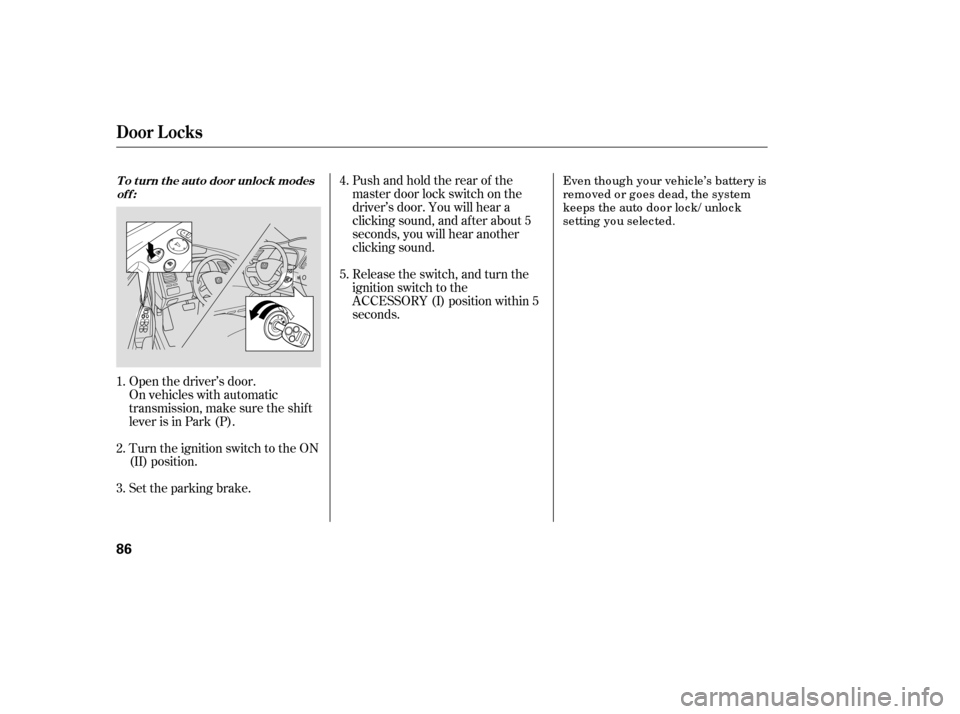
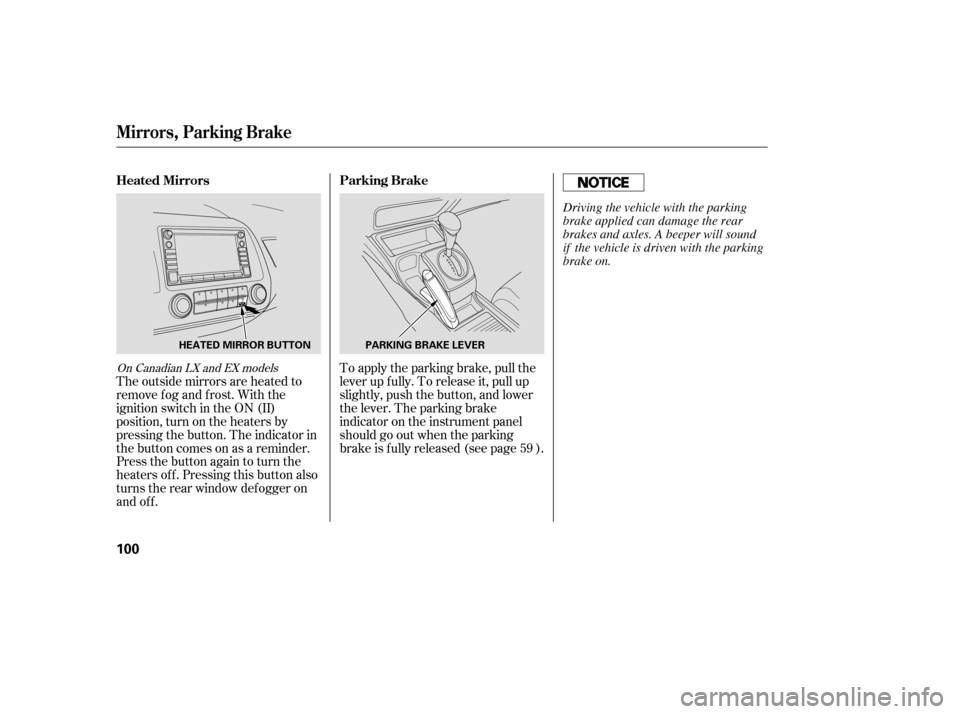
Automatic transmission:
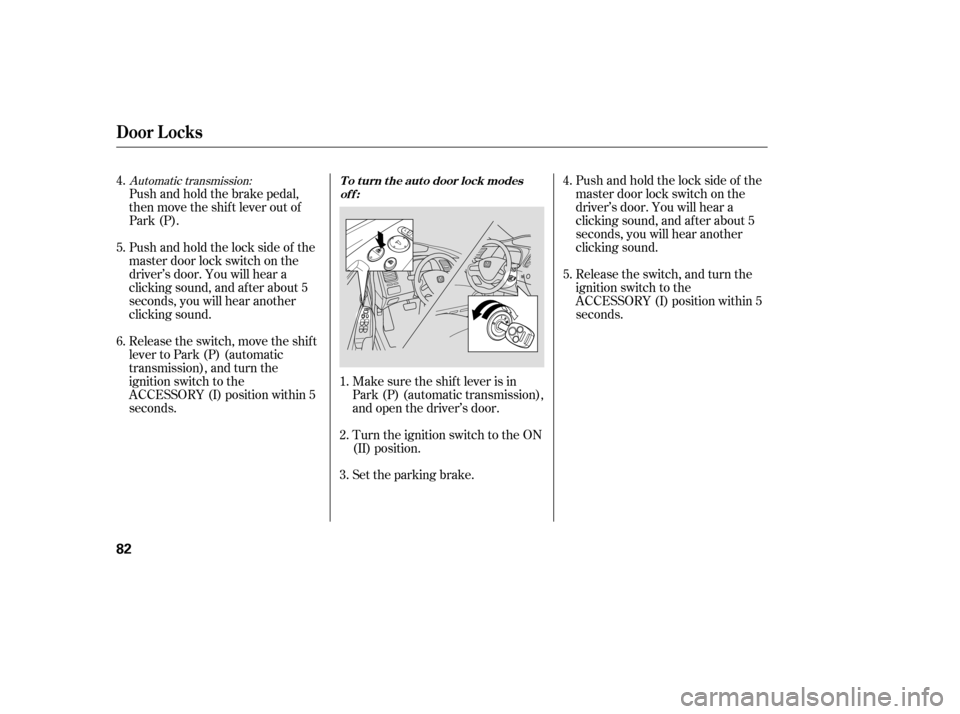
Push and hold the brake pedal,
then move the shift lever out of
Park (P).
Pushandholdthelocksideof the
master door lock switch on the
driver’s door. You will hear a
clicking sound, and af ter about 5
seconds, you will hear another
clicking sound.
Release the switch, move the shif t
lever to Park (P) (automatic
transmission), and turn the
ignition switch to the
ACCESSORY (I) position within 5
seconds.Make sure the shif t lever is in
Park (P) (automatic transmission),
and open the driver’s door.
Turn the ignition switch to the ON
(II) position.
Set the parking brake.Pushandholdthelocksideof the
master door lock switch on the
driver’s door. You will hear a
clicking sound, and af ter about 5
seconds, you will hear another
clicking sound.
Release the switch, and turn the
ignition switch to the
ACCESSORY (I) position within 5
seconds.
5.
4. 6.
1. 2. 3.4. 5.
Door L ocks
To turn the auto door lock modes
off:
82
�����—�����—�����y���������������y���
�(�#�����
���y���������y
Page 86 of 304
Pushandholdthelocksideof the
master door lock switch on the
driver’s door. You will hear a
clicking sound, and af ter about 5
seconds, you will hear another
clicking sound.
Release the switch, and turn the
ignition switch to the
ACCESSORY (I) position within 5
seconds.
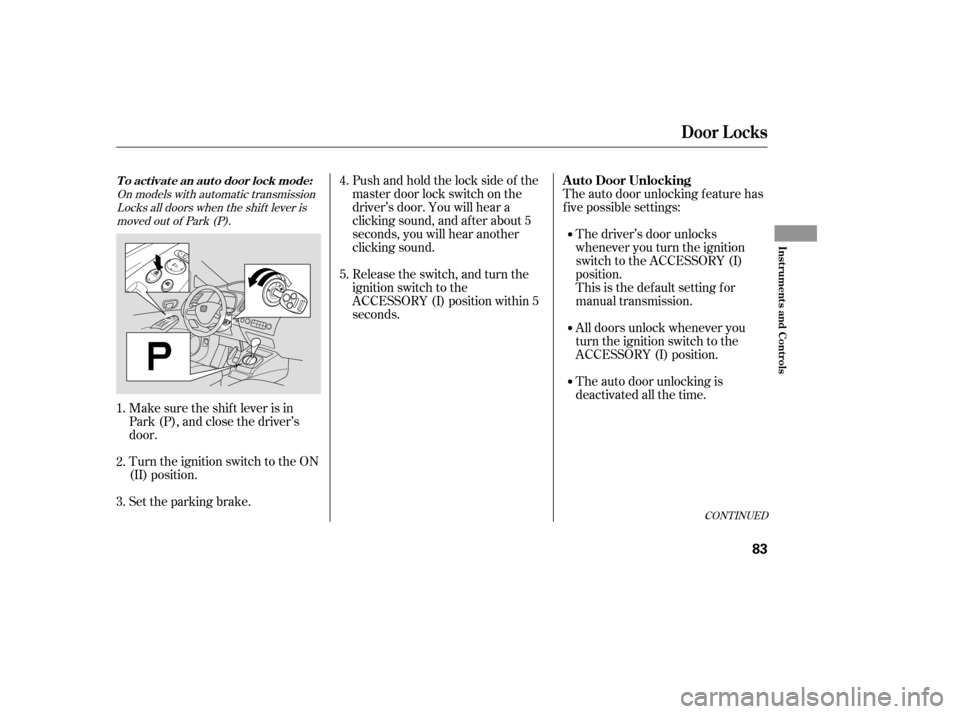
Make sure the shif t lever is in
Park (P), and close the driver’s
door.
Turn the ignition switch to the ON
(II) position.
Set the parking brake. The auto door unlocking f eature has
f ive possible settings:
The driver’s door unlocks
whenever you turn the ignition
switch to the ACCESSORY (I)
position.
This is the def ault setting f or
manual transmission.
All doors unlock whenever you
turn the ignition switch to the
ACCESSORY (I) position.
The auto door unlocking is
deactivated all the time.
1. 2. 3. 4. 5.
On models with automatic transmission
Locks all doors when the shif t lever is
moved out of Park (P).
CONT INUED
Door L ocks
A uto Door UnlockingTo activate an auto door lock mode:
Inst rument s and Cont rols
83
�����—�����—�����y�������������
�y���
�(�#�����
���y���������y
Page 87 of 304
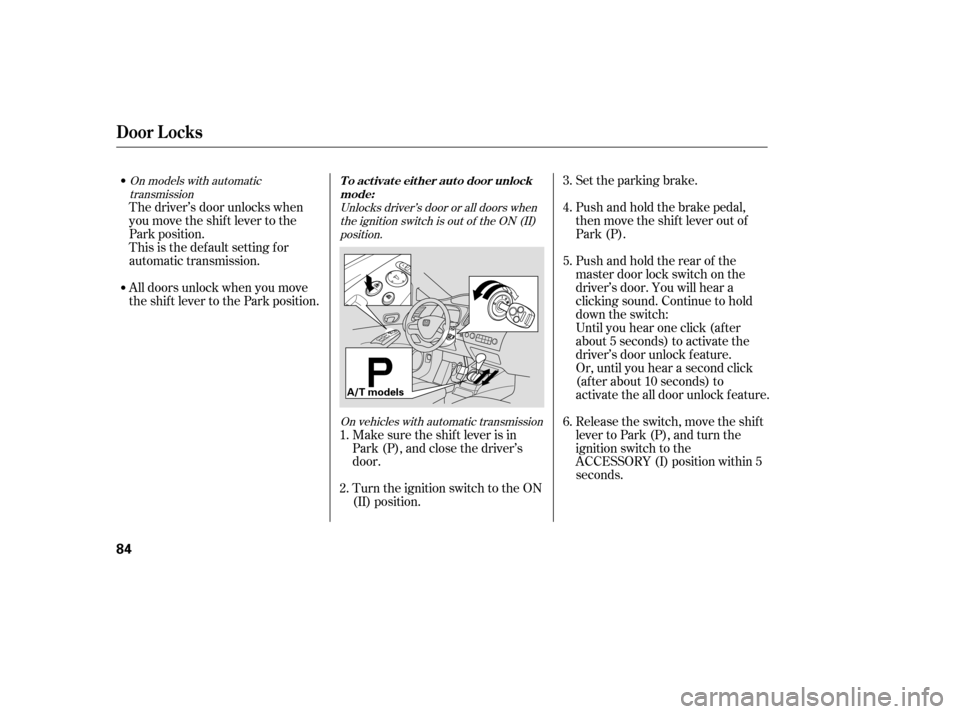
Set the parking brake.
Push and hold the brake pedal,
then move the shift lever out of
Park (P).
Pushandholdtherearof the
master door lock switch on the
driver’s door. You will hear a
clicking sound. Continue to hold
down the switch:
Until you hear one click (af ter
about 5 seconds) to activate the
driver’s door unlock f eature.
Or, until you hear a second click
(af ter about 10 seconds) to
activate the all door unlock feature.
Release the switch, move the shif t
lever to Park (P), and turn the
ignition switch to the
ACCESSORY (I) position within 5
seconds.
Make sure the shif t lever is in
Park (P), and close the driver’s
door.
Turn the ignition switch to the ON
(II) position.
The driver’s door unlocks when
you move the shif t lever to the
Park position.
This is the def ault setting f or
automatic transmission.
All doors unlock when you move
the shif t lever to the Park position.
1. 2. 3. 4. 5. 6.
Unlocks driver’s door or all doors when
the ignition switch is out of the ON (II)position.
On vehicles with automatic transmission
On models with automatic
transmission
Door L ocks
To activate either auto door unlock
mode:
84
A/T models
�����—�����—�����y���������������y���
�(�#�����
���y���������y
Page 88 of 304
CONT INUED
Until you hear one click (af ter
about 5 seconds) to activate the
driver’s door unlock f eature.
Or, until you hear a second click
(af ter about 10 seconds) to
activate the all door unlock feature.
Release the switch, and turn the
ignition switch to the
ACCESSORY (I) position within 5
seconds.
Turn the ignition switch to the ON
(II) position.
Set the parking brake.
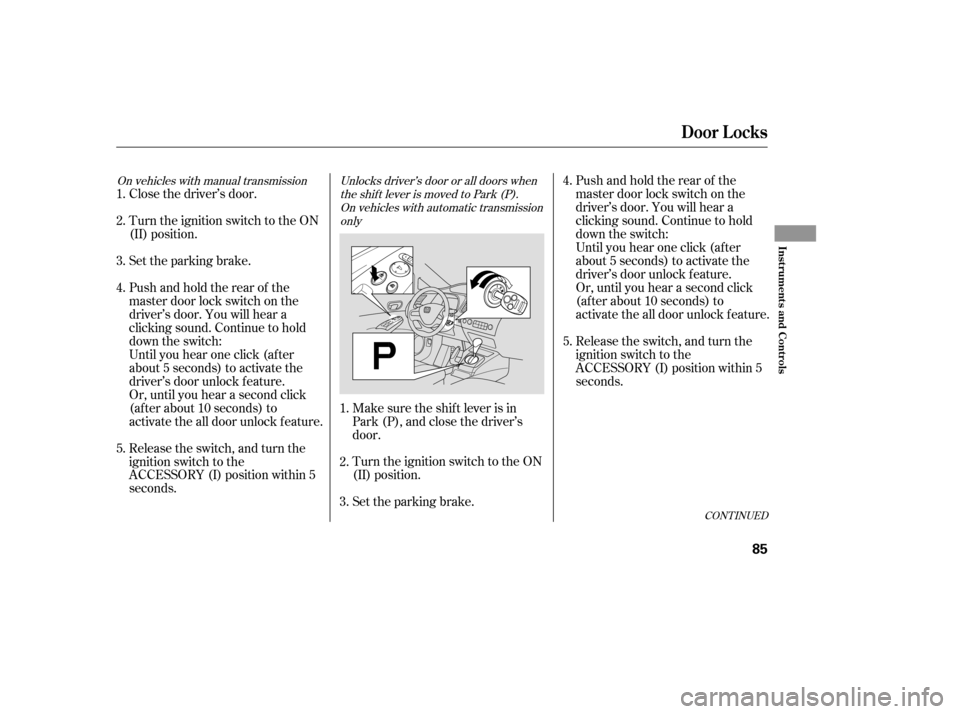
Make sure the shif t lever is in
Park (P), and close the driver’s
door.
Close the driver’s door.
Turn the ignition switch to the ON
(II) position.
Set the parking brake.
Pushandholdtherearof the
master door lock switch on the
driver’s door. You will hear a
clicking sound. Continue to hold
down the switch:
Pushandholdtherearof the
master door lock switch on the
driver’s door. You will hear a
clicking sound. Continue to hold
down the switch:
Until you hear one click (af ter
about 5 seconds) to activate the
driver’s door unlock f eature.
Or, until you hear a second click
(af ter about 10 seconds) to
activate the all door unlock feature.
Release the switch, and turn the
ignition switch to the
ACCESSORY (I) position within 5
seconds. 1. 2. 3. 4. 5.
1. 2. 3. 4. 5.
Unlocks driver’s door or all doors when
the shift lever is moved to Park (P).On vehicles with automatic transmission only
On vehicles with manual transmission
Door L ocks
Inst rument s and Cont rols
85
�����—�����—�����y���������������y���
�(�#�����
���y���������y
Page 89 of 304
Turn the ignition switch to the ON
(II) position.
Set the parking brake.
Open the driver’s door.
On vehicles with automatic
transmission, make sure the shif t
lever is in Park (P). Release the switch, and turn the
ignition switch to the
ACCESSORY (I) position within 5
seconds.
Pushandholdtherearof the
master door lock switch on the
driver’s door. You will hear a
clicking sound, and af ter about 5
seconds, you will hear another
clicking sound.
Even tho ug h yo ur vehic le’s battery is
remo ved o r g o es dead, the system
keeps the auto do o r lo c k/ unlo c k
setting yo u selec ted.
1. 2. 3. 4. 5.
To turn the auto door unlock modes
off:
Door L ocks
86
�����—�����—�����y�����������
���y���
�(�#�����
���y�������
�y
Page 103 of 304
The outside mirrors are heated to
remove fog and frost. With the
ignition switch in the ON (II)
position, turn on the heaters by
pressing the button. The indicator in
the button comes on as a reminder.
Press the button again to turn the
heaters off. Pressing this button also
turns the rear window def ogger on
and off.To apply the parking brake, pull the
lever up f ully. To release it, pull up
slightly, push the button, and lower
the lever. The parking brake
indicator on the instrument panel
should go out when the parking
brake is f ully released (see page ).
59
On Canadian LX and EX models
Parking Brake
Heated Mirrors
Mirrors, Parking Brake
100
PARKING BRAKE LEVER
HEATED MIRROR BUTTON
Driving the vehicle with the parking
brake applied can damage the rear
brakes and axles. A beeper will sound
if the vehicle is driven with the parking
brake on.
�����—�����—�����y�
������
������y���
�(�#�����
���y���
�����y
Page 118 of 304

�µ�µ
�µ
These two
modes adjust the strength of the
sound coming f rom each speaker.
BALANCE adjusts the side-to-side
strength, while FADER adjusts the
front-to-back strength. You can use the instrument panel
brightness control buttons to adjust
the illumination of the audio system
(see page ). The audio system
illuminates when the parking lights
are on, even if the radio is of f .
The SVC
mode controls the volume based on
vehicle speed. The f aster you go, the
louder the audio volume becomes.
As you slow down, the audio volume
decreases.
The SVC has f our modes; SVC OFF,
SVC LOW, SVC MID, and SVC
HIGH. The def ault setting is MID.
Turn the SOUND (TUNE) knob to
adjust the setting to your liking.
If you f eel the sound is too loud,
choose low. If you f eel the sound is
too quiet, choose high.
Use the TREBLE/
BASS modes to adjust the tone to
your liking.
73
Balance/Fader A udio System L ighting
Speed-sensitive volume
compensation (SVC)
Treble/Bass
Audio System (Models without navigation system)
116
�����—�����—�����y�
�������������y���
�(�#�����
���y���
���
�y
Page 143 of 304

You can use the instrument panel
brightness control buttons to adjust
the illumination of the audio system
(see page ). The audio system
illuminates when the parking lights
are on, even if the radio is of f .
You can select the background
screen to display the sound level.
There are three screen modes: level
(the sound level is shown with the
vertical bars), spectrum analysis (the
sound level appears as ripples of
water), and off. Each time you touch
the background icon, the display
changes.
The system will return to the audio
display about 5 seconds af ter you
stop adjusting a mode.
You can also select the icon with the
joystick. Move it up and down to
move the highlighting and scroll
through lists. Select the icon, then
move the joystick to lef t or right to
change the setting.
This f unction is set to MID as the
def ault setting when the vehicle
leaves the f actory. If you f eel the
sound is too loud, choose low. If you
f eel the sound is too quiet, choose Hi.
73
A udio System L ighting
Audio System (Models with navigation system)
Screen Mode
Features
141
�����—�����—�����y�
�������������y���
�(�#�����
���y���
�����y