Page 85 of 304
Automatic transmission:
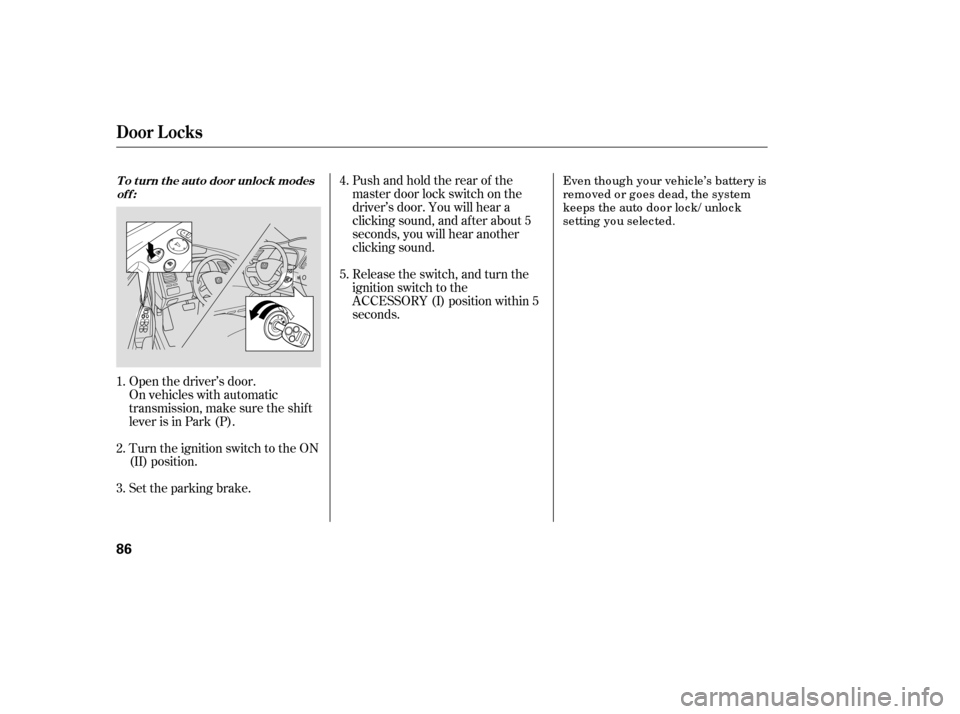
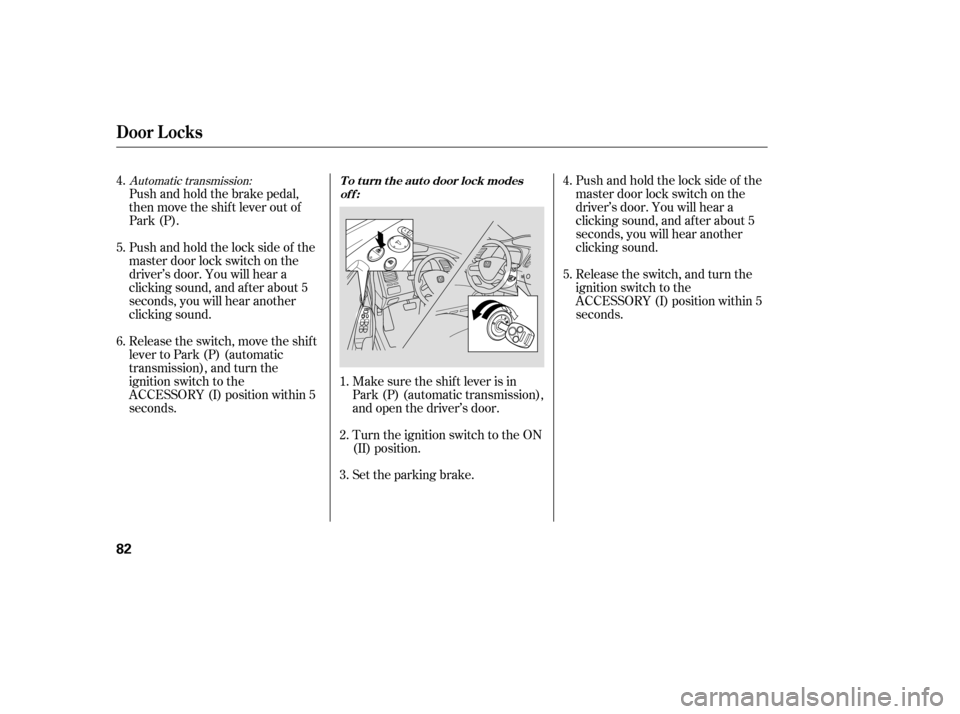
Push and hold the brake pedal,
then move the shift lever out of
Park (P).
Pushandholdthelocksideof the
master door lock switch on the
driver’s door. You will hear a
clicking sound, and af ter about 5
seconds, you will hear another
clicking sound.
Release the switch, move the shif t
lever to Park (P) (automatic
transmission), and turn the
ignition switch to the
ACCESSORY (I) position within 5
seconds.Make sure the shif t lever is in
Park (P) (automatic transmission),
and open the driver’s door.
Turn the ignition switch to the ON
(II) position.
Set the parking brake.Pushandholdthelocksideof the
master door lock switch on the
driver’s door. You will hear a
clicking sound, and af ter about 5
seconds, you will hear another
clicking sound.
Release the switch, and turn the
ignition switch to the
ACCESSORY (I) position within 5
seconds.
5.
4. 6.
1. 2. 3.4. 5.
Door L ocks
To turn the auto door lock modes
off:
82
�����—�����—�����y���������������y���
�(�#�����
���y���������y
Page 86 of 304
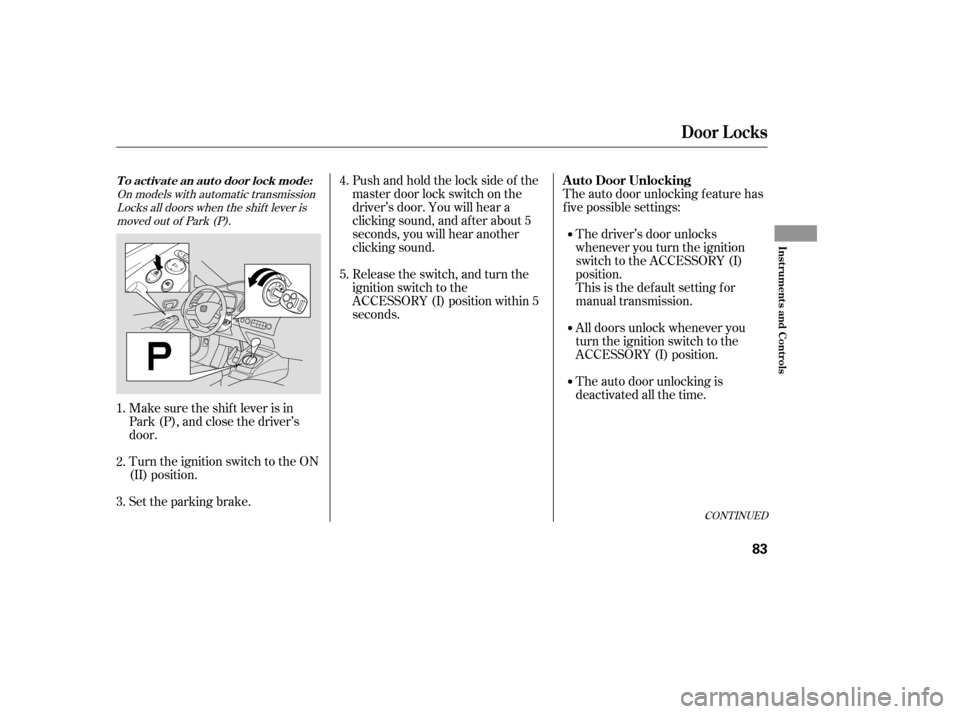
Pushandholdthelocksideof the
master door lock switch on the
driver’s door. You will hear a
clicking sound, and af ter about 5
seconds, you will hear another
clicking sound.
Release the switch, and turn the
ignition switch to the
ACCESSORY (I) position within 5
seconds.
Make sure the shif t lever is in
Park (P), and close the driver’s
door.
Turn the ignition switch to the ON
(II) position.
Set the parking brake. The auto door unlocking f eature has
f ive possible settings:
The driver’s door unlocks
whenever you turn the ignition
switch to the ACCESSORY (I)
position.
This is the def ault setting f or
manual transmission.
All doors unlock whenever you
turn the ignition switch to the
ACCESSORY (I) position.
The auto door unlocking is
deactivated all the time.
1. 2. 3. 4. 5.
On models with automatic transmission
Locks all doors when the shif t lever is
moved out of Park (P).
CONT INUED
Door L ocks
A uto Door UnlockingTo activate an auto door lock mode:
Inst rument s and Cont rols
83
�����—�����—�����y�������������
�y���
�(�#�����
���y���������y
Page 87 of 304
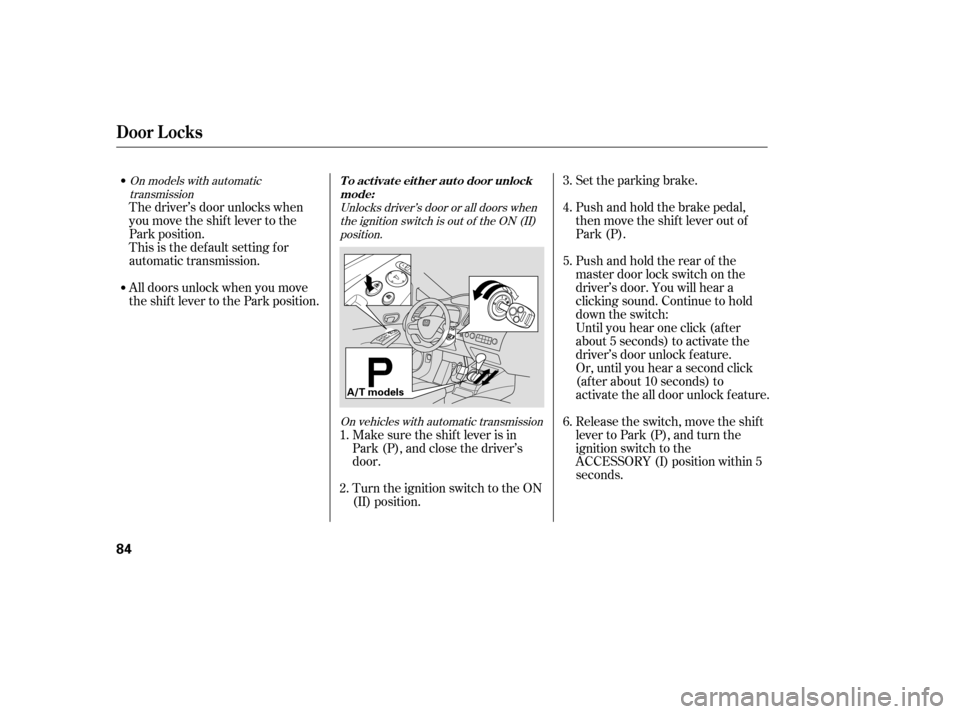
Set the parking brake.
Push and hold the brake pedal,
then move the shift lever out of
Park (P).
Pushandholdtherearof the
master door lock switch on the
driver’s door. You will hear a
clicking sound. Continue to hold
down the switch:
Until you hear one click (af ter
about 5 seconds) to activate the
driver’s door unlock f eature.
Or, until you hear a second click
(af ter about 10 seconds) to
activate the all door unlock feature.
Release the switch, move the shif t
lever to Park (P), and turn the
ignition switch to the
ACCESSORY (I) position within 5
seconds.
Make sure the shif t lever is in
Park (P), and close the driver’s
door.
Turn the ignition switch to the ON
(II) position.
The driver’s door unlocks when
you move the shif t lever to the
Park position.
This is the def ault setting f or
automatic transmission.
All doors unlock when you move
the shif t lever to the Park position.
1. 2. 3. 4. 5. 6.
Unlocks driver’s door or all doors when
the ignition switch is out of the ON (II)position.
On vehicles with automatic transmission
On models with automatic
transmission
Door L ocks
To activate either auto door unlock
mode:
84
A/T models
�����—�����—�����y���������������y���
�(�#�����
���y���������y
Page 88 of 304
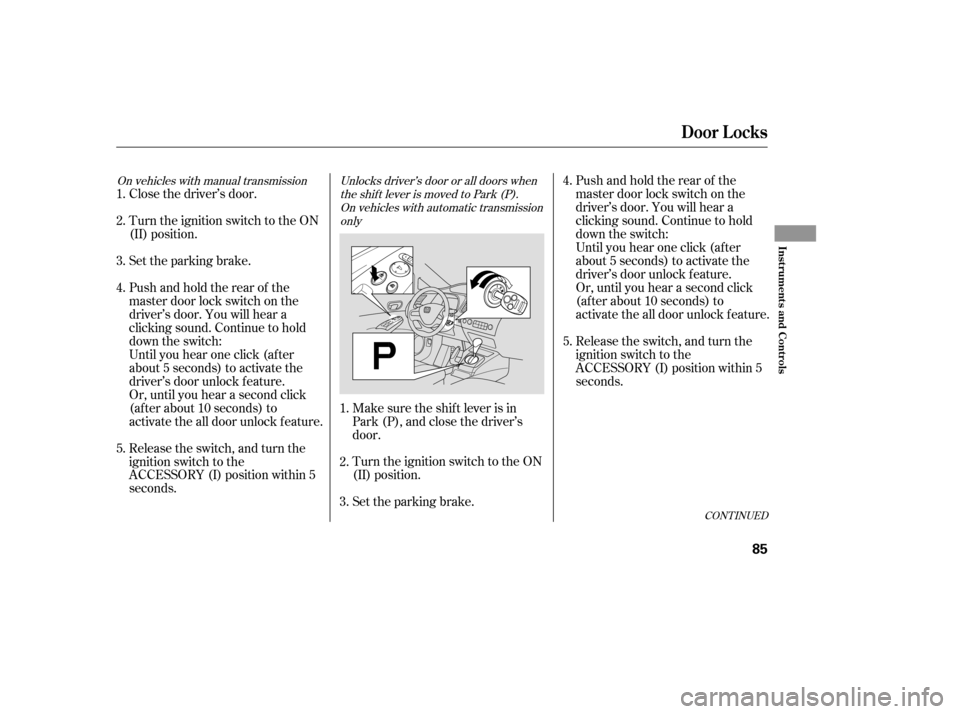
CONT INUED
Until you hear one click (af ter
about 5 seconds) to activate the
driver’s door unlock f eature.
Or, until you hear a second click
(af ter about 10 seconds) to
activate the all door unlock feature.
Release the switch, and turn the
ignition switch to the
ACCESSORY (I) position within 5
seconds.
Turn the ignition switch to the ON
(II) position.
Set the parking brake.
Make sure the shif t lever is in
Park (P), and close the driver’s
door.
Close the driver’s door.
Turn the ignition switch to the ON
(II) position.
Set the parking brake.
Pushandholdtherearof the
master door lock switch on the
driver’s door. You will hear a
clicking sound. Continue to hold
down the switch:
Pushandholdtherearof the
master door lock switch on the
driver’s door. You will hear a
clicking sound. Continue to hold
down the switch:
Until you hear one click (af ter
about 5 seconds) to activate the
driver’s door unlock f eature.
Or, until you hear a second click
(af ter about 10 seconds) to
activate the all door unlock feature.
Release the switch, and turn the
ignition switch to the
ACCESSORY (I) position within 5
seconds. 1. 2. 3. 4. 5.
1. 2. 3. 4. 5.
Unlocks driver’s door or all doors when
the shift lever is moved to Park (P).On vehicles with automatic transmission only
On vehicles with manual transmission
Door L ocks
Inst rument s and Cont rols
85
�����—�����—�����y���������������y���
�(�#�����
���y���������y
Page 89 of 304
Turn the ignition switch to the ON
(II) position.
Set the parking brake.
Open the driver’s door.
On vehicles with automatic
transmission, make sure the shif t
lever is in Park (P). Release the switch, and turn the
ignition switch to the
ACCESSORY (I) position within 5
seconds.
Pushandholdtherearof the
master door lock switch on the
driver’s door. You will hear a
clicking sound, and af ter about 5
seconds, you will hear another
clicking sound.
Even tho ug h yo ur vehic le’s battery is
remo ved o r g o es dead, the system
keeps the auto do o r lo c k/ unlo c k
setting yo u selec ted.
1. 2. 3. 4. 5.
To turn the auto door unlock modes
off:
Door L ocks
86
�����—�����—�����y�����������
���y���
�(�#�����
���y�������
�y
Page 91 of 304

�µ�µ
�µ
�µ
Press this button once to
lock all doors. Some exterior lights
will f lash once. When you push
LOCK twice within 5 seconds, you
will hear a horn to verif y that the
doors are locked. You cannot lock
the doors if any door is not f ully
closed or the key is in the ignition
switch. If you unlock the doors with the
remote transmitter, but do not open
any of the doors within 30 seconds,
the doors automatically relock. On
U.S. LX, EX and Si models, the
security system will also set.
Pressthisbuttonfor
about 1 second to attract attention;
the horn will sound, and the exterior
lights will f lash f or about 30 seconds.
To cancel panic mode, press any
other button on the remote
transmitter, or insert the key.
Press this
button f or about 1 second to open
the trunk. You cannot open the trunk
if the key is in the ignition switch.
The ceiling light (if the ceiling light
switch is in the door activated
position) will come on when you
press the UNLOCK button. If you do
not open any door, the light stays on
f or about 30 seconds, then f ades out.
If you relock the doors with the
remote transmitter before 30
seconds have elapsed, the light goes
of f immediately. Press this button once
to unlock the driver’s door. Push it
twice to unlock the other doors.
Some exterior lights will f lash twice
each time you press the button. This
button does not work when the key
is in the ignition switch.
If you push the LOCK button twice
within 5 seconds, you will hear a
horn to verify that the security
system has set.
On U.S. LX, EX and Si models
OnU.S.EXandSimodels
LOCK PA NIC
T RUNK REL EA SE
UNL OCK
Remote Transmitter
88
LOCK
BUTTON
TRUNK
RELEASE
BUTTON
PANIC BUTTON
UNLOCK BUTTON
PANIC BUTTON UNLOCK
BUTTON
LOCK
BUTTON
U.S. EX and Si models
U.S.: LX model
Canadian: LX, DX-G and EX models
�����—�����—�����y���������������y���
�(�#�����
���y���������y
Page 171 of 304

On models with navigation system
On models without navigation system
The navigation system receives
signals f rom the global positioning
system (GPS), and the displayed
time is updated automatically by the
GPS. Ref er to the navigation system
manual f or how to adjust the time.
To set the time, press the CLOCK
(AM, AM/FM) button until the
displayed time begins to blink, then
release the button.
Change the hours by pressing the H
(preset 1) button until the numbers
advance to the desired time. Change
the minutes by pressing the M
(preset 2) button until the numbers
advance to the desired time.
Press the CLOCK (AM, AM/FM)
button again to enter the set time.
You can quickly set the time to the
nearest hour. If the displayed time is
bef ore the half hour, pressing the
CLOCK (AM, AM/FM) button until
you hear a beep, then pressing the R
(preset 3) button sets the clock back
to the previous hour. If the displayed
time is af ter the half hour, the clock
sets f orward to the beginning of the
next hour.
For example: 1:06 will reset to 1:00
1:52 will reset to 2:00
Setting the Clock
Features
169
MINUTE BUTTON MINUTE BUTTON
HOUR BUTTON RESET BUTTON HOUR BUTTON RESET BUTTON CLOCK BUTTON
CLOCK BUTTON
U.S. LX and all Canadian models U.S. EX and Si models
�����—�����—�����y�
����
��������y���
�(�#�����
���y���
�����y
Page 172 of 304
Once the security system is set,
opening any door, the trunk, or the
hood without using the key or the
remote transmitter will cause it to
alarm. It also alarms if the radio is
removed f rom the dashboard or the
wiring is cut.
The security system helps to protect
your vehicle and valuables f rom thef t.
The horn sounds and a combination
of headlights (low beam), parking
lights, side marker lights, and
taillights f lash if someone attempts
to break into your vehicle or remove
the radio. This alarm continues f or 2
minutes, then it stops. To reset an
alarming system bef ore the 2
minutes have elapsed, unlock the
driver’s door with the key or the
remote transmitter.
The security system automatically
sets 15 seconds after you lock the
doors, hood, and trunk. For the
system to activate, you must lock the
doors f rom the outside with the key,
driver’s lock tab, door lock switch, or
remote transmitter. The security
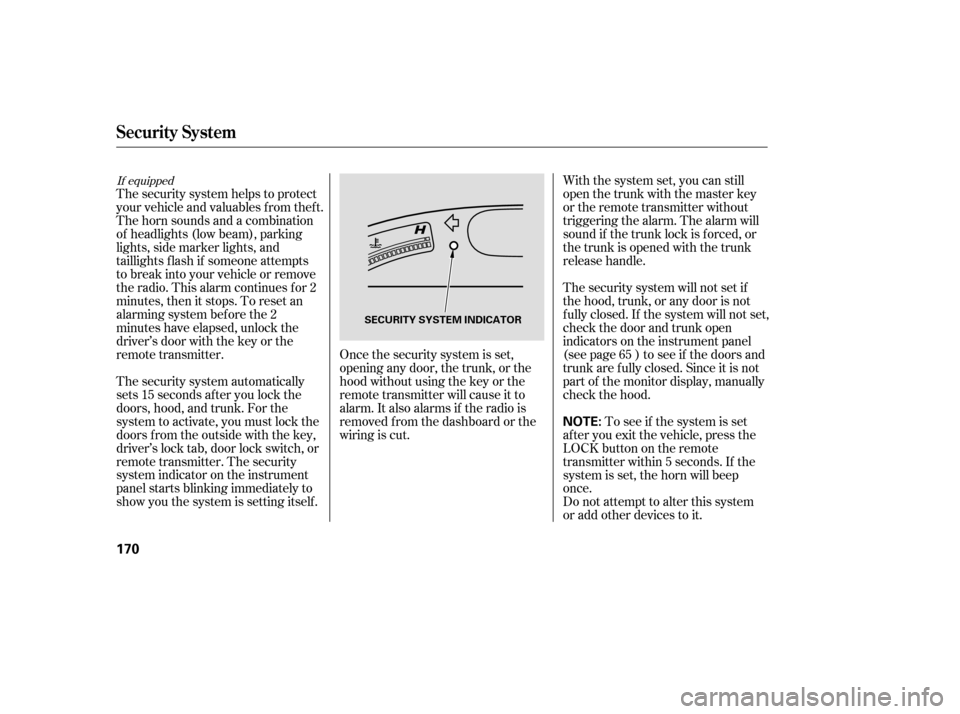
system indicator on the instrument
panel starts blinking immediately to
show you the system is setting itself . With the system set, you can still
open the trunk with the master key
or the remote transmitter without
triggering the alarm. The alarm will
sound if the trunk lock is f orced, or
the trunk is opened with the trunk
release handle.
The security system will not set if
the hood, trunk, or any door is not
f ully closed. If the system will not set,
check the door and trunk open
indicators on the instrument panel
(see page ) to see if the doors and
trunk are f ully closed. Since it is not
part of the monitor display, manually
check the hood.
Do not attempt to alter this system
or add other devices to it.
To see if the system is set
af ter you exit the vehicle, press the
LOCK button on the remote
transmitter within 5 seconds. If the
system is set, the horn will beep
once. 65
If equipped
Security System
170
NOTE:
SECURITY SYSTEM INDICATOR
�����—�����—�����y�
����
��������y���
�(�#�����
���y���
�����y