2007 FORD FREESTYLE radio
[x] Cancel search: radioPage 30 of 296
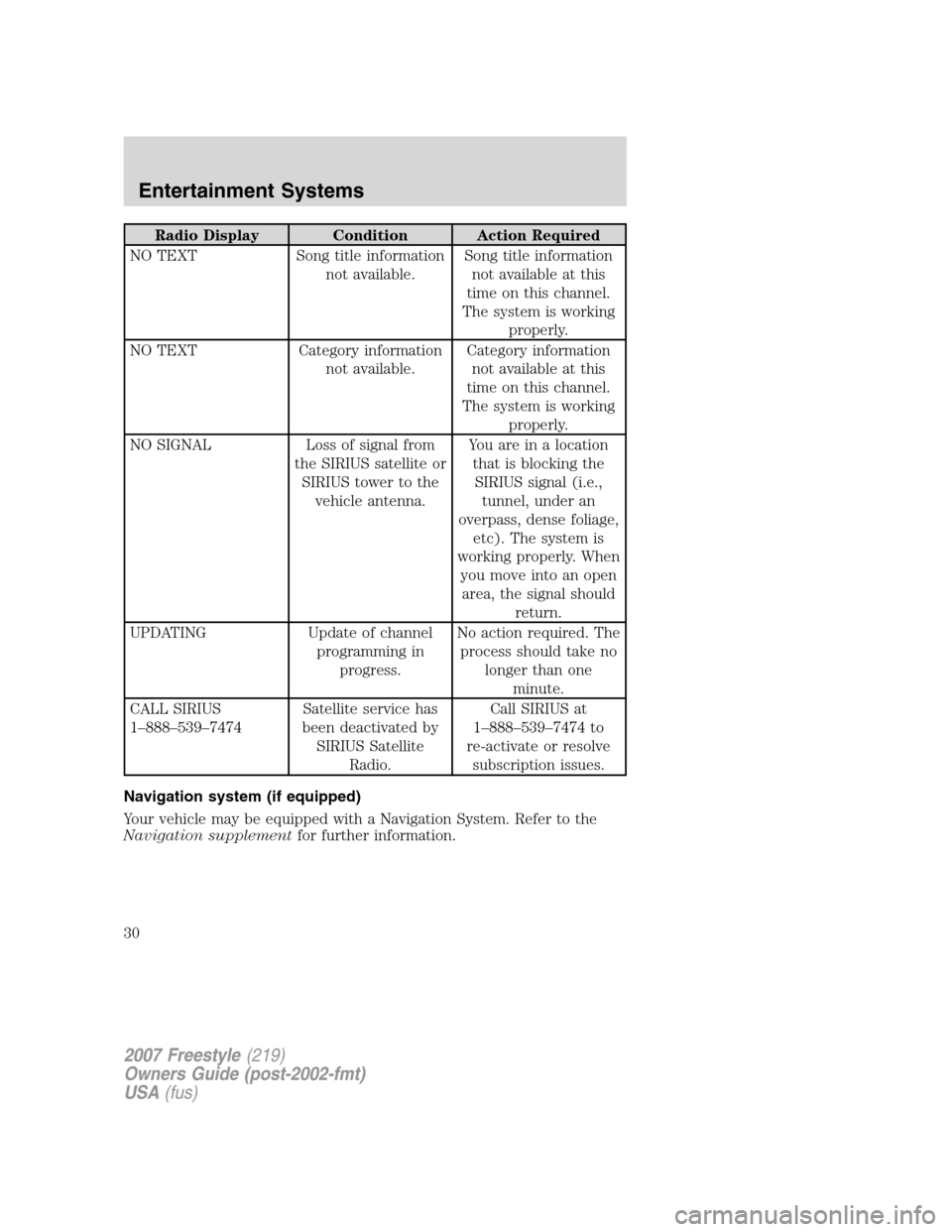
Radio Display Condition Action Required
NO TEXT Song title information
not available.Song title information
not available at this
time on this channel.
The system is working
properly.
NO TEXT Category information
not available.Category information
not available at this
time on this channel.
The system is working
properly.
NO SIGNAL Loss of signal from
the SIRIUS satellite or
SIRIUS tower to the
vehicle antenna.You are in a location
that is blocking the
SIRIUS signal (i.e.,
tunnel, under an
overpass, dense foliage,
etc). The system is
working properly. When
you move into an open
area, the signal should
return.
UPDATING Update of channel
programming in
progress.No action required. The
process should take no
longer than one
minute.
CALL SIRIUS
1–888–539–7474Satellite service has
been deactivated by
SIRIUS Satellite
Radio.Call SIRIUS at
1–888–539–7474 to
re-activate or resolve
subscription issues.
Navigation system (if equipped)
Your vehicle may be equipped with a Navigation System. Refer to the
Navigation supplementfor further information.
2007 Freestyle(219)
Owners Guide (post-2002-fmt)
USA(fus)
Entertainment Systems
30
Page 36 of 296
7.MENU/MODEcontrol
In DVD playback mode, press to access the disc menu.
In stop mode, press to change media types (e.g. AM, FM, CD...)
8.VOL (VOLUME)control
Press (+) to increase or (-) to decrease the volume level.
Dual play mode
Press the radio preset controls 2
and 4 at the same time to enable or
disable dual play.
During dual play, the rear vehicle speakers will be deactivated and the
wireless headphones will become active. Please note that the infrared
headphones are active only when the Family Entertainment System is
playing a movie.
During dual play mode, two different medias can be played in the
vehicle:
1. The driver can choose, and control, a source on the main radio face
(radio, CD or DVD) and listen to it using the front speakers.
2. Passengers in the rear can listen to the DVD player or AUX input via
the wireless headphones.
Single play mode
When the ignition is turned on, the radio will be in Single Play Mode.
Single play mode allows one media selection (FM/AM, CD, DVD or AUX)
to be heard on all the vehicle speakers.
If radio is in Dual Play Mode, with a DVD playing in the rear, and
another media (FM/AM, CD) playing on front speakers, changing to
single play will turn the DVD player off.
When radio is powered off and back on, it will be in Single Play mode,
even if upon power off the radio was in Dual play mode.
123456
2007 Freestyle(219)
Owners Guide (post-2002-fmt)
USA(fus)
Entertainment Systems
36
Page 40 of 296
•Always save MP3 files with the .mp3 extension. The player recognizes
an MP3 file by the .mp3 extension, so MP3 files saved with different
extensions will not be played. Never save a non-MP3 file with the
.mp3 extension as the file will not play properly.
•The player supports multi session discs. However, be sure to import
the previous session of the disc before you add new files. If you do not
import the previous session, only the last session will be played.
•When burning a disc,ensure that you close/finalize the disc
before playback, or the disc may not play properly or an error
message may appear.
•Some CD-RW discs may operate inconsistently and may cause an error
message to appear. We recommend burning MP3 files onto CD-R discs.
Family Entertainment DVD System protection circuits
High temperature sensor circuit
•Excessively high temperatures may cause damage to the DVD player.
•When the temperature of the DVD player becomes too hot, the high
temperature sensor circuit stops machine operation. DVD/CD HOT will
be displayed on the radio display.
•The DVD player will remain disabled until it cools to a normal
operating temperature. The length of time for the system to cool will
vary depending on the climate and operating conditions.
Operating
•Only use the system when the vehicle is started for optimal
performance and to maintain battery life.
•If the Family Entertainment System (FES) is playing and the ignition
is turned OFF, the system will turn off, and suspend playback. When
the ignition is turned on again, playback will begin from the last
selected media source when the play control is pressed.
•To disable the DVD player rear controls, simultaneously press the 3
and 5 memory presets on the radio face. To enable the DVD player
rear controls again, press the 3 and 5 presets simultaneously.
•The DVD player is only capable of reading the bottom side of a disc.
When inserting a single sided disc, the label should be up. For a
multi-sided disc, the desired play side should be down when the disc
is inserted into the player.
•DVDs are formatted by regions. This DVD system can only play region
1 DVDs (DVDs manufactured for U.S. and Canada).
2007 Freestyle(219)
Owners Guide (post-2002-fmt)
USA(fus)
Entertainment Systems
40
Page 41 of 296
This unit is designed to play commercially pressed 4.75 (12 cm)
audio compact discs and DVDs only. Due to technical
incompatibility, certain recordable and re-recordable compact
discs may not function correctly when used in Ford DVD/CD
players. Irregular shaped discs, discs with a scratch protection
film attached, and discs with homemade paper (adhesive) labels
should not be inserted into the player. The label may peel and
cause the disc to become jammed. It is recommended that
homemade discs be identified with permanent felt tip marker
rather than adhesive labels. Ball point pens may damage discs.
Please contact your dealer for further information.
Inserting a CD/DVD
With the ignition ON, inserting a CD/DVD into the DVD player
automatically turns ON the FES and playback should begin immediately.
The counter is automatically reset to 0:00:00 when any disc is inserted
into the FES.
Removing a CD/DVD (while playing)
1. Press the STOP/EJECT control to stop playback if a disc is playing.
2. Press the STOP/EJECT control again to eject the CD/DVD.
If the CD/DVD is not removed within the allotted time, the system will
pull the CD/DVD back into the system for safety purposes.
If the CD/DVD will not eject from the system, press and hold the EJECT
control for approximately 2 seconds. The disc should eject whether the
vehicle ignition is ON or OFF.
Playing an auxiliary device
1. Connect the video line from your video device to the YELLOW
auxiliary input jack.
2. Connect the left and right audio lines to the WHITE (left) and RED
(right) auxiliary input jacks respectively.
3. Press the MODE control repeatedly until DVD/CD AUX (no disc in
player) or DVD/CD play (disc in player) illuminates in the radio display.
If a disc is in the system, playback should begin. To enable the aux
inputs, press the STOP control or press the AUX control on the DVD
player.
2007 Freestyle(219)
Owners Guide (post-2002-fmt)
USA(fus)
Entertainment Systems
41
Page 43 of 296
The front glass on the flip-down liquid crystal display (LCD) may
break when hit with a hard surface. If the glass breaks, do not
touch the liquid crystalline material. In case of contact with skin, wash
immediately with soap and water.
Do not expose the flip-down liquid crystal display (LCD) to direct
sunlight or intensive ultraviolet rays for extensive periods of
time. Ultraviolet rays deteriorate the liquid crystal.
•Ensure that you review User Manuals for video games and video game
equipment when used as auxiliary inputs for your Family
Entertainment DVD System.
•Do not operate video games or video equipment if the power cords
and/or cables are broken, split or damaged. Carefully place cords
and/or cables where they will not be stepped on or interfere with the
operation of seats and/or compartments.
•Disconnect video games and video equipment power cords and/or
cables when not in use.
•Avoid touching auxiliary input jacks with your fingers. Do not blow on
them or allow them to get wet or dirty.
•Do not clean any part of the DVD player with benzene, paint thinner
or any other solvent.
Whenever a warning notice is received, the radio volume will be
lowered to a volume that will allow the tones to be heard. The
radio volume will return to the previous level after the warning
notice is complete.
Federal Communication Commission (FCC) Compliance
Changes or modifications not approved by Ford or Lincoln Mercury could
void user’s authority to operate the equipment. This equipment has been
tested and found to comply with the limits for a Class B digital device,
pursuant to Part 15 of the FCC Rules. These limits are designed to
provide reasonable protection against harmful interference in a
residential installation. This equipment generates, uses and can radiate
radio frequency energy. If not installed and used in accordance with the
instructions, the Family Entertainment System (FES) may cause harmful
interference with radio communications.
2007 Freestyle(219)
Owners Guide (post-2002-fmt)
USA(fus)
Entertainment Systems
43
Page 44 of 296
However, there is no guarantee that interference will not occur in a
particular installation. If this equipment does cause harmful interference
to radio or television reception, (which can be determined by turning the
equipment off and on), the user is encouraged to consult the dealer or
an experienced radio/TV technician for help.
Care and service of the DVD player
Environmental extremes
DVD players that are subjected to harsh environmental conditions may
be damaged or perform at less than optimal capability. To avoid these
outcomes, whenever possible avoid exposing your DVD player to:
•extremely hot or cold temperatures.
•direct sunlight.
•high humidity.
•a dusty environment.
•locations where strong magnetic fields are generated.
Temperature extremes
When the vehicle is parked under direct sunlight or in an extremely cold
place for a long period of time, wait until the cabin temperature of the
vehicle is at normal temperature before operating the system.
Humidity and moisture condensation
Moisture in the air will condense in the DVD player under extremely
humid conditions or when moving from a cold to a warm location. If
moisture condensation occurs, do not insert a CD or DVD into the
player. If one is already in the player, remove it and turn the DVD player
ON to dry the moisture before inserting a DVD. This could take an hour
or more depending on the amount of moisture.
Cleaning the liquid crystal display (LCD) flip-down screen
Clean the display screen by applying a small amount of water or any
ammonia-based household glass cleaner directly to a soft cloth. Rub the
screen gently until the dust, dirt or fingerprints are removed. Do not
spray the screen directly with water or glass cleaning solvents. Overspray
from these fluids could drip down into the internal electronics of the
screen and cause damage. Do not apply excessive pressure while
cleaning the screen.
2007 Freestyle(219)
Owners Guide (post-2002-fmt)
USA(fus)
Entertainment Systems
44
Page 74 of 296
Accessory delay
With accessory delay, the radio, Family Entertainment DVD System (if
equipped), power windows, and moonroof (if equipped) operate for up
to ten minutes after the ignition switch is turned from the ON to the
OFF position or until one of the front doors are opened.
AUTOMATIC DIMMING INSIDE REAR VIEW MIRROR (IF EQUIPPED)
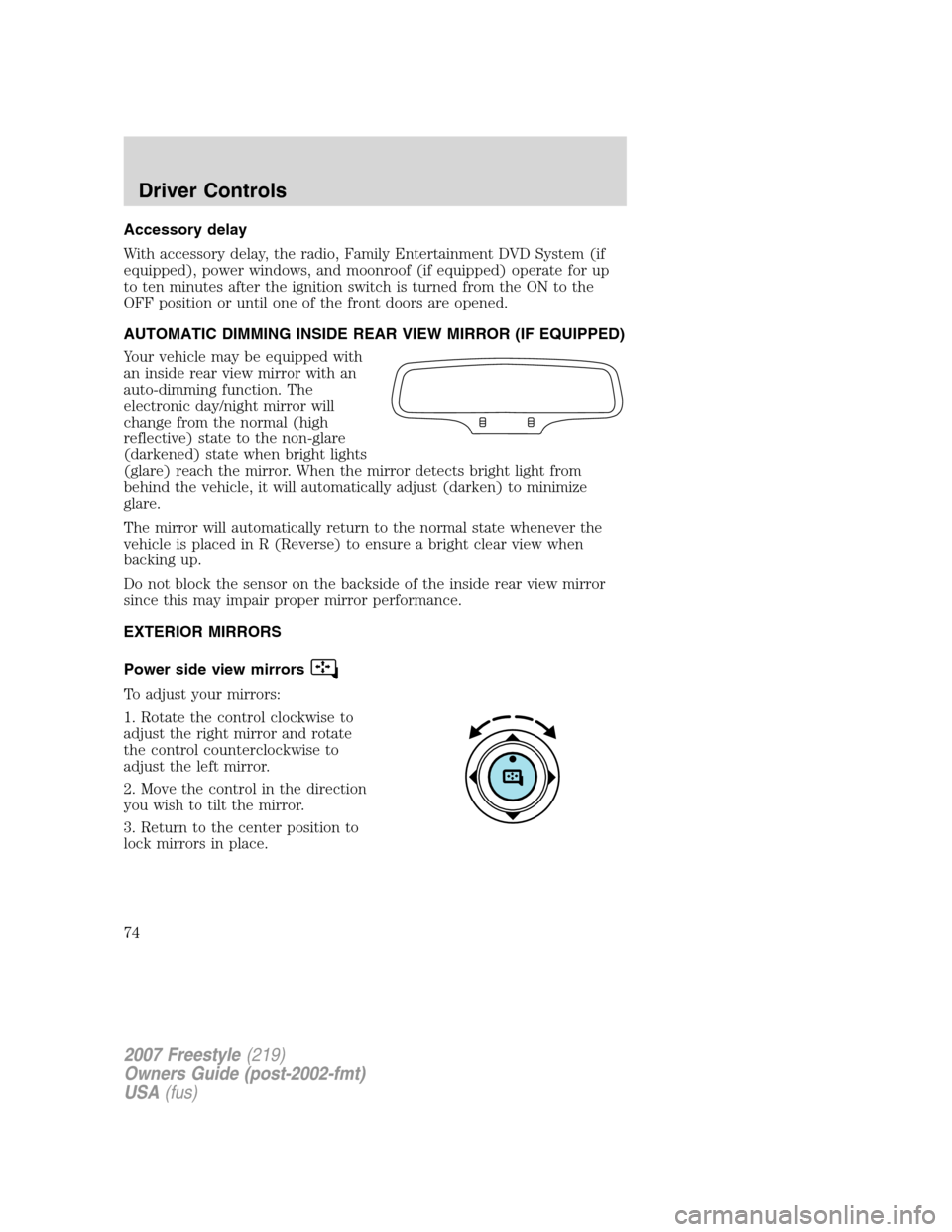
Your vehicle may be equipped with
an inside rear view mirror with an
auto-dimming function. The
electronic day/night mirror will
change from the normal (high
reflective) state to the non-glare
(darkened) state when bright lights
(glare) reach the mirror. When the mirror detects bright light from
behind the vehicle, it will automatically adjust (darken) to minimize
glare.
The mirror will automatically return to the normal state whenever the
vehicle is placed in R (Reverse) to ensure a bright clear view when
backing up.
Do not block the sensor on the backside of the inside rear view mirror
since this may impair proper mirror performance.
EXTERIOR MIRRORS
Power side view mirrors
To adjust your mirrors:
1. Rotate the control clockwise to
adjust the right mirror and rotate
the control counterclockwise to
adjust the left mirror.
2. Move the control in the direction
you wish to tilt the mirror.
3. Return to the center position to
lock mirrors in place.
2007 Freestyle(219)
Owners Guide (post-2002-fmt)
USA(fus)
Driver Controls
74
Page 79 of 296
STEERING WHEEL CONTROLS (IF EQUIPPED)
Radio control features
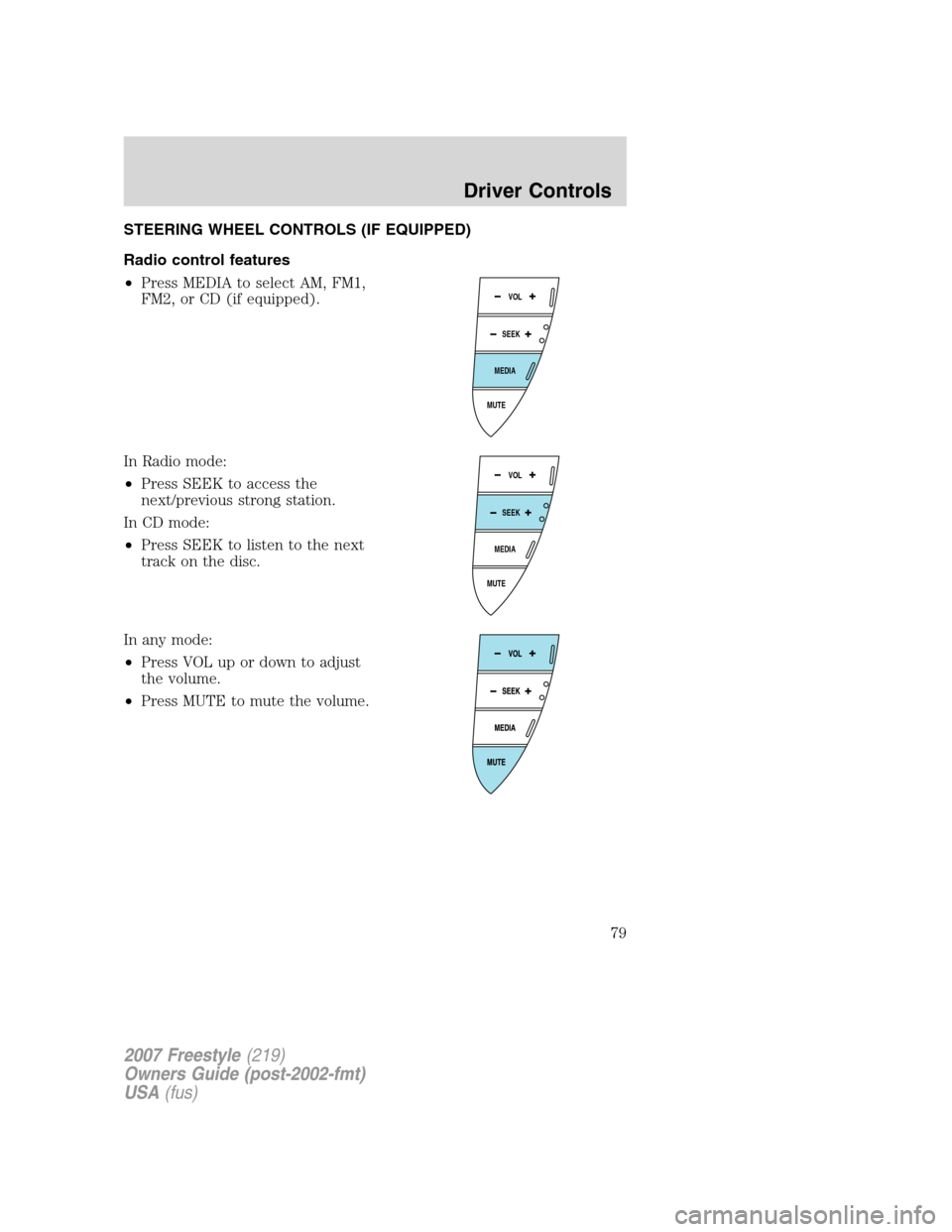
•Press MEDIA to select AM, FM1,
FM2, or CD (if equipped).
In Radio mode:
•Press SEEK to access the
next/previous strong station.
In CD mode:
•Press SEEK to listen to the next
track on the disc.
In any mode:
•Press VOL up or down to adjust
the volume.
•Press MUTE to mute the volume.
MUTE
MEDIA
SEEKVOL
MUTE
MEDIA
SEEKVOL
2007 Freestyle(219)
Owners Guide (post-2002-fmt)
USA(fus)
Driver Controls
79