Page 1 of 344
Introduction 4
Instrument Cluster 12
Warning lights and chimes 12
Gauges 19
Entertainment Systems 22
How to get going 22
AM/FM stereo 26
AM/FM stereo with CD 28
AM/FM stereo with in-dash six CD 34
Auxiliary input jack 41
Satellite radio information 45
Climate Controls 48
Heater only 48
Manual heating and air conditioning 49
Automatic temperature control 51
Rear window defroster 57
Lights 58
Headlamps 58
Turn signal control 61
Bulb replacement 63
Driver Controls 68
Windshield wiper/washer control 68
Steering wheel adjustment 68
Power windows 74
Mirrors 77
Speed control 79
Message center 89
Tailgate 98
Table of Contents
1
2007 F-150(f12)
Owners Guide (post-2002-fmt)
USA(fus)
Page 9 of 344
Notice to owners of the 2007 F150
Note:Your vehicle is equipped with high performance tires. When first
driving the vehicle after it has been parked for a period of time, you may
experience a temporary ride disturbance. This is a characteristic of the
tires and should be no reason for concern. The condition should correct
itself within 5-15 miles (8-25 km) of driving. If the disturbance persists,
have the tires serviced by an authorized dealer.
Cell phone use
The use of Mobile Communications Equipment has become increasingly
important in the conduct of business and personal affairs. However,
drivers must not compromise their own or others’ safety when using
such equipment. Mobile Communications can enhance personal safety
and security when appropriately used, particularly in emergency
situations. Safety must be paramount when using mobile communications
equipment to avoid negating these benefits.
Mobile Communication Equipment includes, but is not limited to cellular
phones, pagers, portable email devices, in-vehicle communications
systems, telematics devices and portable two-way radios.
A driver’s first responsibility is the safe operation of the vehicle.
The most important thing you can do to prevent a crash is to
avoid distractions and pay attention to the road. Wait until it is safe to
operate Mobile Communications Equipment.
Middle East/North Africa vehicle specific information
For your particular global region, your vehicle may be equipped with
features and options that are different from the ones that are described
in thisOwner’s Guide;therefore, a supplement has been supplied that
complements this book. By referring to the pages in the provided
supplement, you can properly identify those features, recommendations
and specifications that are unique to your vehicle.Refer to this
Owner’s Guide for all other required information and warnings.
2007 F-150(f12)
Owners Guide (post-2002-fmt)
USA(fus)
Introduction
9
Page 22 of 344
AUDIO SYSTEMS
Quick start — How to get going
Listening to the radio
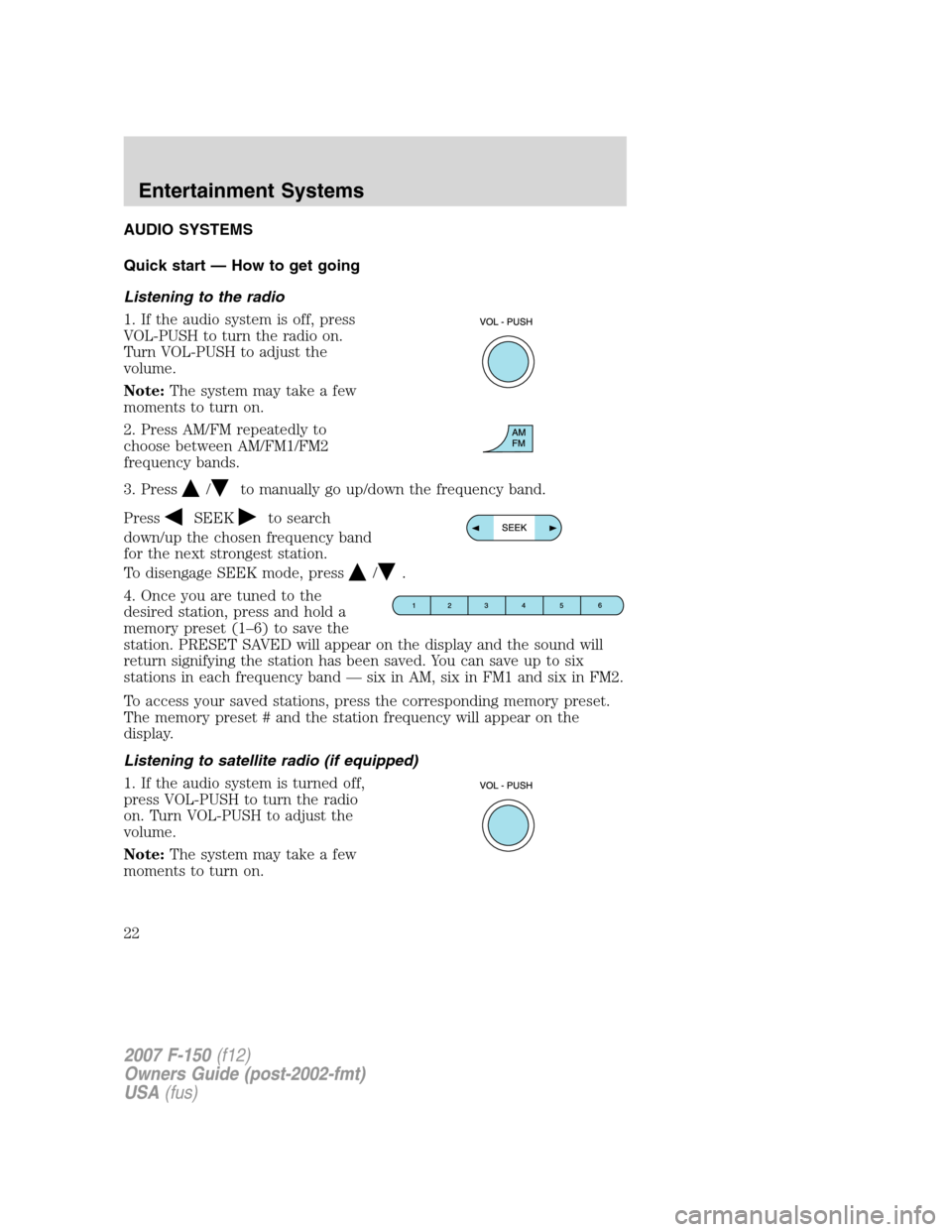
1. If the audio system is off, press
VOL-PUSH to turn the radio on.
Turn VOL-PUSH to adjust the
volume.
Note:The system may take a few
moments to turn on.
2. Press AM/FM repeatedly to
choose between AM/FM1/FM2
frequency bands.
3. Press
/to manually go up/down the frequency band.
Press
SEEKto search
down/up the chosen frequency band
for the next strongest station.
To disengage SEEK mode, press
/.
4. Once you are tuned to the
desired station, press and hold a
memory preset (1–6) to save the
station. PRESET SAVED will appear on the display and the sound will
return signifying the station has been saved. You can save up to six
stations in each frequency band — six in AM, six in FM1 and six in FM2.
To access your saved stations, press the corresponding memory preset.
The memory preset # and the station frequency will appear on the
display.
Listening to satellite radio (if equipped)
1. If the audio system is turned off,
press VOL-PUSH to turn the radio
on. Turn VOL-PUSH to adjust the
volume.
Note:The system may take a few
moments to turn on.
2007 F-150(f12)
Owners Guide (post-2002-fmt)
USA(fus)
Entertainment Systems
22
Page 23 of 344
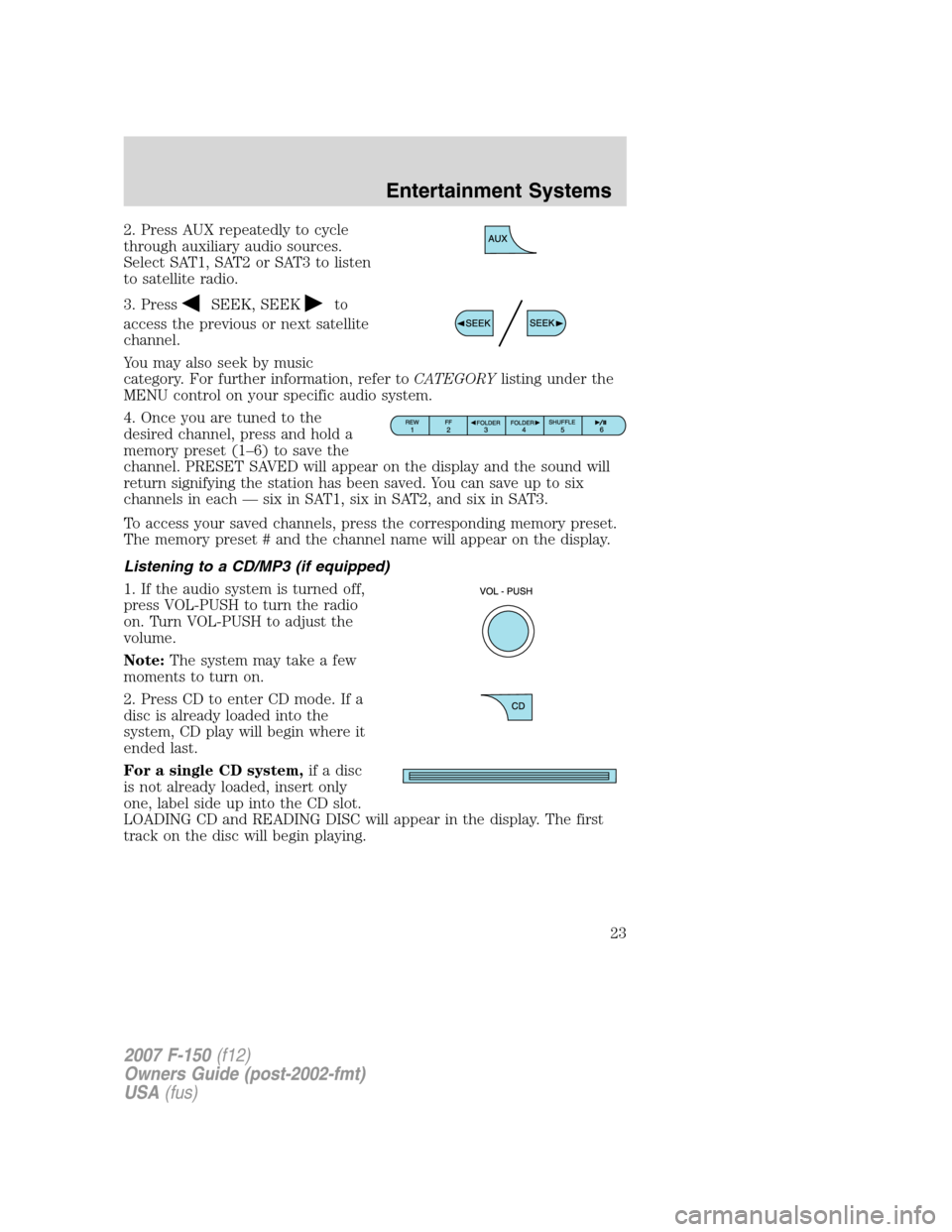
2. Press AUX repeatedly to cycle
through auxiliary audio sources.
Select SAT1, SAT2 or SAT3 to listen
to satellite radio.
3. Press
SEEK, SEEKto
access the previous or next satellite
channel.
You may also seek by music
category. For further information, refer toCATEGORYlisting under the
MENU control on your specific audio system.
4. Once you are tuned to the
desired channel, press and hold a
memory preset (1–6) to save the
channel. PRESET SAVED will appear on the display and the sound will
return signifying the station has been saved. You can save up to six
channels in each — six in SAT1, six in SAT2, and six in SAT3.
To access your saved channels, press the corresponding memory preset.
The memory preset # and the channel name will appear on the display.
Listening to a CD/MP3 (if equipped)
1. If the audio system is turned off,
press VOL-PUSH to turn the radio
on. Turn VOL-PUSH to adjust the
volume.
Note:The system may take a few
moments to turn on.
2. Press CD to enter CD mode. If a
disc is already loaded into the
system, CD play will begin where it
ended last.
For a single CD system,if a disc
is not already loaded, insert only
one, label side up into the CD slot.
LOADING CD and READING DISC will appear in the display. The first
track on the disc will begin playing.
2007 F-150(f12)
Owners Guide (post-2002-fmt)
USA(fus)
Entertainment Systems
23
Page 26 of 344
AM/FM stereo system (if equipped)
Accessory delay:Your vehicle is equipped with accessory delay which
allows you to operate the window switches and the audio for up to ten
minutes after the ignition has been turned off or until either front door is
opened.
1.
/: Press/to
manually go up or down the radio
frequency. Press and hold for a fast
advance through radio frequencies.
Also use in AUDIO mode to gain access to various settings.
2.AUDIO:Press AUDIO repeatedly
to gain access to the following
settings:
BAL (Balance):Press AUDIO to reach the balance setting.
Use
//SEEKto adjust the audio between the left (L) and
right (R) speakers.
2007 F-150(f12)
Owners Guide (post-2002-fmt)
USA(fus)
Entertainment Systems
26
Page 27 of 344
FAD (Fade):Press AUDIO to reach the fade feature. Use//
SEEKto adjust the audio between the front (F) and back (B)
speakers.
TREB (Treble):Press to adjust the treble setting. Use
//
SEEKto adjust.
BASS (Bass):Press to adjust the bass setting. Use
//
SEEKto adjust.
3.SEEK:Press
SEEKto
access the previous/next strong
station.
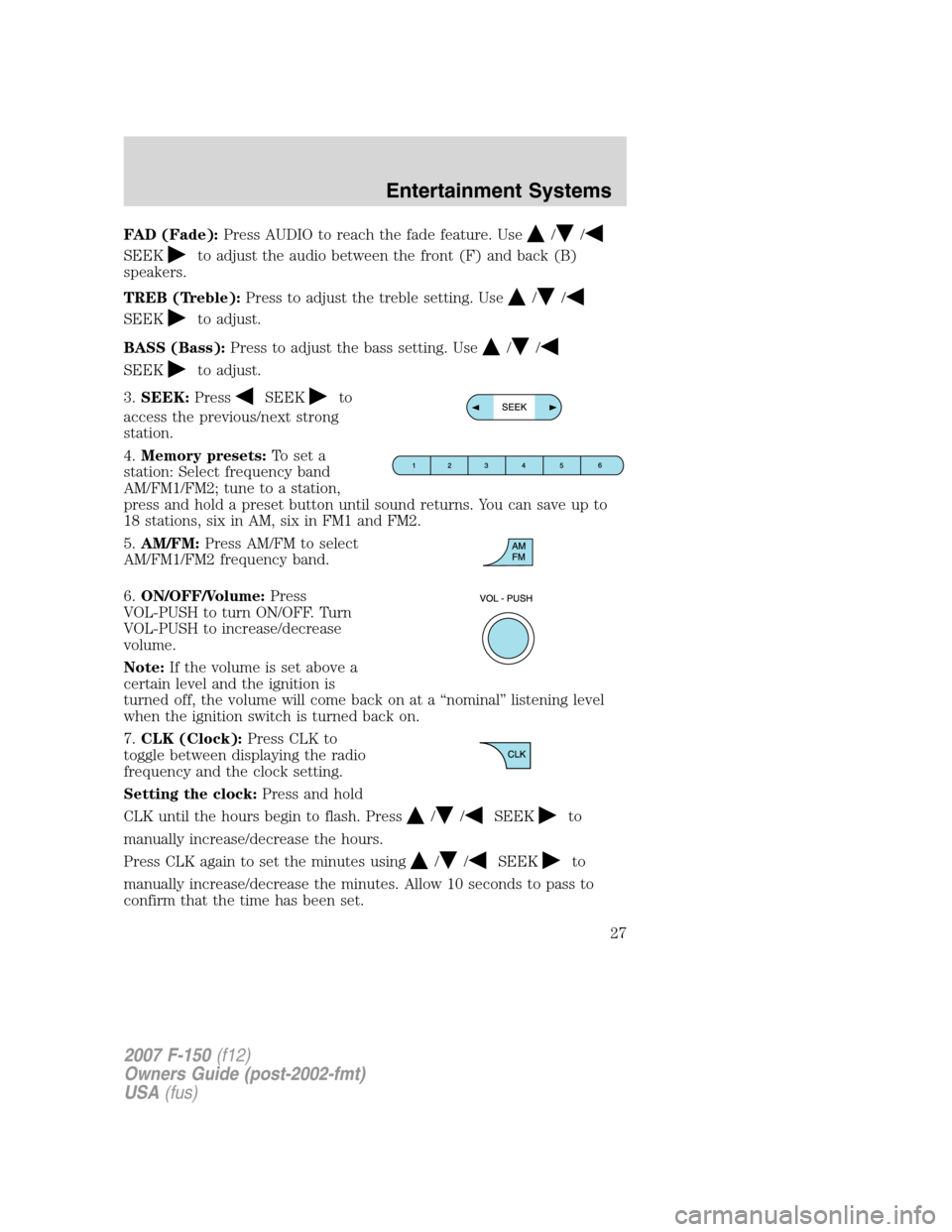
4.Memory presets:To set a
station: Select frequency band
AM/FM1/FM2; tune to a station,
press and hold a preset button until sound returns. You can save up to
18 stations, six in AM, six in FM1 and FM2.
5.AM/FM:Press AM/FM to select
AM/FM1/FM2 frequency band.
6.ON/OFF/Volume:Press
VOL-PUSH to turn ON/OFF. Turn
VOL-PUSH to increase/decrease
volume.
Note:If the volume is set above a
certain level and the ignition is
turned off, the volume will come back on at a “nominal” listening level
when the ignition switch is turned back on.
7.CLK (Clock):Press CLK to
toggle between displaying the radio
frequency and the clock setting.
Setting the clock:Press and hold
CLK until the hours begin to flash. Press
//SEEKto
manually increase/decrease the hours.
Press CLK again to set the minutes using
//SEEKto
manually increase/decrease the minutes. Allow 10 seconds to pass to
confirm that the time has been set.
2007 F-150(f12)
Owners Guide (post-2002-fmt)
USA(fus)
Entertainment Systems
27
Page 28 of 344
AM/FM stereo single CD/satellite compatible sound system
(if equipped)
Accessory delay:Your vehicle is equipped with accessory delay which
allows you to operate the window switches and the audio for up to ten
minutes after the ignition has been turned off or until either front door is
opened.
1.
/: Press/to
manually go up or down the radio
frequency. Press and hold for a fast
advance through radio frequencies.
In satellite radio mode (if equipped), press
/to tune to the
next/previous channel.
Satellite radio is available only with a valid SIRIUS radio
subscription. Check with your authorized dealer for availability.
2.MUTE/
: Press to mute the
playing media. Press again to return
to the playing media.
2007 F-150(f12)
Owners Guide (post-2002-fmt)
USA(fus)
Entertainment Systems
28
Page 29 of 344
3.MENU:Press MENU repeatedly
to access to the following settings:
CATEGORY (satellite radio if equipped):: Press MENU until the
currently active category appears in the display (CATEGORY MODE). In
CATEGORY MODE, press
/to scroll through the list of available
SIRIUS channel Categories (Pop, Rock, News, etc.) Press
SEEK,
SEEK
or SCAN to select the category. After a category is selected,
press SEEK to search for that specific category of channels only (i.e.
ROCK). To select a different category, press MENU until the category
appears in the display. Press
/to select a different category. You
may also select CATEGORY ALL to seek all available SIRIUS categories
and channels.
Satellite radio is available only with a valid SIRIUS radio
subscription. Check with your authorized dealer for availability.
Setting the clock:Press MENU until SET HOUR or SET MINUTES is
displayed. Use
//SEEK, SEEKto adjust the
hours/minutes.
AUTOSET:Press MENU until the display reads AUTOSET. Autoset
allows you to set the strongest local radio stations without losing your
original manually set preset stations for AM/FM1/FM2. Use
//
SEEK, SEEKto turn on/off.
When the six strongest stations are filled, the station stored in preset 1
will begin playing. If there are less than six strong stations, the system
will store the last one in the remaining presets.
BASS:Press MENU to reach the bass setting. Use
//
SEEK, SEEKto adjust.
TREB (Treble):Press MENU to reach the treble setting.
Use
//SEEK, SEEKto adjust.
BAL (Balance):Press MENU to reach the balance setting.
Use
//SEEK, SEEKto adjust the audio between the left
(L) and right (R) speakers.
2007 F-150(f12)
Owners Guide (post-2002-fmt)
USA(fus)
Entertainment Systems
29


