2007 FORD EXPEDITION display
[x] Cancel search: displayPage 37 of 328
2.VOLUME:Press to increase () or decrease () the volume level
in the headphones.
From the rear seat controls, volume control can be set no higher than
the current radio setting unless the speakers are turned off.
3.
: In radio mode, press and release to advance through memory
presets. In CD mode, press and hold to seek to the previous track.
4.Headphone jacks:
5.
: In radio mode, press and release to scroll through memory
presets. In CD mode, press and hold to seek to the next track.
6.Auxiliary audio input jack:Use to plug in and play auxiliary audio
sources.
7.-: In CD mode, press to access the previous CD.
8.+: In CD mode, press to access the next CD.
9.
/: Press to turn the rear speakers on (Single Play mode) or off
(Dual Play mode).
When the rear seat controls are activated, rear seat passengers can use
the controls to change the playing media for all passengers (Single Play
mode). In this mode, all speakers will play audio from the same media
source for all passengers to hear. To activate the rear seat radio controls:
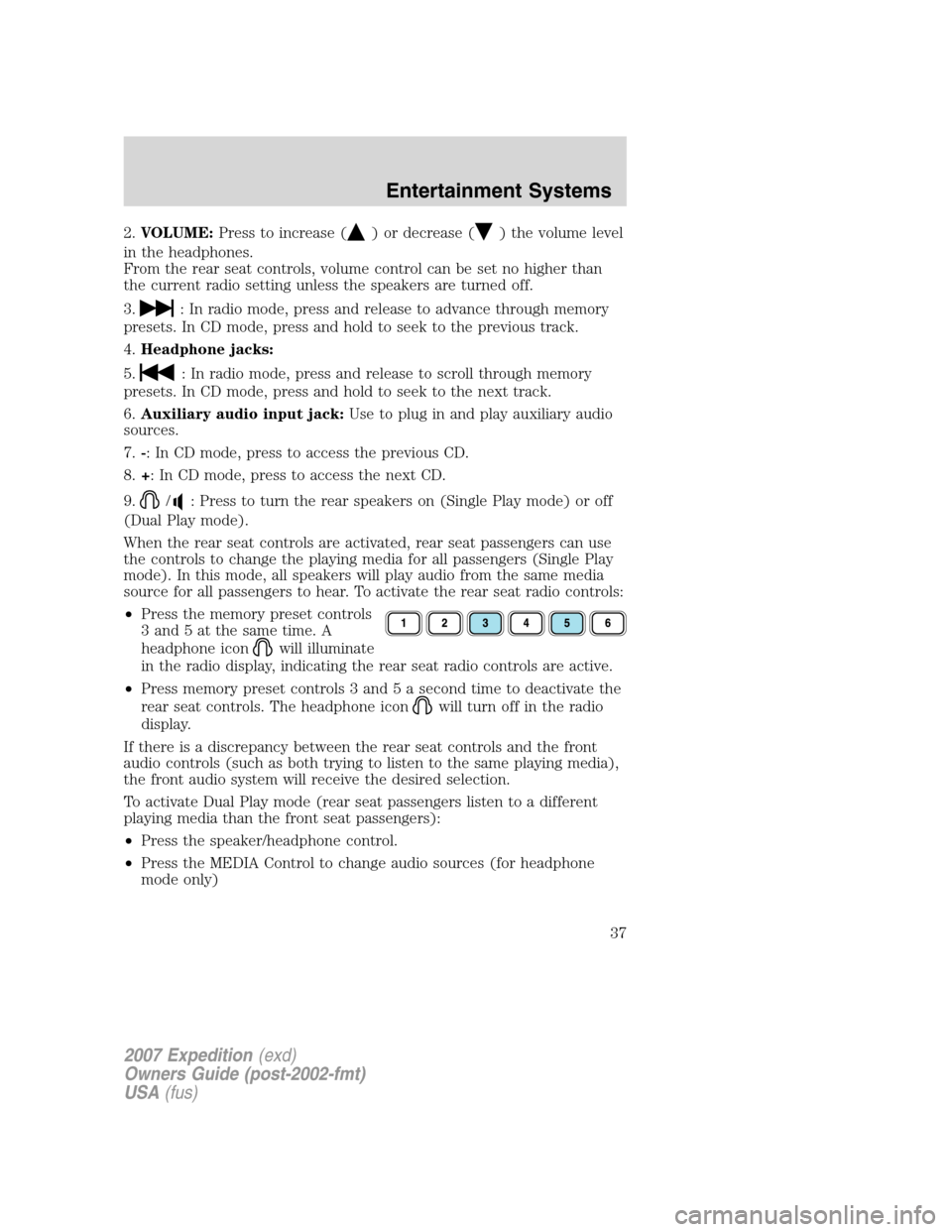
•Press the memory preset controls
3 and 5 at the same time. A
headphone icon
will illuminate
in the radio display, indicating the rear seat radio controls are active.
•Press memory preset controls 3 and 5 a second time to deactivate the
rear seat controls. The headphone icon
will turn off in the radio
display.
If there is a discrepancy between the rear seat controls and the front
audio controls (such as both trying to listen to the same playing media),
the front audio system will receive the desired selection.
To activate Dual Play mode (rear seat passengers listen to a different
playing media than the front seat passengers):
•Press the speaker/headphone control.
•Press the MEDIA Control to change audio sources (for headphone
mode only)
2007 Expedition(exd)
Owners Guide (post-2002-fmt)
USA(fus)
Entertainment Systems
37
Page 38 of 328
•Use the other controls to make adjustments to the playing media.
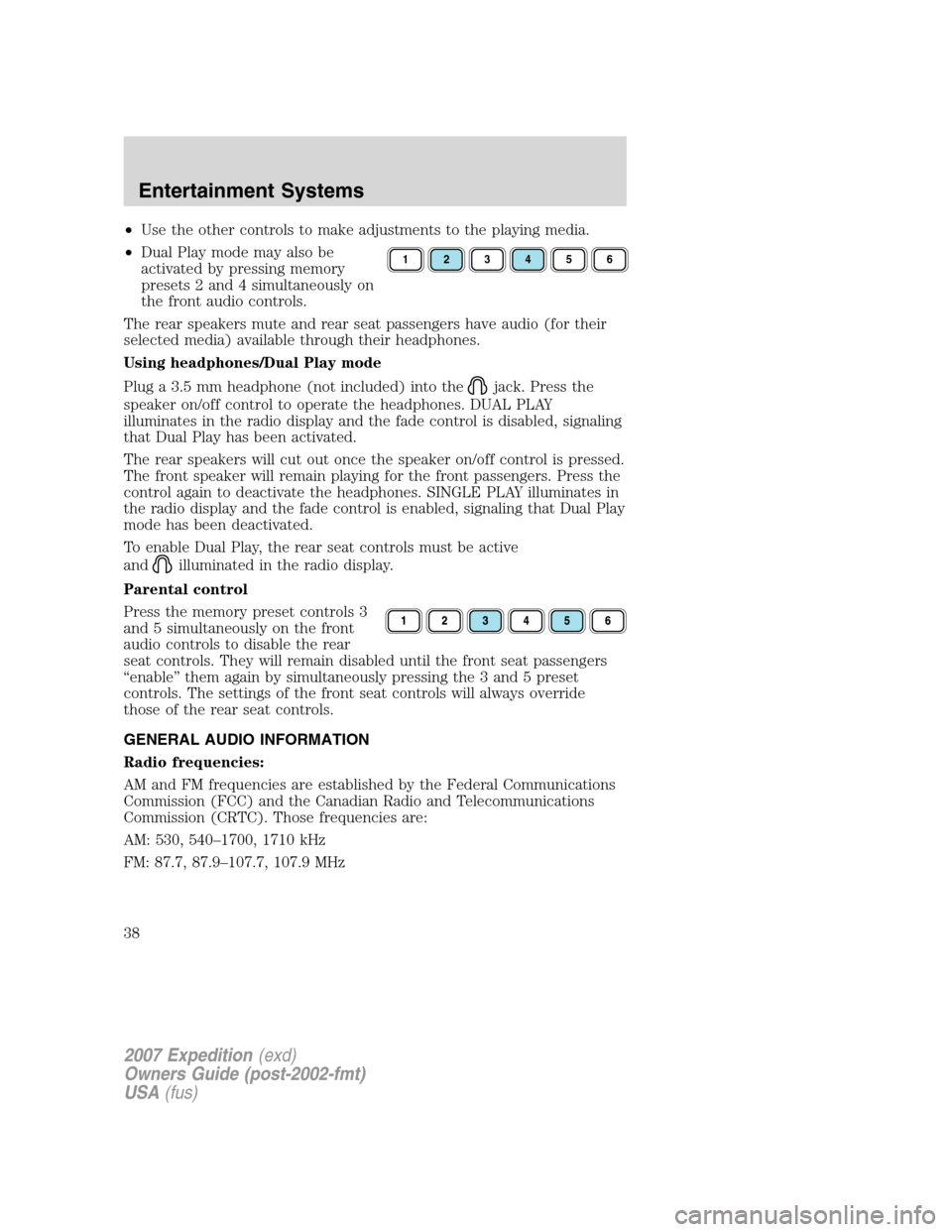
•Dual Play mode may also be
activated by pressing memory
presets 2 and 4 simultaneously on
the front audio controls.
The rear speakers mute and rear seat passengers have audio (for their
selected media) available through their headphones.
Using headphones/Dual Play mode
Plug a 3.5 mm headphone (not included) into the
jack. Press the
speaker on/off control to operate the headphones. DUAL PLAY
illuminates in the radio display and the fade control is disabled, signaling
that Dual Play has been activated.
The rear speakers will cut out once the speaker on/off control is pressed.
The front speaker will remain playing for the front passengers. Press the
control again to deactivate the headphones. SINGLE PLAY illuminates in
the radio display and the fade control is enabled, signaling that Dual Play
mode has been deactivated.
To enable Dual Play, the rear seat controls must be active
and
illuminated in the radio display.
Parental control
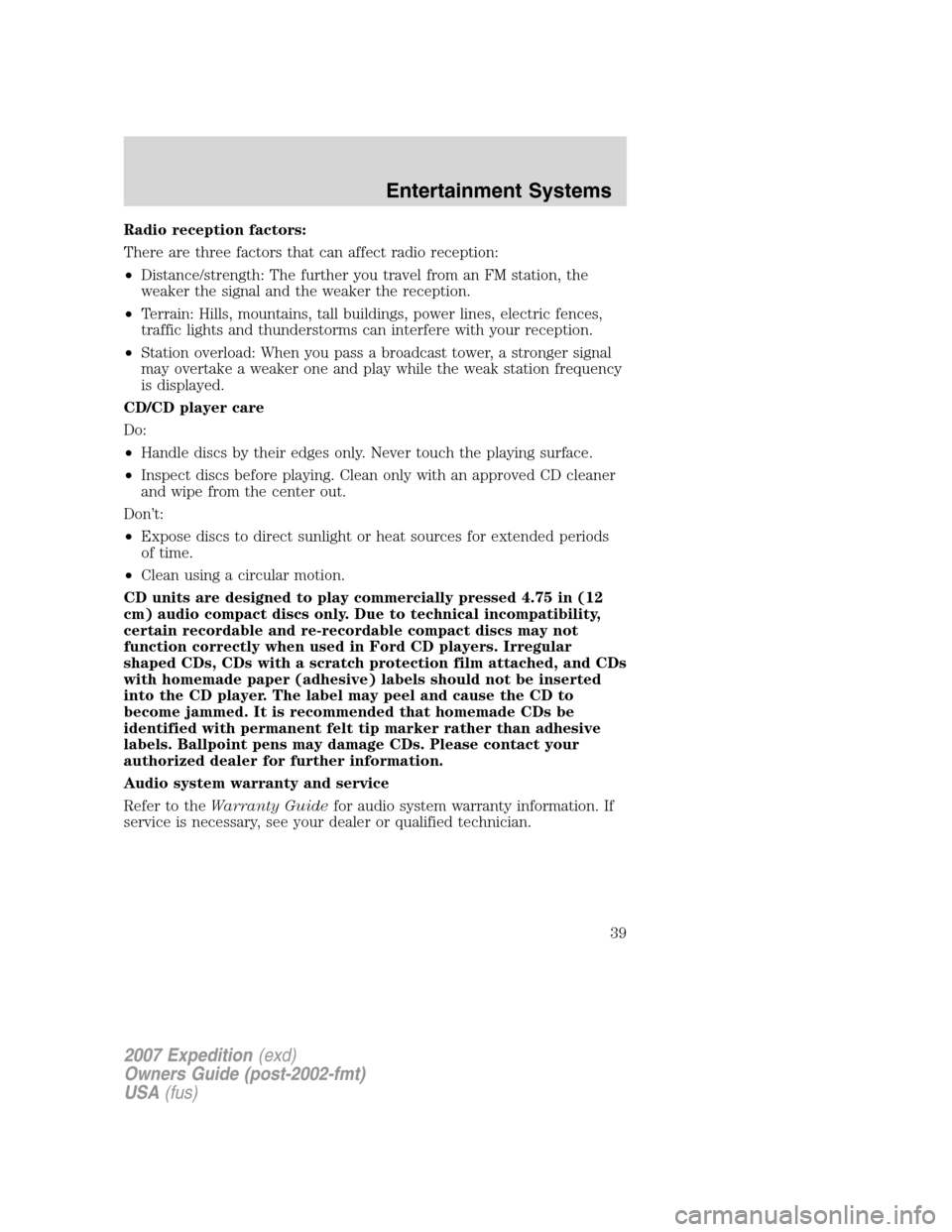
Press the memory preset controls 3
and 5 simultaneously on the front
audio controls to disable the rear
seat controls. They will remain disabled until the front seat passengers
“enable” them again by simultaneously pressing the 3 and 5 preset
controls. The settings of the front seat controls will always override
those of the rear seat controls.
GENERAL AUDIO INFORMATION
Radio frequencies:
AM and FM frequencies are established by the Federal Communications
Commission (FCC) and the Canadian Radio and Telecommunications
Commission (CRTC). Those frequencies are:
AM: 530, 540–1700, 1710 kHz
FM: 87.7, 87.9–107.7, 107.9 MHz
123456
2007 Expedition(exd)
Owners Guide (post-2002-fmt)
USA(fus)
Entertainment Systems
38
Page 39 of 328
Radio reception factors:
There are three factors that can affect radio reception:
•Distance/strength: The further you travel from an FM station, the
weaker the signal and the weaker the reception.
•Terrain: Hills, mountains, tall buildings, power lines, electric fences,
traffic lights and thunderstorms can interfere with your reception.
•Station overload: When you pass a broadcast tower, a stronger signal
may overtake a weaker one and play while the weak station frequency
is displayed.
CD/CD player care
Do:
•Handle discs by their edges only. Never touch the playing surface.
•Inspect discs before playing. Clean only with an approved CD cleaner
and wipe from the center out.
Don’t:
•Expose discs to direct sunlight or heat sources for extended periods
of time.
•Clean using a circular motion.
CD units are designed to play commercially pressed 4.75 in (12
cm) audio compact discs only. Due to technical incompatibility,
certain recordable and re-recordable compact discs may not
function correctly when used in Ford CD players. Irregular
shaped CDs, CDs with a scratch protection film attached, and CDs
with homemade paper (adhesive) labels should not be inserted
into the CD player. The label may peel and cause the CD to
become jammed. It is recommended that homemade CDs be
identified with permanent felt tip marker rather than adhesive
labels. Ballpoint pens may damage CDs. Please contact your
authorized dealer for further information.
Audio system warranty and service
Refer to theWarranty Guidefor audio system warranty information. If
service is necessary, see your dealer or qualified technician.
2007 Expedition(exd)
Owners Guide (post-2002-fmt)
USA(fus)
Entertainment Systems
39
Page 40 of 328
General audio information
Radio frequencies:
AM and FM frequencies are established by the Federal Communications
Commission (FCC) and the Canadian Radio and Telecommunications
Commission (CRTC). Those frequencies are:
AM: 530, 540–1700, 1710 kHz
FM: 87.7, 87.9–107.7, 107.9 MHz
Radio reception factors:
There are three factors that can affect radio reception:
•Distance/strength: The further you travel from an FM station, the
weaker the signal and the weaker the reception.
•Terrain: Hills, mountains, tall buildings, power lines, electric fences,
traffic lights and thunderstorms can interfere with your reception.
•Station overload: When you pass a broadcast tower, a stronger signal
may overtake a weaker one and play while the weak station frequency
is displayed.
CD/CD player care
Do:
•Handle discs by their edges only. Never touch the playing surface.
•Inspect discs before playing. Clean only with an approved CD cleaner
and wipe from the center out.
Don’t:
•Expose discs to direct sunlight or heat sources for extended periods
of time.
•Clean using a circular motion.
CD units are designed to play commercially pressed 4.75 in (12 cm)
audio compact discs only. Due to technical incompatibility, certain
recordable and re-recordable compact discs may not function
correctly when used in Ford CD players. Dirty, warped or damaged
CDs, irregular shaped CDs, CDs with a scratch protection film
attached, and CDs with homemade paper (adhesive) labels should
not be inserted into the CD player. The label may peel and cause
the CD to become jammed. It is recommended that homemade CDs
be identified with permanent felt tip marker rather than adhesive
labels. Ballpoint pens may damage CDs. Please contact your
authorized dealer for further information.
2007 Expedition(exd)
Owners Guide (post-2002-fmt)
USA(fus)
Entertainment Systems
40
Page 42 of 328
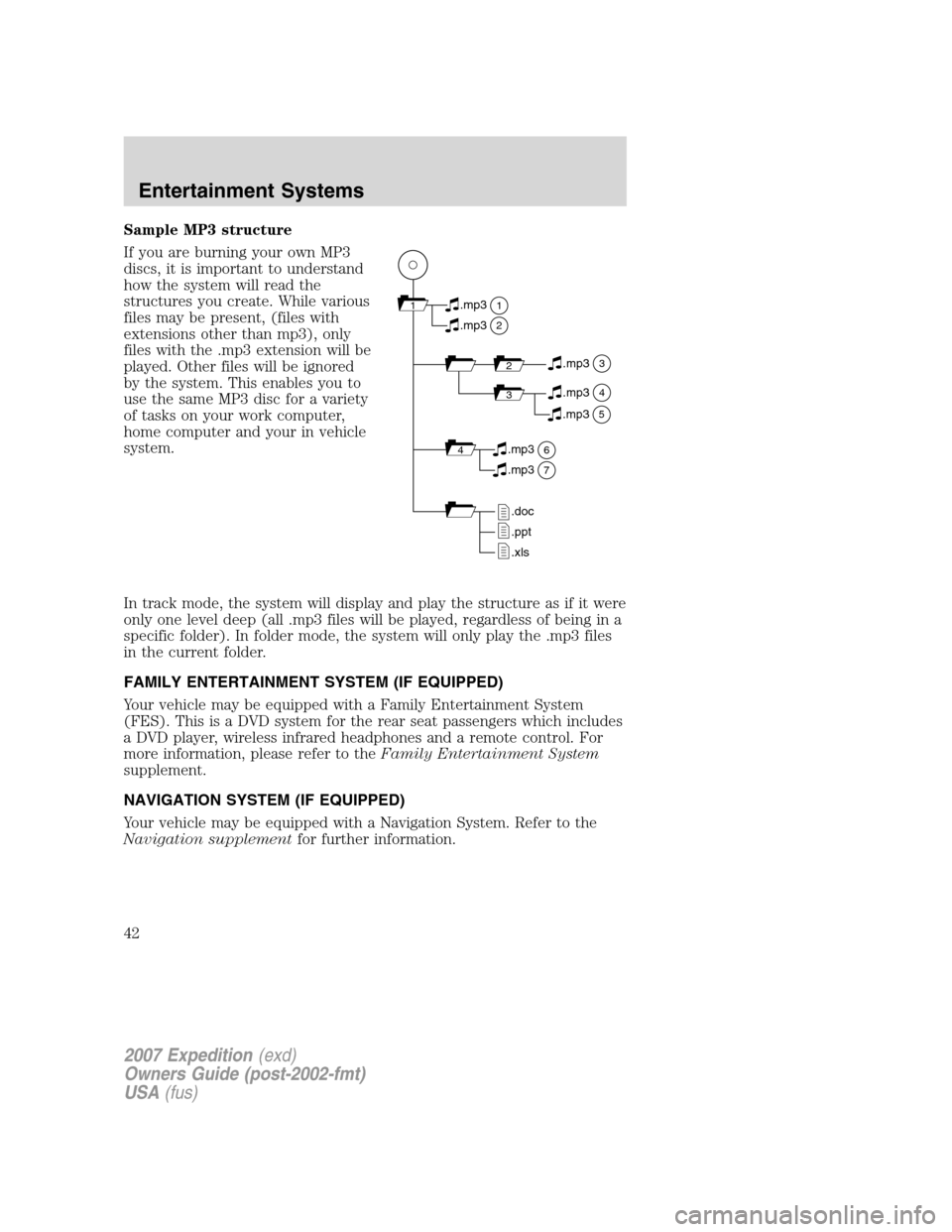
Sample MP3 structure
If you are burning your own MP3
discs, it is important to understand
how the system will read the
structures you create. While various
files may be present, (files with
extensions other than mp3), only
files with the .mp3 extension will be
played. Other files will be ignored
by the system. This enables you to
use the same MP3 disc for a variety
of tasks on your work computer,
home computer and your in vehicle
system.
In track mode, the system will display and play the structure as if it were
only one level deep (all .mp3 files will be played, regardless of being in a
specific folder). In folder mode, the system will only play the .mp3 files
in the current folder.
FAMILY ENTERTAINMENT SYSTEM (IF EQUIPPED)
Your vehicle may be equipped with a Family Entertainment System
(FES). This is a DVD system for the rear seat passengers which includes
a DVD player, wireless infrared headphones and a remote control. For
more information, please refer to theFamily Entertainment System
supplement.
NAVIGATION SYSTEM (IF EQUIPPED)
Your vehicle may be equipped with a Navigation System. Refer to the
Navigation supplementfor further information.
11
2
.mp3
2.mp3
3.mp3
34.mp3
64.mp3
7.mp3
.doc
.ppt
.xls
5.mp3
2007 Expedition(exd)
Owners Guide (post-2002-fmt)
USA(fus)
Entertainment Systems
42
Page 48 of 328
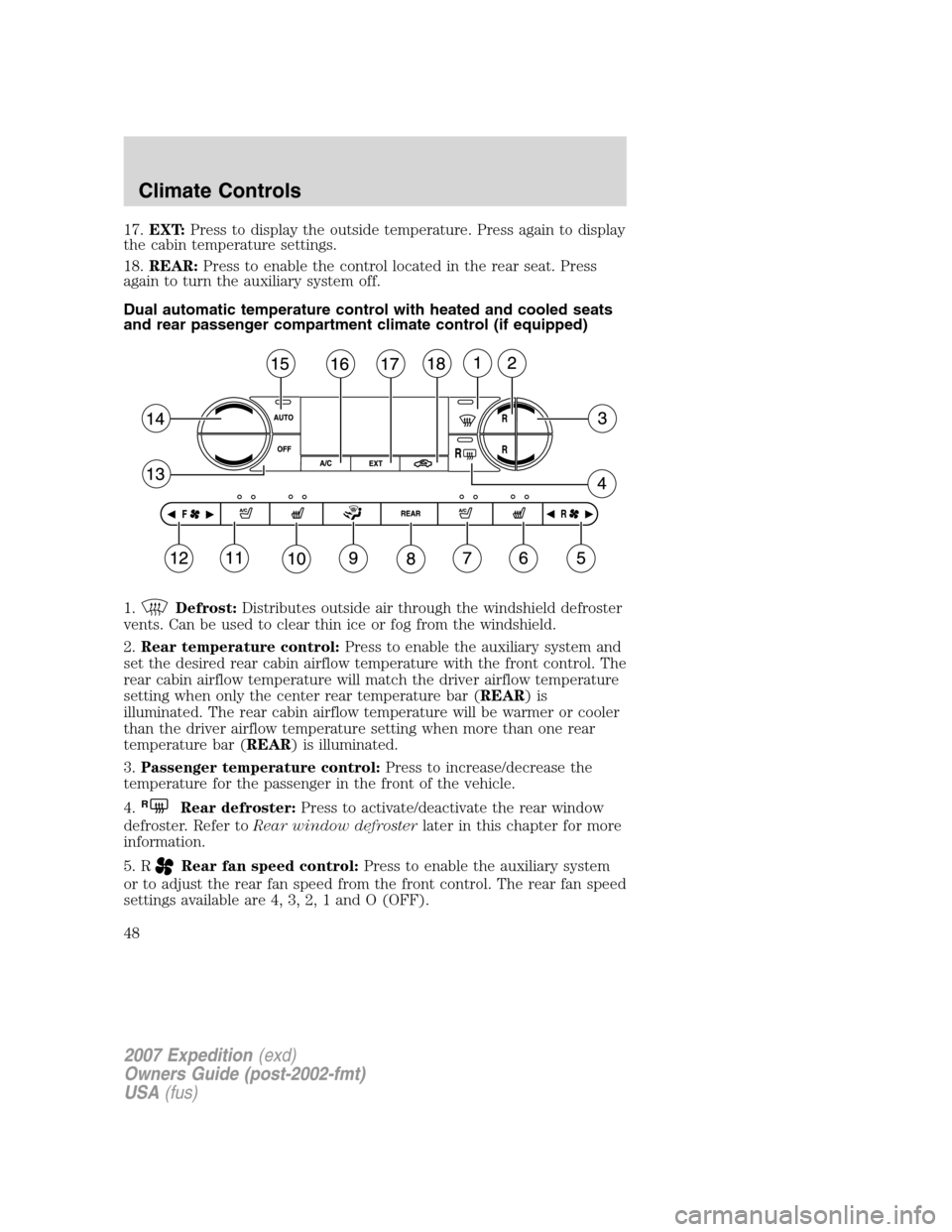
17.EXT:Press to display the outside temperature. Press again to display
the cabin temperature settings.
18.REAR:Press to enable the control located in the rear seat. Press
again to turn the auxiliary system off.
Dual automatic temperature control with heated and cooled seats
and rear passenger compartment climate control (if equipped)
1.
Defrost:Distributes outside air through the windshield defroster
vents. Can be used to clear thin ice or fog from the windshield.
2.Rear temperature control:Press to enable the auxiliary system and
set the desired rear cabin airflow temperature with the front control. The
rear cabin airflow temperature will match the driver airflow temperature
setting when only the center rear temperature bar (REAR)is
illuminated. The rear cabin airflow temperature will be warmer or cooler
than the driver airflow temperature setting when more than one rear
temperature bar (REAR) is illuminated.
3.Passenger temperature control:Press to increase/decrease the
temperature for the passenger in the front of the vehicle.
4.
RRear defroster:Press to activate/deactivate the rear window
defroster. Refer toRear window defrosterlater in this chapter for more
information.
5. R
Rear fan speed control:Press to enable the auxiliary system
or to adjust the rear fan speed from the front control. The rear fan speed
settings available are 4, 3, 2, 1 and O (OFF).
2007 Expedition(exd)
Owners Guide (post-2002-fmt)
USA(fus)
Climate Controls
48
Page 49 of 328

6.Passenger heated seat control:Press once to activate the high
heat setting (2 indicator lights). Press again to activate the low heat setting
(1 indicator light). Press again to deactivate the passenger heated seat.
7.
Passenger cooled seat control:Press once to activate the high
cool setting (2 indicator lights). Press again to activate the low cool setting
(1 indicator light). Press again to deactivate the passenger cooled seat.
8.REAR:Press to enable the control located in the rear seat. Press
again to turn the auxiliary system off.
9.Airflow direction control:Press to toggle through the air
distribution modes listed below. The selected mode will be shown in the
display.
:Distributes air through the instrument panel vents.
:Distributes air through the instrument panel and the floor vents.
:Distributes air through the floor vents.
:Distributes air through the windshield defroster vents and the floor
vents.
10.Driver heated seat control:Press once to activate the high heat
setting (2 indicator lights). Press again to activate the low heat setting (1
indicator light). Press again to deactivate the passenger heated seat.
11.Driver cooled seat control:Press once to activate the high
cool setting (2 indicator lights). Press again to activate the low cool
setting (1 indicator light). Press again to deactivate the passenger cooled
seat.
12. F
Front fan speed control:Press to manually increase or
decrease the fan speed. To return to full automatic control, press AUTO.
13.OFF:Outside air is shut out and the climate system is turned off.
14.Driver temperature control:Press to increase or decrease the
temperature on the driver side of the cabin. Sets the passenger side
temperature also when DUAL is disengaged.Note:The recommended
vehicle cabin setting is between 72°F (22°C) and 75°F (24°C).
15.AUTO:Press to engage full automatic operation, and select the
desired temperature using the temperature control. The system will
automatically determine fan speed, airflow location, A/C on or off, and
outside or recirculated air, to heat or cool the vehicle to reach the
desired temperature.
2007 Expedition(exd)
Owners Guide (post-2002-fmt)
USA(fus)
Climate Controls
49
Page 50 of 328
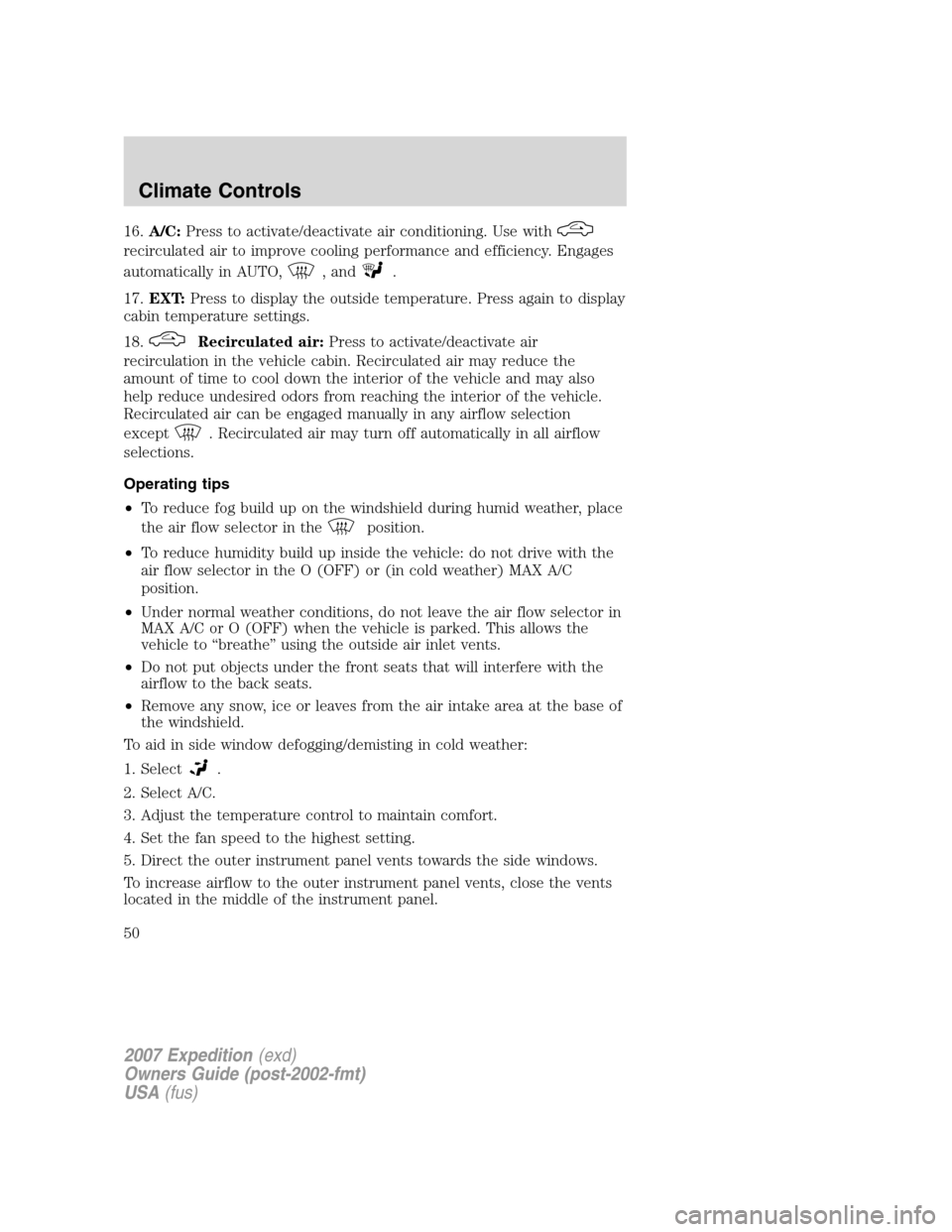
16.A/C:Press to activate/deactivate air conditioning. Use with
recirculated air to improve cooling performance and efficiency. Engages
automatically in AUTO,
, and.
17.EXT:Press to display the outside temperature. Press again to display
cabin temperature settings.
18.
Recirculated air:Press to activate/deactivate air
recirculation in the vehicle cabin. Recirculated air may reduce the
amount of time to cool down the interior of the vehicle and may also
help reduce undesired odors from reaching the interior of the vehicle.
Recirculated air can be engaged manually in any airflow selection
except
. Recirculated air may turn off automatically in all airflow
selections.
Operating tips
•To reduce fog build up on the windshield during humid weather, place
the air flow selector in the
position.
•To reduce humidity build up inside the vehicle: do not drive with the
air flow selector in the O (OFF) or (in cold weather) MAX A/C
position.
•Under normal weather conditions, do not leave the air flow selector in
MAX A/C or O (OFF) when the vehicle is parked. This allows the
vehicle to “breathe” using the outside air inlet vents.
•Do not put objects under the front seats that will interfere with the
airflow to the back seats.
•Remove any snow, ice or leaves from the air intake area at the base of
the windshield.
To aid in side window defogging/demisting in cold weather:
1. Select
.
2. Select A/C.
3. Adjust the temperature control to maintain comfort.
4. Set the fan speed to the highest setting.
5. Direct the outer instrument panel vents towards the side windows.
To increase airflow to the outer instrument panel vents, close the vents
located in the middle of the instrument panel.
2007 Expedition(exd)
Owners Guide (post-2002-fmt)
USA(fus)
Climate Controls
50