Page 160 of 568
NOTE:The rear seat will drop and move forward in
Kneel Mode.
To fold either rear seat flat (Kneel Mode), lift the handle
and fold the seat forward. Simply lift the seat back to
return the seat to the upright position. Verify that it is
locked in place.
Kneel Mode Handle
Kneel Mode
160 UNDERSTANDING THE FEATURES OF YOUR VEHICLE
Page 161 of 568
WARNING!
Be certain that the seatback is securely locked into
position. If the seatback in not securely locked into
position the seat will not provide the proper stability
for child seats and/or passengers. An improperly
latched seat could cause serious injury.
Heated Seats — If Equipped
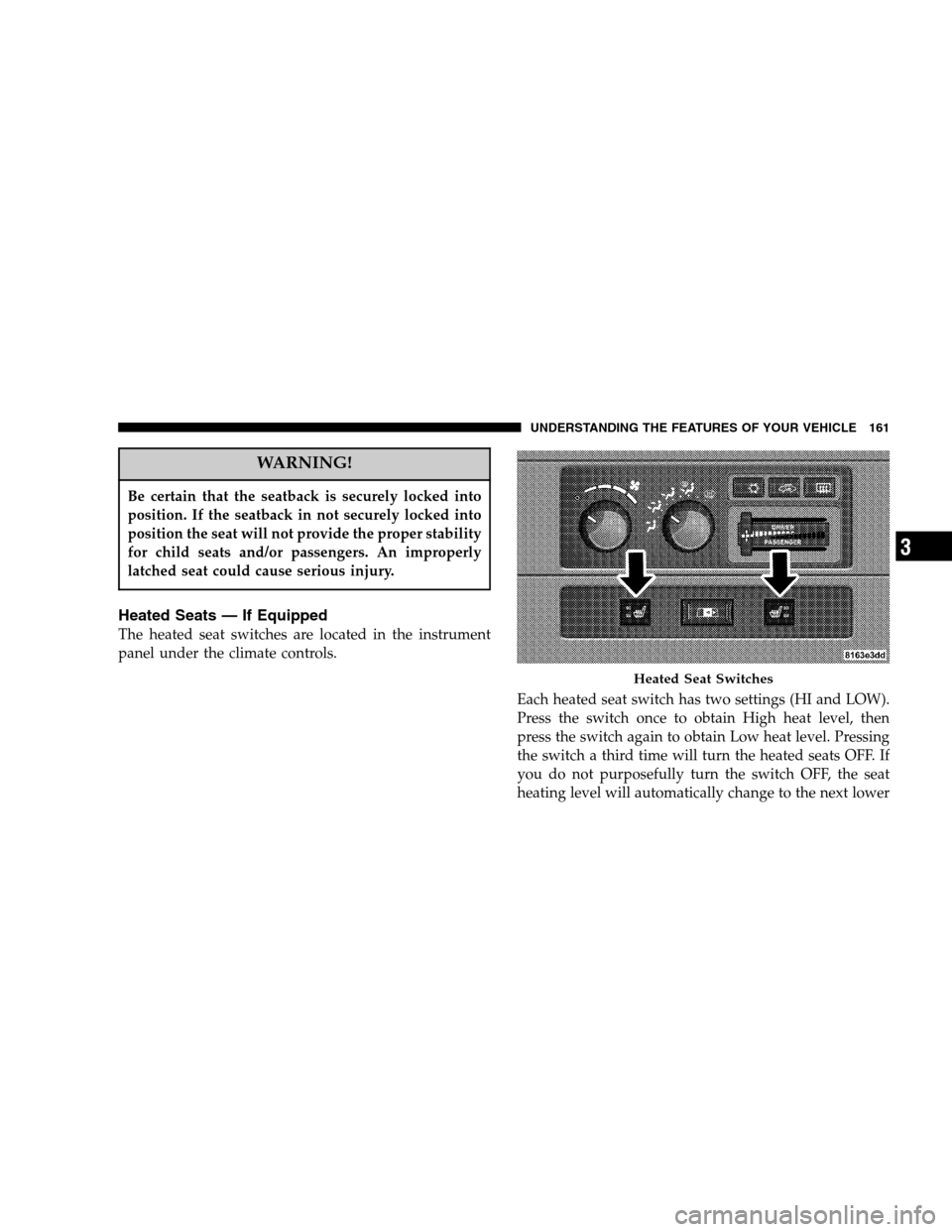
The heated seat switches are located in the instrument
panel under the climate controls.
Each heated seat switch has two settings (HI and LOW).
Press the switch once to obtain High heat level, then
press the switch again to obtain Low heat level. Pressing
the switch a third time will turn the heated seats OFF. If
you do not purposefully turn the switch OFF, the seat
heating level will automatically change to the next lower
Heated Seat Switches
UNDERSTANDING THE FEATURES OF YOUR VEHICLE 161
3
Page 164 of 568
WARNING!
If the hood is not fully latched, it could fly up when
the vehicle is moving and block your forward vision.
Be sure all hood latches are latched fully before
driving.
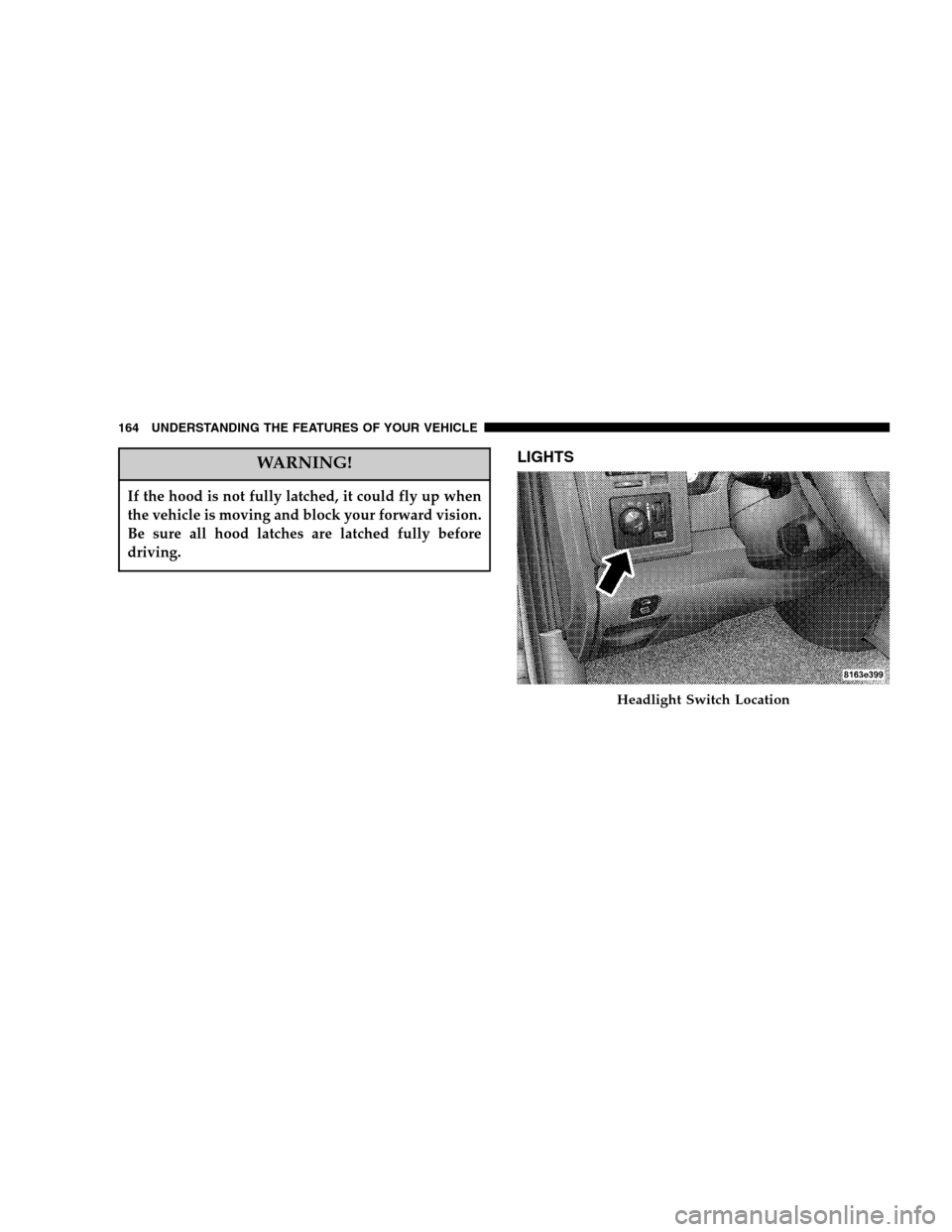
LIGHTS
Headlight Switch Location
164 UNDERSTANDING THE FEATURES OF YOUR VEHICLE
Page 165 of 568

Interior Lights
Courtesy and dome lights are turned on when the front
doors are opened, when the dimmer control (rotating
wheel on the right side of the switch) is rotated to the
upward detent position, or if equipped, when the UN-
LOCK button is pressed on the key fob. When a door isopen and the interior lights are on, rotating the dimmer
control all the way down to the OFF detent will cause all
the interior lights to go out. This is also known as the
�Party�mode because it allows the doors to stay open for
extended periods of time without discharging the vehi-
cle’s battery.
The brightness of the instrument panel lighting can be
regulated by rotating the dimmer control up (brighter) or
down (dimmer). When the headlights are ON you can
supplement the brightness of the odometer, trip odom-
eter, radio and overhead console by rotating the control
up until you hear a click. This feature is termed the
“Parade” mode and is useful when headlights are re-
quired during the day.
Club Cab/Quad Cab models may have an optional
switched dome lamp that may be operated by pressing
the lens.
Dimmer Control
UNDERSTANDING THE FEATURES OF YOUR VEHICLE 165
3
Page 168 of 568

Lights-on Reminder
If the headlights, parking lights, or cargo lights are left
on, after the ignition is turned off, a chime will sound
when the driver’s door is opened.
Fog Lights — If Equipped
The foglights are turned ON by placing the head-
light rotary control in the parking light or head-
light position and pushing in the headlight rotary
control. The fog lights will operate only when the parking
lights are ON or when the vehicle headlights are ON low
beam. An indicator light located in the instrument cluster
will illuminate when the fog lights are on. The fog lights
will turn off when the switch is pushed a second time,
when the headlight switch is rotated to the OFF position,
or the high beam is selected.
Cargo Light — If Equipped
The cargo lights are turned on by pressing on the
CARGO button. The interior lights will also turn on
when the cargo lights are on. The cargo lights will also
turn on for 30 seconds when a key fob Unlock is pressed,
as part of the illuminated entry feature.
Cargo Light Switch
168 UNDERSTANDING THE FEATURES OF YOUR VEHICLE
Page 173 of 568
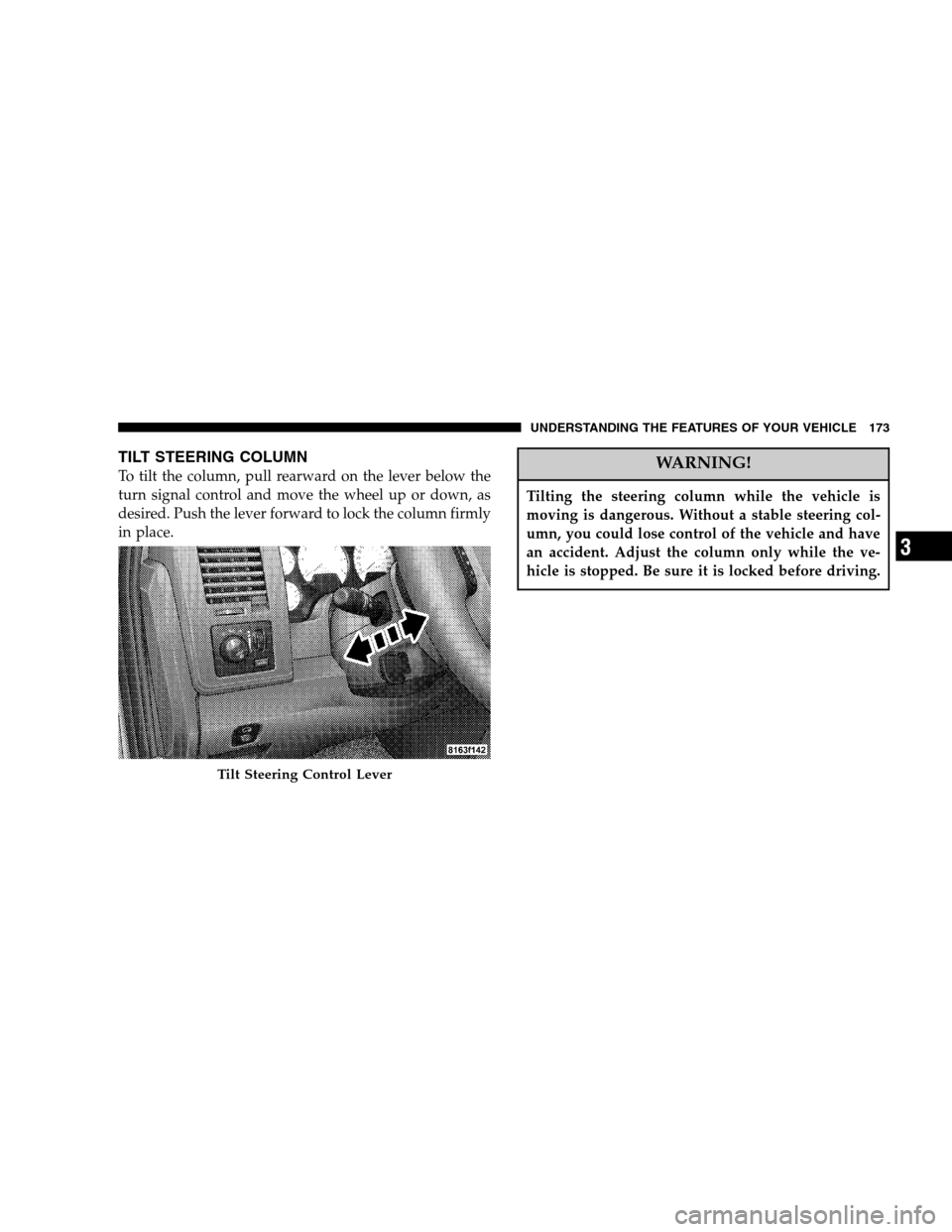
TILT STEERING COLUMN
To tilt the column, pull rearward on the lever below the
turn signal control and move the wheel up or down, as
desired. Push the lever forward to lock the column firmly
in place.WARNING!
Tilting the steering column while the vehicle is
moving is dangerous. Without a stable steering col-
umn, you could lose control of the vehicle and have
an accident. Adjust the column only while the ve-
hicle is stopped. Be sure it is locked before driving.
Tilt Steering Control Lever
UNDERSTANDING THE FEATURES OF YOUR VEHICLE 173
3
Page 179 of 568

OVERHEAD CONSOLE— IF EQUIPPED
The two optional overhead consoles may consist of the
following features:
•Courtesy/Reading Lights
•Compass/Temperature Mini-Trip Computer (CMTC)
— If Equipped
•Universal Garage Door Opener — If Equipped
Courtesy/Reading Lights
In the middle of the console are two courtesy/reading
lights.
Both lights illuminate as courtesy lights when a door is
opened, when the dimmer control is rotated to the
courtesy light position (fully upward position), or when
the UNLOCK button is pressed on the Remote Keyless
Entry transmitter, if so equipped. These lights are also
operated individually as reading lights by pressing the
recessed area of the corresponding lens.
NOTE:The courtesy/reading lights will remain on until
the switch is pressed a second time, so be sure they have
been turned off before leaving the vehicle. If the interior
lights are left on after the vehicle is turned off, they will
extinguish after 15 minutes.
Overhead Console Features
UNDERSTANDING THE FEATURES OF YOUR VEHICLE 179
3
Page 191 of 568

Similar to this Canadian law, some U.S. gate operators are
designed to�time-out�in the same manner.
If you live in Canada or you are having difficulties
programming a gate operator by using the�Program-
ming�procedures (regardless of where you live),replace
�Programming HomeLink�step 3with the following:
NOTE:If programming a garage door opener or gate
operator, it is advised to unplug the device during the
�cycling�process to prevent possible overheating.
3. Continue to press and hold the HomeLink button
while youpress and release every two seconds(�cycle�)
your hand-held transmitter until the frequency signal has
successfully been accepted by HomeLink. (The indicator
light will flash slowly and then rapidly.) Proceed with
�Programming�step four to complete.Using HomeLink
To operate, simply press and release the programmed
HomeLink button. Activation will now occur for the
trained device (i.e. garage door opener, gate operator,
security system, entry door lock, home/office lighting,
etc.). For convenience, the hand-held transmitter of the
device may also be used at any time. In the event that there
are still programming difficulties or questions, contact
HomeLink at:www.homelink.com or 1-800-355-3515
.
UNDERSTANDING THE FEATURES OF YOUR VEHICLE 191
3