Page 81 of 464
Periodic Safety Checks You Should Make Outside
The Vehicle
Tires
Examine tires for excessive tread wear or uneven wear
patterns. Check for stones, nails, glass, or other objects
lodged in the tread. Inspect tread and sidewall for cuts or
cracks. Check wheel nuts for tightness, and tires (includ-
ing spare) for proper pressure.
Lights
Have someone observe the operation of exterior lights
while you work the controls. Check turn signal and high
beam indicator lights on the instrument panel.
Fluid Leaks
Check area under vehicle after overnight parking for fuel,
engine coolant, oil or other fluid leaks. Also, if gasoline
fumes are detected or fuel, power steering fluid, trans-
mission fluid or brake fluid leaks are suspected, the cause
should be located and corrected immediately.
THINGS TO KNOW BEFORE STARTING YOUR VEHICLE 81
2
Page 93 of 464
The UConnect™ system can be used with any Hands-
Free Profile certified Bluetooth™ cellular phone. See
www.chrysler.com/uconnect for supported phones. If
your cellular phone supports a different profile (e.g.,
Headset Profile), you may not be able to use any UCon-
nect™ features. Refer to your cellular service provider or
the phone manufacturer for details.
The UConnect™ system is fully integrated with the
vehicle’s audio system. The volume of the UConnect™
system can be adjusted either from the radio volume
control knob, or from the steering wheel radio control
(right switch), if so equipped.
The radio display will be used for visual prompts from
the UConnect™ system such as�CELL�or caller ID on
certain radios.Operations
Voice commands can be used to operate the UConnect™
system and to navigate through the UConnect™ menu
structure. Voice commands are required after most
UConnect™ system prompts. You will be prompted for a
specific command and then guided through the available
options.
•Prior to giving a voice command, one must wait for
the voice on beep, which follows the�Ready�prompt
or another prompt.
•For certain operations, compound commands can be
used. For example, instead of saying�Setup�and then
�Phone Pairing,�the following compound command
can be said:�Setup Phone Pairing.�
•For each feature explanation in this section, only the
combined form of the voice command is given. You
can also break the commands into parts and say each
part of the command, when you are asked for it. For
UNDERSTANDING THE FEATURES OF YOUR VEHICLE 93
3
Page 141 of 464
TILT STEERING COLUMN
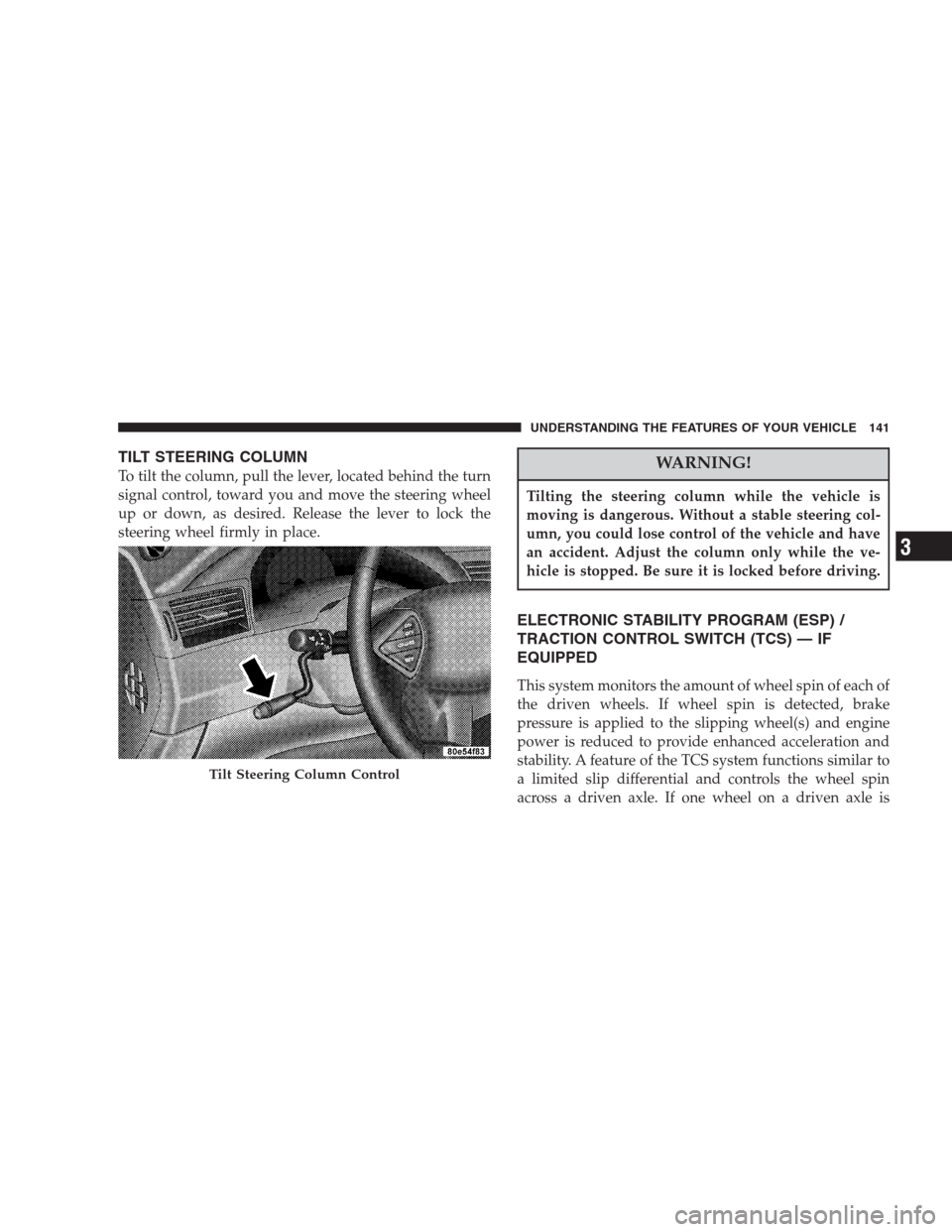
To tilt the column, pull the lever, located behind the turn
signal control, toward you and move the steering wheel
up or down, as desired. Release the lever to lock the
steering wheel firmly in place.WARNING!
Tilting the steering column while the vehicle is
moving is dangerous. Without a stable steering col-
umn, you could lose control of the vehicle and have
an accident. Adjust the column only while the ve-
hicle is stopped. Be sure it is locked before driving.
ELECTRONIC STABILITY PROGRAM (ESP) /
TRACTION CONTROL SWITCH (TCS) — IF
EQUIPPED
This system monitors the amount of wheel spin of each of
the driven wheels. If wheel spin is detected, brake
pressure is applied to the slipping wheel(s) and engine
power is reduced to provide enhanced acceleration and
stability. A feature of the TCS system functions similar to
a limited slip differential and controls the wheel spin
across a driven axle. If one wheel on a driven axle is
Tilt Steering Column Control
UNDERSTANDING THE FEATURES OF YOUR VEHICLE 141
3
Page 148 of 464
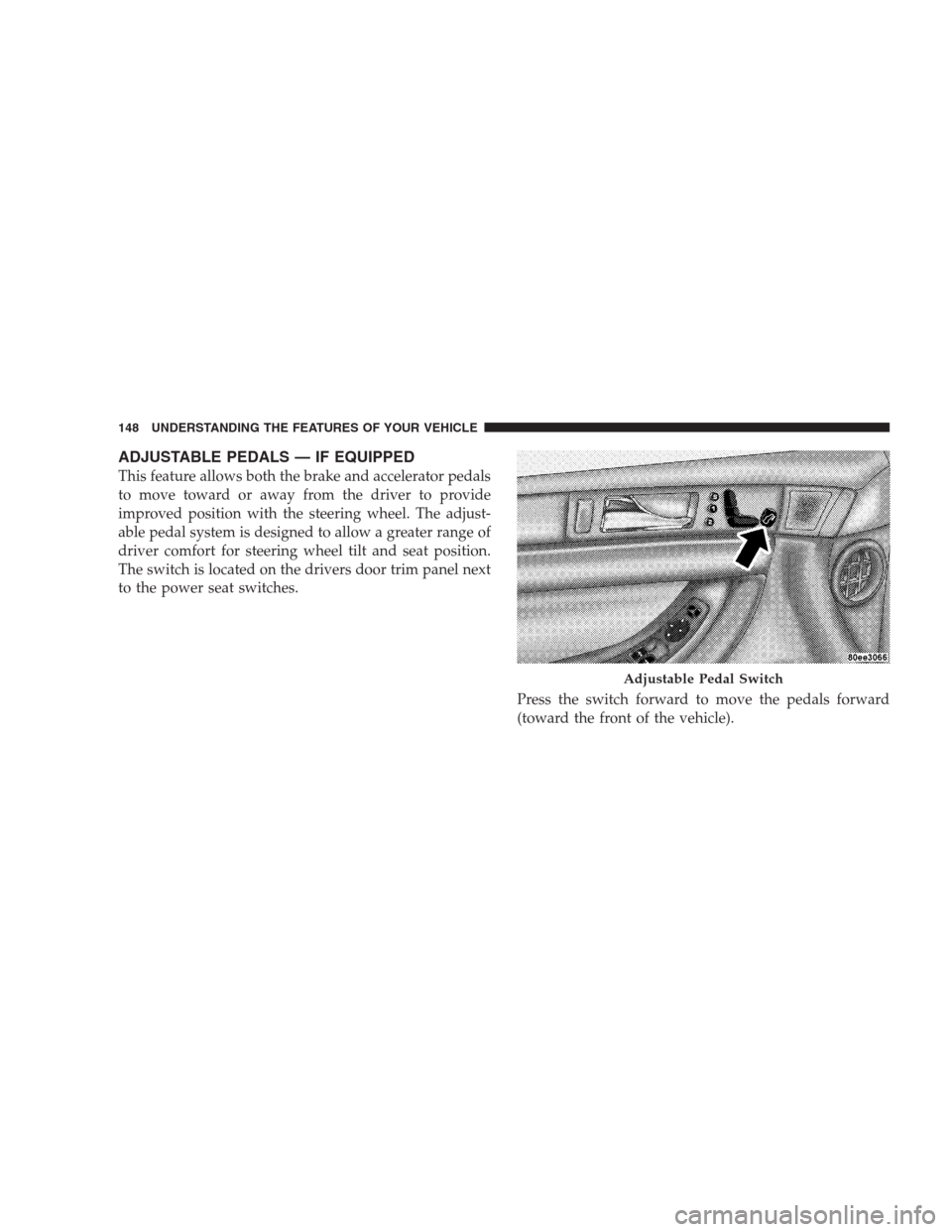
ADJUSTABLE PEDALS — IF EQUIPPED
This feature allows both the brake and accelerator pedals
to move toward or away from the driver to provide
improved position with the steering wheel. The adjust-
able pedal system is designed to allow a greater range of
driver comfort for steering wheel tilt and seat position.
The switch is located on the drivers door trim panel next
to the power seat switches.
Press the switch forward to move the pedals forward
(toward the front of the vehicle).
Adjustable Pedal Switch
148 UNDERSTANDING THE FEATURES OF YOUR VEHICLE
Page 150 of 464
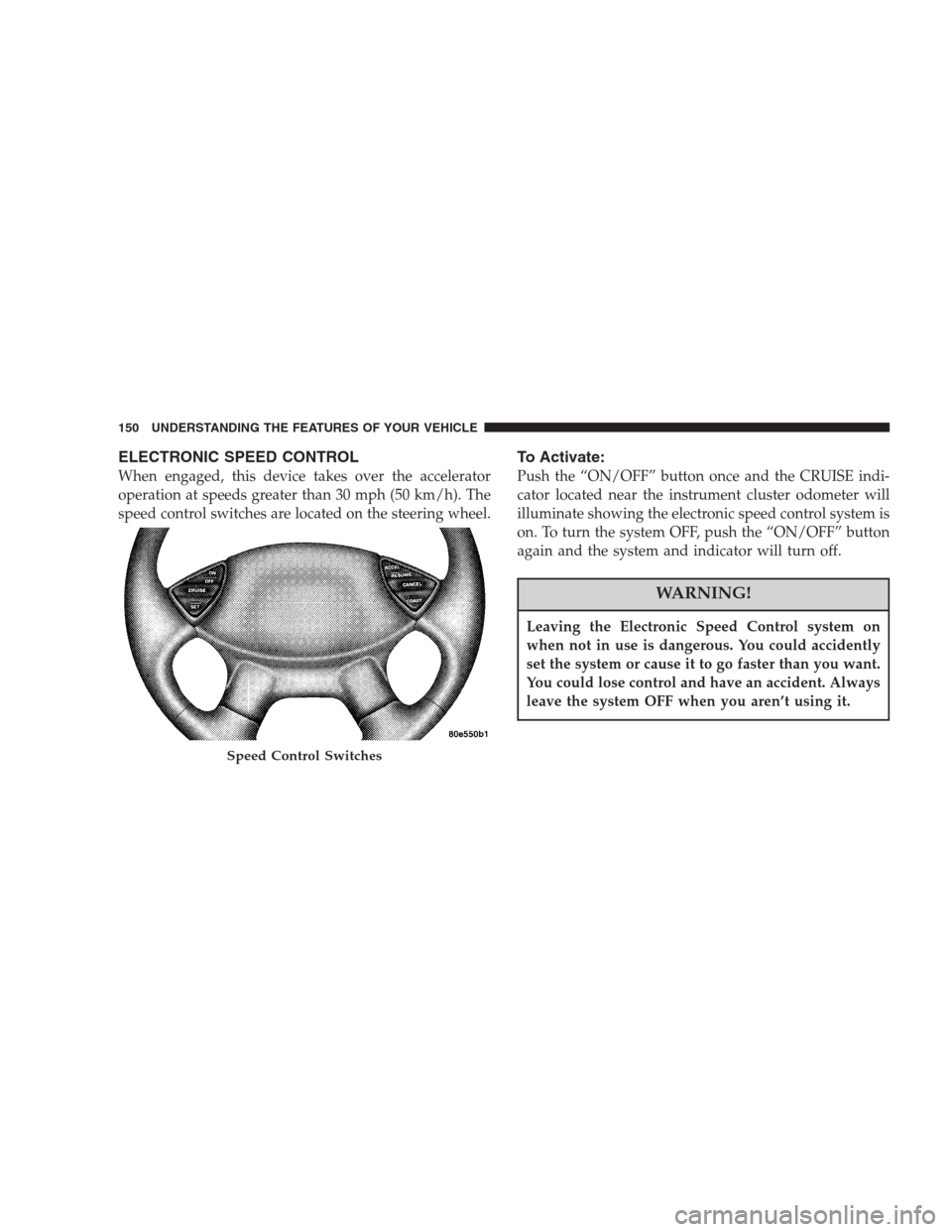
ELECTRONIC SPEED CONTROL
When engaged, this device takes over the accelerator
operation at speeds greater than 30 mph (50 km/h). The
speed control switches are located on the steering wheel.
To Activate:
Push the “ON/OFF” button once and the CRUISE indi-
cator located near the instrument cluster odometer will
illuminate showing the electronic speed control system is
on. To turn the system OFF, push the “ON/OFF” button
again and the system and indicator will turn off.
WARNING!
Leaving the Electronic Speed Control system on
when not in use is dangerous. You could accidently
set the system or cause it to go faster than you want.
You could lose control and have an accident. Always
leave the system OFF when you aren’t using it.
Speed Control Switches
150 UNDERSTANDING THE FEATURES OF YOUR VEHICLE
Page 185 of 464

Loose Fuel Filler Cap
If the vehicle diagnostic system determines that the fuel
filler cap is loose, improperly installed, or damaged,
GASCAP will be displayed in the instrument cluster
odometer. Tighten the fuel filler cap properly and press
the odometer reset button to turn the GASCAP message
off. If the problem continues, the message will appear the
next time the vehicle is started. See Section 7 of this
manual for more information.
14. Cruise Indicator
This display indicator shows that the Speed Control
System is ON.
15. Malfunction Indicator Light
This light is part of an onboard diagnostic system
called OBD that monitors engine and automatic
transmission control systems. The light will illu-
minate when the key is in the ON position before enginestart. If the bulb does not come on when turning the key
from OFF to ON, have the condition checked promptly.
Certain conditions such as a loose or missing gas cap,
poor fuel quality, etc. may illuminate the light after
engine start. The vehicle should be serviced if the light
stays on through several of your typical driving cycles. In
most situations the vehicle will drive normally and will
not require towing.
The Malfunction Indicator Light flashes to alert you to
serious conditions that could lead to immediate loss of
power or severe catalytic converter damage. The vehicle
should be serviced as soon as possible if this occurs.
16. High Beam Light
This light shows that the headlights are on high
beam. Pull the Multi-Function lever towards the
steering wheel to switch the headlights from high or low
beam.
UNDERSTANDING YOUR INSTRUMENT PANEL 185
4
Page 201 of 464
Electrical Disturbances
Radio waves may pick up electrical disturbances during
transmission. They mainly affect the wave amplitude,
and thus remain a part of the AM reception. They
interfere very little with the frequency variations that
carry the FM signal.
AM Reception
AM sound is based on wave amplitude, so AM reception
can be disrupted by such things as lightning, power lines
and neon signs.
FM Reception
Because FM transmission is based on frequency varia-
tions, interference that consists of amplitude variations
can be filtered out, leaving the reception relatively clear,
which is the major feature of FM radio.
NOTE:The radio, steering wheel radio controls (if
equipped), and 6 disc CD/DVD changer (if equipped)
will remain active for up to 10 minutes after the ignition
switch has been turned off. Opening a vehicle front door
will cancel this feature.
UNDERSTANDING YOUR INSTRUMENT PANEL 201
4
Page 237 of 464
Satellite Antenna
To ensure optimum reception, do not place items on the
roof around the rooftop antenna location or strap items to
the trunk lid around the trunk lid antenna (if equipped).
Metal objects placed within the line of sight of the
antenna will cause decreased performance. Larger lug-
gage items such as bikes should be placed as far rearward
as possible, within the loading design of the rack. Do not
place items directly on or above the antenna.
Reception Quality
Satellite reception may be interrupted due to one of the
following reasons.
•The vehicle is parked in an underground parking
structure or under a physical obstacle.
•Dense tree coverage may interrupt reception in the
form of short audio mutes.
•Driving under wide bridges or along tall buildings can
cause intermittent reception.
•Placing objects over or too close to the antenna can
cause signal blockage.
REMOTE SOUND SYSTEM CONTROLS
The remote sound system controls are located on the rear
surface of the steering wheel at the 3 and 9 o’clock
positions.
The right hand rocker switch has a push button in the
center and controls the volume and mode of the sound
system. Pressing the top of the rocker switch will increase
the volume and pressing the bottom of the rocker switch
will decrease the volume. Pressing the center button
changes the operation of the radio from AM to FM to
Tape or CD mode depending on which radio is in the
vehicle.
UNDERSTANDING YOUR INSTRUMENT PANEL 237
4