2007 CHEVROLET MALIBU MAXX light
[x] Cancel search: lightPage 118 of 510
Ignition Positions
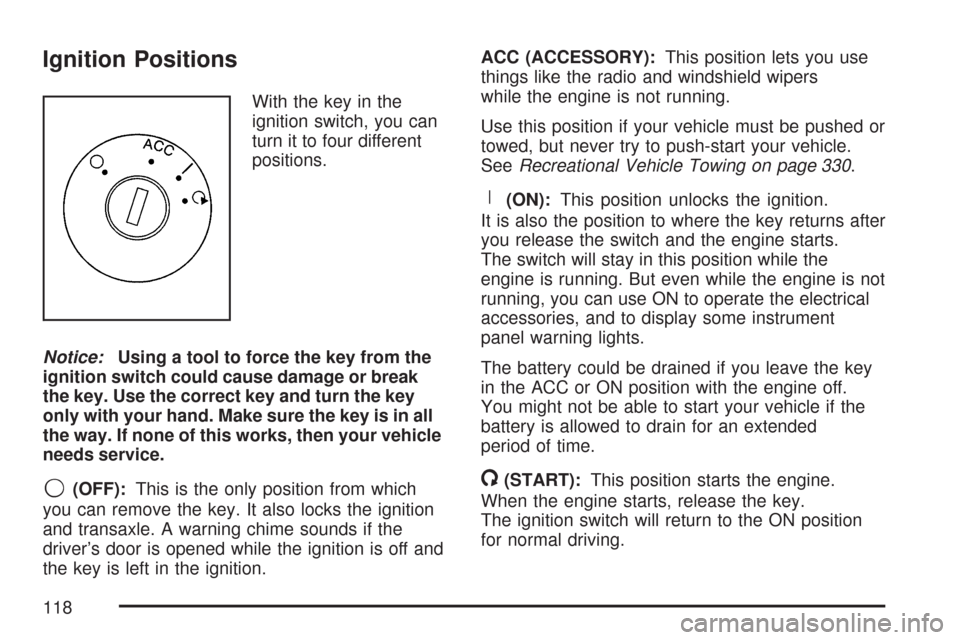
With the key in the
ignition switch, you can
turn it to four different
positions.
Notice:Using a tool to force the key from the
ignition switch could cause damage or break
the key. Use the correct key and turn the key
only with your hand. Make sure the key is in all
the way. If none of this works, then your vehicle
needs service.
9(OFF):This is the only position from which
you can remove the key. It also locks the ignition
and transaxle. A warning chime sounds if the
driver’s door is opened while the ignition is off and
the key is left in the ignition.ACC (ACCESSORY):This position lets you use
things like the radio and windshield wipers
while the engine is not running.
Use this position if your vehicle must be pushed or
towed, but never try to push-start your vehicle.
SeeRecreational Vehicle Towing on page 330.
R(ON):This position unlocks the ignition.
It is also the position to where the key returns after
you release the switch and the engine starts.
The switch will stay in this position while the
engine is running. But even while the engine is not
running, you can use ON to operate the electrical
accessories, and to display some instrument
panel warning lights.
The battery could be drained if you leave the key
in the ACC or ON position with the engine off.
You might not be able to start your vehicle if the
battery is allowed to drain for an extended
period of time.
/(START):This position starts the engine.
When the engine starts, release the key.
The ignition switch will return to the ON position
for normal driving.
118
Page 132 of 510
Parking Brake
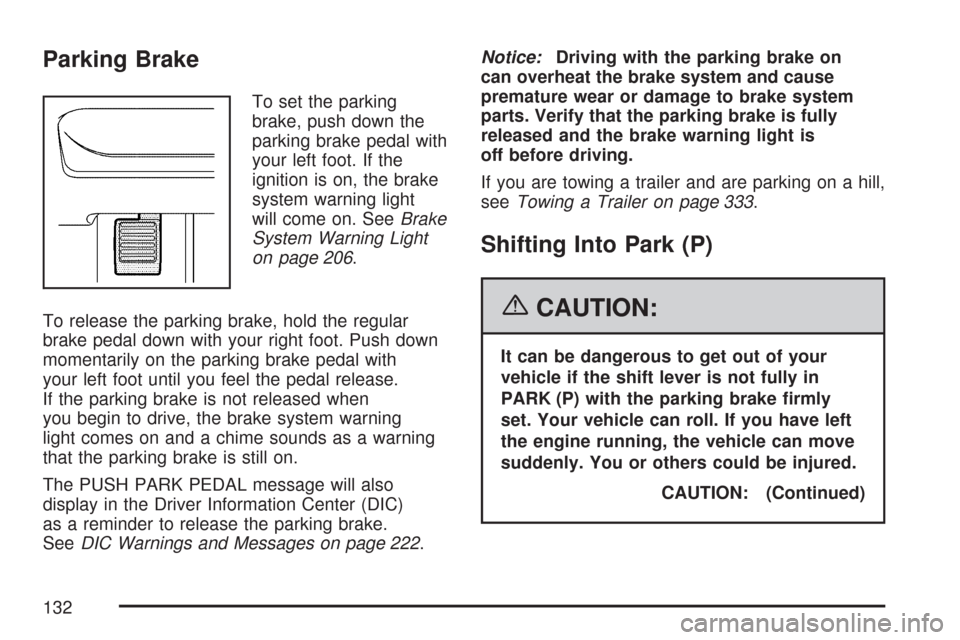
To set the parking
brake, push down the
parking brake pedal with
your left foot. If the
ignition is on, the brake
system warning light
will come on. SeeBrake
System Warning Light
on page 206.
To release the parking brake, hold the regular
brake pedal down with your right foot. Push down
momentarily on the parking brake pedal with
your left foot until you feel the pedal release.
If the parking brake is not released when
you begin to drive, the brake system warning
light comes on and a chime sounds as a warning
that the parking brake is still on.
The PUSH PARK PEDAL message will also
display in the Driver Information Center (DIC)
as a reminder to release the parking brake.
SeeDIC Warnings and Messages on page 222.Notice:Driving with the parking brake on
can overheat the brake system and cause
premature wear or damage to brake system
parts. Verify that the parking brake is fully
released and the brake warning light is
off before driving.
If you are towing a trailer and are parking on a hill,
seeTowing a Trailer on page 333.
Shifting Into Park (P)
{CAUTION:
It can be dangerous to get out of your
vehicle if the shift lever is not fully in
PARK (P) with the parking brake rmly
set. Your vehicle can roll. If you have left
the engine running, the vehicle can move
suddenly. You or others could be injured.
CAUTION: (Continued)
132
Page 138 of 510
Mirrors
Manual Rearview Mirror
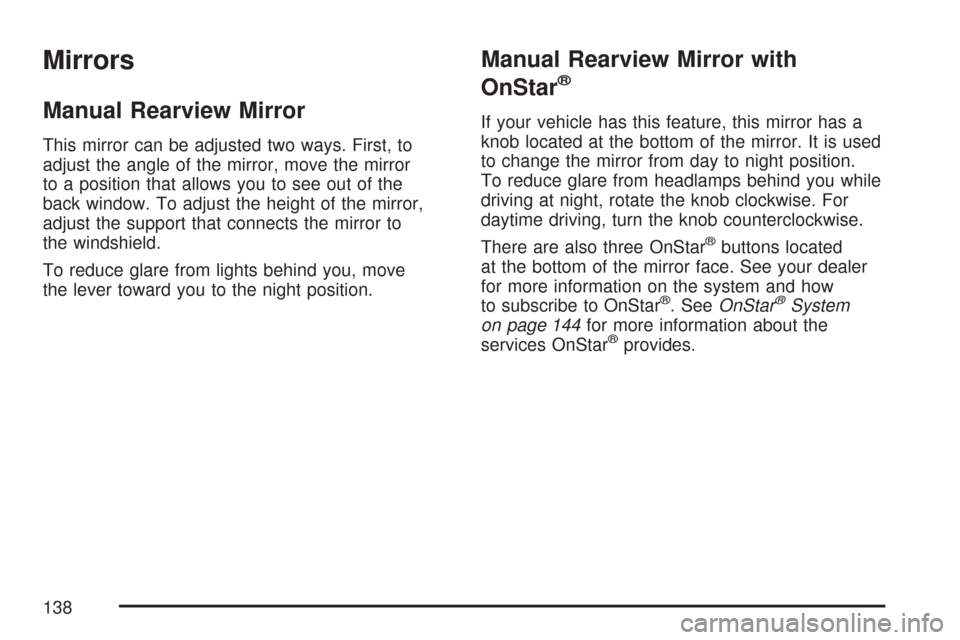
This mirror can be adjusted two ways. First, to
adjust the angle of the mirror, move the mirror
to a position that allows you to see out of the
back window. To adjust the height of the mirror,
adjust the support that connects the mirror to
the windshield.
To reduce glare from lights behind you, move
the lever toward you to the night position.
Manual Rearview Mirror with
OnStar
®
If your vehicle has this feature, this mirror has a
knob located at the bottom of the mirror. It is used
to change the mirror from day to night position.
To reduce glare from headlamps behind you while
driving at night, rotate the knob clockwise. For
daytime driving, turn the knob counterclockwise.
There are also three OnStar
®buttons located
at the bottom of the mirror face. See your dealer
for more information on the system and how
to subscribe to OnStar
®. SeeOnStar®System
on page 144for more information about the
services OnStar
®provides.
138
Page 139 of 510
Automatic Dimming Rearview Mirror
with OnStar
®and Compass
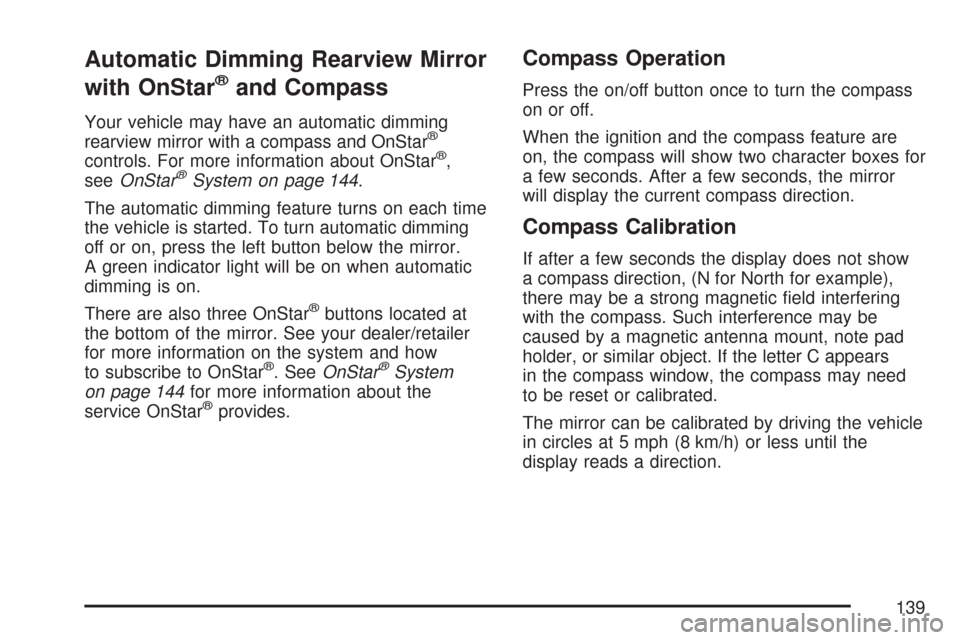
Your vehicle may have an automatic dimming
rearview mirror with a compass and OnStar®
controls. For more information about OnStar®,
seeOnStar®System on page 144.
The automatic dimming feature turns on each time
the vehicle is started. To turn automatic dimming
off or on, press the left button below the mirror.
A green indicator light will be on when automatic
dimming is on.
There are also three OnStar
®buttons located at
the bottom of the mirror. See your dealer/retailer
for more information on the system and how
to subscribe to OnStar
®. SeeOnStar®System
on page 144for more information about the
service OnStar
®provides.
Compass Operation
Press the on/off button once to turn the compass
on or off.
When the ignition and the compass feature are
on, the compass will show two character boxes for
a few seconds. After a few seconds, the mirror
will display the current compass direction.
Compass Calibration
If after a few seconds the display does not show
a compass direction, (N for North for example),
there may be a strong magnetic eld interfering
with the compass. Such interference may be
caused by a magnetic antenna mount, note pad
holder, or similar object. If the letter C appears
in the compass window, the compass may need
to be reset or calibrated.
The mirror can be calibrated by driving the vehicle
in circles at 5 mph (8 km/h) or less until the
display reads a direction.
139
Page 141 of 510
Automatic Dimming Rearview Mirror
with Compass
Your vehicle may have an automatic dimming
rearview mirror with a compass. This feature
enables the mirror to sense nighttime glare
from vehicle headlamps from behind and
automatically dim to reduce the glare to a
safe level. The automatic dimming feature
turns on each time the vehicle is started.
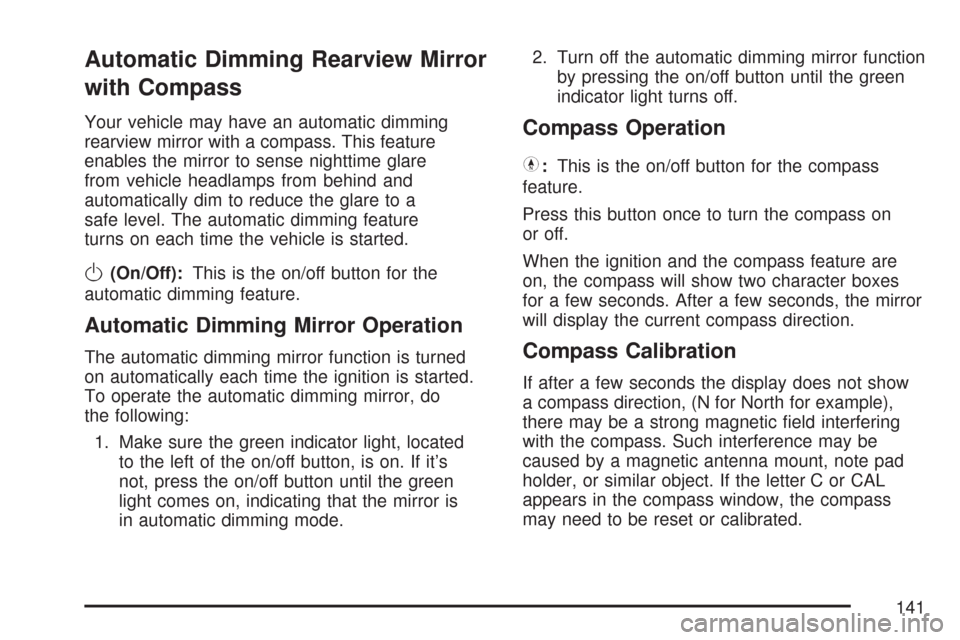
O(On/Off):This is the on/off button for the
automatic dimming feature.
Automatic Dimming Mirror Operation
The automatic dimming mirror function is turned
on automatically each time the ignition is started.
To operate the automatic dimming mirror, do
the following:
1. Make sure the green indicator light, located
to the left of the on/off button, is on. If it’s
not, press the on/off button until the green
light comes on, indicating that the mirror is
in automatic dimming mode.2. Turn off the automatic dimming mirror function
by pressing the on/off button until the green
indicator light turns off.
Compass Operation
Y
:This is the on/off button for the compass
feature.
Press this button once to turn the compass on
or off.
When the ignition and the compass feature are
on, the compass will show two character boxes
for a few seconds. After a few seconds, the mirror
will display the current compass direction.
Compass Calibration
If after a few seconds the display does not show
a compass direction, (N for North for example),
there may be a strong magnetic eld interfering
with the compass. Such interference may be
caused by a magnetic antenna mount, note pad
holder, or similar object. If the letter C or CAL
appears in the compass window, the compass
may need to be reset or calibrated.
141
Page 147 of 510
How OnStar®Service Works
In order to provide you with OnStar®services,
your vehicle’s OnStar®system has the capability
of recording and transmitting vehicle information.
This information is automatically sent to an
OnStar
®Call Center at the time of an OnStar®
button press, Emergency button press or if
your airbags or AACN system deploys. The vehicle
information usually includes your GPS location
and, in the event of a crash, additional information
regarding the accident that your vehicle has
been involved in (e.g. the direction from which
your vehicle was hit). When you use the Virtual
Advisor feature of OnStar
®Hands-Free Calling,
your vehicle also sends OnStar®your GPS
location so that we can provide you with
location-based services.
OnStar
®service cannot work unless your vehicle
is in a place where OnStar®has an agreement
with a wireless service provider for service in
that area. OnStar
®service also cannot work unless
you are in a place where the wireless service
provider OnStar
®has hired for that area has
coverage, network capacity and reception when
the service is needed, and technology that iscompatible with the OnStar
®service. Not all
services are available everywhere, particularly
in remote or enclosed areas, or at all times.
OnStar
®service that involves location information
about your vehicle cannot work unless GPS
satellite signals are unobstructed and available in
that place as well.
Your vehicle must have a working electrical
system (including adequate battery power) for the
OnStar
®equipment to operate. There are other
problems OnStar®cannot control that may prevent
OnStar®from providing OnStar®service to you
at any particular time or place. Some examples are
damage to important parts of your vehicle in an
accident, hills, tall buildings, tunnels, weather
or wireless phone network congestion.
Your Responsibility
You may need to increase the volume of your
radio to hear the OnStar®advisor. If the light next
to the OnStar®buttons is red, this means that
your system is not functioning properly and should
be checked by your dealer/retailer. If the light
appears clear (no light is appearing), your OnStar
®
subscription has expired. You can always press
the OnStar®button to conrm that your OnStar®
equipment is active.
147
Page 148 of 510
Universal Home Remote
System
System Identication
Your vehicle may have a Universal Home
Remote System.
Determine which Universal Home Remote your
vehicle has and then read the pages following for
instructions on programming your specic system.
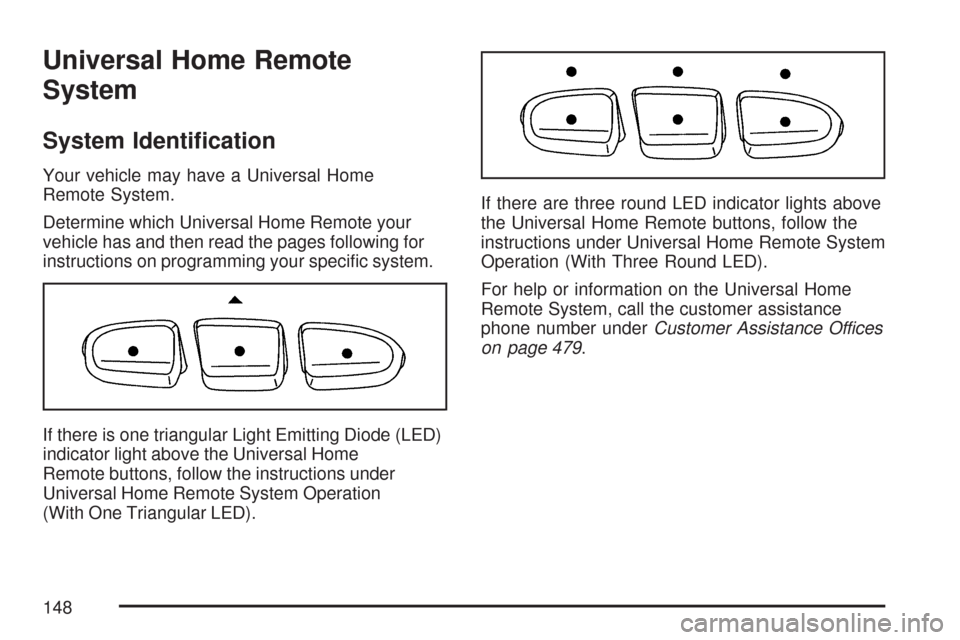
If there is one triangular Light Emitting Diode (LED)
indicator light above the Universal Home
Remote buttons, follow the instructions under
Universal Home Remote System Operation
(With One Triangular LED).If there are three round LED indicator lights above
the Universal Home Remote buttons, follow the
instructions under Universal Home Remote System
Operation (With Three Round LED).
For help or information on the Universal Home
Remote System, call the customer assistance
phone number underCustomer Assistance Offices
on page 479.
148
Page 149 of 510
Universal Home Remote System
The Universal Home Remote System provides
a way to replace up to three hand-held
Radio-Frequency (RF) transmitters used to
activate devices such as garage door openers,
security systems, and home lighting.
This device complies with Part 15 of the
FCC Rules. Operation is subject to the
following two conditions:
1. This device may not cause harmful
interference.
2. This device must accept any interference
received, including interference that may
cause undesired operation.
This device complies with RSS-210 of
Industry Canada. Operation is subject to
the following two conditions:
1. This device may not cause interference.
2. This device must accept any interference
received, including interference that may
cause undesired operation of the device.
Changes or modications to this system by other
than an authorized service facility could void
authorization to use this equipment.
Universal Home Remote System
Operation (With One Triangular LED)
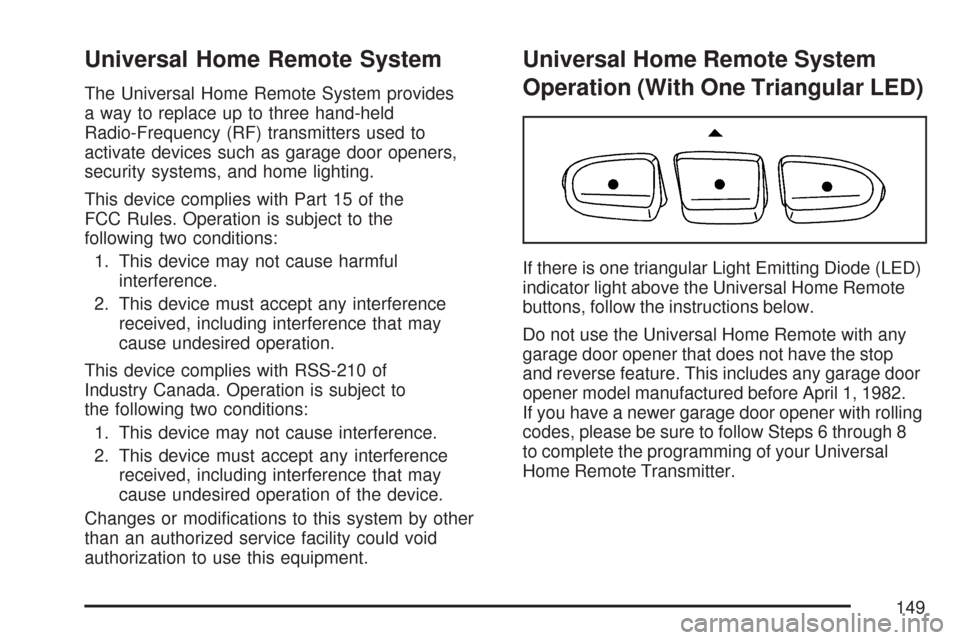
If there is one triangular Light Emitting Diode (LED)
indicator light above the Universal Home Remote
buttons, follow the instructions below.
Do not use the Universal Home Remote with any
garage door opener that does not have the stop
and reverse feature. This includes any garage door
opener model manufactured before April 1, 1982.
If you have a newer garage door opener with rolling
codes, please be sure to follow Steps 6 through 8
to complete the programming of your Universal
Home Remote Transmitter.
149