Page 173 of 430

Engine Coolant Temperature Gage
This gage shows the engine coolant temperature.
If the gage pointer moves into the red area,
your engine coolant might have overheated and
your engine may be too hot. You should pull off the
road, stop your vehicle and turn off the engine
as soon as possible.
SeeEngine Overheating on page 288. If you have
a Caterpillar
®diesel engine, also see your
Caterpillar®Operation & Maintenance Manual.
Low Coolant Warning Light
You have a low coolant
warning light. If this light
comes on, your system
is low on coolant and the
engine may overheat.
The warning light should come on briefly, as a
check, when you turn on the ignition.
When it comes on, you will also hear a warning
tone at several beats per second for 10 seconds.
SeeEngine Coolant (Gas and DURAMAX
®/Isuzu
Engines) on page 284orEngine Coolant
(Caterpillar
®Diesel Engines) on page 287and
have your vehicle serviced as soon as you can.
This light may also come on if your vehicle is
equipped with the automatic engine shutdown
system and engine shutdown has begun.
SeeEngine Alarm and Automatic Shutdownunder
Starting the Diesel Engine on page 100.
United StatesCanada
173
Page 174 of 430
Wait to Start Indicator
If your vehicle has the DURAMAX®6.6L diesel
engine, it will have glow plugs and an air
intake heater. If your vehicle has the Isuzu 6H
diesel engine, it will have glow plugs and an inlet
heater. If your vehicle has a Caterpillar
®engine,
it will have an inlet heater.
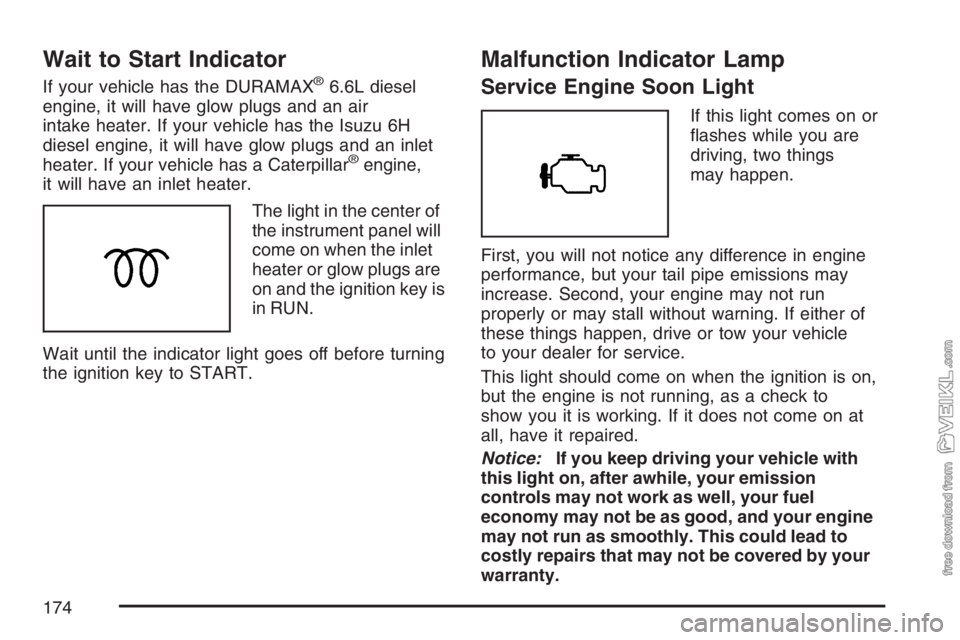
The light in the center of
the instrument panel will
come on when the inlet
heater or glow plugs are
on and the ignition key is
in RUN.
Wait until the indicator light goes off before turning
the ignition key to START.
Malfunction Indicator Lamp
Service Engine Soon Light
If this light comes on or
flashes while you are
driving, two things
may happen.
First, you will not notice any difference in engine
performance, but your tail pipe emissions may
increase. Second, your engine may not run
properly or may stall without warning. If either of
these things happen, drive or tow your vehicle
to your dealer for service.
This light should come on when the ignition is on,
but the engine is not running, as a check to
show you it is working. If it does not come on at
all, have it repaired.
Notice:If you keep driving your vehicle with
this light on, after awhile, your emission
controls may not work as well, your fuel
economy may not be as good, and your engine
may not run as smoothly. This could lead to
costly repairs that may not be covered by your
warranty.
174
Page 178 of 430

Transmission Temperature Gage
If you have an automatic
transmission and this
gage, it is located above
the switchbank in the
center of the instrument
panel.
When your ignition is on, the gage shows the
temperature of the transmission oil. A reading in
the warning zone, the red area beginning at 300°F
(150°C), means you must stop driving and
check into the cause. One possible cause is a low
oil level in the transmission.
Notice:If you drive your vehicle with the
transmission temperature gage above normal
operating range, you can damage the
transmission. This could lead to costly repairs
that would not be covered by your warranty.
Do not drive your vehicle while the
transmission temperature gage reading is
above normal. See your dealer for service.
Exhaust Brake Indicator Light
If your vehicle is
equipped with an
exhaust brake, you will
have this light, located
above the climate
controls in the center of
the instrument panel.
The exhaust brake indicator light will come on and
stay on whenever the diesel engine exhaust brake
or exhaust restrictor is active. For more information,
seeDiesel Engine Exhaust Brake on page 112and
Exhaust Restrictor (Engine Warm-Up) on page 108.
Differential Lock Indicator Light
If your vehicle has this
feature, this light is
located in the center of
the instrument panel.
The light is on when the
rear differential lock
system is in use.
178
Page 181 of 430
Fuel Gage
Your fuel gage is
located on the right side
of your instrument
panel cluster.
When the ignition is on, your fuel gage lets you
know about how much fuel you have left. When the
gage first shows empty, you’ll still have a little fuel
left, but you should get more fuel soon.
If your vehicle has dual fuel tanks, the reading on
the gage is the total fuel left in both tanks.Here are four concerns of some operators. None
of these shows a problem with your fuel gage:•The gage moves a little when you turn a
corner or speed up.
•The gage does not go back to empty when
you turn off the ignition.
•At the gas station, the pump shuts off before
the gage reads full.
•It takes a little more or less fuel to fill up than
the gage indicated.
If you have a Caterpillar
®diesel engine, also see
your Caterpillar®Operation & Maintenance
Manual.
181
Page 183 of 430

Air Pressure Gage
If your vehicle has air
brakes, the air pressure
gage is located above
the switchbank in
the center of the
instrument panel.
This gage shows the air pressure for both your
front and rear brake systems.
If the needle on the gage indicates that the air
pressure is below 60 to 75 psi (415 to 517 kPa),
the low air warning light will come on. An alarm will
also sound if this happens.The top pointer shows the pressure available for the
front system, while the bottom pointer shows
pressure for the rear. There should be no more than
4 psi (28 kPa) difference showing between the
systems.
Don’t drive until both pointers are showing at least
120 psi (827 kPa), so you’ll have enough air if
you need to apply your brakes.
Hourmeter Gage
To access the engine hourmeter gage, press the
trip odometer button three times.
The instrument panel cluster displays the
accumulated engine run time hours using the
reconfigurable odometer display. The engine run
time hours displays only when the ignition is in the
LOCK or ACCESSORY position and the trip
reset button is pressed for about four seconds.
The value of the accumulated hours does
not change when the battery is disconnected.
The hourmeter resets to 0.0 when 10,000 hours
are accumulated. The instrument panel cluster
begins to reaccumulate the engine run time hours
from 0.0 hours.
183
Page 185 of 430

While your vehicle is parked:
•Familiarize yourself with all of its controls.
•Familiarize yourself with its operation.
•Set up your audio system by presetting your
favorite radio stations, setting the tone, and
adjusting the speakers. Then, when driving
conditions permit, you can tune to your favorite
radio stations using the presets and steering
wheel controls if the vehicle has them.
Notice:Before adding any sound equipment to
your vehicle, such as an audio system, CD
player, CB radio, mobile telephone, or two-way
radio, make sure that it can be added by
checking with your dealer. Also, check federal
rules covering mobile radio and telephone
units. If sound equipment can be added, it is
very important to do it properly. Added sound
equipment may interfere with the operation of
your vehicle’s engine, radio, or other systems,
and even damage them. Your vehicle’s systems
may interfere with the operation of sound
equipment that has been added.Notice:The chime signals related to safety
belts, parking brake, and other functions
of your vehicle operate through the
radio/entertainment system. If that equipment
is replaced or additional equipment is added
to your vehicle, the chimes may not work. Make
sure that replacement or additional equipment
is compatible with your vehicle before
installing it.
Setting the Time
Press and hold the HR (down) or MIN (up) arrow
for two seconds. Then press HR until the
correct hour appears on the display. Press and
hold MIN until the correct minute appears on
the display. The time can be set with the ignition
on or off.
185
Page 186 of 430

AM-FM Radio
Playing the Radio
PWR (Power):Press this knob to turn the system
on and off.
VOL (Volume):Turn this knob clockwise or
counterclockwise to increase or to decrease the
volume.
RCL (Recall):Press this knob to switch the
display between the radio station frequency, band,
and the time. When the ignition is off, press this
knob to display the time.
Finding a Station
AM FM:Press this button to switch between FM1,
FM2, or AM. The selection displays.
TUNE:Turn this knob to select radio stations.
oSEEKp:Press the right or the left arrow
to go to the next or to the previous station and
stay there.
To scan stations, press and hold either SEEK
arrow for two seconds until a beep sounds. The
radio goes to a station, plays for a few seconds,
then goes to the next station. Press either
SEEK arrow again to stop scanning.
To scan preset stations, press and hold either
SEEK arrow for more than four seconds until
two beeps sound. The radio goes to the first preset
station stored on the pushbuttons, plays for a
few seconds, then goes to the next preset station.
Press either SEEK arrow again to stop scanning
presets.
The radio only seeks and scans stations with a
strong signal that are in the selected band.
186
Page 189 of 430

Radio with Cassette
Playing the Radio
PWR (Power):Press this knob to turn the system
on and off.
VOL (Volume):Turn this knob clockwise or
counterclockwise to increase or to decrease
the volume.
RCL (Recall):Press this knob to switch the
display between the radio station frequency and
the time. When the ignition is off, press this
knob to display the time.
Finding a Station
AM FM:Press this button to switch between FM1,
FM2, and AM. The display shows the selection.
TUNE:Turn this knob to select radio stations.
oSEEKp:Press the right or the left arrow to go
to the next or to the previous station and stay there.
To scan stations, press and hold one of the SEEK
arrows for two seconds until you hear a beep. The
radio goes to a station, plays for a few seconds and
flashes the station frequency, then goes to the next
station. Press one of the SEEK arrows again to stop
scanning.
To scan preset stations, press and hold one of the
SEEK arrows for more than four seconds until you
hear two beeps. The radio goes to the first preset
station stored on the pushbuttons, plays for a few
seconds and flashes the station frequency, then
goes to the next preset station. Press one of the
SEEK arrows again to stop scanning presets.
The radio only seeks and scans stations with a
strong signal that are in the selected band.
189
