2007 CADILLAC SRX door lock
[x] Cancel search: door lockPage 111 of 522

Express Window Anti-Pinch Override
{CAUTION:
If express override is activated, the
window will not reverse automatically.
You or others could be injured and the
window could be damaged. Before you
use express override, make sure that all
people and obstructions are clear of the
window path.
In an emergency, the anti-pinch feature can be
overridden in a supervised mode. Pull the window
switch all the way up to the second position.
The window will rise for as long as the switch is
held. Once the switch is released, the express
mode is re-activated.
In this mode, the window can still close on an
object in its path. Use care when using the
override mode.
Window Lockout
o
(Window Lockout):The rear window lockout
button is located on the driver’s door armrest
near the window switches.
Press the right side of the button to disable the
rear window controls. The light on the button
will illuminate, indicating the feature is in use.
The rear windows still can be raised or lowered
using the driver’s window switches when the
lockout feature is active.
To restore power to the rear windows, press the
button again. The light on the button will go out.
111
Page 112 of 522

Sun Visors
Swing down the primary visor to block out glare.
It can also be detached from the center mount and
moved to the side to block glare from that
direction.
The driver’s sunshade may also have buttons for
a built-in garage door opener. SeeUniversal
Home Remote System (With Three Round LED)
on page 143orUniversal Home Remote
System (With One Triangular LED) on page 143
for more information.
Lighted Visor Vanity Mirror
Pull the visor down and lift the cover. The light will
automatically come on. The light will go out when
you close the cover.
Theft-Deterrent Systems
Vehicle theft is big business, especially in some
cities. Although your vehicle has a number of
theft-deterrent features, we know that nothing we
put on it can make it impossible to steal.
Theft-Deterrent System
The security light is
located on the
instrument panel cluster.
If the ignition is off and a door is open, the
security light will ash, reminding you to arm the
theft-deterrent system.
To arm the system, do the following:
1. Lock the door using the Remote Keyless
Entry (RKE) transmitter or the power door
lock switch.
2. Close all the doors. The security light will
illuminate. It should go off within approximately
30 seconds.
If a door or a liftgate is opened without a key or a
RKE transmitter, the horn will sound and the
lamps will ash for up to 30 seconds.
112
Page 113 of 522

The theft-deterrent system will not arm if you lock
the doors with a key, use the manual door lock
or if the liftgate is ajar. It activates only if you use
the RKE transmitter or the power door lock.
To avoid activating the alarm by accident do the
following:
The vehicle should be locked with the door
key or the manual door lock after the doors
are closed if you don’t want to arm the
theft-deterrent system.
Always unlock a door with a key or use the
RKE transmitter. Pressing the unlock button
on the RKE transmitter disarms the
theft-deterrent system. Unlocking a door any
other way while the system is armed will
activate the alarm when a door or the liftgate
is opened.
If you activate the alarm by accident, unlock the
driver’s door with your key. You can also turn
off the alarm by using the unlock button on
the RKE transmitter, or by starting the vehicle with
a valid key.
Testing the Alarm
1. From inside the vehicle, roll down the window,
then get out of the vehicle, keeping the
door open.
2. From outside of the vehicle, with the door
open, lock the vehicle using the power door
lock switch or the RKE transmitter and
close the door. Wait approximately 30 seconds
until the security light goes off.
3. Reach in and unlock the door using the
manual lock and open the door. The horn
will sound and the exterior lamps will ash.
You can turn off the alarm by unlocking the driver’s
door with your key, using the unlock button on
the RKE transmitter or by starting the car with a
valid key.
If the alarm does not sound when it should, check
to see if the horn works. The horn fuse may be
blown. To replace the fuse, seeFuses and Circuit
Breakers on page 455. If the fuse does not
need to be replaced, you may need to have your
vehicle serviced.
To reduce the possibility of theft, always arm the
theft-deterrent system when leaving your vehicle.
113
Page 118 of 522

Key In the Ignition
Never leave your vehicle with the keys inside, as it
is an easy target for joy riders or thieves. If you
leave the key in the ignition and park your vehicle,
a chime will sound, when you open the driver’s
door. Always remember to remove your key from
the ignition and take it with you. This will lock
your ignition and transaxle. Also, always remember
to lock the doors.
The battery could be drained if you leave the key in
the ignition while your vehicle is parked. You may
not be able to start your vehicle after it has been
parked for an extended period of time.
Retained Accessory Power (RAP)
The following accessories on your vehicle may be
used for up to 10 minutes after the ignition key
is turned from ON to OFF:
Radio
Power Windows
Audio Steering Wheel Controls
Sunroof
Power to these accessories stops after 10 minutes
or if a door is opened. If you want power for
another 10 minutes, close all the doors and turn
the ignition key to ON and then back to OFF.
118
Page 139 of 522

The driver can select either mirror, or both mirrors
to be activated with this feature. Deselect both
mirrors to turn off the automatic tilt feature.
If further adjustment is needed after the mirror is
tilted, the mirror controls can be used. SeeOutside
Power Heated Mirrors on page 137for more
information.
Outside Convex Mirror
{CAUTION:
A convex mirror can make things (like
other vehicles) look farther away than
they really are. If you cut too sharply into
the right lane, you could hit a vehicle on
your right. Check your inside mirror or
glance over your shoulder before
changing lanes.
The passenger’s side mirror is convex. A convex
mirror’s surface is curved so that more can be
seen from the driver’s seat. The mirror does not
have a dimming feature.
OnStar®System
OnStar®uses several innovative technologies and
live advisors to provide you with a wide range
of safety, security, information, and convenience
services. If your airbags deploy, the system is
designed to make an automatic call to OnStar
®
Emergency advisors who can request emergency
services be sent to your location. If you lock
your keys in the vehicle, call OnStar
®at
1-888-4-ONSTAR and they can send a signal to
unlock your doors. If you need roadside
assistance, press the OnStar
®button and they
can contact Roadside Service for you.
139
Page 140 of 522

OnStar®service is provided to you subject to the
OnStar®Terms and Conditions. You may
cancel your OnStar®service at any time by
contacting OnStar®as provided below. A complete
OnStar®Owners Guide and the OnStar®Terms
and Conditions are included in the vehicle’s
OnStar
®Subscriber glove box literature. For more
information, visit onstar.com or onstar.ca,
contact OnStar
®at 1-888-4-ONSTAR
(1-888-466-7827) or TTY 1-877-248-2080, or
press the OnStar
®button to speak with an
OnStar®advisor 24 hours a day, 7 days a week.
Not all OnStar
®features are available on all
vehicles. To check if your vehicle is equipped to
provide the services described below, or for a
full description of OnStar
®services and system
limitations, see the OnStar®Owner’s Guide in your
glove box or visit onstar.com.
OnStar®Services
For new vehicles with OnStar®, the Safe & Sound
Plan, or the Directions & Connections®Plan is
included for one year from the date of purchase.
You can extend this plan beyond the rst year,
or upgrade to the Directions & Connections
®Plan.
For more information, press the OnStar®button
to speak with an advisor.Some OnStar
®services (such as Remote Door
Unlock or Stolen Vehicle Location Assistance) may
not be available until you register with OnStar
®.
Available Services with Safe & Sound®Plan
Automatic Notication of Airbag Deployment
Advanced Automatic Crash Notication (AACN)
(If equipped)
Link to Emergency Services
Roadside Assistance
Stolen Vehicle Location Assistance
AccidentAssist
Remote Door Unlock/Vehicle Alert
OnStar®Vehicle Diagnostics
GM Goodwrench®On Demand Diagnostics
OnStar®Hands-Free Calling with
30 complimentary minutes
OnStar®Virtual Advisor (U.S. Only)
140
Page 153 of 522
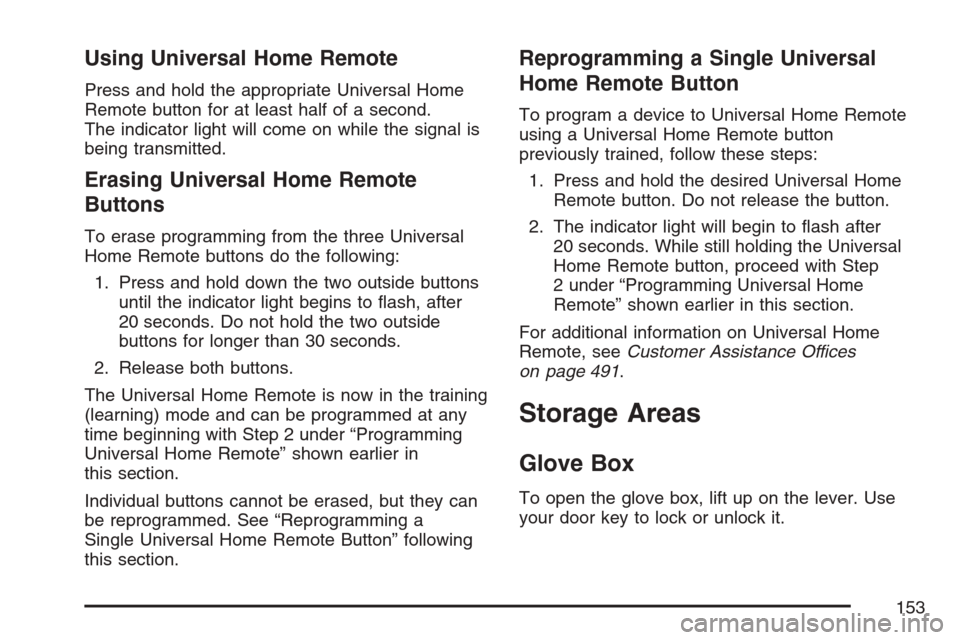
Using Universal Home Remote
Press and hold the appropriate Universal Home
Remote button for at least half of a second.
The indicator light will come on while the signal is
being transmitted.
Erasing Universal Home Remote
Buttons
To erase programming from the three Universal
Home Remote buttons do the following:
1. Press and hold down the two outside buttons
until the indicator light begins to ash, after
20 seconds. Do not hold the two outside
buttons for longer than 30 seconds.
2. Release both buttons.
The Universal Home Remote is now in the training
(learning) mode and can be programmed at any
time beginning with Step 2 under “Programming
Universal Home Remote” shown earlier in
this section.
Individual buttons cannot be erased, but they can
be reprogrammed. See “Reprogramming a
Single Universal Home Remote Button” following
this section.
Reprogramming a Single Universal
Home Remote Button
To program a device to Universal Home Remote
using a Universal Home Remote button
previously trained, follow these steps:
1. Press and hold the desired Universal Home
Remote button. Do not release the button.
2. The indicator light will begin to ash after
20 seconds. While still holding the Universal
Home Remote button, proceed with Step
2 under “Programming Universal Home
Remote” shown earlier in this section.
For additional information on Universal Home
Remote, seeCustomer Assistance Offices
on page 491.
Storage Areas
Glove Box
To open the glove box, lift up on the lever. Use
your door key to lock or unlock it.
153
Page 182 of 522

Entry Lighting
The entry lighting system turns on the reading and
dome lamps and the backlighting to the exterior
lamp control when a door is opened or if the
Remote Keyless Entry (RKE) transmitter unlock
button is pressed. If activated by the (RKE),
the lighting will remain active for about 25 seconds.
The entry lighting system uses the light sensor
on the instrument panel; so it must be dark outside
in order for the lamps to turn on. The lamps turn
off about 25 seconds after the last door is
closed. They will dim to off if the ignition key is
turned to ON, or immediately turn off if the power
locks are used.
Parade Dimming
This feature prohibits dimming of the instrument
panel displays and backlighting during daylight
hours when the key is in the ignition and the
headlamps are on. This feature operates with the
light sensor and is fully automatic. When the light
sensor reads darkness outside and the parking
lamps are active, the instrument panel displays can
be adjusted by sliding the instrument panel
brightness lever toward the symbol to brighten or
away from the symbol to dim the lighting.
Reading Lamps
The reading lamps are located on the overhead
console. These lamps come on automatically when
any door is opened.
For manual operation, press the button next to
each lamp to turn it on or off.
If the reading lamps are left on, they automatically
shut off 10 minutes after the ignition has been
turned off.
182