2007 BMW 760LI SEDAN dead battery
[x] Cancel search: dead batteryPage 81 of 253
Controls
79Reference
At a glance
Driving tips
Communications
Navigation
Entertainment
Mobility
deadline, refer to Automatic service notification
on page189.
Additional information
You can view additional information on service
and maintenance procedures on the Control
Display.
iDrive, for principle details, refer to page16.
1.Press the button to open the start
menu.
2.Move the controller toward "Car Data".
3.Select and press the controller.
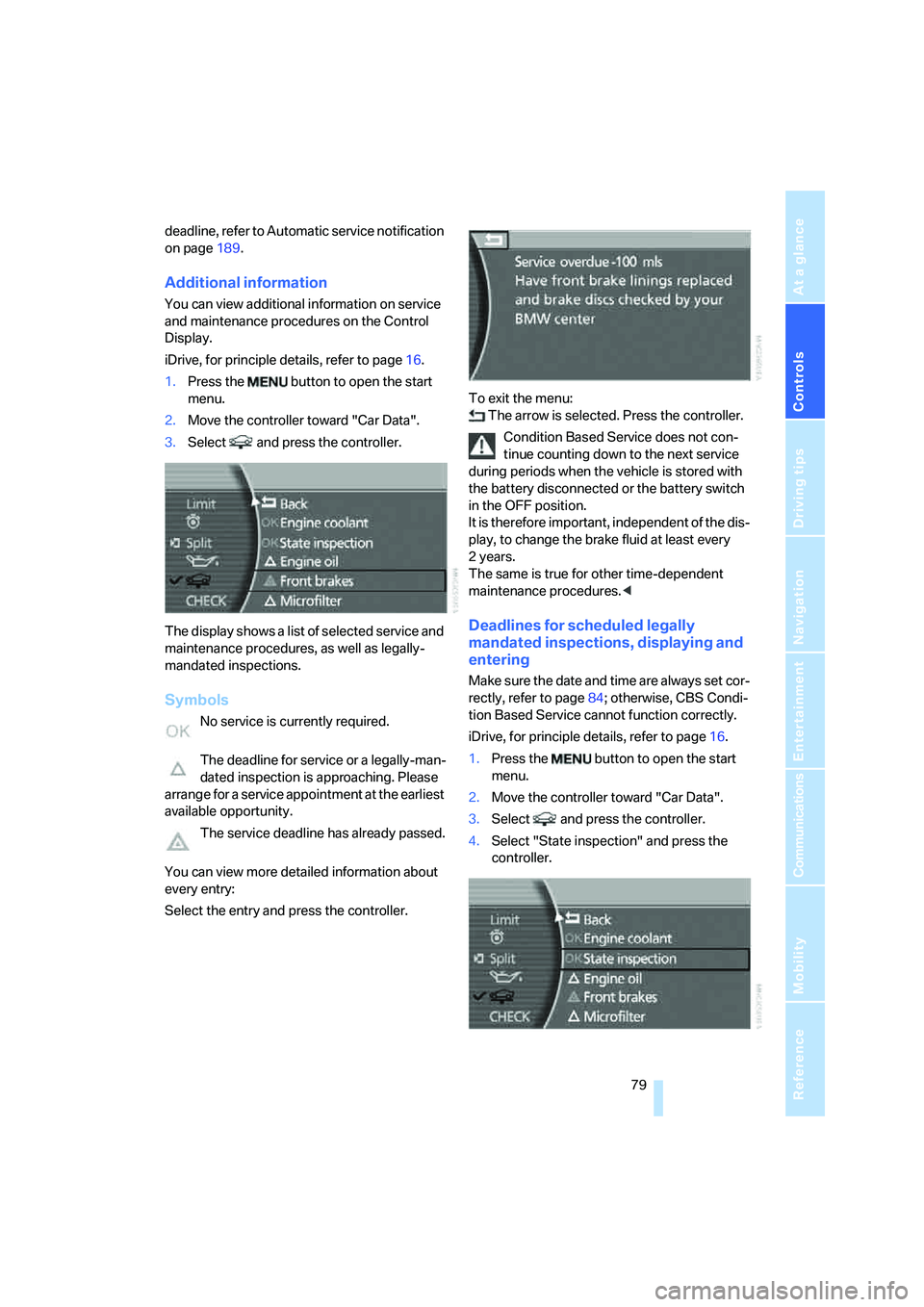
The display shows a list of selected service and
maintenance procedures, as well as legally-
mandated inspections.
Symbols
No service is currently required.
The deadline for service or a legally-man-
dated inspection is approaching. Please
arrange for a service appointment at the earliest
available opportunity.
The service deadline has already passed.
You can view more detailed information about
every entry:
Select the entry and press the controller.To exit the menu:
The arrow is selected. Press the controller.
Condition Based Service does not con-
tinue counting down to the next service
during periods when the vehicle is stored with
the battery disconnected or the battery switch
in the OFF position.
It is therefore important, independent of the dis-
play, to change the brake fluid at least every
2years.
The same is true for other time-dependent
maintenance procedures.<
Deadlines for scheduled legally
mandated inspections, displaying and
entering
Make sure the date and time are always set cor-
rectly, refer to page84; otherwise, CBS Condi-
tion Based Service cannot function correctly.
iDrive, for principle details, refer to page16.
1.Press the button to open the start
menu.
2.Move the controller toward "Car Data".
3.Select and press the controller.
4.Select "State inspection" and press the
controller.
Page 212 of 253
Maintenance
210
Maintenance
BMW Maintenance System
The BMW Maintenance System serves to
retain the operating and road safety of your
BMW. The service schedule also includes oper-
ations related to the vehicle's comfort and con-
venience features, such as replacement of the
filters for the inside air. The aim is to optimize
maintenance procedures with a view to reduc-
ing the cost of running the vehicle.
Should the day come when you decide to sell
your BMW, you will find that a complete dealer
service history is an asset of inestimable value.
CBS Condition Based Service
Sensors and special algorithms take the differ-
ent driving conditions of your BMW into
account. As a result, Condition Based Service
determines the current and future maintenance
requirements. By letting you define a service
and maintenance regimen that reflects your
own individual requirements, the system forms
the basis for trouble-free driving.
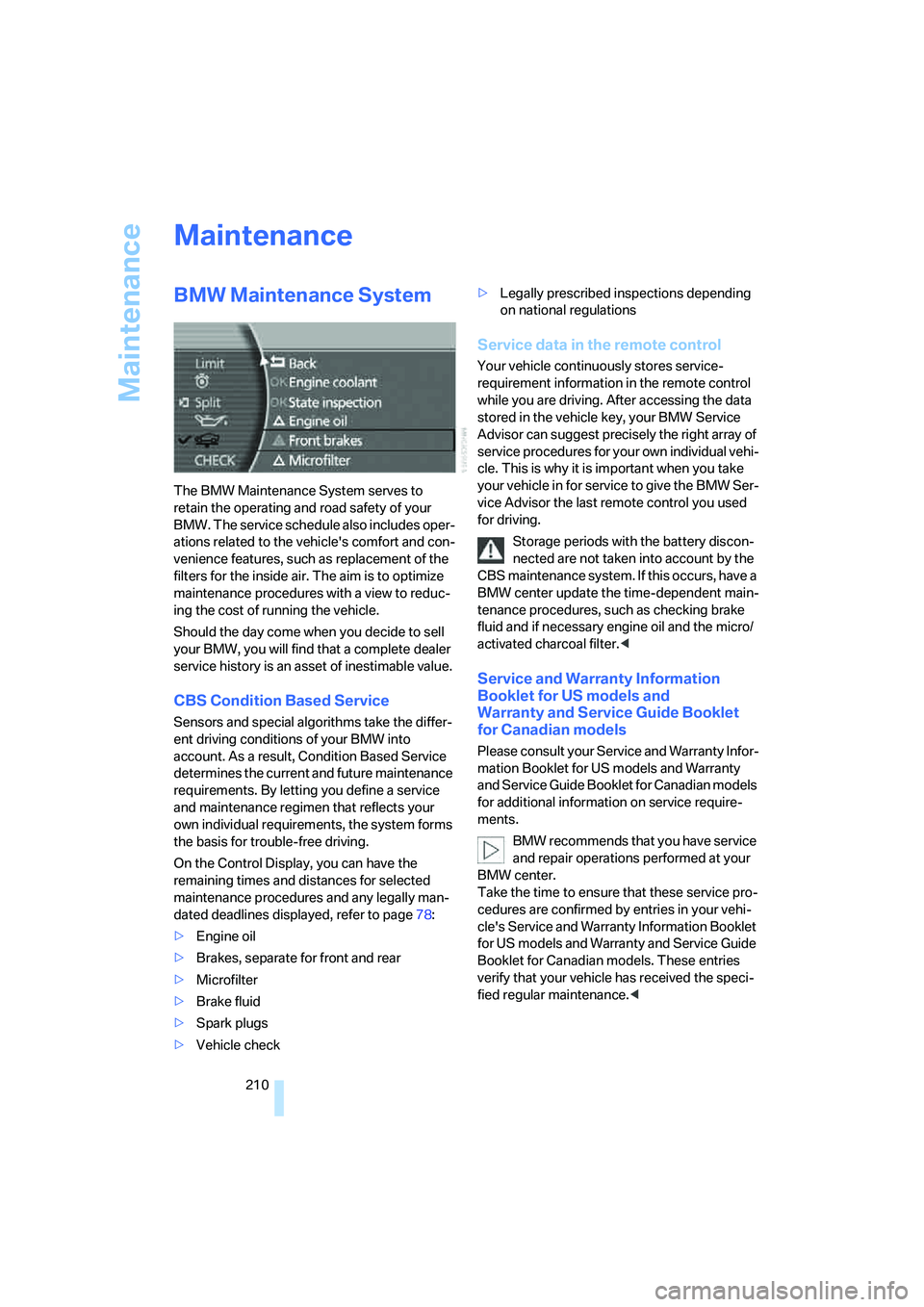
On the Control Display, you can have the
remaining times and distances for selected
maintenance procedures and any legally man-
dated deadlines displayed, refer to page78:
>Engine oil
>Brakes, separate for front and rear
>Microfilter
>Brake fluid
>Spark plugs
>Vehicle check>Legally prescribed inspections depending
on national regulations
Service data in the remote control
Your vehicle continuously stores service-
requirement information in the remote control
while you are driving. After accessing the data
stored in the vehicle key, your BMW Service
Advisor can suggest precisely the right array of
service procedures for your own individual vehi-
cle. This is why it is important when you take
your vehicle in for service to give the BMW Ser-
vice Advisor the last remote control you used
for driving.
Storage periods with the battery discon-
nected are not taken into account by the
CBS maintenance system. If this occurs, have a
BMW center update the time-dependent main-
tenance procedures, such as checking brake
fluid and if necessary engine oil and the micro/
activated charcoal filter.<
Service and Warranty Information
Booklet for US models and
Warranty and Service Guide Booklet
for Canadian models
Please consult your Service and Warranty Infor-
mation Booklet for US models and Warranty
and Service Guide Booklet for Canadian models
for additional information on service require-
ments.
BMW recommends that you have service
and repair operations performed at your
BMW center.
Take the time to ensure that these service pro-
cedures are confirmed by entries in your vehi-
cle's Service and Warranty Information Booklet
for US models and Warranty and Service Guide
Booklet for Canadian models. These entries
verify that your vehicle has received the speci-
fied regular maintenance.<
Page 247 of 253
Reference 245
At a glance
Controls
Driving tips
Communications
Navigation
Entertainment
Mobility
Status lines20
– in the assistance window21
Steering wheel
– adjustment52
– assistance getting in and
out52
– buttons on steering
wheel11
– heating52
– memory46
– programmable button52
– with multi-function
buttons11
Steptronic, refer to Automatic
transmission with
Steptronic63
"STOP", trip computer78
Stopwatch
– starting and stopping83
– taking an intermediate time
reading83
Storage, tires205
Storage
compartments114,115
– refer to Center armrest,
front113
– refer to Center armrest,
rear114
"STORE", radio159
"STORE DATE", deadlines for
state vehicle inspections80
Storing current position146
Storing desired speeds, refer
to Programmable cruise
control68
Storing destination by
voice141
Storing numbers, refer to
Phone book186
Storing sitting position, refer
to Seat, mirror and steering
wheel memory46
Storing vehicle, refer to Caring
for your vehicle brochure
Straps, refer to Loading124
"Street", navigation133
"SUBTITLE", DVD
changer173Summer tires, refer to Wheels
and tires198
Sun blinds112
Sunglasses compartment115
"SVS active", voice command
system24
Switches
– all around the steering
wheel10
– in the comfort area14
Switch for battery217
Switching cooling function on
and off manually107
Switching ignition on and
off57
Switching off engine
58
Switching off tilt alarm
sensor38
Switching on
– audio153
– CD changer165
– CD player163
– DVD changer171
– radio156
Symbols4
– indicator and warning
lamps13
T
Tachometer75
Tail lamps213
– replacing bulbs214
Tank capacity196
– also refer to Capacities227
Technical changes, refer to
For your own safety5
Technical data224
Telematics, refer to
BMW Assist188
Telephone
– accepting calls184
– refer to Telephone
overview178
Telephoning,
requirements184Temperature
– adjusting with automatic
climate control105
– changing units of
measure84
– outside temperature
warning75
– refer to Hot exhaust
system122
Temperature display
– interior temperature105
– outside temperature75
– setting units84
Temperature distribution,
seat heating49
Temperature of coolant, refer
to Coolant temperature76
Tempomat, refer to Active
cruise control69
Thawing windows, refer to
Defrosting windows and
removing condensation106
The right tires204
Thigh support adjustment,
refer to Seat adjustment44
Third brake lamp, refer to Tail
and brake lamps213
Three-point belt48
Through loading system117
Tightening torque for lug
bolts, refer to After
mounting216
Tilting down passenger-side
exterior mirror51
"Time", setting84
Time of arrival77
Timer, refer to Preselecting
switch-on times109
Tire inflation pressure198
– loss, refer to Indication of a
flat tire91
– loss, refer to Low tire
pressure message93
Tire Pressure Monitor91
– resetting system92
– system limits92
– warning light93
Tire Quality Grading202