Page 272 of 470
’06 4Runner_U (L/O 0508)
262
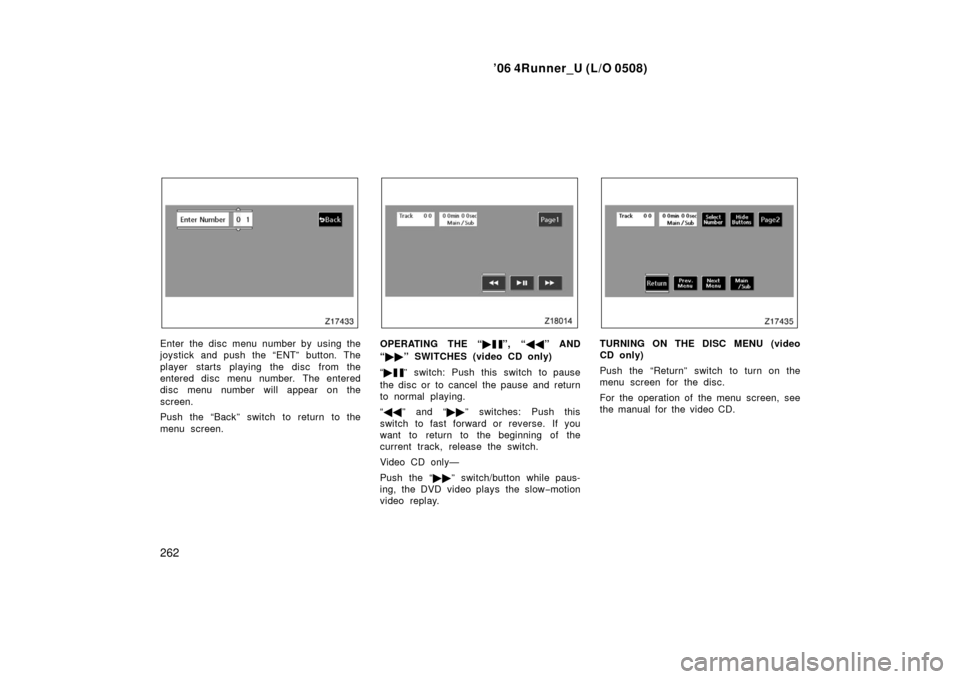
Enter the disc menu number by using the
joystick and push the “ENT” button. The
player starts playing the disc from the
entered disc menu number. The entered
disc menu number will appear on the
screen.
Push the “Back” switch to return to the
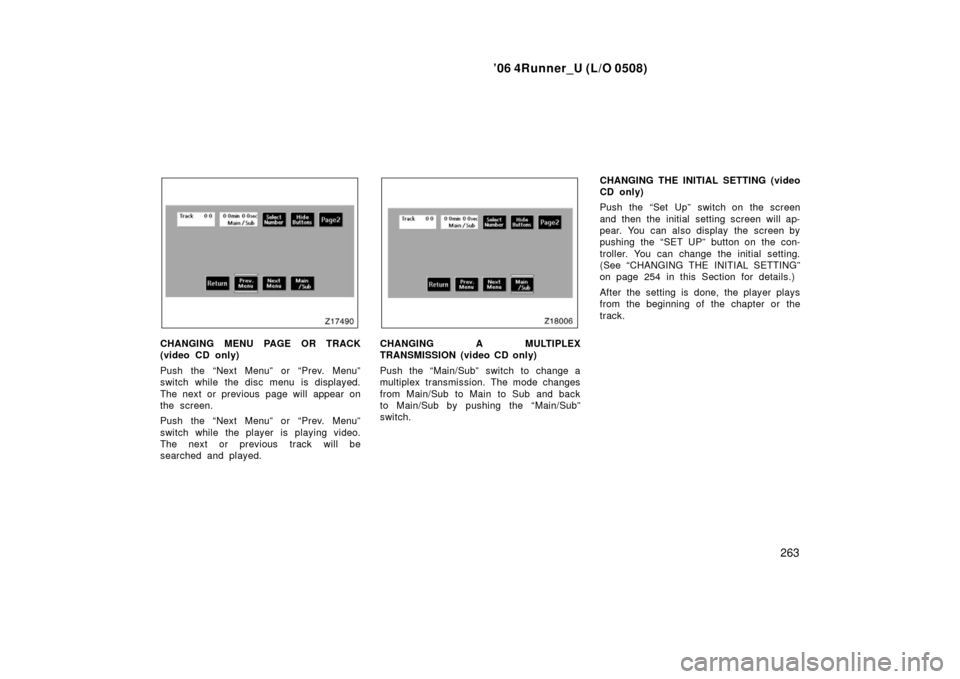
menu screen.OPERATING THE “�”, “��” AND
“ �� ” SWITCHES (video CD only)
“ �
” switch: Push this switch to pause
the disc or to cancel the pause and return
to normal playing.
“ �� ” and “�� ” switches: Push this
switch to fast forward or reverse. If you
want to return to the beginning of the
current track, release the switch.
Video CD only—
Push the “�� ” switch/button while paus-
ing, the DVD video plays the slow −motion
video replay.
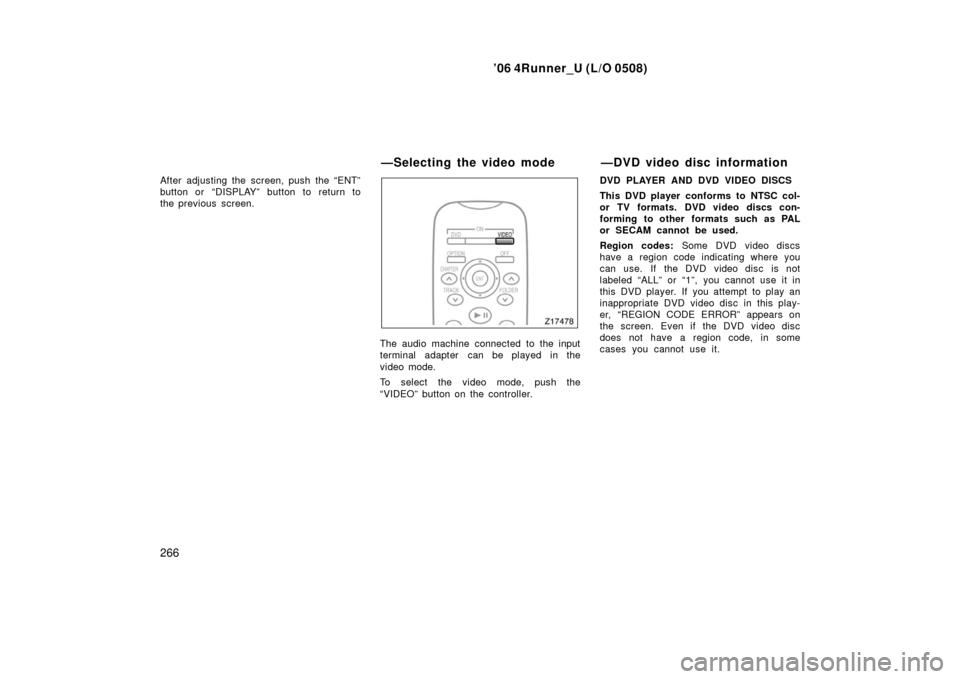
TURNING ON THE DISC MENU (video
CD only)
Push the “Return” switch to turn on the
menu screen for the disc.
For the operation of the menu screen, see
the manual for the video CD.
Page 273 of 470
’06 4Runner_U (L/O 0508)
263
CHANGING MENU PAGE OR TRACK
(video CD only)
Push the “Next Menu” or “Prev. Menu”
switch while the disc menu is displayed.
The next or previous page will appear on
the screen.
Push the “Next Menu” or “Prev. Menu”
switch while the player is playing video.
The next or previous track will be
searched and played.CHANGING A MULTIPLEX
TRANSMISSION (video CD only)
Push the “Main/Sub” switch to change a
multiplex transmission. The mode changes
from Main/Sub to Main to Sub and back
to Main/Sub by pushing the “Main/Sub”
switch. CHANGING THE INITIAL SETTING (video
CD only)
Push the “Set Up” switch on the screen
and then the initial setting screen will ap-
pear. You can also display the screen by
pushing the “SET UP” button on the con-
troller. You can change the initial setting.
(See “CHANGING THE INITIAL SETTING”
on page 254 in this Section for details.)
After the setting is done, the player plays
from the beginning of the chapter or the
track.
Page 274 of 470
’06 4Runner_U (L/O 0508)
264
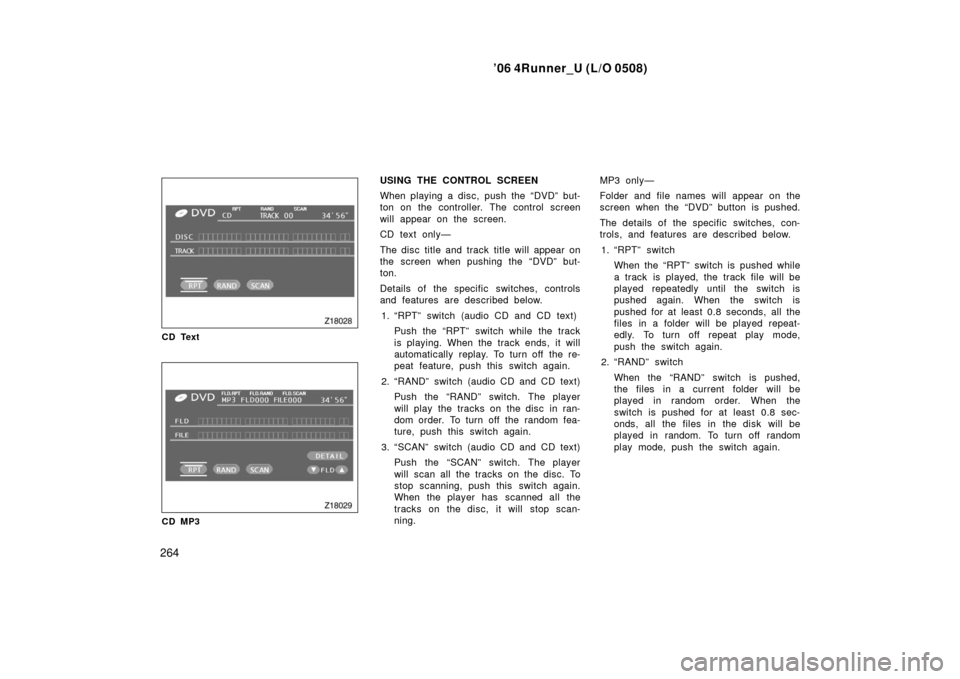
CD Text
CD MP3
USING THE CONTROL SCREEN
When playing a disc, push the “DVD” but-
ton on the controller. The control screen
will appear on the screen.
CD text only—
The disc title and track title will appear on
the screen when pushing the “DVD” but-
ton.
Details of the specific switches, controls
and features are described below.
1. “RPT” switch (audio CD and CD text) Push the “RPT” switch while the track
is playing. When the track ends, it will
automatically replay. To turn off the re-
peat feature, push this switch again.
2. “RAND” switch (audio CD and CD text) Push the “RAND” switch. The player
will play the tracks on the disc in ran-
dom order. To turn off the random fea-
ture, push this switch again.
3. “SCAN” switch (audio CD and CD text) Push the “SCAN” switch. The player
will scan all the tracks on the disc. To
stop scanning, push this switch again.
When the player has scanned all the
tracks on the disc, it will stop scan-
ning. MP3 only—
Folder and file names will appear on the
screen when the “DVD” button is pushed.
The details of the specific switches, con-
trols, and features are described below.
1. “RPT” switch When the “RPT” switch is pushed while
a track is played, the track file will be
played repeatedly until the switch is
pushed again. When the switch is
pushed for at least 0.8 seconds, all the
files in a folder will be played repeat-
edly. To turn off repeat play mode,
push the switch again.
2. “RAND” switch
When the “RAND” switch is pushed,
the files in a current folder will be
played in random order. When the
switch is pushed for at least 0.8 sec-
onds, all the files in the disk will be
played in random. To turn off random
play mode, push the switch again.
Page 276 of 470
’06 4Runner_U (L/O 0508)
266
After adjusting the screen, push the “ENT”
button or “DISPLAY” button to return to
the previous screen.
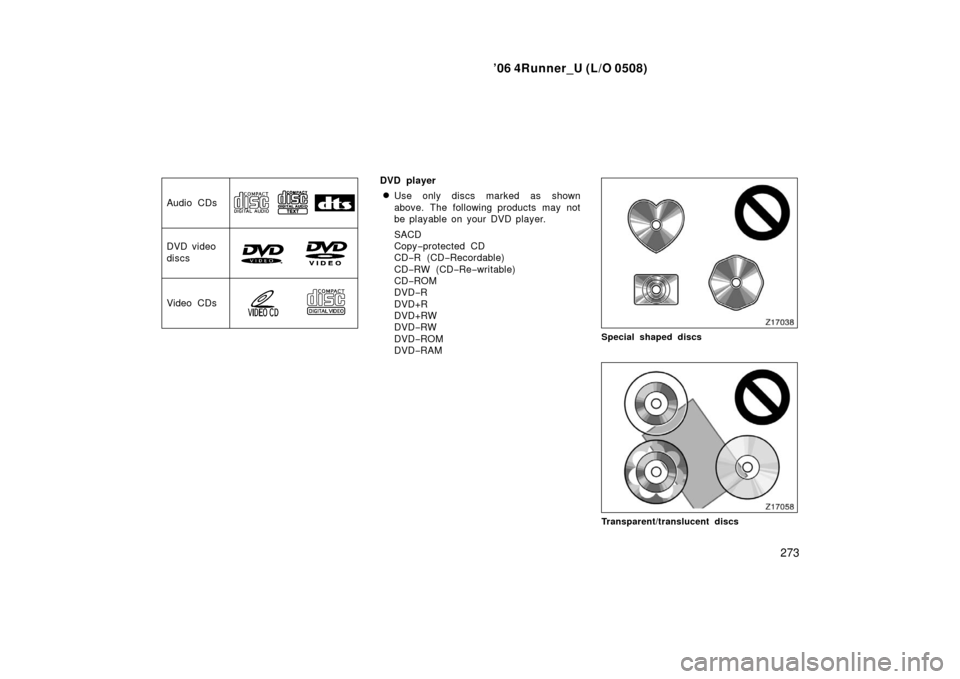
The audio machine connected to the input
terminal adapter can be played in the
video mode.
To select the video mode, push the
“VIDEO” button on the controller. DVD PLAYER AND DVD VIDEO DISCS
This DVD player conforms to NTSC col-
or TV formats. DVD video discs con-
forming to other formats such as PAL
or SECAM cannot be used.
Region codes:
Some DVD video discs
have a region code indicating where you
can use. If the DVD video disc is not
labeled “ALL” or “1”, you cannot use it in
this DVD player. If you attempt to play an
inappropriate DVD video disc in this play-
er, “REGION CODE ERROR” appears on
the screen. Even if the DVD video disc
does not have a region code, in some
cases you cannot use it.
—Selecting the video mode —DVD video disc information
Page 277 of 470
’06 4Runner_U (L/O 0508)
267
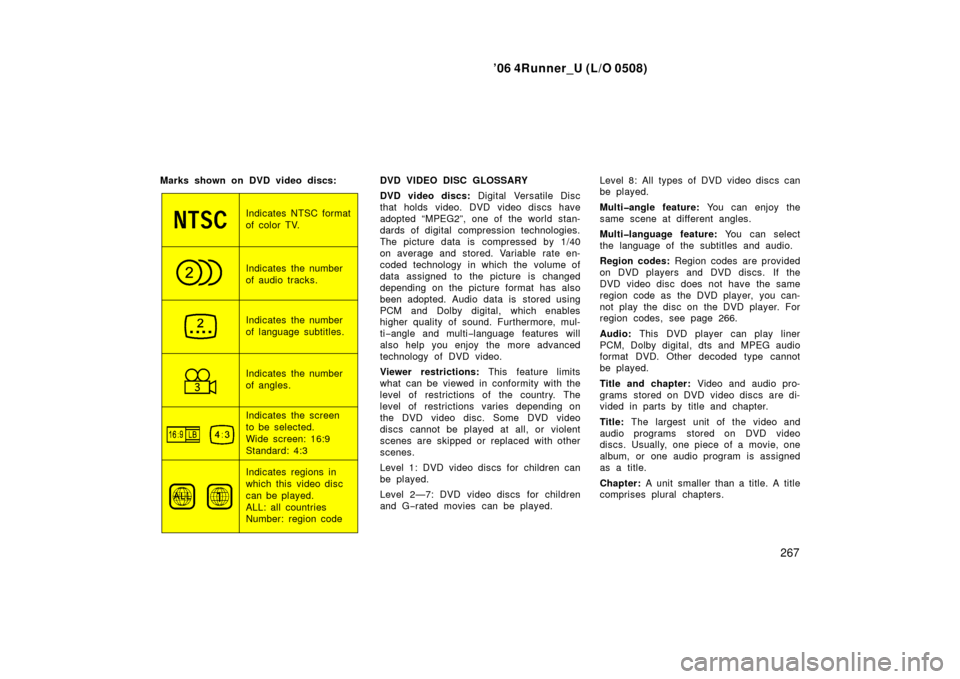
Marks shown on DVD video discs:
Indicates NTSC format
of color TV.
Indicates the number
of audio tracks.
Indicates the number
of language subtitles.
Indicates the number
of angles.
Indicates the screen
to be selected.
Wide screen: 16:9
Standard: 4:3
Indicates regions in
which this video disc
can be played.
ALL: all countries
Number: region code DVD VIDEO DISC GLOSSARY
DVD video discs:
Digital Versatile Disc
that holds video. DVD video discs have
adopted “MPEG2”, one of the world stan-
dards of digital compression technologies.
The picture data is compressed by 1/40
on average and stored. Variable rate en-
coded technology in which the volume of
data assigned to the picture is changed
depending on the picture format has also
been adopted. Audio data is stored using
PCM and Dolby digital, which enables
higher quality of sound. Furthermore, mul-
ti −angle and multi −language features will
also help you enjoy the more advanced
technology of DVD video.
Viewer restrictions: This feature limits
what can be viewed in conformity with the
level of restrictions of the country. The
level of restrictions varies depending on
the DVD video disc. Some DVD video
discs cannot be played at all, or violent
scenes are skipped or replaced with other
scenes.
Level 1: DVD video discs for children can
be played.
Level 2—7: DVD video discs for children
and G −rated movies can be played. Level 8: All types of DVD video discs can
be played.
Multiangle feature:
You can enjoy the
same scene at different angles.
Multilanguage feature: You can select
the language of the subtitles and audio.
Region codes: Region codes are provided
on DVD players and DVD discs. If the
DVD video disc does not have the same
region code as the DVD player, you can-
not play the disc on the DVD player. For
region codes, see page 266.
Audio: This DVD player can play liner
PCM, Dolby digital, dts and MPEG audio
format DVD. Other decoded type cannot
be played.
Title and chapter: Video and audio pro-
grams stored on DVD video discs are di-
vided in parts by title and chapter.
Title: The largest unit of the video and
audio programs stored on DVD video
discs. Usually, one piece of a movie, one
album, or one audio program is assigned
as a title.
Chapter: A unit smaller than a title. A title
comprises plural chapters.
Page 280 of 470

’06 4Runner_U (L/O 0508)
270
NOTICE
�To prevent the battery from being
discharged, do not use the power
outlet longer than necessary when
the engine is not running.
� Close the power outlet lid when the
power outlet is not in use. Inserting
a foreign object other than the ap-
propriate plug that fits the outlet
may cause electrical failure or short
circuit.
The power outlet is not designed for
the following electric appliances even if
their power consumption is under 115
VAC/100W. These appliances may not
operate properly.
�Appliances with high initial peak watt-
age: cathode− ray tube type televisions,
compressor −driven refrigerators, electric
pumps, electric tools, etc.
�Measuring devices which process pre-
cise data: medical equipment, measur-
ing instruments, etc.
�Other appliances requiring an extremely
stable power supply: microcomputer −
controlled electric blankets, touch sen-
sor lamps, etc.
Certain electrical appliances may cause
radio noise.NOTICE
To ensure correct audio/video system
operation:
� Be careful not to spill beverages
over the system.
� Do not put anything other than a
compact disc into the slot.
� Do not put anything other than a
DVD video, video CD, dtsCD or au-
dio CD into the DVD player.
� The use of a cellular phone inside
or near the vehicle may cause a
noise from the speakers of the sys-
tem which you are listening to.
However, this does not indicate a
malfunction.
RADIO RECEPTION
Usually, a problem with radio reception
does not mean there is a problem with
your radio—it is just the normal result of
conditions outside the vehicle.
Audio/video system operating
hints
Page 282 of 470
’06 4Runner_U (L/O 0508)
272
If this equipment does cause harmful
interference to radio or television re-
ception, which can be determined by
turning the equipment off and on, the
user is encouraged to try to correct
the interference by one or more of
the following measures:
—Reorient or relocate the receiving
antenna.
—Increase the separation between the
equipment and receiver.
—Connect the equipment into an out-
let on a circuit different from that to
which the receiver is connected.
—Consult the dealer or an experi-
enced radio/TV technician for help.CARING FOR YOUR COMPACT DISC
PLAYER, DVD PLAYER AND DISCS
�Extremely high temperatures can keep
your compact disc player and DVD
player from working. On hot days, use
the air conditioning to cool the vehicle
interior before you use the players.
�Bumpy roads or other vibrations may
make your compact disc player and
DVD player skip.
�If moisture gets into your compact disc
player and DVD player, the players
may not play even though they appear
to be working. Remove the disc from
the player and wait until it dries.
CAUTION
Compact disc players and DVD play-
ers use an invisible laser beam which
could cause hazardous radiation ex-
posure if directed outside the unit. Be
sure to operate the players correctly.
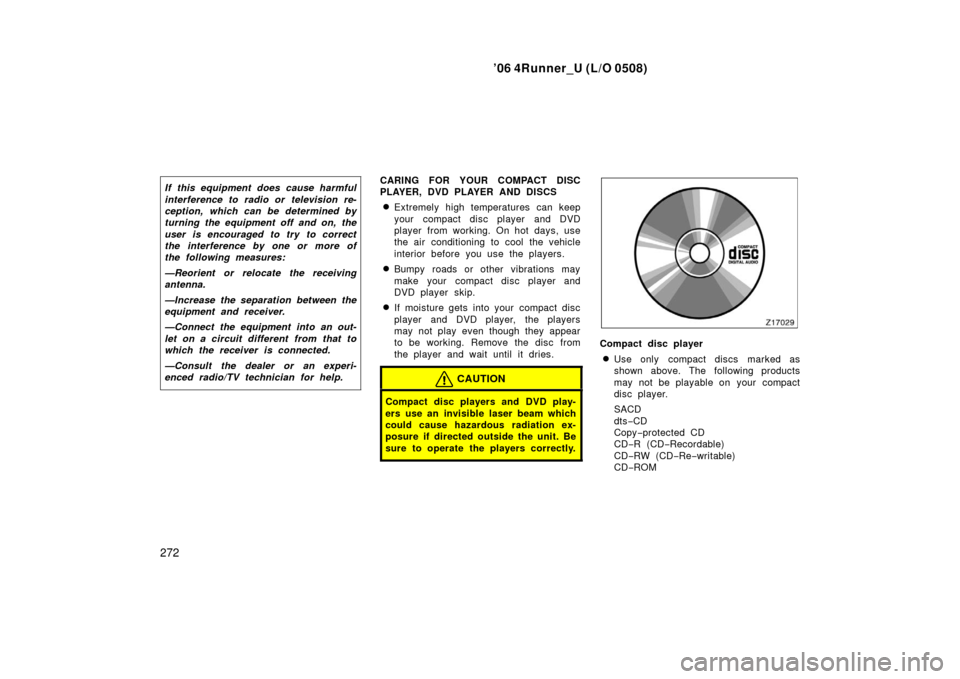
Compact disc player
�Use only compact discs marked as
shown above. The following products
may not be playable on your compact
disc player.
SACD
dts−CD
Copy −protected CD
CD− R (CD −Recordable)
CD− RW (CD −Re −writable)
CD− ROM
Page 283 of 470
’06 4Runner_U (L/O 0508)
273
Audio CDs
DVD video
discs
Video CDs
DVD player
�Use only discs marked as shown
above. The following products may not
be playable on your DVD player.
SACD
Copy−protected CD
CD− R (CD −Recordable)
CD− RW (CD −Re −writable)
CD− ROM
DVD −R
DVD+R
DVD+RW
DVD −RW
DVD −ROM
DVD −RAM
Special shaped discs
Transparent/tr anslucent discs