Page 294 of 352
1. Room/map light
2. Front personal lights
3. Step light
4. Puddle lamp/Side turn signal light (if so
equipped)
5. High-mount stoplight
6. Cargo light
7. License plate light
8. Rear combination light
9. Headlight assembly
10. Fog light
Replacement procedures
All other lights are either type A, B, C or D. When
replacing a bulb, first remove the lens, lamp
and/or cover.
Indicates bulb removal
Indicates bulb installationLDI0383
WDI0263
8-28Maintenance and do-it-yourself
ZREVIEW COPYÐ2006 Armada(wzw)
Owners ManualÐUSA_English(nna)
06/16/05Ðdebbie
X
Page 295 of 352
Use a cloths1to protect the housing.Use a cloth
s1to protect the housing. Use a cloths1to protect the housing.
Room/map lights
LDI0389
Personal lights – Type A
LDI0364
Vanity mirror
LDI0385
Maintenance and do-it-yourself8-29
ZREVIEW COPYÐ2006 Armada(wzw)
Owners ManualÐUSA_English(nna)
06/16/05Ðdebbie
X
Page 296 of 352
Use a cloths1to protect the housing. Use a cloths1to protect the housing.Use a cloths1to protect the housing.
Step light
LDI0341
Puddle light
LDI0388
Cargo light
WDI0233
8-30Maintenance and do-it-yourself
ZREVIEW COPYÐ2006 Armada(wzw)
Owners ManualÐUSA_English(nna)
06/16/05Ðdebbie
X
Page 297 of 352

If you have a flat tire, see the “In case of
emergency” section of this manual.
TIRE PRESSURE
Low tire pressure warning system
This vehicle is equipped with the low tire pres-
sure warning system. It monitors tire pressure of
all tires except the spare. When the low tire
pressure monitoring system warning light is lit,
one or more of your tires is significantly underin-
flated. If equipped, the system also displays pres-
sure of all tires (except the spare tire) on the
display screen by sending a signal from a sensor
that is installed in each wheel.
The low tire pressure warning system will activate
only when the vehicle is driven at speeds above
20 MPH (32 km/h) . Also, this system may not
detect a sudden drop in tire pressure (for ex-
ample a flat tire while driving) .
For more details, refer to “Low tire pressure warn-
ing light” in the “Instruments and controls” sec-
tion, ”Tire pressure information” in the “Display
screen, heater, air conditioner and audio sys-
tems” section, “Low tire pressure warning sys-
tem” in the “Starting and driving” section, and
“Flat tire” in the “In case of emergency” section.
License plate light
LDI0384
Rear combination light
WDI0403
WHEELS AND TIRES
Maintenance and do-it-yourself8-31
ZREVIEW COPYÐ2006 Armada(wzw)
Owners ManualÐUSA_English(nna)
06/16/05Ðdebbie
X
Page 298 of 352
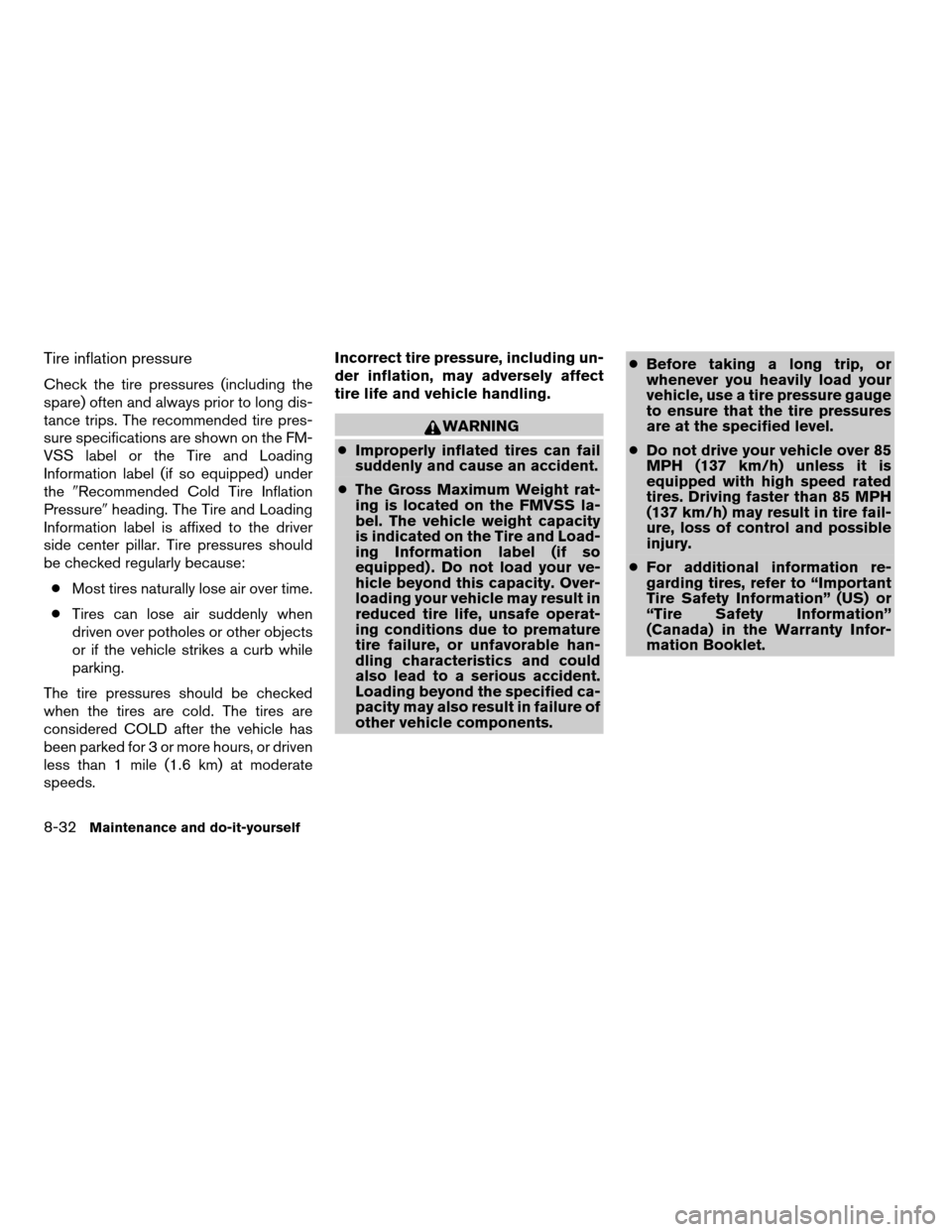
Tire inflation pressure
Check the tire pressures (including the
spare) often and always prior to long dis-
tance trips. The recommended tire pres-
sure specifications are shown on the FM-
VSS label or the Tire and Loading
Information label (if so equipped) under
the9Recommended Cold Tire Inflation
Pressure9heading. The Tire and Loading
Information label is affixed to the driver
side center pillar. Tire pressures should
be checked regularly because:
cMost tires naturally lose air over time.
cTires can lose air suddenly when
driven over potholes or other objects
or if the vehicle strikes a curb while
parking.
The tire pressures should be checked
when the tires are cold. The tires are
considered COLD after the vehicle has
been parked for 3 or more hours, or driven
less than 1 mile (1.6 km) at moderate
speeds.Incorrect tire pressure, including un-
der inflation, may adversely affect
tire life and vehicle handling.
WARNING
cImproperly inflated tires can fail
suddenly and cause an accident.
cThe Gross Maximum Weight rat-
ing is located on the FMVSS la-
bel. The vehicle weight capacity
is indicated on the Tire and Load-
ing Information label (if so
equipped) . Do not load your ve-
hicle beyond this capacity. Over-
loading your vehicle may result in
reduced tire life, unsafe operat-
ing conditions due to premature
tire failure, or unfavorable han-
dling characteristics and could
also lead to a serious accident.
Loading beyond the specified ca-
pacity may also result in failure of
other vehicle components.cBefore taking a long trip, or
whenever you heavily load your
vehicle, use a tire pressure gauge
to ensure that the tire pressures
are at the specified level.
cDo not drive your vehicle over 85
MPH (137 km/h) unless it is
equipped with high speed rated
tires. Driving faster than 85 MPH
(137 km/h) may result in tire fail-
ure, loss of control and possible
injury.
cFor additional information re-
garding tires, refer to “Important
Tire Safety Information” (US) or
“Tire Safety Information”
(Canada) in the Warranty Infor-
mation Booklet.
8-32
Maintenance and do-it-yourself
ZREVIEW COPYÐ2006 Armada(wzw)
Owners ManualÐUSA_English(nna)
06/16/05Ðdebbie
X
Page 299 of 352

Tire and loading information label (if so
equipped)
s1Seating capacity: The maximum num-
ber of occupants that should be
seated in the vehicle.
s2Vehicle load limit: See loading infor-
mation in the “Technical and con-
sumer information” section.
s3Original tire size: The size of the tires
originally installed on the vehicle at
the factory.
s4Recommended cold tire inflation
pressure: Inflate the tires to this pres-
sure when the tires are cold. Tires are
considered COLD after the vehicle
has been parked for 3 or more hours,
or driven less than 1 mile (1.6 km) at
moderate speeds. The recom-
mended cold tire inflation is set by the
manufacturer to provide the best bal-
ance of tire wear, vehicle handling,
driveability, tire noise, etc., up to the
vehicles GVWR.
s5Tire size – refer to “Tire labeling” later
in this section.
s6ands7Spare tire size or compact
spare tire size (if so equipped) .
Type A
LDI0392
Maintenance and do-it-yourself8-33
ZREVIEW COPYÐ2006 Armada(wzw)
Owners ManualÐUSA_English(nna)
06/16/05Ðdebbie
X
Page 300 of 352
Tire and loading information label (for
US)
s1Seating capacity: The maximum num-
ber of occupants that should be
seated in the vehicle.
s2Vehicle load limit: See loading infor-
mation in the “Technical and con-
sumer information” section.
s3Recommended cold tire inflation
pressure: Inflate the tires to this pres-
sure when the tires are cold. Tires are
considered COLD after the vehicle
has been parked for 3 or more hours,
or driven less than 1 mile (1.6 km) at
moderate speeds. The recom-
mended cold tire inflation is set by the
manufacturer to provide the best bal-
ance of tire wear, vehicle handling,
driveability, tire noise, etc., up to the
vehicles GVWR.
s4Original tire size: The size of the tires
originally installed on the vehicle at
the factory.
s5Spare tire size or compact spare tire
size (if so equipped) .
Type B
LDI0434
8-34Maintenance and do-it-yourself
ZREVIEW COPYÐ2006 Armada(wzw)
Owners ManualÐUSA_English(nna)
06/16/05Ðdebbie
X
Page 301 of 352

Checking tire pressure
1. Remove the valve stem cap from the
tire.
2. Press the pressure gauge squarely
onto the valve stem. Do not press too
hard or force the valve stem side-
ways, or air will escape. If the hissing
of air escaping from the tire is heard
while checking the pressure, reposi-
tion the gauge to eliminate this leak-
age.3. Remove the gauge.
4. Read the tire pressure on the gauge
stem and compare to the specifica-
tion shown on the Tire and Loading
Information label.
5. Add air to the tire as needed. If too
much air is added, press the core of
the valve stem briefly with the tip of
the gauge stem to release pressure.
Recheck the pressure and add or
release air as needed.
6. Install the valve stem cap.
7. Check the pressure of all other tires,
including the spare.
Size Cold Tire Inflation
Pressure
Front Original Tire:
P285/70R17
P265/70R18240 kPa, 35 PSI
Rear Original Tire:
P285/70R17
P265/70R18240 kPa, 35 PSI
Spare Tire:
P285/70R17
P265/70R18240 kPa, 35 PSI
LDI0393
Maintenance and do-it-yourself8-35
ZREVIEW COPYÐ2006 Armada(wzw)
Owners ManualÐUSA_English(nna)
06/16/05Ðdebbie
X