Page 123 of 352
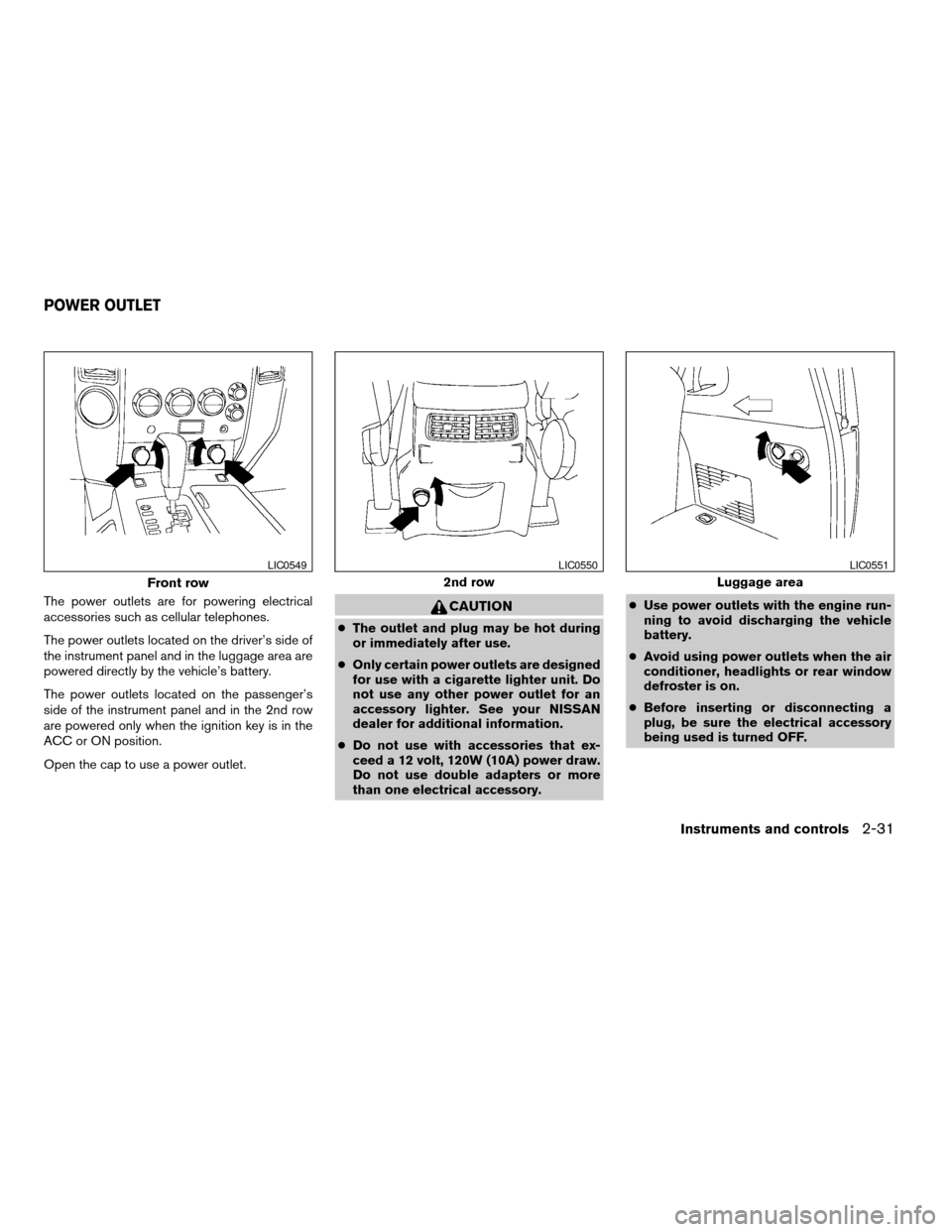
The power outlets are for powering electrical
accessories such as cellular telephones.
The power outlets located on the driver’s side of
the instrument panel and in the luggage area are
powered directly by the vehicle’s battery.
The power outlets located on the passenger’s
side of the instrument panel and in the 2nd row
are powered only when the ignition key is in the
ACC or ON position.
Open the cap to use a power outlet.CAUTION
cThe outlet and plug may be hot during
or immediately after use.
cOnly certain power outlets are designed
for use with a cigarette lighter unit. Do
not use any other power outlet for an
accessory lighter. See your NISSAN
dealer for additional information.
cDo not use with accessories that ex-
ceed a 12 volt, 120W (10A) power draw.
Do not use double adapters or more
than one electrical accessory.cUse power outlets with the engine run-
ning to avoid discharging the vehicle
battery.
cAvoid using power outlets when the air
conditioner, headlights or rear window
defroster is on.
cBefore inserting or disconnecting a
plug, be sure the electrical accessory
being used is turned OFF.
Front row
LIC0549
2nd row
LIC0550
Luggage area
LIC0551
POWER OUTLET
Instruments and controls2-31
ZREVIEW COPYÐ2006 Armada(wzw)
Owners ManualÐUSA_English(nna)
06/15/05Ðdebbie
X
Page 124 of 352
cPush the plug in as far as it will go. If
good contact is not made, the plug may
overheat or the internal temperature
fuse may open.
cWhen not in use, be sure to close the
cap. Do not allow water to contact the
outlet.
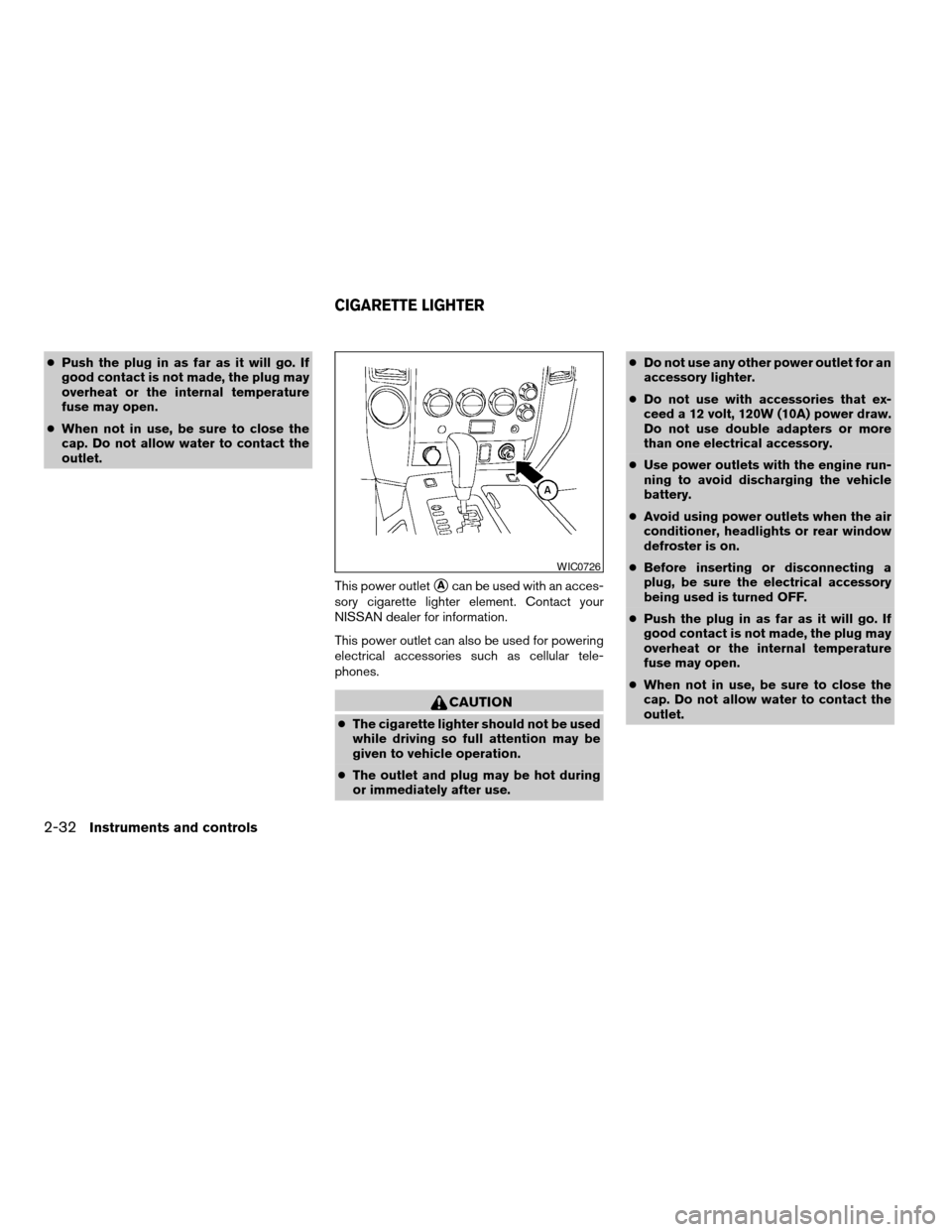
This power outlet
sAcan be used with an acces-
sory cigarette lighter element. Contact your
NISSAN dealer for information.
This power outlet can also be used for powering
electrical accessories such as cellular tele-
phones.
CAUTION
cThe cigarette lighter should not be used
while driving so full attention may be
given to vehicle operation.
cThe outlet and plug may be hot during
or immediately after use.cDo not use any other power outlet for an
accessory lighter.
cDo not use with accessories that ex-
ceed a 12 volt, 120W (10A) power draw.
Do not use double adapters or more
than one electrical accessory.
cUse power outlets with the engine run-
ning to avoid discharging the vehicle
battery.
cAvoid using power outlets when the air
conditioner, headlights or rear window
defroster is on.
cBefore inserting or disconnecting a
plug, be sure the electrical accessory
being used is turned OFF.
cPush the plug in as far as it will go. If
good contact is not made, the plug may
overheat or the internal temperature
fuse may open.
cWhen not in use, be sure to close the
cap. Do not allow water to contact the
outlet.
WIC0726
CIGARETTE LIGHTER
2-32Instruments and controls
ZREVIEW COPYÐ2006 Armada(wzw)
Owners ManualÐUSA_English(nna)
06/15/05Ðdebbie
X
Page 125 of 352
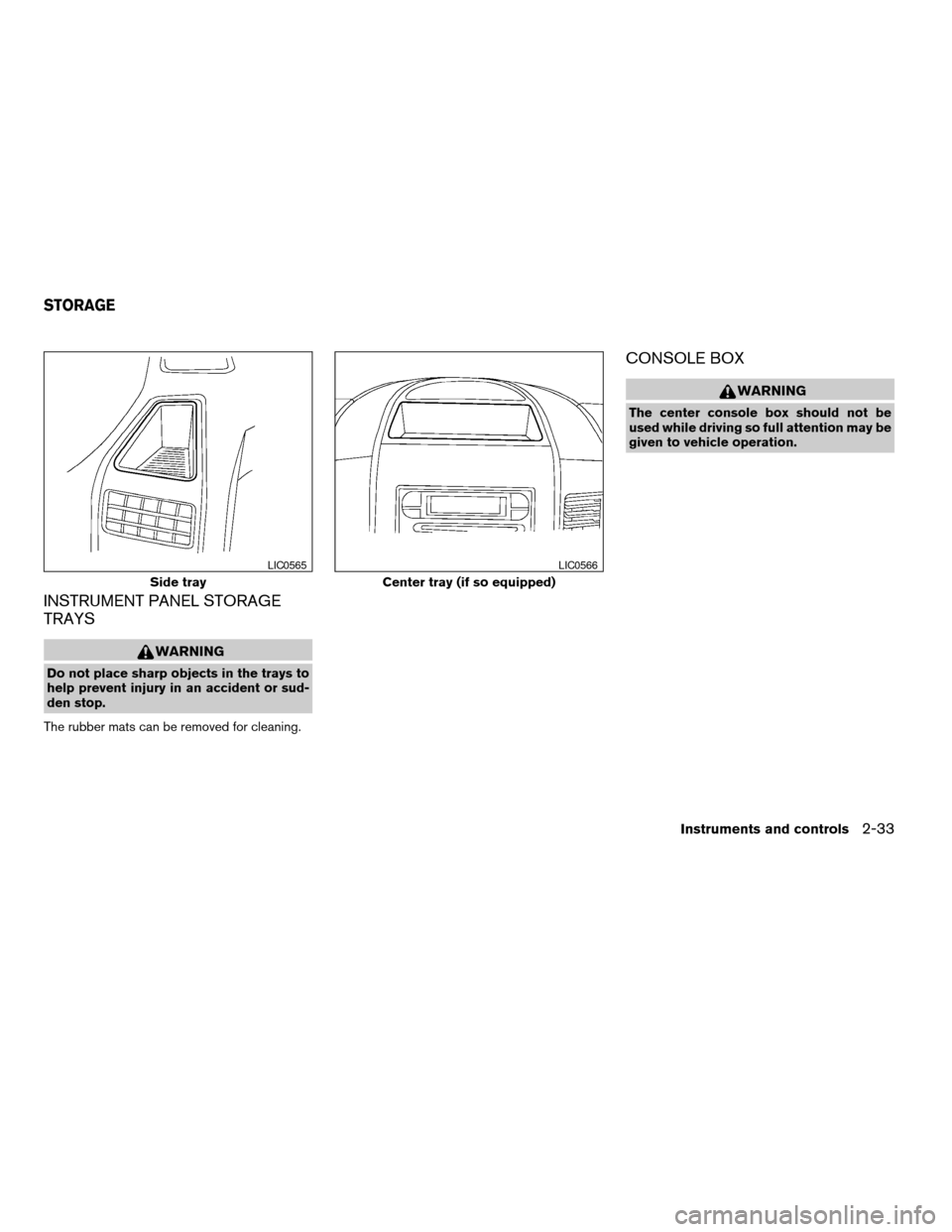
INSTRUMENT PANEL STORAGE
TRAYS
WARNING
Do not place sharp objects in the trays to
help prevent injury in an accident or sud-
den stop.
The rubber mats can be removed for cleaning.
CONSOLE BOX
WARNING
The center console box should not be
used while driving so full attention may be
given to vehicle operation.
Side tray
LIC0565
Center tray (if so equipped)
LIC0566
STORAGE
Instruments and controls2-33
ZREVIEW COPYÐ2006 Armada(wzw)
Owners ManualÐUSA_English(nna)
06/15/05Ðdebbie
X
Page 126 of 352
Console box storage trays Console box storage
Pull up on the levers1to open the console box lid
s2.
Console box lock
Use the master key to locks1or unlocks2the
console box.
LIC0574LIC0573LIC0591
2-34Instruments and controls
ZREVIEW COPYÐ2006 Armada(wzw)
Owners ManualÐUSA_English(nna)
06/15/05Ðdebbie
X
Page 127 of 352
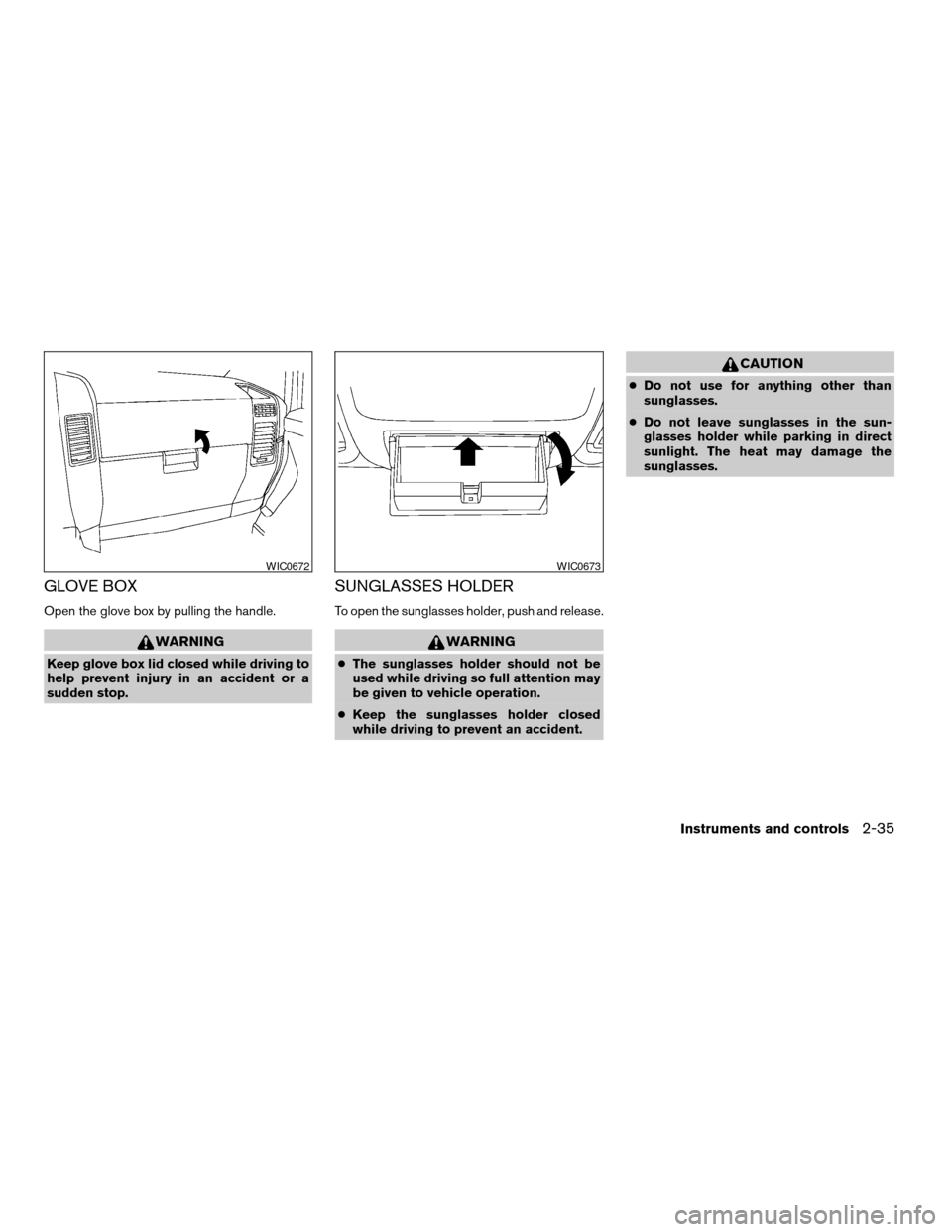
GLOVE BOX
Open the glove box by pulling the handle.
WARNING
Keep glove box lid closed while driving to
help prevent injury in an accident or a
sudden stop.
SUNGLASSES HOLDER
To open the sunglasses holder, push and release.
WARNING
cThe sunglasses holder should not be
used while driving so full attention may
be given to vehicle operation.
cKeep the sunglasses holder closed
while driving to prevent an accident.
CAUTION
cDo not use for anything other than
sunglasses.
cDo not leave sunglasses in the sun-
glasses holder while parking in direct
sunlight. The heat may damage the
sunglasses.
WIC0672WIC0673
Instruments and controls2-35
ZREVIEW COPYÐ2006 Armada(wzw)
Owners ManualÐUSA_English(nna)
06/15/05Ðdebbie
X
Page 128 of 352
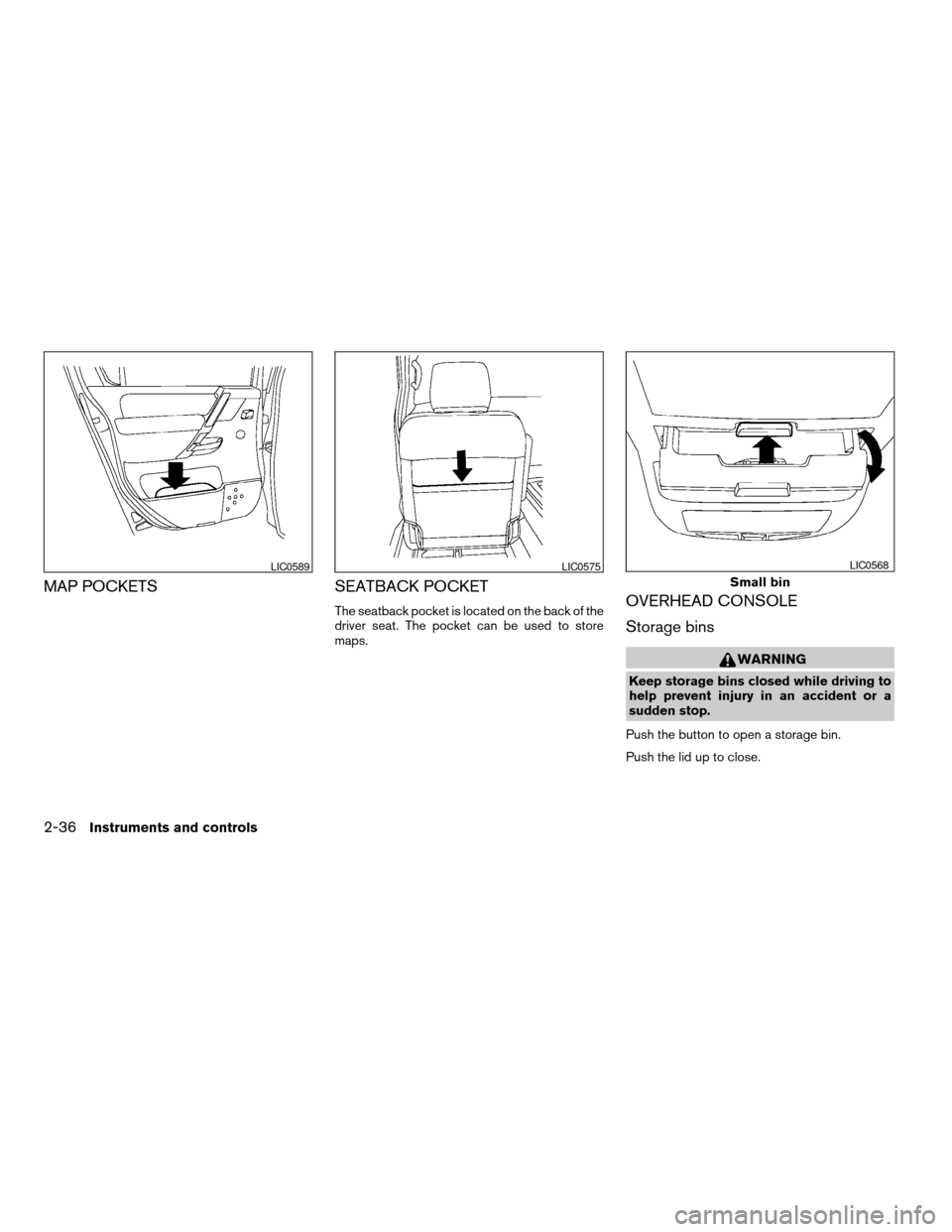
MAP POCKETS SEATBACK POCKET
The seatback pocket is located on the back of the
driver seat. The pocket can be used to store
maps.OVERHEAD CONSOLE
Storage bins
WARNING
Keep storage bins closed while driving to
help prevent injury in an accident or a
sudden stop.
Push the button to open a storage bin.
Push the lid up to close.
LIC0589LIC0575
Small bin
LIC0568
2-36Instruments and controls
ZREVIEW COPYÐ2006 Armada(wzw)
Owners ManualÐUSA_English(nna)
06/15/05Ðdebbie
X
Page 129 of 352
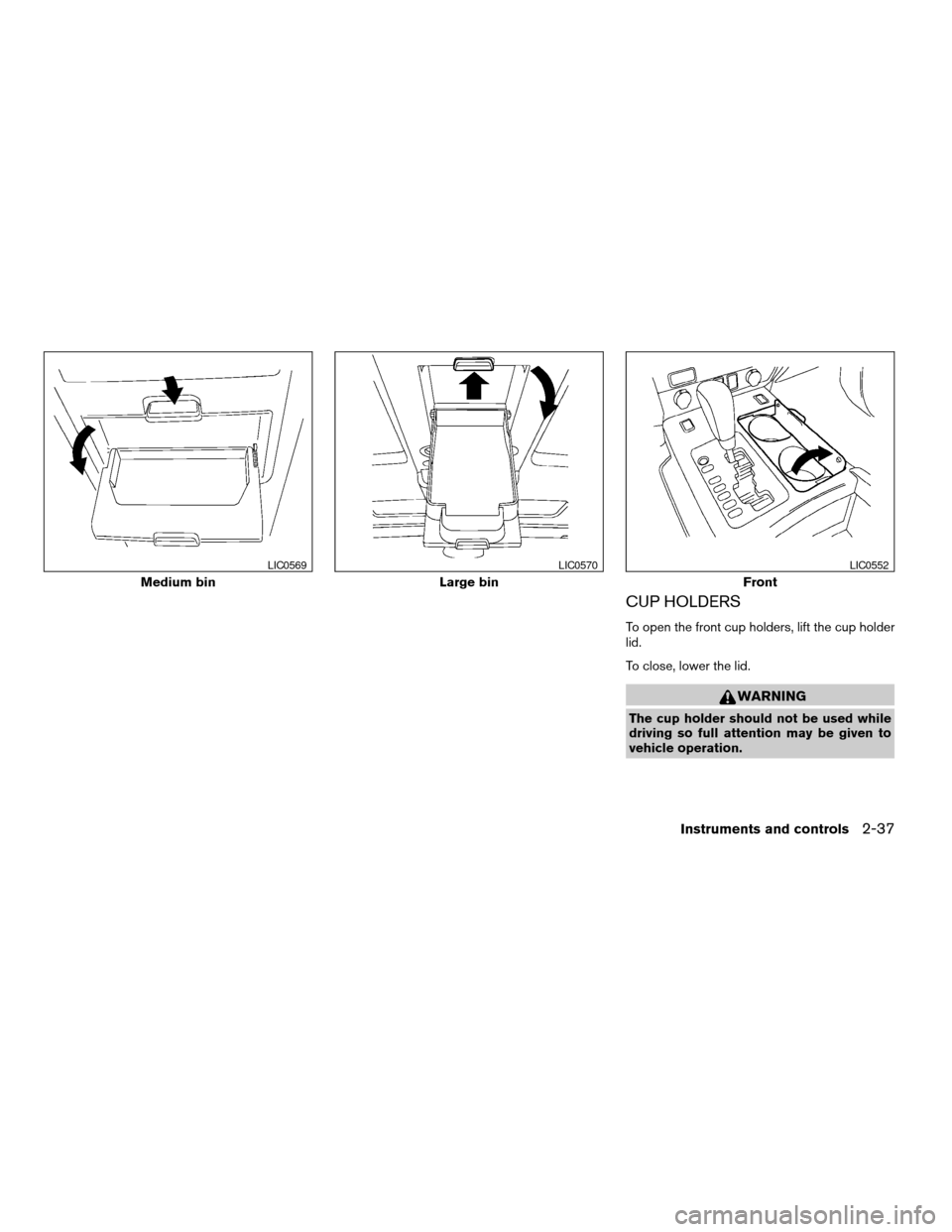
CUP HOLDERS
To open the front cup holders, lift the cup holder
lid.
To close, lower the lid.
WARNING
The cup holder should not be used while
driving so full attention may be given to
vehicle operation.
Medium bin
LIC0569
Large bin
LIC0570
Front
LIC0552
Instruments and controls2-37
ZREVIEW COPYÐ2006 Armada(wzw)
Owners ManualÐUSA_English(nna)
06/15/05Ðdebbie
X
Page 130 of 352
CAUTION
cAvoid abrupt starting and braking when
the cup holder is being used to prevent
spilling the drink. If the liquid is hot, it
can scald you or your passenger.
cUse only soft cups in the cup holder.
Hard objects can injure you in an
accident.
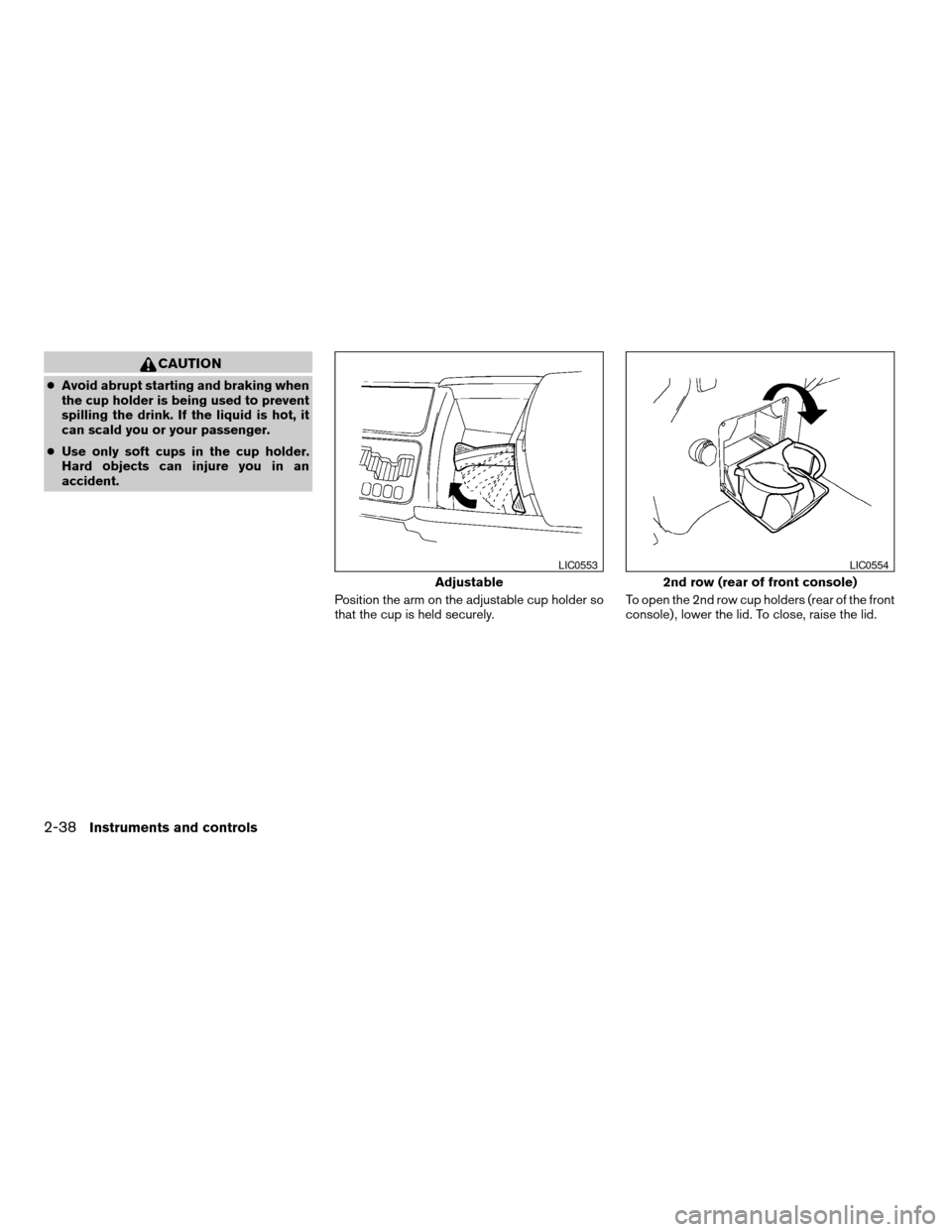
Position the arm on the adjustable cup holder so
that the cup is held securely.To open the 2nd row cup holders (rear of the front
console) , lower the lid. To close, raise the lid.
Adjustable
LIC0553
2nd row (rear of front console)
LIC0554
2-38Instruments and controls
ZREVIEW COPYÐ2006 Armada(wzw)
Owners ManualÐUSA_English(nna)
06/15/05Ðdebbie
X