Page 134 of 561
133 Controls in detailSeats
When entering the vehicle, with the
easy-entry/exit feature activated, the
steering wheel or, depending on your se-
lection, the steering wheel and driver’s
seat will return to their last set memory po-
sition or a factory-set maximum forward
position when you�
close the driver’s door with the ignition
switched on
�
insert the SmartKey into the starter
switch or press the KEYLESS-GO*
start/stop button (
�page 40) once
with the driver’s door closed
iIf the current position for the steering
wheel is in the uppermost tilt position,
the steering wheel will no longer be
able to move upward when the
easy-entry/exit feature is activated.
If the current seat position falls into a
factory-set position range and the sys-
tem recognizes the current seat posi-
tion to be rearward enough for easy
entry and exit, the driver’s seat will not
move to the rear when the
easy-entry/exit feature is activated.
iFor safety reasons, the driver’s seat will
not return to its last set position with
the easy-entry/exit feature activated if
the system recognizes the last set posi-
tion as an extreme forward position. In-
stead, the driver’s seat will remain at or
move to a factory-set maximum for-
ward position. To again fully return the
driver’s seat to your last set position or
to memory position, adjust the seat to
the desired position or press and hold
the respective memory position button
(�page 145).
iVehicles with memory function*:
The steering wheel and seat position is
stored into memory when you�
switch off the ignition (
�page 38)
�
allocate the current position steer-
ing wheel and seat position to a cer-
tain memory position button
(�page 145)
Page 145 of 561
144 Controls in detailMemory function*Prior to operating the vehicle, the driver
should check and adjust the seat height,
seat position fore and aft, and seat back-
rest angle if necessary, to ensure adequate
control, reach and comfort. The head re-
straint should also be adjusted for proper
height. See also the section on air bags
(�page 71) for proper seat positioning.
In addition, adjust the steering wheel to
ensure adequate control, reach, operation
and comfort. Both the interior and exterior
rear view mirrors should be adjusted for
adequate rear vision.
Fasten seat belts. Infants and small chil-
dren should be seated in a properly se-
cured restraint system that complies with
U.S. Federal Motor Vehicle Safety Stan-
dard 213 and 225 and Canadian Motor Ve-
hicle Safety Standards 213 and 210.2.With the memory function you can store up
to three different settings for each front
seat.
The following settings are saved for each
stored position on the entry side of the
driver’s seat:
�
Driver’s seat, head restraint height and
backrest position
�
Steering wheel position
�
Driver’s side exterior rear view mirror
position
�
Passenger-side exterior rear view
mirror position
The following are saved for each stored po-
sition on the entry side of the front passen-
ger seat:
�
Front passenger seat, head restraint
height and backrest position
Warning!
G
Do not activate the memory function while
driving. Activating the memory function
while driving could cause the driver to lose
control of the vehicle.
Page 146 of 561
145 Controls in detail
Memory function*
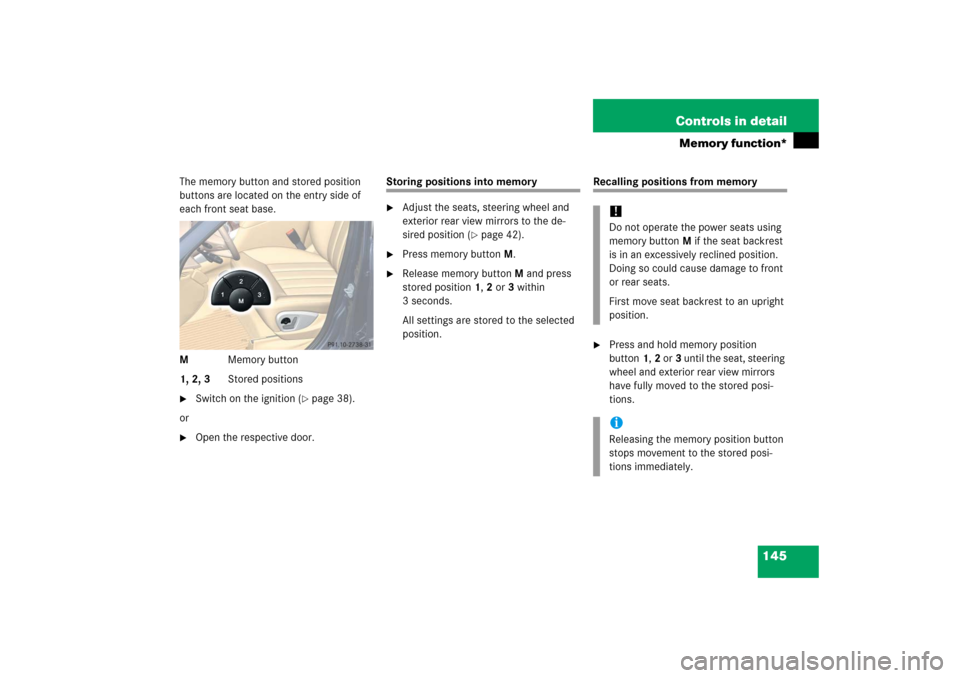
The memory button and stored position
buttons are located on the entry side of
each front seat base.
MMemory button
1, 2, 3Stored positions�
Switch on the ignition (
�page 38).
or
�
Open the respective door.
Storing positions into memory�
Adjust the seats, steering wheel and
exterior rear view mirrors to the de-
sired position (
�page 42).
�
Press memory buttonM.
�
Release memory button M and press
stored position 1, 2 or 3 within
3 seconds.
All settings are stored to the selected
position.
Recalling positions from memory�
Press and hold memory position
button1,2 or3 until the seat, steering
wheel and exterior rear view mirrors
have fully moved to the stored posi-
tions.!Do not operate the power seats using
memory button M if the seat backrest
is in an excessively reclined position.
Doing so could cause damage to front
or rear seats.
First move seat backrest to an upright
position.iReleasing the memory position button
stops movement to the stored posi-
tions immediately.
Page 147 of 561
146 Controls in detailMemory function*Storing exterior rear view mirror parking position
For easier parking, you can adjust the
passenger-side exterior rear view mirror so
that you can see the right rear wheel as
soon as you engage reverse gearR.
You can switch the parking position fea-
ture on and off in the control system.
For information on activating the parking
position feature, see “Setting parking posi-
tion for exterior rear view mirror*”
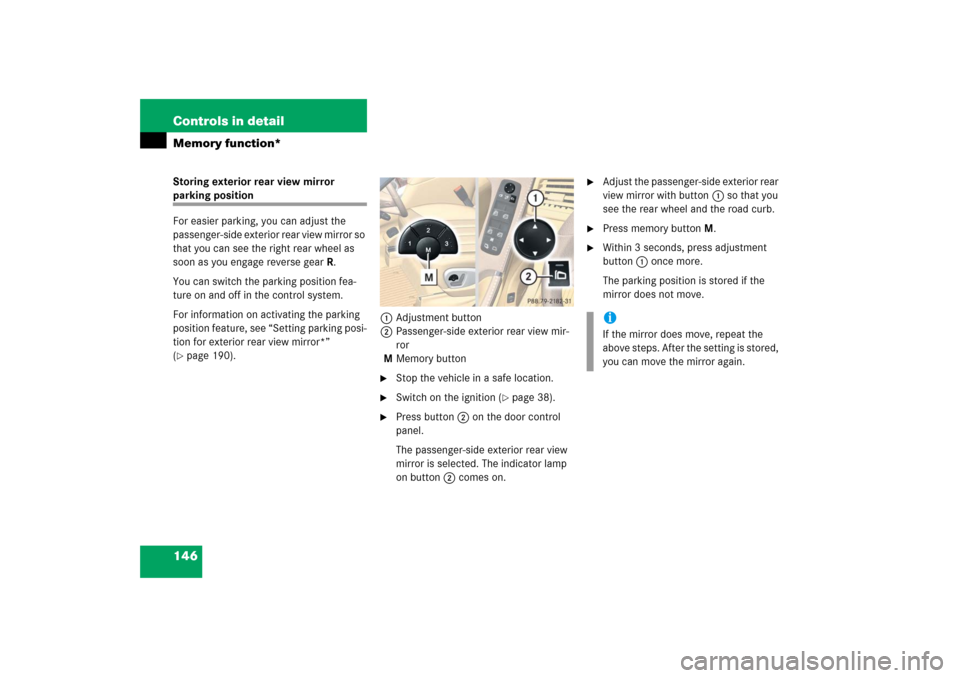
(�page 190).1Adjustment button
2Passenger-side exterior rear view mir-
ror
MMemory button
�
Stop the vehicle in a safe location.
�
Switch on the ignition (
�page 38).
�
Press button2 on the door control
panel.
The passenger-side exterior rear view
mirror is selected. The indicator lamp
on button2 comes on.
�
Adjust the passenger-side exterior rear
view mirror with button1 so that you
see the rear wheel and the road curb.
�
Press memory buttonM.
�
Within 3 seconds, press adjustment
button1 once more.
The parking position is stored if the
mirror does not move.iIf the mirror does move, repeat the
above steps. After the setting is stored,
you can move the mirror again.
Page 166 of 561

165 Controls in detail
Control system
Menus, submenus and functions
Menu1
Menu2
Menu3
Menu4
Menu5
Standard display
AUDIO
NAV*
Airmatic/
Compass
Vehicle status message
memory
(�page 168)
(�page 170)
(�page 172)
(�page 172)
(�page 173)
Commands/submenusTrip- and main odometer
Selecting radio station
Show route guidance
instructions, current
direction traveled
Airmatic*
Calling up vehicle malfunction,
warning and system status
messages stored in memory
Checking tire inflation pressure*
Selecting satellite ra-
dio station* (USA only)
Compass
Checking coolant temperature
Operating CD player
Calling up digital speedometer or
outside temperatureCalling up maintenance service
indicatorChecking engine oil leveliThe headings used in the menus table
are designed to facilitate navigation
within the system and are not neces-
sarily identical to those shown in the
control system displays. The first func-
tion displayed in each menu will auto-
matically show you which part of the
system you are in.
Page 174 of 561
173 Controls in detail
Control system
Vehicle status message memory menu
Use the vehicle status message memory
menu to scan malfunction and warning
messages that may be stored in the
system. Such messages appear in the
multifunction display and are based on
conditions or system status the vehicle’s
system has recorded.
�
Press buttonè orÿ repeatedly
until the vehicle status message
memory appears in the multifunction
display.
No vehicle status messages
If no conditions have been recorded in
memory, the message in the multifunction
display is:
No message
.Vehicle status messages have been
recorded
If conditions have occurred causing status
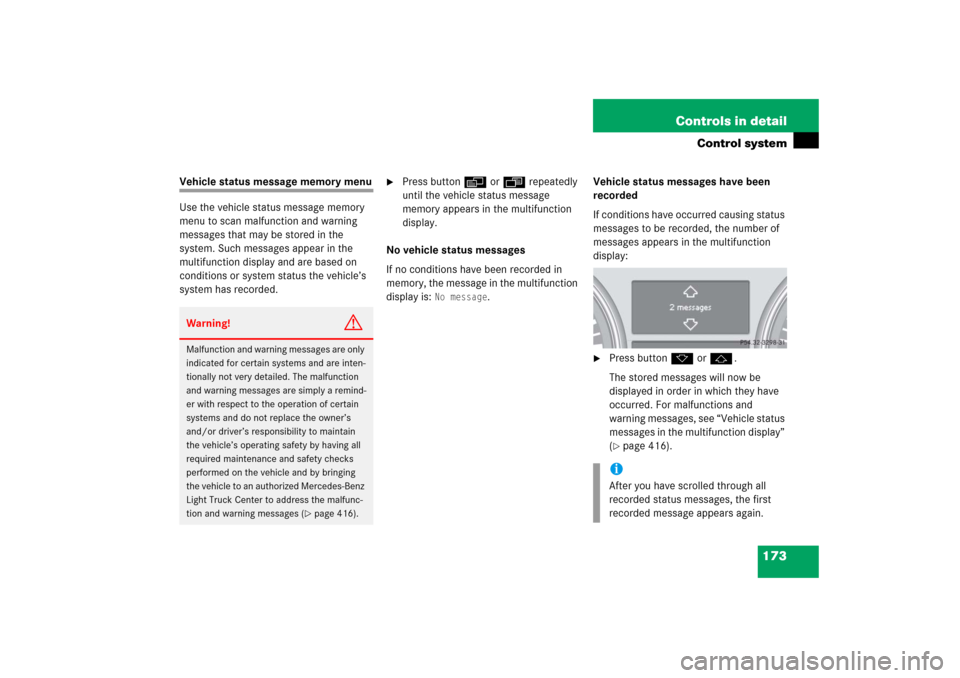
messages to be recorded, the number of
messages appears in the multifunction
display:
�
Press buttonk orj.
The stored messages will now be
displayed in order in which they have
occurred. For malfunctions and
warning messages, see “Vehicle status
messages in the multifunction display”
(�page 416).
Warning!
G
Malfunction and warning messages are only
indicated for certain systems and are inten-
tionally not very detailed. The malfunction
and warning messages are simply a remind-
er with respect to the operation of certain
systems and do not replace the owner’s
and/or driver’s responsibility to maintain
the vehicle’s operating safety by having all
required maintenance and safety checks
performed on the vehicle and by bringing
the vehicle to an authorized Mercedes-Benz
Light Truck Center to address the malfunc-
tion and warning messages (
�page 416).
iAfter you have scrolled through all
recorded status messages, the first
recorded message appears again.
Page 175 of 561
174 Controls in detailControl systemShould the vehicle’s system record any
conditions while driving, the number of
messages will reappear in the multifunc-
tion display�
when the SmartKey in the starter
switch is turned to position0 or
removed from the starter switch
or
�
when you turn off the engine by
pressing the KEYLESS-GO* start/stop
button (
�page 66) in the starter
switch once and open the driver’s door
(this puts the starter switch in
position0, same as with the SmartKey
removed from the starter switch)
Settings menu
In the
Settings
menu there are two func-
tions:
�
The function
Reset to factory
settings?
, with which you can reset all
the settings to the original factory
settings.
�
A collection of submenus with which
you can make individual settings for
your vehicle.
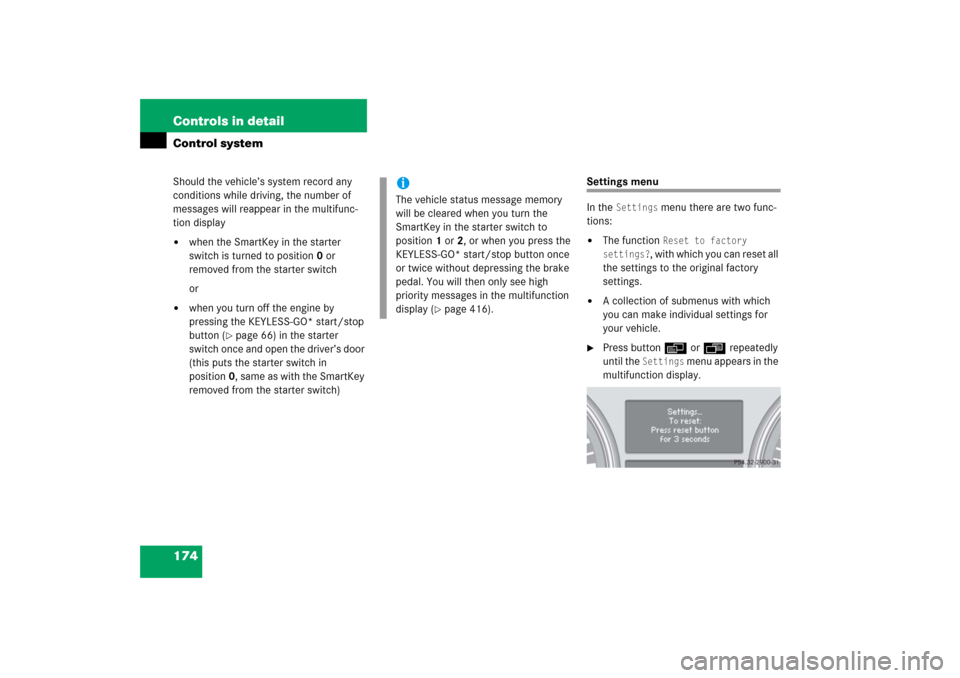
�
Press buttonè orÿ repeatedly
until the
Settings
menu appears in the
multifunction display.
iThe vehicle status message memory
will be cleared when you turn the
SmartKey in the starter switch to
position1 or2, or when you press the
KEYLESS-GO* start/stop button once
or twice without depressing the brake
pedal. You will then only see high
priority messages in the multifunction
display (
�page 416).
Page 190 of 561
189 Controls in detail
Control system
Limiting opening height of tailgate*
Use this function to activate or deactivate
the limiting opening height of the tailgate.�
Move the selection marker with
buttonæ orç to the
Vehicle
submenu.
�
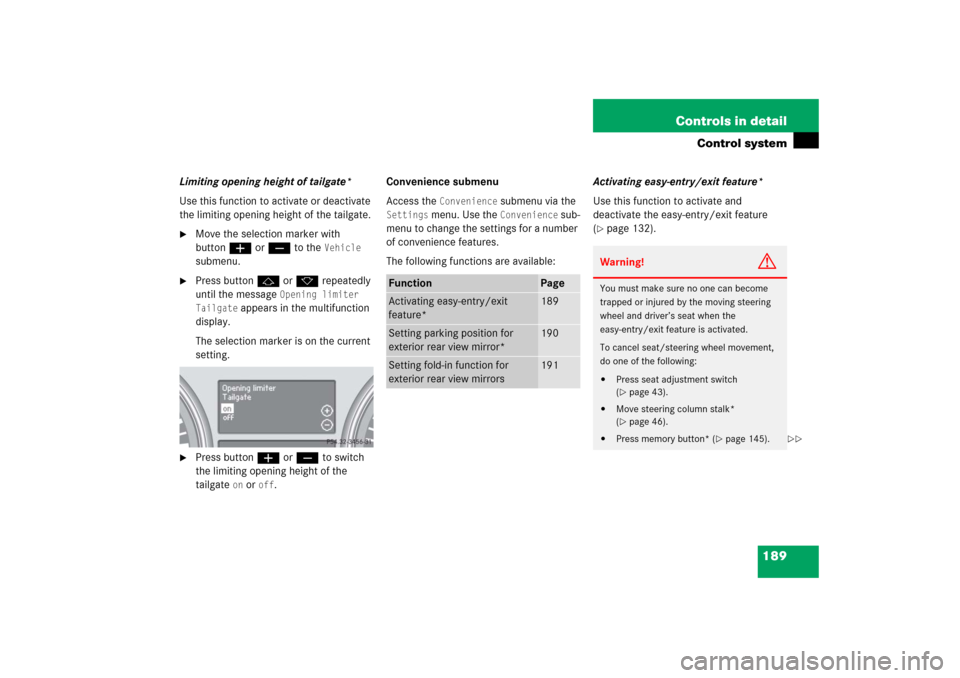
Press buttonj ork repeatedly
until the message
Opening limiter
Tailgate
appears in the multifunction
display.
The selection marker is on the current
setting.
�
Press buttonæ orç to switch
the limiting opening height of the
tailgate
on or
off
.Convenience submenu
Access the
Convenience
submenu via the
Settings
menu. Use the
Convenience
sub-
menu to change the settings for a number
of convenience features.
The following functions are available:Activating easy-entry/exit feature*
Use this function to activate and
deactivate the easy-entry/exit feature
(
�page 132).
Function
Page
Activating easy-entry/exit
feature*
189
Setting parking position for
exterior rear view mirror*
190
Setting fold-in function for
exterior rear view mirrors
191
Warning!
G
You must make sure no one can become
trapped or injured by the moving steering
wheel and driver’s seat when the
easy-entry/exit feature is activated.
To cancel seat/steering wheel movement,
do one of the following:�
Press seat adjustment switch
(�page 43).
�
Move steering column stalk*
(�page 46).
�
Press memory button* (
�page 145).
��