Page 361 of 521
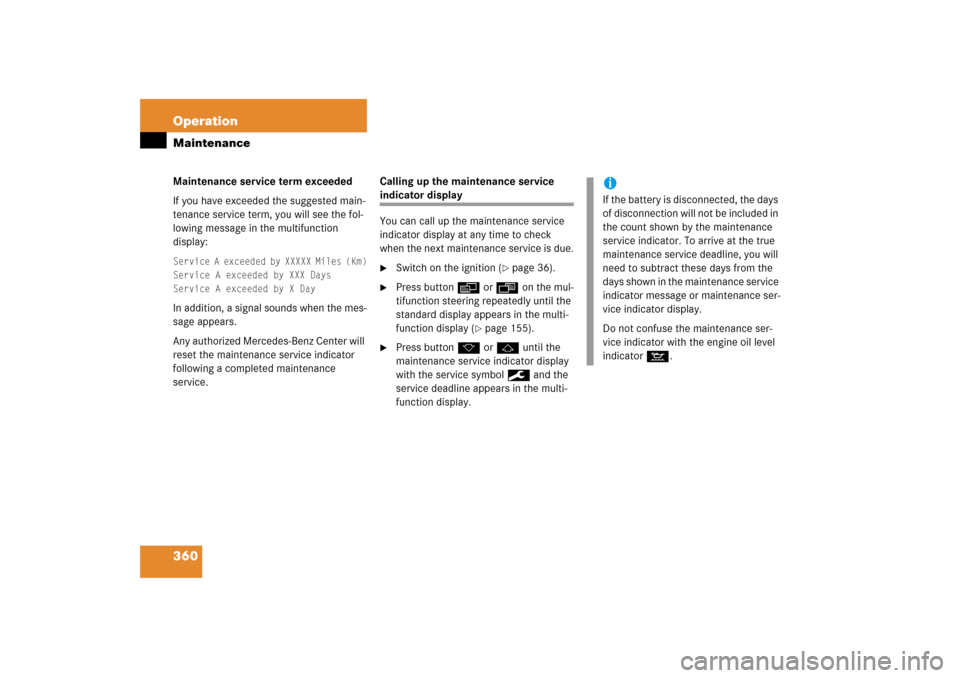
360 OperationMaintenanceMaintenance service term exceeded
If you have exceeded the suggested main-
tenance service term, you will see the fol-
lowing message in the multifunction
display:Service A exceeded by XXXXX Miles (Km)
Service A exceeded by XXX Days
Service A exceeded by X Day In addition, a signal sounds when the mes-
sage appears.
Any authorized Mercedes-Benz Center will
reset the maintenance service indicator
following a completed maintenance
service.Calling up the maintenance service
indicator display
You can call up the maintenance service
indicator display at any time to check
when the next maintenance service is due.�
Switch on the ignition (
�page 36).
�
Press button è or ÿ on the mul-
tifunction steering repeatedly until the
standard display appears in the multi-
function display (
�page 155).
�
Press button k or j until the
maintenance service indicator display
with the service symbol 9 and the
service deadline appears in the multi-
function display.
iIf the battery is disconnected, the days
of disconnection will not be included in
the count shown by the maintenance
service indicator. To arrive at the true
maintenance service deadline, you will
need to subtract these days from the
days shown in the maintenance service
indicator message or maintenance ser-
vice indicator display.
Do not confuse the maintenance ser-
vice indicator with the engine oil level
indicator :.
Page 493 of 521

492 Technical termsCOMAND
(C
ockpit M
anagement and D
ata Sys-
tem)
Information and operating center for
vehicle sound and communications
systems, including the radio and navi-
gation system, as well as other optional
equipment (CD changer, telephone,
etc.).
Control system
The control system is used to call up
vehicle information and to change
component settings. Information and
messages appear in the multifunction
display. The driver uses the buttons on
the multifunction steering wheel to
navigate through the system and to ad-
just settings.
Cruise control
Driving convenience system for auto-
matically maintaining the vehicle speed
set by the driver.
Curb weight
(
�page 350)Distronic*
A driving convenience cruise control
system which helps the driver maintain
a pre-selected speed:
�
If there is no vehicle directly ahead,
the system operates in the same
way as conventional ->cruise con-
trol.
�
If a slower moving vehicle is ahead,
Distronic will reduce your vehicle
speed to the extent permitted by re-
duced throttle and up to 20% brak-
ing power to maintain the preset
minimum following distance.
DOT
(Department of Transportation)
(
�page 351)
Electrohydraulic brake system
Electronically controlled hydraulic
braking system for increased braking
safety and comfort.Engine number
The number set by the manufacturer
and placed on the cylinder block to
uniquely identify each engine pro-
duced.
Engine oil viscosity
Measurement for the inner friction (vis-
cosity) of the oil at different tempera-
tures. The higher the temperature an
oil can tolerate without becoming thin,
or the lower the temperature it can tol-
erate without becoming viscous, the
better the viscosity.
ESP
®(Electronic S
tability Pr
ogram)
Improves vehicle handling and direc-
tional stability.
ETD
(E
mergency T
ensioning D
evice)
Device which deploys in certain frontal
and rear collisions exceeding the sys-
tem’s threshold to tighten the seat
belts.
->SRS
Page 500 of 521

499 Index
Center console
Lower part 28
PASS AIR BAG OFF indicator
lamp 381
Upper part 27
Centigrate see Temperature display mode
Central locking
Automatic 127, 176
Locking/unlocking from inside 128
Central locking switch 128
Certification label 468
Checking
Oil level 316
Children in the vehicle 77
Air bags 68
Blocking of rear window operation 89
Indicator lamp, front passenger front
air bag
Infant and child restraint systems 78
LATCH-type child seat anchors 88
Occupant Classification System (OCS)
Cigarette lighter 278Climate control system
4-zone automatic climate
control 214
Air conditioning refrigerant 485
Air conditioning, Cooling 212, 227
Air distribution 208, 222
Air recirculation mode 210, 224
Air volume 209, 223
Automatic mode 206, 220
Control panel, Rear 213, 229
Deactivating system 206, 219
Dual-zone automatic climate
control 202
Front defroster 209, 223
Maximum cooling MAX COOL 224
Rear climate control 229
Residual engine heat (REST) 228
Clock 25, 170
Setting time 171
Cockpit 22, 491
Cockpit Management and Data System
see COMAND
Cold tire inflation pressure 350
Collapsible tire 478
Collapsible wheel chock 423
COMAND 492COMAND see separate COMAND operat-
ing instructions
Combination switch 54, 147
Control system 155, 492
Multifunction display 155
Multifunction steering wheel 156
Resetting to factory default 166
Control system menus 158, 159
AUDIO 161
Distronic* 163
NAV* 163
Settings 165
Standard display 161
TEL* 181
Trip computer 180
Vehicle status message memory 164
Control system submenus 157
Convenience 177
Instrument cluster 168
Lighting 172
Time/Date 170
Vehicle 176
Controller Area Network see CAN system
Convenience submenu
Setting parking position for exterior
rear view mirror 178