2006 FORD RANGER radio
[x] Cancel search: radioPage 26 of 256

16.Scan:In radio mode, scan
through the available stations. In
tape mode, you may set SCAN on or
off. If activated, the player will scan the tape and plays a short
Introduction of each song. In CD and MP3 flat file mode, you may set the
scan on or off. If activated, the system will scan through each track. In
MP3 directory mode, you may set scan on or off. If activated, the system
will scan in the current directory.
17.ON/OFF/Volume:Press to turn
ON/OFF. Turn to increase/decrease
volume.
If the volume is set above a certain
level and the ignition is turned off,
the volume will come back on at a
“nominal” listening level when the ignition switch is turned back on.
18.CD:Press to enter CD mode. If
a CD is already in the system, the
disc will begin play.
19.CD slot:Insert a CD, label side
up.
CD units are designed to play commercially pressed 4.75 in (12
cm) audio compact discs only. Due to technical incompatibility,
certain recordable and re-recordable compact discs may not
function correctly when used in Ford CD players. Irregular
shaped CDs, CDs with a scratch protection film attached, and CDs
with homemade paper (adhesive) labels should not be inserted
into the CD player. The label may peel and cause the CD to
become jammed. It is recommended that homemade CDs be
identified with permanent felt tip marker rather than adhesive
labels. Ballpoint pens may damage CDs. Please contact your
dealer for further information.
20.Cassette slot:Insert a cassette, facing to the right.
2006 Ranger(ran)
Owners Guide (post-2002-fmt)
USA(fus)
Entertainment Systems
26
Page 28 of 256

6.MENU:Press MENU repeatedly
to toggle through the following
modes and use
/to make
adjustment in those modes.
Autoset:Allows you to set the
strongest local radio stations
without losing your original
manually set preset stations for
AM/FM1/FM2 . Press MENU to access. Use
MENUto set.
When the six strongest stations are filled, the station stored in preset 1
will begin playing. If there are less than six strong stations, the system
will store the last one in the remaining presets.
Bass:Press
MENUto decrease/increase the bass setting.
Treble:Press
MENUto decrease/increase the treble setting.
Balance:Press
MENUto adjust the audio between the left and
right speakers.
Fade:Press
MENUto adjust the audio between the front and
rear speakers.
Next/previous directory:In MP3 mode, press MENU
/to go to
the previous/next directory.
Flat file/directory mode:In MP3 mode, press MENU to access this
feature. Use
MENUto select flat file mode or directory mode.
Track #/normal music name/file name:Press MENU to access and
use
/to scroll through MP3 display options (track #, normal music
name or file name).
7.TUNE/DISC:Press to manually go down/up (
/) the radio
frequency, select the previous/next CD or to select various settings in
menu mode.
8.TEXT:In MP3 music name/file name mode, press to view the next 12
characters in the MP3 music name/filename of the current MP3 track and
directory.
9.SHUFF (Shuffle):Press to play
the tracks on the current CD/MP3 in
random order. In MP3 directory
mode, press to play the tracks within the current directory in random
order.
2006 Ranger(ran)
Owners Guide (post-2002-fmt)
USA(fus)
Entertainment Systems
28
Page 29 of 256
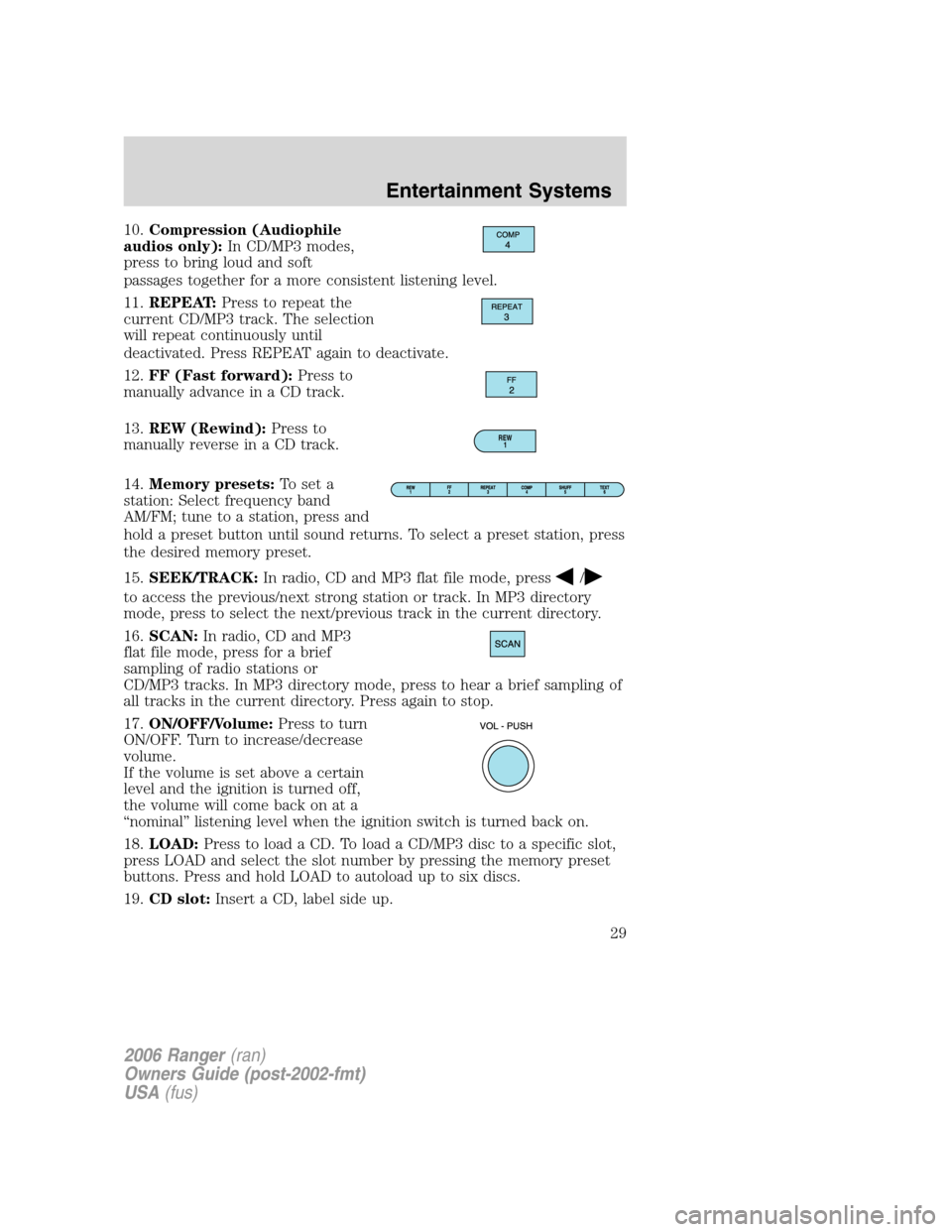
10.Compression (Audiophile
audios only):In CD/MP3 modes,
press to bring loud and soft
passages together for a more consistent listening level.
11.REPEAT:Press to repeat the
current CD/MP3 track. The selection
will repeat continuously until
deactivated. Press REPEAT again to deactivate.
12.FF (Fast forward):Press to
manually advance in a CD track.
13.REW (Rewind):Press to
manually reverse in a CD track.
14.Memory presets:To set a
station: Select frequency band
AM/FM; tune to a station, press and
hold a preset button until sound returns. To select a preset station, press
the desired memory preset.
15.SEEK/TRACK:In radio, CD and MP3 flat file mode, press
/
to access the previous/next strong station or track. In MP3 directory
mode, press to select the next/previous track in the current directory.
16.SCAN:In radio, CD and MP3
flat file mode, press for a brief
sampling of radio stations or
CD/MP3 tracks. In MP3 directory mode, press to hear a brief sampling of
all tracks in the current directory. Press again to stop.
17.ON/OFF/Volume:Press to turn
ON/OFF. Turn to increase/decrease
volume.
If the volume is set above a certain
level and the ignition is turned off,
the volume will come back on at a
“nominal” listening level when the ignition switch is turned back on.
18.LOAD:Press to load a CD. To load a CD/MP3 disc to a specific slot,
press LOAD and select the slot number by pressing the memory preset
buttons. Press and hold LOAD to autoload up to six discs.
19.CD slot:Insert a CD, label side up.
REW
1
2006 Ranger(ran)
Owners Guide (post-2002-fmt)
USA(fus)
Entertainment Systems
29
Page 31 of 256

2.CD:Press to enter CD mode. If a
CD is already present in the system,
the disc will begin play.
3.CLK (Clock):Press CLK until
SELECT HOUR/SELECT MINUTE is
displayed. Press TUNE (
/)to
adjust the hours/minutes.
Press CLK to display the time when the ignition is off.
4.TUNE:In radio mode, press to
manually go up or down the radio
frequency, or to access another CD.
Also use in menu mode to select various settings.
5.TEXT:In MP3 music name/file
name mode, press to view the next
12 characters in the MP3 music
name/file name of the current MP3 track and directory.
6.SHUF (Shuffle):Press to play
the tracks on the current CD/MP3 in
random order. In MP3 directory
mode, press to play the tracks within the current directory in random
order.
7.COMP (Compression):In
CD/MP3 modes, press to bring soft
and loud passages together for a
more consistent listening level.
8.MENU:Press MENU to toggle
through the following modes
and
TUNEto make
adjustments in these modes.
Autoset:Allows you to set the strongest local radio stations without
losing your original manually set preset stations for AM/FM1/FM2. Press
MENU to access, use
TUNEto set. When the six strongest
stations are filled, the station stored in preset 1 will begin playing. If
there are less than six strong stations, the system will store the last one
in the remaining presets. Press
TUNEagain to disengage.
BASS:Press
TUNEto decrease/increase the bass levels.
2006 Ranger(ran)
Owners Guide (post-2002-fmt)
USA(fus)
Entertainment Systems
31
Page 32 of 256
TREB (treble):PressTUNEto decrease/increase the treble
levels.
BAL (Balance):Press
TUNEto adjust the audio between the
left and right speakers.
FADE:Press
TUNEto adjust the audio between the front and
rear speakers.
Flat file/directory mode:In MP3 mode, press
TUNEto select
Flat file mode or Directory mode.
Track number/normal music name/file name:Press
TUNEto
view by track number, music name or file name.
9.ON/OFF/VOL (Volume):Press
to turn the system ON/OFF. Turn to
adjust the volume levels.
If the volume is set above a certain
level and the ignition is turned off,
the volume will come back on at a “nominal” listening level when the
ignition is turned back on.
10.SCAN:In radio, CD and MP3
flat file mode, press for a brief
sampling of radio stations or
CD/MP3 tracks. In MP3 directory
mode, press to hear a brief sampling of all tracks in the current
directory. Press again to stop.
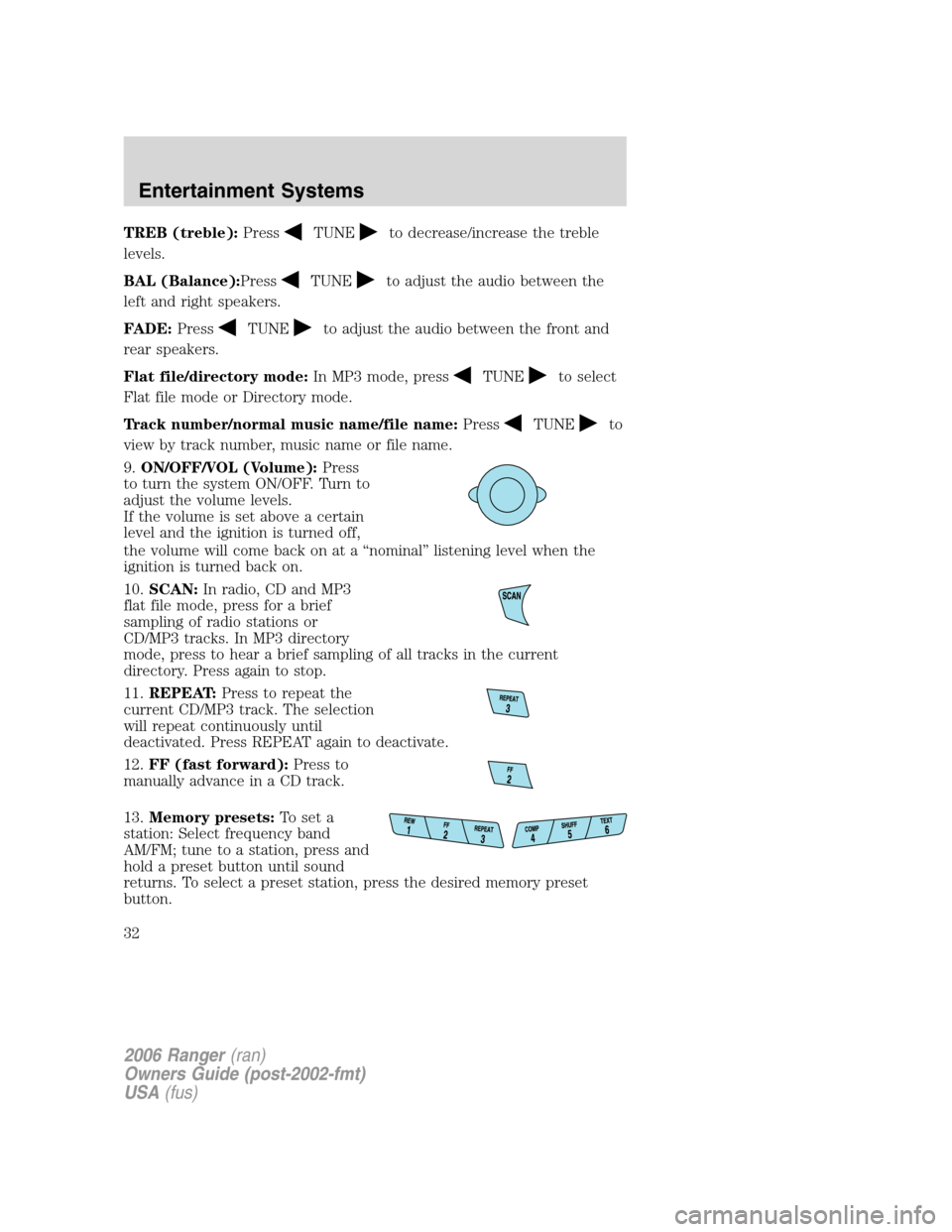
11.REPEAT:Press to repeat the
current CD/MP3 track. The selection
will repeat continuously until
deactivated. Press REPEAT again to deactivate.
12.FF (fast forward):Press to
manually advance in a CD track.
13.Memory presets:To set a
station: Select frequency band
AM/FM; tune to a station, press and
hold a preset button until sound
returns. To select a preset station, press the desired memory preset
button.
2006 Ranger(ran)
Owners Guide (post-2002-fmt)
USA(fus)
Entertainment Systems
32
Page 33 of 256
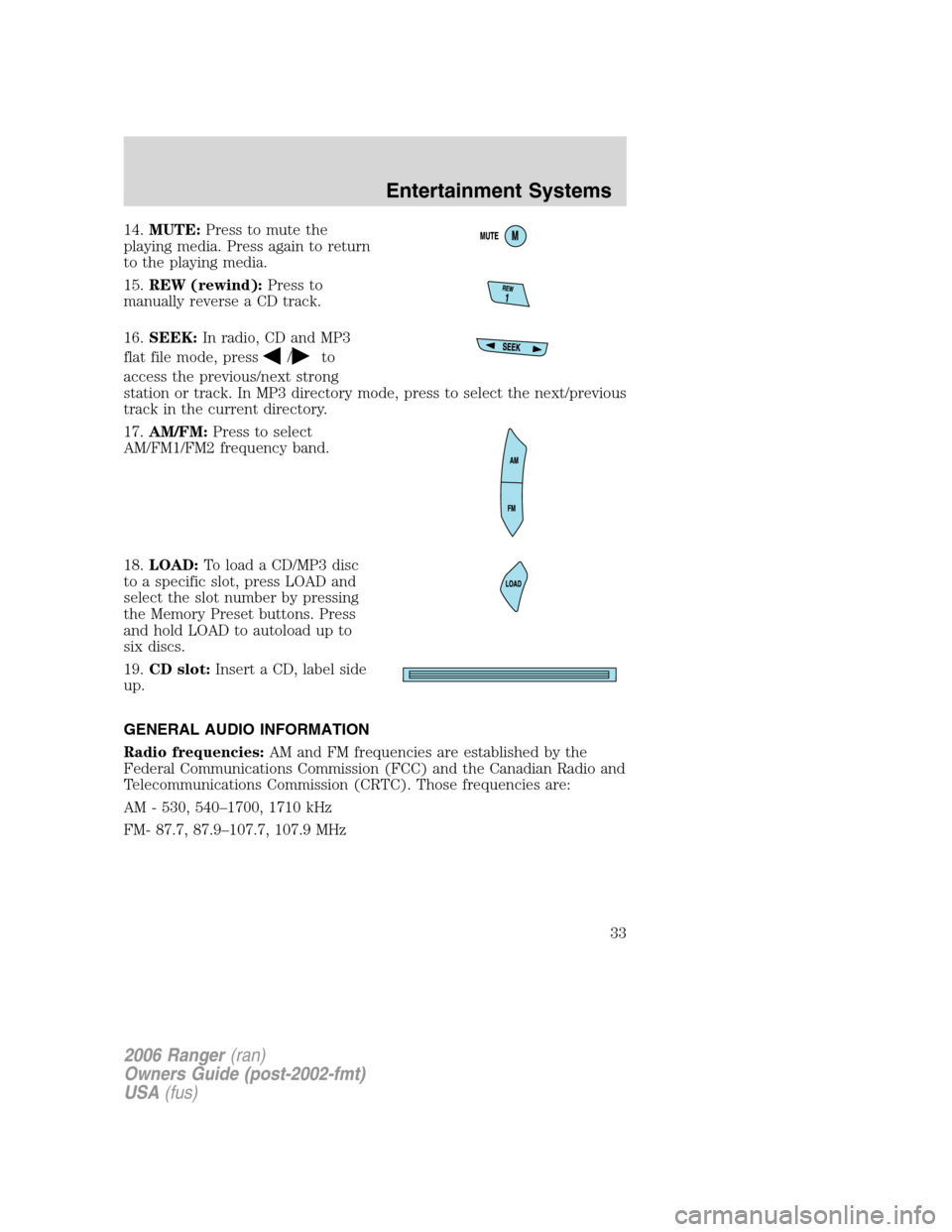
14.MUTE:Press to mute the
playing media. Press again to return
to the playing media.
15.REW (rewind):Press to
manually reverse a CD track.
16.SEEK:In radio, CD and MP3
flat file mode, press
/to
access the previous/next strong
station or track. In MP3 directory mode, press to select the next/previous
track in the current directory.
17.AM/FM:Press to select
AM/FM1/FM2 frequency band.
18.LOAD:To load a CD/MP3 disc
to a specific slot, press LOAD and
select the slot number by pressing
the Memory Preset buttons. Press
and hold LOAD to autoload up to
six discs.
19.CD slot:Insert a CD, label side
up.
GENERAL AUDIO INFORMATION
Radio frequencies:AM and FM frequencies are established by the
Federal Communications Commission (FCC) and the Canadian Radio and
Telecommunications Commission (CRTC). Those frequencies are:
AM - 530, 540–1700, 1710 kHz
FM- 87.7, 87.9–107.7, 107.9 MHz
2006 Ranger(ran)
Owners Guide (post-2002-fmt)
USA(fus)
Entertainment Systems
33
Page 34 of 256

Radio reception factors:There are three factors that can affect radio
reception:
•Distance/strength: The further you travel from a station, the weaker
the signal and the weaker the reception.
•Terrain: Hills, mountains, tall buildings, power lines, electric fences,
traffic lights and thunderstorms can interfere with your reception.
•Station overload: When you pass a broadcast tower, a stronger signal
may overtake a weaker one and play while the weak station frequency
is displayed.
Cassette/player care:
Do:
•Use only cassettes that are 90 minutes long or less.
•Tighten very loose tapes by inserting a finger or pencil into the hole
and turning the hub.
•Remove loose labels before inserting tapes.
•Allow tapes which have been subjected to extreme heat, humidity or
cold to reach a moderate temperature before playing.
•Clean the cassette player head with a cassette cleaning cartridge after
10–12 hours of play to maintain good sound/operation.
Don’t:
•Expose tapes to direct sunlight, extreme humidity, heat or cold.
•Leave tapes in the cassette player for a long time when not being
played.
CD/CD player care:
Do:
•Handle discs by their edges only. Never touch the playing surface.
•Inspect discs before playing. Clean only with an approved CD cleaner
and wipe from the center out.
2006 Ranger(ran)
Owners Guide (post-2002-fmt)
USA(fus)
Entertainment Systems
34
Page 57 of 256
KEYS
The key operates all locks on your vehicle. You should always carry a
second key with you in a safe place in case you require it in an
emergency.
Your keys are coded to your vehicle; using a non-coded key will not
permit your vehicle to start. If you lose your dealer supplied keys,
replacement keys are available through your authorized dealer.
POWER DOOR LOCKS (IF EQUIPPED)
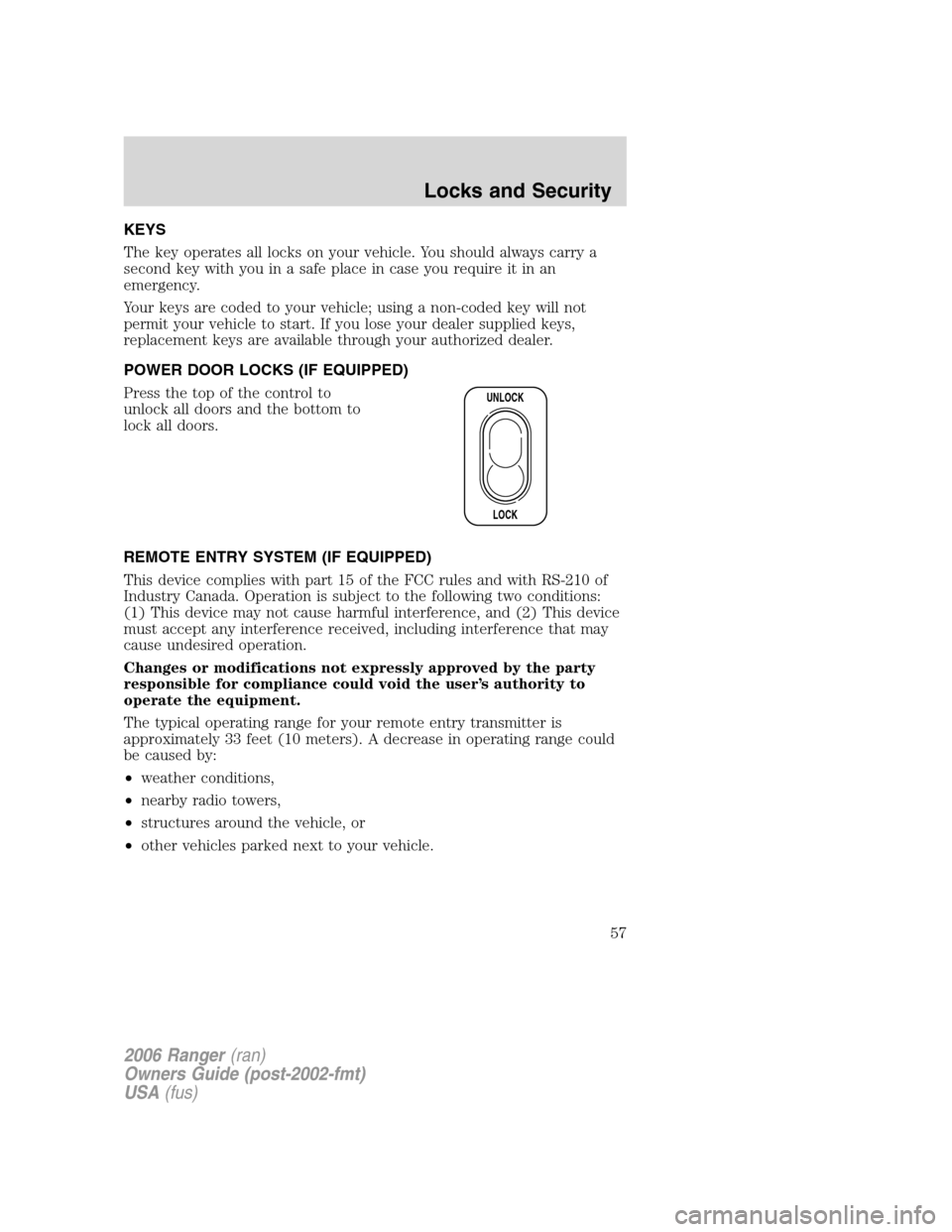
Press the top of the control to
unlock all doors and the bottom to
lock all doors.
REMOTE ENTRY SYSTEM (IF EQUIPPED)
This device complies with part 15 of the FCC rules and with RS-210 of
Industry Canada. Operation is subject to the following two conditions:
(1) This device may not cause harmful interference, and (2) This device
must accept any interference received, including interference that may
cause undesired operation.
Changes or modifications not expressly approved by the party
responsible for compliance could void the user’s authority to
operate the equipment.
The typical operating range for your remote entry transmitter is
approximately 33 feet (10 meters). A decrease in operating range could
be caused by:
•weather conditions,
•nearby radio towers,
•structures around the vehicle, or
•other vehicles parked next to your vehicle.
UNLOCK
LOCK
2006 Ranger(ran)
Owners Guide (post-2002-fmt)
USA(fus)
Locks and Security
57