2006 CHEVROLET COLORADO wheel
[x] Cancel search: wheelPage 151 of 434
Exterior Cargo Lamps
You can use the cargo lamps if you need more light
in the cargo area of your vehicle or in the top-box
storage units.
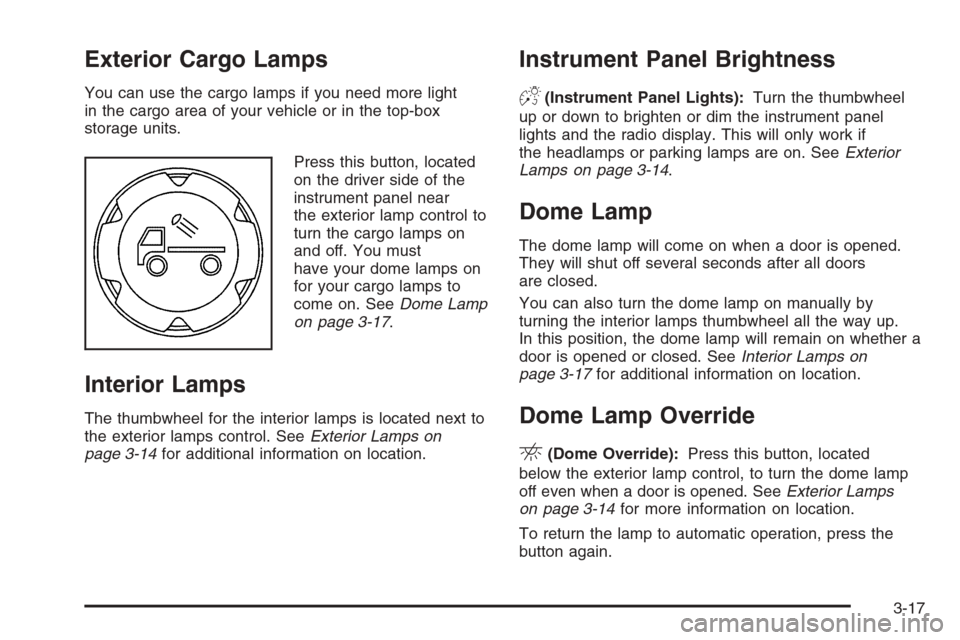
Press this button, located
on the driver side of the
instrument panel near
the exterior lamp control to
turn the cargo lamps on
and off. You must
have your dome lamps on
for your cargo lamps to
come on. SeeDome Lamp
on page 3-17.
Interior Lamps
The thumbwheel for the interior lamps is located next to
the exterior lamps control. SeeExterior Lamps on
page 3-14for additional information on location.
Instrument Panel Brightness
D(Instrument Panel Lights):Turn the thumbwheel
up or down to brighten or dim the instrument panel
lights and the radio display. This will only work if
the headlamps or parking lamps are on. SeeExterior
Lamps on page 3-14.
Dome Lamp
The dome lamp will come on when a door is opened.
They will shut off several seconds after all doors
are closed.
You can also turn the dome lamp on manually by
turning the interior lamps thumbwheel all the way up.
In this position, the dome lamp will remain on whether a
door is opened or closed. SeeInterior Lamps on
page 3-17for additional information on location.
Dome Lamp Override
E(Dome Override):Press this button, located
below the exterior lamp control, to turn the dome lamp
off even when a door is opened. SeeExterior Lamps
on page 3-14for more information on location.
To return the lamp to automatic operation, press the
button again.
3-17
Page 155 of 434

You may notice a slight change in engine performance
when the air conditioning compressor shuts off and
turns on again. This is normal. The system is designed
to make adjustments to help with fuel economy while
still maintaining the selected temperature.
The air conditioning system removes moisture from
the air, so you may sometimes notice a small amount
of water dripping underneath your vehicle while idling
or after turning off the engine. This is normal.
Defogging and Defrosting
Fog on the inside of windows is a result of high humidity
(moisture) condensing on the cool window glass. This
can be minimized if the climate control system is used
properly. There are two modes to clear fog or frost from
your windshield and side windows. Use the defog mode
to clear the windows of fog or moisture and warm the
passengers. Use the defrost mode to remove fog or frost
from the windshield more quickly. For best results, clear
all snow and ice from the windshield before defrosting.
Turn the mode knob on the climate control panel
clockwise to select the defog or defrost modes.
/(Floor/Defog):This mode directs the air to the
windshield, the side window outlets, and to the
oor outlets. When you select this mode, the system
runs the air conditioning compressor unless the outside
temperature is near freezing or below. Recirculation
is not available in this mode.
0(Defrost):This mode directs most of the air to
the windshield, and the side window outlets. When you
select this mode, the system runs the air conditioning
compressor unless the outside temperature is near,
or below freezing. Recirculation is not available in
this mode.
Do not drive the vehicle until all the windows are clear.
Outlet Adjustment
Use the thumbwheel on the outlets to change the
direction of the air ow.
Lift up or push down on the thumbwheel located in
the center of the outlet to direct the air up or down,
or slide the thumbwheel to the left or right to direct the
airow from side-to-side.
Operation Tips
Clear away any ice, snow or leaves from the air
inlets at the base of the windshield that may
block the ow of air into your vehicle.
Use of non-GM approved hood deectors may
adversely affect the performance of the system.
Keep the path under the front seats clear of objects
to help circulate the air inside of your vehicle more
effectively.
3-21
Page 178 of 434
REDUCED POWER
This message will be displayed when the vehicle’s
engine power is reduced. Reduced engine power
can affect the vehicle’s ability to accelerate. If this
message is on, but there is no reduction in performance,
proceed to your destination. The performance may
be reduced the next time the vehicle is driven.
The vehicle may be driven at a reduced speed while
this message is on, but acceleration and speed may
be reduced. Anytime this message stays on, the vehicle
should be taken to your GM dealer for service as
soon as possible. Press and release the reset stem to
acknowledge the message and clear it from the display.
SERV (Service) 4WD
(Four-Wheel Drive)
This message will be displayed when there is a problem
with your transfer case control system. Check the
transfer case on your vehicle and have it serviced by
your GM dealer. SeeFour-Wheel Drive on page 2-26for
more information about your transfer case. Press the
reset stem to acknowledge the message and clear
it from the display.
TRACTION FAULT
If you have the Traction Control System (TCS), you
may see this message if there is a problem with your
Traction Control System (TCS). Check your TCS
as soon as possible and have your vehicle serviced by
your GM dealer. SeeTraction Control System (TCS)
on page 4-9for more information. Press the reset stem
to acknowledge the message and clear it from the
display.
SERV (Service) VEH (Vehicle)
This message will be displayed if your vehicle needs
service. You should have your vehicle serviced by your
GM dealer as soon as possible.
TURN SIGNAL
This message will be displayed when your turn signal
is on for approximately 0.75 miles (1.2 km) of travel.
Press the reset stem to acknowledge the message and
clear it from the display.
3-44
Page 179 of 434
Audio System(s)
Determine which radio your vehicle has and then
read the pages following to familiarize yourself with
its features.
Driving without distraction is a necessity for a safer
driving experience. SeeDefensive Driving on page 4-2.
By taking a few moments to read this manual and
get familiar with your vehicle’s audio system, you can
use it with less effort, as well as take advantage of
its features. While your vehicle is parked, set up your
audio system by presetting your favorite radio stations,
setting the tone and adjusting the speakers. Then,
when driving conditions permit, you can tune to your
favorite stations using the presets and steering
wheel controls if the vehicle has them.{CAUTION:
This system provides you with a far greater
access to audio stations and song listings.
Giving extended attention to entertainment
tasks while driving can cause a crash and you
or others can be injured or killed. Always keep
your eyes on the road and your mind on the
drive — avoid engaging in extended searching
while driving.
Keeping your mind on the drive is important for safe
driving. For more information, seeDefensive Driving
on page 4-2.
3-45
Page 180 of 434

Here are some ways in which you can help avoid
distraction while driving.
While your vehicle is parked:
Familiarize yourself with all of its controls.
Familiarize yourself with its operation.
Set up your audio system by presetting your
favorite radio stations, setting the tone, and
adjusting the speakers. Then, when driving
conditions permit, you can tune to your favorite
radio stations using the presets and steering
wheel controls if the vehicle has them.
Notice:Before adding any sound equipment to
your vehicle, such as an audio system, CD player,
CB radio, mobile telephone, or two-way radio,
make sure that it can be added by checking with
your dealer. Also, check federal rules covering
mobile radio and telephone units. If sound
equipment can be added, it is very important to
do it properly. Added sound equipment may
interfere with the operation of your vehicle’s engine,
radio, or other systems, and even damage them.
Your vehicle’s systems may interfere with the
operation of sound equipment that has been added.Notice:The chime signals related to safety belts,
parking brake, and other functions of your vehicle
operate through the radio/entertainment system.
If that equipment is replaced or additional equipment
is added to your vehicle, the chimes may not
work. Make sure that replacement or additional
equipment is compatible with your vehicle before
installing it. SeeAccessories and Modifications
on page 5-3.
Setting the Time for Radios without
Radio Data Systems (RDS)
Press and hold HR until the correct hour appears on
the display. Press and hold MIN until the correct minute
appears on the display. There is an initial two-second
delay before the clock goes into time-set mode.
Display the time with the ignition off, by pressing RCL,
HR, or MIN.
3-46
Page 219 of 434
Anti-Lock Brake System (ABS)
Your vehicle has the Anti-Lock Brake System (ABS),
an advanced electronic braking system that will
help prevent a braking skid.
When you start your engine and begin to drive away,
ABS will check itself. You may hear a momentary
motor or clicking noise while this test is going on.
This is normal.
If there is a problem
with the ABS, this
warning light will stay on.
SeeAnti-Lock Brake
System Warning Light
on page 3-31.
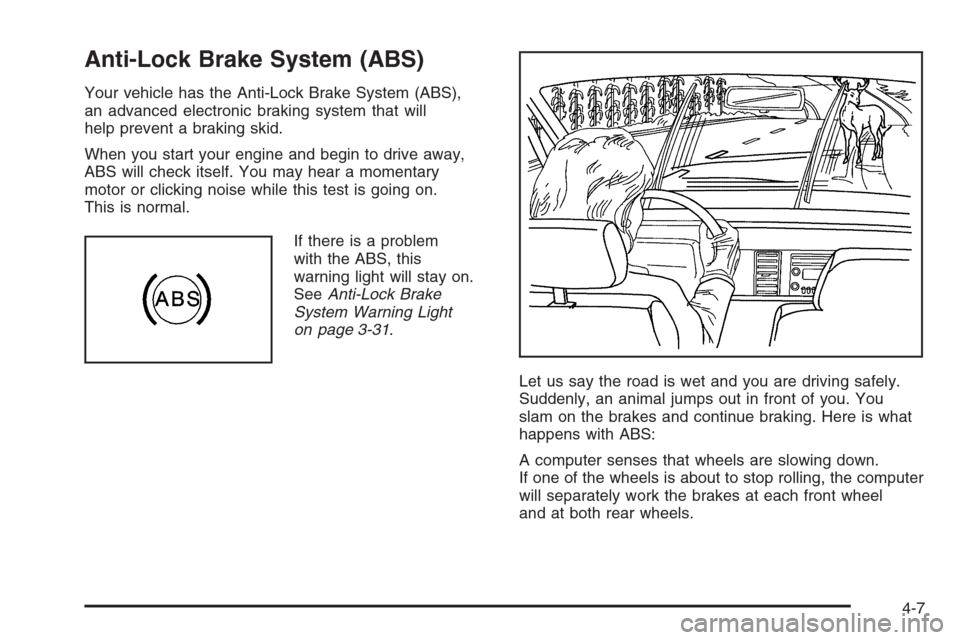
Let us say the road is wet and you are driving safely.
Suddenly, an animal jumps out in front of you. You
slam on the brakes and continue braking. Here is what
happens with ABS:
A computer senses that wheels are slowing down.
If one of the wheels is about to stop rolling, the computer
will separately work the brakes at each front wheel
and at both rear wheels.
4-7
Page 220 of 434
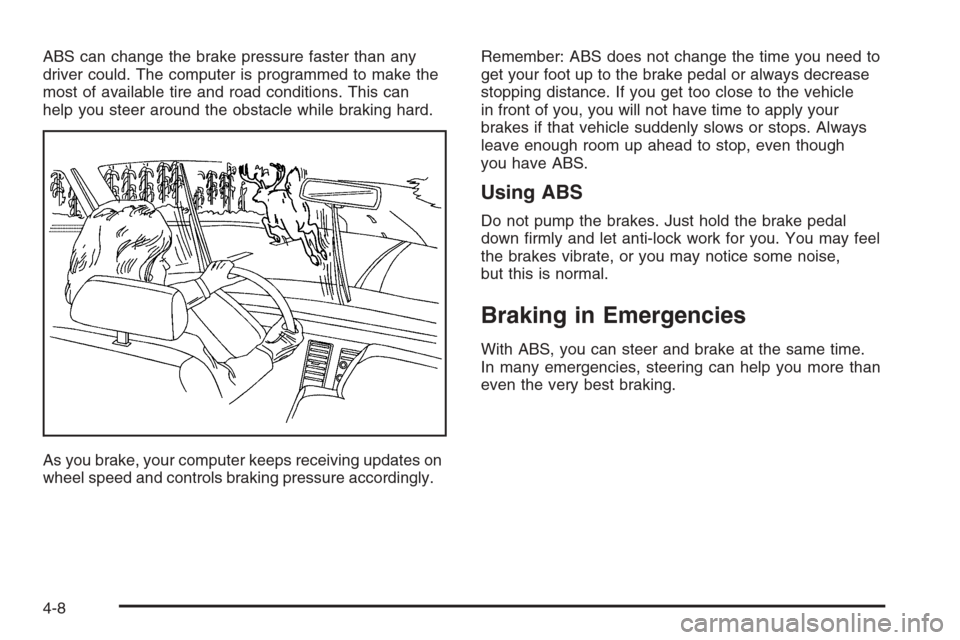
ABS can change the brake pressure faster than any
driver could. The computer is programmed to make the
most of available tire and road conditions. This can
help you steer around the obstacle while braking hard.
As you brake, your computer keeps receiving updates on
wheel speed and controls braking pressure accordingly.Remember: ABS does not change the time you need to
get your foot up to the brake pedal or always decrease
stopping distance. If you get too close to the vehicle
in front of you, you will not have time to apply your
brakes if that vehicle suddenly slows or stops. Always
leave enough room up ahead to stop, even though
you have ABS.
Using ABS
Do not pump the brakes. Just hold the brake pedal
down rmly and let anti-lock work for you. You may feel
the brakes vibrate, or you may notice some noise,
but this is normal.
Braking in Emergencies
With ABS, you can steer and brake at the same time.
In many emergencies, steering can help you more than
even the very best braking.
4-8
Page 221 of 434
Traction Control System (TCS)
Your vehicle may have a Traction Control System (TCS)
that limits wheel spin. This is especially useful in slippery
road conditions. The system operates only if it senses
that one or both of the rear wheels are spinning or
beginning to lose traction. When this happens, the
system reduces engine power and may also upshift the
transmission to limit wheel spin.
You may feel or hear the system working, but this
is normal.
The TCS button is located
on your instrument panel.
Press this button to
turn the TCS off and on.
When the traction control system is turned off, an
indicator light on the button will illuminate.
If your vehicle is in cruise control when the traction
control system begins to limit wheel spin, the cruise
control will automatically disengage. When road
conditions allow you to safely use it again, you may
re-engage the cruise control. SeeCruise Control
on page 3-11.TCS operates in all transmission shift lever positions.
But the system can upshift the transmission only as
high as the shift lever position you have chosen, so
you should use the lower gears only when necessary.
SeeAutomatic Transmission Operation on page 2-21
and/orManual Transmission Operation on page 2-24
for more information.
If there is a problem with TCS, TRACTION FAULT will
be displayed on your Driver Information Center (DIC).
SeeDIC Warnings and Messages on page 3-41for
more information.
When this warning is displayed, the system will not
limit wheel spin. Adjust your driving accordingly.
To limit wheel spin, especially in slippery road
conditions, you should always leave TCS on. But you
can turn the system off if you ever need to. You should
turn the system off if your vehicle ever gets stuck in
sand, mud or snow and rocking the vehicle is required.
SeeRocking Your Vehicle to Get It Out on page 4-42
andIf Your Vehicle is Stuck in Sand, Mud, Ice, or
Snow on page 4-42for more information.
Adding non-GM accessories can affect your vehicle’s
performance. SeeAccessories and Modications
on page 5-3for more information.
4-9