Page 146 of 192

This is available during route guidance, from the
time after the route calculation is completed until
the vehicle arrives at the destination.
Press the GUIDE VOICE button.
The current condition will be announced.
INFO:
cIf you press the GUIDE VOICE button
when you are off the suggested route and
when the automatic reroute function is off, the
voice will announce: “Proceed to the high-
lighted route.”
cIf you press the GUIDE VOICE button
when you are going in the wrong direction, the
voice will announce: “Please make a legal U-
turn if possible.”cThe voice guidance in this system should be
regarded as a supplementary function. When
driving your vehicle, check the route on the
map display and follow the actual road and all
traffic regulations.
cThe voice guidance is activated only for junc-
tions with certain conditions. In some cases
you may need to turn, even if there is no voice
guidance.
cThe content of the voice guidance may vary,
depending on the direction of the turn and the
type of junction with other roads.
cThe route guidance will be activated at vari-
ous times depending on the situation.
cWhen the vehicle is off the suggested route,
route guidance is not available. The system
will not inform you of this; please refer to the
map display and request rerouting.
cAt freeway junctions, the road numbers and
directions may not accurately correspond
with the voice guidance.
cAt freeway exits, the street names may not ac-
curately correspond with the voice guidance.
cThe displayed street names may sometimes
differ from the actual names or “UNKNOWN
STREET NAME” may be displayed.
Please refer to “Automatic re-routing” on 9-2.cWhen the amber indicator on the
Guide Volume key is not illuminated, the
voice guidance is not available.
cThe voice guidance will start when the vehicle
enters the suggested route. Before entering
the route, refer to the map display for the
direction.
cWhen the vehicle approaches a waypoint, the
voice will say, “You have arrived at waypoint 1
(2, 3, 4...) .” The guidance will switch to the
next route section. While the voice guidance
is not available, please refer to the map dis-
play for the direction.
cIn some cases, the voice guidance ends be-
fore arrival at the destination. In such cases,
drive the vehicle by referring to the destination
icon displayed on the map screen.
cWhen the system can judge on which side the
destination (waypoint) is located, the voice
guidance will say “on the right (left)” after an-
nouncing the arrival at the destination.
cVoice guidance may not operate as specified
or may not operate at all due to the angle of
roads at intersection entrances and exits.
INV1405
REQUESTING CURRENT VOICE IN-
FORMATIONNOTES ON THE VOICE GUIDANCE
10-4How do I use the voice guidance feature?
ZREVIEW COPYÐ2005(nav)
Navigation System OMÐUSA_English(nna)
07/10/04Ðdebbie
X
Page 159 of 192
cWhen calculated routes include a freeway, in-
formation about freeway entrances and exits
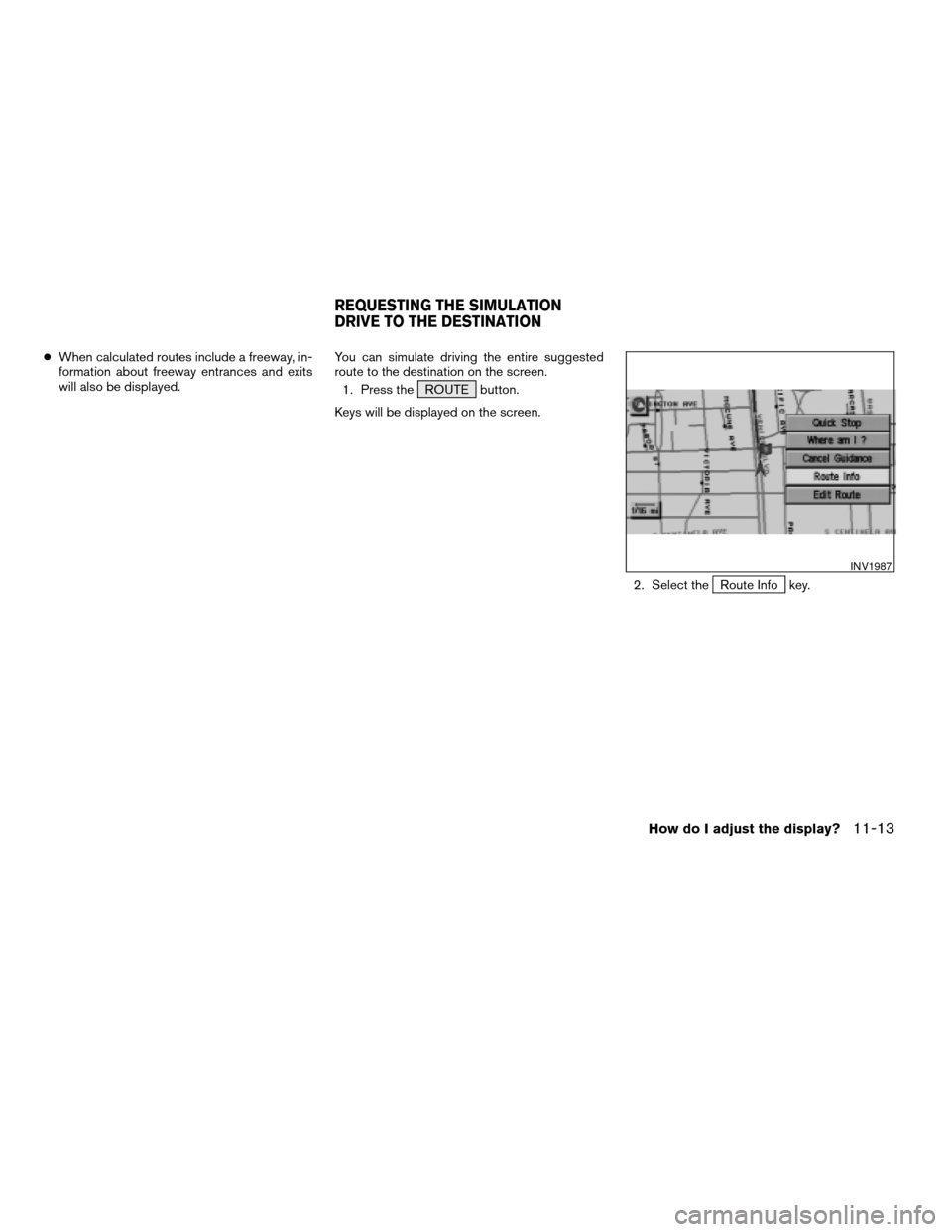
will also be displayed.You can simulate driving the entire suggested
route to the destination on the screen.
1. Press the ROUTE button.
Keys will be displayed on the screen.
2. Select the
Route Info key.
INV1987
REQUESTING THE SIMULATION
DRIVE TO THE DESTINATION
How do I adjust the display?11-13
ZREVIEW COPYÐ2005(nav)
Navigation System OMÐUSA_English(nna)
07/10/04Ðdebbie
X
Page 166 of 192
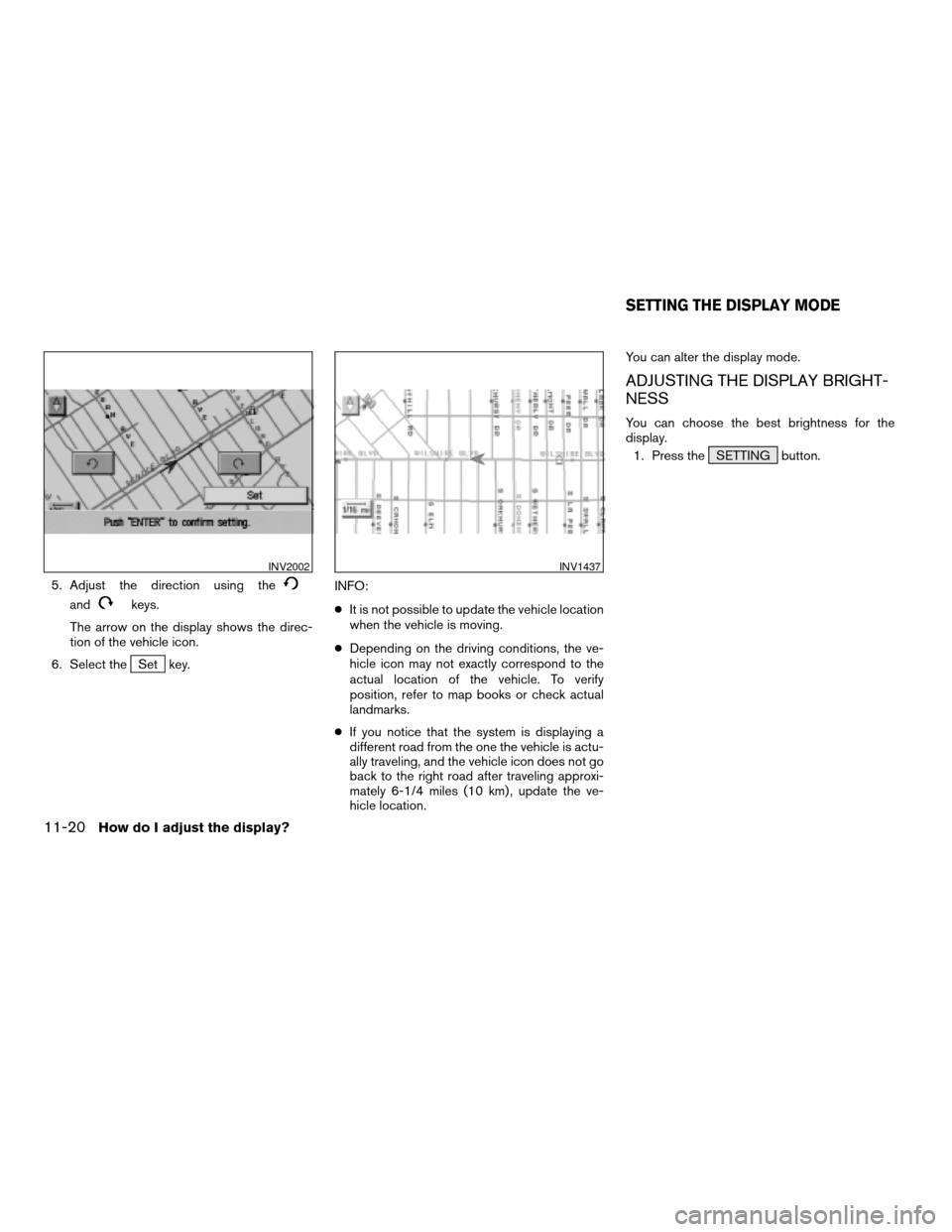
5. Adjust the direction using the
andkeys.
The arrow on the display shows the direc-
tion of the vehicle icon.
6. Select the
Set key.INFO:
cIt is not possible to update the vehicle location
when the vehicle is moving.
cDepending on the driving conditions, the ve-
hicle icon may not exactly correspond to the
actual location of the vehicle. To verify
position, refer to map books or check actual
landmarks.
cIf you notice that the system is displaying a
different road from the one the vehicle is actu-
ally traveling, and the vehicle icon does not go
back to the right road after traveling approxi-
mately 6-1/4 miles (10 km) , update the ve-
hicle location.You can alter the display mode.
ADJUSTING THE DISPLAY BRIGHT-
NESS
You can choose the best brightness for the
display.
1. Press the SETTING button.
INV2002INV1437
SETTING THE DISPLAY MODE
11-20How do I adjust the display?
ZREVIEW COPYÐ2005(nav)
Navigation System OMÐUSA_English(nna)
07/10/04Ðdebbie
X
Page 173 of 192

ABOUT THE NAVIGATION MAP
DVD-ROM
1. This navigation map DVD-ROM has been
prepared by ZENRIN CO., LTD. under li-
cense from Navigation Technologies
Corporation. ZENRIN CO., LTD. has added,
processed and digitized data based on the
digital road map data of Navigation Tech-
nologies Corporation. Due to the produc-
tion timing of the map data, some new roads
may not be included in this map data or
some of the names or roads may be differ-
ent from those at the time you use this
DVD-ROM.
2. Traffic control and regulation data used in
this DVD-ROM may be different from those
at the time you use this DVD-ROM due to
the data production timing. When driving
your vehicle, follow the actual traffic control
signs and notices on the roads.
3. Reproducing or copying this map software
is strictly prohibited by law.
Published by NISSAN North America, Inc.
© 2002 Navigation Technologies. All rights
reserved. “Certain business data provided by
infoUSA.com, Inc. Copyright 2002, All rights
reserved”.
ICONS
Icon legend follows:
Information on map data discs12-3
ZREVIEW COPYÐ2005(nav)
Navigation System OMÐUSA_English(nna)
07/10/04Ðdebbie
X
Page 183 of 192

Symptom Possible cause Remedy
The location of vehicle icon does not match the actual
position.Driving on slippery road surface. If the position marker does not move to the correct position
even after the vehicle has been driven approximately 6
miles (10 km) , adjust the current location. If necessary,
adjust the moving speed of the vehicle. If the symptom still
exists, contact your NISSAN dealer. Driving on slanted area.
Rough or violent driving. If the position marker does not move to the correct position
even after the vehicle has been driven approximately 6
miles (10 km) , adjust the current location.
GPS indicator remains gray. Please check the GPS indicator on the screen to see if it
remains gray. If it remains gray, drive the vehicle to a place
where the GPS can be received.
Because the vehicle has tire chains on, or the system was
transferred to a different vehicle, errors (gain or loss) result
in calculating the speed from the speed pulse.The location of the vehicle icon will move by driving the
vehicle for 30 minutes (in case it is running at 18-3/4
miles/hour (30 km/h)) . If you still notice errors, adjust mov-
ing speed. If the symptom still exists, contact your NISSAN
dealer.
The map data has an error or is incomplete (if the location
error always happens in the same area) .Please wait for the update of the Map DVD-ROM.
Troubleshooting guide13-5
ZREVIEW COPYÐ2005(nav)
Navigation System OMÐUSA_English(nna)
07/10/04Ðdebbie
X
Page 186 of 192
Symptom Possible cause Remedy
The voice guidance is not available. Voice guidance is only available at certain intersections
marked with
. In some cases, the guidance is not avail-
able even when the vehicle should make a turn.This condition is not abnormal.
The vehicle is off the suggested route. Go back to the suggested route or request route calcula-
tion again.
Voice guidance is set OFF. Turn the voice guidance ON.
Route guidance is set OFF. Turn the route guidance ON.
The guidance content does not correspond to the actual
condition.The content of the voice guidance may vary, depending on
the types of junctions at which turns are made.Follow the actual rules and regulations of the roads upon
which you are driving.
VOICE GUIDANCE
13-8Troubleshooting guide
ZREVIEW COPYÐ2005(nav)
Navigation System OMÐUSA_English(nna)
07/10/04Ðdebbie
X