Page 198 of 474
197
Controls in detail
Audio system
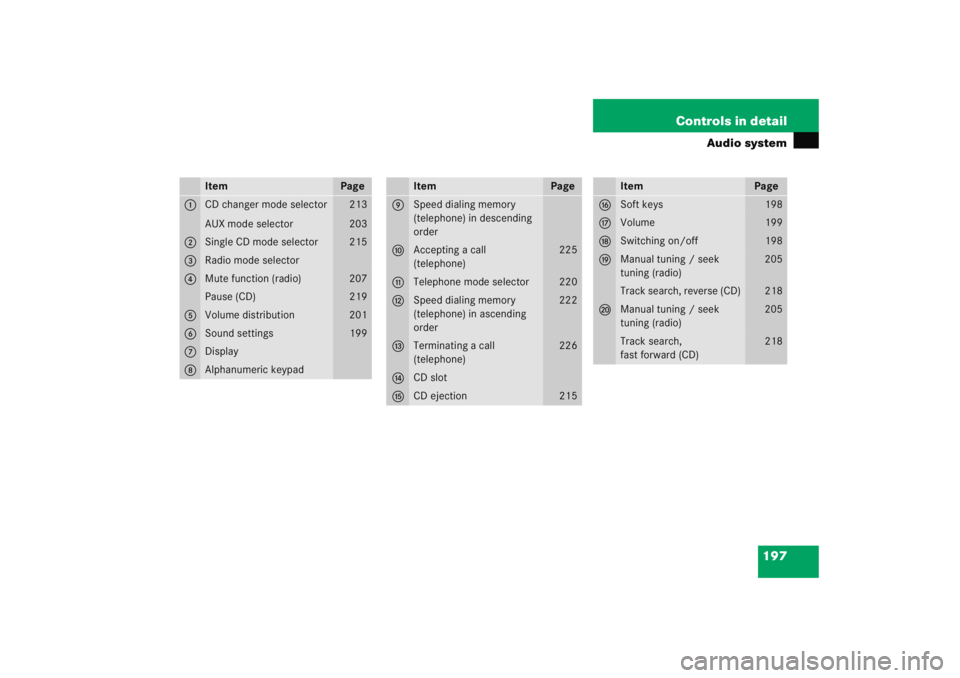
Item
Page
1
CD changer mode selector
AUX mode selector
213
203
2
Single CD mode selector
215
3
Radio mode selector
4
Mute function (radio)
207
Pause (CD)
219
5
Volume distribution
201
6
Sound settings
199
7
Display
8
Alphanumeric keypad
Item
Page
9
Speed dialing memory
(telephone) in descending
order
a
Accepting a call
(telephone)
225
b
Telephone mode selector
220
c
Speed dialing memory
(telephone) in ascending
order
222
d
Terminating a call
(telephone)
226
e
CD slot
f
CD ejection
215
Item
Page
g
Soft keys
198
h
Volume
199
j
Switching on/off
198
k
Manual tuning / seek
tuning (radio)
205
Track search, reverse (CD)
218
l
Manual tuning / seek
tuning (radio)
205
Track search,
fast forward (CD)
218
Page 199 of 474
198 Controls in detailAudio systemButton and soft key operation
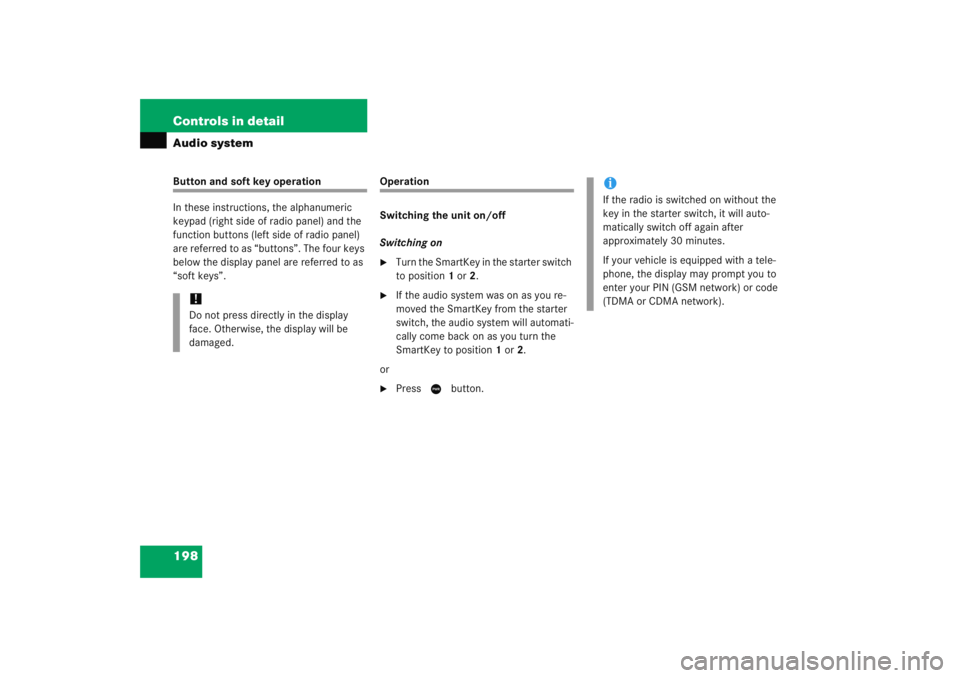
In these instructions, the alphanumeric
keypad (right side of radio panel) and the
function buttons (left side of radio panel)
are referred to as “buttons”. The four keys
below the display panel are referred to as
“soft keys”.
Operation
Switching the unit on/off
Switching on�
Turn the SmartKey in the starter switch
to position 1 or 2.
�
If the audio system was on as you re-
moved the SmartKey from the starter
switch, the audio system will automati-
cally come back on as you turn the
SmartKey to position 1 or 2.
or
�
Press M button.
!Do not press directly in the display
face. Otherwise, the display will be
damaged.
iIf the radio is switched on without the
key in the starter switch, it will auto-
matically switch off again after
approximately 30 minutes.
If your vehicle is equipped with a tele-
phone, the display may prompt you to
enter your PIN (GSM network) or code
(TDMA or CDMA network).
Page 200 of 474
199
Controls in detail
Audio system
Switching off�
Remove SmartKey from starter switch.
or
�
Press M button.
Adjusting the volume
�
Turn rotary control of N button.
The volume will increase or decrease
depending on the direction turned. Adjusting sound functions
The bass and treble functions are called up
by pressing the
O button.
Settings for bass and treble are stored sep-
arately for the AM and FM wavebands,
weather band, CD mode and telephone
mode.
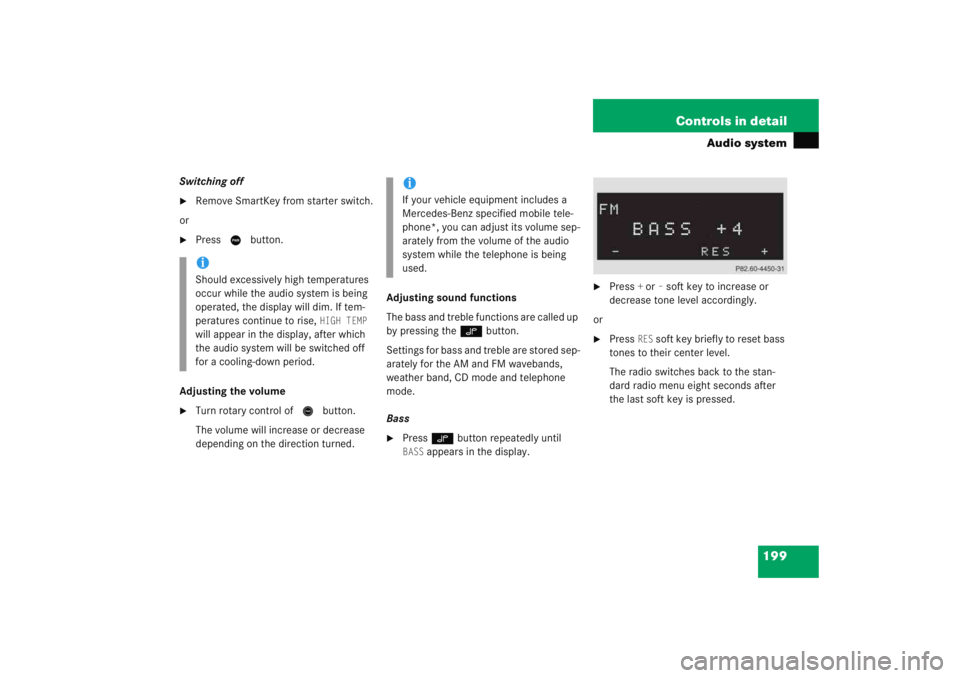
Bass
�
Press O button repeatedly until BASS
appears in the display.
�
Press
+ or
– soft key to increase or
decrease tone level accordingly.
or
�
Press
RES
soft key briefly to reset bass
tones to their center level.
The radio switches back to the stan-
dard radio menu eight seconds after
the last soft key is pressed.
iShould excessively high temperatures
occur while the audio system is being
operated, the display will dim. If tem-
peratures continue to rise,
HIGH TEMP
will appear in the display, after which
the audio system will be switched off
for a cooling-down period.
iIf your vehicle equipment includes a
Mercedes-Benz specified mobile tele-
phone*, you can adjust its volume sep-
arately from the volume of the audio
system while the telephone is being
used.
Page 201 of 474
200 Controls in detailAudio systemAdjusting treble�
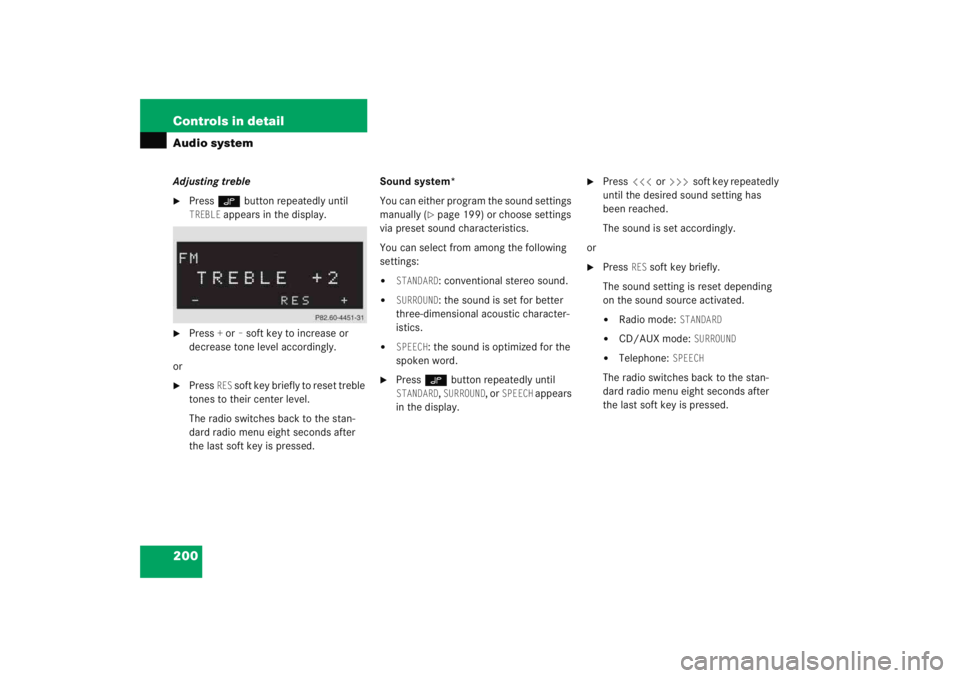
Press O button repeatedly until TREBLE
appears in the display.
�
Press
+ or
– soft key to increase or
decrease tone level accordingly.
or
�
Press
RES
soft key briefly to reset treble
tones to their center level.
The radio switches back to the stan-
dard radio menu eight seconds after
the last soft key is pressed. Sound system*
You can either program the sound settings
manually (
�page 199) or choose settings
via preset sound characteristics.
You can select from among the following
settings:
�
STANDARD
: conventional stereo sound.
�
SURROUND
: the sound is set for better
three-dimensional acoustic character-
istics.
�
SPEECH
: the sound is optimized for the
spoken word.
�
Press O button repeatedly until STANDARD
, SURROUND
, or
SPEECH
appears
in the display.
�
Press X or Y soft key repeatedly
until the desired sound setting has
been reached.
The sound is set accordingly.
or
�
Press
RES
soft key briefly.
The sound setting is reset depending
on the sound source activated.
�
Radio mode:
STANDARD
�
CD/AUX mode:
SURROUND
�
Telephone:
SPEECH
The radio switches back to the stan-
dard radio menu eight seconds after
the last soft key is pressed.
Page 202 of 474
201
Controls in detail
Audio system
Returning sound functions to factory
settings�
Press
O button to call up settings
menu in the display.
�
Press
RES
soft key briefly; the respec-
tive sound function is reset to its center
level.
or
�
Press and hold
RES
soft key until
RESET
appears in the display.
The sound settings for bass and treble
are returned to their center level and
the volume is set to a predefined level. Vehicles with sound system*:
The sound setting is reset depending
on the sound source activated.
�
Radio mode:
STANDARD
�
CD/AUX mode:
SURROUND
�
Telephone:
SPEECH
The radio switches back to the
standard radio menu four seconds
after the last soft key is pressed.
Adjusting volume distribution
Call up fader and balance functions by
pressing the Pbutton.
Fader
�
Press P button repeatedly until FADER
appears in the display.
�
Press V or W soft key.
The volume is distributed accordingly
between the front and rear of the vehi-
cle.
or
�
Press
RES
soft key briefly.
The fader is reset to its center level.
The radio switches back to the stan-
dard radio menu eight seconds after
the last soft key is pressed.
Page 203 of 474
202 Controls in detailAudio systemAdjusting balance�
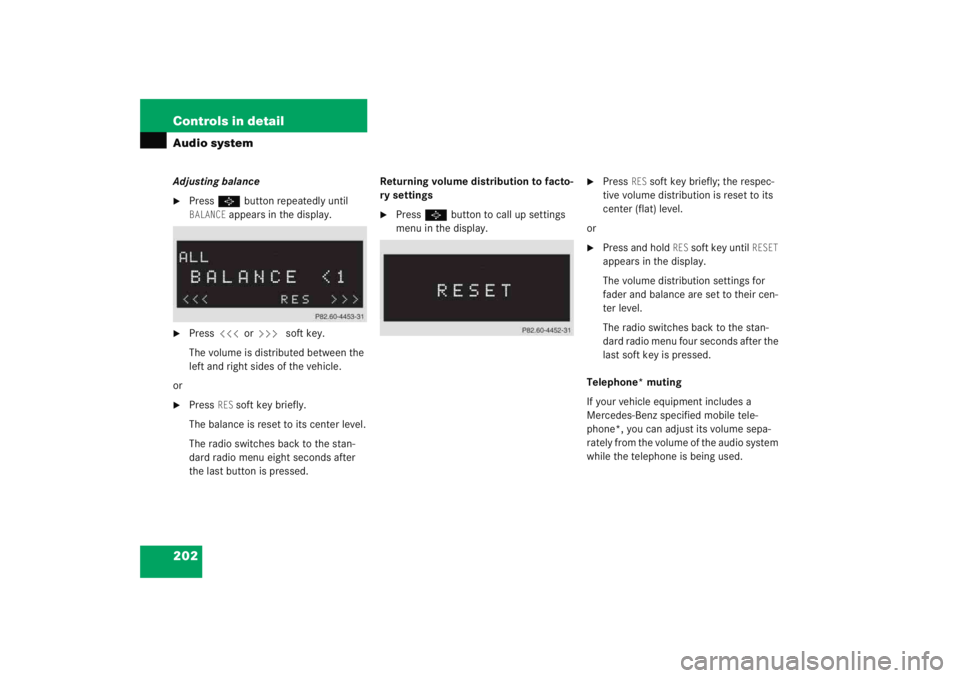
Press P button repeatedly until BALANCE
appears in the display.
�
Press X or Y soft key.
The volume is distributed between the
left and right sides of the vehicle.
or
�
Press
RES
soft key briefly.
The balance is reset to its center level.
The radio switches back to the stan-
dard radio menu eight seconds after
the last button is pressed. Returning volume distribution to facto-
ry settings
�
Press
P button to call up settings
menu in the display.
�
Press
RES
soft key briefly; the respec-
tive volume distribution is reset to its
center (flat) level.
or
�
Press and hold
RES
soft key until
RESET
appears in the display.
The volume distribution settings for
fader and balance are set to their cen-
ter level.
The radio switches back to the stan-
dard radio menu four seconds after the
last soft key is pressed.
Telephone* muting
If your vehicle equipment includes a
Mercedes-Benz specified mobile tele-
phone*, you can adjust its volume sepa-
rately from the volume of the audio system
while the telephone is being used.
Page 204 of 474
203
Controls in detail
Audio system
Connecting an external audio source
(AUX) to the radio*
An optional dealer-installed cinch-connec-
tor* for connecting an external audio
source may become available for your
vehicle model. Feature description is
based on preliminary information at time
of printing. Contact an authorized
Mercedes-Benz Center for availability.
You can adjust the volume (
�page 199),
the sound settings (
�page 199) and the
volume distribution (�page 201) for the
AUX input.
Calling up AUX mode
�
Press and hold Q button until AUX
appears in the display.
Canceling AUX mode
�
Press any audio source button.
Radio operation
Selecting radio mode�
Press b button.
Calling up wavebands
You can choose from among the FM, AM
and WB wavebands.
Weather band (
�page 207). Calling up wavebands for radios without
SAT
�
Press
FM or
AM soft key to switch be-
tween FM and AM.
The FM and AM wavebands are called
up one after another.
or
�
Press
WB soft key.
The weather band menu is called up.
The waveband currently selected
appears in the upper left-hand corner
of the display.
iFM waveband: 87.7......107.9 MHz
AM waveband: 530......1 710 KHz
Page 205 of 474
204 Controls in detailAudio systemCalling up wavebands for radios with
SAT�
Press
FM, AM, or
WB soft key repeatedly
until desired waveband has been se-
lected.
The FM, AM, and WB wavebands are
called up one after another.
The waveband currently selected
appears in the upper left-hand corner
of the display. Selecting a station
The following options are available for se-
lecting a station:
�
Direct frequency input (
�page 204)
�
Manual tuning (
�page 205)
�
Automatic seek tuning (
�page 205)
�
Scan search (
�page 205)
�
Station memory (
�page 206)
�
Automatic station memory (Autostore)
(�page 206)
The station search proceeds in the follow-
ing frequency increments:
�
200 KHz in FM range
�
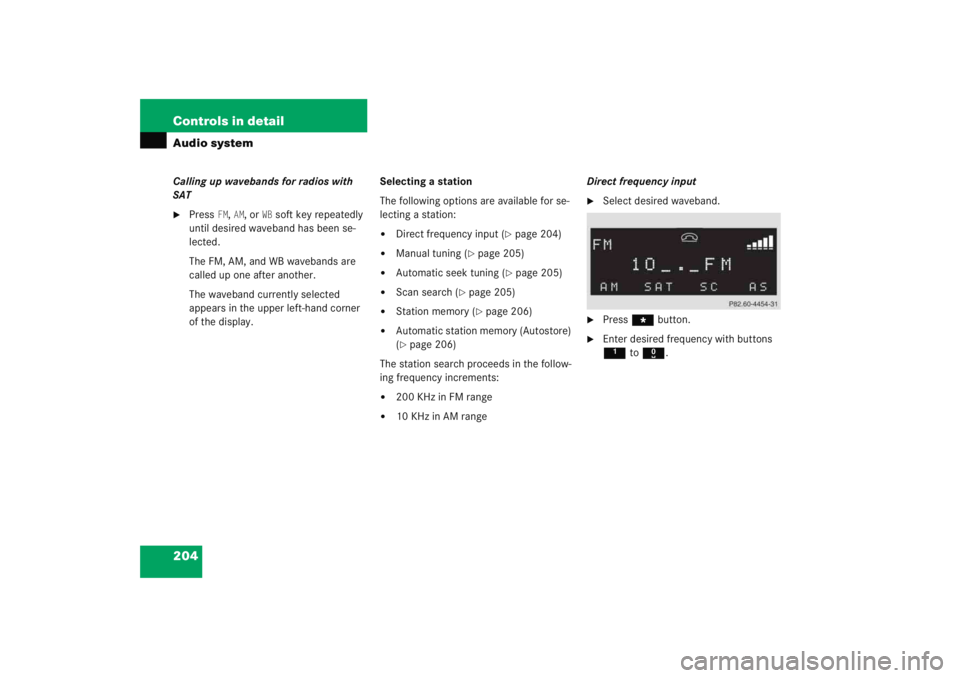
10 KHz in AM range Direct frequency input
�
Select desired waveband.
�
Press
*button.
�
Enter desired frequency with buttons
1to R .