Page 118 of 539

GAUGES, METERS AND SERVICE REMINDER INDICATORS
99
w267
When the air conditioning filter should be replaced, the
master warning light comes on, a warning tone sounds
and the above message appears.
If the “Change A/C Filter” appears on the multi−information
display, change the air conditioning filter as soon as possible
because the air filter might have clogged. See “Replacing the
air conditioning filter” on page 249 for details.
w268
If you push the “OFF” button for the front air conditioning
for about more than 4 seconds after the replacement of the
air conditioning filters, the above message appears and
the attention tone sounds to inform you that the data has
been reset.
When you push the “OFF” button for the front air conditioning
for more than 4 seconds before “Change A/C Filter” appears,
the data will be cleared. Do not reset the data before this
message appears.
w500
If you push the ignition switch or insert the smart key, and
hold the switch or key in the “LOCK” position for more
than 3 seconds, the master warning light comes on, a
warning tone sounds and the above message appears.
If you release the switch or key, or turn to “ACC”, all the warning
will turn off. If it is difficult to turn the switch or key, be sure to
push the switch or key while turning the steering wheel slightly
in either direction, and then turn the switch or key.
w271
If the interlock cable for steering lock is faulty, the master
warning light flashes, a warning tone sounds and the
above message appears.
If the above message appears, contact your Lexus dealer as
soon as possible.
Page 119 of 539
GAUGES, METERS AND SERVICE REMINDER INDICATORS
100
w272
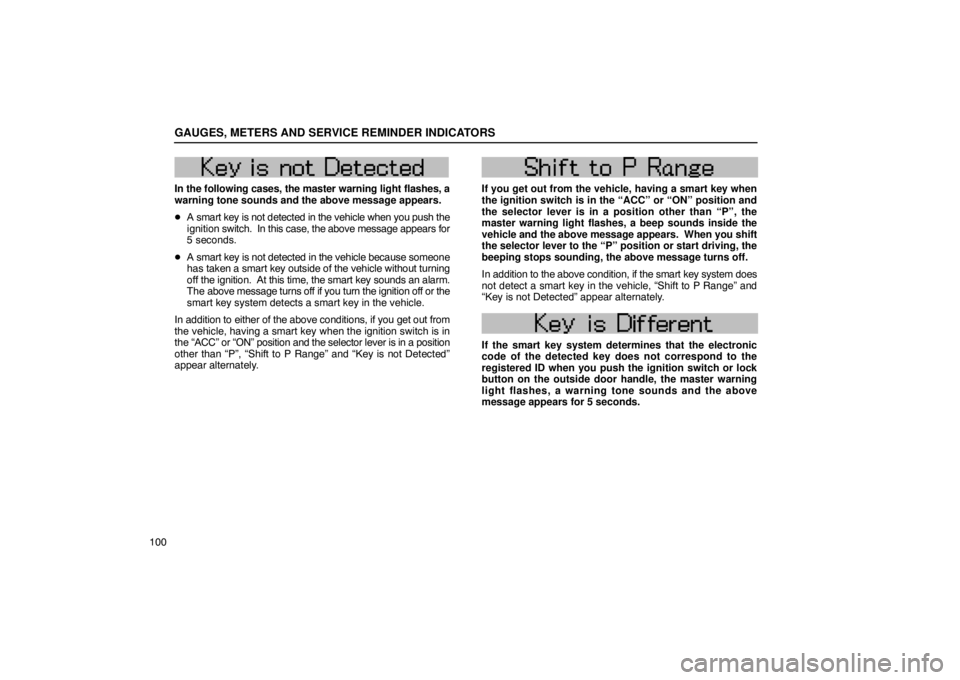
In the following cases, the master warning light flashes, a
warning tone sounds and the above message appears.
�A smart key is not detected in the vehicle when you push the
ignition switch. In this case, the above message appears for
5 seconds.
� A smart key is not detected in the vehicle because someone
has taken a smart key outside of the vehicle without turning
off the ignition. At this time, the smart key sounds an alarm.
The above message turns off if you turn the ignition off or the
smart key system detects a smart key in the vehicle.
In addition to either of the above conditions, if you get out from
the vehicle, having a smart key when the ignition switch is in
the “ACC” or “ON” position and the selector lever is in a posit\
ion
other than “P”, “Shift to P Range” and “Key is not Detected”\
appear alternately.
w273
If you get out from the vehicle, having a smart key when
the ignition switch is in the “ACC” or “ON” position and
the selector lever is in a position other than “P”, the
master warning light flashes, a beep sounds inside the
vehicle and the above message appears. When you shift
the selector lever to the “P” position or start driving, the
beeping stops sounding, the above message turns off.
In addition to the above condition, if the smart key system does
not detect a smart key in the vehicle, “Shift to P Range” and
“Key is not Detected” appear alternately.
w274
If the smart key system determines that the electronic
code of the detected key does not correspond to the
registered ID when you push the ignition switch or lock
button on the outside door handle, the master warning
light flashes, a warning tone sounds and the above
message appears for 5 seconds.
Page 127 of 539

GAUGES, METERS AND SERVICE REMINDER INDICATORS
108
13L150
To rectify the deviation, stop the vehicle, and push and hold the
“RESET” button on the steering pad for more than 6 seconds.
“DRIVE IN CIRCLES” appears on the display. Perform the
following calibration.
CAUTION
Do not adjust the display while the vehicle is moving.
Be sure to adjust the display only when the vehicle is
stopped.
13L155
Drive the vehicle slowly (at 8 km/h (5 mph) or lower) in a circle
until the direction is displayed. If there is not enough space to
drive in a circle, drive around the block until the direction is
displayed.
After driving in 1 to 3 circles in the above method, calibration
is complete with the direction shown on the display.
If calibration cannot be performed because the vehicle is
magnetized, take your vehicle to a Lexus dealer.
If you want to cancel the calibration before it is complete, push
and hold the “RESET” button on the steering pad more than 6
seconds. To calibrate the compass again, push and hold the
same but ton more than 6 seconds. After “DRIVE IN CIRCLES”
appears on the display, follow the calibration procedure above.
Perform circling calibration just after you have purchased
your Lexus. And then always perform circling calibration
after the battery has been removed, replaced or
disconnected.
Page 130 of 539

SECTION 1 – 4
111
INSTRUMENTS AND CONTROLS
Interior equipment
Sun visors11 2
. . . . . . . . . . . . . . . . . . . . . . . . . . . . . . . . . . . . .\
. . . . . . . . .
Interior lights 11 2
. . . . . . . . . . . . . . . . . . . . . . . . . . . . . . . . . . . . .\
. . . . . . .
Personal lights 11 4
. . . . . . . . . . . . . . . . . . . . . . . . . . . . . . . . . . . . .\
. . . . .
Ignition switch light 11 5
. . . . . . . . . . . . . . . . . . . . . . . . . . . . . . . . . . . . .\
. .
Foot lights 11 6
. . . . . . . . . . . . . . . . . . . . . . . . . . . . . . . . . . . . .\
. . . . . . . . .
Clock 11 6
. . . . . . . . . . . . . . . . . . . . . . . . . . . . . . . . . . . . \
. . . . . . . . . . . . . .
Outside temperature display 11 7
. . . . . . . . . . . . . . . . . . . . . . . . . . . . . . .
Cigarette lighter and ashtray 11 9
. . . . . . . . . . . . . . . . . . . . . . . . . . . . . . .
Power outlets 120
. . . . . . . . . . . . . . . . . . . . . . . . . . . . . . . . . . . . .\
. . . . . .
Rear console box 121
. . . . . . . . . . . . . . . . . . . . . . . . . . . . . . . . . . . . .\
. . .
Glove box 122
. . . . . . . . . . . . . . . . . . . . . . . . . . . . . . . . . . . . .\
. . . . . . . . . .
Garage door opener 122
. . . . . . . . . . . . . . . . . . . . . . . . . . . . . . . . . . . . .\
.
Cupholders 126
. . . . . . . . . . . . . . . . . . . . . . . . . . . . . . . . . . . . \
. . . . . . . . .
Coin box 127
. . . . . . . . . . . . . . . . . . . . . . . . . . . . . . . . . . . . .\
. . . . . . . . . . .
Overhead console box 128
. . . . . . . . . . . . . . . . . . . . . . . . . . . . . . . . . . . .
Auxiliary boxes 129
. . . . . . . . . . . . . . . . . . . . . . . . . . . . . . . . . . . . .\
. . . . .
Trunk storage extension 131
. . . . . . . . . . . . . . . . . . . . . . . . . . . . . . . . . .
Card holder 133
. . . . . . . . . . . . . . . . . . . . . . . . . . . . . . . . . . . . .\
. . . . . . . .
Penlight 133
. . . . . . . . . . . . . . . . . . . . . . . . . . . . . . . . . . . . \
. . . . . . . . . . . .
Cool box 134
. . . . . . . . . . . . . . . . . . . . . . . . . . . . . . . . . . . . .\
. . . . . . . . . . .
Floor mat 135
. . . . . . . . . . . . . . . . . . . . . . . . . . . . . . . . . . . . .\
. . . . . . . . . .
Coat hooks 136
. . . . . . . . . . . . . . . . . . . . . . . . . . . . . . . . . . . . .\
. . . . . . . .
Sunshades 137
. . . . . . . . . . . . . . . . . . . . . . . . . . . . . . . . . . . . \
. . . . . . . . . .
Luggage net 139
. . . . . . . . . . . . . . . . . . . . . . . . . . . . . . . . . . . . .\
. . . . . . .
First−aid kit net 140
. . . . . . . . . . . . . . . . . . . . . . . . . . . . . . . . . . . . .\
. . . . .
Page 131 of 539
INTERIOR EQUIPMENT
11 2
SUN VISORS
14L207
To block out glare, move the sun visor as shown.
1To block out glare from the front , swing the sun visor
down.
2To block out glare from the side, remove the sun visor
from the hook and swing it to the side.
At this position, the vanity light may not come on.
3To block out glare coming obliquely from behind you,
slide the visor backwards.
At this position, the vanity light does not come on.
INTERIOR LIGHTS
Front
14L058
�Vehicles with moon roof
14L208
�Vehicles without moon roof
Page 132 of 539

INTERIOR EQUIPMENT
11 3
To turn on the interior light, slide the switch.
With the switch in the “DOOR” position, the light comes on
when any doors are opened or when the ignition switch is
turned to “LOCK”. After all the doors are closed, the light
remains on for about 15 seconds and then goes out.*
However, in the following
cases, the light goes out
immediately:
1. All the doors are closed when the ignition switch is in “ACC”
or “ON” position.
2. The ignition switch is turned to “ACC” or “ON” when the light
is still on.
3. All the doors are locked when the light is still on.
4. One door is closed with the lock button pushed in while the
other doors are locked.
NOTE:
* The interior lights can be set not to come on or the duration
of lighting can be changed.
Ask your Lexus dealer for details.
Rear
14L209
�Vehicles with rear air conditioning controls
14L210
�Vehicles without rear air conditioning controls
When you open the rear door, the light turns on. Closing
it turns off the light.
Page 134 of 539
INTERIOR EQUIPMENT
11 5
14L212
�Vehicles without rear air conditioning controls
To turn on the personal light, push the switch. To turn it
off, push the switch again.
IGNITION SWITCH LIGHT
14L236
� 1 Type A 2Type B
For easy access to the ignition switch, the ignition switch
light comes on when any of the doors are opened.
The light remains on for about 15 seconds and goes out after
all the doors are closed. However, the light goes out
immediately when all the doors are locked or the ignition switch
is in the “ACC” or “ON” position.
Page 135 of 539
INTERIOR EQUIPMENT
11 6
FOOT LIGHTS
14L327
� 1Front foot light 2Rear foot light
The foot lights come on and go out in the following conditions.
� The lights come on for about 15 seconds when any of the
doors are opened.* However, when all the doors are closed
and locked, the lights go out immediately.
� The lights come on when the ignition switch is turned to
“ON” from “ACC” with the selector lever in the “P” position.
When you move the lever out of “P” position, the intensity
of the lights are reduced.
Turning the instrument panel light control counterclockwise
fully turns off the foot lights. NOTE:
*The illumination time of the foot lights can be changed.
Ask your Lexus dealer for details.
CLOCK
14L225
�Vehicles with navigation system
For clock setting, see the separate “Navigation System
Owner’s Manual”.


