Page 3 of 320
Cleaning 262
Maintenance and Specifications 268
Engine compartment 270
Engine oil 273
Battery 278
Fuel information 286
Air filter(s) 299
Part numbers 301
Refill capacities 302
Lubricant specifications 304
Accessories 310
Index 313
All rights reserved. Reproduction by any means, electronic or mechanical
including photocopying, recording or by any information storage and retrieval
system or translation in whole or part is not permitted without written
authorization from Ford Motor Company. Ford may change the contents without
notice and without incurring obligation.
Copyright © 2004 Ford Motor Company
Table of Contents
3
REVIEW COPY
2005 Explorer(exp), Owners Guide (post-2002-fmt)(own2002),
Market:USA_English(fus)
Page 87 of 320

Distance to empty (DTE)
Selecting this function from the
INFO menu estimates approximately
how far you can drive with the fuel
remaining in your tank under
normal driving conditions.
Remember to turn the ignition OFF
when refueling to allow this feature to correctly detect the added fuel.
The DTE function will display LOW FUEL LEVEL and sound a tone for
one second when you have approximately 50 miles (80 km) to empty. If
you RESET this warning message, this display and tone will return
within 10 minutes.
DTE is calculated using a running average fuel economy, which is based
on your recent driving history of 500 miles (800 km). This value is not
the same as the average fuel economy display. The running average fuel
economy is reinitialized to a factory default value if the battery is
disconnected.
Distance to empty for FFV-equipped vehicles
Upon refueling, your vehicle needs to determine the percentage of
Ethanol in the fuel. For the first several minutes, or few miles of driving,
the message “COMPUTING FUEL” may appear in the message center.
The correct distance to empty will appear in the message center
following calculation.
Setup menu
Press this control for the following
displays:
•Autolock
•Easy Entry/Exit
•Autolamp Delay
•Oil Change
•Language
•Units (English/Metric)
•System Check
REVIEW COPY
2005 Explorer(exp), Owners Guide (post-2002-fmt)(own2002),
Market:USA_English(fus)
Driver Controls
87
Page 88 of 320
Autolocks
1. Select this function from the
SETUP control for the current
display mode.
2. Press the RESET control to turn
the autolocks ON or OFF.
Easy entry/exit (if equipped)
1. Select this function from the
SETUP control for the current
display mode.
2. Press the RESET control to turn
the easy entry/exit feature ON or
OFF. For more information refer toMemory Seat/Adjustable Pedals/
Easy entry/exit featurein theSeating and Safety Restraintschapter.
Autolamp delay (if equipped)
1. Select this function from the
SETUP control for the current
display mode.
2. Press the RESET control to select
the autolamp delay time.
Oil Change
1. Select this function from the
SETUP control for the current
display mode.
2. Press the RESET control to reset
oil change.
Language
1. Select this function from the
SETUP menu for the current
language to be displayed.
REVIEW COPY
2005 Explorer(exp), Owners Guide (post-2002-fmt)(own2002),
Market:USA_English(fus)
Driver Controls
88
Page 89 of 320

2. Pressing the RESET control
cycles the message center through
each of the language choices.
3. Press and hold the RESET
control to set the language choice.
Units (English/Metric)
1. Select this function from the
SETUP menu for the current units
to be displayed.
2. Press the RESET control to
change from English to Metric.
System check
Selecting this function from the
SETUP menu causes the message
center to cycle through each of the
systems being monitored. For each
of the monitored systems, the
message center will indicate either an OK message or a warning message
for three seconds.
Pressing the RESET control cycles the message center through each of
the systems being monitored.
The sequence of the system check report and how it appears in the
message center is as follows:
1. FUEL LEVEL
2. WASHER FLUID LEVEL
3. OIL LIFE IN XX%
4. ADVTRAC
5. ENGINE TEMP
6. OIL PRESSURE
7. TIRE PRESSURE SYSTEM (if equipped)
8. BRAKE FLUID LEVEL
9. CHARGING SYSTEM
REVIEW COPY
2005 Explorer(exp), Owners Guide (post-2002-fmt)(own2002),
Market:USA_English(fus)
Driver Controls
89
Page 91 of 320
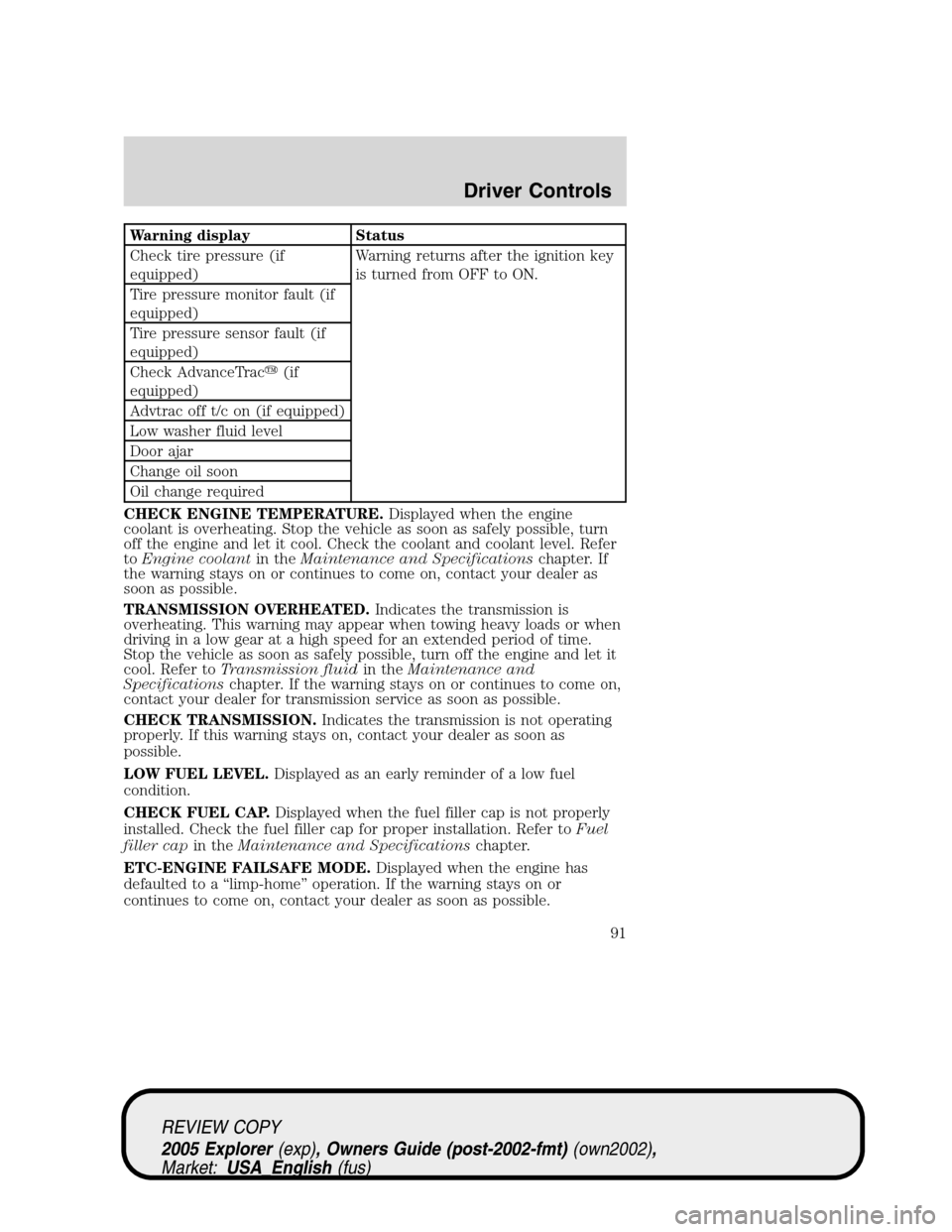
Warning display Status
Check tire pressure (if
equipped)Warning returns after the ignition key
is turned from OFF to ON.
Tire pressure monitor fault (if
equipped)
Tire pressure sensor fault (if
equipped)
Check AdvanceTrac�(if
equipped)
Advtrac off t/c on (if equipped)
Low washer fluid level
Door ajar
Change oil soon
Oil change required
CHECK ENGINE TEMPERATURE.Displayed when the engine
coolant is overheating. Stop the vehicle as soon as safely possible, turn
off the engine and let it cool. Check the coolant and coolant level. Refer
toEngine coolantin theMaintenance and Specificationschapter. If
the warning stays on or continues to come on, contact your dealer as
soon as possible.
TRANSMISSION OVERHEATED.Indicates the transmission is
overheating. This warning may appear when towing heavy loads or when
driving in a low gear at a high speed for an extended period of time.
Stop the vehicle as soon as safely possible, turn off the engine and let it
cool. Refer toTransmission fluidin theMaintenance and
Specificationschapter. If the warning stays on or continues to come on,
contact your dealer for transmission service as soon as possible.
CHECK TRANSMISSION.Indicates the transmission is not operating
properly. If this warning stays on, contact your dealer as soon as
possible.
LOW FUEL LEVEL.Displayed as an early reminder of a low fuel
condition.
CHECK FUEL CAP.Displayed when the fuel filler cap is not properly
installed. Check the fuel filler cap for proper installation. Refer toFuel
filler capin theMaintenance and Specificationschapter.
ETC-ENGINE FAILSAFE MODE.Displayed when the engine has
defaulted to a “limp-home” operation. If the warning stays on or
continues to come on, contact your dealer as soon as possible.
REVIEW COPY
2005 Explorer(exp), Owners Guide (post-2002-fmt)(own2002),
Market:USA_English(fus)
Driver Controls
91
Page 93 of 320
CHECK ADVANCETRAC�(if equipped).Displayed when the
AdvanceTrac�system is not operating properly. If this message is
displayed on the message center the AdvanceTrac�system will be
partially operable. If this warning stays on while the engine is running,
contact your dealer for service as soon as possible. For further
information, refer toAdvanceTrac�stability enhancement systemin
theDrivingchapter.
ADVTRAC OFF T/C ON (if equipped).Displayed on 4x4 vehicles only
when 4x4 Low Range is selected. In this mode, the stability enhancement
portion of the AdvanceTrac�is disabled, but the traction enhancement
feature remains enabled. For further information, refer to
AdvanceTrac�stability enhancement systemin theDrivingchapter.
DOOR AJAR.Displayed when a door or liftgate is not completely
closed.
CHANGE OIL SOON/OIL CHANGE REQUIRED.Displayed when the
engine oil life remaining is 5 percent or less. When oil life left is between
5% and 0%, the CHANGE OIL SOON message will be displayed. When oil
life left reaches 0%, the OIL CHANGE REQUIRED message will be
displayed.
An oil change is required whenever indicated by the message center and
according to the recommended maintenance schedule. USE ONLY
RECOMMENDED ENGINE OILS.
REVIEW COPY
2005 Explorer(exp), Owners Guide (post-2002-fmt)(own2002),
Market:USA_English(fus)
Driver Controls
93
Page 94 of 320
![FORD EXPLORER 2005 3.G Owners Manual To reset the oil monitoring system to 100% after each oil change
[approximately 5,000 miles (8,000 km) or 180 days] perform the
following:
1. Press and release the SETUP
control to display “PRESS RE](/manual-img/11/4965/w960_4965-93.png "FORD EXPLORER 2005 3.G Owners Manual To reset the oil monitoring system to 100% after each oil change
[approximately 5,000 miles (8,000 km) or 180 days] perform the
following:
1. Press and release the SETUP
control to display “PRESS RE")
To reset the oil monitoring system to 100% after each oil change
[approximately 5,000 miles (8,000 km) or 180 days] perform the
following:
1. Press and release the SETUP
control to display “PRESS RESET
AT OIL CHANGE”.
2. Press and release the RESET
control to display “HOLD RESET
TO CONFIRM”.
3. Press and hold the RESET
control for 2 seconds and release.
Oil life is set to 100% and “OIL LIFE
SET TO 100%” is displayed.
After you have done steps 1 through 3,you can reset the oil
monitoring system to your personalized oil life %:
4. Press RESET and SETUP
controls at the same time for 2
seconds, to activate a service mode
which will display “OIL LIFE XX%
RESET TO ALTER”.
5. Press RESET to decrement oil life by 10% down to 30% and back to
100%.
6. With your personalized OIL LIFE XX% displayed, press SETUP to
continue the system check.
DATA ERR.These messages indicate improper operation of the vehicle
network communication between electronic modules.
•Fuel computer
•Oil life
•Charging system
•Door sensor
•Washer fluid
•Brake fluid
REVIEW COPY
2005 Explorer(exp), Owners Guide (post-2002-fmt)(own2002),
Market:USA_English(fus)
Driver Controls
94
Page 276 of 320
Engine Oil Recommendations
4.6L Engine
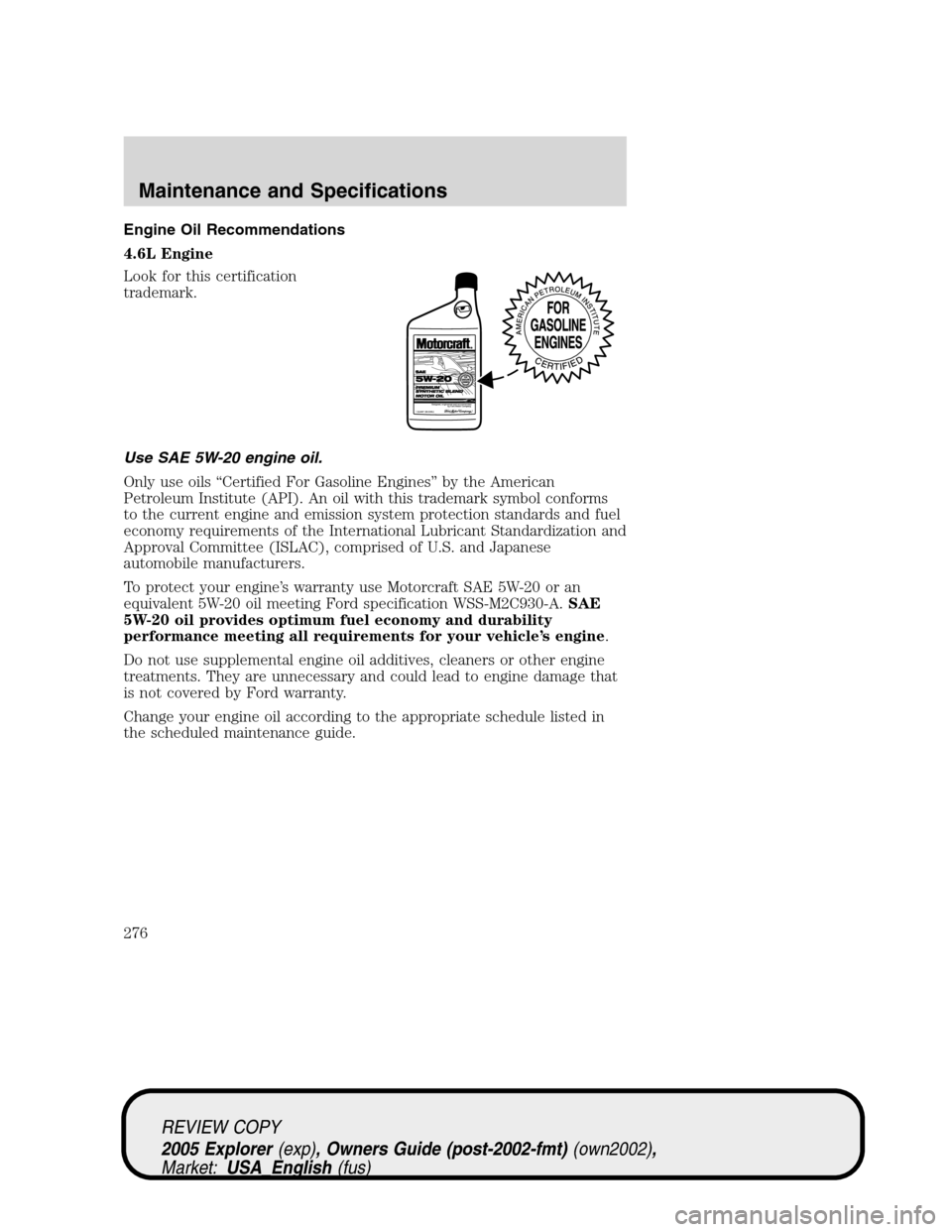
Look for this certification
trademark.
Use SAE 5W-20 engine oil.
Only use oils “Certified For Gasoline Engines” by the American
Petroleum Institute (API). An oil with this trademark symbol conforms
to the current engine and emission system protection standards and fuel
economy requirements of the International Lubricant Standardization and
Approval Committee (ISLAC), comprised of U.S. and Japanese
automobile manufacturers.
To protect your engine’s warranty use Motorcraft SAE 5W-20 or an
equivalent 5W-20 oil meeting Ford specification WSS-M2C930-A.SAE
5W-20 oil provides optimum fuel economy and durability
performance meeting all requirements for your vehicle’s engine.
Do not use supplemental engine oil additives, cleaners or other engine
treatments. They are unnecessary and could lead to engine damage that
is not covered by Ford warranty.
Change your engine oil according to the appropriate schedule listed in
the scheduled maintenance guide.
REVIEW COPY
2005 Explorer(exp), Owners Guide (post-2002-fmt)(own2002),
Market:USA_English(fus)
Maintenance and Specifications
276