2005 CHEVROLET UPLANDER AUX
[x] Cancel search: AUXPage 176 of 460

When adding electrical equipment, be sure to follow the
proper installation instructions included with the
equipment.
Notice:Improper use of the power outlet can cause
damage not covered by your warranty. Do not
hang any type of accessory or accessory bracket
from the plug because the power outlets are
designed for accessory power plugs only.
Power Outlet 115 Volt Alternating
Current
Your vehicle may have a power outlet that can be used
to plug in auxiliary electrical equipment with a
maximum limit of 150 watts. If you try to use equipment
that requires more than the limit, a protection circuit
will cut the power supply. To reset the outlet, unplug the
item and plug it back in or turn the ignition key to
OFF or ACC and then back on. The power will
automatically restart when equipment that operates
within the limit is plugged in.The power outlet is located
behind the third row seats
on the passenger’s
side rear quarter trim
panel.
The power outlet is not designed for the following
electrical equipment and may not work properly if these
items are plugged into the power outlet:
Equipment with high initial peak wattage such as:
compressor-driven refrigerators and electric
power tools.
Other equipment requiring an extremely stable
power supply such as: microcomputer-controlled
electric blankets, touch sensor lamps, etc.
3-24
Page 181 of 460
9(Fan):Slide the thumbwheel to 1, 2, or 3 to
increase or decrease airow to the rear seating area.
Slide the fan knob to 0 to turn the fan off.
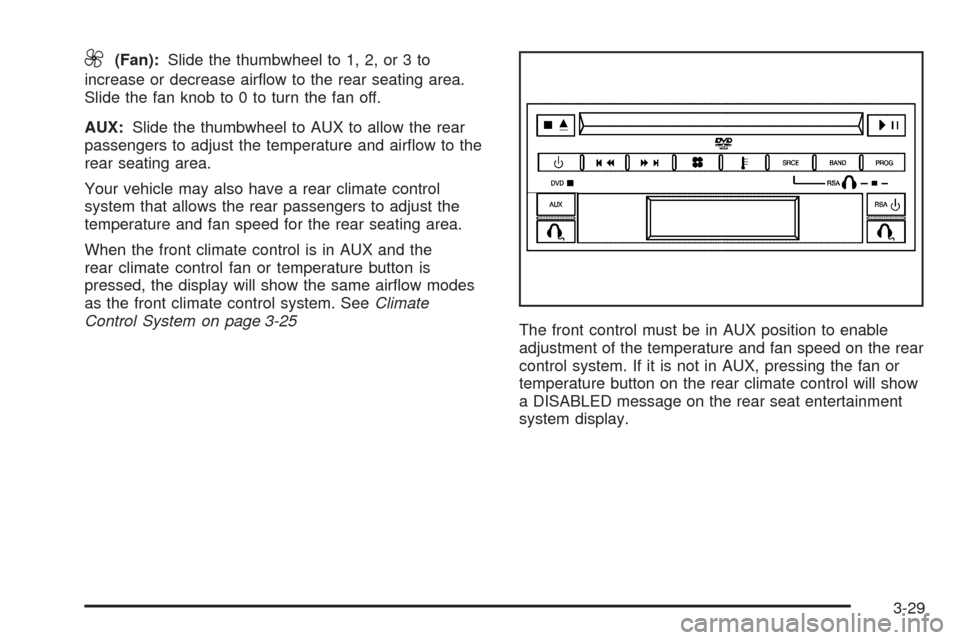
AUX:Slide the thumbwheel to AUX to allow the rear
passengers to adjust the temperature and airow to the
rear seating area.
Your vehicle may also have a rear climate control
system that allows the rear passengers to adjust the
temperature and fan speed for the rear seating area.
When the front climate control is in AUX and the
rear climate control fan or temperature button is
pressed, the display will show the same airow modes
as the front climate control system. SeeClimate
Control System on page 3-25
The front control must be in AUX position to enable
adjustment of the temperature and fan speed on the rear
control system. If it is not in AUX, pressing the fan or
temperature button on the rear climate control will show
a DISABLED message on the rear seat entertainment
system display.
3-29
Page 238 of 460
Do not add paper labels to CDs, they could get caught
in the CD player.
Notice:If you add paper labels to a CD, insert more
than one CD into the slot at a time, or attempt to play
scratched or damaged CDs, you could damage the
CD player. When using the CD player, use only CDs
in good condition without paper labels, load one CD
at a time, and keep the CD player and the loading slot
free of foreign materials, liquids, and debris.
If an error appears on the display, see “CD Messages”
later in this section.
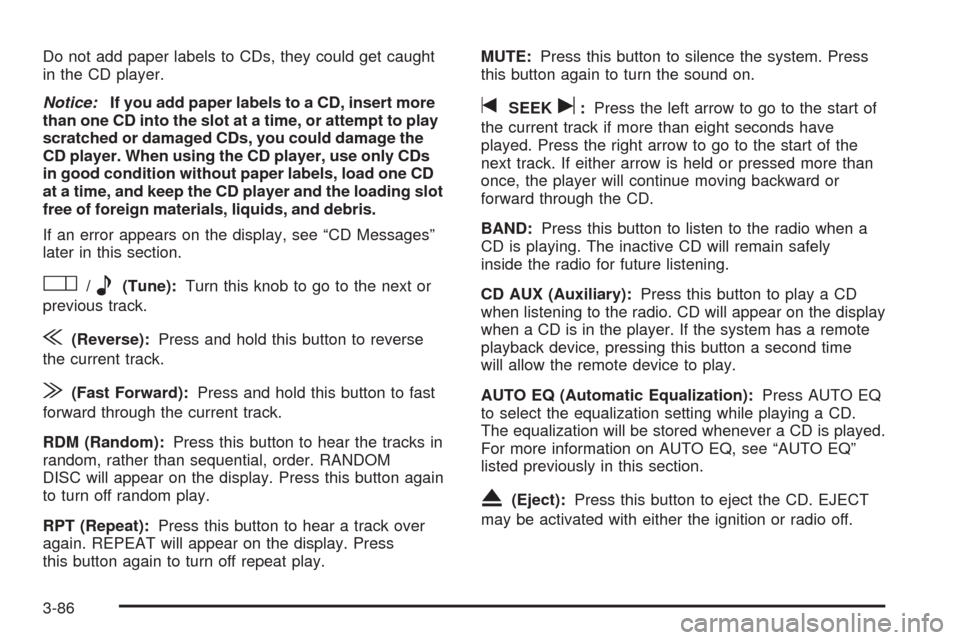
O/e(Tune):Turn this knob to go to the next or
previous track.
{(Reverse):Press and hold this button to reverse
the current track.
|(Fast Forward):Press and hold this button to fast
forward through the current track.
RDM (Random):Press this button to hear the tracks in
random, rather than sequential, order. RANDOM
DISC will appear on the display. Press this button again
to turn off random play.
RPT (Repeat):Press this button to hear a track over
again. REPEAT will appear on the display. Press
this button again to turn off repeat play.MUTE:Press this button to silence the system. Press
this button again to turn the sound on.
tSEEKu:Press the left arrow to go to the start of
the current track if more than eight seconds have
played. Press the right arrow to go to the start of the
next track. If either arrow is held or pressed more than
once, the player will continue moving backward or
forward through the CD.
BAND:Press this button to listen to the radio when a
CD is playing. The inactive CD will remain safely
inside the radio for future listening.
CD AUX (Auxiliary):Press this button to play a CD
when listening to the radio. CD will appear on the display
when a CD is in the player. If the system has a remote
playback device, pressing this button a second time
will allow the remote device to play.
AUTO EQ (Automatic Equalization):Press AUTO EQ
to select the equalization setting while playing a CD.
The equalization will be stored whenever a CD is played.
For more information on AUTO EQ, see “AUTO EQ”
listed previously in this section.
X(Eject):Press this button to eject the CD. EJECT
may be activated with either the ignition or radio off.
3-86
Page 242 of 460
CD AUX (Auxiliary):Press this button to play a CD
when listening to the radio. CD will appear on the display
when a CD is in the player. If your system is equipped
with a remote playback device, pressing this button
a second time will allow the remote device to play.
AUTO EQ (Automatic Equalization):Press AUTO EQ
to select the equalization setting while playing a CD.
The equalization will be stored whenever a CD is played.
For more information on AUTO EQ, see “AUTO EQ”
listed previously in this section.
Using an MP3 CD
MP3 Format
This MP3 player will accept MP3 les that were recorded
on an up to 700 MB CD-R CD. The les can be
recorded with the following xed bit rates: 32 kbps,
40 kbps, 56 kbps, 64 kbps, 80 kbps, 96 kbps,
112 kbps, 128 kbps, 160 kbps, 192 kbps, 224 kbps,
256 kbps, and 320 kbps or a variable bit rate. Song title,
artist name, and album will be available when recorded
using ID3 tags versions 1 and 2.
The player will be able to read and play a maximum of
50 folders, 50 playlists, 10 sessions, and 255 les.
Long le, folder, or playlist names or a combination of a
large number of les and folders or playlists may
cause the player to be unable to play up to the
maximum number of les, folders, playlists, or sessions.If you wish to play large numbers of les, folders,
playlists or sessions minimize the length of the le,
folder or playlist name. You can also play an MP3 CD
that was recorded using no le folders. The system can
support up to 11 folders in depth, though, keep the
depth of the folders to a minimum in order to keep down
the complexity and confusion in trying to locate a
particular folder during playback. If a CD contains more
than the maximum of 50 folders, 50 playlists,
10 sessions, and 255 les the player will let you access
and navigate up to the maximum, but all items over
the maximum will be ignored.
Root Directory
The root directory will be treated as a folder. If the root
directory has compressed audio les, the directory
will be displayed as F1 ROOT. All les contained directly
under the root directory will be accessed prior to any
root directory folders. However, playlists (Px) will always
be accessed before root folders or les.
Empty Directory or Folder
If a root directory or a folder exists somewhere in the
le structure that contains only folders/subfolders and no
compressed les directly beneath them, the player will
advance to the next folder in the le structure that
contains compressed audio les and the empty folder
will not be displayed or numbered.
3-90
Page 245 of 460
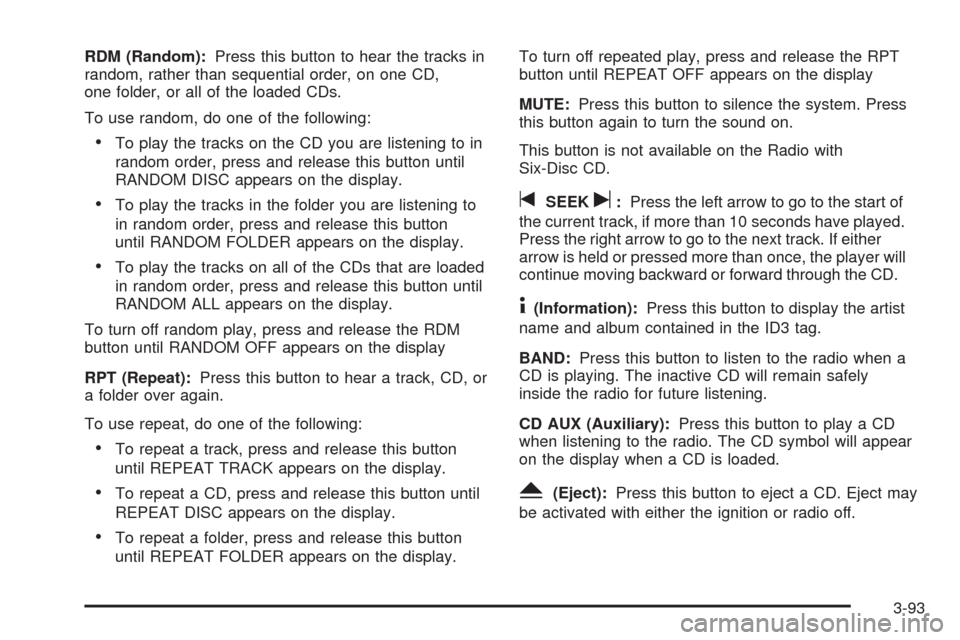
RDM (Random):Press this button to hear the tracks in
random, rather than sequential order, on one CD,
one folder, or all of the loaded CDs.
To use random, do one of the following:
To play the tracks on the CD you are listening to in
random order, press and release this button until
RANDOM DISC appears on the display.
To play the tracks in the folder you are listening to
in random order, press and release this button
until RANDOM FOLDER appears on the display.
To play the tracks on all of the CDs that are loaded
in random order, press and release this button until
RANDOM ALL appears on the display.
To turn off random play, press and release the RDM
button until RANDOM OFF appears on the display
RPT (Repeat):Press this button to hear a track, CD, or
a folder over again.
To use repeat, do one of the following:
To repeat a track, press and release this button
until REPEAT TRACK appears on the display.
To repeat a CD, press and release this button until
REPEAT DISC appears on the display.
To repeat a folder, press and release this button
until REPEAT FOLDER appears on the display.To turn off repeated play, press and release the RPT
button until REPEAT OFF appears on the display
MUTE:Press this button to silence the system. Press
this button again to turn the sound on.
This button is not available on the Radio with
Six-Disc CD.
tSEEKu:Press the left arrow to go to the start of
the current track, if more than 10 seconds have played.
Press the right arrow to go to the next track. If either
arrow is held or pressed more than once, the player will
continue moving backward or forward through the CD.
4(Information):Press this button to display the artist
name and album contained in the ID3 tag.
BAND:Press this button to listen to the radio when a
CD is playing. The inactive CD will remain safely
inside the radio for future listening.
CD AUX (Auxiliary):Press this button to play a CD
when listening to the radio. The CD symbol will appear
on the display when a CD is loaded.
Y(Eject):Press this button to eject a CD. Eject may
be activated with either the ignition or radio off.
3-93
Page 247 of 460
To delete the entire song list, perform the following
steps:
1. Turn the CD player on.
2. Press the song list button to turn song list on.
S-LIST will appear on the display.
3. Press and hold the song list button for more than
four seconds. One beep will be heard. SONGLIST
EMPTY will appear on the display indicating the
song list has been deleted.
If a CD is ejected, and the song list contains saved
tracks from that CD, those tracks are automatically
deleted from the song list. Any tracks saved to the song
list again are added to the bottom of the list.
To end song list mode, press the song list button.
One beep will be heard and S-LIST will be removed
from the display.
CD Messages
CHECK CD:If this message appears on the display
and/or the CD comes out, it could be for one of the
following reasons:
It is very hot. When the temperature returns to
normal, the CD should play.
You are driving on a very rough road. When the
road becomes smoother, the CD should play.
The CD is dirty, scratched, wet, or upside down.
The air is very humid. If so, wait about an hour and
try again.
There may have been a problem while burning
the CD.
The label may be caught in the CD player.
If the CD is not playing correctly, for any other reason,
try a known good CD.
If any error occurs repeatedly or if an error cannot be
corrected, contact your GM dealer. If the radio displays
an error message, write it down and provide it to
your GM dealer when reporting the problem.
Rear Seat Entertainment System
Your vehicle may have a DVD Rear Seat Entertainment
(RSE) system. The RSE system includes a DVD
player, a video display screen, auxiliary inputs, two sets
of wireless headphones, and a remote control.
3-95
Page 248 of 460
Parental Control
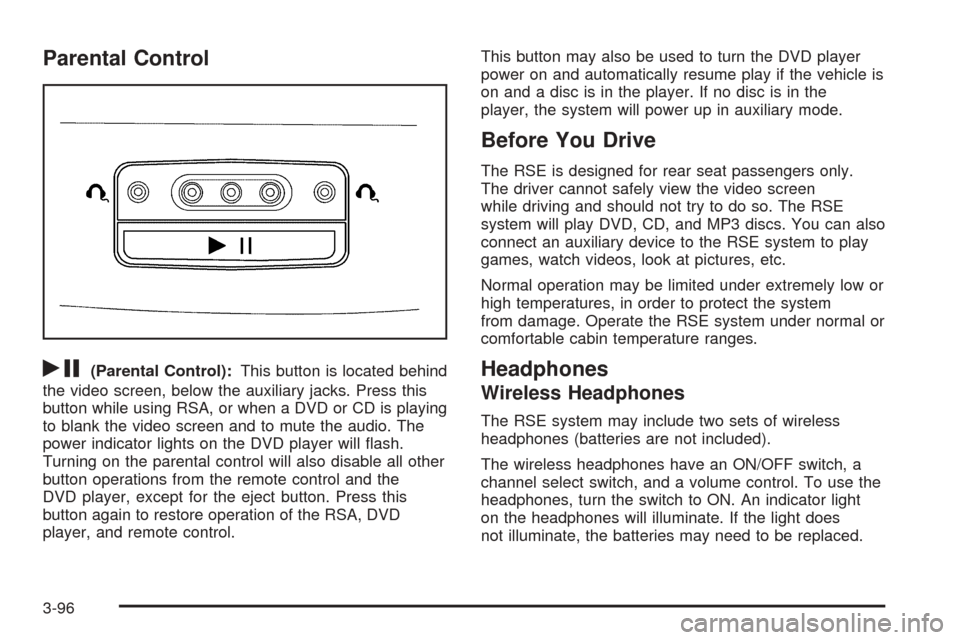
rj
(Parental Control):This button is located behind
the video screen, below the auxiliary jacks. Press this
button while using RSA, or when a DVD or CD is playing
to blank the video screen and to mute the audio. The
power indicator lights on the DVD player will ash.
Turning on the parental control will also disable all other
button operations from the remote control and the
DVD player, except for the eject button. Press this
button again to restore operation of the RSA, DVD
player, and remote control.This button may also be used to turn the DVD player
power on and automatically resume play if the vehicle is
on and a disc is in the player. If no disc is in the
player, the system will power up in auxiliary mode.
Before You Drive
The RSE is designed for rear seat passengers only.
The driver cannot safely view the video screen
while driving and should not try to do so. The RSE
system will play DVD, CD, and MP3 discs. You can also
connect an auxiliary device to the RSE system to play
games, watch videos, look at pictures, etc.
Normal operation may be limited under extremely low or
high temperatures, in order to protect the system
from damage. Operate the RSE system under normal or
comfortable cabin temperature ranges.
Headphones
Wireless Headphones
The RSE system may include two sets of wireless
headphones (batteries are not included).
The wireless headphones have an ON/OFF switch, a
channel select switch, and a volume control. To use the
headphones, turn the switch to ON. An indicator light
on the headphones will illuminate. If the light does
not illuminate, the batteries may need to be replaced.
3-96
Page 249 of 460
See “Battery Replacement” later in this section for more
information. Switch the headphones to OFF when not
in use.
The headphones will shut off automatically to save the
battery power if the RSE system is shut off or if the
headphones are out of range of the transmitters for more
than three minutes. The transmitters are located next
to the DVD faceplate. If you move too far forward or step
out of the vehicle, the headphones will lose the audio
signal.
DVD and auxiliary audio will always be found on
channel (CHA or CH1) of the wireless headphones.
RSA audio is dedicated to CHB or CH2 of the wireless
headphones.
To adjust the volume on the wireless headphones, use
the volume control.Notice:Do not store the headphones in heat or
direct sunlight. This could damage the headphones
and repairs would not be covered by your warranty.
Keep the headphones stored in a cool, dry place.
If there is a decreased audio signal during CD, MP3, or
DVD play, there may be a low hissing noise through
the speakers and/or headphones. If the hissing sound in
the wireless headphones seems excessive, make
sure that the headphone batteries are fully charged.
Some amount of hissing is normal.
Battery Replacement
To change the batteries, do the following:
1. Loosen the screw on the battery compartment door
located on the left side of the headphone earpiece.
2. Replace the two AAA batteries in the compartment.
Make sure that they are installed correctly using the
diagram on the inside of the battery compartment.
3. Tighten the screw on the battery compartment door.
If the headphones are to be stored for a long period
of time, remove the batteries, and keep them in a cool,
dry place.
3-97