2005 CHEVROLET EQUINOX light
[x] Cancel search: lightPage 126 of 364
Dome Lamp
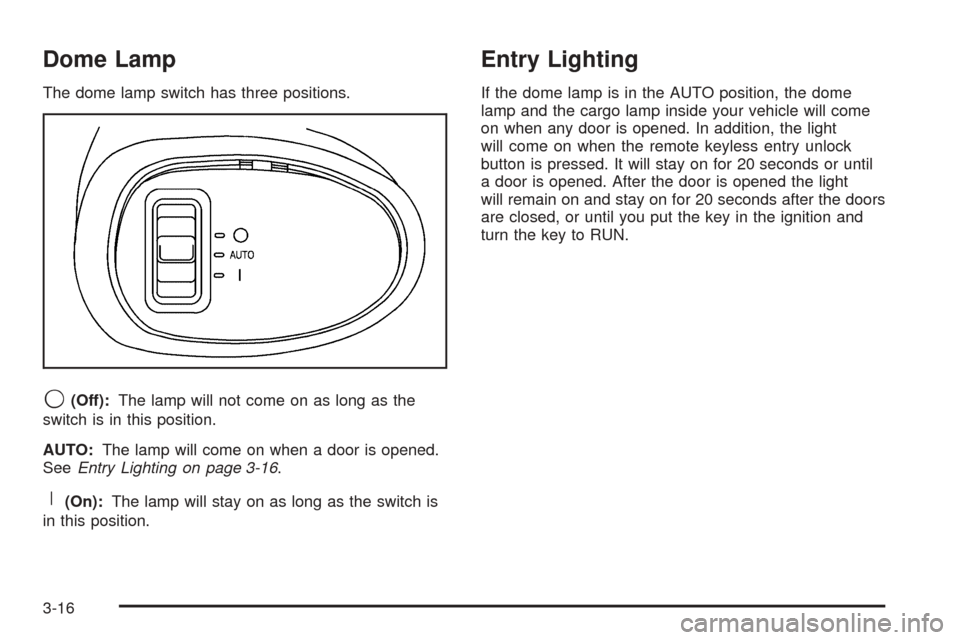
The dome lamp switch has three positions.
9(Off):The lamp will not come on as long as the
switch is in this position.
AUTO:The lamp will come on when a door is opened.
SeeEntry Lighting on page 3-16.
R(On):The lamp will stay on as long as the switch is
in this position.
Entry Lighting
If the dome lamp is in the AUTO position, the dome
lamp and the cargo lamp inside your vehicle will come
on when any door is opened. In addition, the light
will come on when the remote keyless entry unlock
button is pressed. It will stay on for 20 seconds or until
a door is opened. After the door is opened the light
will remain on and stay on for 20 seconds after the doors
are closed, or until you put the key in the ignition and
turn the key to RUN.
3-16
Page 128 of 364
Accessory Power Outlet(s)
The accessory power outlets can be used to connect
electrical equipment such as a cellular phone or
CB radio.
The accessory power outlets are located in front of the
center console storage area, at the rear of the center
console, and in the rear cargo area.
To use the outlets, remove the cover. When not in use,
always cover the outlet with the protective cap.
Notice:Leaving electrical equipment on for
extended periods will drain the battery. Always turn
off electrical equipment when not in use and do
not plug in equipment that exceeds the maximum
amperage rating.
Certain electrical accessories may not be compatible
with the accessory power outlets and could result
in blown vehicle or adapter fuses. If you experience a
problem, see your dealer for additional information
on the accessory power outlet.
Notice:Adding any electrical equipment to your
vehicle may damage it or keep other components
from working as they should. The repairs would not
be covered by your warranty. Do not use equipment
exceeding maximum amperage rating. Check
with your dealer before adding electrical equipment.When adding electrical equipment, be sure to follow the
installation instructions included with the equipment.
Notice:Improper use of the power outlet can cause
damage not covered by your warranty. Do not
hang any type of accessory or accessory bracket
from the plug because the power outlets are
designed for accessory power plugs only.
Ashtray(s) and Cigarette Lighter
Your vehicle may have an ashtray and cigarette lighter.
Lift the lid to expose the ashtray. To remove the
ashtray, lift it up.
Lift the lid to expose the cigarette lighter.
To use the lighter, push it in all the way and let go.
When it is ready, it will pop back out by itself.
Notice:Holding a cigarette lighter in while it is
heating will not allow the lighter to back away from
the heating element when it is hot. Damage from
overheating may occur to the lighter or heating
element, or a fuse could be blown. Do not hold a
cigarette lighter in while it is heating.
Notice:If you put papers, pins, or other ammable
items in the ashtray, hot cigarettes or other
smoking materials could ignite them and possibly
damage your vehicle. Never put ammable items in
the ashtray.
3-18
Page 130 of 364
You can also select modes by using the following
buttons:
@(Recirculate):Press the bottom right button to
recirculate cabin air through the vehicle. It can be used
to prevent outside air and odors from entering your
vehicle or to help heat or cool the air inside your vehicle
more quickly. An indicator light above the button will
come on in this mode. Operation in this mode during
periods of high humidity and cool outside temperatures
may result in increased window fogging. If window
fogging is experienced, select the defrost mode.
#(Air Conditioning):Press this button to turn the
air-conditioning system on or off. When this button
is pressed, an indicator light above the button will come
on to let you know the air conditioning is activated.
Air-conditioning can be selected in any mode as long as
the fan switch is on.
The air-conditioning system removes moisture from the
air, so you may sometimes notice a small amount of
water dripping underneath your vehicle while idling
or after turning off the engine. This is normal.
Defogging and Defrosting
Fog or frost on the inside of windows is a result of high
humidity (moisture) condensing on the cool window
glass. This can be minimized if the climate control
system is used properly. Use the defog mode to clear
the windows of fog or moisture and warm the
passengers. Use the defrost mode to remove fog or
frost from the windshield more quickly. When you select
either of these modes (or the oor mode which also
helps defog the windows slightly), the system runs the
air-conditioning compressor and cancels recirculation
mode to dry the air; however, the recirculation light will
stay on. For best results, clear all snow and ice from
the windshield before defrosting.
Turn the right knob to select the defog or defrost mode.
-(Defog):This mode directs half of the air to the
windshield and the side window outlets and half to the
oor outlets.
0(Defrost):This mode directs most of the air to the
windshield and the side window outlets, with some
air directed to the oor outlets.
3-20
Page 131 of 364
Rear Window Defogger
The rear window defogger uses a warming grid to
remove fog from the rear window.
The rear window defogger will only work when the
ignition is in RUN.
<(Rear):Press the button to turn the rear window
defogger on or off. An indicator light above the
button will come on to let you know that the rear window
defogger is activated.
The rear window defogger will only work when the
ignition is in RUN. The rear window defogger will stay
on for approximately 15 minutes after the button is
pressed, unless the ignition is turned to ACC or LOCK.
If turned on again, the defogger will only run for
approximately ve minutes before turning off. The
defogger can also be turned off by pressing the button
again or by turning off the engine.
Notice:Do not use anything sharp on the inside of
the rear window. If you do, you could cut or
damage the warming grid, and the repairs would not
be covered by your warranty. Do not attach a
temporary vehicle license, tape, a decal or anything
similar to the defogger grid.
Outlet Adjustment
Use the louvers located on the air outlets to change the
direction of the airow.
Operation Tips
Clear away any ice, snow, or leaves from the air
inlets at the base of the vehicle that may block
the ow of air into your vehicle.
Use of non-GM approved hood deectors may
adversely affect the performance of the system.
Keep the path under the front seats clear of objects
to help circulate the air inside of your vehicle more
effectively.
Passenger Compartment Air Filter
The passenger compartment outside air is routed
through a passenger compartment lter. The lter
removes certain particles from the air, including pollen
and dust particles. Reductions in airow, which may
occur more quickly in dusty areas, indicate that the lter
needs to be replaced early.
The lter should be replaced as part of routine
scheduled maintenance. SeeScheduled Maintenance
on page 6-4for when to replace the lter.
3-21
Page 133 of 364
Warning Lights, Gages, and
Indicators
This part describes the warning lights and gages that
may be on your vehicle. The pictures will help you
locate them.
Warning lights and gages can signal that something is
wrong before it becomes serious enough to cause
an expensive repair or replacement. Paying attention to
your warning lights and gages could also save you
or others from injury.
Warning lights come on when there may be or is a
problem with one of your vehicle’s functions. As you will
see in the details on the next few pages, some
warning lights come on briey when you start the
engine just to let you know they’re working. If you are
familiar with this section, you should not be alarmed
when this happens.Gages can indicate when there may be or is a problem
with one of your vehicle’s functions. Often gages
and warning lights work together to let you know when
there’s a problem with your vehicle.
When one of the warning lights comes on and stays on
when you are driving, or when one of the gages
shows there may be a problem, check the section that
tells you what to do about it. Please follow this
manual’s advice. Waiting to do repairs can be
costly — and even dangerous. So please get to know
your warning lights and gages. They’re a big help.
3-23
Page 135 of 364

Speedometer and Odometer
Your speedometer lets you see your speed in both
miles per hour (mph) and kilometers per hour (km/h).
Your odometer shows how far your vehicle has
been driven, in either miles (used in the United States)
or kilometers (used in Canada).
Your vehicle has a tamper resistant odometer. The
digital odometer will read 999,999 if someone tries to
turn it back.
The ERROR message is displayed on the odometer
indicating that the speedometer reading is approximately
10 percent above the actual speed. The SERVICE
VEHICLE SOON light will also come on. Press the trip
odometer button to return to the odometer/trip mode.
This message will appear every 10 minutes. If this
occurs, see your dealer for service.
You may wonder what happens if your vehicle needs a
new odometer installed. If the new one can be set to
the mileage total of the old odometer, then it must
be. But if it can’t, then it’s set at zero and a label must
be put on the driver’s door to show the old mileage
reading when the new odometer was installed.
Trip Odometer
Your trip odometer is located on the instrument panel
and shows how far your vehicle has been driven
since the trip odometer was last reset. To reset the trip
odometer to zero, press and hold the trip/reset button
on the speedometer for about two seconds.
Tachometer
The tachometer shows your engine speed in revolutions
per minute (rpm).
3-25
Page 136 of 364
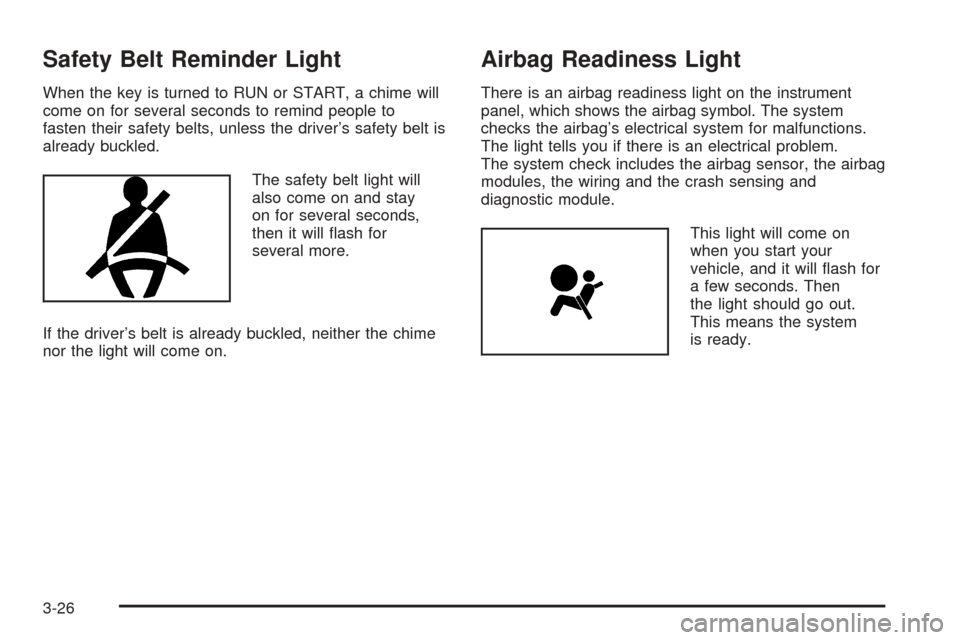
Safety Belt Reminder Light
When the key is turned to RUN or START, a chime will
come on for several seconds to remind people to
fasten their safety belts, unless the driver’s safety belt is
already buckled.
The safety belt light will
also come on and stay
on for several seconds,
then it will ash for
several more.
If the driver’s belt is already buckled, neither the chime
nor the light will come on.
Airbag Readiness Light
There is an airbag readiness light on the instrument
panel, which shows the airbag symbol. The system
checks the airbag’s electrical system for malfunctions.
The light tells you if there is an electrical problem.
The system check includes the airbag sensor, the airbag
modules, the wiring and the crash sensing and
diagnostic module.
This light will come on
when you start your
vehicle, and it will ash for
a few seconds. Then
the light should go out.
This means the system
is ready.
3-26
Page 137 of 364
If the airbag readiness light stays on after you start the
vehicle or comes on when you are driving, your
airbag system may not work properly. Have your vehicle
serviced right away.
{CAUTION:
If the airbag readiness light stays on after you
start your vehicle, it means the airbag system
may not be working properly. The airbags in
your vehicle may not inate in a crash, or they
could even inate without a crash. To help
avoid injury to yourself or others, have your
vehicle serviced right away if the airbag
readiness light stays on after you start your
vehicle.
The airbag readiness light should ash for a few
seconds when you turn the ignition key to RUN. If the
light does not come on then, have it xed so it will
be ready to warn you if there is a problem.
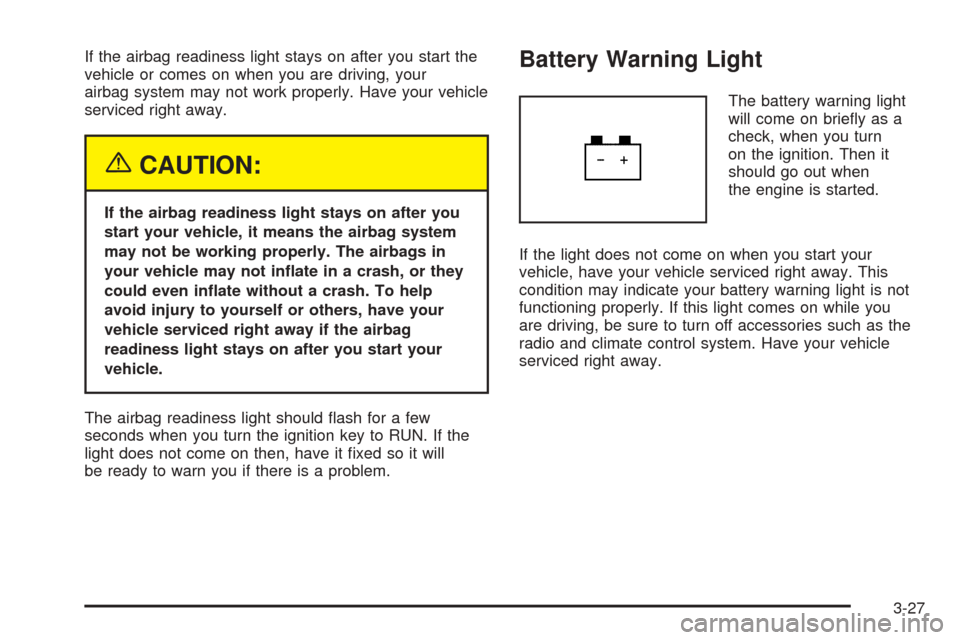
Battery Warning Light
The battery warning light
will come on briey as a
check, when you turn
on the ignition. Then it
should go out when
the engine is started.
If the light does not come on when you start your
vehicle, have your vehicle serviced right away. This
condition may indicate your battery warning light is not
functioning properly. If this light comes on while you
are driving, be sure to turn off accessories such as the
radio and climate control system. Have your vehicle
serviced right away.
3-27