2005 CHEVROLET ASTRO CARGO VAN ignition
[x] Cancel search: ignitionPage 141 of 370
You can only drive for a short time with the readings in
either warning zone. If you must drive, turn off all
unnecessary accessories.
Readings in either warning zone indicate a possible
problem in the electrical system. Have the vehicle
serviced as soon as possible.
Brake System Warning Light
When the ignition is on, the brake system warning light
will come on when you set your parking brake. The
light will stay on if your parking brake doesn’t release
fully. If it stays on after your parking brake is fully
released, it means you have a brake problem.
Your vehicle’s hydraulic brake system is divided into two
parts. If one part isn’t working, the other part can still
work and stop you. For good braking, though, you need
both parts working well.
If the warning light comes on, there could be a brake
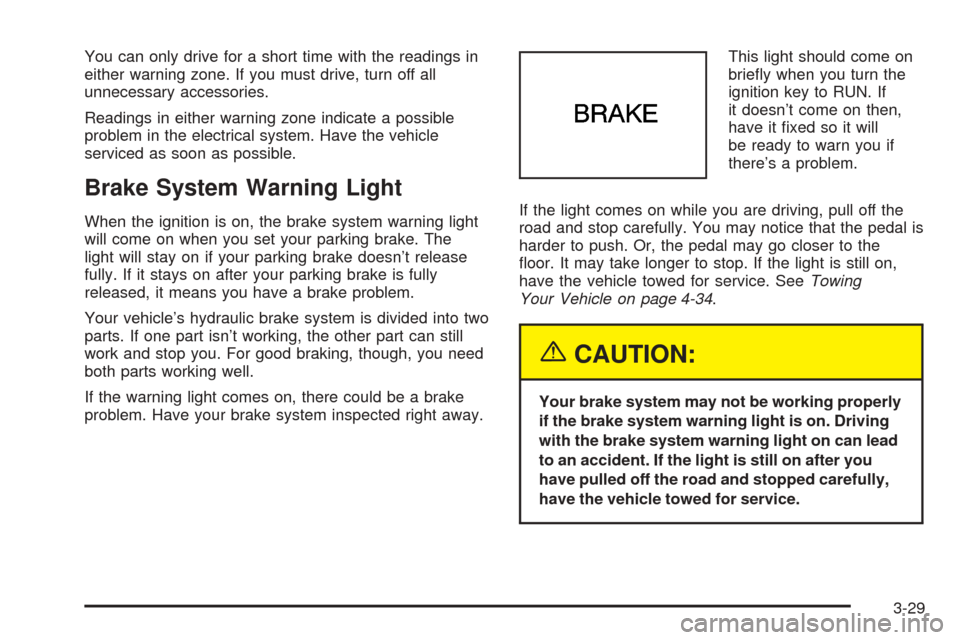
problem. Have your brake system inspected right away.This light should come on
briey when you turn the
ignition key to RUN. If
it doesn’t come on then,
have it xed so it will
be ready to warn you if
there’s a problem.
If the light comes on while you are driving, pull off the
road and stop carefully. You may notice that the pedal is
harder to push. Or, the pedal may go closer to the
oor. It may take longer to stop. If the light is still on,
have the vehicle towed for service. SeeTowing
Your Vehicle on page 4-34.
{CAUTION:
Your brake system may not be working properly
if the brake system warning light is on. Driving
with the brake system warning light on can lead
to an accident. If the light is still on after you
have pulled off the road and stopped carefully,
have the vehicle towed for service.
3-29
Page 142 of 370
Anti-Lock Brake System Warning
Light
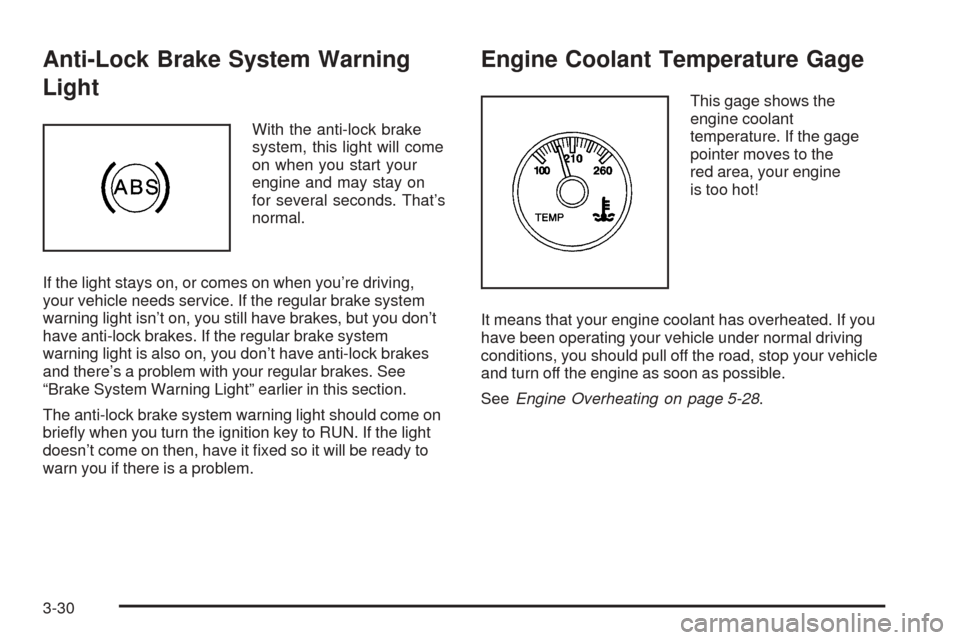
With the anti-lock brake
system, this light will come
on when you start your
engine and may stay on
for several seconds. That’s
normal.
If the light stays on, or comes on when you’re driving,
your vehicle needs service. If the regular brake system
warning light isn’t on, you still have brakes, but you don’t
have anti-lock brakes. If the regular brake system
warning light is also on, you don’t have anti-lock brakes
and there’s a problem with your regular brakes. See
“Brake System Warning Light” earlier in this section.
The anti-lock brake system warning light should come on
briey when you turn the ignition key to RUN. If the light
doesn’t come on then, have it xed so it will be ready to
warn you if there is a problem.
Engine Coolant Temperature Gage
This gage shows the
engine coolant
temperature. If the gage
pointer moves to the
red area, your engine
is too hot!
It means that your engine coolant has overheated. If you
have been operating your vehicle under normal driving
conditions, you should pull off the road, stop your vehicle
and turn off the engine as soon as possible.
SeeEngine Overheating on page 5-28.
3-30
Page 143 of 370
Malfunction Indicator Lamp
Service Engine Soon Light in the
United States or Check Engine Light in
Canada
Your vehicle is equipped with a computer which
monitors operation of the fuel, ignition, and emission
control systems.
This system is called OBD II (On-Board
Diagnostics-Second Generation) and is intended to
assure that emissions are at acceptable levels for the
life of the vehicle, helping to produce a cleaner
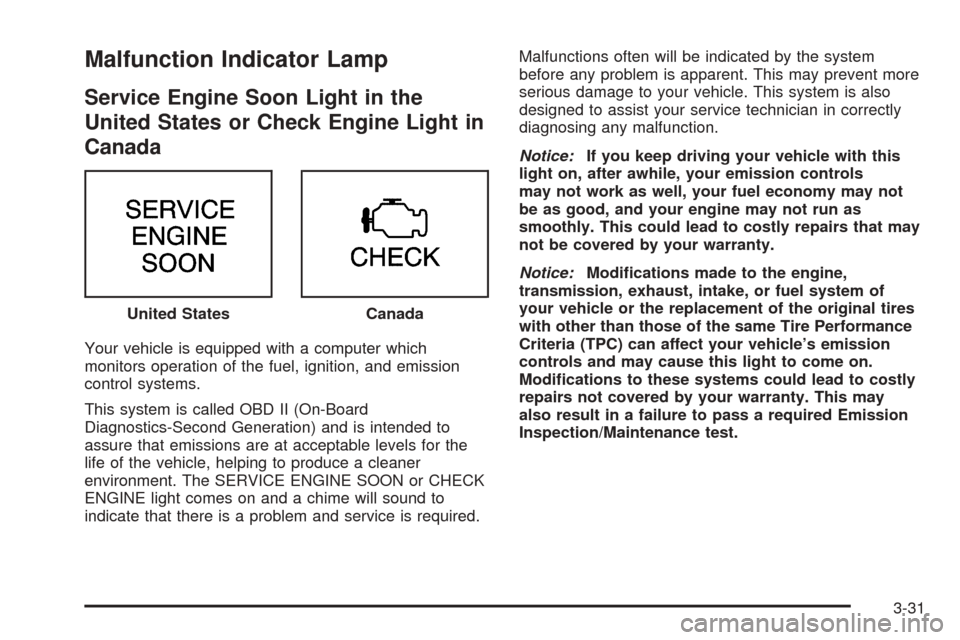
environment. The SERVICE ENGINE SOON or CHECK
ENGINE light comes on and a chime will sound to
indicate that there is a problem and service is required.Malfunctions often will be indicated by the system
before any problem is apparent. This may prevent more
serious damage to your vehicle. This system is also
designed to assist your service technician in correctly
diagnosing any malfunction.
Notice:If you keep driving your vehicle with this
light on, after awhile, your emission controls
may not work as well, your fuel economy may not
be as good, and your engine may not run as
smoothly. This could lead to costly repairs that may
not be covered by your warranty.
Notice:Modications made to the engine,
transmission, exhaust, intake, or fuel system of
your vehicle or the replacement of the original tires
with other than those of the same Tire Performance
Criteria (TPC) can affect your vehicle’s emission
controls and may cause this light to come on.
Modications to these systems could lead to costly
repairs not covered by your warranty. This may
also result in a failure to pass a required Emission
Inspection/Maintenance test. United States
Canada
3-31
Page 144 of 370
This light should come on, as a check to show you it is
working, when the ignition is on and the engine is
not running. If the light does not come on, have it
repaired. This light will also come on during a
malfunction in one of two ways:
Light Flashing— A misre condition has been
detected. A misre increases vehicle emissions
and may damage the emission control system on
your vehicle. Diagnosis and service may be
required.
Light On Steady— An emission control system
malfunction has been detected on your vehicle.
Diagnosis and service may be required.
If the Light Is Flashing
The following may prevent more serious damage to
your vehicle:
Reducing vehicle speed
Avoiding hard accelerations
Avoiding steep uphill grades
If you are towing a trailer, reduce the amount of
cargo being hauled as soon as it is possible
If the light stops ashing and remains on steady, see “If
the Light Is On Steady” following.If the light continues to ash, when it is safe to do so,
stop the vehicle. Find a safe place to park your vehicle.
Turn the key off, wait at least 10 seconds and restart
the engine. If the light remains on steady, see “If
the Light Is On Steady” following. If the light is still
ashing, follow the previous steps, and see your dealer
for service as soon as possible.
If the Light Is On Steady
You may be able to correct the emission system
malfunction by considering the following:
Did you recently put fuel into your vehicle?
If so, reinstall the fuel cap, making sure to fully install
the cap. SeeFilling the Tank on page 5-7. The
diagnostic system can determine if the fuel cap has
been left off or improperly installed. A loose or missing
fuel cap will allow fuel to evaporate into the atmosphere.
A few driving trips with the cap properly installed
should turn the light off.
Did you just drive through a deep puddle of water?
If so, your electrical system may be wet. The condition
will usually be corrected when the electrical system
dries out. A few driving trips should turn the light off.
Have you recently changed brands of fuel?
If so, be sure to fuel your vehicle with quality fuel. See
Gasoline Octane on page 5-5. Poor fuel quality will
cause your engine not to run as efficiently as designed.
3-32
Page 147 of 370

Security Light
This light will come on
briey when you turn the
ignition key to START.
The light will stay on until the engine starts. If the light
ashes, the Passlock
®System has entered a tamper
mode. If the vehicle fails to start, seePasslock®
on page 2-16.
If the light comes on continuously while driving and
stays on, there may be a problem with the Passlock
®
System. Your vehicle will not be protected by Passlock®,
and you should see your GM dealer.
Highbeam On Light
This light will come on
when the high-beam
headlamps are in use.
SeeHeadlamp High/Low-Beam Changer on page 3-9.
Service All-Wheel Drive Light
This light should come on
briey when you turn on
the ignition, as a check to
show you it is working.
3-35
Page 149 of 370
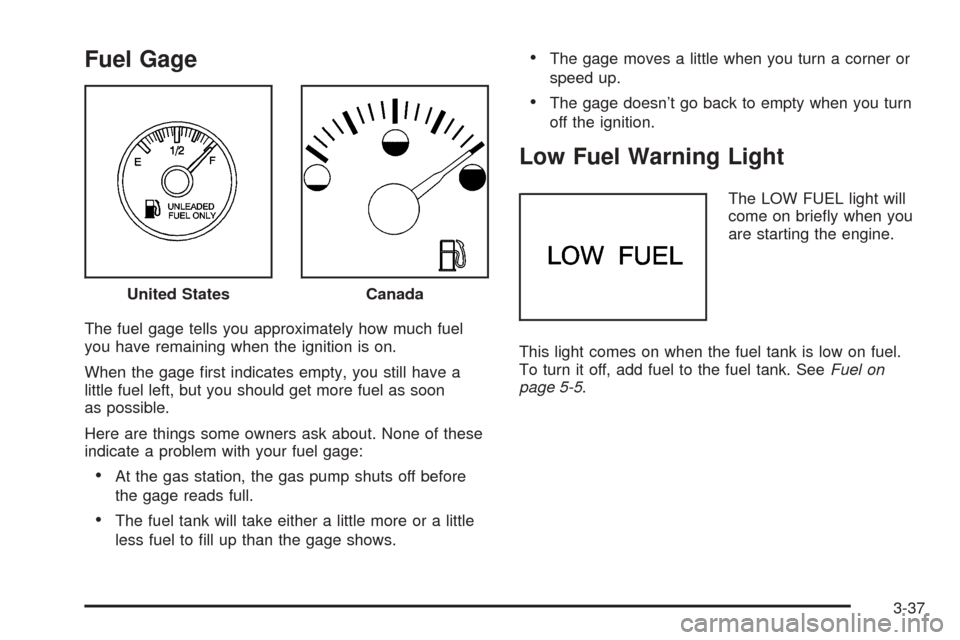
Fuel Gage
The fuel gage tells you approximately how much fuel
you have remaining when the ignition is on.
When the gage rst indicates empty, you still have a
little fuel left, but you should get more fuel as soon
as possible.
Here are things some owners ask about. None of these
indicate a problem with your fuel gage:
At the gas station, the gas pump shuts off before
the gage reads full.
The fuel tank will take either a little more or a little
less fuel to ll up than the gage shows.
The gage moves a little when you turn a corner or
speed up.
The gage doesn’t go back to empty when you turn
off the ignition.
Low Fuel Warning Light
The LOW FUEL light will
come on briey when you
are starting the engine.
This light comes on when the fuel tank is low on fuel.
To turn it off, add fuel to the fuel tank. SeeFuel on
page 5-5. United States
Canada
3-37
Page 150 of 370
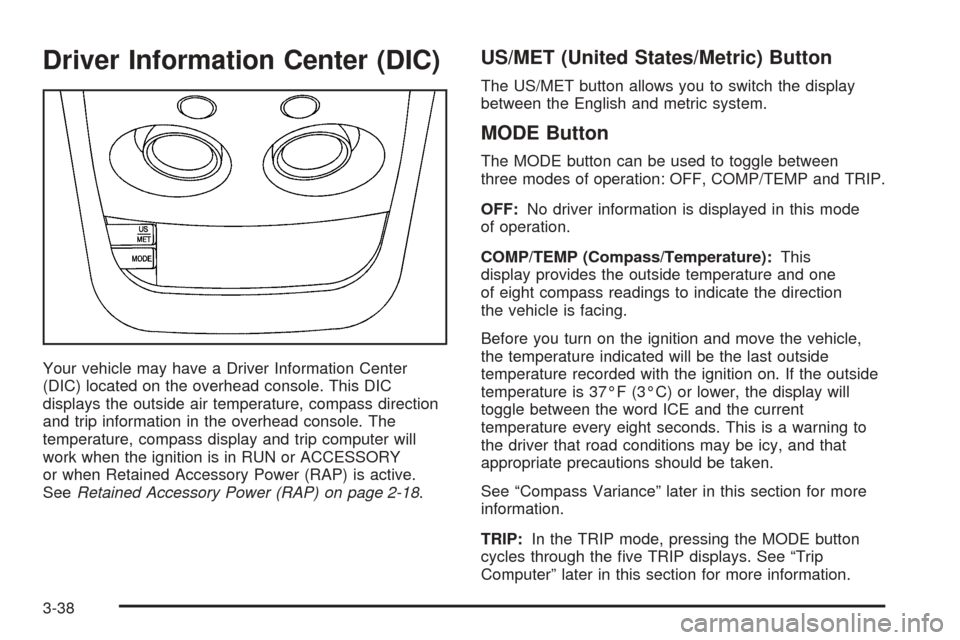
Driver Information Center (DIC)
Your vehicle may have a Driver Information Center
(DIC) located on the overhead console. This DIC
displays the outside air temperature, compass direction
and trip information in the overhead console. The
temperature, compass display and trip computer will
work when the ignition is in RUN or ACCESSORY
or when Retained Accessory Power (RAP) is active.
SeeRetained Accessory Power (RAP) on page 2-18.
US/MET (United States/Metric) Button
The US/MET button allows you to switch the display
between the English and metric system.
MODE Button
The MODE button can be used to toggle between
three modes of operation: OFF, COMP/TEMP and TRIP.
OFF:No driver information is displayed in this mode
of operation.
COMP/TEMP (Compass/Temperature):This
display provides the outside temperature and one
of eight compass readings to indicate the direction
the vehicle is facing.
Before you turn on the ignition and move the vehicle,
the temperature indicated will be the last outside
temperature recorded with the ignition on. If the outside
temperature is 37°F (3°C) or lower, the display will
toggle between the word ICE and the current
temperature every eight seconds. This is a warning to
the driver that road conditions may be icy, and that
appropriate precautions should be taken.
See “Compass Variance” later in this section for more
information.
TRIP:In the TRIP mode, pressing the MODE button
cycles through the ve TRIP displays. See “Trip
Computer” later in this section for more information.
3-38
Page 152 of 370
Trip Computer
There are ve trip computer displays available by
pushing the MODE button. The information will appear
in the following order:
AVG ECON (Average Economy):This display shows
the average fuel economy since the last reset.
INST ECON (Instantaneous Economy):This display
shows fuel economy for the most recent second of
driving.
RANGE:This display shows the estimated distance
that can be traveled with the remaining fuel. The
fuel economy used to calculate range is based on the
last few hours of driving.
FUEL USED:This display shows the accumulated fuel
used since the last reset.
AVG SPEED (Average Speed):This display shows the
average speed since the last reset.
Resetting the Trip Computer
To reset the trip computer, press the MODE and
US/MET buttons simultaneously for at least two
seconds. All functions will be displayed briey once the
system is reset. Reset can only be performed in the
AVG ECON, FUEL USED and AVG SPEED modes. All
three modes are reset simultaneously.
Audio System(s)
Notice:Before adding any sound equipment to
your vehicle, such as an audio system, CD player,
CB radio, mobile telephone, or two-way radio, make
sure that it can be added by checking with your
dealer. Also, check federal rules covering mobile
radio and telephone units. If sound equipment can
be added, it is very important to do it properly.
Added sound equipment may interfere with
the operation of your vehicle’s engine, radio, or
other systems, and even damage them. Your
vehicle’s systems may interfere with the operation
of sound equipment that has been added.
Figure out which audio system is in your vehicle, nd
out what your audio system can do, and how to operate
all of its controls.
Your vehicle has a feature called Retained Accessory
Power (RAP). With RAP, the audio system can be
played even after the ignition is turned off. SeeRetained
Accessory Power (RAP) on page 2-18for more
information.
3-40