2004 VOLVO S80 ECO mode
[x] Cancel search: ECO modePage 60 of 110

To temporarily deactivate the system:
Press the button in the center control panel (see illustration on page 29).
The LED in the button will go out to indicate that the system is not in active mode.
Press the button again to reactivate the system.
Faults in the system
If a fault should occur in the system, the LED in the button will be switched off and a message will be displayed in the
text window.
Cleaning the sensors
For the system to function properly, the sensors should be kept clean. They can be cleaned with car washing detergent
and a sponge.
WARNING!
This system is designed to be a supplementary aid when the vehicle is backing up. It is not, however, intended to
replace the driver's attention and judgement.
pg. 80 Driving economy
Economical driving conserves natural resources
Better driving economy may be obtained by thinking ahead, avoiding rapid starts and stops and adjusting the speed of
your vehicle to immediate traffic conditions. Observe the following rules:
Bring the engine to normal operating temperature as soon as possible by driving with a light foot on the accelerator
pedal for the first few minutes of operation. A cold engine uses more fuel and is subject to increased wear.
Whenever possible, avoid using the car for driving short distances. This does not allow the engine to reach normal
operating temperature.
Drive carefully and avoid rapid acceleration and hard braking.
Do not exceed posted speed limits.
Avoid carrying unnecessary items (extra load) in the car.
Maintain correct tire pressure. Check tire pressure regularly (when tires are cold).
Remove snow tires when threat of snow or ice has ended.
Note that roof racks, ski racks, etc., increase air resistance and also fuel consumption.
Avoid using automatic transmission kickdown feature unless necessary.
Avoid using the air conditioning when it is not required. When engaged, the A/C compressor places an additional
load on the engine. However, at higher driving speeds, fuel consumption will be lower with the air conditioning on and
the windows closed than with the air conditioning off and the windows open.
Using the onboard trip computer's fuel consumption modes can help you learn how to drive more economically.
Other factors that decrease gas mileage are:
Dirty air cleaner
Dirty engine oil and clogged oil filter
Dragging brakes
Incorrect front end alignment
Some of the above mentioned items and others are checked at the standard Maintenance Service intervals.
NOTE : Vehicles equipped with automatic transmissions should use (D)rive as often as possible and avoid using
ProCarManuals.com
Page 62 of 110

2 0 0 4
VOLVO S80
Chapter 7 - Wheels and tires
pg. 93 Wheels and tires
General information, Wear indicator, Tire economy, Flat spots94
Snow chains, Snow tires/studded tires95
Inflation pressure, Spare tire96
Uniform tire quality grading97
Changing wheels98
pg. 94 Wheels and tires
General information
Your vehicle is equipped with tires according to the tire information label on the inside of the fuel filler door.
The following is an example of a tire designation code: 225/55 R16
225 = tire width in mm.
55 = tire profile. This is the relationship (in percent) between the section height and width of the tire.
R = radial tires.
16 = diameter in inches.
The tires have good road holding characteristics and offer good handling on dry and wet surfaces. It should be noted
however that the tires have been developed to give these features on snow/icefree surfaces. Certain models are
equipped with "all-season" tires, which provide a somewhat higher degree of road holding on slippery surfaces
than tires without the "all-season" rating. However, for optimum road holding on icy or snow covered roads we
recommend suitable winter tires on all four wheels. When replacing tires, be sure that the new tires are the same
size designation, type (radial) and preferably from the same manufacturer, on all four wheels. Otherwise there is a risk
of altering the car's roadholding and handling characteristics.
NOTE: When storing wheel/tire assemblies (e.g. winter tires and wheels), either stand the assemblies upright, or
suspend them off the ground. Laying wheel/tire assemblies on their sides for prolonged periods can cause wheel and/or
tire damage.
Wear indicator
The tires have wear indicator strips running across or parallel to the tread. When approx. 1/16" (1.6 mm) is left on the
ProCarManuals.com
Page 65 of 110

Temporary Spare (certain models)
The spare tire in your car is called a "Temporary Spare". It has the following designation: T125/80 R17.
Recommended tire pressure (see decal on fuel filler door) should be maintained irrespective of which position on the
car the Temporary Spare tire is used on.
In the event of damage to this tire, a new one can be purchased from your Volvo retailer.
WARNING!
Current legislation prohibits the use of the "Temporary Spare" tire other than as a temporary replacement for a
punctured tire. In other words, it must be replaced as soon as possible by a standard tire. Road holding and handling
may be affected with the "Temporary Spare" in use. Do not exceed 50 mph (80 km/h). Do not drive farther than 50
miles (80 km) on a temporary spare tire.
CAUTION:
The car must not be driven with wheels of different dimensions or with a spare tire other than the one that came with
the car. The use of different size wheels can seriously damage your car's transmission.
NOTE: Certain models may be equipped with a full-size spare tire. When used, it should be inflated to the same
pressure as the tire it is replacing.
* Please note that the tire information label indicates pressure for both comfort and fuel economy.
pg. 97 Wheels and tires
Uniform tire quality grading
ALL PASSENGER CAR TIRES MUST CONFORM TO FEDERAL SAFETY REQUIREMENTS IN
ADDITION TO THESE GRADES
Quality grades can be found, where applicable, on the tire sidewall between the tread should and maximum section
width. For example:
Treadwear 200 Traction AA Temperature A
TREADWEAR
The treadwear grade is a comparative rating based on the wear rate of the tire when tested under controlled conditions
on a specified government test course. For example, a tire graded 150 would wear one and one half (1 1/2) times as
well on the government course as a tire graded 100. The relative performance of tires depends upon the actual
conditions of their use, however, and many depart significantly from the norm due to variation in driving habits,
service practices and differences in road characteristics and climate.
TRACTION
The traction grades, from highest to lowest, are AA, A, B, and C, as measured under controlled conditions on specified
government test surfaces of asphalt and concrete. A tire marked C may have poor traction performance.
WARNING!
The traction grade assigned to this tire is based on braking (straight-ahead) traction tests and does not include
cornering (turning) traction.
TEMPERATURE
The temperature grades are AA (the highest), A, B, and C, representing the tire's resistance to the generation of heat
and its ability to dissipate heat when tested under controlled conditions on a specified indoor laboratory test wheel.
Sustained high temperature can cause the material of the tire to degenerate and reduce tire life, and excessive
ProCarManuals.com
Page 90 of 110
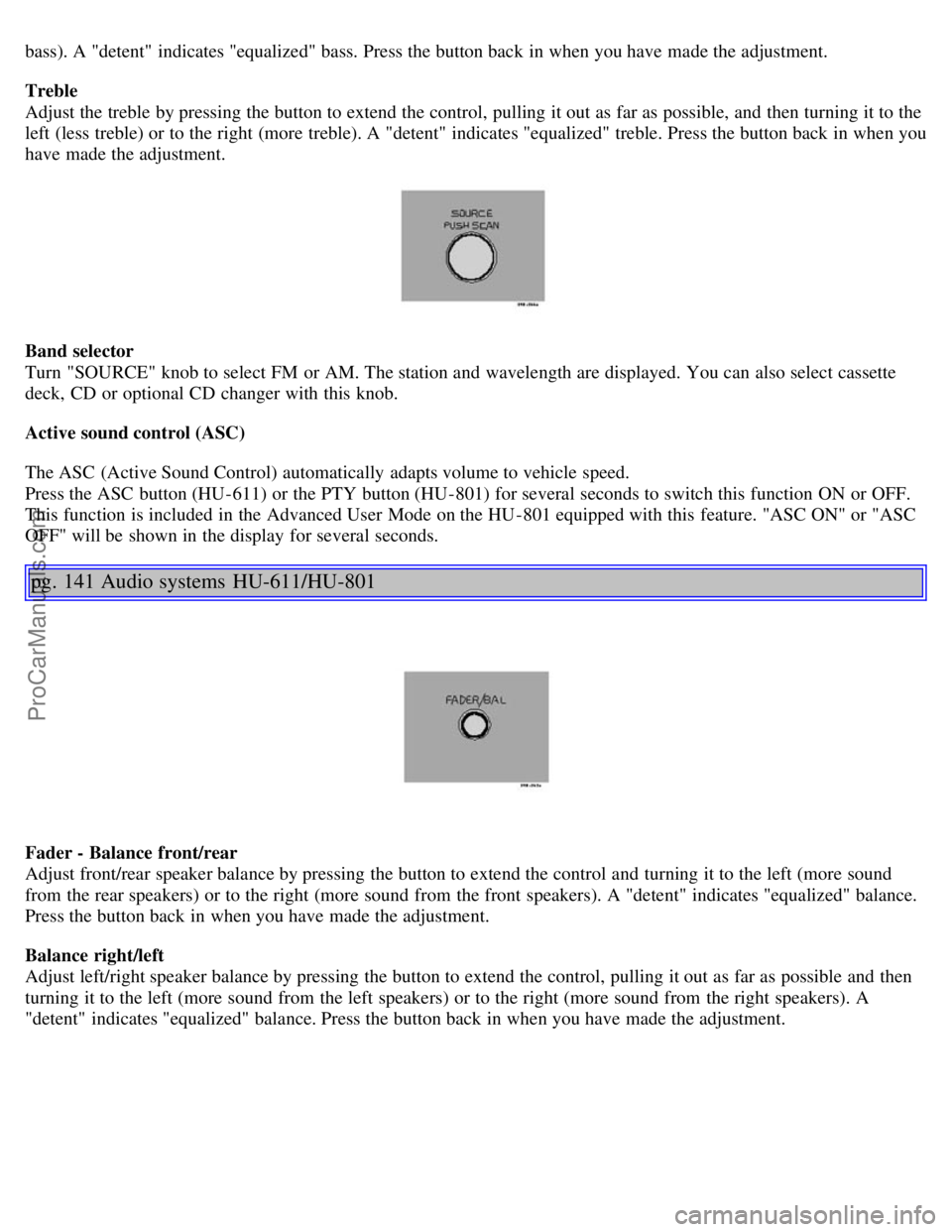
bass). A "detent" indicates "equalized" bass. Press the button back in when you have made the adjustment.
Treble
Adjust the treble by pressing the button to extend the control, pulling it out as far as possible, and then turning it to the
left (less treble) or to the right (more treble). A "detent" indicates "equalized" treble. Press the button back in when you
have made the adjustment.
Band selector
Turn "SOURCE" knob to select FM or AM. The station and wavelength are displayed. You can also select cassette
deck, CD or optional CD changer with this knob.
Active sound control (ASC)
The ASC (Active Sound Control) automatically adapts volume to vehicle speed.
Press the ASC button (HU-611) or the PTY button (HU-801) for several seconds to switch this function ON or OFF.
This function is included in the Advanced User Mode on the HU -801 equipped with this feature. "ASC ON" or "ASC
OFF" will be shown in the display for several seconds.
pg. 141 Audio systems HU-611/HU-801
Fader - Balance front/rear
Adjust front/rear speaker balance by pressing the button to extend the control and turning it to the left (more sound
from the rear speakers) or to the right (more sound from the front speakers). A "detent" indicates "equalized" balance.
Press the button back in when you have made the adjustment.
Balance right/left
Adjust left/right speaker balance by pressing the button to extend the control, pulling it out as far as possible and then
turning it to the left (more sound from the left speakers) or to the right (more sound from the right speakers). A
"detent" indicates "equalized" balance. Press the button back in when you have made the adjustment.
ProCarManuals.com
Page 92 of 110

1. Press in the "AUTO" button for at least 2 seconds. A number of strong signal stations (max. 10) from the currently
selected waveband are now stored automatically in the memory. An "A" and "AUTO" is displayed. If there is no
station with sufficient signal strength "NO STATION" is displayed.
2. Turn "1-20/DISC" button if you wish to change to another of the auto-stored stations. Another auto-stored station is
selected with each turn.
Programming stations
1. Tune in the desired frequency.
2. Press the "1-20/DISC" button. Select a number by turning forwards or backwards. Press again to store the selected
frequency and station.
Preset
To choose a pre-set station, turn "1-20/DISC" button to the stored number. The currently selected station is displayed.
Radio Data System (RDS, also referred to as RBDS) - HU-801 only
The HU -801 radio in your car is equipped with an advanced system allowing information from broadcasters to be
transmitted visually, as text, together with the audio signal. This information is then decoded by the radio and made
available for several new and unique features. The RDS or Radio Data System operates in the FM band only, and
the information transmitted is supplied exclusively by participating broadcasters. Volvo has no control over the
accuracy of the data or information. Please refer to the following pages regarding specific descriptions and operation
of these functions.
Volvo was among the first to pioneer this technology throughout Europe and it is slowly making its way to North
America. Coverage by local broadcasters may be limited at this time, but as the technology and benefits grow, you will
find the radio in your car is equipped to take advantage of this system.
pg. 143 Audio systems HU-801 - radio
Traffic information (TP) - HU-801 only
This feature may not be apply in your area and only functions with FM broadcasts.
Push the "TP" button for traffic information from RDS stations. "TP" is displayed when the function is connected.
When the unit is in Cassette or CD mode, the FM radio function will seek in the background for a station with a strong
signal broadcasting traffic information. If a cassette or CD are playing when the radio receives a traffic bulletin, that
function is interrupted and the bulletin is broadcast with the volume pre-selected for traffic information.
When the bulletin is finished the unit immediately returns to the previously set volume and continues playing the
cassette or CD.
ProCarManuals.com
Page 97 of 110
Repeat steps 3 and 4 to program the other two transceiver buttons.
If, after several attempts, you are unable to successfully train the HomeLink® Universal Transceiver to learn your
hand -held transmitter's signal, contact HomeLink® toll-free 1-800-355-3515 (Internet: www.HomeLink.com
).
pg. 154 HomeLink® Universal Transceiver (option)
WARNING!
If you use HomeLink® to open a garage door or gate, be sure no one is near the gate or door while it is in motion.
Do not use the HomeLink® Universal Transceiver with any garage door opener that lacks safety "stop" and
"reverse" features as required by federal safety standards. (This includes any garage door opener model
manufactured before April 1, 1982) A garage door opener that cannot "detect" an object, signalling the door to
"stop" and "reverse" does not meet current federal safety standards. Using a garage door opener without these
features increases the risk of serious injury or death. For more information on this matter, call toll-free 1-800-355-
3515 (Internet: www.HomeLink.com
).
NOTE - Canadian residents:
During programming, your hand -held transmitter may automatically stop transmitting. To successfully train
HomeLink®, continue to hold the HomeLink® button. At the same time, repeatedly press and hold your hand -held
transmitter's button at two -second intervals until HomeLink® has learned your transmitter's code. The HomeLink®
indicator light will flash first slowly, and then rapidly to indicate that the button has been successfully programmed.
Determining if your garage door uses a rolling code
Determine, in one of the following ways, if your garage door uses a rolling code system and is manufactured after
1996:
Refer to the garage door opener owner's manual for verification.
If your hand -held transmitter appears to program the HomeLink® Universal Transceiver but the programmed button
does not activate the garage door, your garage door opener may have a rolling code.
Press the programmed HomeLink® button. If the garage door opener has the rolling code feature, the HomeLink®
indicator light flashes rapidly and then glows steadily after approximately 2 seconds.
To train a rolling code garage door opener , follow these instructions after programming the desired transceiver
button according to "Programming the transceiver." The help of a second person may make training easier.
1. Locate the training button on the garage door opener motor head unit . The location and color of the training button
may vary. If you encounter difficulty, refer to the garage door opener owner's manual or call toll-free 1-800-355-3515
(Internet: www.HomeLink.com
).
2. Press the "training" button on the garage door opener motor head unit until the "training" light comes on.
3. Press and release the programmed HomeLink® button. Press and release the programmed HomeLink® button a
second time to complete the training process.
Some garage door openers may require you to do this procedure a third time to complete the training.
The programmed button on your HomeLink® Universal Transceiver should now operate your garage door opener. The
original hand -held transmitter can also be used, as desired, to operate the garage door.
The remaining two HomeLink® buttons can be programmed in the same way. In the event of any problems in
ProCarManuals.com
Page 101 of 110

Cup holder - opening..........56
D
Dimensions..........131
Direction indicator bulbs (front)..........107
Direction indicators..........35
Distributor ignition system..........134
Door step courtesy lights - replacing..........110
Doors and locks..........60
Drive belt..........118
Driver's seat and remote keyless entry system..........53
Driving economy..........80
Driving mode indicator..........25
Driving mode W..........75, 77, 89
Driving with trunk open..........81
E
Economical driving..........80
Electrical system..........135
Electrical system - general information..........81
Electrically operated front seats..........52
Electrically operated moonroof..........41
Electrically operated sideview mirrors..........40
Electrically operated windows..........39
Electronic Brake Force Distribution..........17
Electronic Climate Control(ECC)..........45 - 49
Emergency Locking Retractor (ELR)..........14
Emergency towing..........83, 84
Emergency warning flashers..........37
Emissions systems..........117
Engine - specifications..........132
Engine - starting..........73
Engine air filter..........119
Engine compartment..........121
Engine oil..........89, 122, 123, 133
Exterior courtesy lights..........60
Exterior features - overview..........23
F
Fog light - rear..........27
, 32
Fog lights - front..........32
Folding head restraints..........29
Folding passenger's seat backrest..........53
Folding rear seat backrests ........58
Four-C (active chassis system).........29, 78
Front airbags - SRS..........4-7
Front airbags - SRS - warning light..........26
ProCarManuals.com