2004 NISSAN TITAN lock
[x] Cancel search: lockPage 68 of 328

2 Instruments and controls
Instrument panel...................................2-2
Meters and gauges................................2-3
Speedometer and odometer.....................2-4
Tachometer....................................2-5
Engine coolant temperature gauge...............2-5
Fuel gauge....................................2-6
Engine oil pressure gauge.......................2-6
Voltmeter......................................2-7
Automatic transmission fluid temperature
gauge (if so equipped)..........................2-7
Compass and outside temperature display
(if so equipped)...................................2-8
Outside temperature display.....................2-8
Compass display...............................2-9
Warning/indicator lights and audible reminders......2-12
Checking bulbs...............................2-12
Warning lights................................2-13
Indicator lights................................2-16
Audible reminders.............................2-19
Security systems (if so equipped)..................2-20
Vehicle security system.........................2-20
Nissan vehicle immobilizer system (NVIS)........2-21
Windshield wiper and washer switch...............2-22Switch operation..............................2-22
Heated mirror switch (if so equipped)...............2-23
Headlight and turn signal switch....................2-23
Headlight control switch........................2-23
Daytime running light system (Canada only)......2-26
Instrument brightness control...................2-26
Turn signal switch.............................2-27
Fog light switch (if so equipped)................2-27
Hazard warning flasher switch.....................2-27
Cargo lamp switch...............................2-28
Horn............................................2-28
Heated seat (if so equipped).......................2-29
Vehicle dynamic control (VDC) off switch
(if so equipped)..................................2-29
Electronic locking rear differential system switch
(if so equipped)..................................2-30
Rear sonar system off switch (if so equipped)........2-31
Tow mode switch.................................2-31
Power outlet.....................................2-32
Cigarette lighter..................................2-33
Storage.........................................2-34
Instrument panel storage trays..................2-34
Console box (if so equipped)...................2-35
ZREVIEW COPY:Ð2004 Titan(tzw)
Owners Manual(owners)ÐUSA English(nna)
02/23/04Ðdebbie
X
Page 69 of 328

Center armrest storage (if so equipped)..........2-36
Glove box....................................2-37
Sunglasses holder.............................2-37
Map pockets..................................2-38
Seatback pocket (if so equipped)...............2-38
Overhead console (if so equipped)..............2-38
Cup holders..................................2-39
Grocery hooks (if so equipped).................2-42
Lockable bedside storage compartment
(if so equipped)...............................2-42
Windows........................................2-43
Power windows (if so equipped)................2-43
Manual windows..............................2-45
Rear sliding window (if so equipped)............2-45
Sunroof (if so equipped)...........................2-46Automatic sunroof.............................2-46
Interior light......................................2-47
Console light (if so equipped)...................2-48
Personal lights (if so equipped)....................2-49
Map lights (if so equipped)........................2-49
HomeLinkTuniversal transceiver (if so equipped).....2-49
Programming HomeLinkT.......................2-50
Programming HomeLinkTfor Canadian
customers....................................2-51
Operating the HomeLinkTuniversal
transceiver....................................2-51
Programming trouble-diagnosis.................2-52
Clearing the programmed information............2-52
Reprogramming a single HomeLinkTbutton......2-52
If your vehicle is stolen.........................2-52
ZREVIEW COPY:Ð2004 Titan(tzw)
Owners Manual(owners)ÐUSA English(nna)
02/23/04Ðdebbie
X
Page 71 of 328

18. Power outlet/Cigarette lighter
(accessory) (P. 2-32/P. 2-33)
19. Vehicle dynamic control (VDC) off
switch (if so equipped) (P. 2-29)
20. Tow mode switch (P. 2-31)
21. Electronic locking rear differential
system switch (if so equipped)
(P .2-30)
22. Shift selector lever (console)
(if so equipped) (P. 5-9)
23. Power outlet (P. 2-32)
24. Passenger air bag status light (P. 2-17)
25. Hazard lights (P. 2-27)
26. 4WD shift switch (if so equipped)
(P. 5-20)
27. Shift selector lever (column)
(if so equipped) (P. 5-9)
28. Instrument brightness control (P. 2-26)
29. Tilt steering wheel control (P. 3-13)
30. Cargo lamp switch (P. 2-28)
31. Rear sonar system off switch (if so
equipped) (P. 2-31)
32. Pedal position adjustment switch
(if so equipped) (P. 3-13)
*: Refer to the separate Navigation System Own-
er’s Manual (if so equipped) .
See the page number indicated in paren-
theses for operating details.
1. Warning/indicator lights
2. Tachometer
3. Speedometer
4. Engine coolant temperature gauge
5. Fuel gauge
6. Engine oil pressure gauge7. Automatic transmission fluid tempera-
ture gauge (if so equipped)
8. Odometer/Twin trip odometer
9. Voltmeter
LIC0540
METERS AND GAUGES
Instruments and controls2-3
ZREVIEW COPY:Ð2004 Titan(tzw)
Owners Manual(owners)ÐUSA English(nna)
02/20/04Ðtbrooks
X
Page 80 of 328

orAnti-lock brake warning lightLow tire pressure warning light4WD shift indicator light (model)
Automatic transmission check warning lightLow windshield washer fluid warning lightorFront passenger air bag status
light
Automatic transmission park warning light
(model)Seat belt warning light and chimeHigh beam indicator light (Blue)
orBrake warning lightSupplemental air bag warning lightMalfunction indicator lamp (MIL)
Charge warning lightAutomatic transmission position indicator lightSecurity indicator light (NVIS) (if so equipped)
Door open warning lightorActive brake limited slip (if so
equipped)Slip indicator light (if so equipped)
Engine oil pressure low/engine coolant tem-
perature high warning lightCruise main switch indicator lightTransfer 4LO position indicator light
(model)
4WD warning light (model)Cruise set switch indicator lightTurn signal/hazard indicator lights
Low fuel warning lightElectronic locking rear differential system on
indicator light (if so equipped)Vehicle dynamic control off indicator light (if so
equipped)
CHECKING BULBS
With all doors closed, apply the parking brake
and turn the ignition key to the ON position
without starting the engine. The following lights
will come on:
,or,,,,
The following lights come on briefly and then go
off:
or,,,,,
,,,
If any light fails to come on, it may indicate
a burned-out bulb or an open circuit in the
electrical system. Have the system repaired
promptly.
WARNING/INDICATOR LIGHTS AND
AUDIBLE REMINDERS
2-12Instruments and controls
ZREVIEW COPY:Ð2004 Titan(tzw)
Owners Manual(owners)ÐUSA English(nna)
02/20/04Ðtbrooks
X
Page 81 of 328
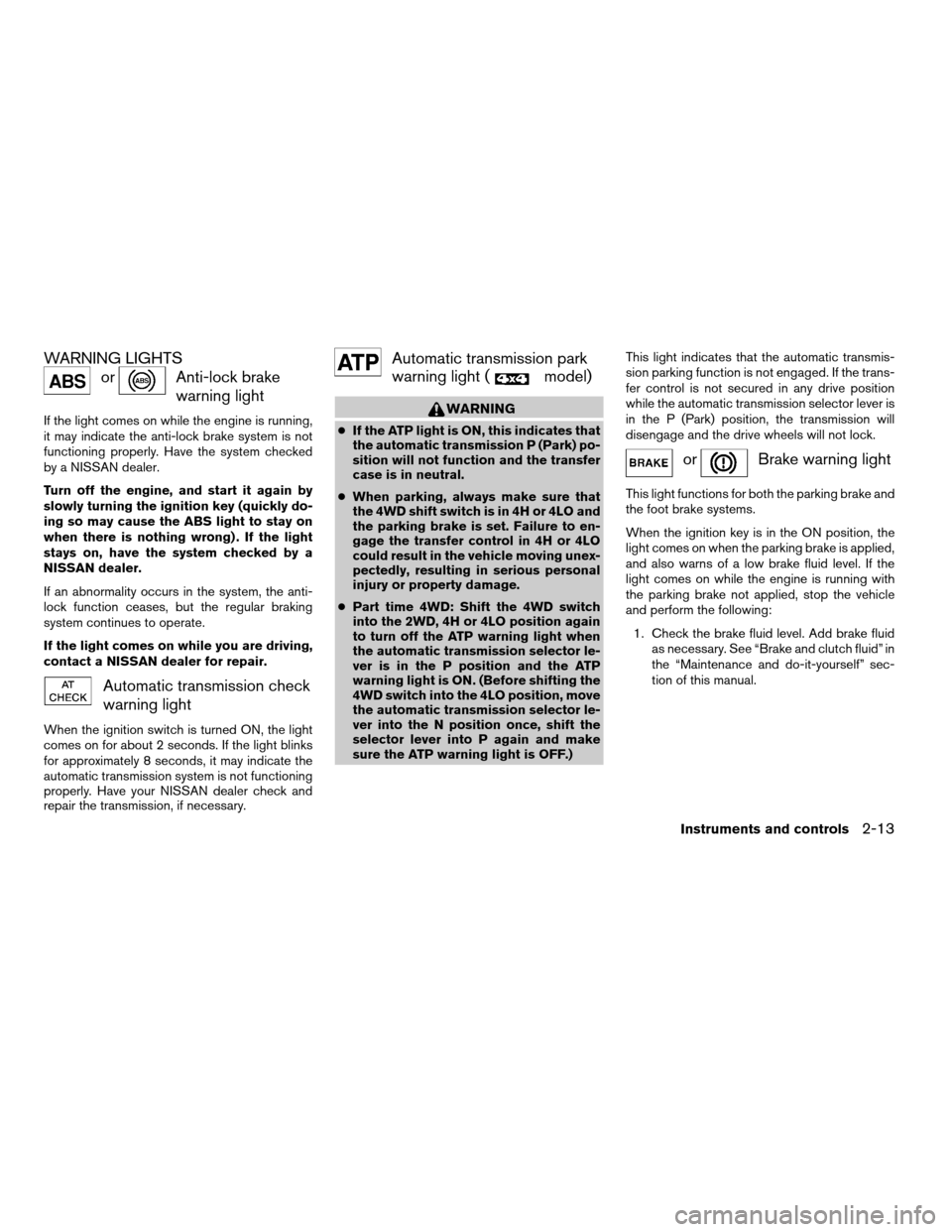
WARNING LIGHTS
orAnti-lock brake
warning light
If the light comes on while the engine is running,
it may indicate the anti-lock brake system is not
functioning properly. Have the system checked
by a NISSAN dealer.
Turn off the engine, and start it again by
slowly turning the ignition key (quickly do-
ing so may cause the ABS light to stay on
when there is nothing wrong) . If the light
stays on, have the system checked by a
NISSAN dealer.
If an abnormality occurs in the system, the anti-
lock function ceases, but the regular braking
system continues to operate.
If the light comes on while you are driving,
contact a NISSAN dealer for repair.
Automatic transmission check
warning light
When the ignition switch is turned ON, the light
comes on for about 2 seconds. If the light blinks
for approximately 8 seconds, it may indicate the
automatic transmission system is not functioning
properly. Have your NISSAN dealer check and
repair the transmission, if necessary.
Automatic transmission park
warning light (
model)
WARNING
cIf the ATP light is ON, this indicates that
the automatic transmission P (Park) po-
sition will not function and the transfer
case is in neutral.
cWhen parking, always make sure that
the 4WD shift switch is in 4H or 4LO and
the parking brake is set. Failure to en-
gage the transfer control in 4H or 4LO
could result in the vehicle moving unex-
pectedly, resulting in serious personal
injury or property damage.
cPart time 4WD: Shift the 4WD switch
into the 2WD, 4H or 4LO position again
to turn off the ATP warning light when
the automatic transmission selector le-
ver is in the P position and the ATP
warning light is ON. (Before shifting the
4WD switch into the 4LO position, move
the automatic transmission selector le-
ver into the N position once, shift the
selector lever into P again and make
sure the ATP warning light is OFF.)This light indicates that the automatic transmis-
sion parking function is not engaged. If the trans-
fer control is not secured in any drive position
while the automatic transmission selector lever is
in the P (Park) position, the transmission will
disengage and the drive wheels will not lock.
orBrake warning light
This light functions for both the parking brake and
the foot brake systems.
When the ignition key is in the ON position, the
light comes on when the parking brake is applied,
and also warns of a low brake fluid level. If the
light comes on while the engine is running with
the parking brake not applied, stop the vehicle
and perform the following:
1. Check the brake fluid level. Add brake fluid
as necessary. See “Brake and clutch fluid” in
the “Maintenance and do-it-yourself” sec-
tion of this manual.
Instruments and controls2-13
ZREVIEW COPY:Ð2004 Titan(tzw)
Owners Manual(owners)ÐUSA English(nna)
02/23/04Ðdebbie
X
Page 85 of 328

orActive brake lim-
ited slip (if so
equipped)
This indicator light comes on if the active brake
limited slip is activated. If activated, the system
will apply brake to the slipping rear wheel, giving
the non-slipping rear wheel more traction.
Cruise main switch indicator
light
The light comes on when the cruise control main
switch is pushed. The light goes out when the
main switch is pushed again. When the cruise
main switch indicator light comes on, the cruise
control system is operational.
Cruise set switch indicator
light
The light comes on while the vehicle speed is
controlled by the cruise control system. If the light
blinks while the engine is running, it may indicate
the cruise control system is not functioning prop-
erly. Have the system checked by a NISSAN
dealer.
Electronic locking rear differ-
ential system on indicator light
(if so equipped)
This light comes on when the electronic locking
rear differential system clutch is fully engaged.
The indicator light flashes when the system is first
turned on. When the system fully engages, the
light remains on. If the switch is on and the
indicator light continues to flash, the system is
not engaged.
For additional information, see “Electronic lock-
ing rear differential system switch” later in this
section and “Electronic locking rear differential
system” in the “Starting and driving” section of
this manual.
4WD shift indicator light
(
model)
The light should turn off within 1 second after
turning the ignition switch to ON.
While the engine is running, the 4WD shift indi-
cator light will illuminate the position selected by
the 4WD shift switch.
The 4WD shift indicator light may blink
while shifting from one drive mode to the
other.
orFront passenger
air bag status light
The front passenger air bag status light (or) will be lit and the passenger front air
bag will be OFF depending on how the right front
passenger seat is being used.
For front passenger air bag status light operation,
see “Front passenger air bag and status light” in
the “Safety — Seats, seat belts and supplemental
air bags” section of this manual.
High beam indicator light
(Blue)
This blue light comes on when the headlight high
beams are on and goes out when the low beams
are selected.
The high beam indicator light also comes on
when the passing signal is activated.
Malfunction indicator lamp
(MIL)
If this indicator lamp comes on steady or blinks
while the engine is running, it may indicate a
potential emission control malfunction.
The malfunction indicator lamp may also come on
steady if the fuel filler cap is loose or missing, or if
the vehicle runs out of fuel. Check to make sure
Instruments and controls2-17
ZREVIEW COPY:Ð2004 Titan(tzw)
Owners Manual(owners)ÐUSA English(nna)
02/20/04Ðtbrooks
X
Page 86 of 328
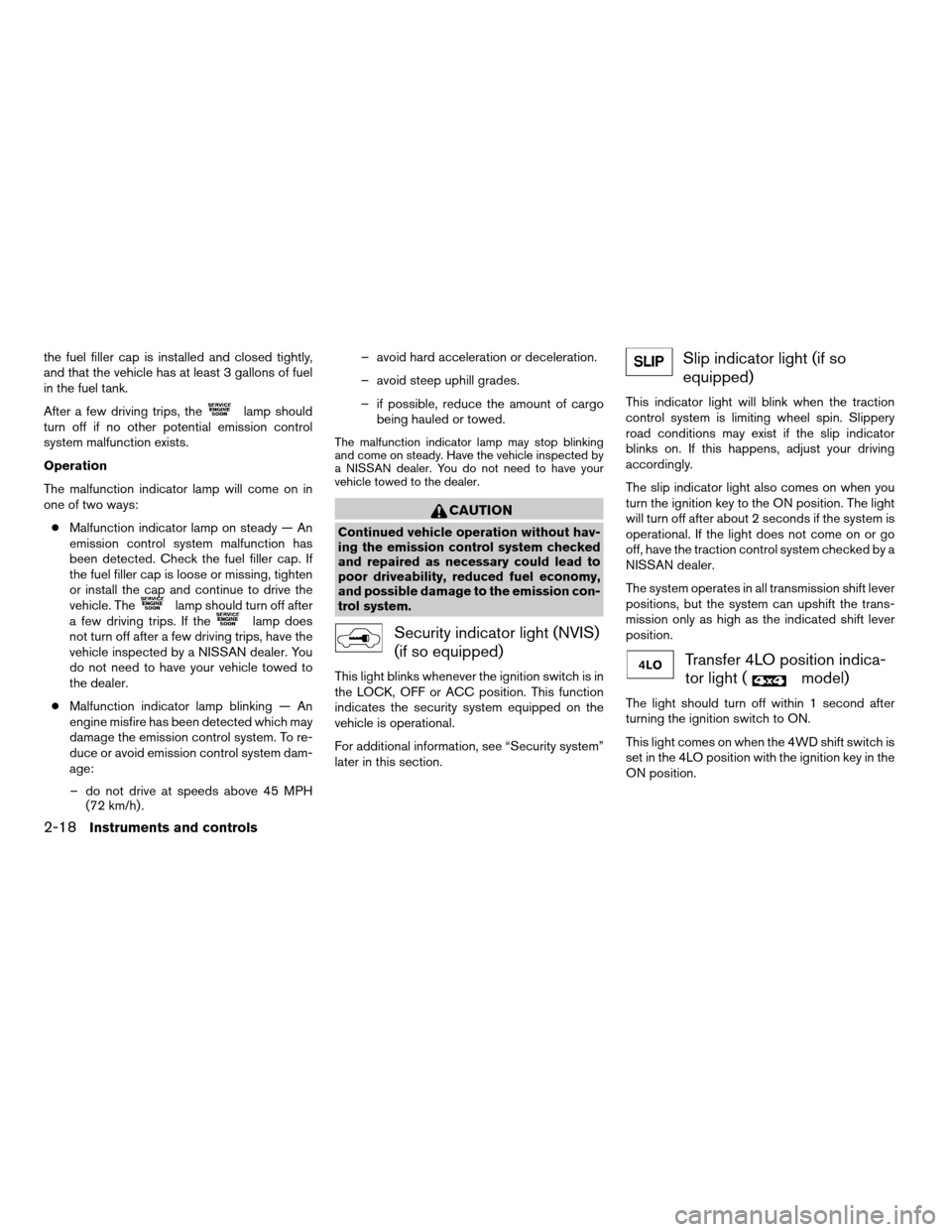
the fuel filler cap is installed and closed tightly,
and that the vehicle has at least 3 gallons of fuel
in the fuel tank.
After a few driving trips, the
lamp should
turn off if no other potential emission control
system malfunction exists.
Operation
The malfunction indicator lamp will come on in
one of two ways:
cMalfunction indicator lamp on steady — An
emission control system malfunction has
been detected. Check the fuel filler cap. If
the fuel filler cap is loose or missing, tighten
or install the cap and continue to drive the
vehicle. The
lamp should turn off after
a few driving trips. If thelamp does
not turn off after a few driving trips, have the
vehicle inspected by a NISSAN dealer. You
do not need to have your vehicle towed to
the dealer.
cMalfunction indicator lamp blinking — An
engine misfire has been detected which may
damage the emission control system. To re-
duce or avoid emission control system dam-
age:
– do not drive at speeds above 45 MPH
(72 km/h) .– avoid hard acceleration or deceleration.
– avoid steep uphill grades.
– if possible, reduce the amount of cargo
being hauled or towed.
The malfunction indicator lamp may stop blinking
and come on steady. Have the vehicle inspected by
a NISSAN dealer. You do not need to have your
vehicle towed to the dealer.
CAUTION
Continued vehicle operation without hav-
ing the emission control system checked
and repaired as necessary could lead to
poor driveability, reduced fuel economy,
and possible damage to the emission con-
trol system.
Security indicator light (NVIS)
(if so equipped)
This light blinks whenever the ignition switch is in
the LOCK, OFF or ACC position. This function
indicates the security system equipped on the
vehicle is operational.
For additional information, see “Security system”
later in this section.
Slip indicator light (if so
equipped)
This indicator light will blink when the traction
control system is limiting wheel spin. Slippery
road conditions may exist if the slip indicator
blinks on. If this happens, adjust your driving
accordingly.
The slip indicator light also comes on when you
turn the ignition key to the ON position. The light
will turn off after about 2 seconds if the system is
operational. If the light does not come on or go
off, have the traction control system checked by a
NISSAN dealer.
The system operates in all transmission shift lever
positions, but the system can upshift the trans-
mission only as high as the indicated shift lever
position.
Transfer 4LO position indica-
tor light (
model)
The light should turn off within 1 second after
turning the ignition switch to ON.
This light comes on when the 4WD shift switch is
set in the 4LO position with the ignition key in the
ON position.
2-18Instruments and controls
ZREVIEW COPY:Ð2004 Titan(tzw)
Owners Manual(owners)ÐUSA English(nna)
02/20/04Ðtbrooks
X
Page 88 of 328

Your vehicle has two types of security systems:
cVehicle security system
cNISSAN Vehicle Immobilizer System—NVIS
VEHICLE SECURITY SYSTEM
The vehicle security system provides visual and
audio alarm signals if parts of the vehicle are
disturbed.
How to arm the vehicle security sys-
tem
1. Close all windows.(The system can be
armed even if the windows are open.)2. Remove the key from the ignition switch.
3. Close all doors. Lock all doors. The doors
can be locked with the key, power door lock
switch (if the door is opened, locked and
then closed) , or with the keyfob.
Keyfob operation:
cPush the
button on the keyfob.
All doors lock. The hazard lights flash
twice and the horn beeps once to indicate
all doors are locked.
cWhen the
button is pushed with
all doors locked, the hazard lights flash
twice and the horn beeps once as a re-
minder that the doors are already locked.
The horn may or may not beep. Refer to
“Silencing the horn beep feature” (vehicles
without navigation system) in the “Pre-
driving checks and adjustments” section or
“Vehicle electronic systems” (vehicles with
navigation system) in the “Display screen,
heater, air conditioner and audio systems”
section.4. Confirm that the
indicator light comes
on. Thelight stays on for about 30
seconds. The vehicle security system is now
pre-armed. After about 30 seconds the ve-
hicle security system automatically shifts
into the armed phase. The
light begins
to flash once every 3 seconds. If, during the
30-second pre-arm time period, the door is
unlocked by the key or the keyfob, or the
ignition key is turned to ACC or ON, the
system will not arm.
cIf the key is turned slowly when locking
the door, the system may not arm. Fur-
thermore, if the key is turned beyond
the vertical position toward the unlock
position to remove the key, the system
may be disarmed when the key is re-
moved. If the indicator light fails to
glow for 30 seconds, unlock the door
once and lock it again.
cEven when the driver and/or passen-
gers are in the vehicle, the system will
arm with all doors closed and locked
with the ignition key in the OFF posi-
tion.
cThe lockable beside storage compart-
ment (if so equipped) is not protected
by the vehicle security system.
LIC0644
SECURITY SYSTEMS (if so equipped)
2-20Instruments and controls
ZREVIEW COPY:Ð2004 Titan(tzw)
Owners Manual(owners)ÐUSA English(nna)
02/20/04Ðtbrooks
X