2004 NISSAN QUEST horn
[x] Cancel search: hornPage 12 of 320

1. Driver side, center and passenger side
ventilators (P. 4-17)
2. Headlight and turn signal switch
(P. 2-15)
3. Steering wheel switch for audio control
(if so equipped) (P. 4-41)
4. Driver supplemental air bag/horn
(P. 1-15, P. 2-20)
5. Cruise control main/set switches
(P. 5-12)
6. Windshield wiper/washer switch and
rear window wiper/washer switch
(P. 2-13, 2-14)
7. Meters and gauges (P. 2-3)
8. Display screen/Navigation system*
(P. 4-2, P. 4-8)
9. Warning/indicator lights (P. 2-6)
10. Front passenger supplemental air bag
(P. 1-15)
11. Glove box (P. 2-28)
12. Climate controls (P. 4-17, 4-27)
13. Hazard warning flasher switch
(P. 2-20)
14. Audio system controls (P. 4-30)
15. Display screen/Navigation system*
controls (P. 4-2, 4-8)
16. Shift selector lever (P. 5-7)
WIC0599
INSTRUMENT PANEL
0-6Illustrated table of contents
ZREVIEW COPY:Ð2004 Quest(van)
Owners Manual(owners)ÐUSA English(nna)
10/08/03Ðtbrooks
X
Page 76 of 320

2 Instruments and controls
Instrument panel...................................2-2
Meters and gauges................................2-3
Speedometer and odometer.....................2-4
Tachometer....................................2-4
Engine coolant temperature gauge...............2-4
Fuel gauge....................................2-5
Warning/indicator lights and audible reminders.......2-6
Checking bulbs................................2-6
Warning lights.................................2-6
Indicator lights.................................2-9
Audible reminders.............................2-12
Security system..................................2-12
Nissan vehicle immobilizer system (NVIS)........2-12
Windshield wiper and washer switch...............2-13
Switch operation..............................2-13
Rear window wiper and washer switch..............2-14
Rear window and outside mirror (if so equipped)
defroster switch..................................2-15
Headlight and turn signal switch....................2-15
Headlight control switch........................2-15
Daytime running light system (Canada only)......2-18
Instrument brightness control...................2-18
Turn signal switch.............................2-19Fog light switch (if so equipped)................2-19
Cornering light................................2-19
Hazard warning flasher switch.....................2-20
Horn............................................2-20
Heated seat (if so equipped).......................2-21
Traction control system (TCS) off switch
(if so equipped)..................................2-22
Vehicle dynamic control (VDC) off switch
(if so equipped)..................................2-22
Rear sonar system off switch (if so equipped)........2-22
Power outlet.....................................2-23
Storage.........................................2-25
Note holder...................................2-25
Upper instrument panel storage
compartment..................................2-25
Lower instrument panel storage trays............2-26
Passenger seat storage tray (if so equipped).....2-26
Center console................................2-27
Glove box....................................2-28
Sunglasses holder.............................2-28
Convenience hook.............................2-29
Map pockets..................................2-29
Seatback pockets.............................2-30
ZREVIEW COPY:Ð2004 Quest(van)
Owners Manual(owners)ÐUSA English(nna)
10/08/03Ðtbrooks
X
Page 78 of 320

1. Driver side, center and passenger side
ventilators (P. 4-17)
2. Headlight and turn signal switch
(P. 2-15)
3. Steering wheel switch for audio control
(if so equipped) (P. 4-41)
4. Driver supplemental air bag/horn
(P. 1-15, P. 2-20)
5. Cruise control main/set switches
(P. 5-12)
6. Windshield wiper/washer switch and
rear window wiper/washer switch
(P. 2-13, 2-14)
7. Meters and gauges (P. 2-3)
8. Display screen/Navigation system*
(P. 4-2, P. 4-8)
9. Warning/indicator lights (P. 2-6)
10. Front passenger supplemental air bag
(P. 1-15)
11. Glove box (P. 2-28)
12. Climate controls (P. 4-17, 4-27)
13. Hazard warning flasher switch
(P. 2-20)
14. Audio system controls (P. 4-30)
15. Display screen/Navigation system*
controls (P. 4-2, 4-8)
16. Shift selector lever (P. 5-7)
WIC0599
INSTRUMENT PANEL
2-2Instruments and controls
ZREVIEW COPY:Ð2004 Quest(van)
Owners Manual(owners)ÐUSA English(nna)
10/08/03Ðtbrooks
X
Page 96 of 320
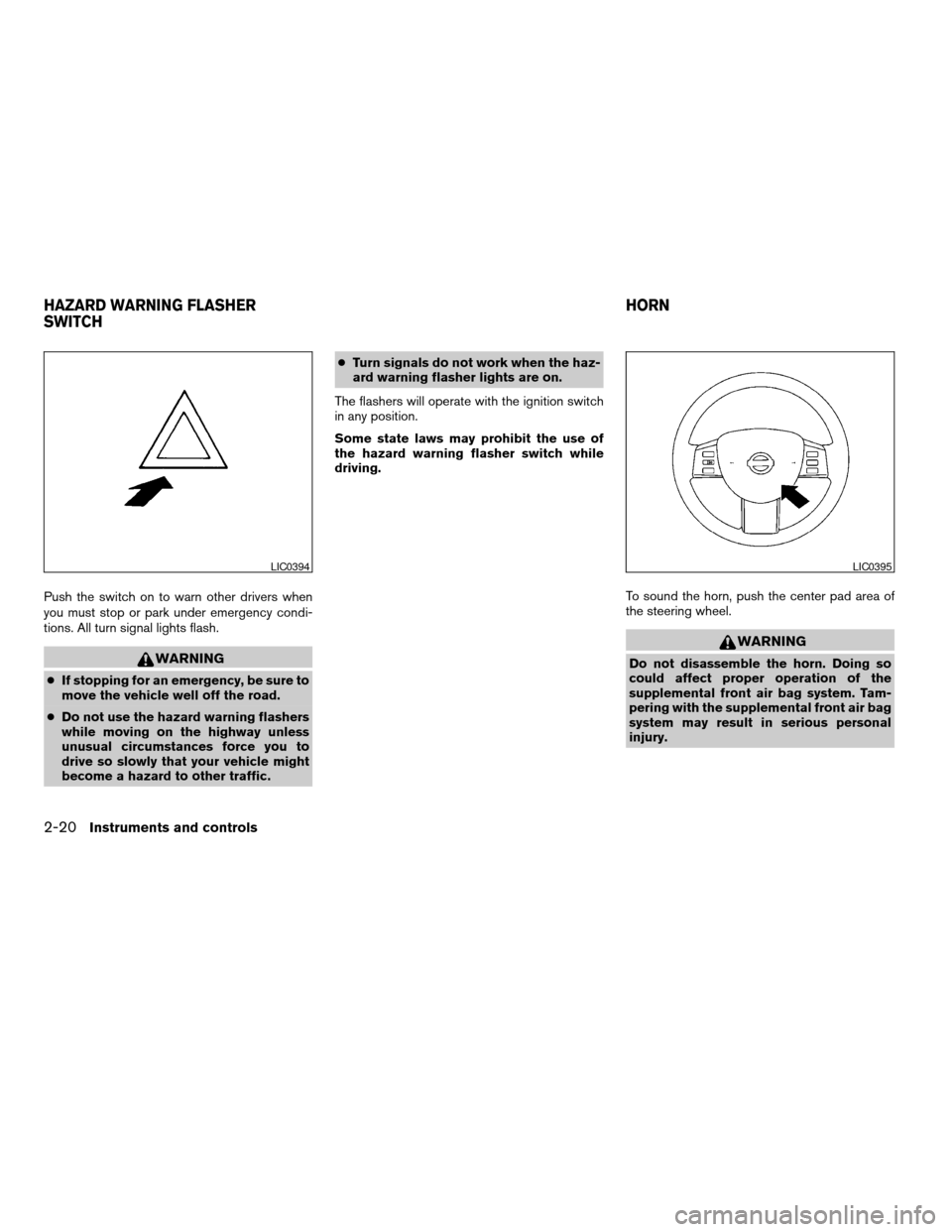
Push the switch on to warn other drivers when
you must stop or park under emergency condi-
tions. All turn signal lights flash.
WARNING
cIf stopping for an emergency, be sure to
move the vehicle well off the road.
cDo not use the hazard warning flashers
while moving on the highway unless
unusual circumstances force you to
drive so slowly that your vehicle might
become a hazard to other traffic.cTurn signals do not work when the haz-
ard warning flasher lights are on.
The flashers will operate with the ignition switch
in any position.
Some state laws may prohibit the use of
the hazard warning flasher switch while
driving.
To sound the horn, push the center pad area of
the steering wheel.
WARNING
Do not disassemble the horn. Doing so
could affect proper operation of the
supplemental front air bag system. Tam-
pering with the supplemental front air bag
system may result in serious personal
injury.
LIC0394LIC0395
HAZARD WARNING FLASHER
SWITCHHORN
2-20Instruments and controls
ZREVIEW COPY:Ð2004 Quest(van)
Owners Manual(owners)ÐUSA English(nna)
10/08/03Ðtbrooks
X
Page 131 of 320

CHILD SAFETY SLIDING DOOR
LOCK
The child safety lock helps prevent the sliding
door from being opened accidentally, especially
when small children are in the vehicle.The child safety lock levers are located on the
edge of the sliding doors.
When the lever is in the lock position, the
door can be opened only from the outside,
by the overhead console switch or using
the keyfob.It is possible to lock/unlock all doors, turn on the
interior lights and puddle lamps (if so equipped) ,
and activate the panic alarm by using the keyfob
from outside the vehicle.
Some settings for the keyfob, such as horn beep
and unlock driver’s door 1st, can be adjusted.
Refer to “Personalized settings menu” (vehicles
without navigation) or “Vehicle electronic sys-
tems” (vehicles with navigation system) in the
“Display screen, heater, air conditioner and audio
systems” section later in this manual.
Be sure to remove the key from the vehicle
before locking the doors.
The keyfob can operate at a distance of approxi-
mately 33 ft (10 m) from the vehicle. The effective
distance depends upon the conditions around
the vehicle.
As many as 5 keyfobs can be used with one
vehicle. For information concerning the purchase
and use of additional keyfobs, contact a NISSAN
dealer.
The keyfob will not function when:
cthe battery is discharged
cthe distance between the vehicle and the
keyfob is over 33 ft (10 m)
The panic alarm will not activate when the
key is in the ignition switch.
LPD0231
REMOTE KEYLESS ENTRY SYSTEM
Pre-driving checks and adjustments3-9
ZREVIEW COPY:Ð2004 Quest(van)
Owners Manual(owners)ÐUSA English(nna)
10/08/03Ðtbrooks
X
Page 132 of 320
CAUTION
Listed below are conditions or occur-
rences which will damage the keyfob:
cDo not allow the keyfob to become wet.
cDo not drop the keyfob.
cDo not strike the keyfob sharply against
another object.
cDo not place the keyfob for an extended
period in an area where temperatures
exceed 140°F (60°C) .
If a keyfob is lost or stolen, NISSAN rec-
ommends erasing the ID code of that key-
fob. This will prevent the keyfob from un-
authorized use to unlock the vehicle. For
information regarding the erasing proce-
dure, please contact a NISSAN dealer.
HOW TO USE REMOTE KEYLESS
ENTRY SYSTEM
Locking doors
1. Close all windows
2. Remove the key from the ignition switch.
3. Close the hood and all doors.
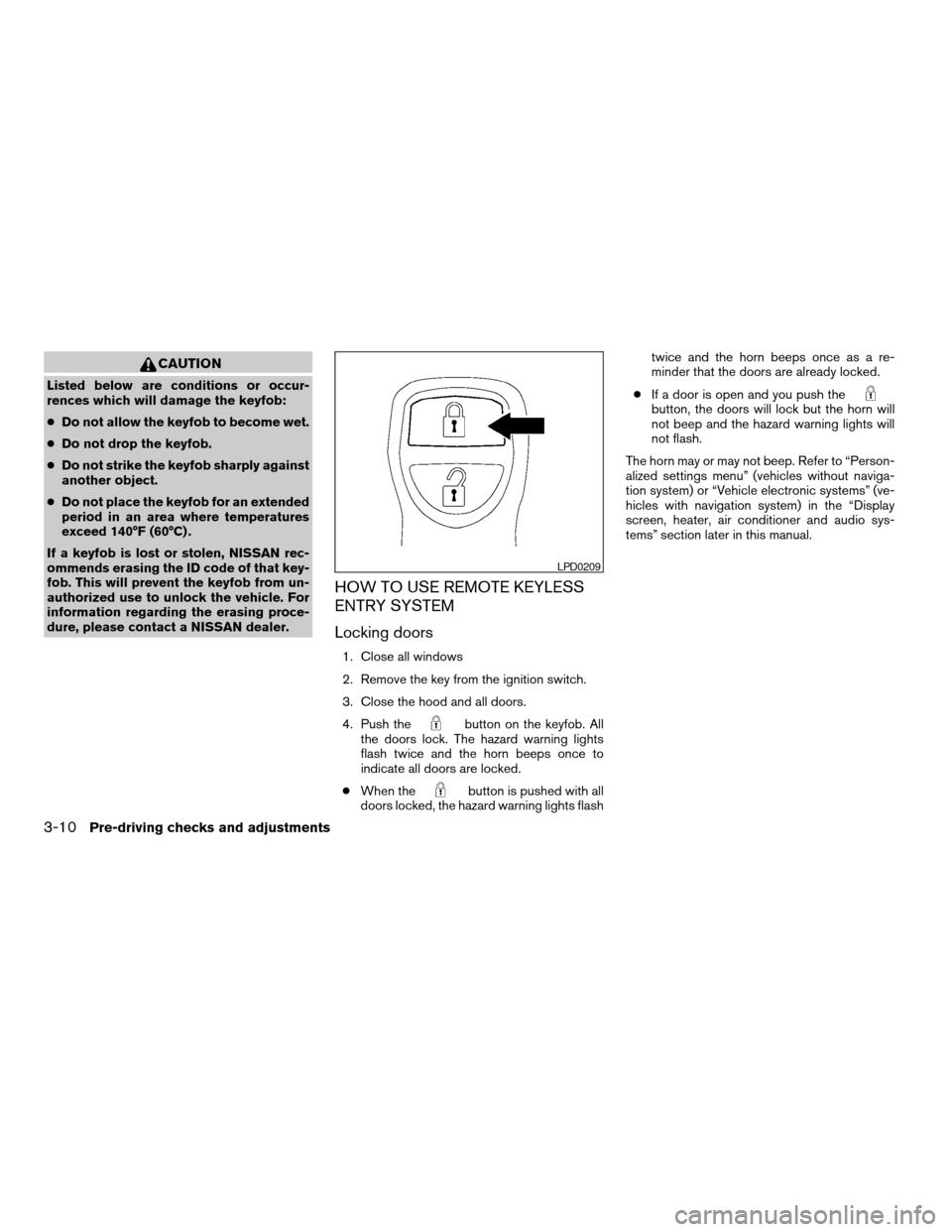
4. Push the
button on the keyfob. All
the doors lock. The hazard warning lights
flash twice and the horn beeps once to
indicate all doors are locked.
cWhen the
button is pushed with all
doors locked, the hazard warning lights flashtwice and the horn beeps once as a re-
minder that the doors are already locked.
cIf a door is open and you push the
button, the doors will lock but the horn will
not beep and the hazard warning lights will
not flash.
The horn may or may not beep. Refer to “Person-
alized settings menu” (vehicles without naviga-
tion system) or “Vehicle electronic systems” (ve-
hicles with navigation system) in the “Display
screen, heater, air conditioner and audio sys-
tems” section later in this manual.
LPD0209
3-10Pre-driving checks and adjustments
ZREVIEW COPY:Ð2004 Quest(van)
Owners Manual(owners)ÐUSA English(nna)
10/08/03Ðtbrooks
X
Page 158 of 320

The screen will change to “CONFIRM DISPLAY
OFF YES or NO”.
If YES key is selected using the joystick, the
screen will turn off after a 2 beep sound and
approximately 1 second.
To turn on the screen, push the“SETTING”, trip
control, air conditioner (except rear window de-
fogger button) or audio button.
Language
The language can be changed to “English” or
“Français” using the joystick.
Beep set
If the beep set “OFF” key is selected using the
joystick, the beep sound will not operate (except
some caution beep sounds) .
Service alert
If the service alert “ON” key is selected, the
information will be displayed when the engine oil
and the tire rotation periods reach the preset
driving distance.
Personalized settings menu
You can set the following electronic systems
operating conditions using the joystick.Slide back DR (driver’s) seat on exit:
The driver’s seat automatically moves back and
returns to the original position for exceptional
ease of exit and entry.
Remote unlock door logic:
This option allows you to select which doors will
unlock first during an unlocking operation:
Only the driver’s doorÃ!All the doors
Horn chirp with remote:
This option allows you to select the horn chirp
mode that occurs when the LOCK or UNLOCK
button on the keyfob is pressed.
NOTE:
If you change the horn beep or the lamp
flash feature with the keyfob, the mode will
not be changed with the display. Use the
keyfob to return to the previous mode and
re-enable the display control.
Lamps flash with remote:
This option allows you to select the hazard indi-
cator flash mode that occurs when the LOCK or
UNLOCK button on the keyfob is pressed.NOTE:
If you change the horn beep or the lamp
flash feature with the keyfob, the mode will
not be changed with the display. Use the
keyfob to return to the previous mode and
re-enable the display control.
Auto relock time:
This option allows you to set the length of time
before the doors lock with the auto re-lock func-
tion.
Auto headlamp sensitivity:
This option allows you to set the sensitivity of the
autolights.
Auto headlamp off delay:
This option allows you to select the length of time
before the autolights turn off.
Speed sensing wiper interval:
This option allows you to turn on or turn off the
driving speed dependent intermittent wiper func-
tion.
Confirm reset settings:
This option allows you to reset all options to their
default settings.
4-6Display screen, heater, air conditioner and audio systems
ZREVIEW COPY:Ð2004 Quest(van)
Owners Manual(owners)ÐUSA English(nna)
10/08/03Ðtbrooks
X
Page 165 of 320

Indicator light is not illuminated — OFFAdjust driver seat when exiting vehicle:
With this option ON, the driver’s seat automati-
cally moves back and returns to the original po-
sition for ease of exit and entry.
Remote unlock driver’s door first:
This option allows you to select which doors will
unlock first during an unlocking operation:
Only the driver’s doorÃ!All the doors
Keyless remote response — horn:
This key allows you to change the horn chirp
mode that occurs when pressing the LOCK or
UNLOCK button on the keyfob.NOTE:
If you change the horn beep or the lamp
flash feature with the keyfob, the mode will
not be changed with the display. Use the
keyfob to return to the previous mode and
re-enable the display control.
Keyless remote response — lights:
This key allows you to change the hazard indica-
tor flash mode that occurs when pressing the
LOCK or UNLOCK button on the keyfob.
NOTE:
If you change the horn beep or the lamp
flash feature with the keyfob, the mode will
not be changed with the display. Use the
keyfob to return to the previous mode and
re-enable the display control.
Auto re-lock time:
This key allows you to set the length of time
before doors auto re-lock.
Sensitivity of automatic headlights:
This key allows you to set the sensitivity of the
automatic headlights:
cLower- less sensitive, automatic headlights
will take longer to come on when the head-
light sensor senses less ambient light.
LHA0381LHA0261
Display screen, heater, air conditioner and audio systems4-13
ZREVIEW COPY:Ð2004 Quest(van)
Owners Manual(owners)ÐUSA English(nna)
10/08/03Ðtbrooks
X