Page 128 of 296

Driving your vehicle14
4
1
2
3
4
5
6
7
8
9
Check the brake warning light by
turning the ignition switch ON (do not
start the engine). This light will be
illuminated when the parking brake is
applied with the ignition switch in the
START or ON position.
Before driving, be sure the parking
brake is fully released and the brake
warning light is off. If the brake warning light remains on
after the parking brake is released,
there may be a malfunction in the
brake system. Immediate attention is
necessary.
If at all possible, cease driving the
vehicle immediately. If that is not pos-
sible, use extreme caution while
operating the vehicle and only con-
tinue to drive the vehicle until you
can reach a safe location or repair
shop.
Parking on curbed streets When parking your vehicle on an
uphill grade, park as close to the
curb as possible and turn the front
wheels away from the curb so that
the front wheels will contact the
curb if the vehicle moves back-
ward.
When parking your vehicle on a downhill grade, park as close to the
curb as possible and turn the front
wheels toward the curb so that the
front wheels will contact the curb if
the vehicle moves forward.
W-75
Opirus-ENG (CAN) 4.qxd 7/8/03 2:19 PM Page 14
Page 129 of 296
415
1
2
3
4
5
6
7
8
9
Driving your vehicle
Anti-lock brake system (ABS)
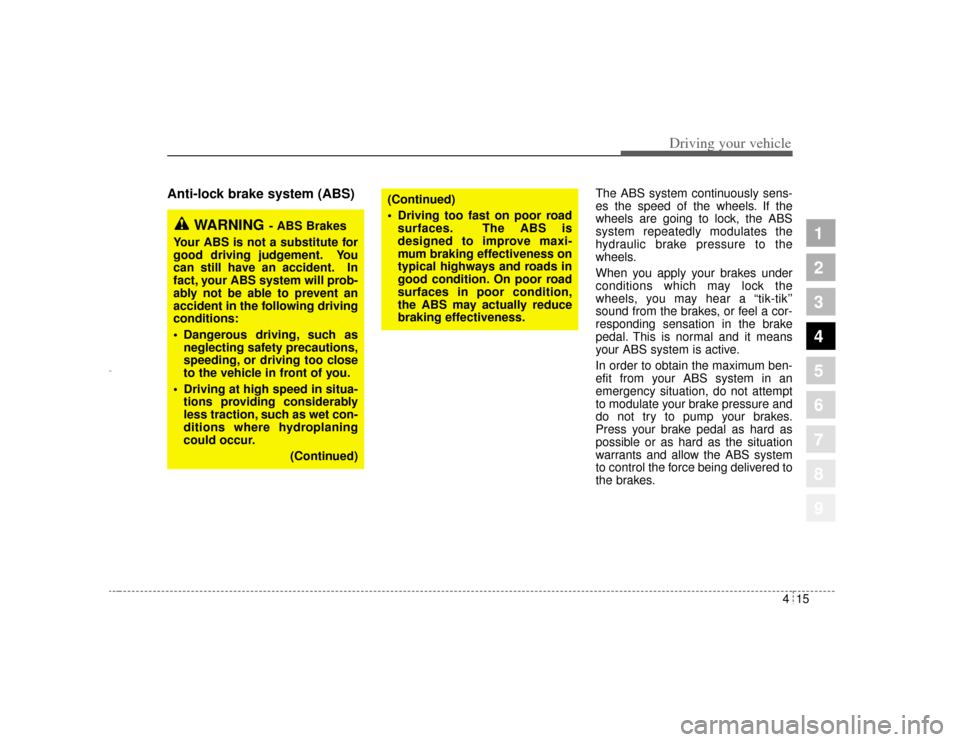
The ABS system continuously sens-
es the speed of the wheels. If the
wheels are going to lock, the ABS
system repeatedly modulates the
hydraulic brake pressure to the
wheels.
When you apply your brakes under
conditions which may lock the
wheels, you may hear a “tik-tik’’
sound from the brakes, or feel a cor-
responding sensation in the brake
pedal. This is normal and it means
your ABS system is active.
In order to obtain the maximum ben-
efit from your ABS system in an
emergency situation, do not attempt
to modulate your brake pressure and
do not try to pump your brakes.
Press your brake pedal as hard as
possible or as hard as the situation
warrants and allow the ABS system
to control the force being delivered to
the brakes.
WARNING
- ABS Brakes
Your ABS is not a substitute for
good driving judgement. You
can still have an accident. In
fact, your ABS system will prob-
ably not be able to prevent an
accident in the following driving
conditions:
Dangerous driving, such as neglecting safety precautions,
speeding, or driving too close
to the vehicle in front of you.
Driving at high speed in situa- tions providing considerably
less traction, such as wet con-
ditions where hydroplaning
could occur.
(Continued)
(Continued)
Driving too fast on poor roadsurfaces. The ABS is
designed to improve maxi-
mum braking effectiveness on
typical highways and roads in
good condition. On poor road
surfaces in poor condition,
the ABS may actually reduce
braking effectiveness.
Opirus-ENG (CAN) 4.qxd 7/8/03 2:19 PM Page 15
Page 130 of 296

Driving your vehicle16
4
1
2
3
4
5
6
7
8
9
Even with the anti-lock brake sys-
tem, your vehicle still requires suf-
ficient stopping distance. Always
maintain a safe distance from the
vehicle in front of you.
Always slow down when cornering. The anti-lock brake system cannot
prevent accidents resulting from
excessive speeds.
On loose or uneven road surfaces, operation of the anti-lock brake
system may result in a longer stop-
ping distance than for vehicles
equipped with a conventional
brake system.
✽ ✽ NOTICE• If the ABS warning light is on and
stays on, you may have a problem
with the ABS system. In this case,
however, your regular brakes will
work normally.
• The ABS warning light will stay on for approximately 3 seconds
after the ignition switch is ON.
During that time, the ABS will go
through self-diagnosis and the
light will go off if everything is
normal. If the light stays on, you
may have a problem with your
ABS system. Contact an author-
ized Kia dealer as soon as possible.
✽ ✽ NOTICE• When you drive on a road having
poor traction, such as an icy road,
and operate your brakes continu-
ously, the ABS will be active con-
tinuously and the ABS warning
light may illuminate. Pull your car
over to a safe place and stop the
engine.
• Restart the engine. If the ABS warning light is off, then your
ABS system is normal. Otherwise,
you may have a problem with the
ABS. Contact an authorized Kia
dealer as soon as possible.
ABS
W-78
Opirus-ENG (CAN) 4.qxd 7/8/03 2:19 PM Page 16
Page 131 of 296
417
1
2
3
4
5
6
7
8
9
Driving your vehicle
✽ ✽NOTICEWhen you jump start your vehicle
because of a drained battery, the
engine may not run as smoothly and
the ABS warning light may turn on
at the same time. This happens
because of the low battery voltage. It
does not mean your ABS is malfunc-
tioning.
• Do not pump your brakes!
• Have the battery recharged before
driving the vehicle.
Opirus-ENG (CAN) 4.qxd 7/8/03 2:19 PM Page 17
Page 133 of 296

419
1
2
3
4
5
6
7
8
9
Driving your vehicle
✽ ✽
NOTICEIf the vehicle is parked for extended
periods outside in cold weather
(below -10 °C/14 °F), the power
steering may require increased
effort when the engine is first start-
ed. This is caused by increased fluid
viscosity due to the cold weather and
does not indicate a malfunction.
When this happens, increase the
engine RPM by depressing accelera-
tor until the RPM reaches 1,500 rpm
then release or let the engine idle for
two or three minutes to warm up the
fluid.
Tilt steering (if equipped)A tilt steering wheel allows you to
adjust the steering wheel before you
drive.You can also raise it to the
highest level to give your legs more
room when you exit and enter the
vehicle.
The steering wheel should be posi-
tioned so that it is comfortable for
you to drive, while permitting you to
see the instrument panel warning
lights and gauges. To change the steering wheel angle,
pull up the lock release lever (
➀),
adjust the steering wheel to the
desired angle (
➁), then release the
lock-release lever to lock the steering
wheel in place. Be sure to adjust the
steering wheel to the desired posi-
tion before driving.
WARNING
Never adjust the angle of
steering wheel while driving.
You may lose your steering
control and cause severe per-
sonal injury or accidents.
After adjusting, push the
steering wheel both up and
down to be certain it is locked
in position.
2GHA2032
➀
➁
Opirus-ENG (CAN) 4.qxd 7/8/03 2:19 PM Page 19
Page 135 of 296

421
1
2
3
4
5
6
7
8
9
Driving your vehicle
The cruise control system allows you
to program the vehicle to maintain a
constant speed without resting your
foot on the accelerator pedal.
With cruise control, you can set and
automatically maintain any speed of
between 40 km/h (24 mph) and
160 km/h (96 mph).
To set cruise control speed:1. Push the CRUISE ON/OFF buttonon the steering wheel, to turn the
system on. The CRUISE indicator
light in the instrument cluster will
illuminate. 2. Accelerate to the desired speed,
which must be more than 40 km/h
(24 mph) and less than 160 km/h
(96 mph).
CRUISE CONTROL (IF EQUIPPED)
WARNING
- Cruise
control
Do not use the cruise control
feature under the following con-
ditions:
Heavy or unsteady traffic
Slippery or winding roads
Situations that involve varying
speeds
WARNING
If the cruise control is left on,
(CRUISE indicator light in the
instrument cluster illuminated)
the cruise control can be
switched on accidentally. Keep
the cruise control system off
(CRUISE indicator light OFF)
when cruise control is not in
use.
RES
ACCELCOAST
SET
CRUISE
ON/OFF
CANCEL
CRUISE
ON/OFF
CAN CE
L
COAST
SET
RES
ACCEL2GHA2034A2GHA2035A
Type AType B
Opirus-ENG (CAN) 4.qxd 7/8/03 2:19 PM Page 21
Page 141 of 296
427
1
2
3
4
5
6
7
8
9
Driving your vehicle
TCS operation offTCS OFF state
To cancel TCS operation,press the TCS button
(TCS OFF indicator light
illuminates).
If the ignition switch is turned to LOCK position
when TCS is off, TCS
remains off. Upon restart-
ing the engine, the TCS will
automatically turn on
again.
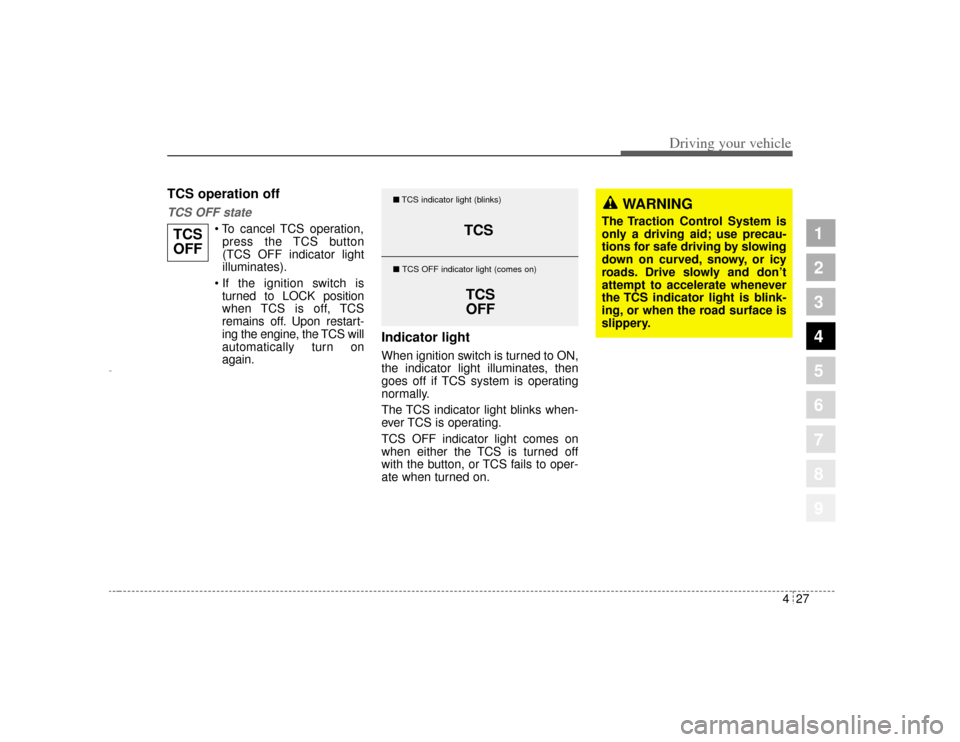
Indicator lightWhen ignition switch is turned to ON,
the indicator light illuminates, then
goes off if TCS system is operating
normally.
The TCS indicator light blinks when-
ever TCS is operating.
TCS OFF indicator light comes on
when either the TCS is turned off
with the button, or TCS fails to oper-
ate when turned on.
TCS
OFF
TCS
TCS
OFF
� TCS indicator light (blinks)
� TCS OFF indicator light (comes on)
WARNING
The Traction Control System is
only a driving aid; use precau-
tions for safe driving by slowing
down on curved, snowy, or icy
roads. Drive slowly and don ’t
attempt to accelerate whenever
the TCS indicator light is blink-
ing, or when the road surface is
slippery.
Opirus-ENG (CAN) 4.qxd 7/8/03 2:19 PM Page 27
Page 142 of 296
Driving your vehicle28
4
1
2
3
4
5
6
7
8
9
TCS OFF usageWhen driving It’s a good idea to keep the TCS
turned on for daily driving whenev-
er possible.
To turn TCS off while driving, press the TCS button while driving on a
flat road surface.
Never press TCS button while TCS is
operating (TCS indicator light blinks).
If TCS is turned off while TCS is
operating, the vehicle may slip out of
control.
✽ ✽
NOTICE• When measuring the vehicle speed
with a Chassis dynamo-meter,
make sure the TCS is turned off
(TCS OFF light illuminated). If
the TCS is left on, it may prevent
the vehicle speed from increasing,
and cause a false diagnosis of a
faulty speedometer.
• Turning the TCS off does not affect ABS or brake system opera-
tion.
WARNING
Never press the TCS button
while TCS is operating.
If the TCS is turned off while
TCS is operating, the vehicle
may slip out of control.
To turn TCS off while driving,
press the TCS button while driv-
ing on a flat road surface.
Opirus-ENG (CAN) 4.qxd 7/8/03 2:19 PM Page 28
