2004 GMC CANYON door lock
[x] Cancel search: door lockPage 88 of 420
Power Door Locks
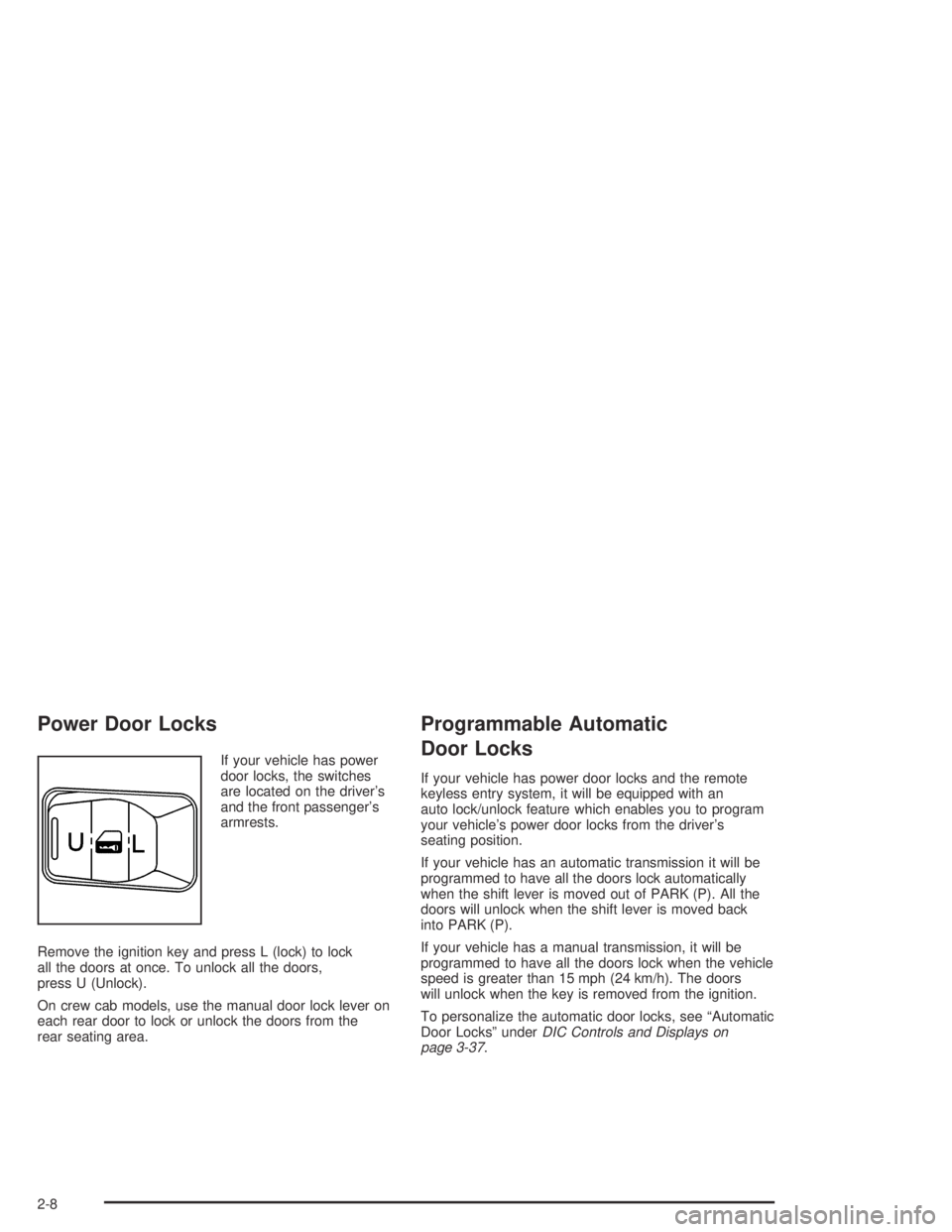
If your vehicle has power
door locks, the switches
are located on the driver’s
and the front passenger’s
armrests.
Remove the ignition key and press L (lock) to lock
all the doors at once. To unlock all the doors,
press U (Unlock).
On crew cab models, use the manual door lock lever on
each rear door to lock or unlock the doors from the
rear seating area.
Programmable Automatic
Door Locks
If your vehicle has power door locks and the remote
keyless entry system, it will be equipped with an
auto lock/unlock feature which enables you to program
your vehicle’s power door locks from the driver’s
seating position.
If your vehicle has an automatic transmission it will be
programmed to have all the doors lock automatically
when the shift lever is moved out of PARK (P). All the
doors will unlock when the shift lever is moved back
into PARK (P).
If your vehicle has a manual transmission, it will be
programmed to have all the doors lock when the vehicle
speed is greater than 15 mph (24 km/h). The doors
will unlock when the key is removed from the ignition.
To personalize the automatic door locks, see “Automatic
Door Locks” underDIC Controls and Displays on
page 3-37.
2-8
Page 89 of 420
Rear Door Security Locks
(Crew Cab)
If you have the crew cab model, your vehicle may be
equipped with rear door security locks. With this feature,
you can lock the rear doors so they cannot be opened
from the inside by passengers.
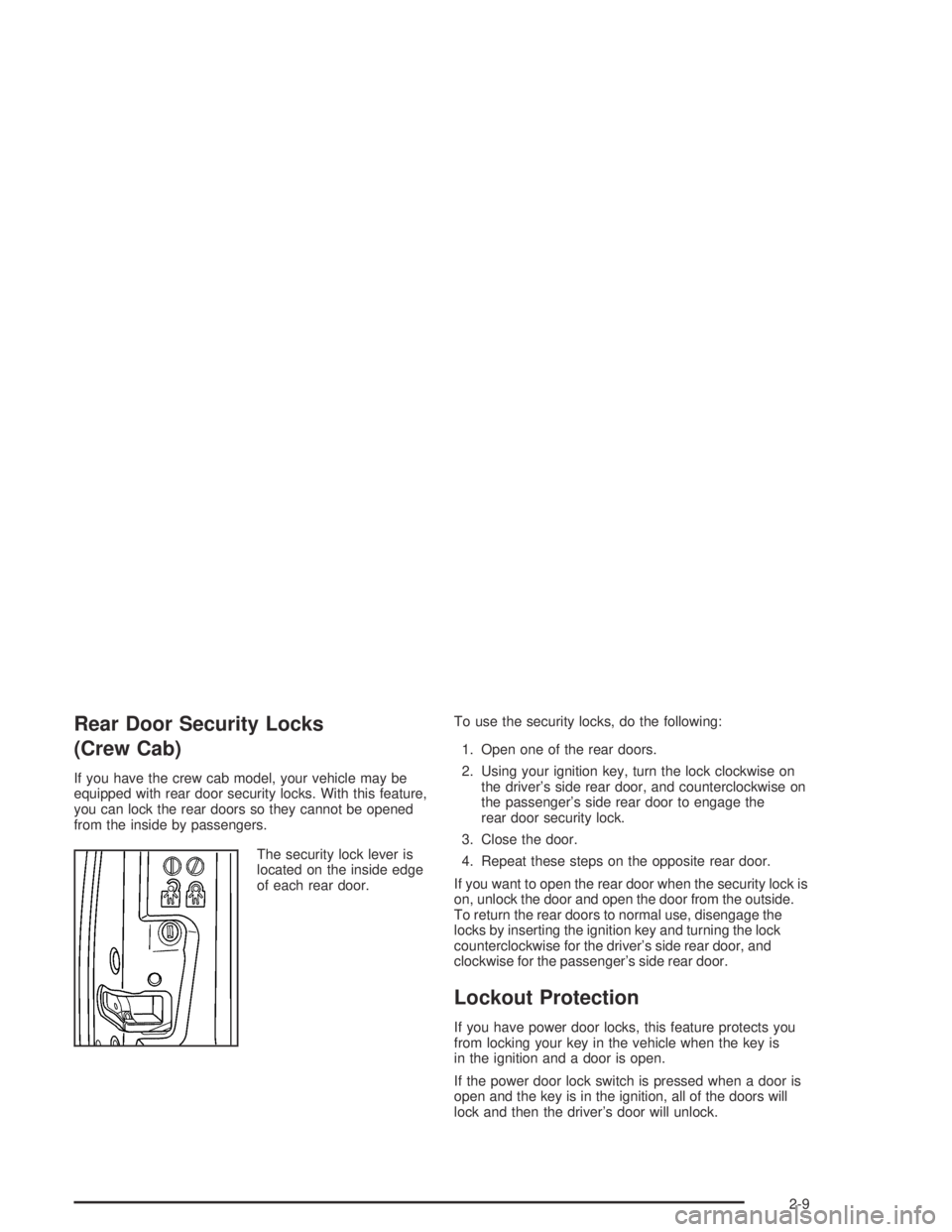
The security lock lever is
located on the inside edge
of each rear door.To use the security locks, do the following:
1. Open one of the rear doors.
2. Using your ignition key, turn the lock clockwise on
the driver’s side rear door, and counterclockwise on
the passenger’s side rear door to engage the
rear door security lock.
3. Close the door.
4. Repeat these steps on the opposite rear door.
If you want to open the rear door when the security lock is
on, unlock the door and open the door from the outside.
To return the rear doors to normal use, disengage the
locks by inserting the ignition key and turning the lock
counterclockwise for the driver’s side rear door, and
clockwise for the passenger’s side rear door.
Lockout Protection
If you have power door locks, this feature protects you
from locking your key in the vehicle when the key is
in the ignition and a door is open.
If the power door lock switch is pressed when a door is
open and the key is in the ignition, all of the doors will
lock and then the driver’s door will unlock.
2-9
Page 90 of 420
Leaving Your Vehicle
If you are leaving the vehicle, take your keys, open your
door and set the locks from inside. Then get out and
close the door.
Rear Doors (Extended Cab)
If you have an extended cab, your vehicle has rear
doors for convenience in loading and unloading cargo.
To open a rear door, open the front door. Then, use
the handle located on the front edge of the rear
door panel to open it. You must close the rear door
before closing the front door.
Tailgate
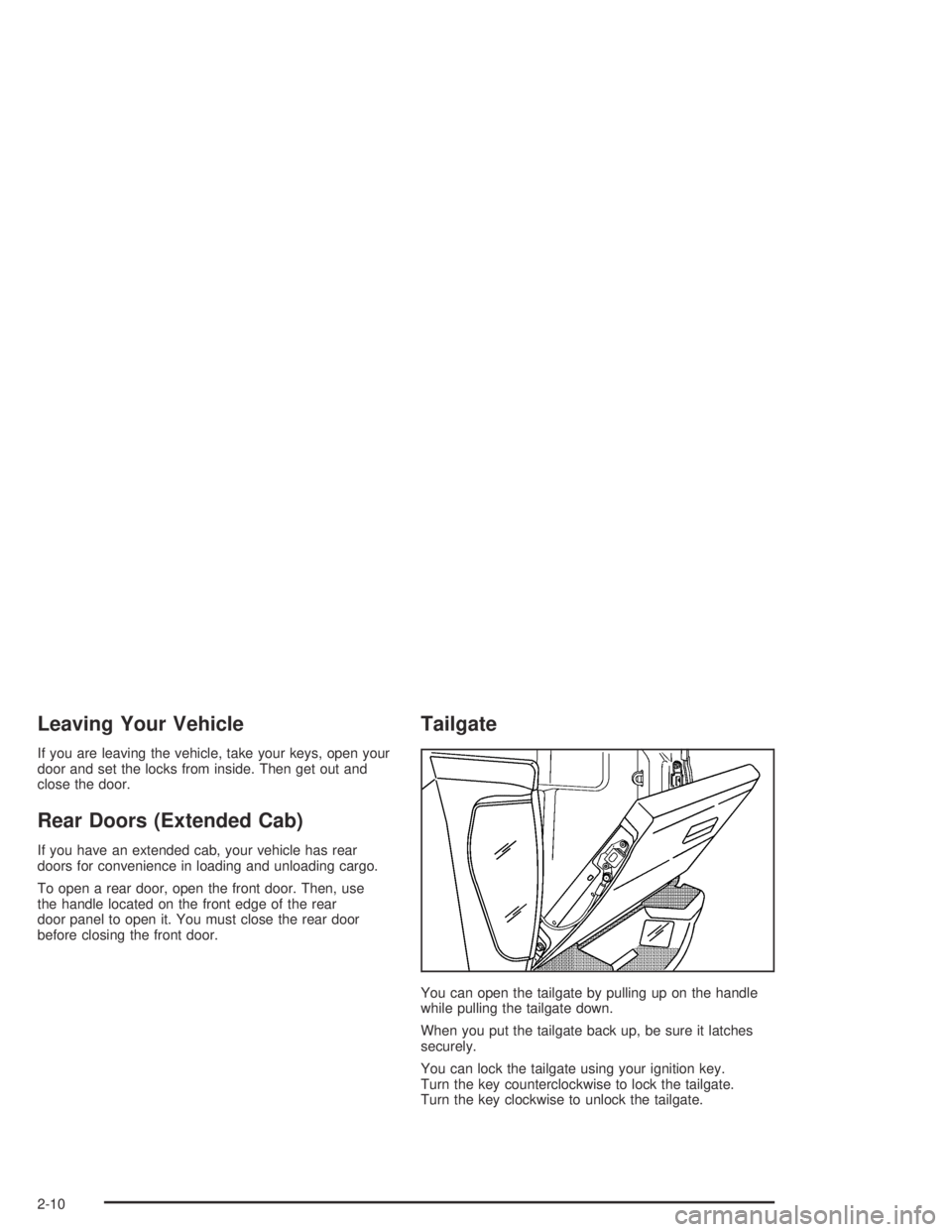
You can open the tailgate by pulling up on the handle
while pulling the tailgate down.
When you put the tailgate back up, be sure it latches
securely.
You can lock the tailgate using your ignition key.
Turn the key counterclockwise to lock the tailgate.
Turn the key clockwise to unlock the tailgate.
2-10
Page 93 of 420
Power Windows
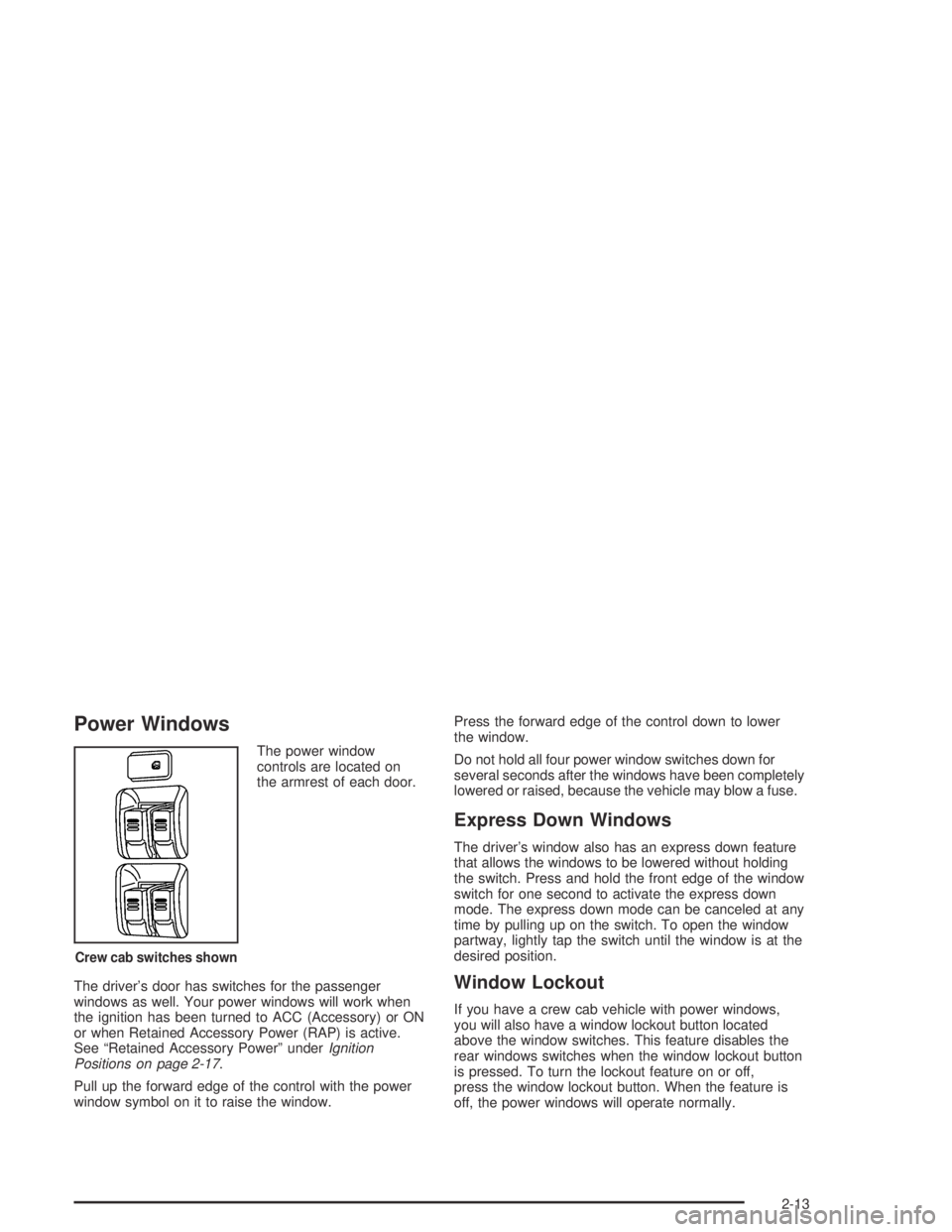
The power window
controls are located on
the armrest of each door.
The driver’s door has switches for the passenger
windows as well. Your power windows will work when
the ignition has been turned to ACC (Accessory) or ON
or when Retained Accessory Power (RAP) is active.
See “Retained Accessory Power” underIgnition
Positions on page 2-17.
Pull up the forward edge of the control with the power
window symbol on it to raise the window.Press the forward edge of the control down to lower
the window.
Do not hold all four power window switches down for
several seconds after the windows have been completely
lowered or raised, because the vehicle may blow a fuse.
Express Down Windows
The driver’s window also has an express down feature
that allows the windows to be lowered without holding
the switch. Press and hold the front edge of the window
switch for one second to activate the express down
mode. The express down mode can be canceled at any
time by pulling up on the switch. To open the window
partway, lightly tap the switch until the window is at the
desired position.
Window Lockout
If you have a crew cab vehicle with power windows,
you will also have a window lockout button located
above the window switches. This feature disables the
rear windows switches when the window lockout button
is pressed. To turn the lockout feature on or off,
press the window lockout button. When the feature is
off, the power windows will operate normally.
Crew cab switches shown
2-13
Page 94 of 420
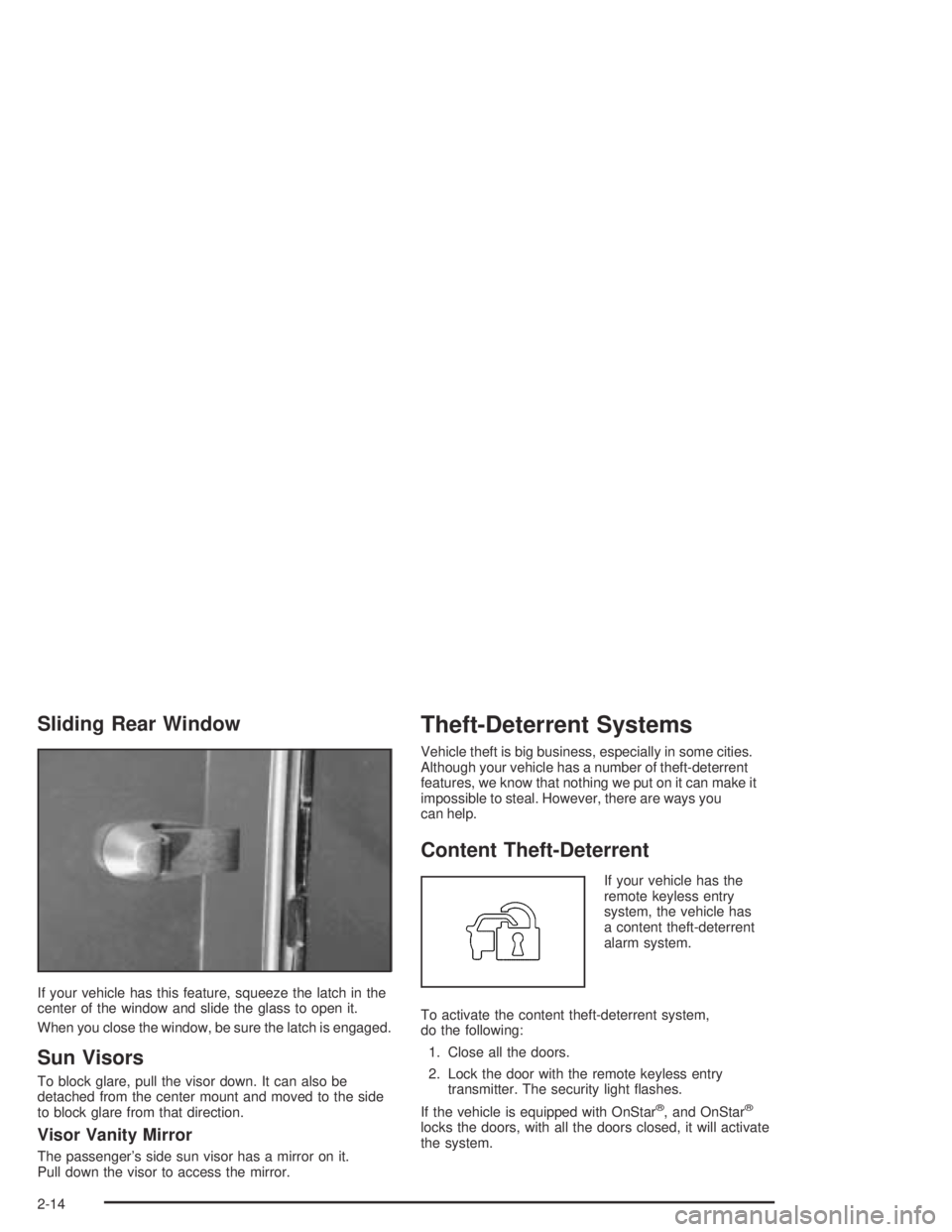
Sliding Rear Window
If your vehicle has this feature, squeeze the latch in the
center of the window and slide the glass to open it.
When you close the window, be sure the latch is engaged.
Sun Visors
To block glare, pull the visor down. It can also be
detached from the center mount and moved to the side
to block glare from that direction.
Visor Vanity Mirror
The passenger’s side sun visor has a mirror on it.
Pull down the visor to access the mirror.
Theft-Deterrent Systems
Vehicle theft is big business, especially in some cities.
Although your vehicle has a number of theft-deterrent
features, we know that nothing we put on it can make it
impossible to steal. However, there are ways you
can help.
Content Theft-Deterrent
If your vehicle has the
remote keyless entry
system, the vehicle has
a content theft-deterrent
alarm system.
To activate the content theft-deterrent system,
do the following:
1. Close all the doors.
2. Lock the door with the remote keyless entry
transmitter. The security light ashes.
If the vehicle is equipped with OnStar
®, and OnStar®
locks the doors, with all the doors closed, it will activate
the system.
2-14
Page 95 of 420

If the lock button on the remote keyless entry transmitter
is pressed, but a door is open, the horn will chirp six
times. Close the open door and the system will be
activated.
If a locked door is not opened with the remote keyless
entry transmitter, or OnStar
®, the alarm will go off.
The front turn signal lamps will ash for two minutes,
and the horn will sound for two minutes, then will turn off
to save the battery power.
Remember, the theft-deterrent system won’t activate if
you lock the doors with a key, the manual door lock, or
power door lock switch. The system can only be activated
with the remote keyless entry transmitter, or OnStar
®.
You should also remember that you can start your vehicle
with the correct ignition key if the alarm has been set off.
Here’s how to avoid setting off the alarm by accident:
If you don’t want to activate the theft-deterrent
system, the vehicle should be locked with the door
key after the doors are closed.
Always unlock a door with a the remote keyless
entry transmitter. Unlocking a door any other
way will set off the alarm.
If you set off the alarm by accident, you can turn off
the alarm by pressing unlock on the remote keyless
entry transmitter. The alarm won’t stop if you try
to unlock a door any other way.
Testing the Alarm
The alarm can be tested by following these steps:
1. From inside the vehicle, activate the system by
locking the doors with the remote keyless entry
transmitter.
2. Unlock the door with the manual door lock and
open the door. This should set off the alarm.
3. To turn the alarm off, press the unlock button on
the remote keyless entry transmitter or start the
engine.
If the alarm does not sound when it should but the lights
ash, check to see if the horn works. The horn fuse
may be blown. To replace the fuse, seeFuses and
Circuit Breakers on page 5-104.
If the alarm does not sound or the headlamps do not
ash, see your dealer for service.
2-15
Page 98 of 420

ON (C):This is the position that the switch returns to
after you start your engine and release the switch.
The switch stays in ON when the engine is running.
But even when the engine is not running, you can use
ON to operate your electrical accessories and to display
some instrument panel cluster warning and indicator
lights.
START (D):This is the position that starts the engine.
When the engine starts, release the key. The ignition
switch will return to ON for normal driving.
When the engine is not running, ACC and ON allow you
to operate your electrical accessories, such as the
radio or items plugged into the accessory power outlets.
A warning tone will sound if you open the driver’s
door when the ignition is in ACC or LOCK and the key
is in the ignition.
Retained Accessory Power (RAP)
Your vehicle is equipped with Retained Accessory
Power (RAP) which will allow certain features of your
vehicle to continue working for up to 20 minutes after the
ignition key is turned to LOCK.
Your radio and power windows will work when the
ignition key is in ON or ACC. Once the key is turned
from ON to OFF, these features will continue to work
for up to 20 minutes or until a door is opened.
Starting Your Engine
Automatic Transmission
Move your shift lever to PARK (P) or NEUTRAL (N).
Your engine will not start in any other position — that is a
safety feature. To restart when you are already moving,
use NEUTRAL (N) only.
Notice:Do not try to shift to PARK (P) if your
vehicle is moving. If you do, you could damage the
transmission. Shift to PARK (P) only when your
vehicle is stopped.
Manual Transmission
The gear selector should be in NEUTRAL and the
parking brake engaged. Hold the clutch pedal to the oor
and start the engine. Your vehicle will not start if the
clutch pedal is not all the way down — that is a safety
feature.
2-18
Page 121 of 420
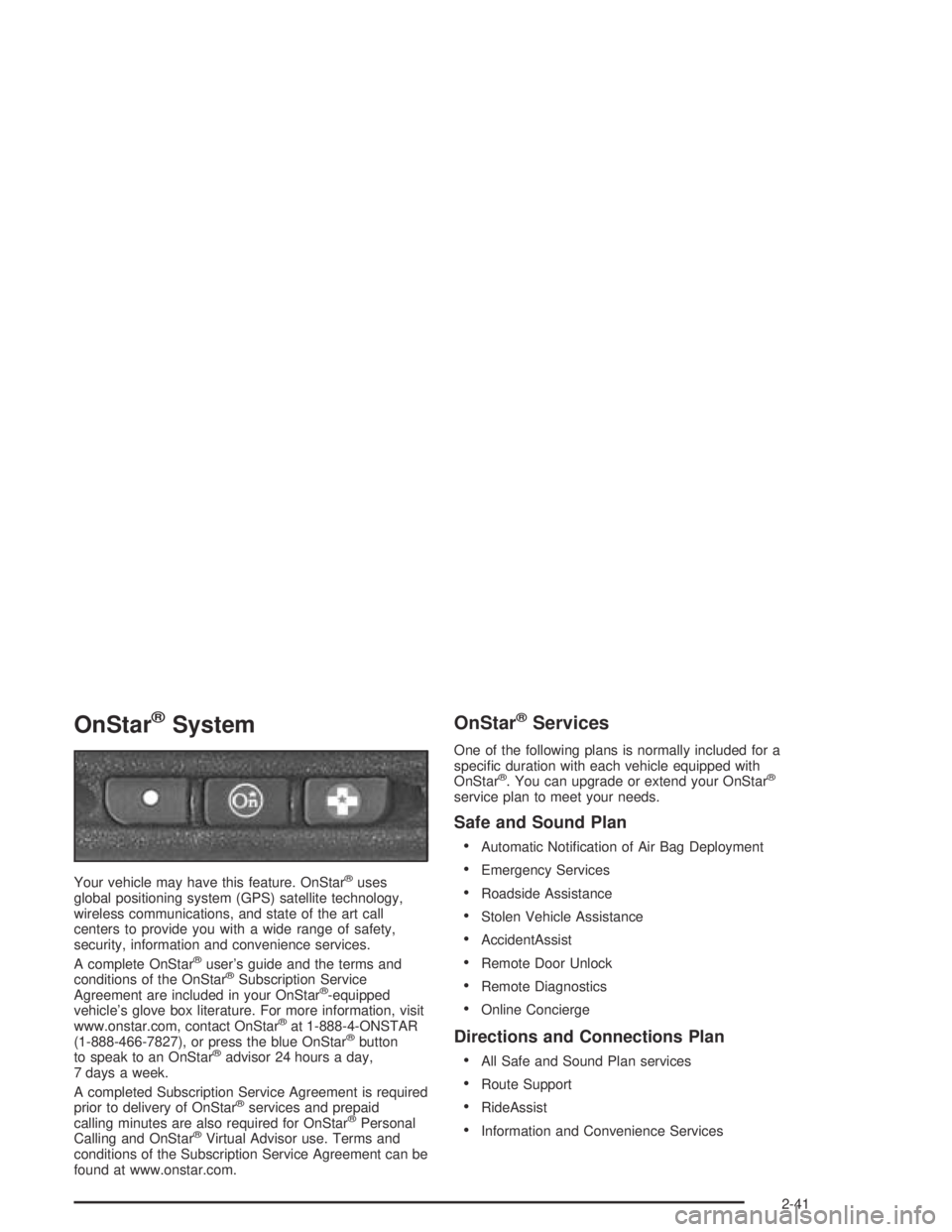
OnStar®System
Your vehicle may have this feature. OnStar®uses
global positioning system (GPS) satellite technology,
wireless communications, and state of the art call
centers to provide you with a wide range of safety,
security, information and convenience services.
A complete OnStar
®user’s guide and the terms and
conditions of the OnStar®Subscription Service
Agreement are included in your OnStar®-equipped
vehicle’s glove box literature. For more information, visit
www.onstar.com, contact OnStar
®at 1-888-4-ONSTAR
(1-888-466-7827), or press the blue OnStar®button
to speak to an OnStar®advisor 24 hours a day,
7 days a week.
A completed Subscription Service Agreement is required
prior to delivery of OnStar
®services and prepaid
calling minutes are also required for OnStar®Personal
Calling and OnStar®Virtual Advisor use. Terms and
conditions of the Subscription Service Agreement can be
found at www.onstar.com.
OnStar®Services
One of the following plans is normally included for a
specic duration with each vehicle equipped with
OnStar
®. You can upgrade or extend your OnStar®
service plan to meet your needs.
Safe and Sound Plan
Automatic Notication of Air Bag Deployment
Emergency Services
Roadside Assistance
Stolen Vehicle Assistance
AccidentAssist
Remote Door Unlock
Remote Diagnostics
Online Concierge
Directions and Connections Plan
All Safe and Sound Plan services
Route Support
RideAssist
Information and Convenience Services
2-41