Page 39 of 240
Using the right bulbs
Replacement bulbs are specified in the chart below.
Headlamp bulbs must be marked with an authorized
“D.O.T.”for North America and an“E”for Europe to
assure lamp performance, light brightness and
pattern and safe visibility. The correct bulbs will not
damage the lamp assembly or void the lamp
assembly warranty and will provide quality bulb burn
time.
Function Trade Number
Tail lamp, brakelamp, turn lamp 3157K
Park lamp, turn lamp, side marker
(front)3157 AK (amber)
Backup lamp 3156K
License plate lamp 168
High-mount brakelamp 906
Headlamps 9007
Luggage compartment lamp 906
Dome lamp 575
Map lamp 575
Visor vanity lamp 74
Glove compartment 194
Rearview mirror map lamps 192
Fog lamp 899
All replacement bulbs are clear in color except where
noted.
To replace all instrument panel lights - see your dealer.
Interior bulbs
Check the operation of all bulbs frequently.
Map lamps
For bulb replacement, see a qualified service
technician or your dealer.
2004 Mustang(mus)
Owners Guide (post-2002-fmt)
USA English(fus)
Lights
39
Page 41 of 240
Replacing front parking lamp/turn signal bulbs
1. Make sure the headlamp control is in the OFF
position and open the hood.
2. At the back of the
headlamp, pull two
retainer pins up to
release the headlamp
assembly.
3. Pull headlamp
assembly forward and
rotate the bulb socket
counterclockwise and remove from lamp assembly.
4. Pull the bulb straight
out from the socket
and push in the new
bulb.
Install the new bulb in reverse order.
Replacing high-mount brakelamp bulbs
1. Make sure the
headlamp switch is in
the OFF position and
then open the trunk.
2. Inside trunk, locate
access hole under the
rear decklid.
3. Rotate the bulb
socket
counterclockwise and
pull it out of the lamp assembly.
4. Carefully pull the bulb straight out of socket.
Install the new bulb in reverse order.
2004 Mustang(mus)
Owners Guide (post-2002-fmt)
USA English(fus)
Lights
41
Page 47 of 240
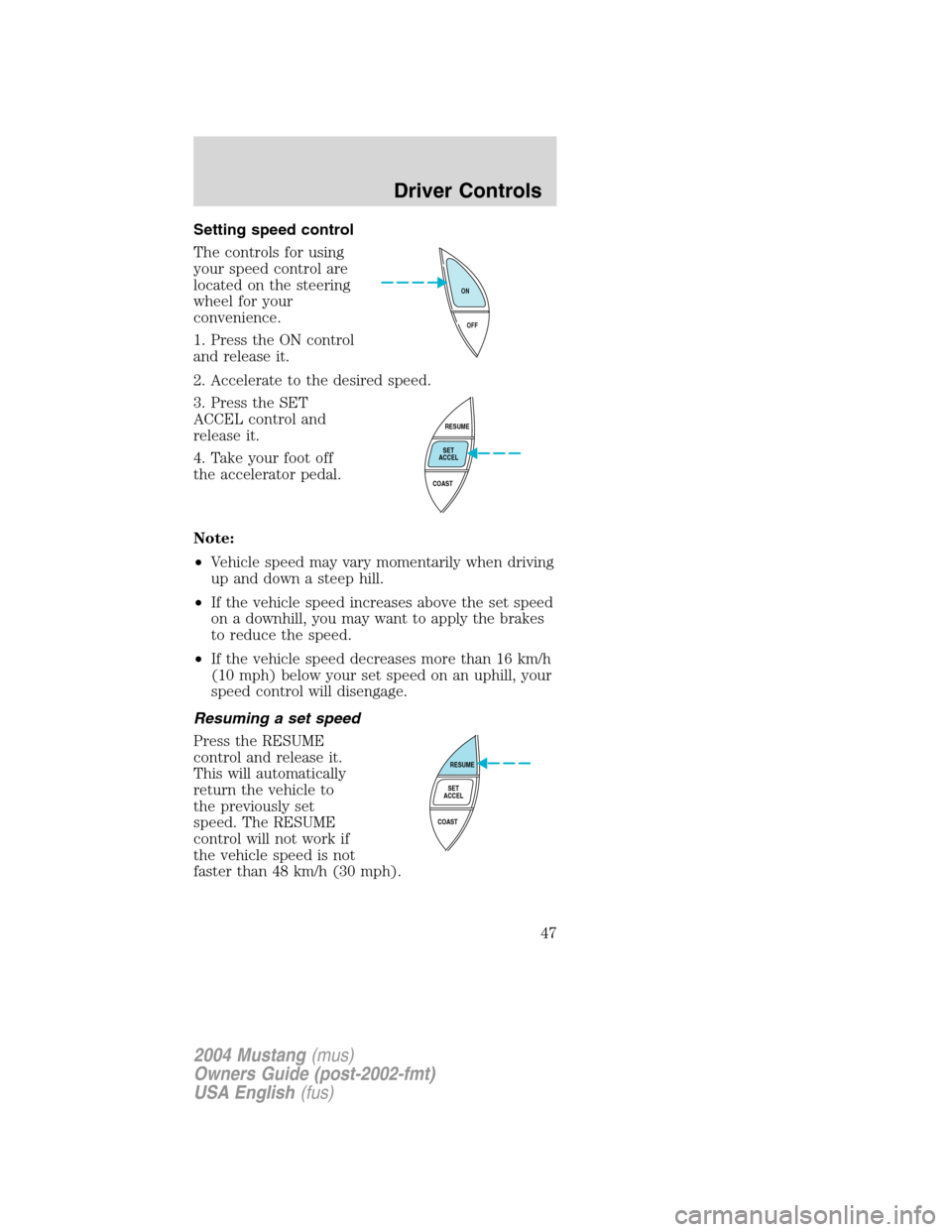
Setting speed control
The controls for using
your speed control are
located on the steering
wheel for your
convenience.
1. Press the ON control
and release it.
2. Accelerate to the desired speed.
3. Press the SET
ACCEL control and
release it.
4. Take your foot off
the accelerator pedal.
Note:
•Vehicle speed may vary momentarily when driving
up and down a steep hill.
•If the vehicle speed increases above the set speed
on a downhill, you may want to apply the brakes
to reduce the speed.
•If the vehicle speed decreases more than 16 km/h
(10 mph) below your set speed on an uphill, your
speed control will disengage.
Resuming a set speed
Press the RESUME
control and release it.
This will automatically
return the vehicle to
the previously set
speed. The RESUME
control will not work if
the vehicle speed is not
faster than 48 km/h (30 mph).
OFF ON
RESUME
SET
ACCEL
COAST
RESUME
SET
ACCEL
COAST
2004 Mustang(mus)
Owners Guide (post-2002-fmt)
USA English(fus)
Driver Controls
47
Page 48 of 240
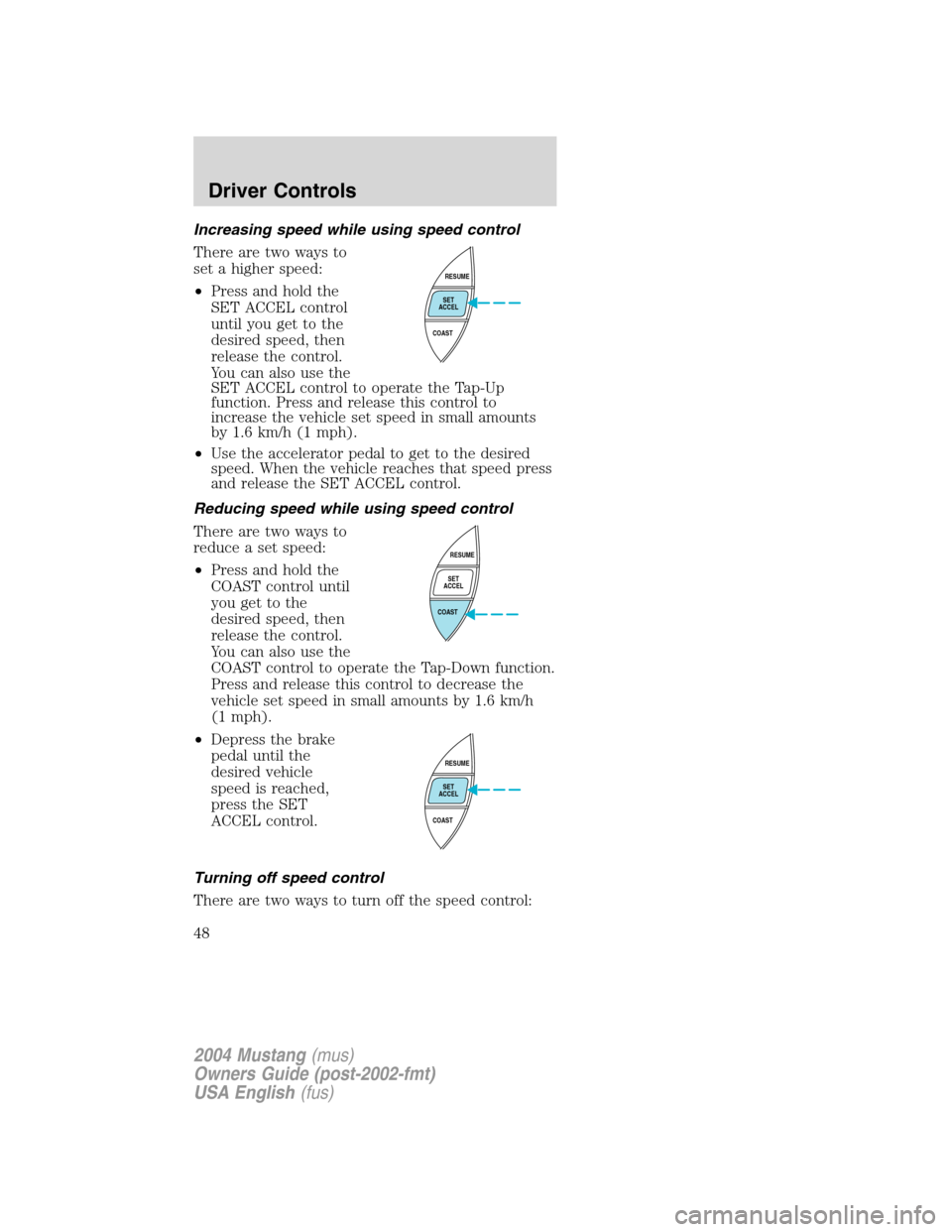
Increasing speed while using speed control
There are two ways to
set a higher speed:
•Press and hold the
SET ACCEL control
until you get to the
desired speed, then
release the control.
You can also use the
SET ACCEL control to operate the Tap-Up
function. Press and release this control to
increase the vehicle set speed in small amounts
by 1.6 km/h (1 mph).
•Use the accelerator pedal to get to the desired
speed. When the vehicle reaches that speed press
and release the SET ACCEL control.
Reducing speed while using speed control
There are two ways to
reduce a set speed:
•Press and hold the
COAST control until
you get to the
desired speed, then
release the control.
You can also use the
COAST control to operate the Tap-Down function.
Press and release this control to decrease the
vehicle set speed in small amounts by 1.6 km/h
(1 mph).
•Depress the brake
pedal until the
desired vehicle
speed is reached,
press the SET
ACCEL control.
Turning off speed control
There are two ways to turn off the speed control:
RESUME
SET
ACCEL
COAST
RESUME
SET
ACCEL
COAST
RESUME
SET
ACCEL
COAST
2004 Mustang(mus)
Owners Guide (post-2002-fmt)
USA English(fus)
Driver Controls
48
Page 49 of 240
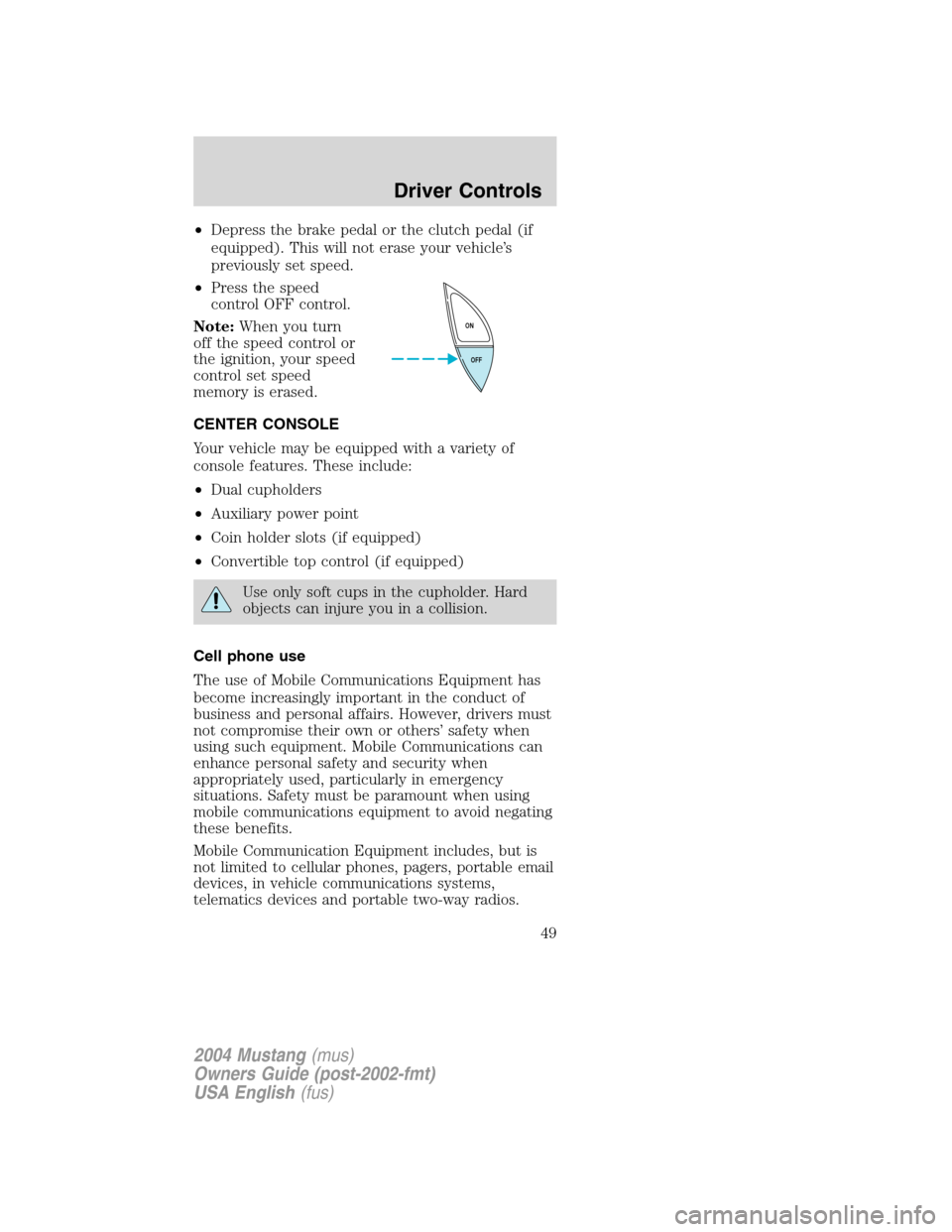
•Depress the brake pedal or the clutch pedal (if
equipped). This will not erase your vehicle’s
previously set speed.
•Press the speed
control OFF control.
Note:When you turn
off the speed control or
the ignition, your speed
control set speed
memory is erased.
CENTER CONSOLE
Your vehicle may be equipped with a variety of
console features. These include:
•Dual cupholders
•Auxiliary power point
•Coin holder slots (if equipped)
•Convertible top control (if equipped)
Use only soft cups in the cupholder. Hard
objects can injure you in a collision.
Cell phone use
The use of Mobile Communications Equipment has
become increasingly important in the conduct of
business and personal affairs. However, drivers must
not compromise their own or others’safety when
using such equipment. Mobile Communications can
enhance personal safety and security when
appropriately used, particularly in emergency
situations. Safety must be paramount when using
mobile communications equipment to avoid negating
these benefits.
Mobile Communication Equipment includes, but is
not limited to cellular phones, pagers, portable email
devices, in vehicle communications systems,
telematics devices and portable two-way radios.
OFF ON
2004 Mustang(mus)
Owners Guide (post-2002-fmt)
USA English(fus)
Driver Controls
49
Page 50 of 240

A driver’s first responsibility is the safe
operation of the vehicle. The most important
thing you can do to prevent a crash is to avoid
distractions and pay attention to the road. Wait
until it is safe to operate Mobile Communications
Equipment.
POSITIVE RETENTION FLOOR MAT
(IF EQUIPPED)
Position the floor mat so
that the eyelet is over the
pointed end of the
retention post and rotate
forward to lock in. Make
sure that the mat does not
interfere with the operation
of the accelerator or the
brake pedal. To remove the
floor mat, reverse the installation procedure.
INTERIOR TRUNK CONTROL
The remote trunk release control is located in the
glove compartment. Press to open trunk.
CONVERTIBLE (IF EQUIPPED)
Do not store articles behind rear seat. Articles
stored in the convertible top stowage compartment
may break the rear glass window when the top is
lowered.
Lowering the convertible top
The convertible top can be lowered with the side
windows either up or down.
The convertible topwill not operateunless the
parking brake is engaged. Do not lower the top while
the vehicle is moving because the top may be
severely damaged. Also, do not lower the top when
the top material is wet.
2004 Mustang(mus)
Owners Guide (post-2002-fmt)
USA English(fus)
Driver Controls
50
Page 51 of 240
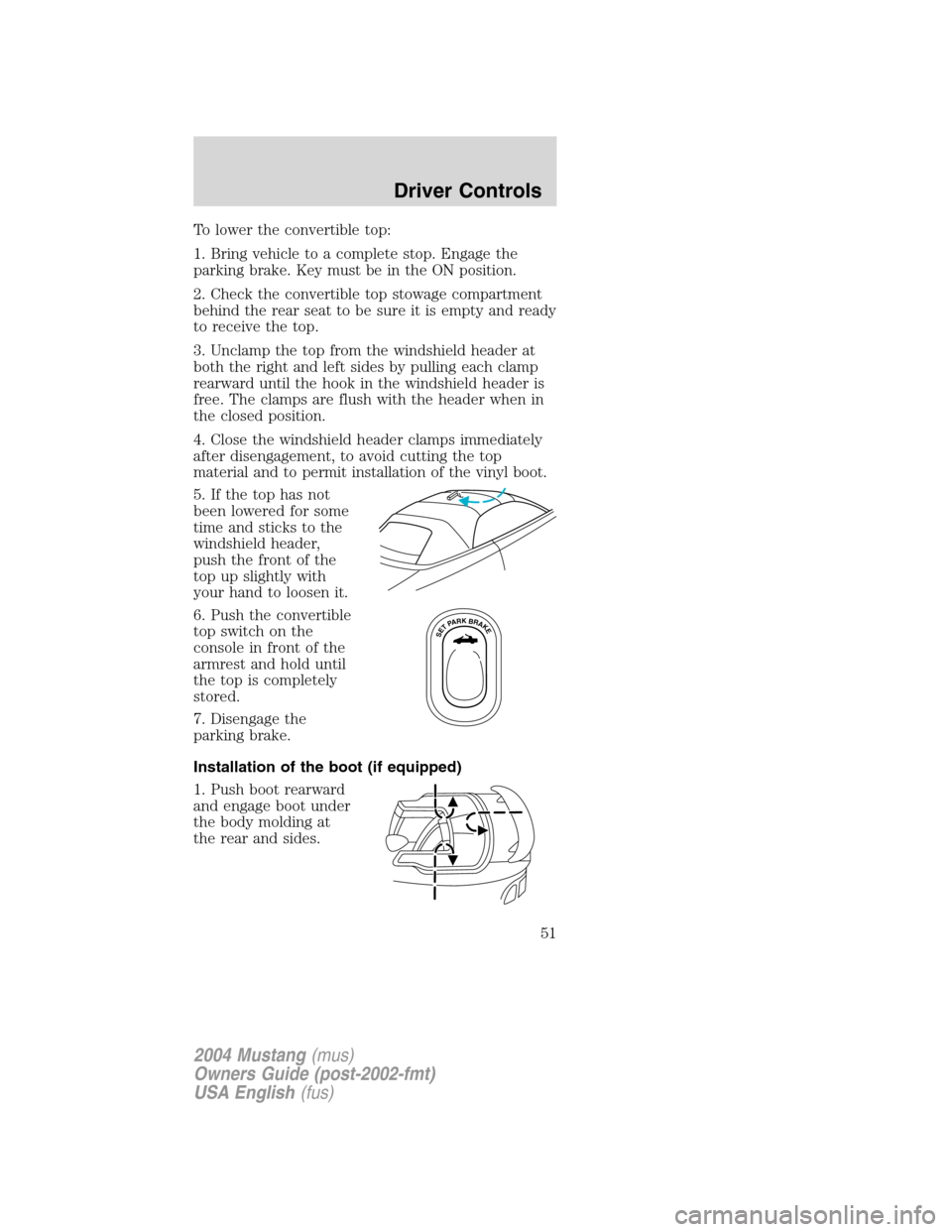
To lower the convertible top:
1. Bring vehicle to a complete stop. Engage the
parking brake. Key must be in the ON position.
2. Check the convertible top stowage compartment
behind the rear seat to be sure it is empty and ready
to receive the top.
3. Unclamp the top from the windshield header at
both the right and left sides by pulling each clamp
rearward until the hook in the windshield header is
free. The clamps are flush with the header when in
the closed position.
4. Close the windshield header clamps immediately
after disengagement, to avoid cutting the top
material and to permit installation of the vinyl boot.
5. If the top has not
been lowered for some
time and sticks to the
windshield header,
push the front of the
top up slightly with
your hand to loosen it.
6. Push the convertible
top switch on the
console in front of the
armrest and hold until
the top is completely
stored.
7. Disengage the
parking brake.
Installation of the boot (if equipped)
1. Push boot rearward
and engage boot under
the body molding at
the rear and sides.
SETPARKBRAKE
2004 Mustang(mus)
Owners Guide (post-2002-fmt)
USA English(fus)
Driver Controls
51
Page 52 of 240
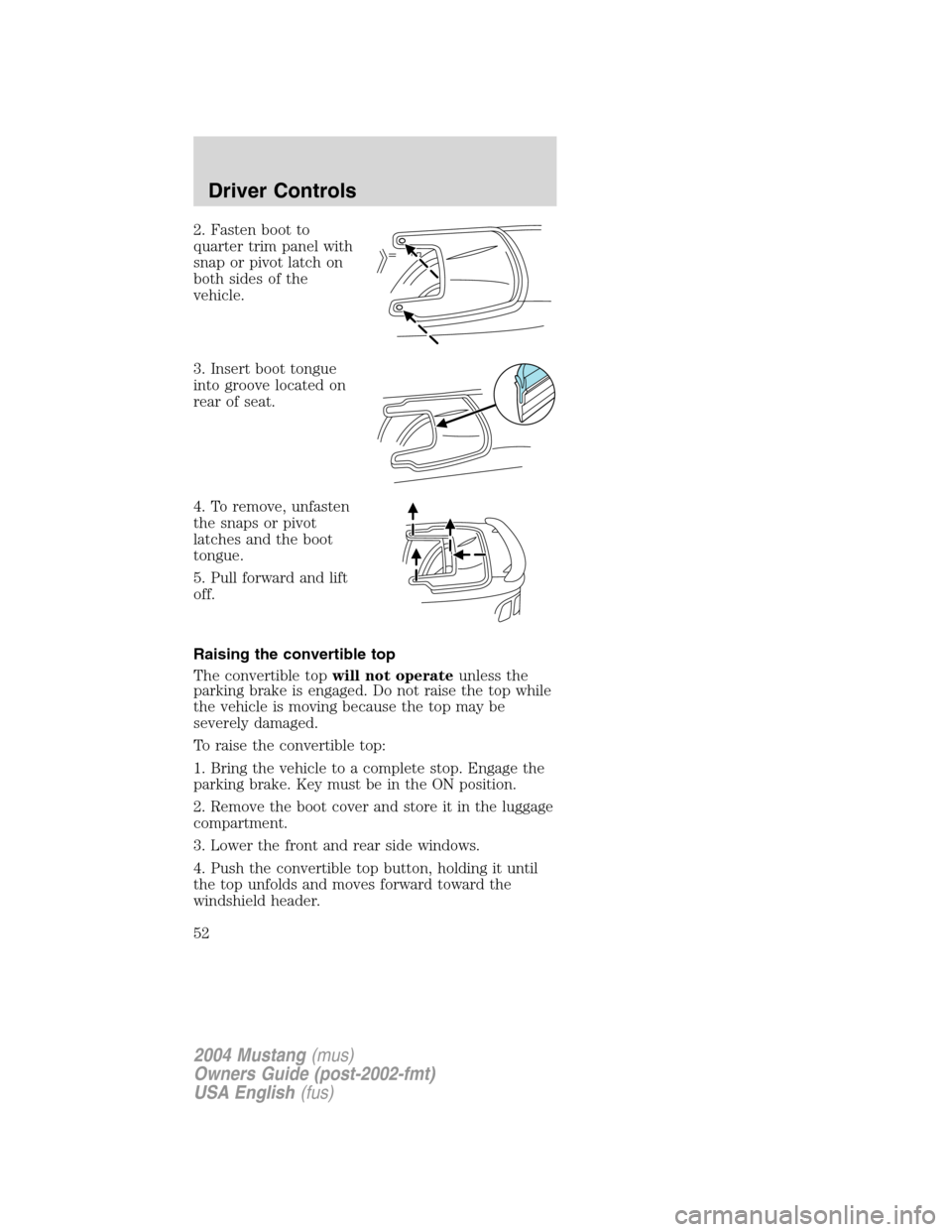
2. Fasten boot to
quarter trim panel with
snap or pivot latch on
both sides of the
vehicle.
3. Insert boot tongue
into groove located on
rear of seat.
4. To remove, unfasten
the snaps or pivot
latches and the boot
tongue.
5. Pull forward and lift
off.
Raising the convertible top
The convertible topwill not operateunless the
parking brake is engaged. Do not raise the top while
the vehicle is moving because the top may be
severely damaged.
To raise the convertible top:
1. Bring the vehicle to a complete stop. Engage the
parking brake. Key must be in the ON position.
2. Remove the boot cover and store it in the luggage
compartment.
3. Lower the front and rear side windows.
4. Push the convertible top button, holding it until
the top unfolds and moves forward toward the
windshield header.
2004 Mustang(mus)
Owners Guide (post-2002-fmt)
USA English(fus)
Driver Controls
52