Page 20 of 312
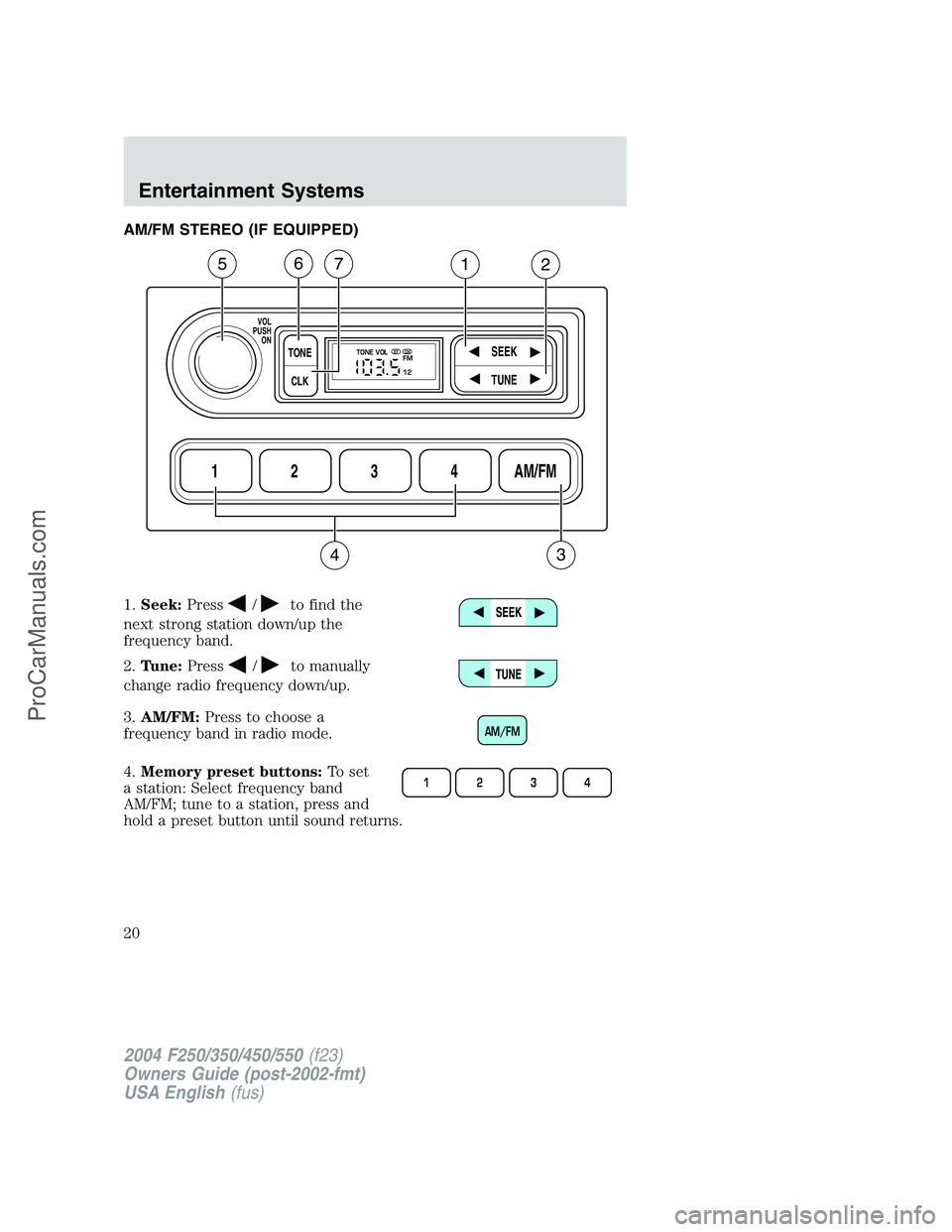
AM/FM STEREO (IF EQUIPPED)
1.Seek:Press
/to find the
next strong station down/up the
frequency band.
2.Tune:Press
/to manually
change radio frequency down/up.
3.AM/FM:Press to choose a
frequency band in radio mode.
4.Memory preset buttons:To set
a station: Select frequency band
AM/FM; tune to a station, press and
hold a preset button until sound returns.
1234AM/FM
SEEKTONE
CLK
TUNE
TONE VOL
12 FMSTDX
VOL
PUSH
ON
5
3
67
4
12
AM/FM
1234
2004 F250/350/450/550(f23)
Owners Guide (post-2002-fmt)
USA English(fus)
Entertainment Systems
Entertainment Systems
20
ProCarManuals.com
Page 23 of 312
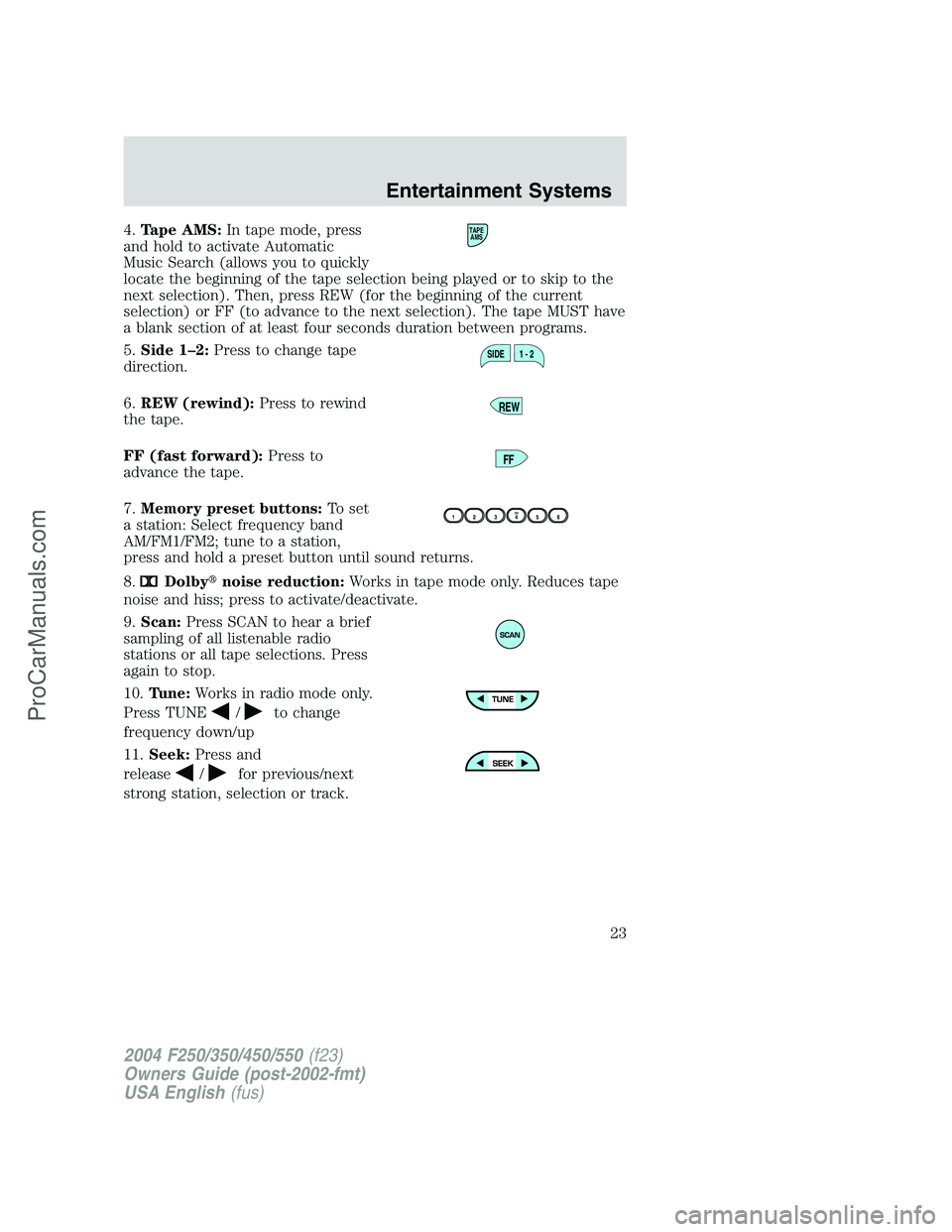
4.Tape AMS:In tape mode, press
and hold to activate Automatic
Music Search (allows you to quickly
locate the beginning of the tape selection being played or to skip to the
next selection). Then, press REW (for the beginning of the current
selection) or FF (to advance to the next selection). The tape MUST have
a blank section of at least four seconds duration between programs.
5.Side 1–2:Press to change tape
direction.
6.REW (rewind):Press to rewind
the tape.
FF (fast forward):Press to
advance the tape.
7.Memory preset buttons:To set
a station: Select frequency band
AM/FM1/FM2; tune to a station,
press and hold a preset button until sound returns.
8.
Dolby�noise reduction:Works in tape mode only. Reduces tape
noise and hiss; press to activate/deactivate.
9.Scan:Press SCAN to hear a brief
sampling of all listenable radio
stations or all tape selections. Press
again to stop.
10.Tune:Works in radio mode only.
Press TUNE
/to change
frequency down/up
11.Seek:Press and
release
/for previous/next
strong station, selection or track.
TAPE
AMS
SIDE 1 - 2
REW
FF
2004 F250/350/450/550(f23)
Owners Guide (post-2002-fmt)
USA English(fus)
Entertainment Systems
23
ProCarManuals.com
Page 24 of 312
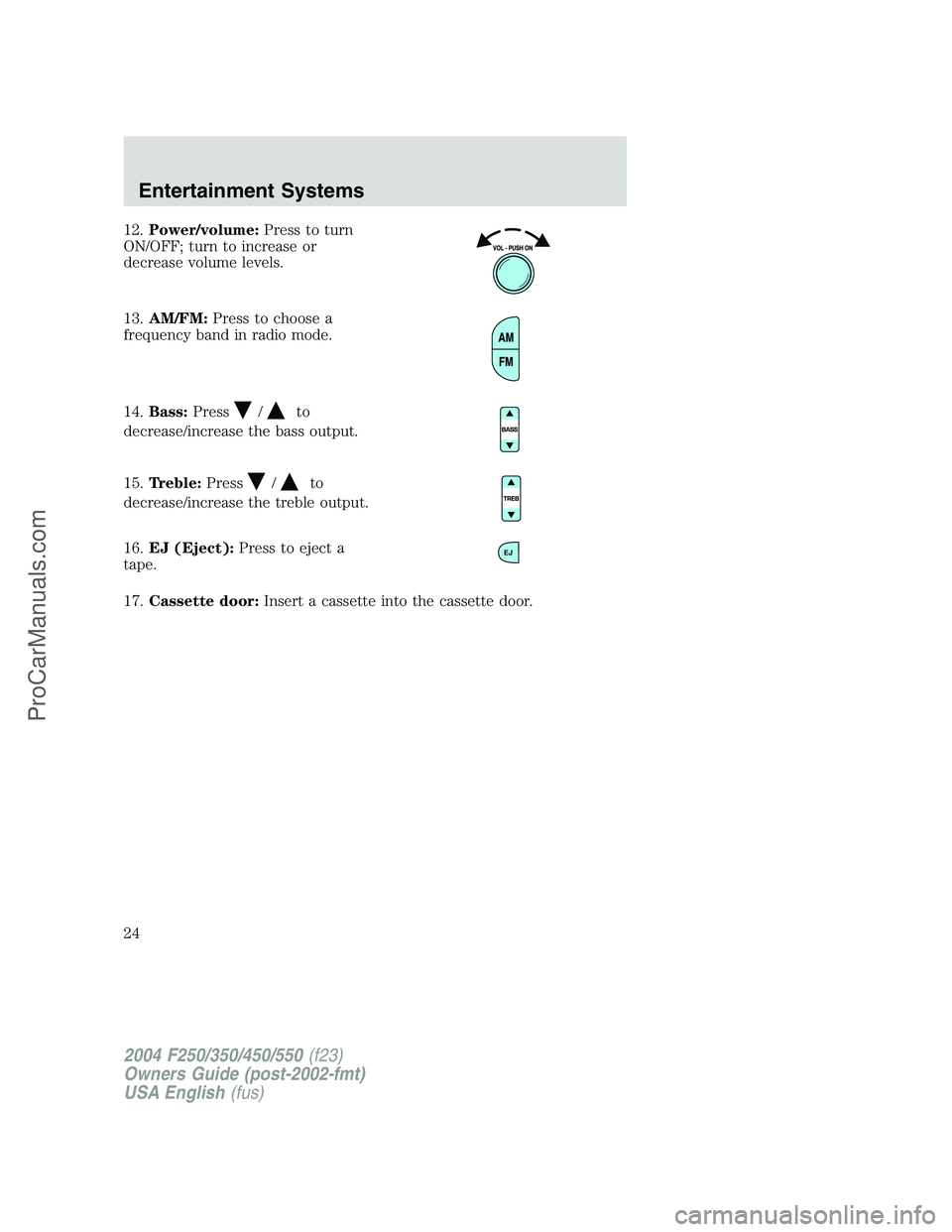
12.Power/volume:Press to turn
ON/OFF; turn to increase or
decrease volume levels.
13.AM/FM:Press to choose a
frequency band in radio mode.
14.Bass:Press
/to
decrease/increase the bass output.
15.Treble:Press
/to
decrease/increase the treble output.
16.EJ (Eject):Press to eject a
tape.
17.Cassette door:Insert a cassette into the cassette door.
EJ
2004 F250/350/450/550(f23)
Owners Guide (post-2002-fmt)
USA English(fus)
Entertainment Systems
24
ProCarManuals.com
Page 25 of 312
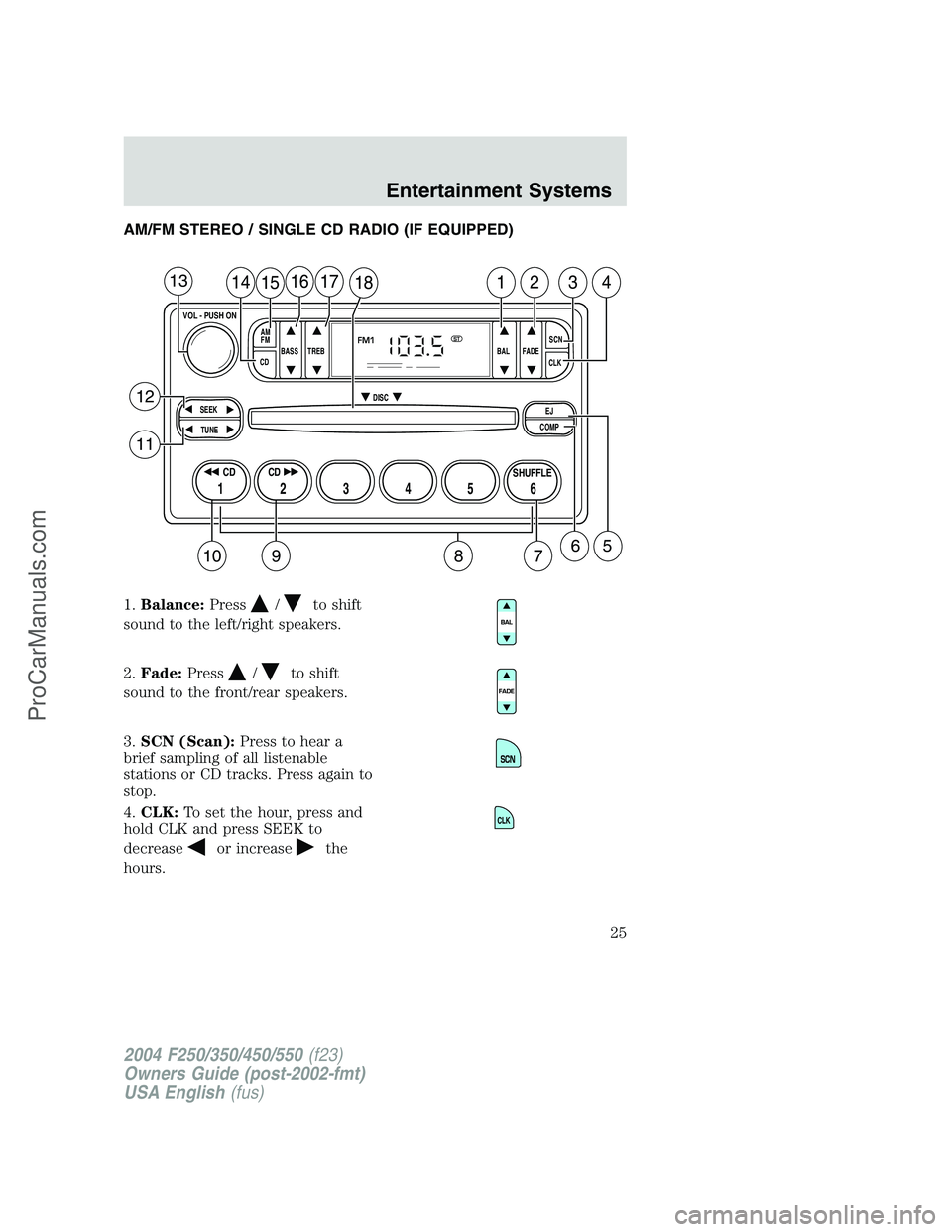
AM/FM STEREO / SINGLE CD RADIO (IF EQUIPPED)
1.Balance:Press
/to shift
sound to the left/right speakers.
2.Fade:Press
/to shift
sound to the front/rear speakers.
3.SCN (Scan):Press to hear a
brief sampling of all listenable
stations or CD tracks. Press again to
stop.
4.CLK:To set the hour, press and
hold CLK and press SEEK to
decrease
or increasethe
hours.
BASS
CDTREB BAL FADESCN
CLK AM
FM
VOL - PUSH ON
SEEK
EJ
COMP DISC
TUNE
12 3456
FM1ST
SHUFFLE CD CD
1415161718123413
658
12
11
7910
CLK
2004 F250/350/450/550(f23)
Owners Guide (post-2002-fmt)
USA English(fus)
Entertainment Systems
25
ProCarManuals.com
Page 26 of 312
To set the minute, press and hold CLK and press TUNE to decrease
or increasethe minutes.
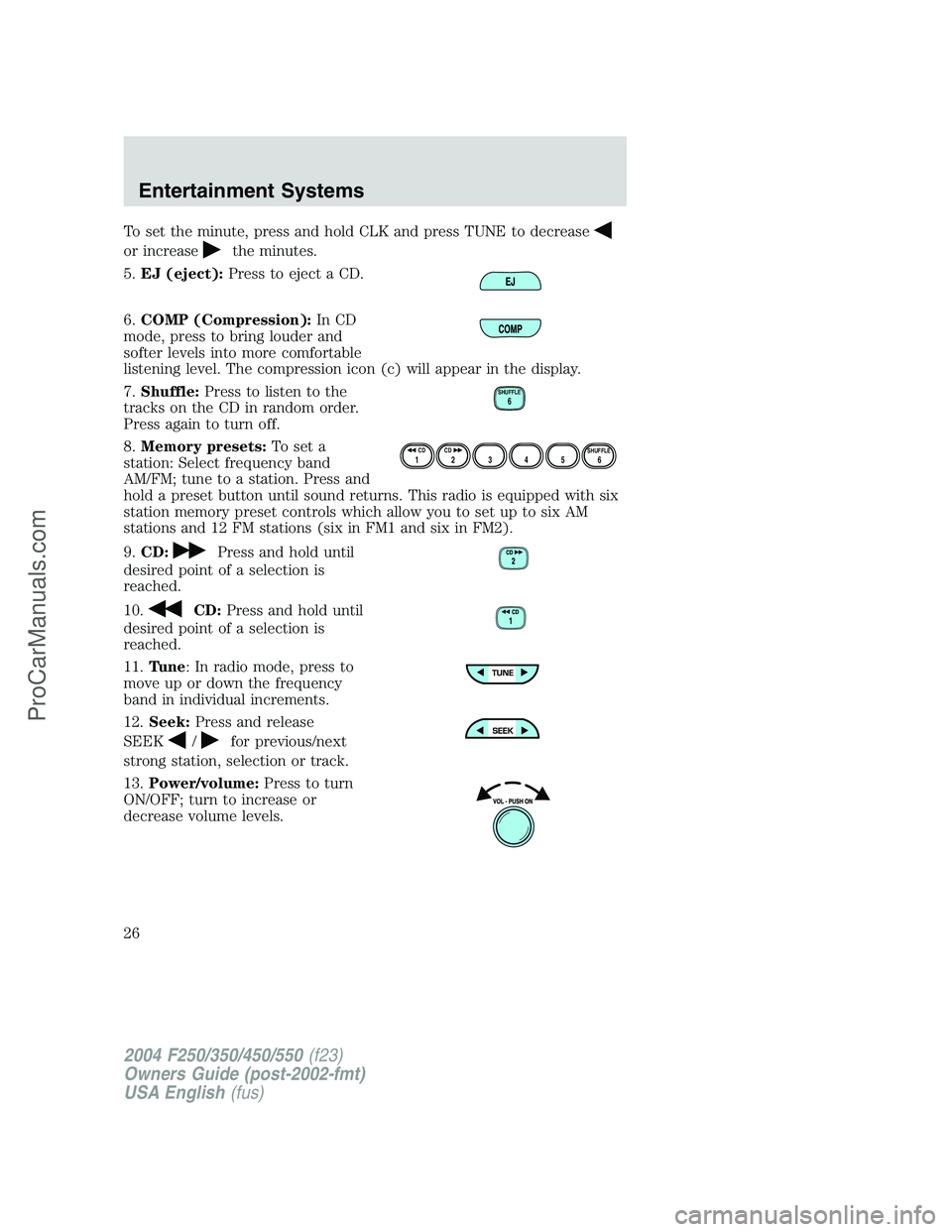
5.EJ (eject):Press to eject a CD.
6.COMP (Compression):In CD
mode, press to bring louder and
softer levels into more comfortable
listening level. The compression icon (c) will appear in the display.
7.Shuffle:Press to listen to the
tracks on the CD in random order.
Press again to turn off.
8.Memory presets:To set a
station: Select frequency band
AM/FM; tune to a station. Press and
hold a preset button until sound returns. This radio is equipped with six
station memory preset controls which allow you to set up to six AM
stations and 12 FM stations (six in FM1 and six in FM2).
9.CD:
Press and hold until
desired point of a selection is
reached.
10.
CD:Press and hold until
desired point of a selection is
reached.
11.Tune: In radio mode, press to
move up or down the frequency
band in individual increments.
12.Seek:Press and release
SEEK
/for previous/next
strong station, selection or track.
13.Power/volume:Press to turn
ON/OFF; turn to increase or
decrease volume levels.
SHUFFLE6
12 3456SHUFFLE CD CD
2004 F250/350/450/550(f23)
Owners Guide (post-2002-fmt)
USA English(fus)
Entertainment Systems
26
ProCarManuals.com
Page 27 of 312
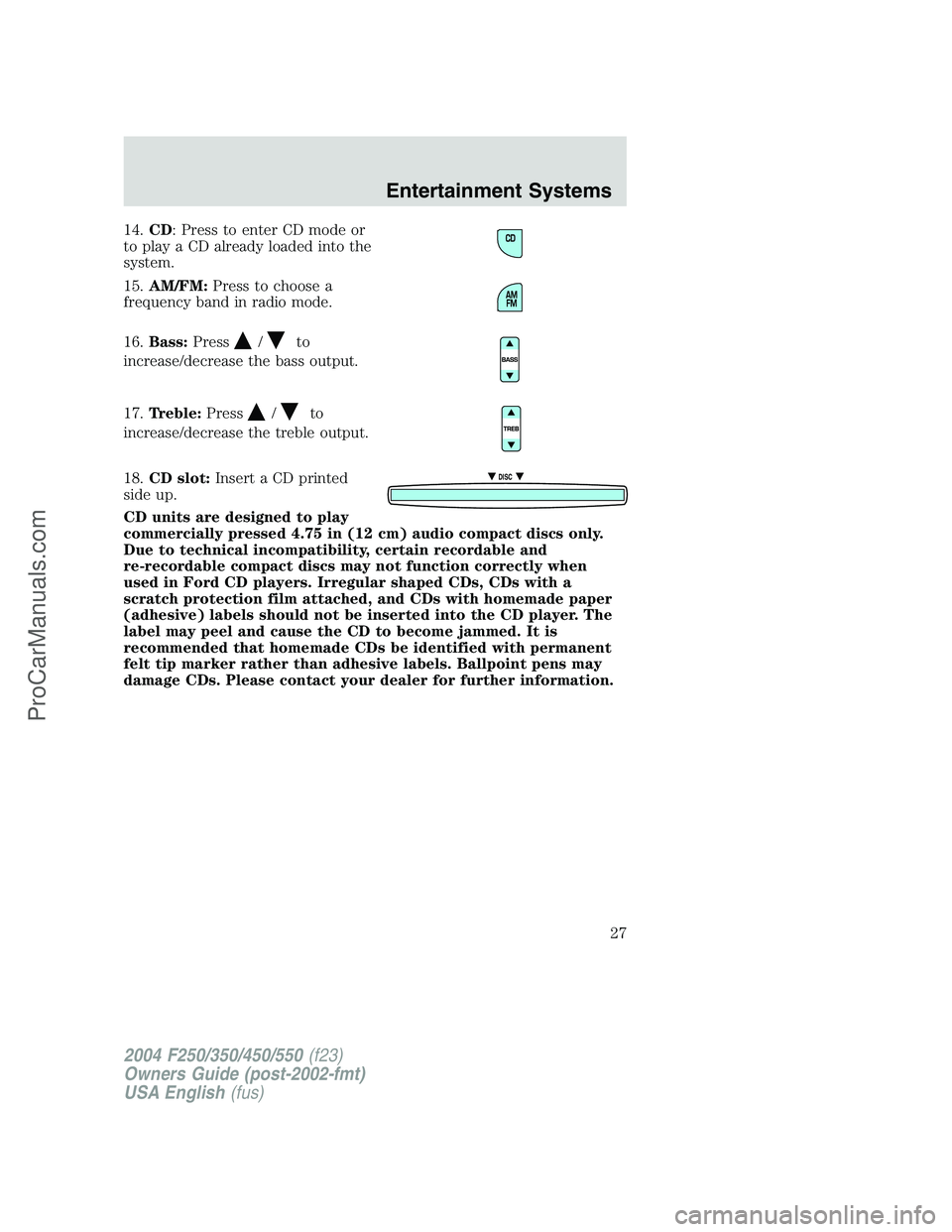
14.CD: Press to enter CD mode or
to play a CD already loaded into the
system.
15.AM/FM:Press to choose a
frequency band in radio mode.
16.Bass:Press
/to
increase/decrease the bass output.
17.Treble:Press
/to
increase/decrease the treble output.
18.CD slot:Insert a CD printed
side up.
CD units are designed to play
commercially pressed 4.75 in (12 cm) audio compact discs only.
Due to technical incompatibility, certain recordable and
re-recordable compact discs may not function correctly when
used in Ford CD players. Irregular shaped CDs, CDs with a
scratch protection film attached, and CDs with homemade paper
(adhesive) labels should not be inserted into the CD player. The
label may peel and cause the CD to become jammed. It is
recommended that homemade CDs be identified with permanent
felt tip marker rather than adhesive labels. Ballpoint pens may
damage CDs. Please contact your dealer for further information.
DISC
2004 F250/350/450/550(f23)
Owners Guide (post-2002-fmt)
USA English(fus)
Entertainment Systems
27
ProCarManuals.com
Page 29 of 312
not be inserted into the CD player. The label may peel and cause
the CD to become jammed. It is recommended that homemade
CDs be identified with permanent felt tip marker rather than
adhesive labels. Ballpoint pens may damage CDs. Please contact
your dealer for further information.
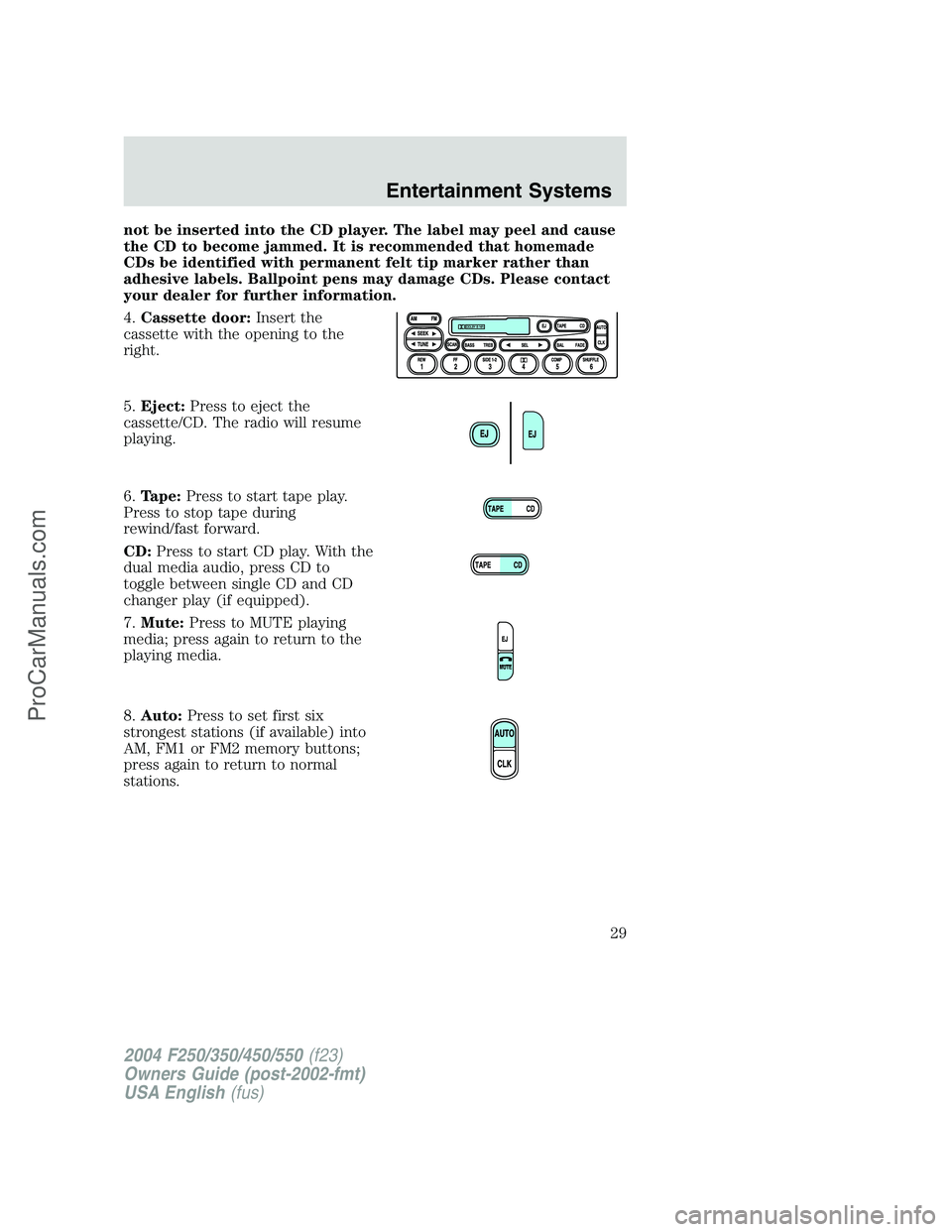
4.Cassette door:Insert the
cassette with the opening to the
right.
5.Eject:Press to eject the
cassette/CD. The radio will resume
playing.
6.Tape:Press to start tape play.
Press to stop tape during
rewind/fast forward.
CD:Press to start CD play. With the
dual media audio, press CD to
toggle between single CD and CD
changer play (if equipped).
7.Mute:Press to MUTE playing
media; press again to return to the
playing media.
8.Auto:Press to set first six
strongest stations (if available) into
AM, FM1 or FM2 memory buttons;
press again to return to normal
stations.
2004 F250/350/450/550(f23)
Owners Guide (post-2002-fmt)
USA English(fus)
Entertainment Systems
29
ProCarManuals.com
Page 31 of 312
The Dolby�noise reduction system is manufactured under license from
Dolby Laboratories Licensing Corporation. Dolby�and the double-D
symbol are registered trademarks of Dolby Laboratories Licensing
Corporation.
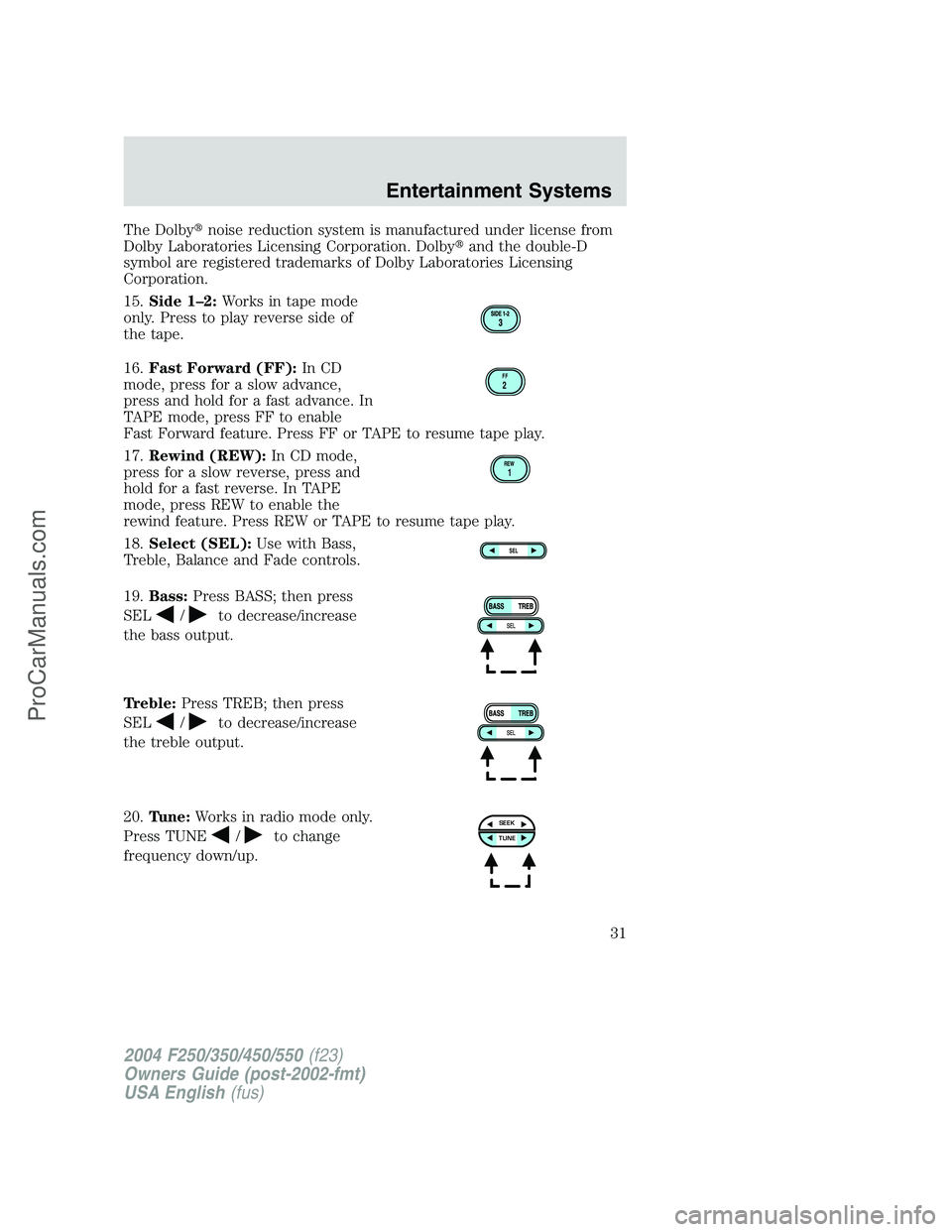
15.Side 1–2:Works in tape mode
only. Press to play reverse side of
the tape.
16.Fast Forward (FF):In CD
mode, press for a slow advance,
press and hold for a fast advance. In
TAPE mode, press FF to enable
Fast Forward feature. Press FF or TAPE to resume tape play.
17.Rewind (REW):In CD mode,
press for a slow reverse, press and
hold for a fast reverse. In TAPE
mode, press REW to enable the
rewind feature. Press REW or TAPE to resume tape play.
18.Select (SEL):Use with Bass,
Treble, Balance and Fade controls.
19.Bass:Press BASS; then press
SEL
/to decrease/increase
the bass output.
Treble:Press TREB; then press
SEL
/to decrease/increase
the treble output.
20.Tune:Works in radio mode only.
Press TUNE
/to change
frequency down/up.
FF2
REW1
SEL
SEEKTUNE
2004 F250/350/450/550(f23)
Owners Guide (post-2002-fmt)
USA English(fus)
Entertainment Systems
31
ProCarManuals.com