Page 137 of 426
UNDERSTANDING YOUR INSTRUMENT PANEL
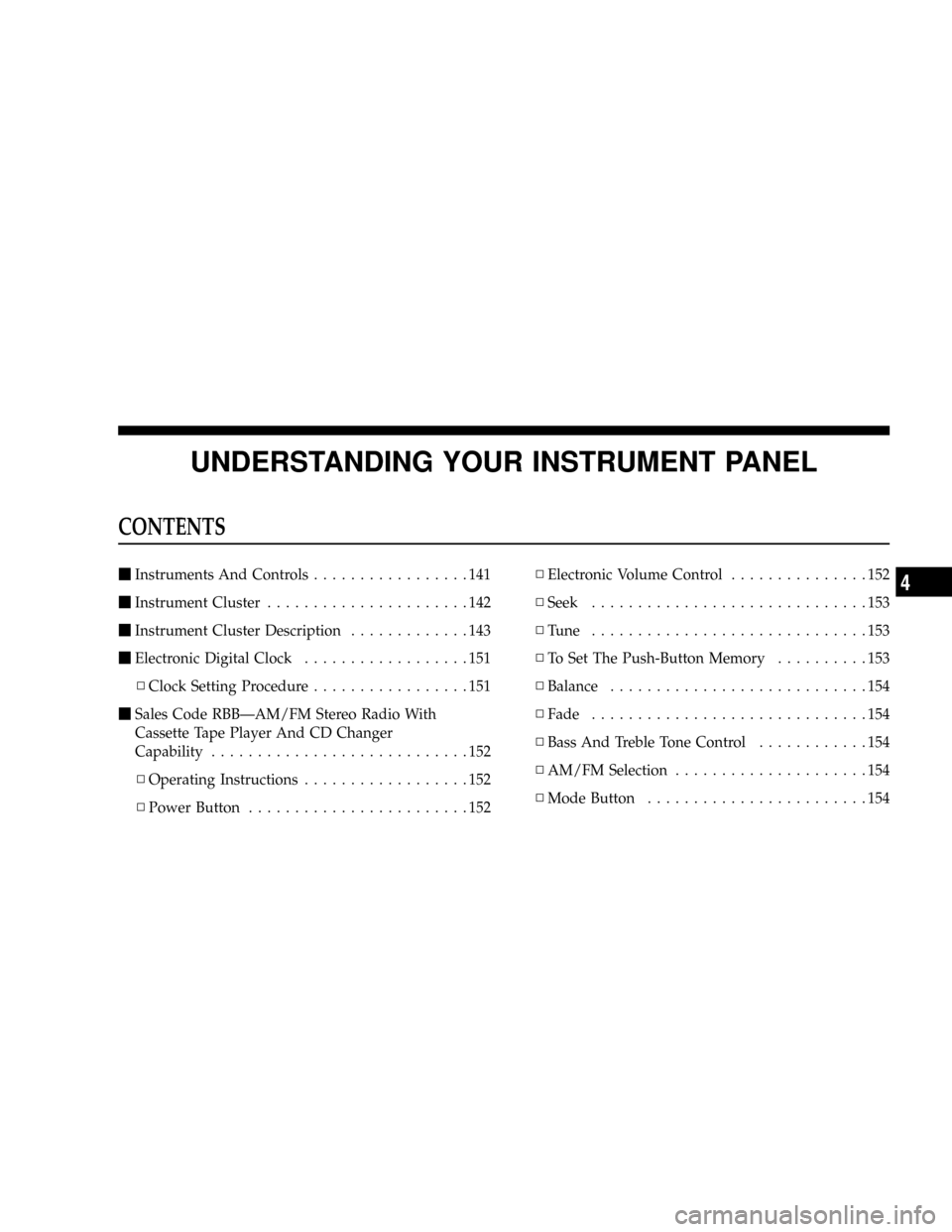
CONTENTS
mInstruments And Controls.................141
mInstrument Cluster......................142
mInstrument Cluster Description.............143
mElectronic Digital Clock..................151
NClock Setting Procedure.................151
mSales Code RBBÐAM/FM Stereo Radio With
Cassette Tape Player And CD Changer
Capability............................152
NOperating Instructions..................152
NPower Button........................152NElectronic Volume Control...............152
NSeek..............................153
NTune ..............................153
NTo Set The Push-Button Memory..........153
NBalance............................154
NFade..............................154
NBass And Treble Tone Control............154
NAM/FM Selection.....................154
NMode Button........................1544
Page 138 of 426

NCassette Player Features................154
NCD Changer Control Capability Ð If
Equipped...........................156
NRadio Display Messages................157
mSales Code RAZÐAM/ FM Stereo Radio With
Cassette Tape Player, CD Player And CD
Changer Controls Ð If Equipped...........158
NOperating Instructions Ð Radio...........158
NPower Switch, Volume Control............159
NSeek Button (Radio Mode)...............159
NTuning.............................159
NPTY (Program Type) Button..............159
NBalance............................161
NFade..............................161NTone Control........................161
NAM/FM Selection.....................161
NScan Button.........................161
NTo Set The Radio Push-Button Memory......162
NTo Change From Clock To Radio Mode......162
NOperating Instructions Ð Tape Player.......162
NSeek Button.........................162
NFast Forward (FF).....................163
NRewind (RW)........................163
NTape Eject...........................163
NScan Button.........................163
NChanging Tape Direction................163
NMetal Tape Selection...................163
138 UNDERSTANDING YOUR INSTRUMENT PANEL
Page 139 of 426

NPinch Roller Release...................164
NNoise Reduction......................164
NOperating Instructions Ð CD Player........164
NInserting The Compact Disc..............164
NSeek Button.........................165
NEJT CD (Eject) Button..................165
NFF/Tune/RW........................166
NProgram Button 4 (Random Play)..........166
NMode..............................166
NTape CD Button......................166
NTime Button.........................167
NScan Button.........................167NCD Changer Control Capability Ð If
Equipped...........................167
mSales Code RBKÐAM/ FM Stereo Radio With
CD Player And CD Changer Controls........168
NRadio Operation......................168
NCD Player Operation...................171
NCD Changer Control Capability Ð If
Equipped...........................172
NRadio Display Messages................174
mSales Code RBQÐAM/FM Stereo Radio With
6 - Disc CD Changer....................175
NRadio Operation......................175
NCD Player Operation...................177
UNDERSTANDING YOUR INSTRUMENT PANEL 139
4
Page 152 of 426
SALES CODE RBBÐAM/FM STEREO RADIO
WITH CASSETTE TAPE PLAYER AND CD
CHANGER CAPABILITY
Operating Instructions
NOTE:Power to operate the radio is supplied through
the ignition switch. It must be in the ON or ACC position
to operate the radio.NOTE:When first learning the control functions, the
user should set the controls as shown in the following
list.
Tone Controls¼As illustrated.
Speaker Control¼Centered.
Power Button
The volume control/power button pops out when
pressed, this turns the sound system ON in the mode last
used. Pushing the button back in turns the sound system
OFF.
Electronic Volume Control
The electronic volume control turns continuously (360
degrees) in either direction without stopping. Turning the
volume control to the right increases the volume and to
the left decreases it.
When the audio system is turned on, the sound will be
set at the same volume level as last played.
152 UNDERSTANDING YOUR INSTRUMENT PANEL
Page 154 of 426

Every time a preset button is used a corresponding
button number will be displayed.
Balance
The balance control adjusts the left-to-right speaker bal-
ance. Press the BAL button in and it will pop out. Adjust
the balance and push the button back in.
Fade
The fade control provides for balance between the front
and rear speakers. Press the FADE button in and it will
pop out. Adjust the balance and push the button back in.
Bass and Treble Tone Control
The tone controls consist of 2 separate bands. The bass
band is on the left, and the treble band is on the right.
Each band is adjusted by a slider control with a detent at
the mid-position. Moving the control up or down in-
creases or decreases amplification of that band. The mid
position provides a balanced output.
AM/FM Selection
Press the AM/FM button to change from AM to FM. The
operating mode will be displayed next to the station
frequency. The display will show ST when a stereo
station is received in the FM mode.
Mode Button
Press the MODE button to select between the cassette
tape player, CD changer, or the Satellite Radio (if
equipped). When the Satellite Radio (if equipped) is
selected ªSAº will appear in your radio display.
A CD or tape may remain in the player while in the
Satellite or radio mode.
Cassette Player Features
With ignition OFF and the sound system OFF, you can
eject the tape cassette by pushing the EJECT button.
154 UNDERSTANDING YOUR INSTRUMENT PANEL
Page 156 of 426

NR (Noise Reduction)
Pushing the Number 2 Pre-set button when a tape is
playing deactivates the Dolby Noise Reduction System*.
When Dolby is ON, the NR symbol appears on the
display. Each time a tape is inserted the Dolby will turn
ON.
* ªDolbyº noise reduction manufactured under license
from Dolby Laboratories Licensing Corporation. Dolby
and the double-D symbol are trademarks of Dolby Labo-
ratories Licensing Corporation.
CD Changer Control Capability Ð If Equipped
This radio is compatible with a remote mounted CD
changer available through Mopar Accessories. The fol-
lowing instructions are for the radio controls that operate
this CD changer.
Mode Button
To activate the CD changer, press the MODE button until
CD information appears on the display.
Push-Button
While the CD changer is playing, press the NUMBER 1
push-button or the NUMBER 5 push-button to select a
disc numbered higher or lower than the one currently
being played.
Seek Button
Press the SEEK up or down to select another track on the
same disc. A SEEK symbol will appear on the display.
Fast Forward And Rewind Buttons
Press and hold the FF button for fast forward. Press and
hold the RW button for fast reverse.
The audio output can be heard when fast forward and
fast reverse are activated.
Random Play (RND)
Press the Random button to play the tracks on the
selected disc in random order for an interesting change of
pace.
156 UNDERSTANDING YOUR INSTRUMENT PANEL
Page 157 of 426
Random can be cancelled by pressing the button a second
time or by ejecting the CD from the changer.
CD Diagnostic Indicators
When driving over a very rough road, the CD player may
skip momentarily. Skipping will not damage the disc or
the player, and play will resume automatically.
As a safeguard and to protect your CD player, one of the
following warning symbols may appear on your display.
A CD HOT symbol indicates the player is too hot.
CD HOT will pause the operation. Play can be resumed
when the operating temperature is corrected or another
MODE is selected.An ERR symbol will appear on the display if the laser is
unable to read the Disc data for the following reasons:
²Excessive vibration
²Disc inserted upside down
²Damaged disc
²Water condensation on optics
Radio Display Messages
Your radio has been designed to display certain messages
when a problem is detected with the CD player.
UNDERSTANDING YOUR INSTRUMENT PANEL 157
4
Page 158 of 426
SALES CODE RAZÐAM/ FM STEREO RADIO
WITH CASSETTE TAPE PLAYER, CD PLAYER
AND CD CHANGER CONTROLS Ð IF EQUIPPED
Operating Instructions Ð Radio
NOTE:Power to operate the radio is controlled by the
ignition switch. It must be in the ON or ACC position to
operate the radio.
158 UNDERSTANDING YOUR INSTRUMENT PANEL