Page 102 of 361
WARNING!
If the hood is not fully latched, it could fly up when
the vehicle is moving and block your forward vision.
You could have a collision. Be sure all hood latches
are fully latched before driving.
LIGHTS
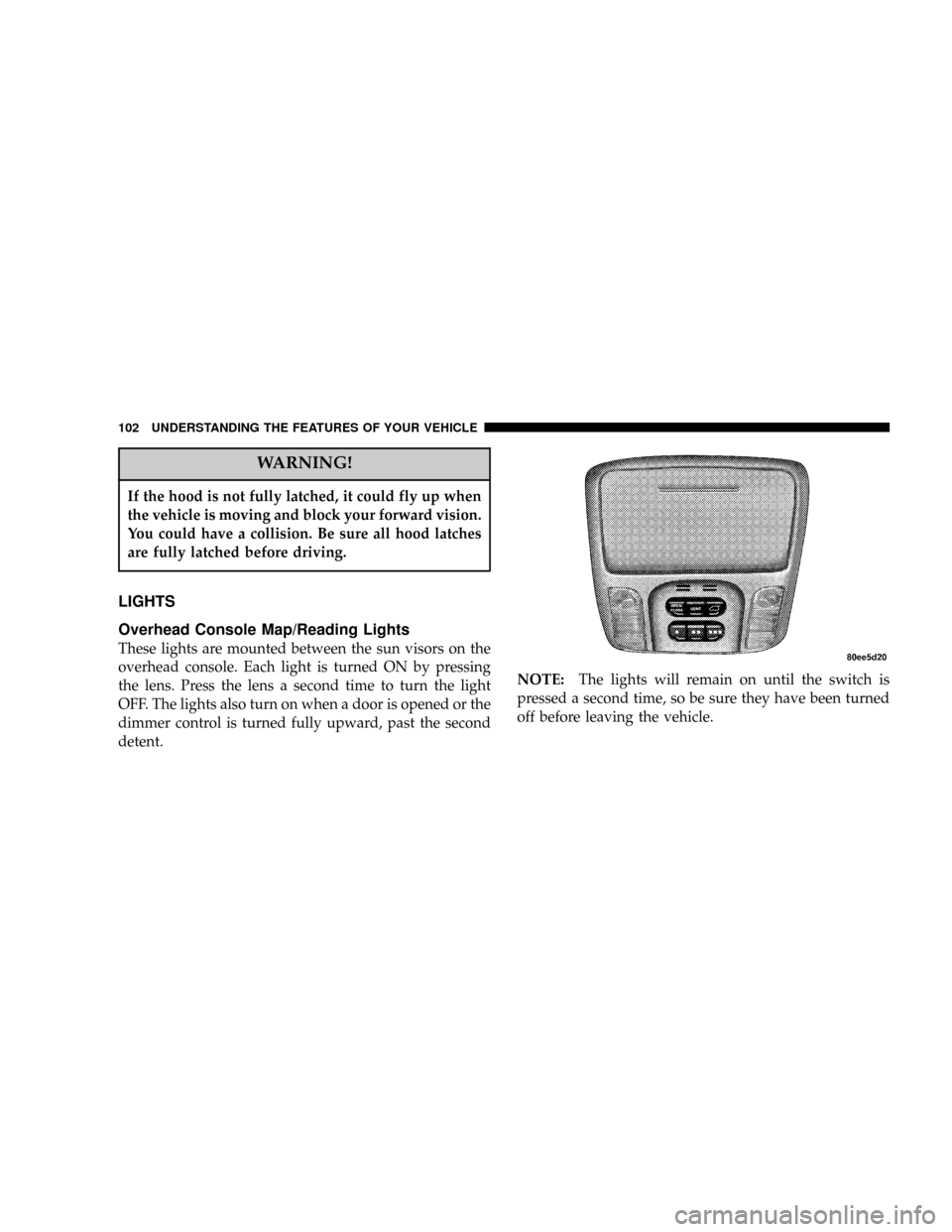
Overhead Console Map/Reading Lights
These lights are mounted between the sun visors on the
overhead console. Each light is turned ON by pressing
the lens. Press the lens a second time to turn the light
OFF. The lights also turn on when a door is opened or the
dimmer control is turned fully upward, past the second
detent.NOTE:The lights will remain on until the switch is
pressed a second time, so be sure they have been turned
off before leaving the vehicle.
102 UNDERSTANDING THE FEATURES OF YOUR VEHICLE
Page 110 of 361
TILT STEERING COLUMN
To tilt the column, pull the lever, located behind the turn
signal control, toward you and move the steering wheel
up or down, as desired. Release the lever to lock the
steering wheel firmly in place.WARNING!
Tilting the steering column while the vehicle is
moving is dangerous. Without a stable steering col-
umn, you could lose control of the vehicle and have
an accident. Adjust the column only while the ve-
hicle is stopped. Be sure it is locked before driving.
TRACTION CONTROL SWITCH Ð IF EQUIPPED
The traction control Indicator, located in the instrument
cluster, will light up when the Traction Control is in use.
To turn the system OFF, press the Traction Control switch
located on center console next to the ash tray, until the
traction control Indicator in the instrument cluster lights
up.
110 UNDERSTANDING THE FEATURES OF YOUR VEHICLE
Page 114 of 361
WARNING!
Speed Control can be dangerous where the system
can't maintain a constant speed. Your vehicle could
go too fast for the conditions, and you could lose
control. An accident could be the result. Don't use
Speed Control in heavy traffic or on roads that are
winding, icy, snow-covered, or slippery.
OVERHEAD CONSOLE Ð IF EQUIPPED
The overhead console can contain courtesy/reading
lights, an optional universal garage door opener
(HomeLinkt), storage for sunglasses, optional power
sunroof switches and an optional power liftgate switch.
Courtesy/Reading Lights
At the forward end of the console are two courtesy/
reading lights.
Press the lens to turn these lights on. Press a second time
to turn the lights off.
114 UNDERSTANDING THE FEATURES OF YOUR VEHICLE
Page 115 of 361

The lights also turn on when a front door, a rear door or
the liftgate is opened. The lights will also turn on when
the unlock button on the remote keyless entry transmitter
is pressed.
Sunglasses Storage
At the rear of the console a compartment is provided for
the storage of a pair of sunglasses.
Press the door latch to open the compartment. The door
will slowly rotate to an open position.
GARAGE DOOR OPENER Ð IF EQUIPPED
The HomeLinktUniversal Transceiver replaces up to
three remote controls (hand held transmitters) that oper-
ate devices such as garage door openers, motorized
gates, or home lighting. It triggers these devices at the
push of a button. The Universal Transceiver operates off
your vehicle's battery and charging system; no batteries
are needed.For additional information on HomeLinkt, call 1±800±
355±3515, or on the internet at www.homelink.com.
WARNING!
A moving garage door can cause injury to people and
pets in the path of the door. People or pets could be
seriously or fatally injured. Only use this transceiver
with a garage door opener that has a ªstop and
reverseº feature as required by federal safety stan-
dards. This includes most garage door opener mod-
els manufactured after 1982. Do not use a garage
door opener without these safety features it could
cause injury or death. Call toll-free 1±800±355±3515
or, on the Internet at www.homelink.com for safety
information or assistance.
UNDERSTANDING THE FEATURES OF YOUR VEHICLE 115
3
Page 116 of 361
Programming HomeLink
NOTE:When programming a garage door opener, it is
advised to park outside the garage. Some vehicles may
require the ignition switch to be turned to the second (or
9accessories9) position for programming and/or opera-
tion of HomeLink. It is also recommended that a new
battery be placed in the hand-held transmitter of the
device being programmed to HomeLink for quicker
training and accurate transmission of the radio-frequency
signal.
1. Press and hold the two outer HomeLink buttons, and
release only when the indicator light begins to flash (after
20 seconds).Do nothold the buttons for longer than 30
seconds anddo notrepeat step one to program a second
and/or third hand-held transmitter to the remaining two
HomeLink buttons.
WARNING!
Vehicle exhaust contains carbon monoxide, a danger-
ous gas. Do not run the vehicle's exhaust while
training the transceiver. Exhaust gas can cause seri-
ous injury or death.
116 UNDERSTANDING THE FEATURES OF YOUR VEHICLE
Page 117 of 361

WARNING!
Your motorized door or gate will open and close
while you are training the Universal Transceiver. Do
not train the transceiver if people or pets are in the
path of the door or gate. A moving door or gate can
cause serious injury or death to people and pets or
damage to objects.
2. Position the end of your hand-held transmitter 1-3
inches (3-8 cm) away from the HomeLink buttons while
keeping the indicator light in view.
3. Simultaneously press and hold both the HomeLink
button that you want to train and the hand-held trans-
mitter buttons.Do not release the buttons until step 4
has been completed.NOTE:Some gate operators and garage door openers
may require you to replace this Programming Step 3 with
procedures noted in the9Gate Operator/Canadian Pro-
gramming9section.
4. The HomeLink indicator light will flash slowly and
then rapidly after HomeLink successfully receives the
frequency signal from the hand-held transmitter. Release
both buttons after the indicator light changes from the
slow to the rapid flash.
5. Press and hold the just trained HomeLink button and
observe the indicator light. If the indicator lightstays on
constantly, programming is completeand your device
should activate when the HomeLink button is pressed
and released.
NOTE:To program the remaining two HomeLink but-
tons, begin with9Programming9step two. Do not repeat
step one.
UNDERSTANDING THE FEATURES OF YOUR VEHICLE 117
3
Page 139 of 361

WARNING!
A hot engine cooling system is dangerous. You or
others could be badly burned by steam or boiling
coolant. You may want to call a service center if your
vehicle overheats. If you decide to look under the
hood yourself, see Section 7 of this manual. Follow
the warnings under the Cooling System Pressure
Cap paragraph.
3. Fuel Gauge
The pointer shows the level of fuel in the fuel tank when
the ignition switch is in the ON position.
The Low Fuel Light will turn on when the fuel level
reaches approximately 2 to 4 gallons (7 to 15 liters)
this light will remain on until fuel is added.4. Turn Signal Indicators
The arrow will flash with the exterior turn signal
when the turn signal lever is operated.
If the vehicle electronics sense that the vehicle has
traveled about one mile with the turn signals on, a chime
will sound to alert you to turn the signals off. If either
indicator flashes at a rapid rate, check for a defective
outside light bulb.
5. Speedometer
Indicates vehicle speed.
6. Anti-Lock Light
This light monitors the Anti-Lock Brake System.
The light will turn on when the ignition switch is
turned to the ON position and may stay on for as long as
four seconds.
If the ABS light remains on or turns on while driving, it
indicates that the Anti-Lock portion of the brake system
UNDERSTANDING YOUR INSTRUMENT PANEL 139
4
Page 140 of 361

is not functioning and that service is required. However,
the conventional brake system will continue to operate
normally if the BRAKE warning light is not on.
If the ABS light is on, the brake system should be serviced
as soon as possible to restore the benefits of Anti-Lock
brakes. If the ABS light does not turn on when the
Ignition switch is turned to the ON position, have the
light inspected by an authorized dealer.
7. Brake System Warning Light
This light monitors various brake functions,
including brake fluid level and parking brake
application. If the brake light turns on, it may
indicate that the parking brake is applied, there
is a low brake fluid level or there is a problem with the
anit-lock brake system.
The dual brake system provides a reserve braking capac-
ity in the event of a failure to a portion of the hydraulic
system. Failure of either half of the dual brake system isindicated by the Brake Warning Light which will turn on
when the brake fluid level in the master cylinder has
dropped below a specified level.
The light will remain on until the cause is corrected.
NOTE:The light may flash momentarily during sharp
cornering maneuvers which change fluid level condi-
tions. The vehicle should have service performed.
If brake failure is indicated, immediate repair is neces-
sary.
WARNING!
Driving a vehicle with the brake light on is danger-
ous. Part of the brake system may have failed. It will
take longer to stop the vehicle. You could have an
accident. Have the vehicle checked immediately.
140 UNDERSTANDING YOUR INSTRUMENT PANEL