Page 92 of 277

Language
When in this display you may select one of five lan-
guages for all display nomenclature, including the trip
computer functions. Press the STEP button while in this
display selects English, Francaise, Deutsch, Italiano, or
Espanol. As you continue the displayed information will
be shown in the selected language.
US or Metric
Pressing the STEP button when in this display selects US
or Metric. The overhead console and instrument panel
displays will be in the selected units.
Auto Door Locks
When this feature is selected, all doors lock automatically
when the speed of the vehicle reaches 15 mph (25 km/h).
Pressing the STEP button when in this display will select
“Yes” or “No.”
Auto Unlock On Exit (Available Only When the
AUTO DOOR LOCKS Feature is Turned On)
When this feature is selected all the vehicle’s doors will
unlock when the driver’s door is opened if the vehicle is
stopped and the transmission is in P (Park) or N (Neu-
tral) position. Pressing the STEP button when in this
display will select “Yes” or “No.”
92 UNDERSTANDING THE FEATURES OF YOUR VEHICLE
Page 94 of 277

Headlamp On With Wipers (Available with Auto
Headlights Only)
When this feature is selected and the headlight switch
has at least once been moved to the AUTO position, the
headlights will turn on when the wipers are turned on.
The headlights will also turn off when the wipers are
turned off if they were turned on in this way. Pressing the
STEP button when in this display will select “Yes” or
“No.”
NOTE:Turning the headlights on during the daytime
causes the instrument panel lights to dim. To increase the
brightness, refer to “Lights” in this section.
Service Interval
When this feature is selected a service interval between
2,000 (3 200 km) and 6,000 miles (9 600 km) in 500 mile
(800 km) increments may be selected. Pressing the STEP
button when in this display will select distances between
2,000 (3 200 km) and 6,000 miles (9 600 km) in 500 mile
(800 km) increments.
Reset Service Distance (Displays Only if Service
Interval was Changed)
When this feature is selected the current accumulated
service distance can be reset to the newly selected service
interval. Pressing the STEP button when in this display
will select “Yes” or “No.”
Easy Exit Seat
When this feature is selected the driver’s seat moves
rearward two inches (55 mm) or to the farthest rearward
position if this distance is less than two inches (55 mm)
when the key is removed from the ignition switch so that
the driver can more easily exit the vehicle. The seat will
return to the memorized seat location (if REMOTE LINK
TO MEMORY is set to YES) when the remote keyless
entry transmitter is used to unlock the door. Pressing the
STEP button when in this display will select “Yes” or
“No.”
94 UNDERSTANDING THE FEATURES OF YOUR VEHICLE
Page 105 of 277
Outside Temperature
Because engine temperature can increase the displayed
temperature, temperature readings are slowly updated
when vehicle speed is below 20 mph (30 km/h).
ELECTRICAL POWER OUTLETS
Your vehicle may be equipped with two power outlets.
The primary power outlet is located in the forward
portion of the center console and in the lower center of
the instrument panel. Accessories powered through this
outlet are protected by a 15 amp fuse. The outlet may be
converted to a cigar lighter by installing the dealer
obtained smoker’s package. The outlet is operated by the
ignition switch, when in the “on/run” or “acc” positions
only. You may convert the outlet from ignition to battery
power by performing the following:
•Remove the fuse cover from the left end of the
instrument panel (see the paragraph on fuses in sec-
tion 7 of this manual.)
•Remove fuse #6 (its on the upper right of the fuse
block) from its “IGN” position.
UNDERSTANDING THE FEATURES OF YOUR VEHICLE 105
3
Page 107 of 277
UNDERSTANDING YOUR INSTRUMENT PANEL
CONTENTS
�Instruments And Controls................111
�Instrument Cluster.....................112
�Instrument Cluster Description............113
�Setting The Analog Clock................118
�Electronic Digital Clock.................118
▫Clock Setting Procedure.................118
�Radio General Information...............118
▫Radio Broadcast Signals.................118
▫Two Types Of Signals..................119
▫Electrical Disturbances..................119
▫AM Reception.......................119
▫FM Reception........................119
�Sales Code RAZ—AM/ FM Stereo Radio With
Cassette Tape Player And CD Player — If
Equipped
............................119
▫Operating Instructions — Radio...........119
▫Power Switch, Volume Control............120
▫Seek Button (Radio Mode)...............120
▫Tuning.............................120
▫PTY (Program Type) Button..............120
▫Balance............................121
▫Fade..............................121
▫Tone Control........................122
▫AM/FM Selection.....................122
4
Page 108 of 277
▫Scan Button.........................122
▫To Set The Radio Push-Button Memory......122
▫To Change From Clock To Radio Mode......122
▫Operating Instructions — Tape Player.......123
▫Seek Button.........................123
▫Fast Forward (FF).....................123
▫Rewind (RW)........................123
▫Tape Eject...........................123
▫Scan Button.........................123
▫Changing Tape Direction................124
▫Metal Tape Selection...................124
▫Pinch Roller Release...................124
▫Noise Reduction......................124
▫Operating Instructions — CD Player........124
▫Inserting The Compact Disc..............124
▫Seek Button.........................125▫EJT CD (Eject) Button..................125
▫FF/Tune/RW Button...................125
▫Program Button 4 (Random Play)..........125
▫Mode..............................126
▫Tape CD Button......................126
▫Time Button.........................126
▫Scan Button.........................126
�Sales Code RBB—AM/FM Stereo Radio With
Cassette Tape Player And CD Changer
Capability
...........................126
▫Operating Instructions..................126
▫Power Button........................127
▫Electronic Volume Control...............127
▫Seek..............................127
▫Tune ..............................127
▫To Set The Push-Button Memory..........127
108 UNDERSTANDING YOUR INSTRUMENT PANEL
Page 109 of 277
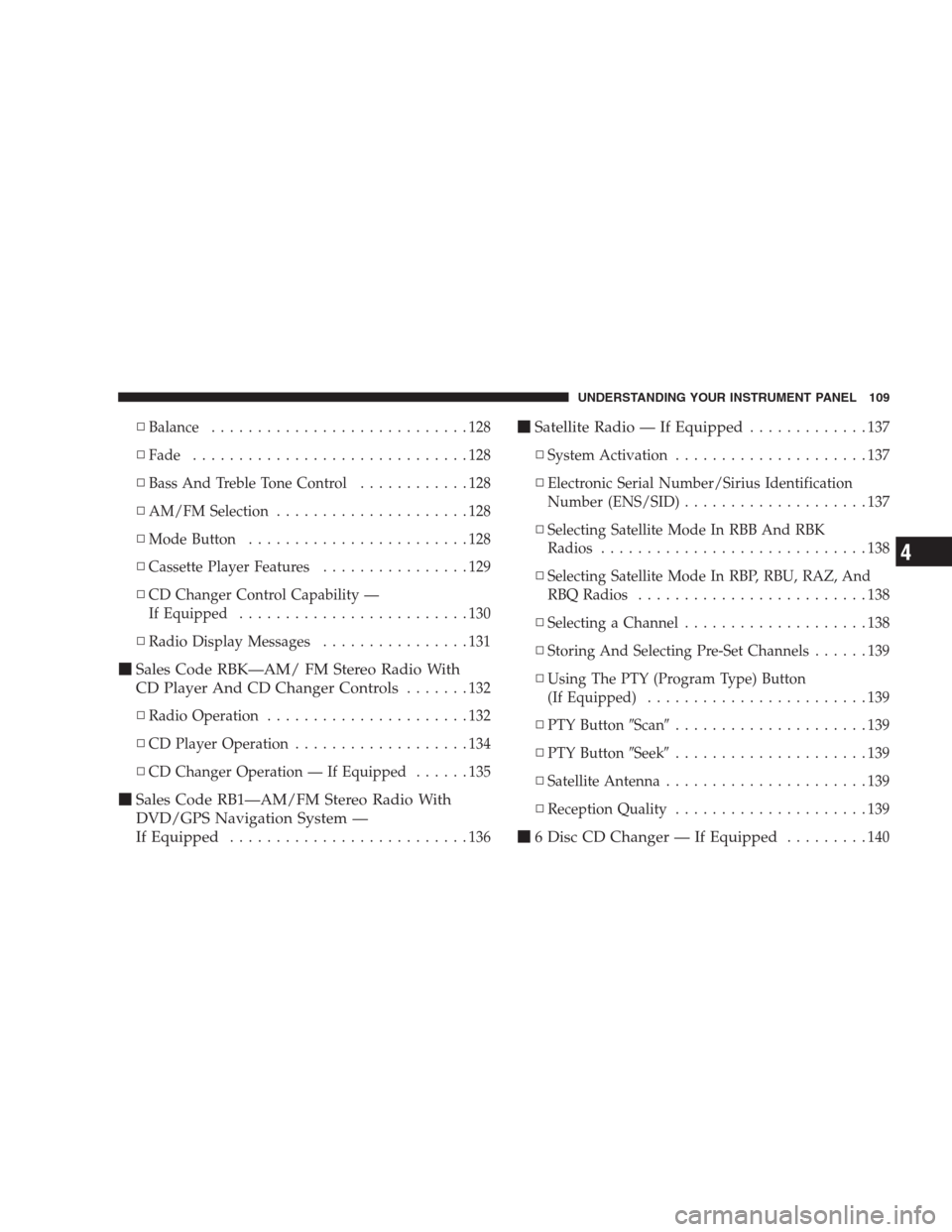
▫Balance............................128
▫Fade..............................128
▫Bass And Treble Tone Control............128
▫AM/FM Selection.....................128
▫Mode Button........................128
▫Cassette Player Features................129
▫CD Changer Control Capability —
If Equipped.........................130
▫Radio Display Messages................131
�Sales Code RBK—AM/ FM Stereo Radio With
CD Player And CD Changer Controls
.......132
▫Radio Operation......................132
▫CD Player Operation...................134
▫CD Changer Operation — If Equipped......135
�Sales Code RB1—AM/FM Stereo Radio With
DVD/GPS Navigation System —
If Equipped
..........................136
�Satellite Radio — If Equipped.............137
▫System Activation.....................137
▫Electronic Serial Number/Sirius Identification
Number (ENS/SID)....................137
▫Selecting Satellite Mode In RBB And RBK
Radios.............................138
▫Selecting Satellite Mode In RBP, RBU, RAZ, And
RBQ Radios.........................138
▫Selecting a Channel....................138
▫Storing And Selecting Pre-Set Channels......139
▫Using The PTY (Program Type) Button
(If Equipped)........................139
▫PTY Button�Scan�.....................139
▫PTY Button�Seek�.....................139
▫Satellite Antenna......................139
▫Reception Quality.....................139
�6 Disc CD Changer — If Equipped.........140
UNDERSTANDING YOUR INSTRUMENT PANEL 109
4
Page 110 of 277
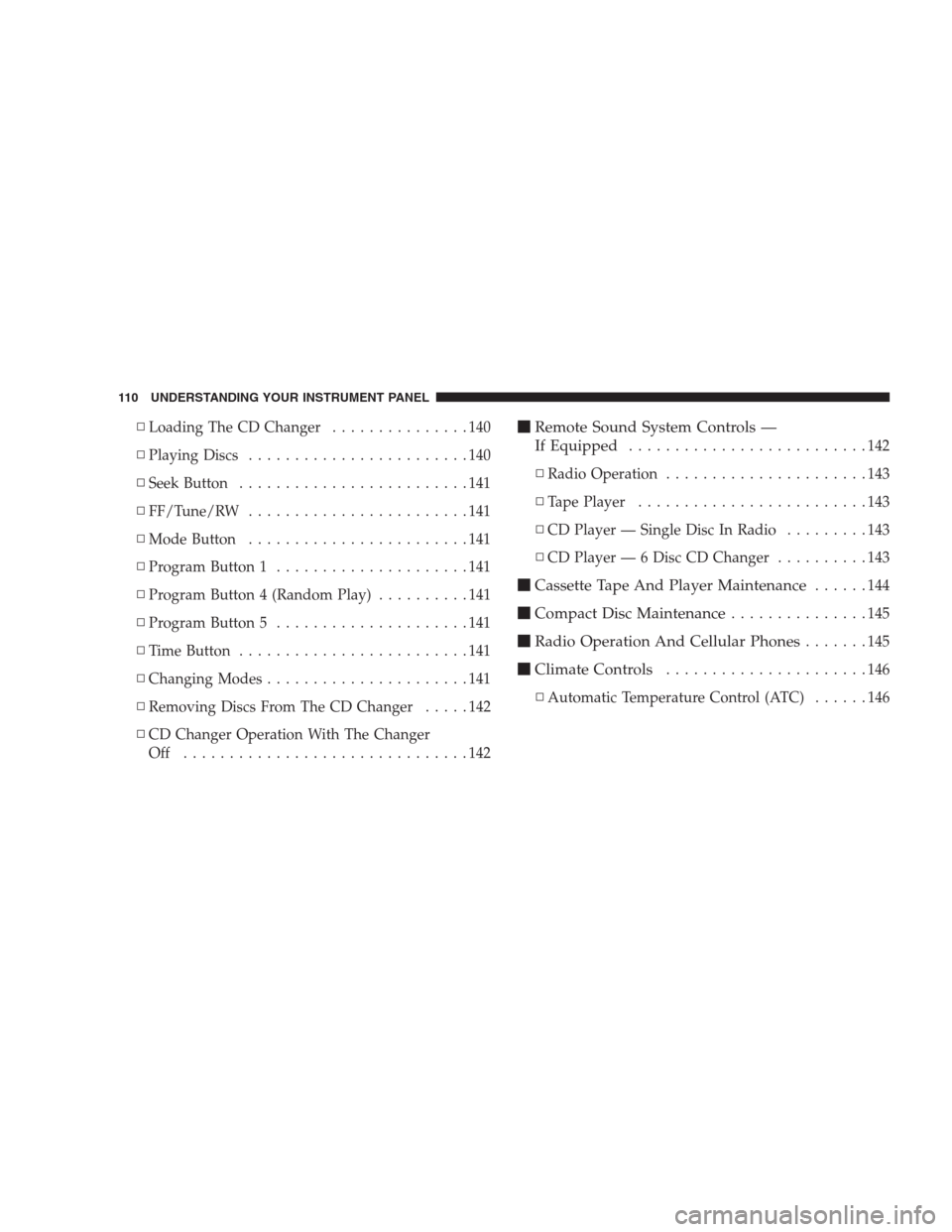
▫Loading The CD Changer...............140
▫Playing Discs........................140
▫Seek Button.........................141
▫FF/Tune/RW........................141
▫Mode Button........................141
▫Program Button 1.....................141
▫Program Button 4 (Random Play)..........141
▫Program Button 5.....................141
▫Time Button.........................141
▫Changing Modes......................141
▫Removing Discs From The CD Changer.....142
▫CD Changer Operation With The Changer
Off ...............................142�Remote Sound System Controls —
If Equipped
..........................142
▫Radio Operation......................143
▫Tape Player.........................143
▫CD Player — Single Disc In Radio.........143
▫CD Player — 6 Disc CD Changer..........143
�Cassette Tape And Player Maintenance......144
�Compact Disc Maintenance...............145
�Radio Operation And Cellular Phones.......145
�Climate Controls......................146
▫Automatic Temperature Control (ATC)......146
110 UNDERSTANDING YOUR INSTRUMENT PANEL
Page 111 of 277
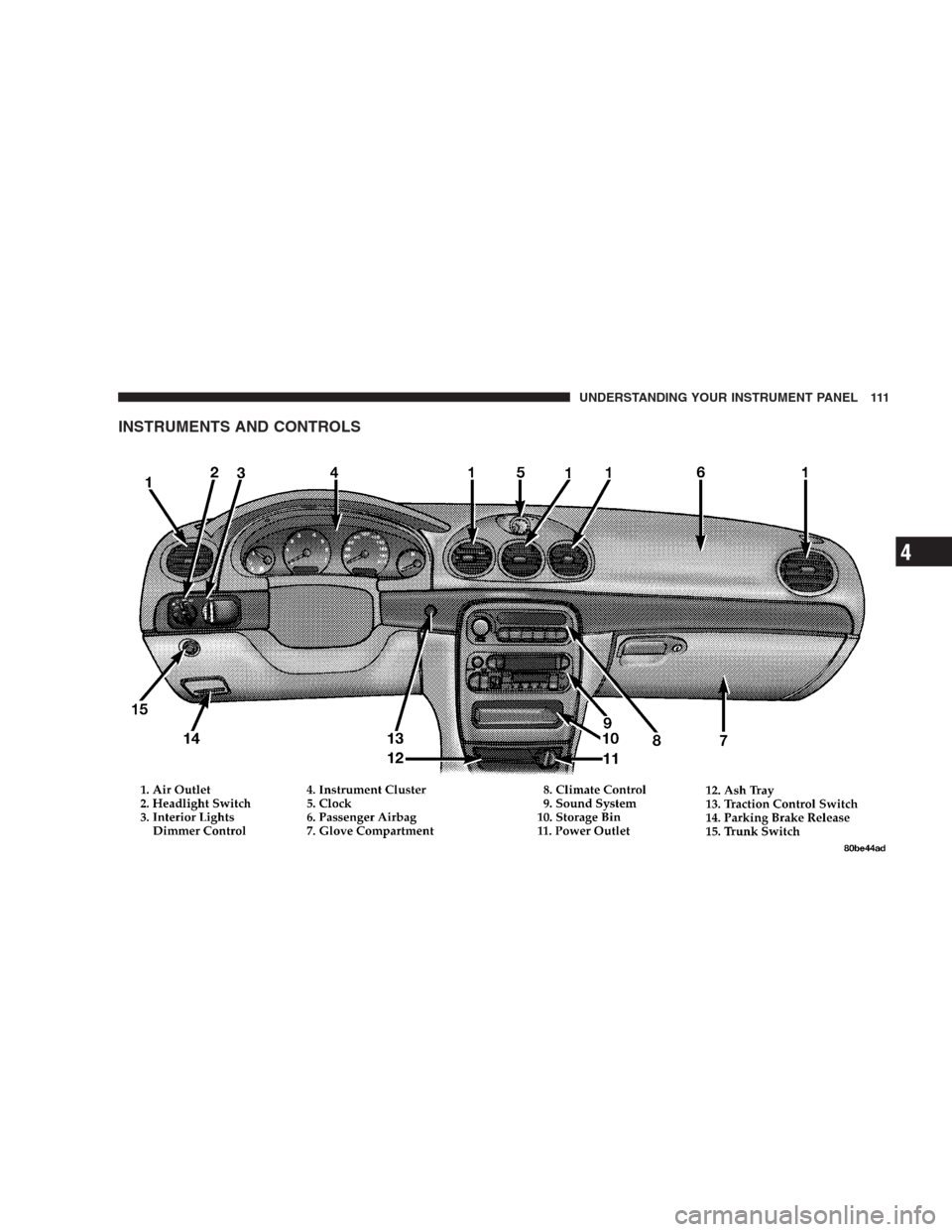
INSTRUMENTS AND CONTROLS
UNDERSTANDING YOUR INSTRUMENT PANEL 111
4