Page 132 of 584
Shifting In or Out of 4LO
Notice:Shifting the transfer case into 4LO while
moving at speeds faster than 3 mph (5 km/h)
may cause premature wear to the transfer case, and
may cause the gears to grind. To avoid causing
premature wear, and grinding the gears, do not shift
the transfer case into 4LO while the vehicle is
moving faster than 3 mph (5 km/h).
Shifts into 4LO can be made with the vehicle at a stop,
or while slowly rolling about 1 to 3 mph (2 to 5 km/h).
Shift the automatic transmission into
NEUTRAL (N), or with a manual transmission,
press the clutch pedal, or shift into NEUTRAL.
Shift the transfer case shift lever in one continuous
motion into the 4LO position.
When in 4LO do not drive faster than 45 mph.
This will reduce wear and extend the life of
your transfer case.
Shifting In or Out of NEUTRAL
1. With the vehicle running and the engine at an idle
set the parking brake.
2. Place the transmission into NEUTRAL (N).
Shift the transfer case in one continuous motion into or
out of the NEUTRAL (N) position.
Automatic Transfer Case
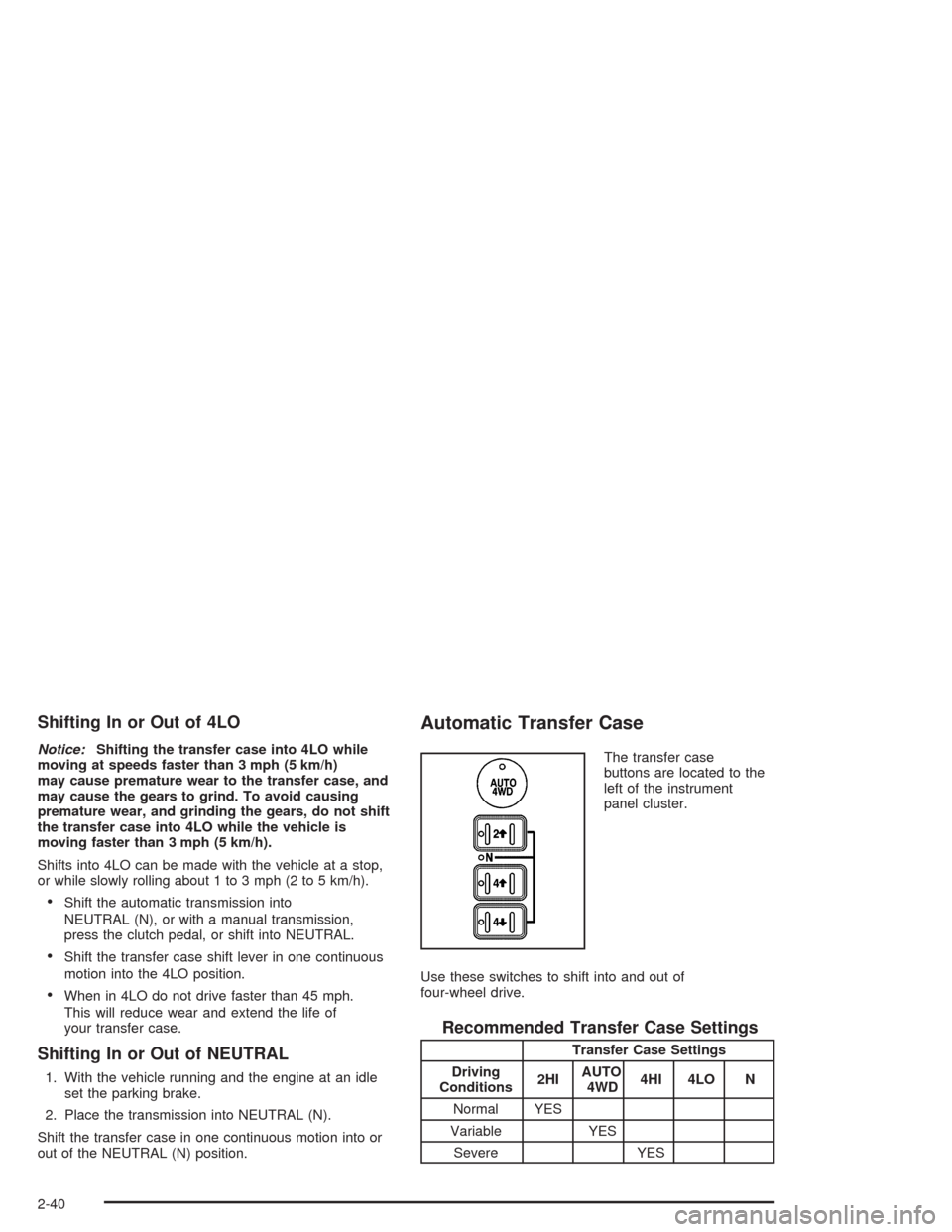
The transfer case
buttons are located to the
left of the instrument
panel cluster.
Use these switches to shift into and out of
four-wheel drive.
Recommended Transfer Case Settings
Transfer Case Settings
Driving
Conditions2HIAUTO
4WD4HI 4LO N
Normal YES
Variable YES
Severe YES
2-40
Page 136 of 584

Shifting Out of NEUTRAL
To shift out of NEUTRAL:
1. Set the parking brake and apply the regular
brake pedal.
2. Shift the transmission to NEUTRAL (N) and turn the
ignition to RUN with the engine off.
3. Press the button for the desired transfer case shift
position (2HI, 4HI, AUTO 4WD or 4LO).
4. After the transfer case has shifted out of NEUTRAL
the red light will go out.
5. Release the parking brake.
6. You may start the engine and shift the transmission
to the desired position.
Excessively shifting the transfer case into or out of the
different modes may cause the transfer case to enter the
shift protection mode. This will protect the transfer case
from possible damage and will only allow the transfer
case to respond to one shift per 10 seconds. The transfer
case may stay in this mode for up to three minutes.
Electronic Transfer Case
If your four-wheel-drive
vehicle has the electronic
transfer case, the
transfer case switches are
located to the left of the
instrument panel cluster.
Use these switches to shift into and out of four-wheel
drive. You can choose among three driving settings:
Recommended Transfer Case Settings
Transfer Case Settings
Driving Conditions 2HI 4HI 4LO N
Normal YES
Severe YES
2-44
Page 159 of 584
OnStar®Virtual Advisor
With OnStar®Virtual Advisor you can listen to your
favorite news, entertainment and information topics,
such as traffic and weather reports, stock quotes
and sports scores. You listen to your e-mail through
your vehicle’s speakers, and reply with your hands on
the wheel and your eyes on the road.
OnStar®Steering Wheel Controls
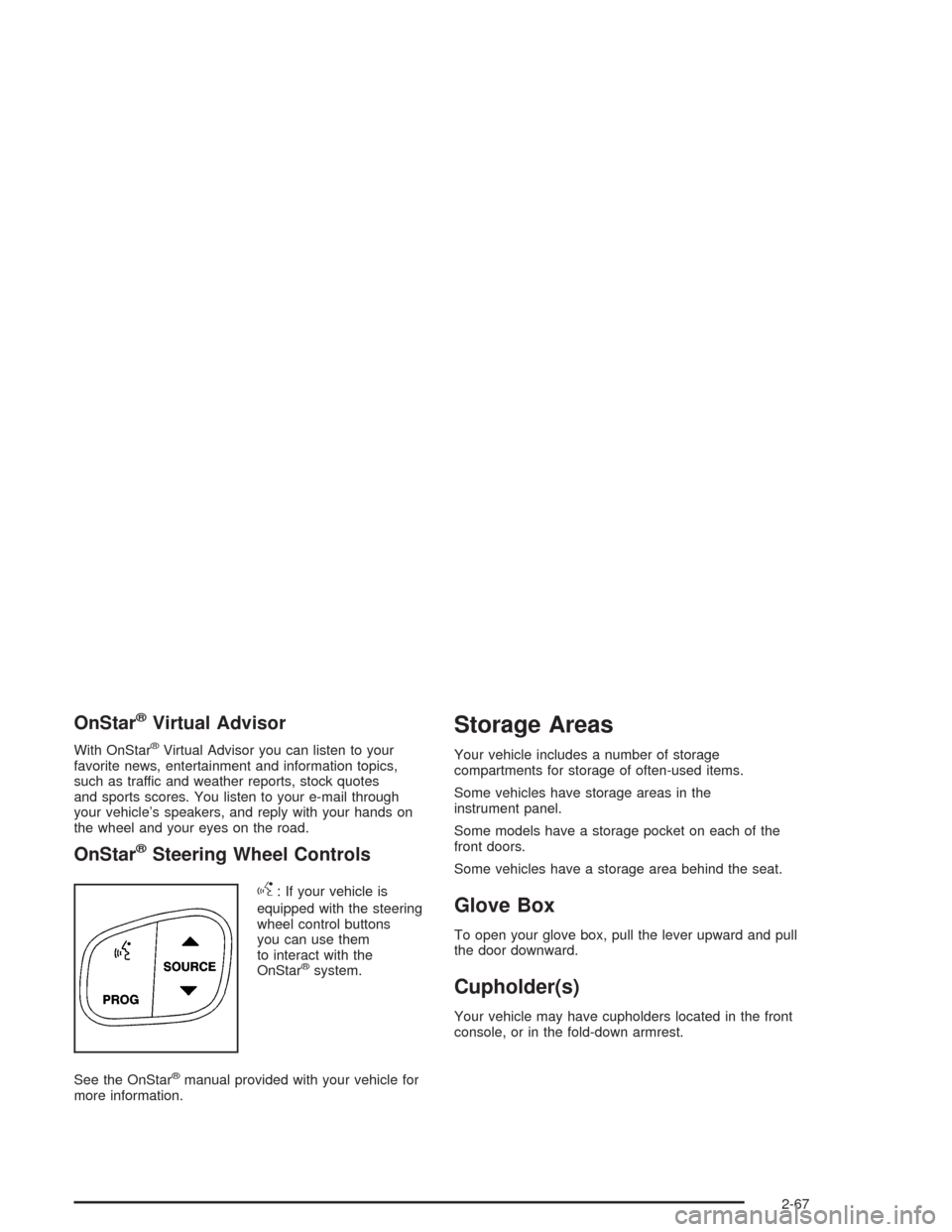
g
: If your vehicle is
equipped with the steering
wheel control buttons
you can use them
to interact with the
OnStar
®system.
See the OnStar
®manual provided with your vehicle for
more information.
Storage Areas
Your vehicle includes a number of storage
compartments for storage of often-used items.
Some vehicles have storage areas in the
instrument panel.
Some models have a storage pocket on each of the
front doors.
Some vehicles have a storage area behind the seat.
Glove Box
To open your glove box, pull the lever upward and pull
the door downward.
Cupholder(s)
Your vehicle may have cupholders located in the front
console, or in the fold-down armrest.
2-67
Page 165 of 584

Instrument Panel Overview...............................3-4
Hazard Warning Flashers................................3-6
Other Warning Devices...................................3-6
Horn.............................................................3-6
Tilt Wheel.....................................................3-7
Turn Signal/Multifunction Lever.........................3-7
Exterior Lamps.............................................3-13
Interior Lamps..............................................3-18
Accessory Power Outlets...............................3-19
Ashtrays and Cigarette Lighter........................3-20
Climate Controls............................................3-20
Climate Control System.................................3-20
Dual Climate Control System..........................3-22
Dual Automatic Climate Control System...........3-25
Warning Lights, Gages, and Indicators............3-33
Instrument Panel Cluster................................3-34
Speedometer and Odometer...........................3-35
Tachometer.................................................3-35
Safety Belt Reminder Light.............................3-36
Air Bag Readiness Light................................3-36
Air Bag Off Light..........................................3-37
Passenger Air Bag Status Indicator.................3-40
Battery Warning Light....................................3-42
Voltmeter Gage............................................3-42
Up-Shift Light...............................................3-43
Brake System Warning Light..........................3-43Anti-Lock Brake System Warning Light.............3-44
Traction Off Light..........................................3-45
Engine Coolant Temperature Gage..................3-46
Transmission Temperature Gage.....................3-46
Malfunction Indicator Lamp.............................3-48
Oil Pressure Gage........................................3-50
Cruise Control Light......................................3-51
Four-Wheel-Drive Light..................................3-51
Tow/Haul Mode Light....................................3-52
Overdrive Disable.........................................3-52
Fuel Gage...................................................3-52
Low Fuel Warning Light.................................3-53
Driver Information Center (DIC).......................3-53
DIC Operation and Displays...........................3-54
DIC Warnings and Messages.........................3-64
Audio System(s).............................................3-72
Setting the Time for Radios without
Radio Data Systems (RDS)........................3-72
Setting the Time for Radios with Radio
Data Systems (RDS)..................................3-73
AM-FM Radio...............................................3-73
Radio with CD..............................................3-76
Radio with Cassette and CD..........................3-86
Radio with Six-Disc CD................................3-100
Rear Seat Entertainment System...................3-114
Rear Seat Audio (RSA)................................3-125
Section 3 Instrument Panel
3-1
Page 166 of 584
Theft-Deterrent Feature................................3-127
Audio Steering Wheel Controls......................3-127
Radio Reception.........................................3-128
Care of Your Cassette Tape Player...............3-129
Care of Your CDs and DVDs........................3-130Care of Your CD and DVD Player.................3-130
Fixed Mast Antenna....................................3-130
XM™ Satellite Radio Antenna System............3-130
Chime Level Adjustment...............................3-130
Section 3 Instrument Panel
3-2
Page 168 of 584
Instrument Panel Overview
3-4
Page 169 of 584

The main components of your instrument panel are the following:
A. Dome Lamp Button. See “Dome Lamps” under
Interior Lamps on page 3-18.
B. Exterior Lamp Controls. SeeExterior Lamps on
page 3-13.
C. Air Outlets. See “Climate Controls” in Section 3.
D. Automatic Transfer Case/Electronic Transfer
Case/Traction Assist System (TAS). SeeFour-Wheel
Drive on page 2-36.
E. Multifunction Lever. SeeTurn Signal/Multifunction
Lever on page 3-7.
F. Instrument Panel Cluster. SeeInstrument Panel
Cluster on page 3-34.
G. Gearshift Lever (Automatic Transmission). See
Automatic Transmission Operation on page 2-27.
H. Tow/Haul Selector and Overdrive Disable (Allison
Transmission
®Only) Button (If Equipped). See
Automatic Transmission Operation on page 2-27.
I. Audio System. SeeAudio System(s) on page 3-72.
J. Comfort Control System. SeeClimate Control
System on page 3-20.
K. Instrument Panel Fuse Block.Fuses and Circuit
Breakers on page 5-123.L. Hood Release. SeeHood Release on page 5-12.
M. Steering Wheel Control Buttons (If Equipped).
SeeDriver Information Center (DIC) on page 3-53.
N. Center Instrument Panel Utility Block. SeeFuses and
Circuit Breakers on page 5-123.
O. Parking Brake Release. SeeParking Brake on
page 2-48.
P. Tilt Wheel Lever. SeeTilt Wheel on page 3-7.
Q. Lighter and Accessory Power Outlet. SeeAccessory
Power Outlets on page 3-19, andAshtrays and
Cigarette Lighter on page 3-20.
R. Storage Area. See “Storage Areas” in Section 2.
S. Ashtray. SeeAshtrays and Cigarette Lighter
on page 3-20.
T. Manual Selectable Ride Control (If Equipped). See
Manual Selectable Ride on page 4-11.
U. 4WS Switch (If Equipped). SeeQUADRASTEER™
on page 4-15.
V. Passenger Air Bag Off Switch. SeeAir Bag Off
Switch on page 1-73.
W. Glove Box. SeeGlove Box on page 2-67.
3-5
Page 172 of 584
Turn and Lane Change Signals
The turn signal has two upward (for right) and two
downward (for left) positions. These positions allow you
to signal a turn or a lane change.
To signal a turn, move the lever all the way up
or down. When the turn is nished, the lever will
return automatically.
To signal a lane change, just raise or lower the lever
until the arrow starts to ash. Hold it there until you
complete your lane change. The lever will return by itself
when you release it.
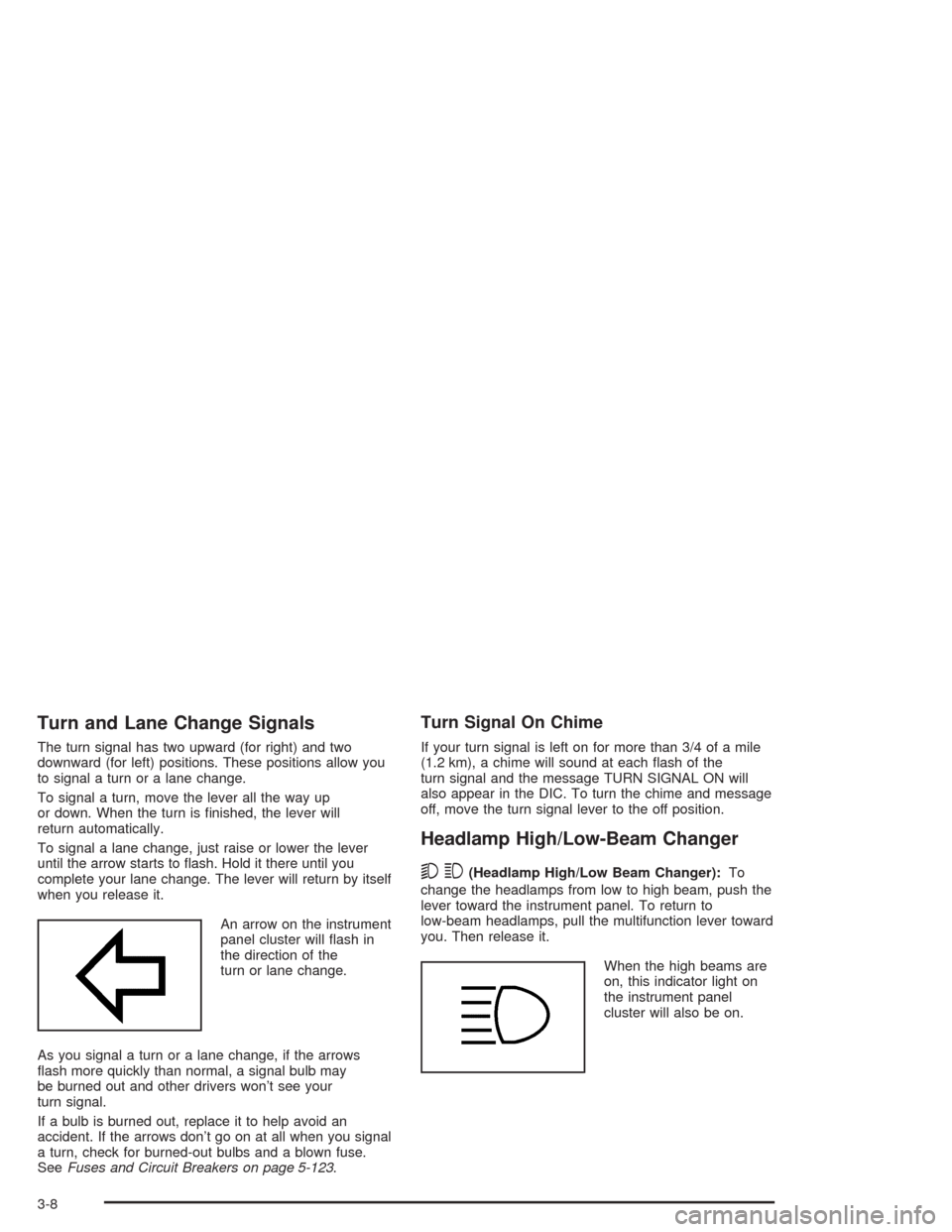
An arrow on the instrument
panel cluster will ash in
the direction of the
turn or lane change.
As you signal a turn or a lane change, if the arrows
ash more quickly than normal, a signal bulb may
be burned out and other drivers won’t see your
turn signal.
If a bulb is burned out, replace it to help avoid an
accident. If the arrows don’t go on at all when you signal
a turn, check for burned-out bulbs and a blown fuse.
SeeFuses and Circuit Breakers on page 5-123.
Turn Signal On Chime
If your turn signal is left on for more than 3/4 of a mile
(1.2 km), a chime will sound at each ash of the
turn signal and the message TURN SIGNAL ON will
also appear in the DIC. To turn the chime and message
off, move the turn signal lever to the off position.
Headlamp High/Low-Beam Changer
53
(Headlamp High/Low Beam Changer):To
change the headlamps from low to high beam, push the
lever toward the instrument panel. To return to
low-beam headlamps, pull the multifunction lever toward
you. Then release it.
When the high beams are
on, this indicator light on
the instrument panel
cluster will also be on.
3-8