Page 150 of 426
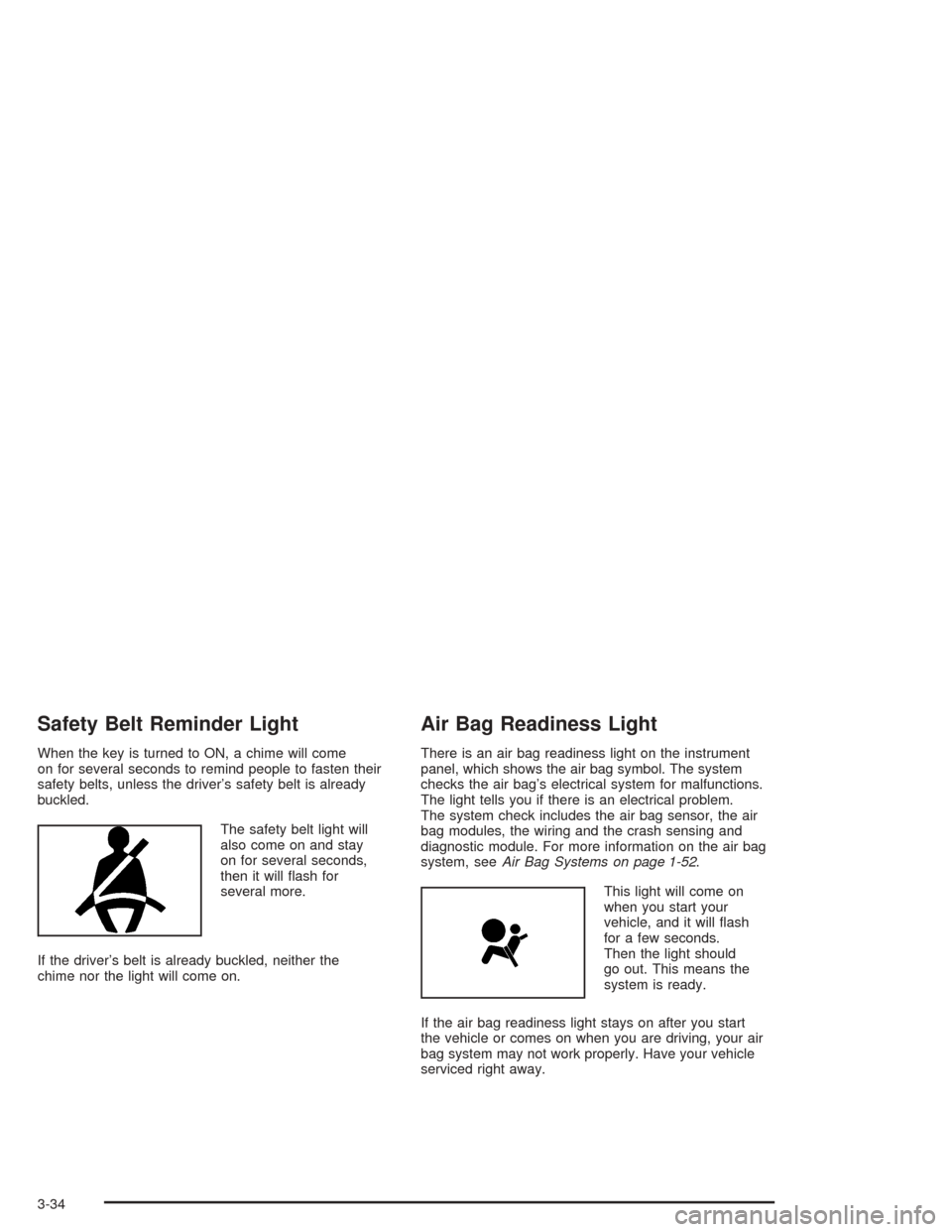
Safety Belt Reminder Light
When the key is turned to ON, a chime will come
on for several seconds to remind people to fasten their
safety belts, unless the driver’s safety belt is already
buckled.
The safety belt light will
also come on and stay
on for several seconds,
then it will ash for
several more.
If the driver’s belt is already buckled, neither the
chime nor the light will come on.
Air Bag Readiness Light
There is an air bag readiness light on the instrument
panel, which shows the air bag symbol. The system
checks the air bag’s electrical system for malfunctions.
The light tells you if there is an electrical problem.
The system check includes the air bag sensor, the air
bag modules, the wiring and the crash sensing and
diagnostic module. For more information on the air bag
system, seeAir Bag Systems on page 1-52.
This light will come on
when you start your
vehicle, and it will ash
for a few seconds.
Then the light should
go out. This means the
system is ready.
If the air bag readiness light stays on after you start
the vehicle or comes on when you are driving, your air
bag system may not work properly. Have your vehicle
serviced right away.
3-34
Page 159 of 426
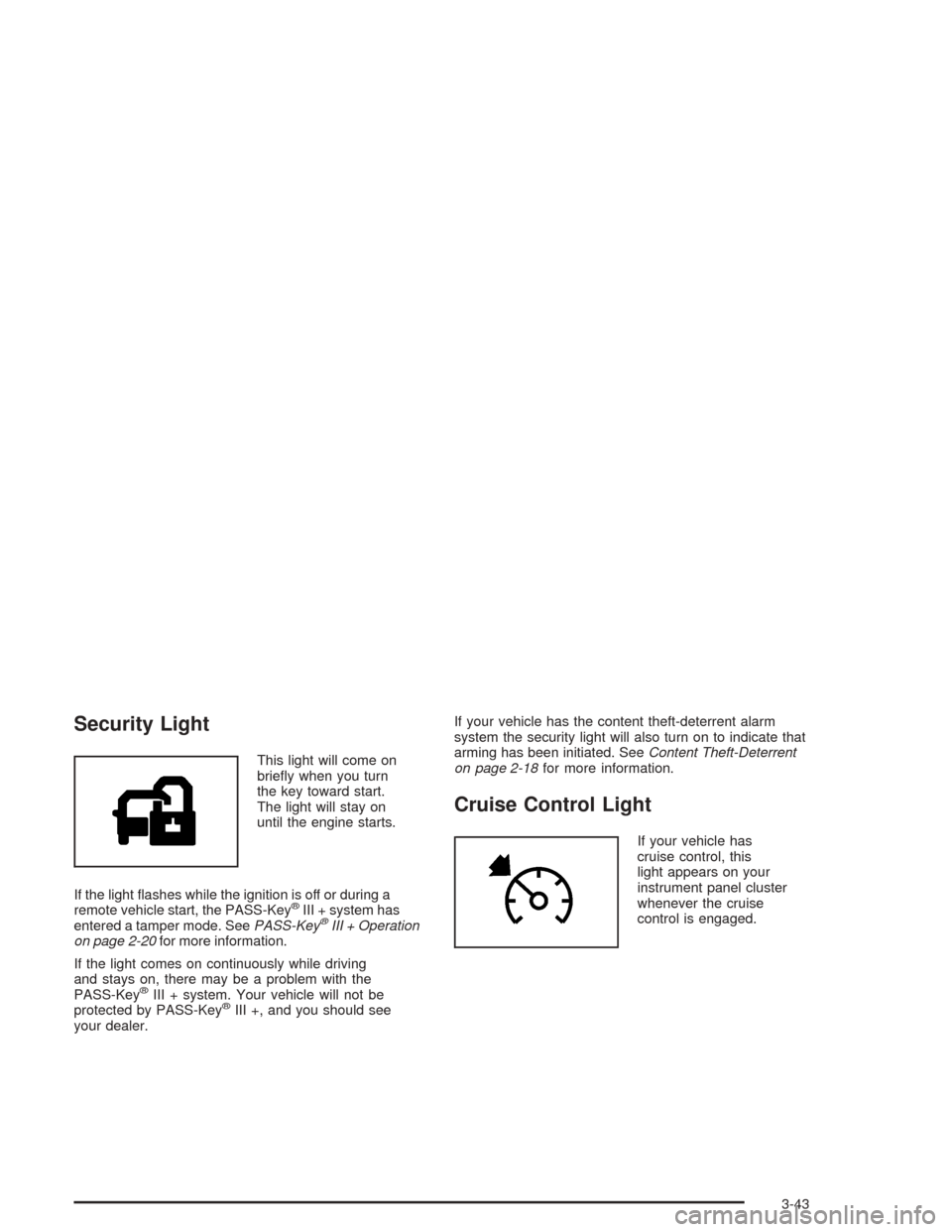
Security Light
This light will come on
briey when you turn
the key toward start.
The light will stay on
until the engine starts.
If the light ashes while the ignition is off or during a
remote vehicle start, the PASS-Key
®III + system has
entered a tamper mode. SeePASS-Key®III + Operation
on page 2-20for more information.
If the light comes on continuously while driving
and stays on, there may be a problem with the
PASS-Key
®III + system. Your vehicle will not be
protected by PASS-Key®III +, and you should see
your dealer.If your vehicle has the content theft-deterrent alarm
system the security light will also turn on to indicate that
arming has been initiated. SeeContent Theft-Deterrent
on page 2-18for more information.
Cruise Control Light
If your vehicle has
cruise control, this
light appears on your
instrument panel cluster
whenever the cruise
control is engaged.
3-43
Page 167 of 426
DOOR AJAR:This message is displayed if one or
more of the vehicle’s doors are not closed properly.
When this message appears, you should make sure
that the door is closed completely.
ENGINE DISABLED:This message is displayed if the
starting of the engine is disabled. Have y our vehicle
serviced by your dealership immediately.
ENG PWR REDUCED:This message informs you that
the vehicle has reduced engine power to avoid
damaging the engine.
ICE POSSIBLE:This message appears when the
outside air temperature is cold enough to create icy
road conditions.
KEY FOB BATT LOW:This message is displayed if
the remote keyless entry transmitter battery is low.
LOW COOLANT:This message is displayed when
there is a low level of engine coolant. Have the cooling
system serviced by a technician as soon as possible.
LOW FUEL:This message is displayed when your
vehicle is low on fuel. You should rell the tank as soon
as possible. You will also see a low fuel warning light
on the instrument panel cluster.LOW WASHER FLUID:This message is displayed
when your vehicle is low on windshield washer uid.
You should rell the tank as soon as possible.
POWER STEERING:This message is displayed if a
problem has been detected with the electric power
steering. Have your vehicle serviced immediately.
PUSH PARK PEDAL:This message is displayed if
the parking brake is left engaged and you try to
drive away.
SERVICE AIR BAG:There is a problem with the air
bag system when this message appears. Let only
a qualied technician work on your vehicle. Have your
vehicle serviced by your dealership immediately.
TRUNK OR GATE AJAR:This message is displayed
when the trunk lid or liftgate of your vehicle is not closed
completely. You should make sure that the trunk lid or
liftgate is closed completely.
3-51
Page 243 of 426
Anti-lock Brake System (ABS)
Your vehicle may have anti-lock brakes. ABS is an
advanced electronic braking system that will help
prevent a braking skid.
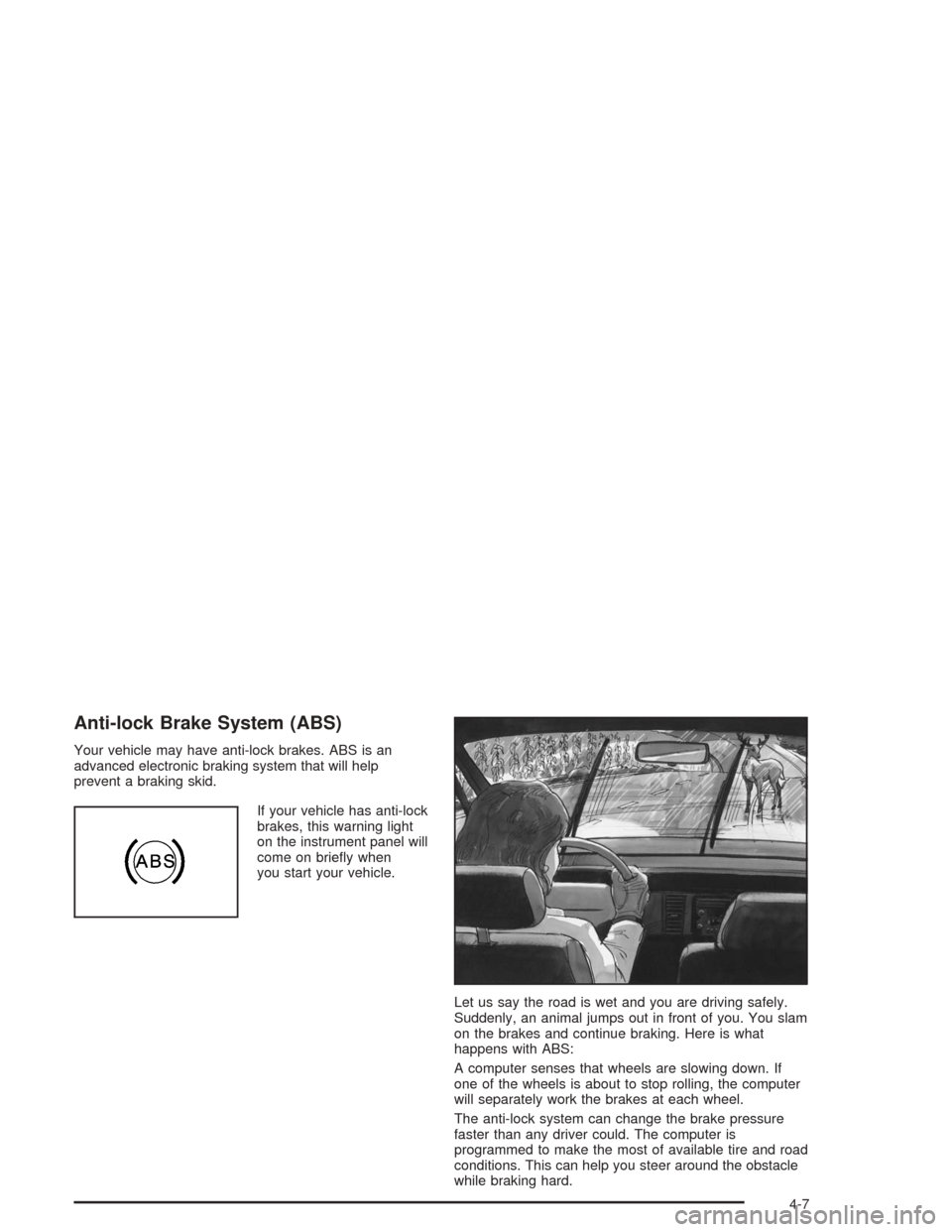
If your vehicle has anti-lock
brakes, this warning light
on the instrument panel will
come on briey when
you start your vehicle.
Let us say the road is wet and you are driving safely.
Suddenly, an animal jumps out in front of you. You slam
on the brakes and continue braking. Here is what
happens with ABS:
A computer senses that wheels are slowing down. If
one of the wheels is about to stop rolling, the computer
will separately work the brakes at each wheel.
The anti-lock system can change the brake pressure
faster than any driver could. The computer is
programmed to make the most of available tire and road
conditions. This can help you steer around the obstacle
while braking hard.
4-7
Page 281 of 426
Making Turns
Notice:Making very sharp turns while trailering
could cause the trailer to come in contact with the
vehicle. Your vehicle could be damaged. Avoid
making very sharp turns while trailering.
When you’re turning with a trailer, make wider turns than
normal. Do this so your trailer won’t strike soft shoulders,
curbs, road signs, trees or other objects. Avoid jerky or
sudden maneuvers. Signal well in advance.
Turn Signals When Towing a Trailer
When you tow a trailer, your vehicle may need additional
wiring. Check with your dealer. The arrows on your
instrument panel will ash whenever you signal a turn or
lane change. Properly hooked up, the trailer lamps
will also ash, telling other drivers you’re about to turn,
change lanes or stop.
When towing a trailer, the arrows on your instrument
panel will ash for turns even if the bulbs on the trailer
are burned out. Thus, you may think drivers behind
you are seeing your signal when they are not. It’s
important to check occasionally to be sure the trailer
bulbs are still working.
Driving On Grades
Notice:Do not tow on steep continuous grades
exceeding 6 miles (9.6 km). Extended, higher
than normal engine and transaxle temperatures may
result and damage your vehicle. Frequent stops
are very important to allow the engine and transaxle
to cool.
Reduce speed and shift to a lower gearbeforeyou start
down a long or steep downgrade. If you don’t shift
down, you might have to use your brakes so much that
they would get hot and no longer work well.
Pay attention to the engine coolant gage. If the indicator
is in the red area, turn off the air conditioning to reduce
engine load. SeeEngine Overheating on page 5-27.
4-45
Page 309 of 426
Engine Overheating
You will nd a coolant temperature gage and light on
your vehicle’s instrument panel and a low coolant level
warning message displayed on your DIC. SeeEngine
Coolant Temperature Gage on page 3-39andDIC
Warnings and Messages on page 3-50.
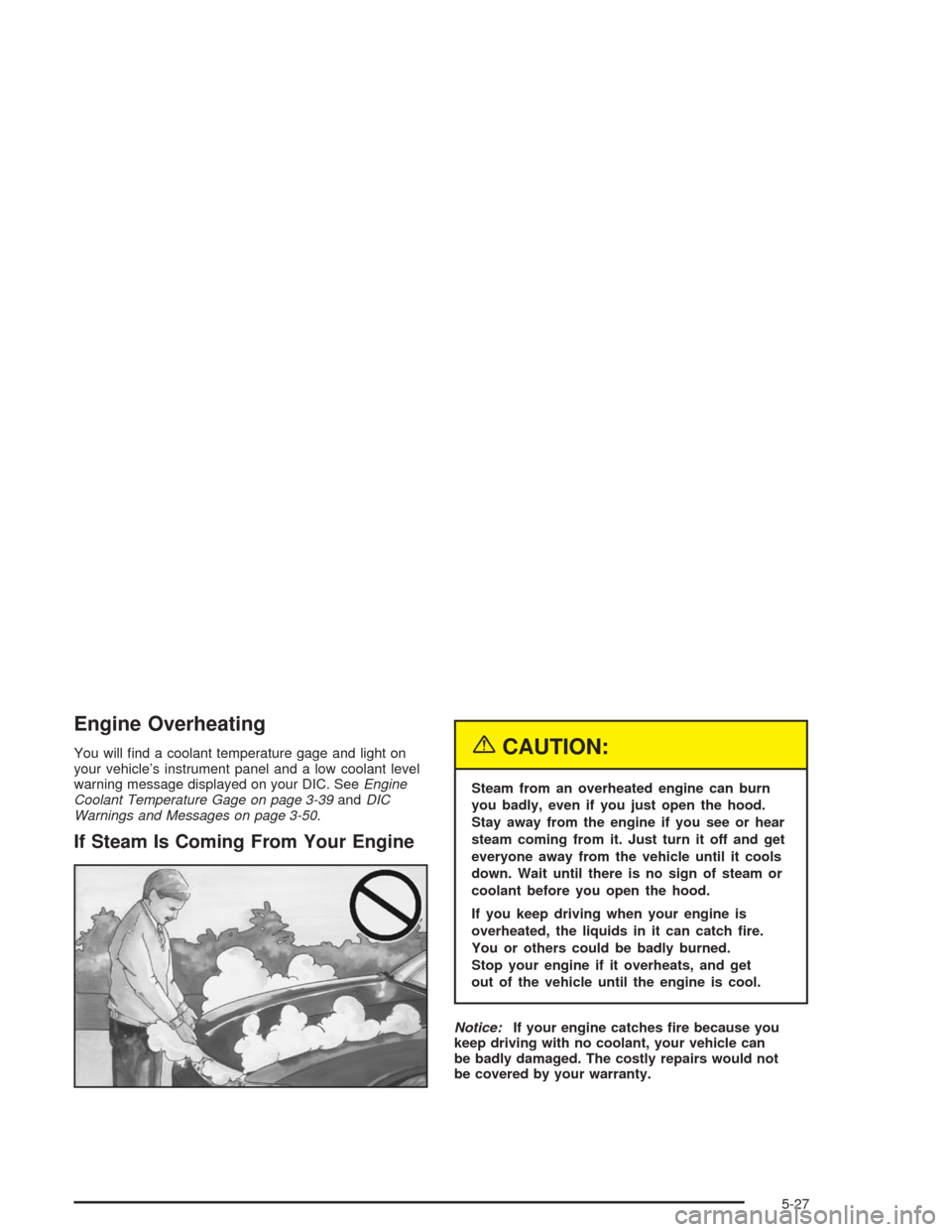
If Steam Is Coming From Your Engine
{CAUTION:
Steam from an overheated engine can burn
you badly, even if you just open the hood.
Stay away from the engine if you see or hear
steam coming from it. Just turn it off and get
everyone away from the vehicle until it cools
down. Wait until there is no sign of steam or
coolant before you open the hood.
If you keep driving when your engine is
overheated, the liquids in it can catch re.
You or others could be badly burned.
Stop your engine if it overheats, and get
out of the vehicle until the engine is cool.
Notice:If your engine catches re because you
keep driving with no coolant, your vehicle can
be badly damaged. The costly repairs would not
be covered by your warranty.
5-27
Page 362 of 426
Cleaning Vinyl
Use warm water and a clean cloth.
Rub with a clean, damp cloth to remove dirt.
You may have to do this more than once.
Things like tar, asphalt and shoe polish will stain if
you do not get them off quickly. Use a clean cloth
and vinyl cleaner. See your dealer for this product.
Cleaning Leather
Use a soft cloth with lukewarm water and a mild soap
or saddle soap and wipe dry with a soft cloth. Then,
let the leather dry naturally. Do not use heat to dry.
For stubborn stains, use a leather cleaner.
Never use oils, varnishes, solvent-based or abrasive
cleaners, furniture polish or shoe polish on leather.
Soiled or stained leather should be cleaned
immediately. If dirt is allowed to work into the nish,
it can harm the leather.
Cleaning Ultra Lux Suede
Use a mild solution of lukewarm water and a neutral
dish soap on a soft cloth or sponge. SeeVehicle
Care/Appearance Materials on page 5-84.
Cleaning the Top of the Instrument
Panel
Use only mild soap and water to clean the top surfaces
of the instrument panel. Sprays containing silicones or
waxes may cause annoying reections in the windshield
and even make it difficult to see through the windshield
under certain conditions.
Cleaning Interior Plastic Components
Use only a mild soap and water solution on a soft cloth
or sponge. Commercial cleaners may affect the
surface nish.
Cleaning Glass Surfaces
Glass should be cleaned often. GM Glass Cleaner or
a liquid household glass cleaner will remove normal
tobacco smoke and dust lms on interior glass.
SeeVehicle Care/Appearance Materials on page 5-84.
Notice:If you use abrasive cleaners when cleaning
glass surfaces on your vehicle, you could scratch
the glass and/or cause damage to the rear window
defogger and the integrated radio antenna. When
cleaning the glass on your vehicle, use only a soft
cloth and glass cleaner.
5-80
Page 368 of 426
Vehicle Identication
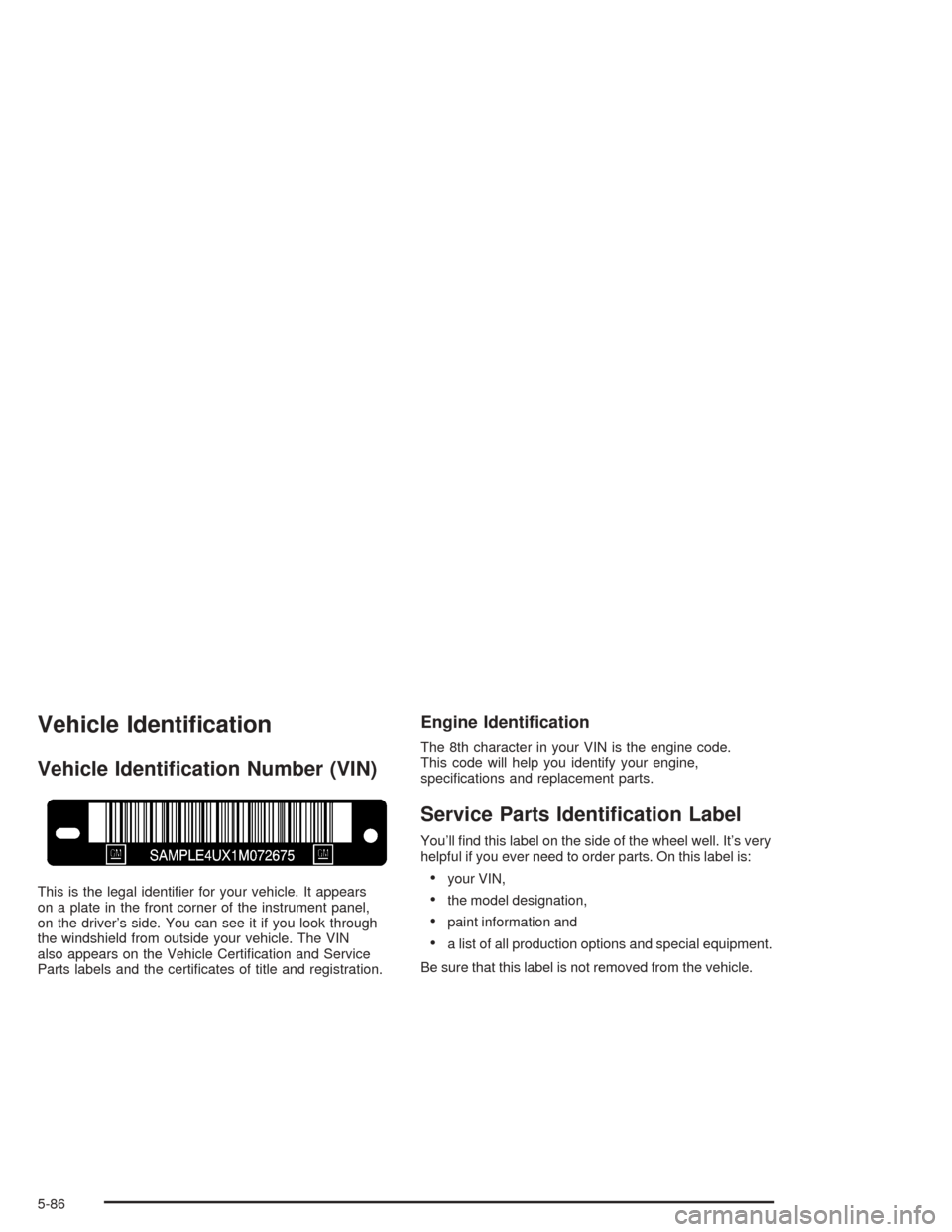
Vehicle Identication Number (VIN)
This is the legal identier for your vehicle. It appears
on a plate in the front corner of the instrument panel,
on the driver’s side. You can see it if you look through
the windshield from outside your vehicle. The VIN
also appears on the Vehicle Certication and Service
Parts labels and the certicates of title and registration.
Engine Identication
The 8th character in your VIN is the engine code.
This code will help you identify your engine,
specications and replacement parts.
Service Parts Identication Label
You’ll nd this label on the side of the wheel well. It’s very
helpful if you ever need to order parts. On this label is:
your VIN,
the model designation,
paint information and
a list of all production options and special equipment.
Be sure that this label is not removed from the vehicle.
5-86